

Out of stock
Razer · Gaming
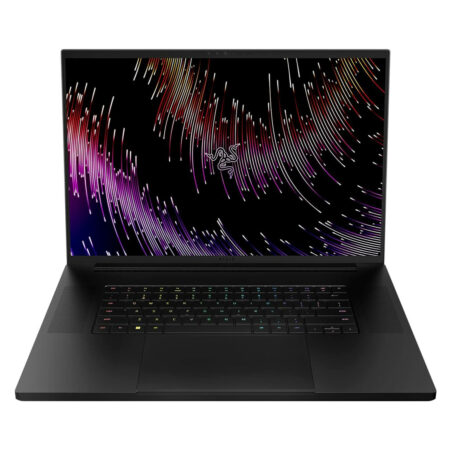
Razer Blade 18 (2023)
CPUIntel® Core™ i9-13950HX
RAM32GB DDR5 5600MHz
SSD1TB PCIe
VGAGeForce® RTX 4070 8GB
48,600,000₫
 5 configurations
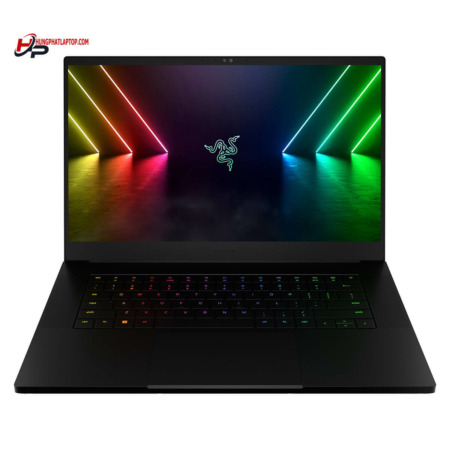
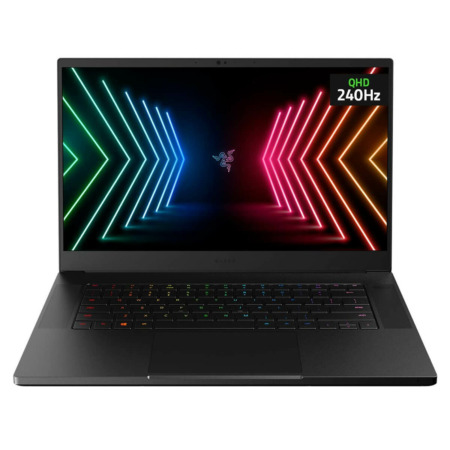 3 configurations
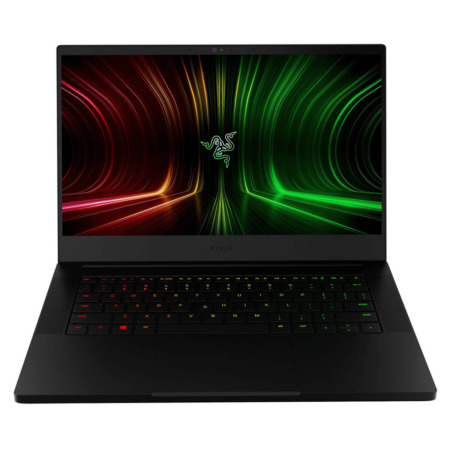


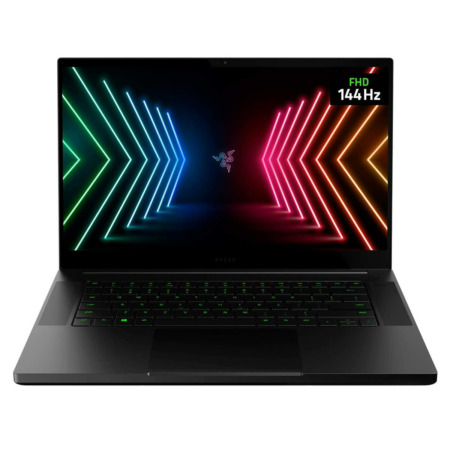
Razer laptops are the Razer Blade line, gaming laptops with a black CNC-machined unibody aluminum chassis from Razer. They are built for gamers and video and graphics professionals who want gaming specs in a thin, understated body, one that can walk into a meeting room or a coffee shop without the flash of many other gaming laptops.
At Hung Phat Laptop, the Razer Blade falls into two groups: the compact Blade 14 and the large-display Blade 15 through 18. The generations run from 2021, such as the Razer Blade 15 Advanced Model (2021), Blade 14 (2021), and Blade 17 (2021), to the 2023 Blade 16 and Blade 18 with RTX 40 Series graphics. All of these models are now out of stock or discontinued, but each laptop's information page stays up so you can review the specs, compare generations, and ask Hung Phat Laptop when new stock arrives or for a suggestion of a similar model.

What the Razer Blade generations share is a one-piece CNC aluminum chassis, a Razer Chroma RGB backlit keyboard, a high refresh rate display, and NVIDIA GeForce RTX graphics. The body is thinner than most gaming laptops with the same graphics card, so it is easier to fit in a backpack. In return, the Blade runs hotter during long, heavy gaming sessions and typically costs more than a gaming laptop from another brand with the same specs, so the Blade is the right pick when you truly need that slim design.
Razer Blade 14 is for people who need a gaming laptop to carry every day: to school or work during the day, then game and edit video in the evening. The 14-inch laptop weighs about 1.78kg, noticeably smaller than a typical 15.6-inch gaming laptop. The group name still includes Blade Stealth, Razer's earlier thin-and-light 13-inch branch; the models with pages at Hung Phat Laptop are all Blade 14.
The Razer Blade 14 (2022) uses an AMD Ryzen 9 6900HX, 16GB of DDR5 4800MHz RAM, a 1TB SSD, and a GeForce RTX 3080 Ti 16GB. This is a high-end gaming configuration in a 14-inch body, enough for most AAA games on a QHD display and for fairly fast 4K video editing. This model is discontinued, and its page stays up so you can reference the specs.
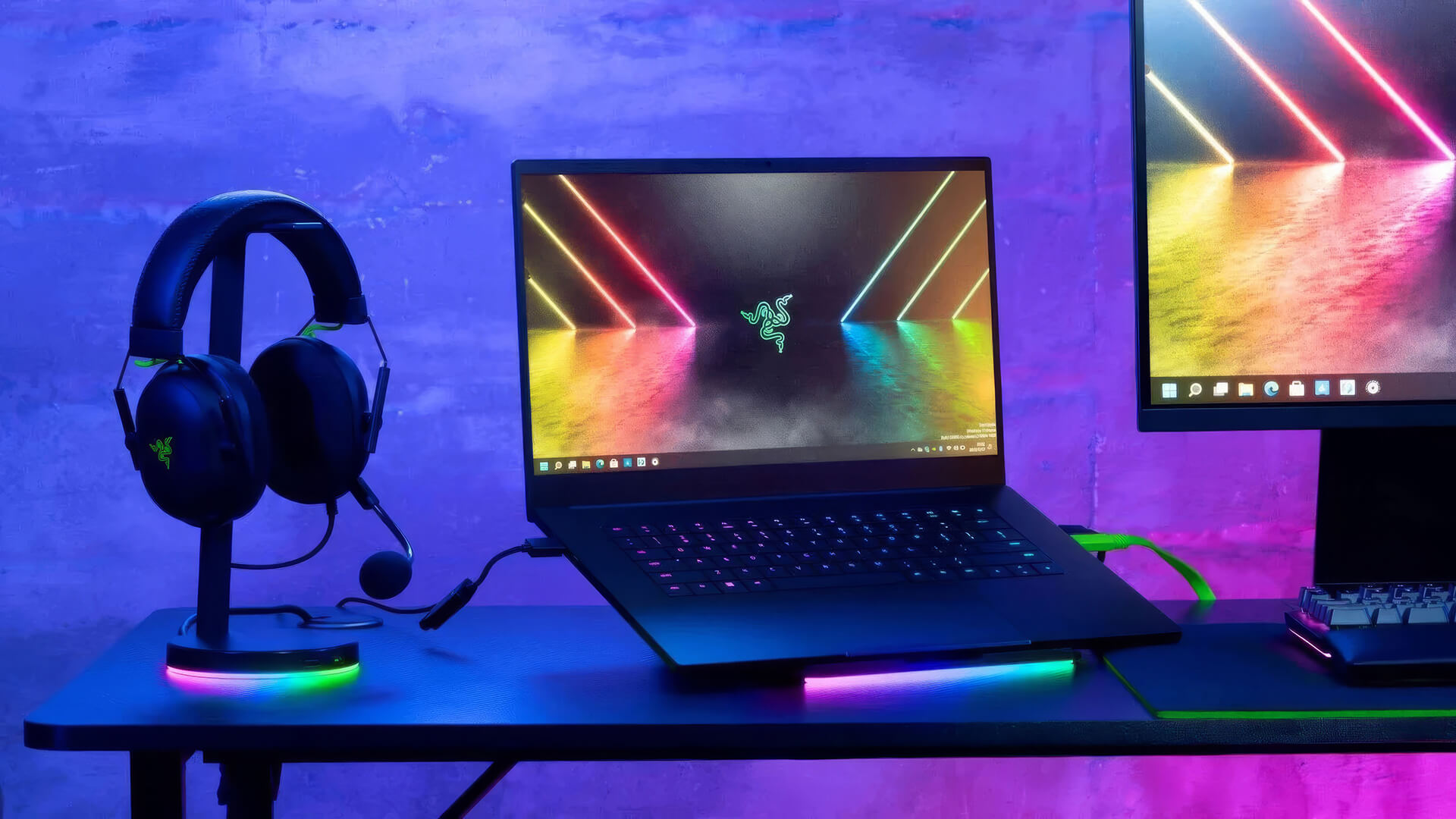
The earlier Razer Blade 14 (2021) was the first Razer Blade to use an AMD processor, paired with an RTX 3070 8GB, 16GB of DDR4 3200MHz RAM, and a 1TB SSD. Compared with the 2022 version, it uses DDR4 RAM and a graphics card one tier lower, but it is still enough for eSports games, popular games, and semi-professional video editing. It is also discontinued, and its page stays up so you can compare it with the later generation.
What to know before choosing the Blade 14: the RAM is soldered to the motherboard and cannot be upgraded, so 16GB is fixed for the life of the laptop. The small body houses a powerful graphics card, so the underside and keyboard get noticeably warm during long gaming sessions; raising the laptop or using a cooling pad will help it keep performance stable.
Razer Blade 15-18 is the large-display group, for gamers who want a wide view and for people who edit video, do 3D work, or program and need plenty of screen space. They work best set up permanently at a desk, with the occasional business trip. From 15.6 inches up to 18 inches, the laptops get heavier but the cooling system also gets more spacious, which helps powerful graphics cards run steadily under heavy load.
The Razer Blade 18 (2023) is the large-display, newer-generation model in the group, with an Intel Core i9-13950HX, 32GB of DDR5 5600MHz RAM, a 1TB SSD, and an RTX 4070 8GB. The 18-inch display gives you nearly the room of an external monitor, and the many-core HX processor speeds up video exports and code compiling. This model is currently out of stock.

The Razer Blade 16 (2023) uses the same Core i9-13950HX processor with 16GB of DDR5 RAM, a 1TB SSD, and an RTX 4060 8GB, and is considerably more compact than the Blade 18. On the higher versions of this generation, Razer offers a dual-mode mini-LED display option that switches between UHD+ 120Hz for color work and FHD+ 240Hz for gaming. It is a balanced choice if you do both graphics work and gaming. This model is currently out of stock.
The Razer Blade 15 - Advanced Model (2022) has a 15.6-inch display, an Intel Core i7-12800H, 32GB of DDR5 4800MHz RAM, and an RTX 3080 Ti 16GB. A card with 16GB of graphics memory suits 3D work, rendering large scenes, or running AI models locally, tasks where an 8GB card can easily run short of memory. This model is currently out of stock.
If you want a comparison with the first RTX 30 generation, the Razer Blade 15 Advanced Model (2021) uses a 10th-generation Intel Core i7-10875H, 16GB of DDR4 RAM, and an RTX 3070 8GB. The older processor is noticeably slower than in the 2022 version, but the RTX 3070 still plays many games well at Full HD. This model is currently out of stock.
The two discontinued models in the group are the Razer Blade 17 (2021), with a 17.3-inch display, a Core i7-11800H, and an RTX 3060 6GB, and the Razer Blade 15 Base Model (Mid 2021), with a Core i7-11800H, an RTX 3070 8GB, and a 512GB SSD. The Base Model is the standard version, at a lower cost than the Advanced. The pages for both laptops stay up for reference.
Before choosing from this group, consider the weight and the charger. The Blade 16 weighs about 2.45kg and the Blade 18 over 3kg, each with a high-wattage adapter, so carrying them every day is quite a chore. On the plus side, the 15- to 18-inch models use slotted RAM and can be upgraded later. Because these models are all out of stock or discontinued, contact us first to check on availability.
The table below summarizes the specs of each Razer Blade generation that Hung Phat Laptop has carried, so you can get a quick overview before going into each laptop in detail.
| Model | Display | Processor | Graphics Card | RAM | Status | Best for |
|---|---|---|---|---|---|---|
| Razer Blade 14 (2021) | 14 inch | AMD Ryzen 9 5000 series | RTX 3070 8GB | 16GB DDR4, soldered | Discontinued | Gaming you carry every day |
| Razer Blade 14 (2022) | 14 inch | AMD Ryzen 9 6900HX | RTX 3080 Ti 16GB | 16GB DDR5, soldered | Discontinued | AAA games, video editing on the go |
| Razer Blade 15 Advanced (2021) | 15.6 inch | Intel Core i7-10875H | RTX 3070 8GB | 16GB DDR4 | Out of stock | Full HD gaming, basic graphics work |
| Razer Blade 15 Base (Mid 2021) | 15.6 inch | Intel Core i7-11800H | RTX 3070 8GB | 16GB DDR4 | Discontinued | Entering the Blade line at a lower cost |
| Razer Blade 15 Advanced (2022) | 15.6 inch | Intel Core i7-12800H | RTX 3080 Ti 16GB | 32GB DDR5 | Out of stock | 3D, rendering, AI work needing lots of VRAM |
| Razer Blade 16 (2023) | 16 inch | Intel Core i9-13950HX | RTX 4060 8GB | 16GB DDR5 | Out of stock | Both graphics work and gaming |
| Razer Blade 17 (2021) | 17.3 inch | Intel Core i7-11800H | RTX 3060 6GB | 16GB DDR4 | Discontinued | Big screen at a fixed desk |
| Razer Blade 18 (2023) | 18 inch | Intel Core i9-13950HX | RTX 4070 8GB | 32GB DDR5 | Out of stock | Desktop replacement, video editing |
Specs are for the versions Hung Phat Laptop has carried; display and weight details are per Razer's published figures and may differ by version.
Choosing a Razer Blade should start with whether you carry the laptop around or keep it in one place. If you travel often and want one laptop for school or work and for gaming, the Blade 14 is noticeably more compact and lighter. For graphics work, video editing, or gaming on a large display at a desk, the Blade 16 and Blade 18 give you more room along with a many-core HX processor.
The graphics card generation matters too. The RTX 40 Series in the Blade 16 and Blade 18 supports DLSS 3 frame generation, which helps newer games run more smoothly at the same settings, while the RTX 30 Series in the 2021 and 2022 generations is still enough for most games but lacks this feature. On the other hand, if your work needs a lot of graphics memory for 3D or AI, the RTX 3080 Ti 16GB in the Blade 14 (2022) and Blade 15 Advanced (2022) has an advantage over 8GB cards.
If a big screen is your priority, start with the Razer Blade 15-18 category and compare each generation side by side.
Every Razer Blade at Hung Phat Laptop is a genuine product with an invoice and a clear warranty. Because the Blade models are currently out of stock or discontinued, our advisors will tell you when a new batch arrives and suggest in-stock gaming laptops with similar specs. Not sure whether to choose the compact Blade 14 or the large-display Blade 16, RTX 30 or RTX 40 graphics? Send us the games and software you use every day, and our team will compare each configuration in detail. When you buy a laptop, you get:


Hung Phat Laptop uses Google cookies (Analytics, Ads) and Microsoft Clarity to measure website traffic and advertising performance. Information about your browsing activity is sensitive personal data. If you do not agree, click “Decline”: these tools will be turned off and you can still browse and shop as usual.
See Privacy Policy