

Sale -11%
Dell · Business
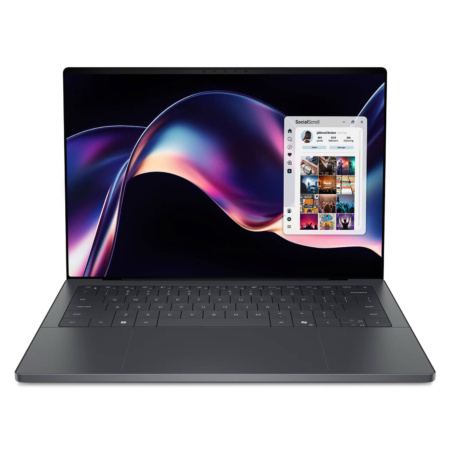
DELL XPS 14 DA14260 (2026)
CPUIntel® Core™ Ultra X7 358H
RAM32GB LPDDR5X 9600MHz
SSD1TB PCIe
VGAIntel® Arc™ Graphics
73,900,000₫
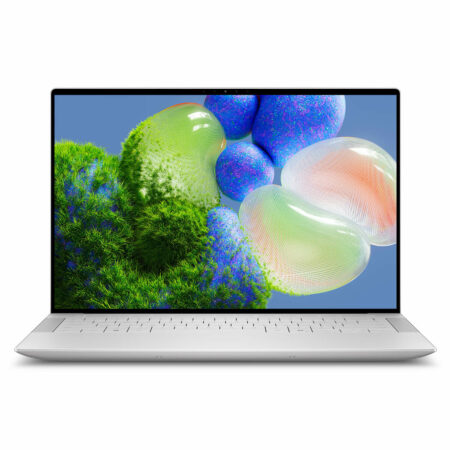
Dell XPS 14 is the 14-inch size in the Dell XPS family, sitting between the compact XPS 13 and the large-screen XPS 16. It is built for people who find a 13-inch display a little cramped for split windows, spreadsheets or photo editing, but still want a sleek aluminum chassis to carry every day.
At Hung Phat Laptop, the XPS 14 comes in two generations, and both are on sale: the XPS 14 9440 (2024) is the first XPS 14 and offers a discrete NVIDIA graphics option, while the XPS 14 DA14260 (2026) is lighter and uses the newer-generation integrated Intel Arc graphics. Below, each model gets a side-by-side look, with real photos and the configurations currently on sale.
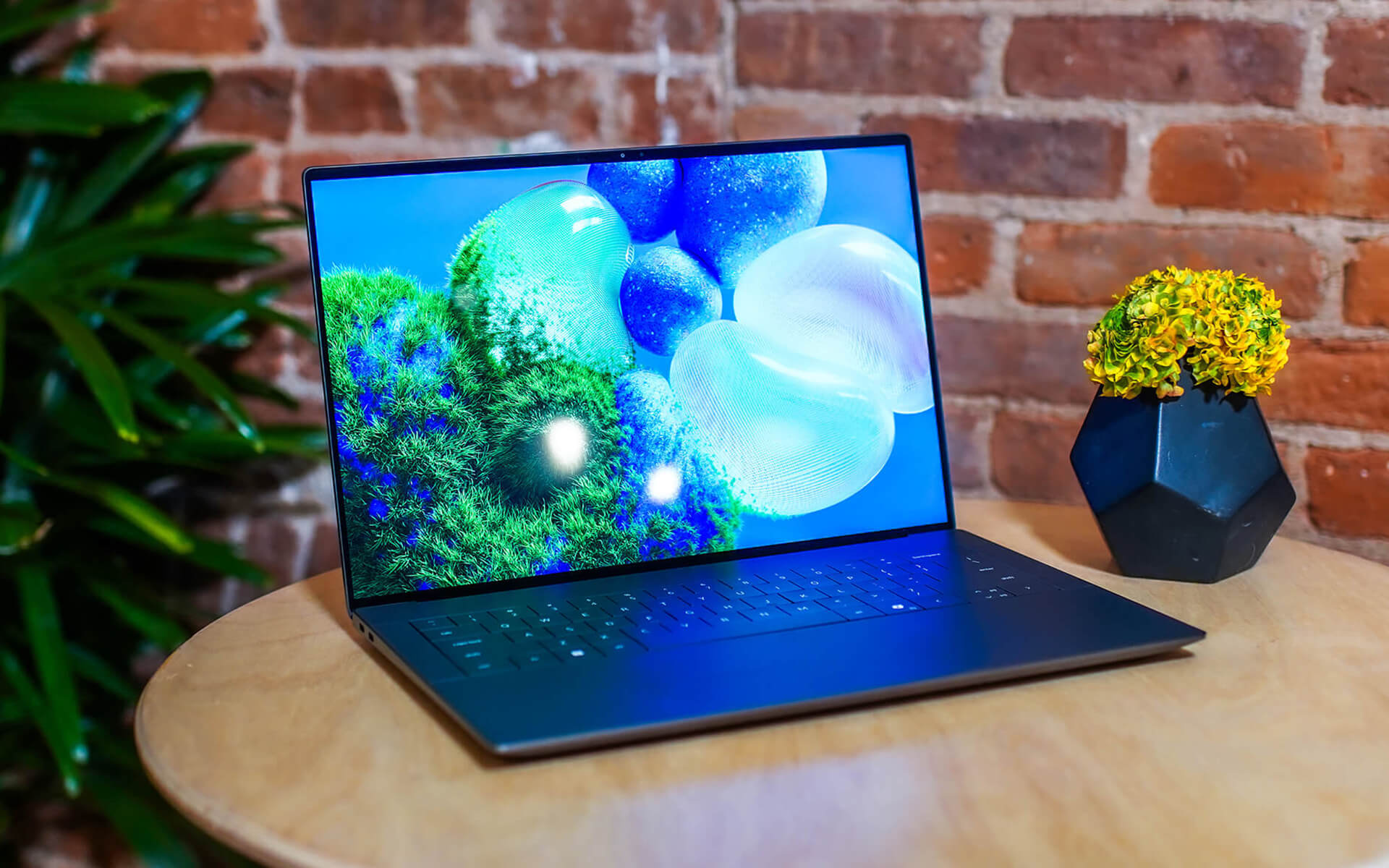
Both XPS 14 generations come with 32GB of RAM, a 1TB SSD and a 120Hz display in the configurations on sale, differing mainly in chip generation, weight and the discrete graphics option. The RAM on both is soldered to the motherboard, so starting with 32GB means you can use the laptop for years with confidence.
Dell XPS 14 DA14260 suits advanced office work, programming, photo editing and short video editing, and it is made for people who carry their laptop every day without wanting the extra bulk of discrete graphics. At about 1.38kg, it weighs only slightly more than the XPS 13, yet the 14-inch display gives split windows noticeably more room.
The configuration on sale has an Intel Core Ultra X7 358H, 32GB of LPDDR5X 9600MHz RAM, a 1TB SSD and integrated Intel Arc graphics. The 120Hz display offers an optional 2.8K OLED. Integrated graphics of this generation are much stronger than the previous one, so photo editing and light video editing no longer call for a discrete GPU.
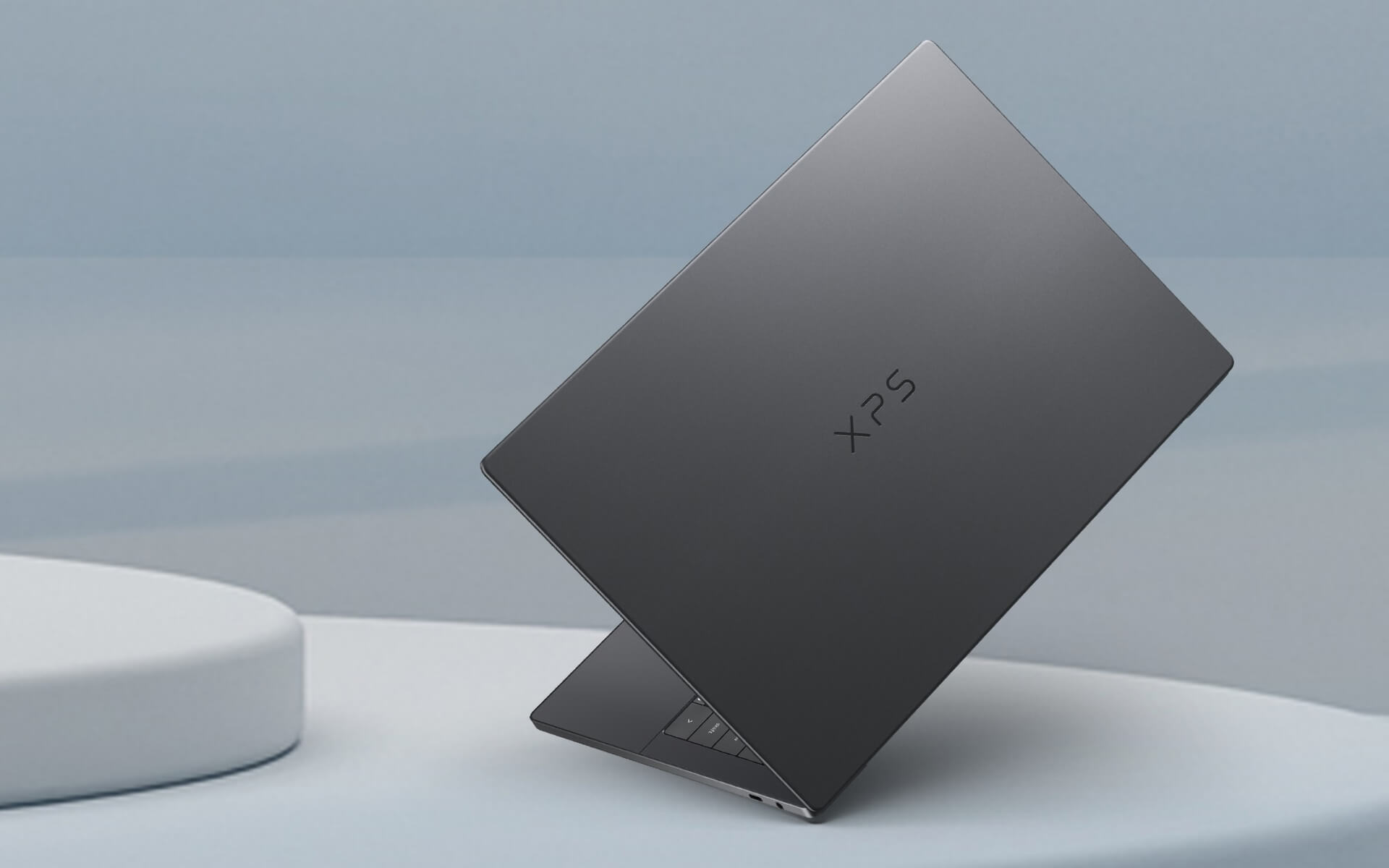
Dell XPS 14 9440 is the first XPS 14, made for people who need CUDA for 3D software, AI or video editing that runs on an NVIDIA GPU. The 14.5-inch 16:10 display comes in an FHD+ 120Hz version and a 3.2K touch OLED version, alongside an edge-to-edge keyboard and a glass-surface touchpad similar to the XPS 13 Plus.
The configuration on sale has an Intel Core Ultra 7 155H, 32GB of LPDDR5X 6400MHz RAM, a 1TB SSD and integrated Intel Arc graphics, and this generation also has a version with an NVIDIA GeForce RTX 4050 6GB GPU. It weighs about 1.68kg and has 3 Thunderbolt 4 ports, a microSD card reader and a 3.5mm headphone jack.

The table below summarizes the differences between the two XPS 14 generations.
| Model | Display | Weight | Chip | Graphics | Best For |
|---|---|---|---|---|---|
| XPS 14 DA14260 (2026) | 14 inch 120Hz, optional 2.8K OLED | about 1.38kg | Intel Core Ultra X7 358H | Integrated Intel Arc | Advanced office work, programming, photo editing |
| XPS 14 9440 (2024) | 14.5 inch 120Hz, optional 3.2K touch OLED | about 1.68kg | Intel Core Ultra 7 155H | Intel Arc, optional RTX 4050 6GB | Video editing, 3D, CUDA software |
Weights are reference values from Dell's specifications and vary with the display and graphics configuration.
If your work is mostly office tasks, programming, online meetings and photo editing, the XPS 14 DA14260 is the better pick: lighter, cooler and longer-lasting on battery. If you edit video, work in 3D or use software that takes advantage of an NVIDIA GPU, choose the XPS 14 9440 with the RTX 4050, in exchange for more weight and shorter battery life.
As for the display, the OLED version delivers vivid color and deep blacks, ideal for color work and movies, while the IPS version is easier on the battery and has less glare when you sit near a window. If you want a more compact machine or a larger display, you can also look at the other sizes in the Dell XPS category.
Every Dell XPS 14 at Hung Phat Laptop is a genuine product, backed by an invoice and a clear warranty. Our advisors will ask which software you use and whether you need an NVIDIA GPU, so they can recommend the right generation and display type. Not sure whether to pick the 2026 or 2024 model, OLED or IPS? Tell us about your daily work and our team will compare each configuration currently available in detail. When you buy, you get:


Hung Phat Laptop uses Google cookies (Analytics, Ads) and Microsoft Clarity to measure website traffic and advertising performance. Information about your browsing activity is sensitive personal data. If you do not agree, click “Decline”: these tools will be turned off and you can still browse and shop as usual.
See Privacy Policy