

Out of stock
Dell · Gaming
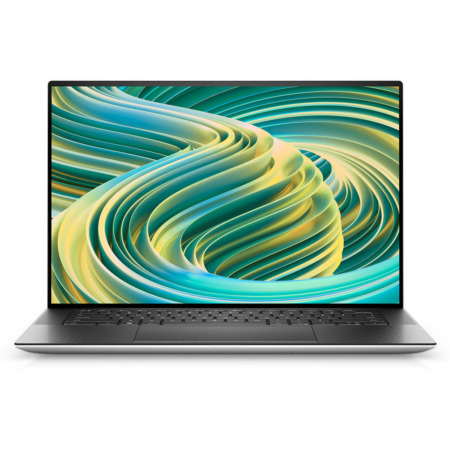
DELL XPS 15 9530 (2023)
CPUIntel® Core™ i7-13620H
RAM16GB DDR5 4800MHz
SSD1TB PCIe
VGAIntel® Arc™ A370M 4GB
23,900,000₫
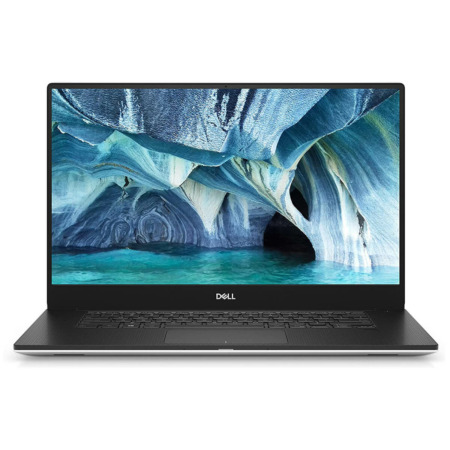
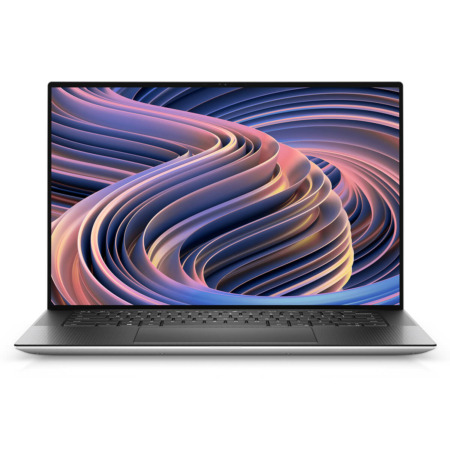
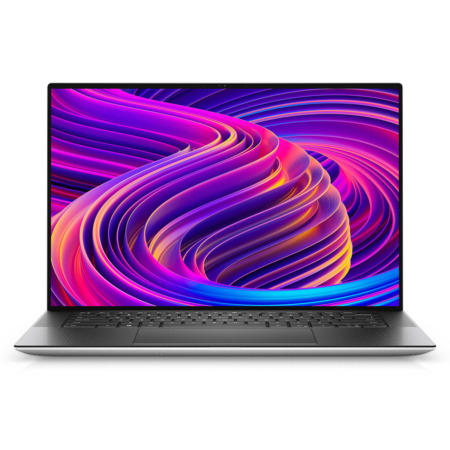
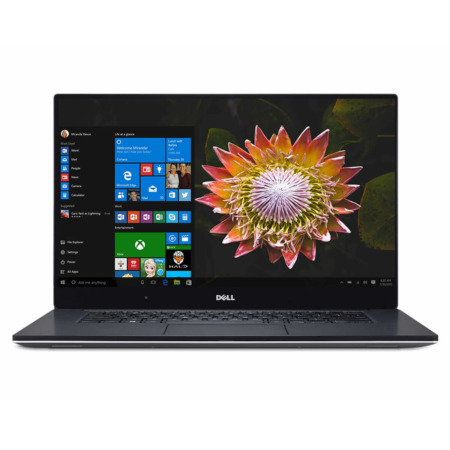
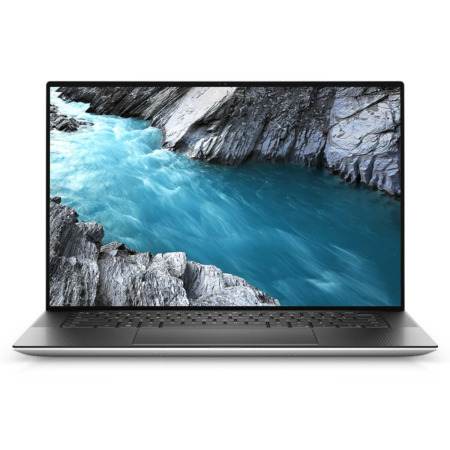
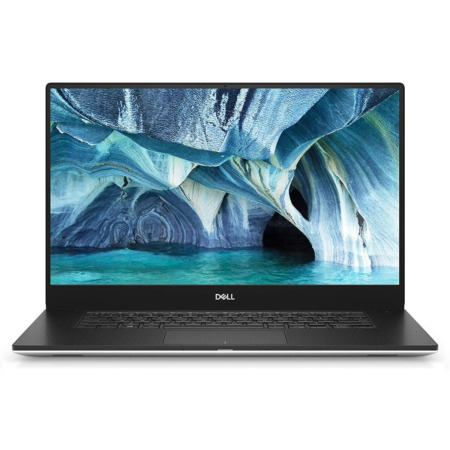
Dell XPS 15 is the 15.6-inch laptop line in Dell's XPS family, built for programmers, photographers, and video editors who want a large display in a slim-bezel aluminum chassis they can still take to work. Unlike the compact XPS models, the XPS 15 pairs an Intel Core H-series chip with discrete graphics and slotted RAM. That means steady performance for creative work, and room to upgrade the laptop later.
At Hung Phat Laptop, the XPS 15 category runs from older generations such as the XPS 15 9560, 9570, and 7590 up to the XPS 15 9530 (2023), the last generation before Dell replaced this line with the XPS 16. The older generations are discontinued, but their pages remain so you can check the specs and compare. Read on for each generation, with photos of the actual laptops, how the generations differ, and what to know before you choose.
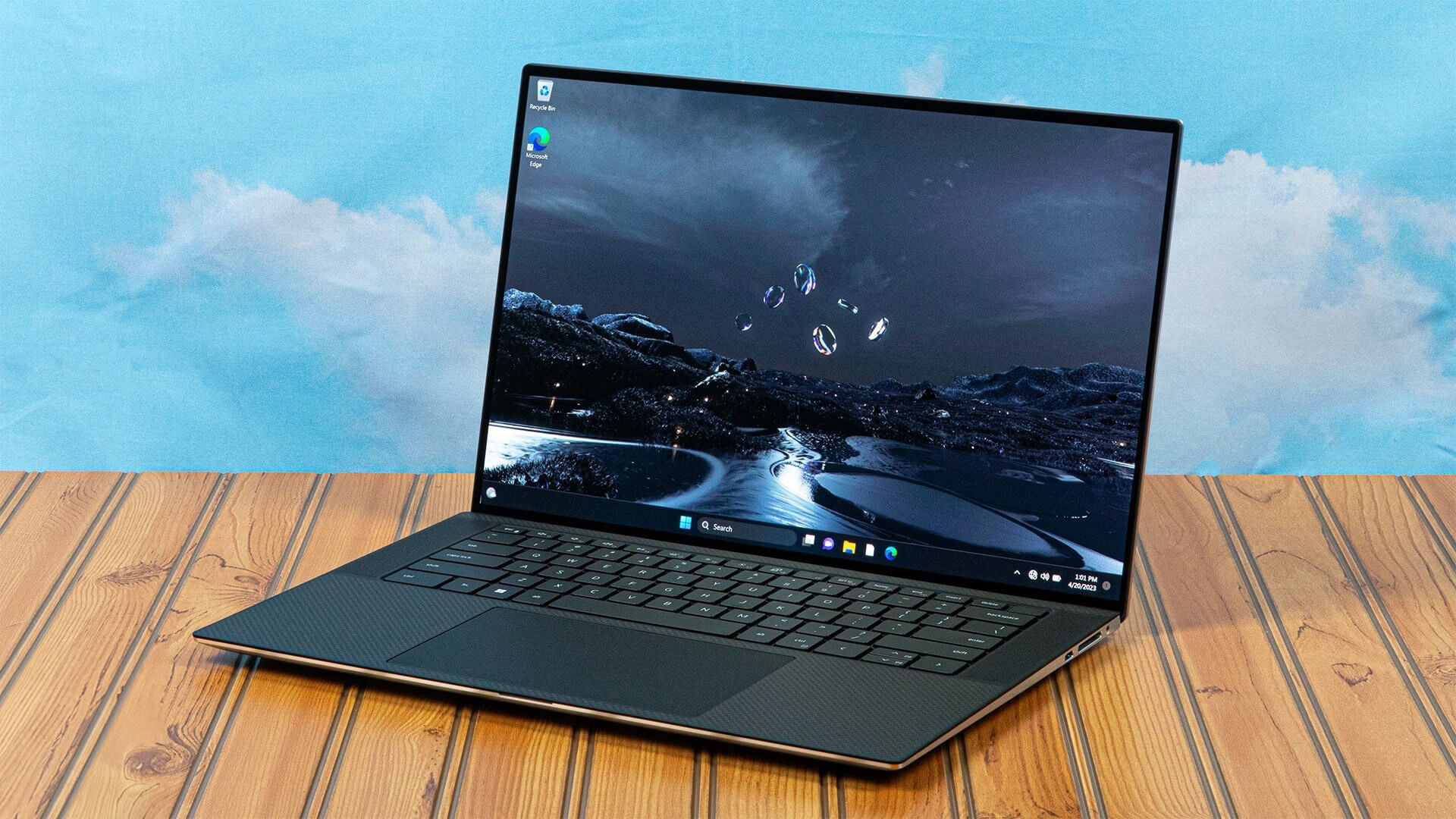
The XPS 15 generations share a 15.6-inch display, an Intel H-series chip, and discrete graphics, and differ mainly in chip generation, RAM type, and design. Starting with the 9500 (2020), the laptop moved to a 16:10 display with slim bezels on all four sides and mainly uses USB-C ports, while earlier generations such as the 7590 and 9570 have a 16:9 display and still include USB-A and HDMI ports. One thing that has stayed the same across many generations is slotted RAM you can upgrade later, something increasingly rare in thin laptops today.
The 2023 model is made for programming, photo editing, and moderate video editing, for people who need a large display to keep several windows open side by side. The version currently available has a 13th-generation Intel Core i7-13620H chip, 16GB of DDR5 4800MHz RAM, a 1TB SSD, and Intel Arc A370M 4GB discrete graphics. At about 1.86kg, it still fits in a 15-inch backpack for meetings or working at a cafe.
It has an SD card reader that photographers and videographers will find handy, 2 Thunderbolt 4 ports, and a 4-speaker system for rich sound. Two DDR5 RAM slots let you add capacity as your work gets heavier, an advantage the newer XPS 13, XPS 14, and XPS 16 have lost by moving to soldered RAM.
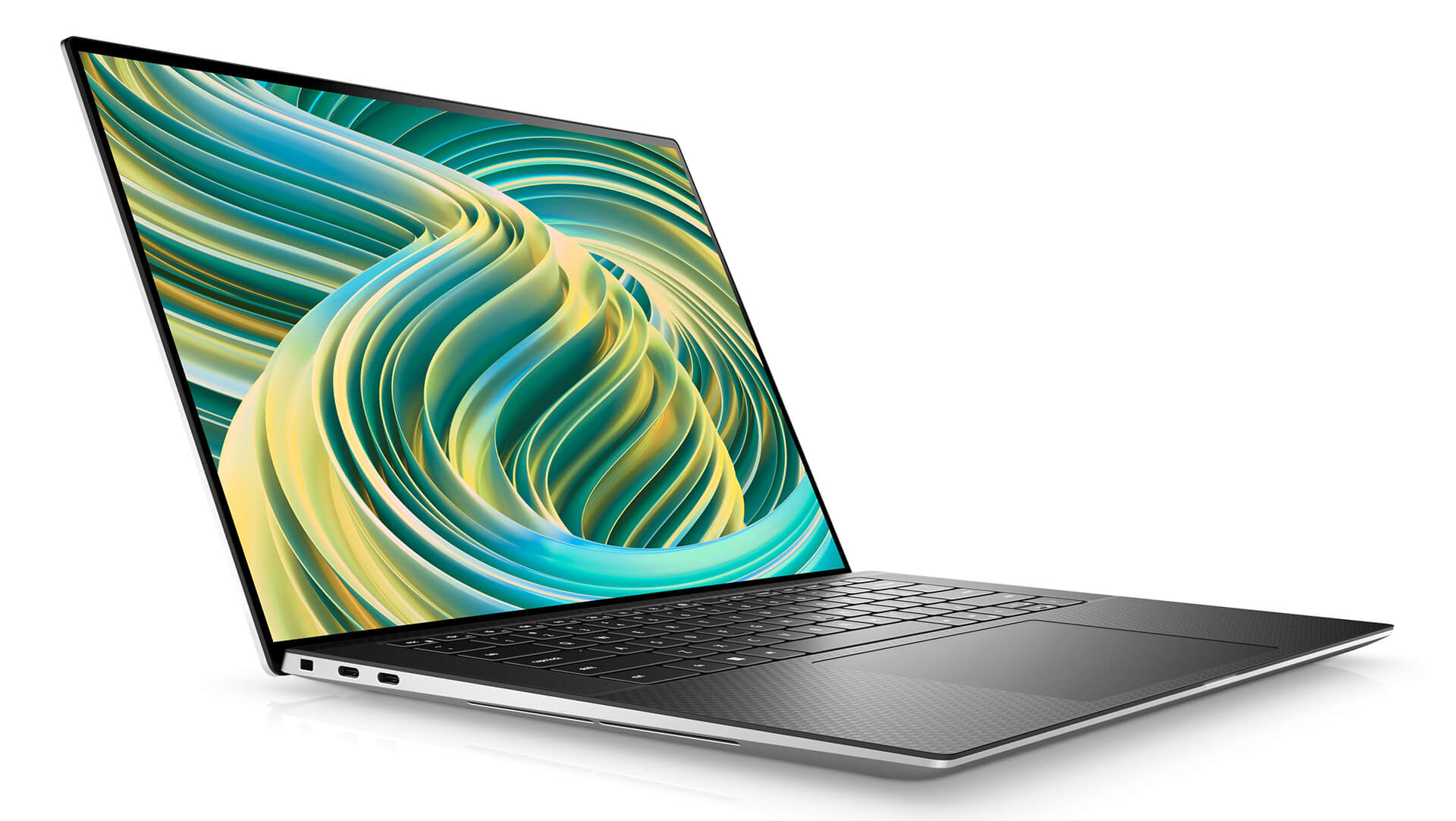
The 15.6-inch 16:10 display comes in a battery-saving anti-glare FHD+ version or a touch 3.5K OLED version with a wide color gamut, ideal for photo editing and color grading. The Intel Arc A370M speeds up video export and image processing, but if your software needs NVIDIA CUDA, consider the 9520 or 9510 below. The XPS 15 9530 is currently out of stock, so contact us first and we will let you know when it returns.
Before the 9530, the DELL XPS 15 9520 (2022) used a Core i7-12700H, 16GB of DDR5 RAM, and a GeForce RTX 3050 Ti 4GB, while the DELL XPS 15 9510 (2021) ran an 8-core Core i7-11800H, 32GB of DDR4 RAM, and the same RTX 3050 Ti. These two generations suit people who need an NVIDIA graphics card for video editing and 3D software, and the 9510 has plenty of RAM for virtual machines and multitasking. Both are discontinued, and the pages remain so you can compare specs.
Going further back are the XPS 15 9500 (2020) with a Core i7-10750H, 32GB of RAM, and GTX 1650 Ti, the first to use the 16:10 display with slim bezels on all four sides; the XPS 15 7590 with a Core i7-9750H and GTX 1650; the XPS 15 9570 with a Core i7-8750H and GTX 1050 Ti; and the XPS 15 9560 with a 7th-generation Intel chip and GTX 1050. The 7590, 9570, and 9560 have a 16:9 display and still include USB-A and HDMI ports. All are discontinued, and Hung Phat Laptop keeps their pages for reference when you compare them with the laptop you use now.
The table below summarizes the specs of each XPS 15 generation at Hung Phat Laptop so you can see how they differ at a glance.
| Laptop | Display | Chip | Graphics | RAM | Best For | Status |
|---|---|---|---|---|---|---|
| XPS 15 9530 (2023) | 15.6 inch 16:10 | Core i7-13620H | Intel Arc A370M 4GB | 16GB DDR5, slotted | Programming, photo editing, moderate video editing | Out of stock |
| XPS 15 9520 (2022) | 15.6 inch 16:10 | Core i7-12700H | RTX 3050 Ti 4GB | 16GB DDR5, slotted | Software that needs an NVIDIA card | Discontinued |
| XPS 15 9510 (2021) | 15.6 inch 16:10 | Core i7-11800H | RTX 3050 Ti 4GB | 32GB DDR4, slotted | Multitasking, virtual machines | Discontinued |
| XPS 15 9500 (2020) | 15.6 inch 16:10 | Core i7-10750H | GTX 1650 Ti 4GB | 32GB DDR4, slotted | Office work, programming | Discontinued |
| XPS 15 7590 | 15.6 inch 16:9 | Core i7-9750H | GTX 1650 4GB | 16GB DDR4, slotted | For reference, if you need USB-A and HDMI | Discontinued |
| XPS 15 9570 | 15.6 inch 16:9 | Core i7-8750H | GTX 1050 Ti 4GB | 16GB DDR4, slotted | Older generation, for reference | Discontinued |
| XPS 15 9560 | 15.6 inch 16:9 | 7th-generation Intel Core i7 | GTX 1050 4GB | 16GB DDR4, slotted | Older generation, for reference | Discontinued |
Specs are for versions previously sold at Hung Phat Laptop. Each generation also has many other chip, graphics, and display options per Dell.
If you program, edit photos, or do multi-window office work, the 9530 or 9520, with 12th- and 13th-generation chips and DDR5 RAM, is clearly faster than the older generations. If you need an NVIDIA card for 3D software or video editing that takes advantage of CUDA, choose a version with a GeForce RTX card such as the 9520 or 9510. The 9500, 7590, 9570, and 9560 are useful if you already own an older laptop and want to see how much the newer generations differ before you upgrade.
As for the display, the OLED version gives vivid color and deep blacks, suited to color work and watching movies, while the anti-glare FHD+ version is easier to see near a window and saves more battery. The XPS 15 runs an H-series chip with discrete graphics, so it gets hot under sustained heavy loads. Put it on a well-ventilated surface. Generations from the 9500 onward mainly use USB-C ports, so keep a hub handy if you often plug in an HDMI projector, a mouse, or a USB-A hard drive.
If you want a newer laptop with a similar display size, take a look at the XPS 16 or the other sizes in the Dell XPS laptops category.
Every Dell XPS 15 at Hung Phat Laptop is an authorized product with an invoice and a clear warranty. Our advisors will ask which software you use and whether you need an NVIDIA card, so they can recommend the right generation and configuration. Not sure whether to wait for the XPS 15 to come back in stock or move to the XPS 16? Send us your daily work, and our team will compare each available configuration for you in detail. When you buy a laptop, you get:


Hung Phat Laptop uses Google cookies (Analytics, Ads) and Microsoft Clarity to measure website traffic and advertising performance. Information about your browsing activity is sensitive personal data. If you do not agree, click “Decline”: these tools will be turned off and you can still browse and shop as usual.
See Privacy Policy