


Lenovo ThinkPad P1 Gen 2 - Mobile Workstation
- CPU: Intel Core i7 9850H Up To 4.6GHz (6 Cores 12MB Cache)
- RAM: DDR4 16GB 2666MHz
- SSD: 512GB PCIe M.2 SSD
- VGA: Nvidia Quadro® T2000 4GB GDDR5
- DISPLAY: 15.6" IPS FHD (1920*1080), Anti-Glare, 300Nits
- CONDITION: Like New 99%
- WARRANTY: 6-month warranty
- ThinkPad P1 Gen 2 design: slim at 18.4 mm with a carbon fiber and magnesium alloy chassis
- ThinkPad P1 Gen 2 display: 15.6-inch anti-glare FHD with a 4K OLED option
- ThinkPad P1 Gen 2 performance: Core i7-9850H, Quadro T2000, and RAM expandable up to 64GB
- TrackPoint Keyboard, Glass Touchpad, and Fingerprint Security on ThinkPad P1 Gen 2
- ThinkPad P1 Gen 2 Ports and Battery: 2 Thunderbolt 3, HDMI 2.0, 80Wh Battery
- Lenovo ThinkPad P1 Gen 2 - Mobile WorkStation Overview and Review
- FAQ - Frequently Asked Questions About Lenovo ThinkPad P1 Gen 2 - Mobile WorkStation
- Where to Buy Genuine Lenovo ThinkPad P1 Gen 2 - Mobile WorkStation at a Great Price?
The Lenovo ThinkPad P1 Gen 2 - Mobile WorkStation is a 15.6-inch mobile workstation launched in 2019, built for engineers, architects, and graphics professionals who need to run specialized software while keeping a slim 18.4 mm profile and a light weight of about 1.7 kg. It is powered by 9th Gen Intel Core H-series processors and ISV-certified NVIDIA Quadro graphics, yet its sleek chassis feels much closer to a ThinkPad X1 Extreme than a bulky workstation. This article covers its design, display, performance, upgrade potential, and key considerations before buying this generation.
ThinkPad P1 Gen 2 design: slim at 18.4 mm with a carbon fiber and magnesium alloy chassis
The ThinkPad P1 Gen 2 retains the signature Midnight Black finish of the ThinkPad lineup. A carbon fiber top cover and a magnesium alloy base give the machine a rigid yet lightweight structure. The non-touch model weighs 1.7 kg at 18.4 mm thin, while the touchscreen version weighs 1.81 kg and measures 18.7 mm thick. With dimensions of 361.8 x 245.7 mm, it easily fits standard 15-inch backpacks.
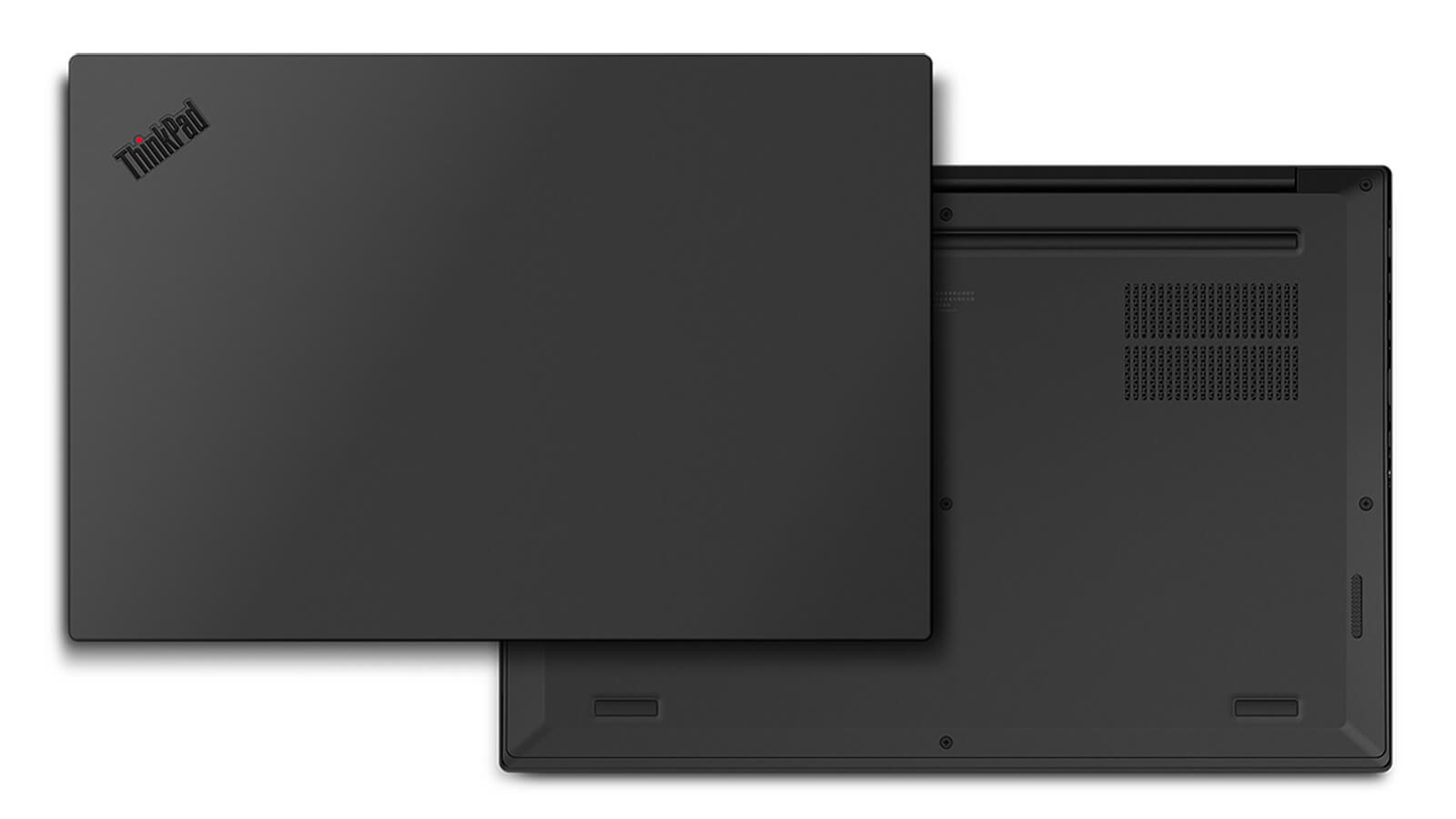
The laptop passes 12 MIL-STD-810G military-grade tests and more than 200 Lenovo in-house quality checks, covering high humidity, blowing sand and dust, extreme temperatures, and mechanical shock. As a result, it easily handles job sites, workshops, and frequent business travel.
The bottom cover is secured by just seven screws, providing quick access to the RAM, SSDs, and speakers for upgrades or replacements. If you are looking for a durable Lenovo laptop for engineering workflows, the P1 Gen 2 chassis is a dependable choice.
ThinkPad P1 Gen 2 display: 15.6-inch anti-glare FHD with a 4K OLED option
The model available at Hung Phat Laptop features a 15.6-inch anti-glare Full HD (1920 x 1080) IPS display on the Lenovo ThinkPad P1 Gen 2 with 300 nits of brightness. Its 141 ppi pixel density delivers plenty of sharpness for CAD drawings, spreadsheets, and coding, while the anti-glare coating cuts reflections when working near windows.
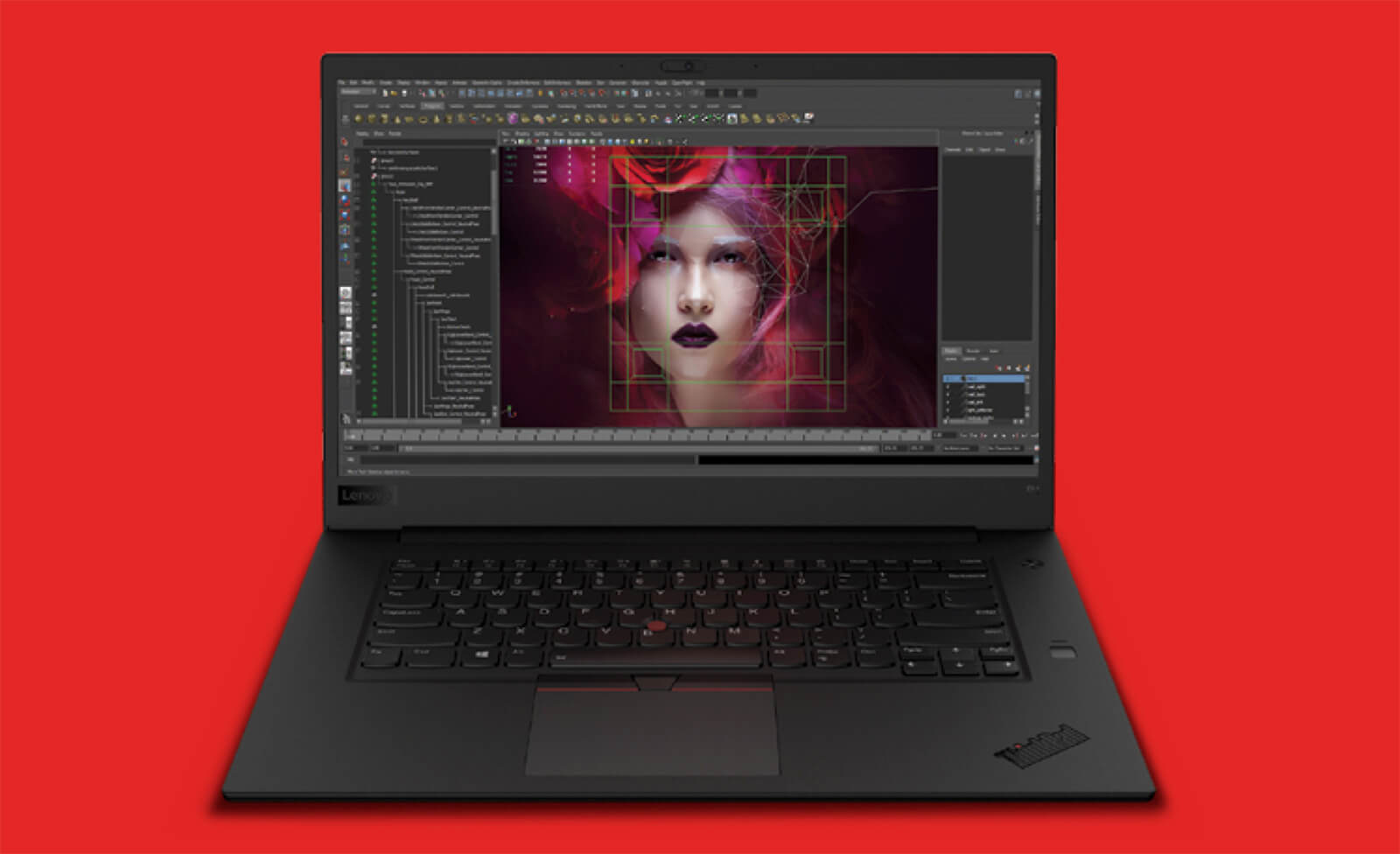
The P1 Gen 2 lineup also offers options for a 500-nit HDR400 FHD panel, a 500-nit 4K UHD IPS panel with 100% Adobe RGB coverage, and a 4K OLED touchscreen covering 100% DCI-P3 with Wacom pen support; both 4K panels come factory color-calibrated by X-Rite Pantone. All options share a 16:9 aspect ratio and a 60 Hz refresh rate. On the 300-nit FHD screen, if your work involves print production or critical color grading, connecting a color-accurate external monitor via HDMI 2.0 or Thunderbolt 3 is recommended.
ThinkPad P1 Gen 2 performance: Core i7-9850H, Quadro T2000, and RAM expandable up to 64GB
The unit in stock runs on the Intel Core i7-9850H processor with 6 cores and 12 threads, up to a 4.6 GHz boost clock, a 12 MB cache, and vPro support for remote IT management. The ThinkPad P1 Gen 2 family also includes options for the Core i5-9400H, Core i7-9750H, an 8-core, 16-thread Core i9-9880H, and the Xeon E-2276M with ECC RAM support.
| CPU | Cinebench R20 single / multi-core | Geekbench 6 single / multi-core |
|---|---|---|
| Intel Core i7-9850H | 440 / 2,114 | 1,435 / 6,227 |
| Intel Core i9-9880H | 465 / 3,235 | 1,519 / 6,602 |
| Intel Xeon E-2276M | 484 / 2,783 | 1,588 / 6,312 |
| Intel Core i7-10850H (reference, P1 Gen 3) | 494 / 2,636 | 1,768 / 6,752 |
Source: average scores according to Notebookcheck. Slim laptops like the P1 Gen 2 throttle power limits to manage thermals, so real-world multi-core scores may fall behind thicker workstations running the same chip.
In real-world use, the Core i7-9850H handles AutoCAD, mid-sized SolidWorks and Revit assemblies, Photoshop, Lightroom, and Full HD video editing with ease. Its Geekbench 6 single-core score is about 19% lower than the P1 Gen 3's Core i7-10850H, so launching applications or rotating 3D models feels slightly slower compared to the newer generation.
The 4GB GDDR5 NVIDIA Quadro T2000 utilizes the Turing architecture with 1,024 CUDA cores, a 128-bit memory bus, and a 35W maximum TGP. Unlike GeForce consumer cards, Quadro drivers are tested and ISV-certified by engineering software vendors, ensuring stability across CAD, CAE, and 3D modeling tasks. The GPU comfortably handles medium 3D models, Blender CUDA rendering, and Full HD video editing. However, the T2000 lacks RT and Tensor cores, so if your workflow includes AI development or real-time rendering, consider a newer generation equipped with RTX graphics, such as the Lenovo ThinkPad P1 Gen 6 - Mobile WorkStation (2023).
The Lenovo ThinkPad P1 Gen 2 features two non-soldered DDR4 SO-DIMM 2666 MHz slots, supporting up to 64GB of RAM. The configuration on sale comes with 16GB of RAM, ample for technical office tasks and 2D CAD; if you work heavily in 3D modeling, run virtual machines, or edit extensive video, upgrading to 32GB is recommended. For storage, the laptop offers two M.2 2280 PCIe NVMe Gen3 x4 SSD slots with RAID 0/1 support; the in-stock unit includes a 512GB SSD, with room to add a second drive to isolate project files from the operating system drive.
TrackPoint Keyboard, Glass Touchpad, and Fingerprint Security on ThinkPad P1 Gen 2
The ThinkPad P1 Gen 2 backlit keyboard features 1.8mm key travel and 19.05mm key spacing, delivering the firm, satisfying typing feel true to ThinkPad heritage. While it lacks a dedicated number pad, it compensates with the iconic red TrackPoint centered in the keyboard and a 100 x 69mm glass touchpad with 2 physical click buttons, making precise navigation in CAD software quick and effortless.
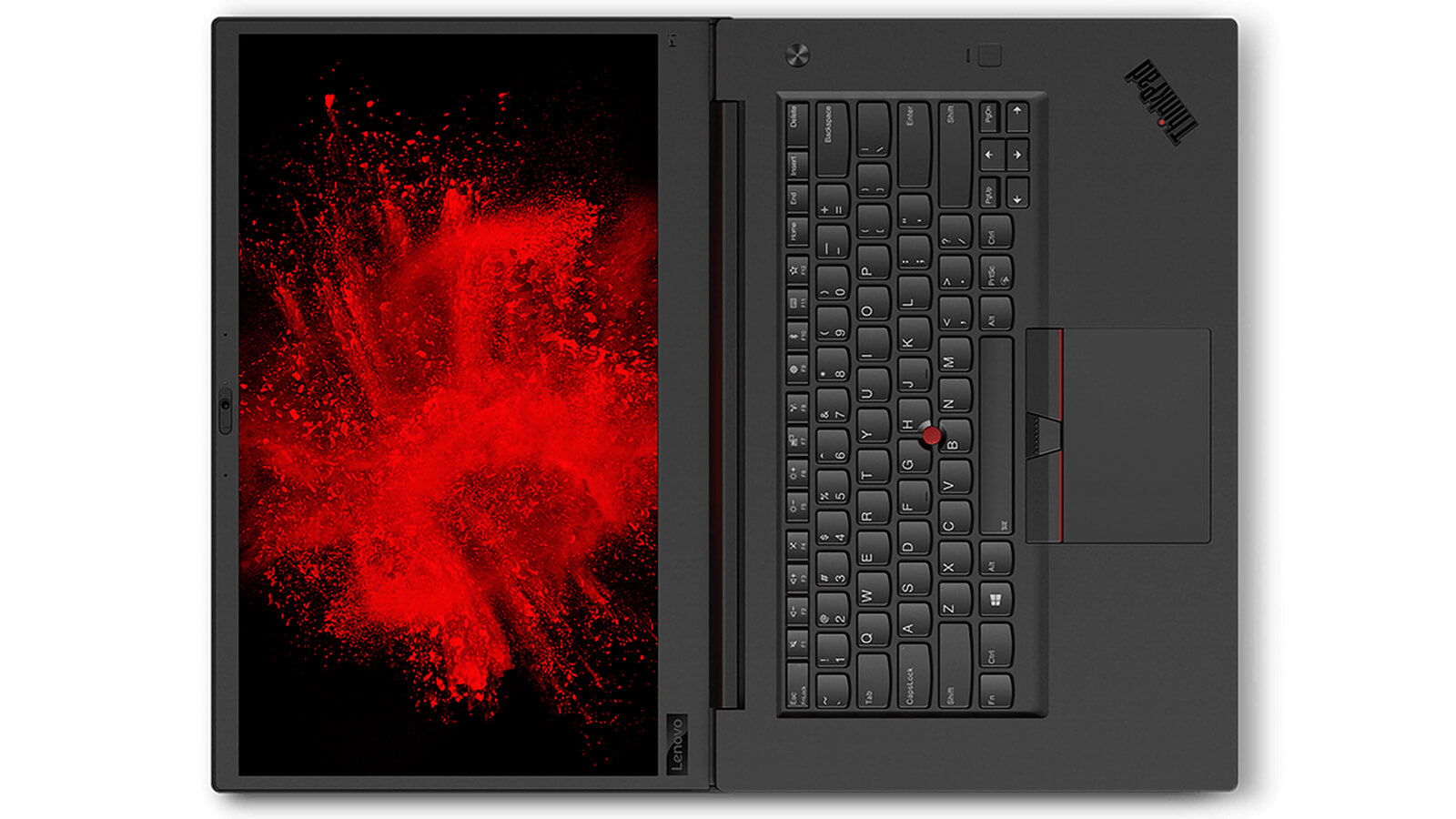
A Match-on-Chip fingerprint reader on the palm rest enables rapid sign-in. The laptop also comes equipped with a TPM 2.0 chip, power-on password, hard drive password, supervisor password, and a smart card reader for enterprise security. The 720p webcam includes a ThinkShutter privacy cover; the series also offers an optional infrared camera for facial recognition login via Windows Hello.
Two 2W speakers with Dolby Atmos support deliver clear sound for conference calls and video playback in an office setting. If you need deeper bass, you can plug in headphones or external speakers through the 3.5mm jack.
ThinkPad P1 Gen 2 Ports and Battery: 2 Thunderbolt 3, HDMI 2.0, 80Wh Battery
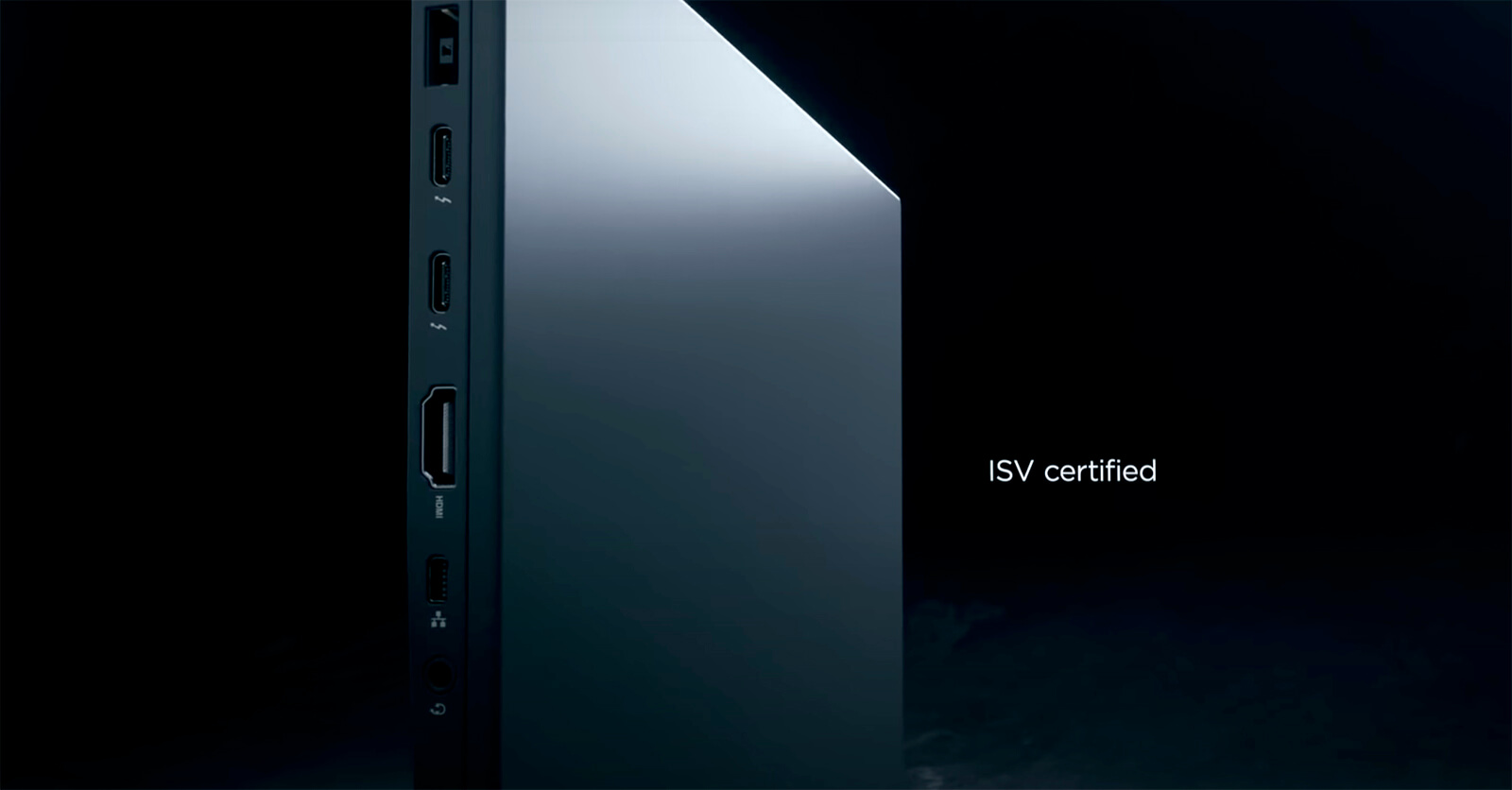
The ThinkPad P1 Gen 2 offers 2 Thunderbolt 3 (USB-C) ports with DisplayPort video output and charging support, 2 USB-A 3.1 Gen 1 ports (1 with always-on charging), HDMI 2.0, a Mini Ethernet port, a 4-in-1 SD card reader, a smart card reader, and a 3.5mm headphone jack. You can plug in a mouse, flash drive, projector, or external display without an adapter; only a wired connection requires a ThinkPad Ethernet Extension adapter cable to RJ-45.
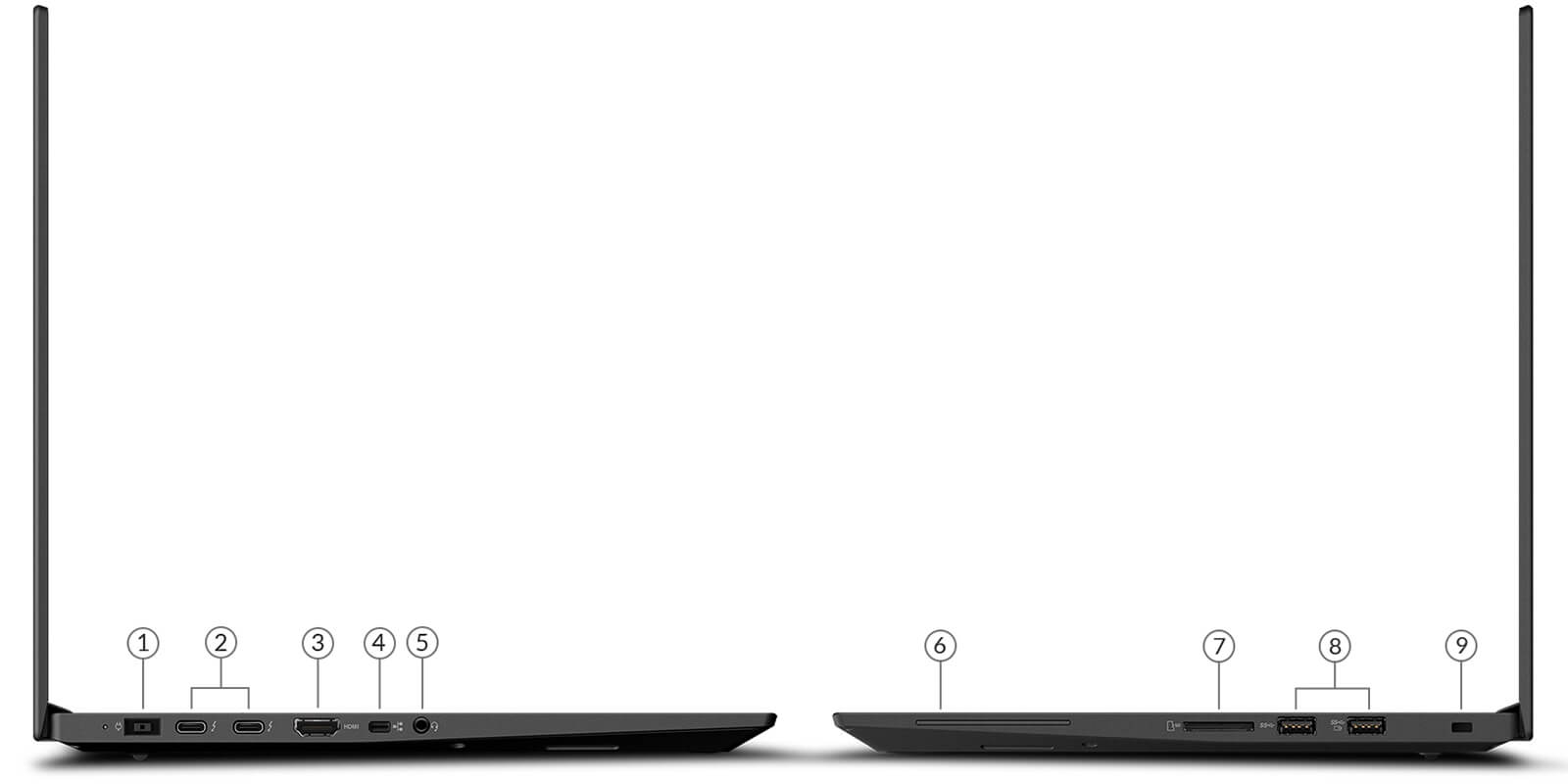
Wireless connectivity is handled by an Intel Wi-Fi 6 AX200 card and Bluetooth 5.1. Through Thunderbolt 3, the workstation connects to a docking station to drive multiple displays, a wired connection, and peripherals using a single cable when you return to your desk.
The 80Wh battery charges via a 135W adapter through the DC port. Lenovo rates battery life at up to about 10 hours with the FHD panel in Hybrid graphics mode. When driving the Quadro T2000 in 3D applications, the battery drains considerably faster, so keep your charger handy during full workdays.
Lenovo ThinkPad P1 Gen 2 - Mobile WorkStation Overview and Review
The Lenovo ThinkPad P1 Gen 2 is well-suited for engineers, architecture, civil engineering, and mechanical engineering students, as well as digital designers who need a workstation with an ISV-certified Quadro GPU, thin and light enough to take to job sites, at a budget well below newer workstations. It delivers rugged durability, a full port selection, and easy RAM and SSD upgrades. You can also explore newer models in the ThinkPad P Series lineup.
One trade-off to keep in mind is the 9th Gen processor released in 2019, which is slower than newer chips in single-threaded tasks; upgrading RAM to 32GB helps multitasking run smoothly. The 300-nit FHD display panel is best suited for office workloads and CAD; color grading calls for a color-accurate external monitor. The Quadro T2000 also lacks RT and Tensor cores, making it less suitable for AI workloads or real-time rendering.
If your workflow requires an RTX card, a 16-inch display, and a current-generation processor for heavy simulation or rendering, you can compare it with the Lenovo ThinkPad P16 Gen 2 - Mobile WorkStation (2023).
| Pros | Cons |
|---|---|
|
|
FAQ - Frequently Asked Questions About Lenovo ThinkPad P1 Gen 2 - Mobile WorkStation
1. What is the maximum RAM upgrade for the ThinkPad P1 Gen 2?
The laptop has 2 DDR4 SO-DIMM 2666MHz RAM slots supporting up to 64GB. The 16GB configuration can be upgraded to 32GB or 64GB whenever needed.
2. How does the Quadro T2000 differ from GeForce cards?
The Quadro T2000 uses the Turing architecture with 1,024 CUDA cores and comes with ISV-certified drivers tailored for CAD, CAE, and professional graphics software. While it can still handle casual gaming, its primary strength is rock-solid stability in engineering applications.
3. Can the laptop run Windows 11?
Yes. The Core i7-9850H is on Microsoft's supported processor list, and the laptop includes a TPM 2.0 chip. Free security updates for Windows 10 ended on October 14, 2025, so running Windows 11 is recommended.
4. Can I add another SSD to the laptop?
Yes. The ThinkPad P1 Gen 2 features 2 M.2 2280 PCIe NVMe SSD slots, so you can install a second drive or run RAID 0/1.
5. How much does the ThinkPad P1 Gen 2 weigh?
The non-touch version weighs 1.7kg and measures 18.4mm thick. The touchscreen version weighs 1.81kg and is 18.7mm thick.
6. What support do I get when buying from Hung Phat Laptop?
The laptop comes with an official invoice, a clear warranty policy, a 30-day return policy for manufacturer defects, support for RAM and SSD upgrades, Windows 11 installation, and nationwide shipping.
Where to Buy Genuine Lenovo ThinkPad P1 Gen 2 - Mobile WorkStation at a Great Price?
Whether you handle 2D CAD, 3D modeling, or need a durable workstation to take to job sites, Hung Phat Laptop will consult on your software stack and advise whether to upgrade to 32GB RAM or install a second SSD for your ThinkPad P1 Gen 2. The Core i7-9850H configuration paired with the Quadro T2000 is an ideal choice for anyone seeking a quality pre-owned workstation laptop at an accessible price for studies and engineering work.
The laptop comes in 99% Like New condition with full documentation and invoices. Warranty terms are clearly detailed. During the first 30 days, any unit with a manufacturer defect qualifies for exchange or return. Dedicated technicians are ready to assist with RAM and SSD upgrades whenever you need them. Long-term technical support, nationwide delivery. Order your ThinkPad P1 Gen 2 workstation today at Hung Phat Laptop.
Performance & benchmarks Lenovo ThinkPad P1 Gen 2 - Mobile Workstation
Intel Core i7-9850H NVIDIA Quadro T2000 Laptop GPU - best for Office 7/10, Programming 4.5/10.
Intel Core i7-9850H
- Geekbench 6 (multi-core)5,071
- Geekbench 6 (single-core)1,379
- PassMark10,757
- Cores / Threads6/12
NVIDIA Quadro T2000 Laptop GPU
- 3DMark Time Spy3,600
- 3DMark Fire Strike9,000
- VRAM4 GB
- ArchitectureTuring
Best for
Scored from real benchmarks- Gaming2.5/10
- Video / Graphics3/10
- Programming4.5/10
- Office7/10
Why does the CPU matter?
The CPU is the "brain" that handles every task: launching apps, multitasking, compiling code and editing video. The stronger the CPU, the faster and smoother the laptop runs when you juggle many things at once.
- BasicThis product
Web browsing, streaming and light office work.
- MainstreamThis product
Office work, moderate multitasking and studying.
- Mid-rangeThis product
Solid multitasking, programming and light graphics work.
- StrongThis product
Video editing, heavy programming, virtualization and gaming.
- FlagshipThis product
Heavy rendering, 4K/8K editing, virtual machines and AI workloads.
Why does the GPU matter?
The GPU (graphics card) handles visuals: gaming, video editing, 3D rendering and AI acceleration. The stronger the GPU, the higher your frame rates and the faster your video exports.
- Basic (iGPU)This product
Smooth display, 4K video and very light games (League of Legends, Valorant on low).
- MainstreamThis product
1080p eSports gaming, photo editing and light video editing.
- Mid-rangeThis product
1080p gaming on medium-high settings and smooth Full HD video editing.
- StrongThis product
1080p/1440p gaming on high settings, 4K video editing and 3D rendering.
- FlagshipThis product
4K/240Hz gaming, ray tracing, heavy rendering and AI.
Local AI performance
Tokens/second running locally on GPU 4GB VRAM- Gemma 4 E2B3.1 GB · ctx 256K29 tok/sDecent
- Qwen 3.5 2B2.5 GB · ctx 32K36 tok/sDecent
- Phi-4 Mini Reasoning2.4 GB · ctx 16K37 tok/sDecent
- Llama 3.2 3B2 GB · ctx 128K45 tok/sRuns well
- SmolLM3 3B2 GB · ctx 128K45 tok/sRuns well
- DeepSeek R1 1.5B1.3 GB · ctx 64K69 tok/sRuns well
- Qwen 3.5 0.8B1.3 GB · ctx 32K69 tok/sRuns well
- TinyLlama 1.1B1.1 GB · ctx 2K81 tok/sRuns great
- Llama 3.2 1B1 GB · ctx 128K90 tok/sRuns great
- Qwen 3 4B2.5 GB · ctx 32K36 tok/sDecent
- Gemma 3 4B2.5 GB · ctx 128K36 tok/sDecent
- Phi-3.5 Mini2.4 GB · ctx 128K37 tok/sDecent
- Gemma 2 2B1.5 GB · ctx 8K60 tok/sRuns well
- Qwen 3 1.7B1.4 GB · ctx 32K64 tok/sRuns well
- Qwen 2.5 Coder 1.5B1.3 GB · ctx 32K69 tok/sRuns well
- Qwen 3 0.6B1.1 GB · ctx 32K81 tok/sRuns great
- Gemma 3 1B1 GB · ctx 32K90 tok/sRuns great
GreatWellDecent4-bit quantized, ctx = context window
-
HD Lê Hữu Đạt
Can this model play games like FIFA 4, League of Legends, and Free Fire?
Reply • like- MT Marketing Team Administrator
Hello! Please call our hotline for further consultation.
Reply • like
-
Q&A about Lenovo ThinkPad P1 Gen 2 - Mobile Workstation
Frequently asked questions about Lenovo ThinkPad P1 Gen 2 - Mobile Workstation
What are the specifications of Lenovo ThinkPad P1 Gen 2 - Mobile Workstation?
What is the warranty for Lenovo ThinkPad P1 Gen 2 - Mobile Workstation?
Can I buy Lenovo ThinkPad P1 Gen 2 - Mobile Workstation with home delivery?
Worth a Look
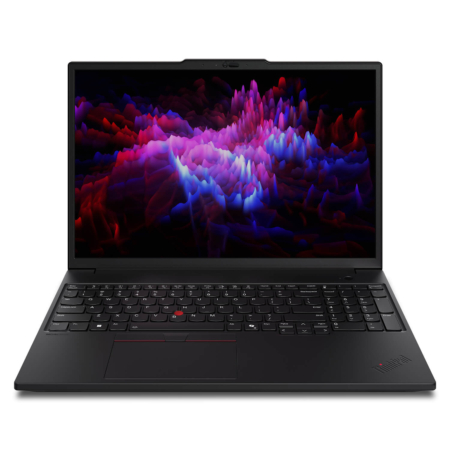
Lenovo ThinkPad P16s Gen 3 - Mobile Workstation (2025)
 2 configurations
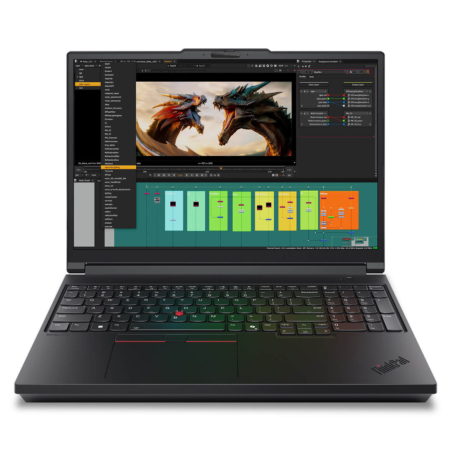
Lenovo ThinkPad P16 Gen 3 - Mobile Workstation (2025)
 2 configurations
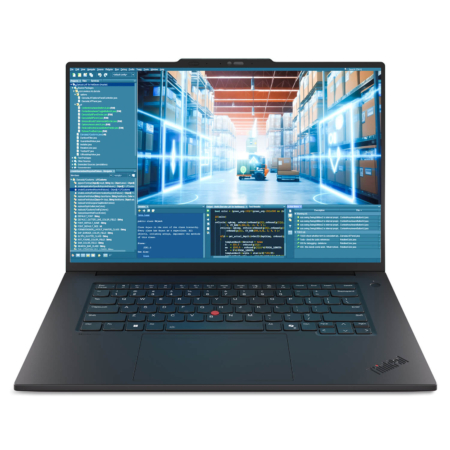
Lenovo ThinkPad P1 Gen 8 - Mobile Workstation (2025)
 2 configurations
Lenovo ThinkPad P14s Gen 5 - Mobile Workstation (2024)
 2 configurations


Đỗ Minh Khôi 03/12/2024Purchased at Hung Phat
1-for-1 replacement warranty for one day and always, very reliable, 5 stars.
Vũ Trọng Tiến 20/06/2024Purchased at Hung Phat
Fast delivery, the laptop is excellent.
Anh Trung 05/08/2023Purchased at Hung Phat
Always the best prices