

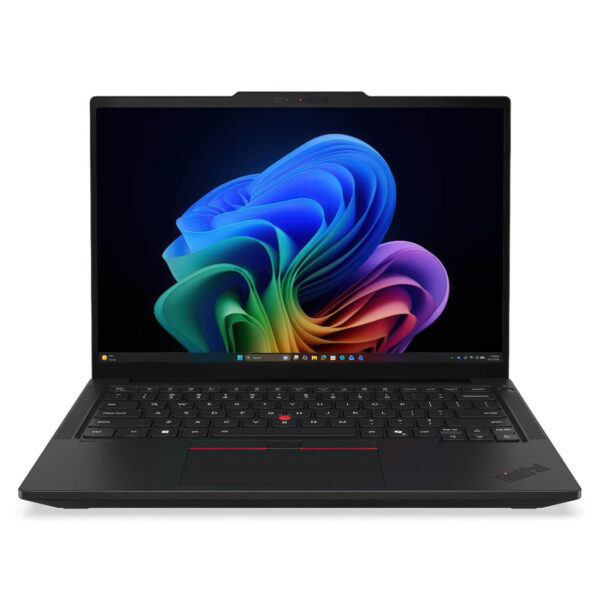
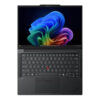
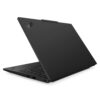
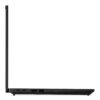
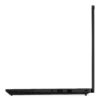
Lenovo ThinkPad T14 Gen 7 (2026)
- CPU: Intel Core Ultra 5 335 Up To 4.6GHz (8 Cores, 8 Threads, 12MB Cache - 47 TOPS NPU)
- RAM: LPDDR5x 16GB 7467MHz, LPCAMM2
- SSD: 512GB PCIe Gen4 M.2 SSD
- VGA: Intel® Graphics
- DISPLAY: 14" WUXGA (1920x1200) IPS, Anti-Glare, DBEF5, 45% NTSC, Eyesafe®, Adaptive International Color Consortium Profile, 400nits
- CONDITION: New 100% Full Box
- WARRANTY: Bảo hành 36 tháng
- Familiar ThinkPad design, but more compact and practical
- Performance powerful enough for heavy Office, AI, programming, and professional multitasking
- 14-inch 16:10 screen, more flexible for work and creativity
- Audio, webcam, and AI collaboration for modern work styles
- ThinkPad keyboard, TrackPoint, and repairability are the selling points of this series
- Larger battery, fast charging, and stable cooling for long workdays
- Full connectivity for enterprise users, IT, and engineers
- Overview and evaluation of Lenovo ThinkPad T14 Gen 7 (2026)
- FAQ - Frequently Asked Questions about Lenovo ThinkPad T14 Gen 7 (2026)
- Where to buy a reputable Lenovo ThinkPad T14 Gen 7 (2026) with the correct configuration?
Lenovo ThinkPad T14 Gen 7 (2026) belongs to the Lenovo Ultrabook line, continuing to pursue the philosophy of durable, compact, and easy-to-deploy enterprise laptops in the modern workspace. The notable upgrade in this generation lies in the Intel Core Ultra Series 3 platform, a NPU with up to 50 TOPS, LPCAMM2 memory up to 64GB, and better display options for both office workers and content creators. This machine does not just chase a slim and fashionable look; it focuses on practical work efficiency such as online meetings, handling heavy Excel files, running multiple browser tabs, using Office, AI, and all-day mobile productivity. Thanks to the balance between performance, security, repairability, and battery life, ThinkPad T14 Gen 7 (2026) is a reliable choice for entrepreneurs, developers, engineers, system administrators, and professional users.
Familiar ThinkPad design, but more compact and practical
Lenovo ThinkPad T14 Gen 7 (2026) maintains the signature minimalist design language of the ThinkPad line with a matte surface, sturdy hinges, sharp edges, and a robust feel characteristic of enterprise machines. This is the type of laptop that prioritizes long-term stability over making an impression with a flashy appearance, making it highly suitable for those who work frequently between the office, home, meeting rooms, and business trips. The device comes in two color options, Cosmic Blue and Eclipse Black, providing a fresh yet professional look.
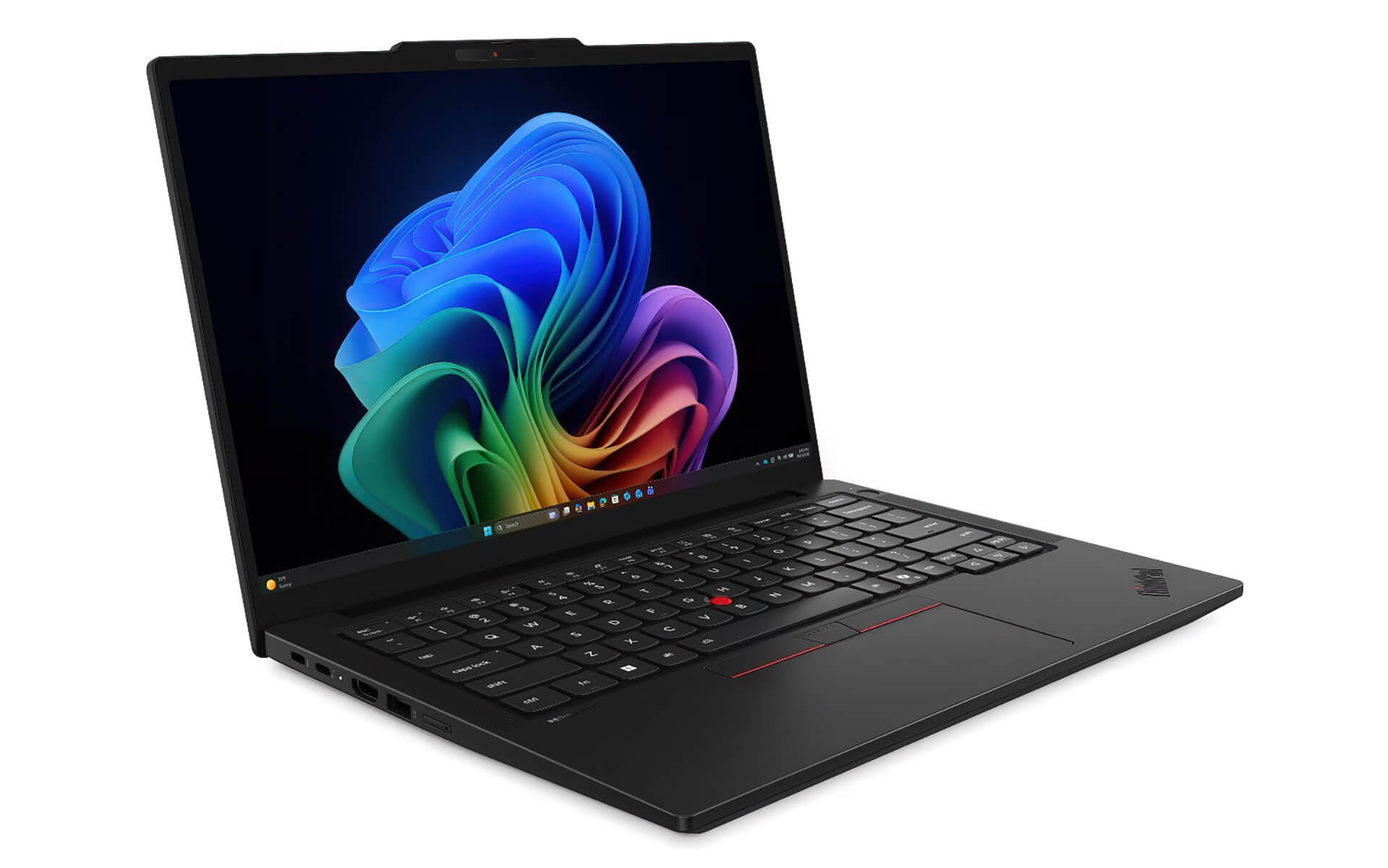
According to Lenovo specifications, the device measures approximately 313.6 x 221.7mm, with a thickness ranging from 15.88mm to 21.95mm depending on the measurement point, and a starting weight of only 1.29kg. This is a very comfortable figure for a 14-inch laptop that still retains full connectivity and a durable chassis. Another valuable point is that Lenovo has invested heavily in sustainability with a recycled alloy frame, recycled cobalt battery, and plastic-free packaging, while still ensuring MIL-STD-810H durability standards. For businesses buying in bulk or users wanting a device that remains stable for many years, this is a practical advantage rather than just a specification detail.
Performance powerful enough for heavy Office, AI, programming, and professional multitasking
ThinkPad T14 Gen 7 (2026) utilizes the new Intel Core Ultra 5 and Intel Core Ultra 7 platforms, including vPro options for enterprises. With higher configurations, the machine can feature an NPU reaching up to 50 TOPS, meeting the Copilot+ PC standards and increasingly popular local AI tasks. The strength of this series does not lie in benchmarks for mere power display, but in the ability to maintain a smooth experience when users open many applications simultaneously, such as heavy Excel, Power BI, Zoom, Outlook, Chrome with dozens of tabs, accounting software, IDEs, or internal management tools.
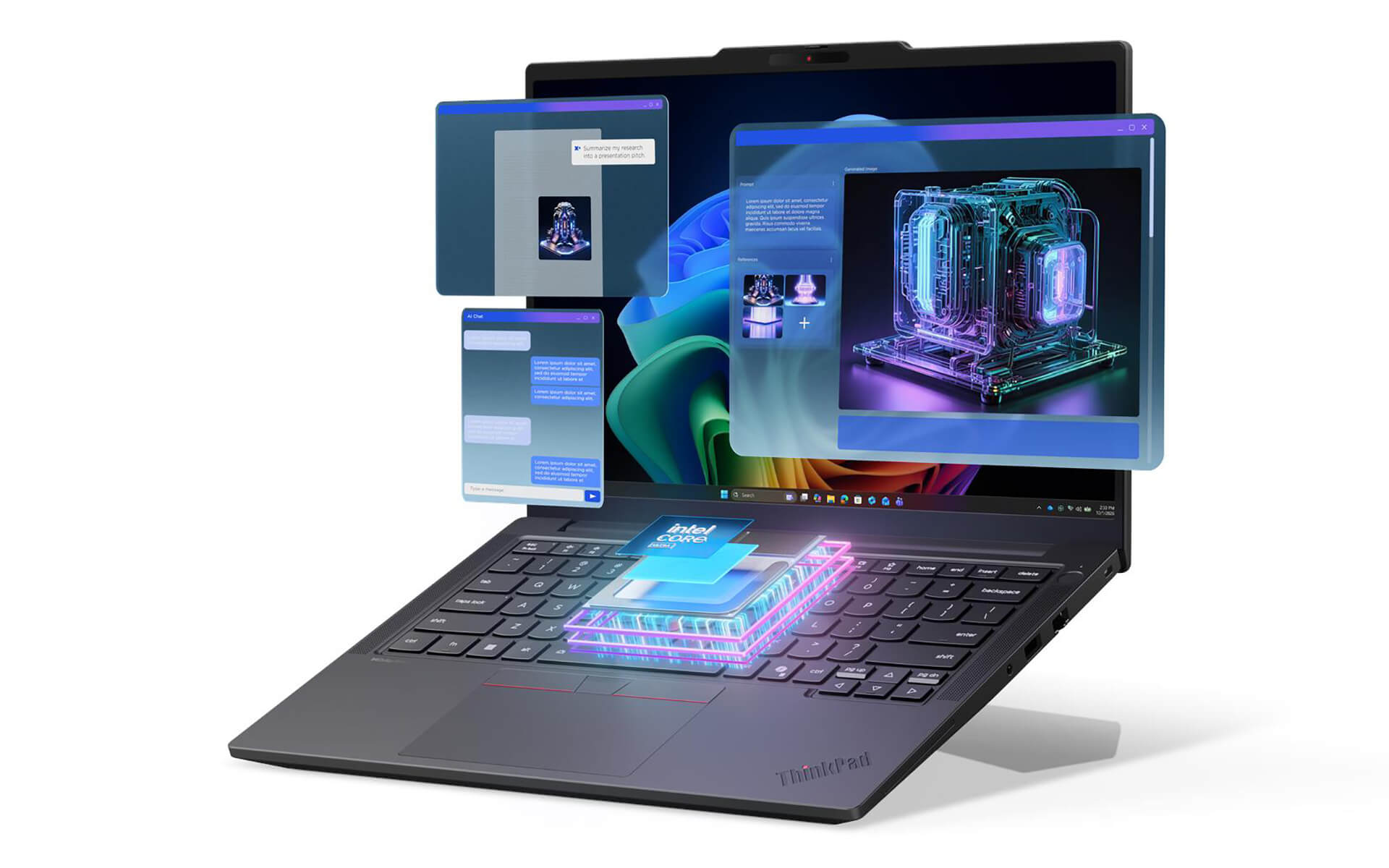
ThinkPad T14 Gen 7 (14-inch Intel) also benefits significantly from LPCAMM2 memory up to 64GB LPDDR5X. This is a very noteworthy point because many current thin and light laptops still limit RAM to 16GB or 32GB soldered memory, while high-end enterprise users, developers, or big data processors are starting to need more RAM to run virtual machines, Docker, lightweight AI models, or complex spreadsheets. The PCIe Gen4x4 SSD up to 1TB storage is also fast enough to ensure excellent project loading times, data copying, and application startup for daily work.
In real-world usage, this model is particularly suitable for three groups of work. First is Advanced Office: creating long reports, Excel files with many sheets, large PowerPoint files, online meetings with screen sharing, and opening multiple documents simultaneously. Second is Programming and System Administration: running IDEs, terminals, containers, automated scripts, and remote server work. Third is Applied AI and Content Creation: leveraging the NPU to accelerate Copilot features, video call noise cancellation, intelligent task processing, or running lightweight AI workflows directly on the machine. This is not a gaming laptop or a heavy graphics workstation, but it is an extremely reasonable choice if the goal is stable, durable performance for continuous working hours.
14-inch 16:10 screen, more flexible for work and creativity
Lenovo ThinkPad T14 Gen 7 (2026) is equipped by Lenovo with various 14-inch 16:10 display options, helping to display more vertical content compared to the traditional 16:9 screen. This alone makes a clear difference when working with Excel, Word, programming, reading technical documents, or processing long emails. The base version uses a WUXGA IPS 1920 x 1200 panel, 400 nits brightness, anti-glare, and is good enough for most professional office needs.
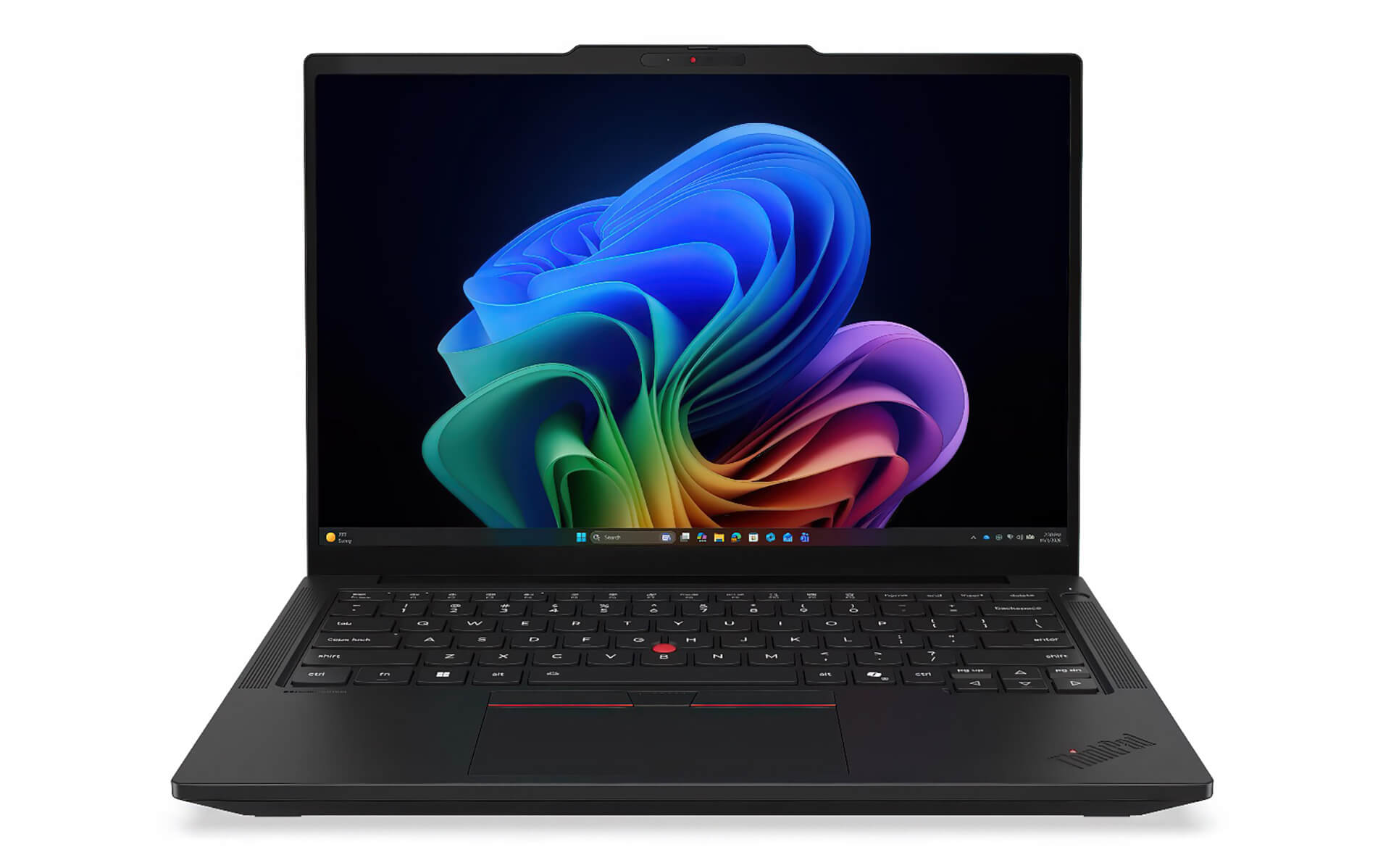
If higher display quality is required, users can choose the WUXGA touch 500 nits, 100% sRGB version or the 2.8K OLED 2880 x 1800, 120Hz, 100% DCI-P3, Dolby Vision version. This is a very valuable upgrade for marketers, 2D photo editors, light video editors, UI designers, or those who frequently read content for many hours on a screen. Additionally, Eyesafe technology, PrivacyGuard options, and adaptive color profiles make this model not only more beautiful but also more practical in work environments that require security and long-term eye comfort.
Audio, webcam, and AI collaboration for modern work styles
ThinkPad T14 Gen 7 is not only strong in pure processing but also focuses clearly on online meeting experiences and remote collaboration. The machine features a Dolby Atmos speaker system, paired with Dolby Voice, 2 microphones, and various 5MP camera options, including high-end versions with IR, Computer Vision, and vHDR. For those who frequently use Teams, Zoom, Google Meet, or work in a hybrid model, this is an upgrade that is much more perceptible than just a slight increase in CPU clock speed.
ThinkPad T14 Gen 7 also provides excellent support for collaborative AI tasks such as clearer voice isolation, noise cancellation, webcam optimization, and improved video call experiences. In the context of online meetings, remote presentations, meeting note-taking, and team coordination occurring daily, these upgrades make the machine much more suitable for real-world work. Management-level office users, B2B sales, consultants, chief accountants, or project managers will all find significant value in this feature set.
ThinkPad keyboard, TrackPoint, and repairability are the selling points of this series
Lenovo ThinkPad T14 Gen 7 (2026) still retains the ThinkPad keyboard with 1.5mm key travel, a tactile typing feel, and an optimized layout for heavy typists. For Excel users, accountants, programmers, content writers, or managers who must constantly reply to emails, this is the kind of advantage that is hard to see in a brochure but determines satisfaction after several months of use. The machine maintains the signature TrackPoint, a three-button trackpad, and optional backlit keyboard.
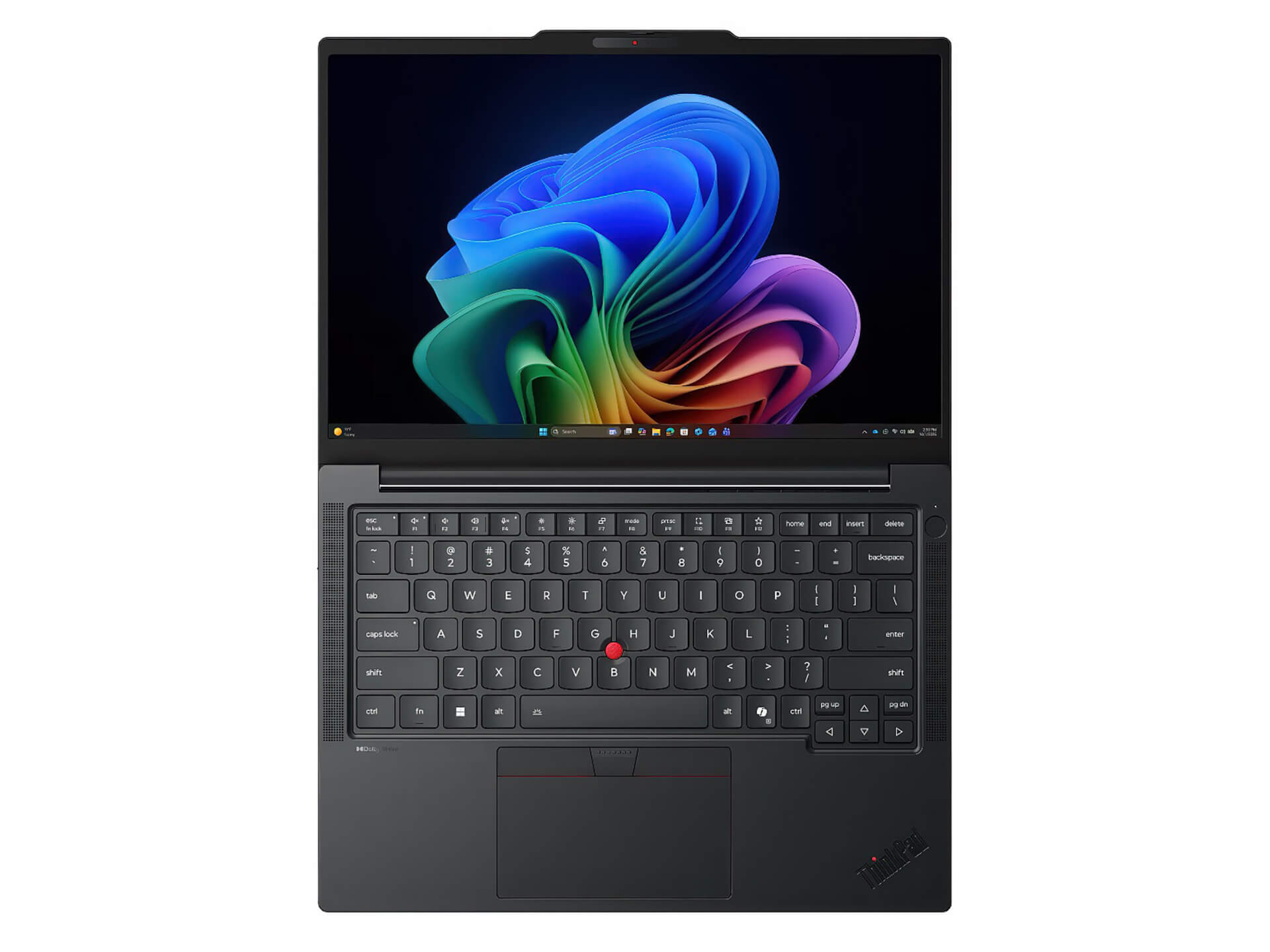
Another valuable point is that Lenovo has emphasized repairability in this generation. The machine achieved a 10/10 iFixit repairability score and supports the replacement of many important components such as the battery, fan, keyboard, USB-C ports, SSD, WWAN, and even the LPCAMM2 memory module. For businesses managing long-term device lifecycles or professional users who do not want to be locked into fixed hardware, this is a massive advantage. It helps make long-term ownership costs more controllable and reduces the risk of needing to replace the machine early just because of a single faulty component.
Larger battery, fast charging, and stable cooling for long workdays
ThinkPad T14 Gen 7 offers two battery options, 60Whr and 75Whr, both supporting Rapid Charge with the ability to charge to approximately 80% in 60 minutes when using the correct 65W or 100W adapter according to the configuration. For work styles that require moving between many locations, attending multiple meetings a day, or working in coffee shops and co-working spaces, good battery life is more valuable than a few percentage points of theoretical performance. Lenovo also allows users to replace the battery as a CRU, making maintenance after several years much easier.
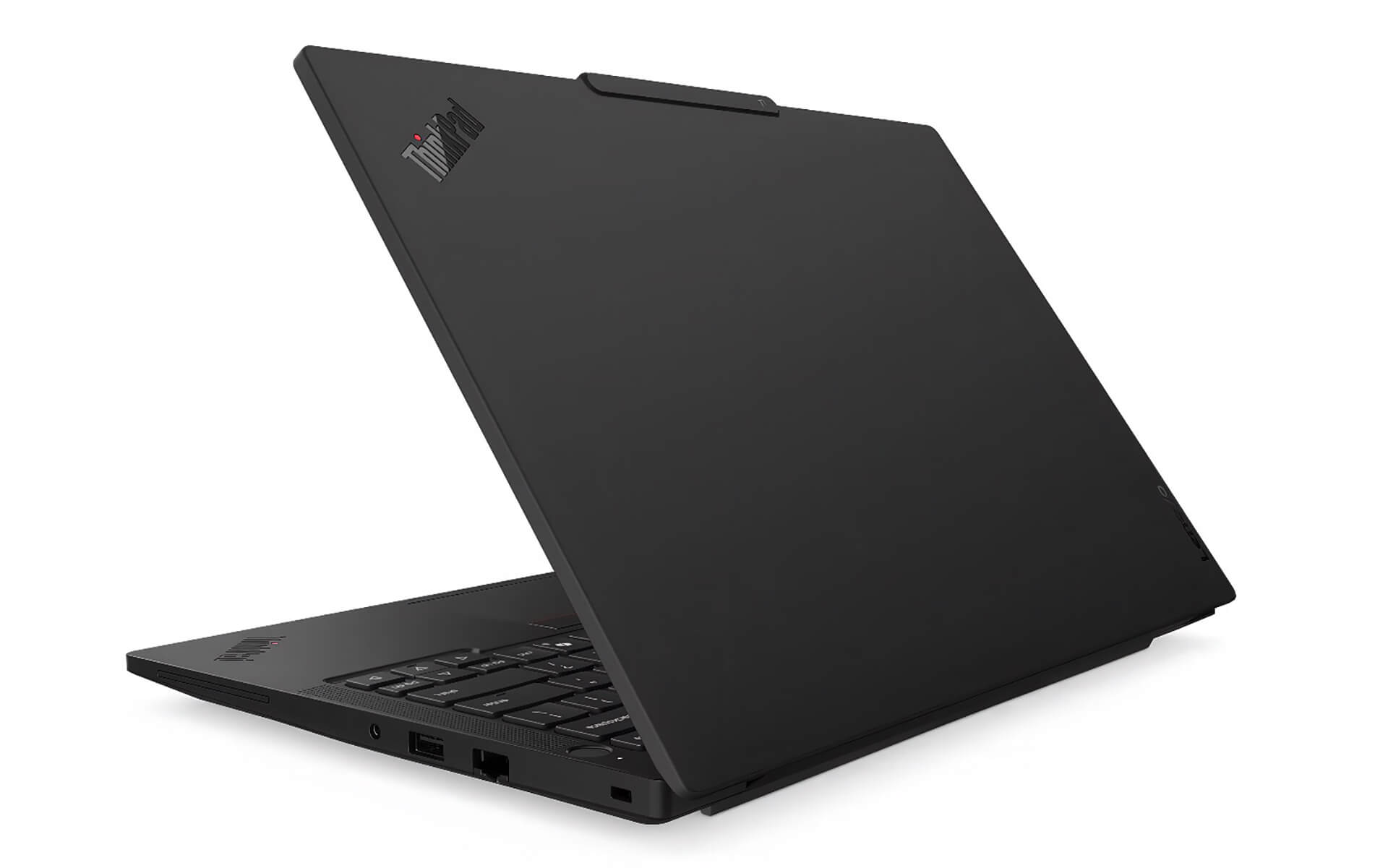
The machine's cooling system is designed to maintain stable performance and keep noise at an acceptable level in an office environment. Naturally, when running continuous heavy tasks like building large projects, processing AI, or exporting video, the fan will speed up, but the advantage of the ThinkPad T14 Gen 7 is the balance between temperature, noise, and overall stability that closely meets the needs of enterprise users. This is a machine built for steady daily work, not for short-term performance bursts followed by rapid overheating.
Full connectivity for enterprise users, IT, and engineers
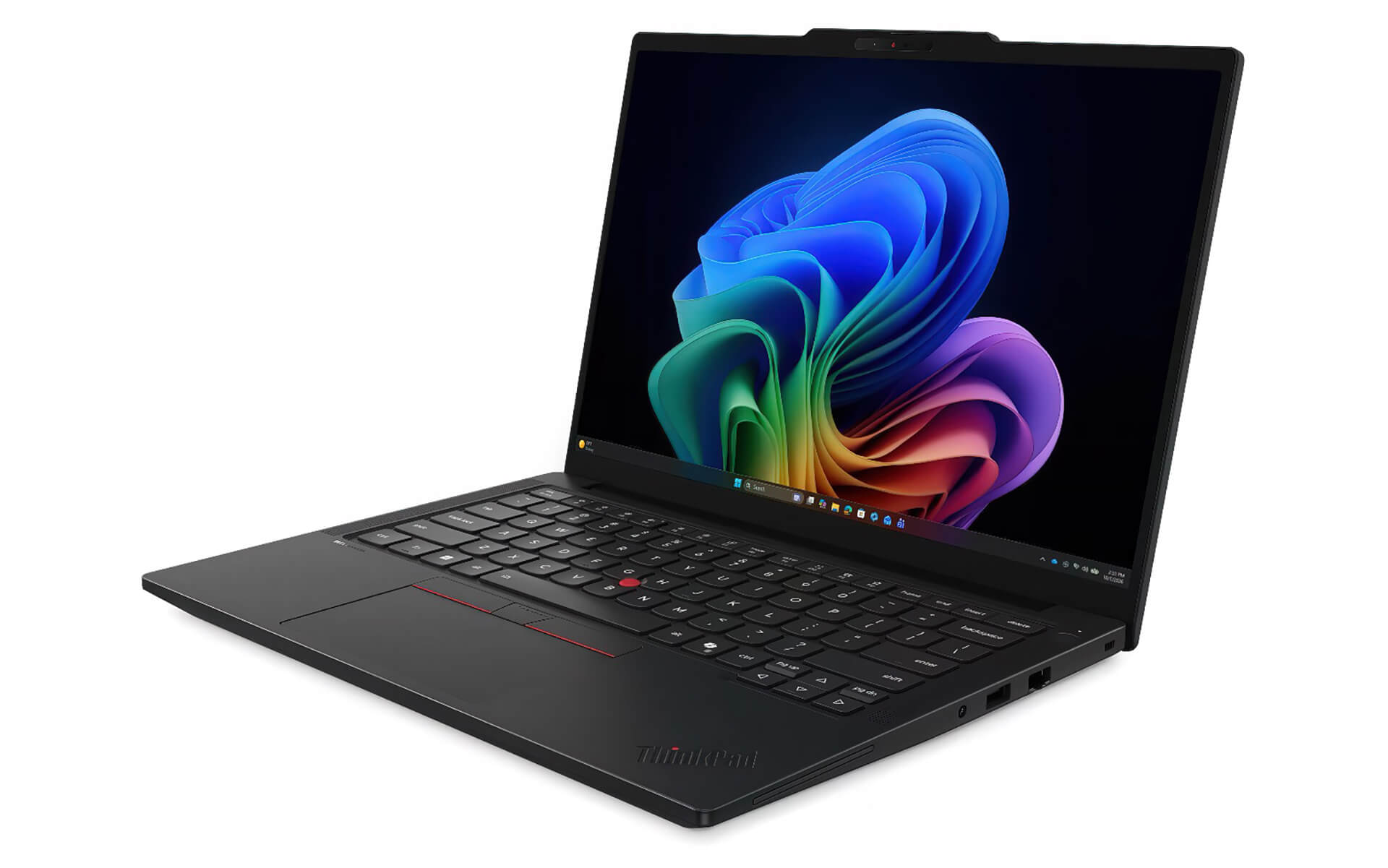
Lenovo ThinkPad T14 Gen 7 (2026) maintains a clear advantage in the connectivity group. The machine features 2 x USB-C Thunderbolt 4, 2 x USB-A 5Gbps, HDMI 2.1, a 3.5mm headphone jack, and especially RJ45 Ethernet. Additionally, there are options such as SIM, Smart Card Reader, Wi-Fi 7, Bluetooth 5.4, and 5G Sub6 eSIM depending on the configuration. This is a very practical set of ports for working users, especially IT professionals, field engineers, system deployment personnel, network administrators, or those who frequently present with external monitors.
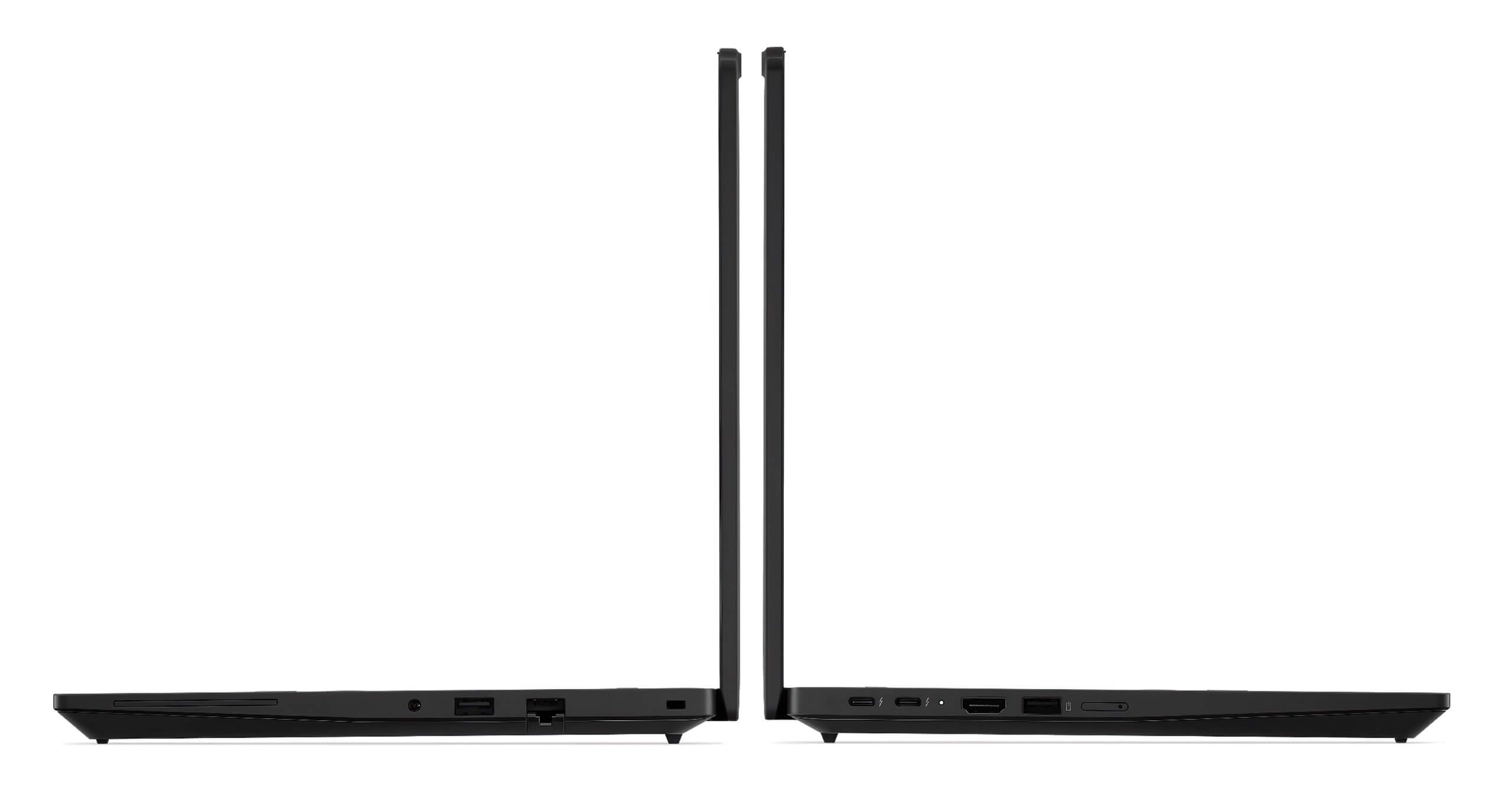
The fact that it still retains an RJ45 LAN port on a 14-inch laptop weighing from 1.29kg shows that Lenovo understands very well what ThinkPad users need. Many current ultrabooks force users to carry an additional hub just to plug in a wired network or output video. Meanwhile, the ThinkPad T14 Gen 7 allows for a more streamlined workflow, fewer external accessories, and reduced risks in serious work environments. For those buying a machine for daily work rather than just for aesthetics, this is a very valuable detail.
Overview and evaluation of Lenovo ThinkPad T14 Gen 7 (2026)
Lenovo ThinkPad T14 Gen 7 (2026) is a very balanced 14-inch business laptop at the current time. The machine does not try to turn itself into a heavy workstation, nor does it sacrifice connectivity and durability just to be a few millimeters thinner. Instead, Lenovo follows a pragmatic direction: a newer Intel Core Ultra CPU, a more powerful NPU for AI, up to 64GB LPCAMM2 RAM, a more flexible display, a larger battery, and better repairability. This is the kind of upgrade that real working users will clearly feel after a period of use.
If your primary needs are Office, heavy Excel, Power BI, online meetings, coding, system administration, mobile work, and using new Windows 11 AI features, then the ThinkPad T14 Gen 7 is a very worthy consideration. The machine is particularly suitable for entrepreneurs, team leaders, accountants, data analysts, developers, deployment engineers, and enterprise users who need a durable, secure, easy-to-repair laptop that is powerful enough to keep up with the modern pace of work.
To provide a clearer picture, below is a table of the prominent pros and cons of the Lenovo ThinkPad T14 Gen 7 (2026) in a real-world usage context.
| Pros | Cons |
|---|---|
|
|
FAQ - Frequently Asked Questions about Lenovo ThinkPad T14 Gen 7 (2026)
1. Is the ThinkPad T14 Gen 7 suitable for office workers using Office and online meetings daily?
Yes. The ThinkPad T14 Gen 7 is clearly suitable for those working with Word, PowerPoint, Outlook, Zoom or Microsoft Teams meetings, and handling continuous work for many hours. The machine features a 5MP webcam, dual microphones, Dolby Voice, a comfortable ThinkPad keyboard, and a large battery, making the daily work experience much more stable compared to ultrabooks that are only powerful on paper.
2. Does the machine handle heavy Excel, Power BI, and large report files well?
Yes. With the new Intel Core Ultra CPU, RAM up to 64GB, and high-speed PCIe Gen4 SSD, the ThinkPad T14 Gen 7 is suitable for finance professionals, accountants, data analysts, or business operators who must open multi-sheet Excel files, Power BI dashboards, multiple browser tabs, and large documents simultaneously.
3. Is the ThinkPad T14 Gen 7 suitable for developers and system administrators?
Very suitable. The machine features a great keyboard, full connectivity, RJ45 LAN, Thunderbolt 4, large RAM, and high durability, making it suitable for developers, DevOps, system administrators, or deployment engineers who need to code, run terminals, manage Docker, connect to remote servers, and work in various environments.
4. How is the 50 TOPS NPU on the ThinkPad T14 Gen 7 useful in real work?
The NPU on the ThinkPad T14 Gen 7 helps accelerate local AI tasks such as supporting Copilot+ PC, optimizing the webcam and audio during online meetings, processing Windows 11 intelligent features, and running some lightweight AI workflows. For enterprise users, the greatest value is saving time on repetitive tasks and maintaining a smoother experience while working with AI tools.
5. Is the machine suitable for photo editing, content creation, and 2D design?
Yes, especially if you choose the 100% sRGB or 2.8K OLED 100% DCI-P3 display version. The ThinkPad T14 Gen 7 is suitable for marketers, 2D photo editors, social media designers, light video editors, and digital content processors. However, if the work involves heavy 3D rendering or long hours of rendering, the ThinkPad P Series remains a more reasonable choice.
6. How long is the actual battery life of the ThinkPad T14 Gen 7?
Depending on the 60Whr or 75Whr battery configuration and usage patterns, the ThinkPad T14 Gen 7 can well support a full day of office work, online meetings, web browsing, typing, and document processing. The machine also supports Rapid Charge, capable of charging to about 80% in 60 minutes if using the correct adapter according to the configuration.
Source: Lenovo
7. Does the ThinkPad T14 Gen 7 get hot or loud when running heavy tasks?
When running continuous heavy loads like building code, analyzing large data, or processing AI, the fan will certainly speed up. However, the direction of the ThinkPad T14 Gen 7 is to maintain stable performance over long periods and keep noise at a reasonable level for an office environment, rather than forcing short-term overclocking that leads to rapid overheating.
8. Is the ThinkPad T14 Gen 7 easy to repair and upgrade?
This is one of the machine's strongest points. According to Lenovo, the ThinkPad T14 Gen 7 achieved a 10/10 repairability score from iFixit and supports the replacement of many components such as the battery, fan, keyboard, SSD, LPCAMM2 memory module, USB-C ports, and WWAN. This is very beneficial for businesses or users who want to keep their machines for a long time.
Source: Lenovo
9. What is the warranty policy at Hung Phat Laptop for the ThinkPad T14 Gen 7?
When purchasing a Lenovo ThinkPad T14 Gen 7 at Hung Phat Laptop, customers receive consultation on configurations that suit their actual needs, such as heavy Office, large Excel, programming, business, or content creation. Depending on whether the machine is new or like-new, the warranty policy will be clearly and transparently advised, accompanied by technical support during use.
Where to buy a reputable Lenovo ThinkPad T14 Gen 7 (2026) with the correct configuration?
If you are looking for a 14-inch business laptop that can handle heavy Office, large Excel, online meetings, programming, applied AI, and long-day mobile work, then the Lenovo ThinkPad T14 Gen 7 (2026) is a very worthy consideration. The machine is not only stronger in performance and AI but also scores points thanks to its excellent repairability, full connectivity, quality keyboard, and a practical user experience that perfectly meets the needs of professional users.
Hung Phat Laptop is a reliable address to consult and purchase Lenovo ThinkPad models with the correct configuration and usage needs. When purchasing here, users can receive more detailed consultation based on specific work groups such as accounting, data, programming, engineering, management, or content creation, thereby optimizing their investment budget and choosing the most suitable ThinkPad T14 Gen 7 version.
Performance & benchmarks Lenovo ThinkPad T14 Gen 7 (2026)
Intel Core Ultra 5 335 Intel Graphics 4 Xe3 Panther Lake iGPU - best for Văn phòng 8.5/10, Lập trình 7/10.
Intel Core Ultra 5 335
- Geekbench 6 (đa nhân)10,878
- Geekbench 6 (đơn nhân)2,676
- Cores / Threads8/8
Intel Graphics 4 Xe3 Panther Lake iGPU iGPU
- 3DMark Time Spy2,883
- 3DMark Fire Strike6,826
- AI INT840 TOPS
Best for
Scored from real benchmarks- Chơi game2.5/10
- Dựng phim / Đồ hoạ4/10
- Lập trình7/10
- Văn phòng8.5/10
Why CPU matters
CPU là “bộ não” xử lý mọi tác vụ: mở ứng dụng, đa nhiệm, biên dịch, dựng phim. CPU càng mạnh, máy càng nhanh và mượt khi làm nhiều việc cùng lúc.
- Cơ bảnThis product
Lướt web, xem phim, soạn thảo văn phòng nhẹ.
- Phổ thôngThis product
Văn phòng, đa nhiệm vừa, học tập.
- Tầm trungThis product
Đa nhiệm tốt, lập trình, đồ hoạ nhẹ.
- Khá mạnhThis product
Dựng phim, lập trình nặng, ảo hoá, chơi game.
- Cao cấpThis product
Render nặng, biên tập 4K/8K, máy ảo, tác vụ AI.
Why GPU matters
GPU (card đồ hoạ) lo phần hình ảnh: chơi game, dựng video, render 3D và tăng tốc AI. GPU càng mạnh, khung hình game càng cao và xuất video càng nhanh.
- Cơ bản (iGPU)This product
Hiển thị mượt, xem phim 4K, game rất nhẹ (LMHT, Valorant mức thấp).
- Phổ thôngThis product
Game eSports 1080p, chỉnh ảnh, dựng video nhẹ.
- Tầm trungThis product
Game 1080p thiết lập trung-cao, dựng video Full HD ổn.
- Khá mạnhThis product
Game 1080p/1440p thiết lập cao, dựng video 4K, render 3D.
- Cao cấpThis product
Game 4K/240Hz, ray tracing, render & AI nặng.
Game performance
Real FPS - FHD- Dota 274 fps1080p Ultra
- CS259 fps1080p Trung bình
- GTA V53 fps1080p Cao
- Black Myth: Wukong18 fps1080p Thấp
- Cyberpunk 207737 fps1080p Thấp
🟢 ≥60fps rất mượt · 🟡 30-60fps chơi tốt · 🔴 <30fps cần giảm thiết lập
No comments yet
Q&A about Lenovo ThinkPad T14 Gen 7 (2026)
Frequently asked questions about Lenovo ThinkPad T14 Gen 7 (2026)
What are the specifications of Lenovo ThinkPad T14 Gen 7 (2026)?
What is the warranty for Lenovo ThinkPad T14 Gen 7 (2026)?
Can I buy Lenovo ThinkPad T14 Gen 7 (2026) with home delivery?
Worth a Look
 2 configurations
Lenovo ThinkPad T1G Gen 8 (2026)
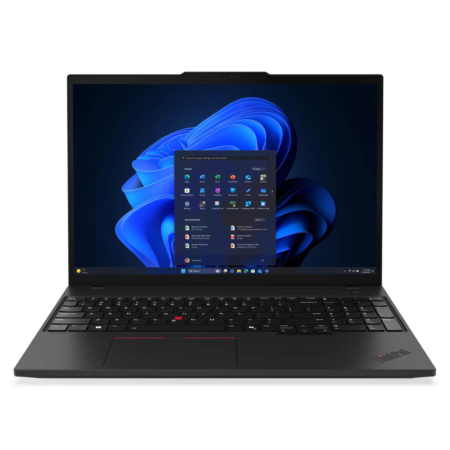 3 configurations
Lenovo ThinkPad T16 Gen 4 (2025)
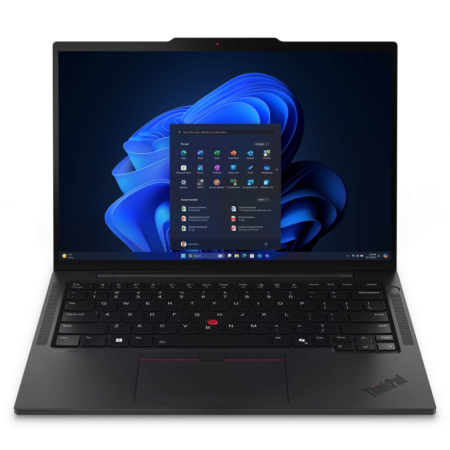 4 configurations
Lenovo ThinkPad T14s Gen 6 (2025)
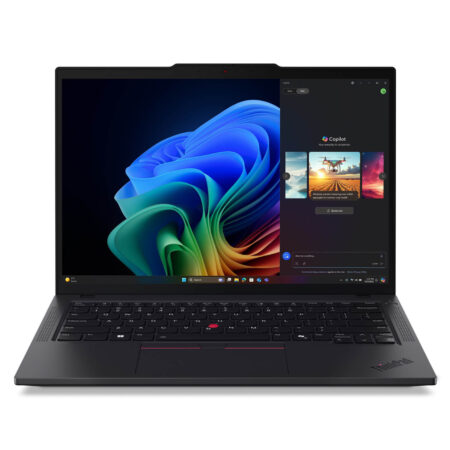 3 configurations
Lenovo ThinkPad T14 Gen 6 (2025)
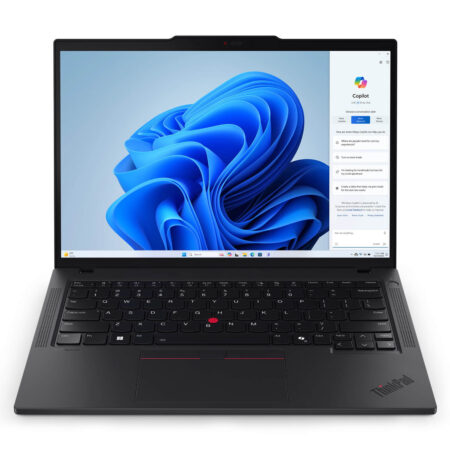





Minh Tuấn 15/06/2026
The machine runs incredibly smoothly; you can open many tabs and work with heavy Excel files without any lagging at all. The design is sturdy and true to the ThinkPad style—it is truly a machine built for office professionals.
Minh Triết 15/06/2026
The machine runs very smoothly; you can easily open many tabs and heavy Excel files at once. The design is sturdy, true to the ThinkPad style, and the screen is beautiful. Shipping was fast and the packaging was very secure.
Thanh Mai 20/05/2026
Runs extremely smoothly; opening many tabs and heavy Excel files causes no lag at all. The design is sturdy, and it's quite lightweight for commuting to work. Highly recommended!