

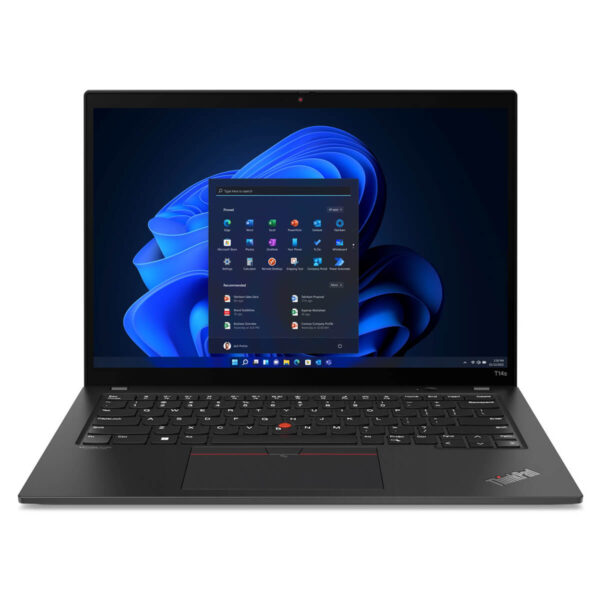
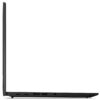
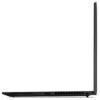
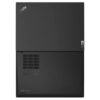
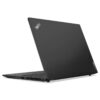
Lenovo ThinkPad T14s Gen 4 (2023)
- CPU: Intel Core i7 1355U vPro Up To 5.0GHz (10 Cores, 12 Threads, 12MB Cache)
- RAM: LPDDR5x 16GB 7500MHz
- SSD: 1TB Gen 4 PCIe x4 M.2 SSD
- VGA: Intel® Iris® Xe Graphics
- DISPLAY: 14" WUXGA IPS (1920 x 1200), Anti-Glare, 300 nits, 45% NTSC
- CONDITION: Like New 99%
- WARRANTY: 12-month warranty
- Professional Design, Built for Business
- Outstanding Performance with a 13th Gen Intel CPU
- The Lenovo Thinkpad T14s Gen 4 Display
- Keyboard & TouchPad on the Thinkpad T14s Gen 4
- Ports, Connectivity, and Battery Life
- Military-Grade Durability & Data Security
- Summary & Review of the Lenovo ThinkPad T14s Gen 4 (2023)
- FAQ - Frequently Asked Questions About the Lenovo ThinkPad T14s Gen 4 (2023)
- Where Should You Buy the Lenovo Thinkpad T14s Gen 4 (2023) for a Good Price from a Trusted Seller?
As technology continues to evolve, the Lenovo ThinkPad T14s Gen 4 (2023) stands out as an ideal choice for business users who need a thin, lightweight device that still delivers powerful performance, a refined design, and high durability. As part of the premium ultrabook category, this model not only preserves the durable DNA that defines the ThinkPad lineup, but has also been fine-tuned by Lenovo to better meet the needs of flexible work. As a light upgrade from the T14 Gen 4, the ThinkPad T14s Gen 4 features multiple advanced technologies, improving both performance and real-world usability to give users confidence and convenience in a reliable laptop for everyday work.
Professional Design, Built for Business
Lenovo ThinkPad T14s Gen 4 delivers the perfect balance between modern design and the signature professional character of the ThinkPad series. With its thin and lightweight profile, this product is designed to accompany business professionals in every work scenario. Its streamlined, easy-to-carry form helps maximize flexibility for users who frequently move between offices or attend client meetings.
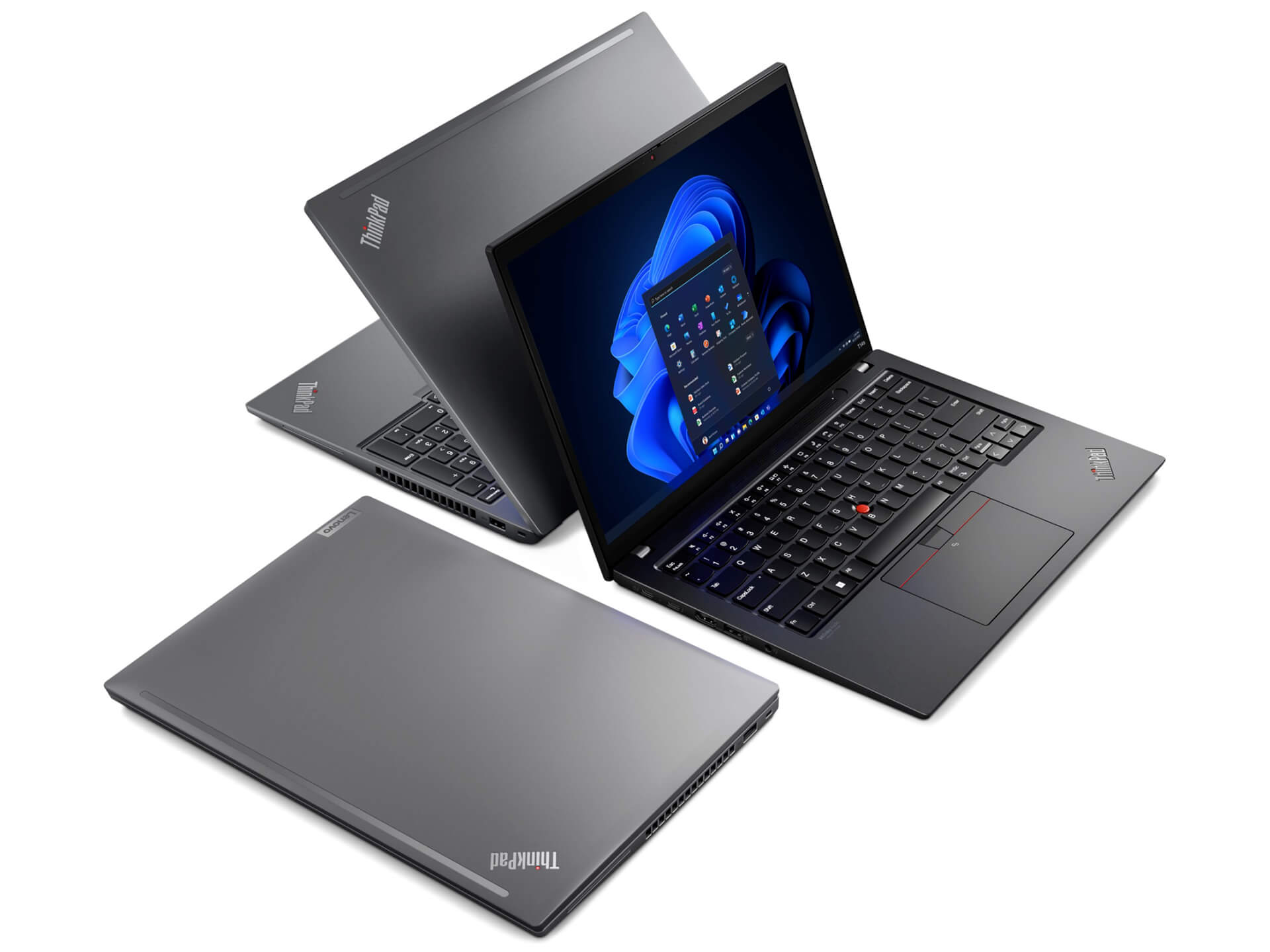
Staying true to its signature design language, the ThinkPad T14s Gen 4 uses premium aluminum and magnesium alloy materials, creating a feel that is solid yet elegant. The finely finished surface helps resist fingerprints, while the minimalist exterior creates a sleek, professional style - exactly what a business laptop should be.
With dimensions of just 317.5 x 226.9 x 16.9mm and a lightweight build of around 1.25kg, users can easily carry this laptop without feeling weighed down. Notably, the ThinkPad T14s Gen 4 also meets the MIL-STD-810H durability standard, ensuring shock resistance and stable operation across different work environments, from the office to long business trips.
Outstanding Performance with a 13th Gen Intel CPU
Built for the needs of modern professionals, the ThinkPad T14s Gen 4 impresses not only with its refined design, but also with its outstanding performance. Equipped with a Raptor Lake Intel Core i7 Gen 13th vPro processor, this device delivers powerful processing capability, smoothly handling multitasking workloads from basic office tasks to more specialized software.
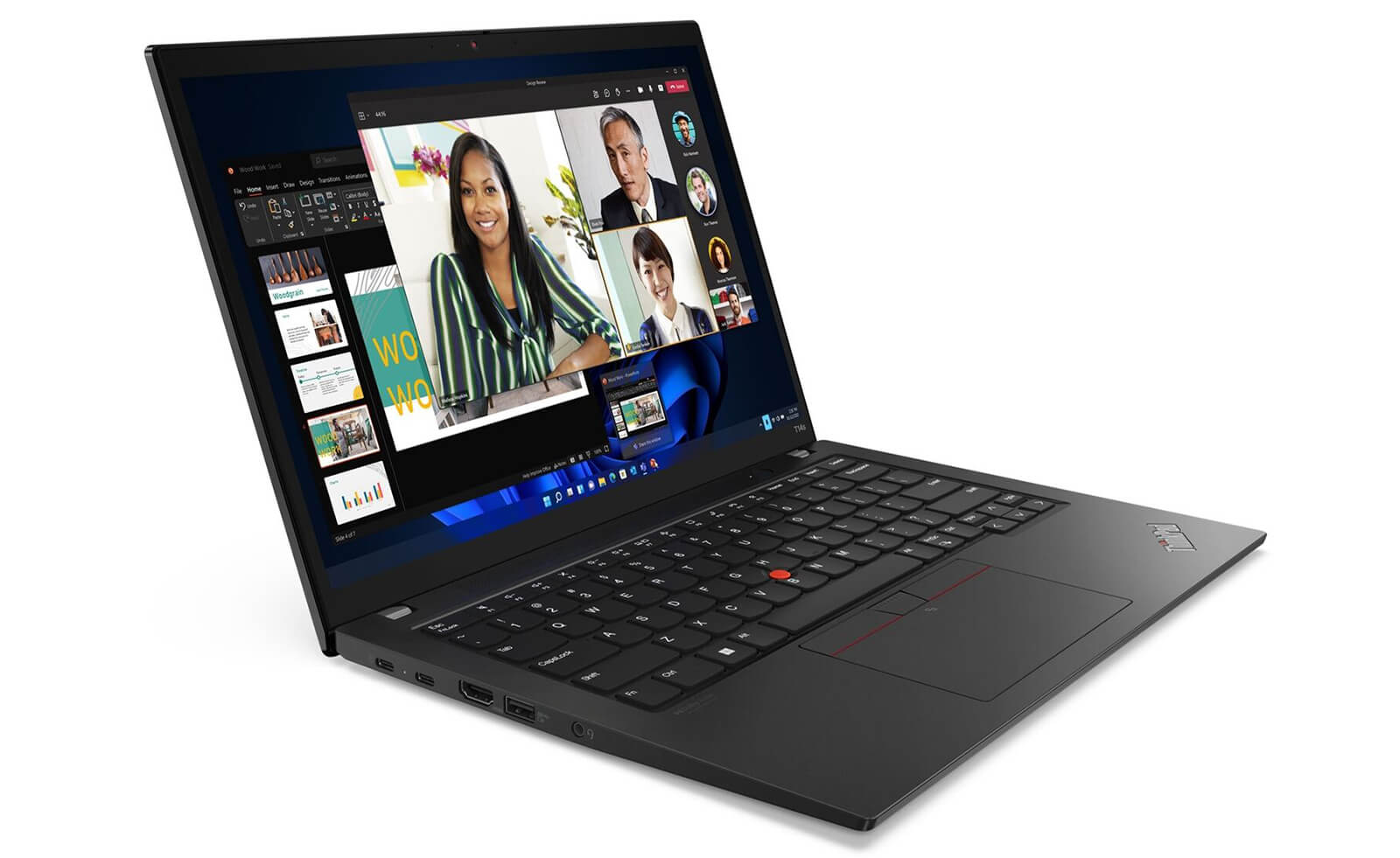
Another major advantage is its 32GB LPDDR5x onboard RAM running at 4800MHz, giving users strong support for work that demands heavy processing capacity. By combining a new-generation processor with high-capacity memory, this laptop delivers a smooth experience, reduces wait times, and enhances sustained productivity.
Alongside its processing power, integrated Intel Iris Xe Graphics help the ThinkPad T14s Gen 4 handle basic graphics tasks, serving users well for photo editing, light video work, or visual presentations. It is an ideal choice for anyone who needs a thin and lightweight device that still delivers stable performance for office work and basic content creation.
The Lenovo Thinkpad T14s Gen 4 Display
The display is one of the key highlights of the Lenovo ThinkPad T14s Gen 4, especially for users who frequently work with multimedia content. With a 14-inch IPS panel and 1920 x 1200 pixels resolution, the device delivers sharp image quality with 300 nits of brightness, making it well suited for office or study environments. The 100% sRGB color gamut ensures accurate color reproduction, serving basic photo editing needs and bringing content to life.
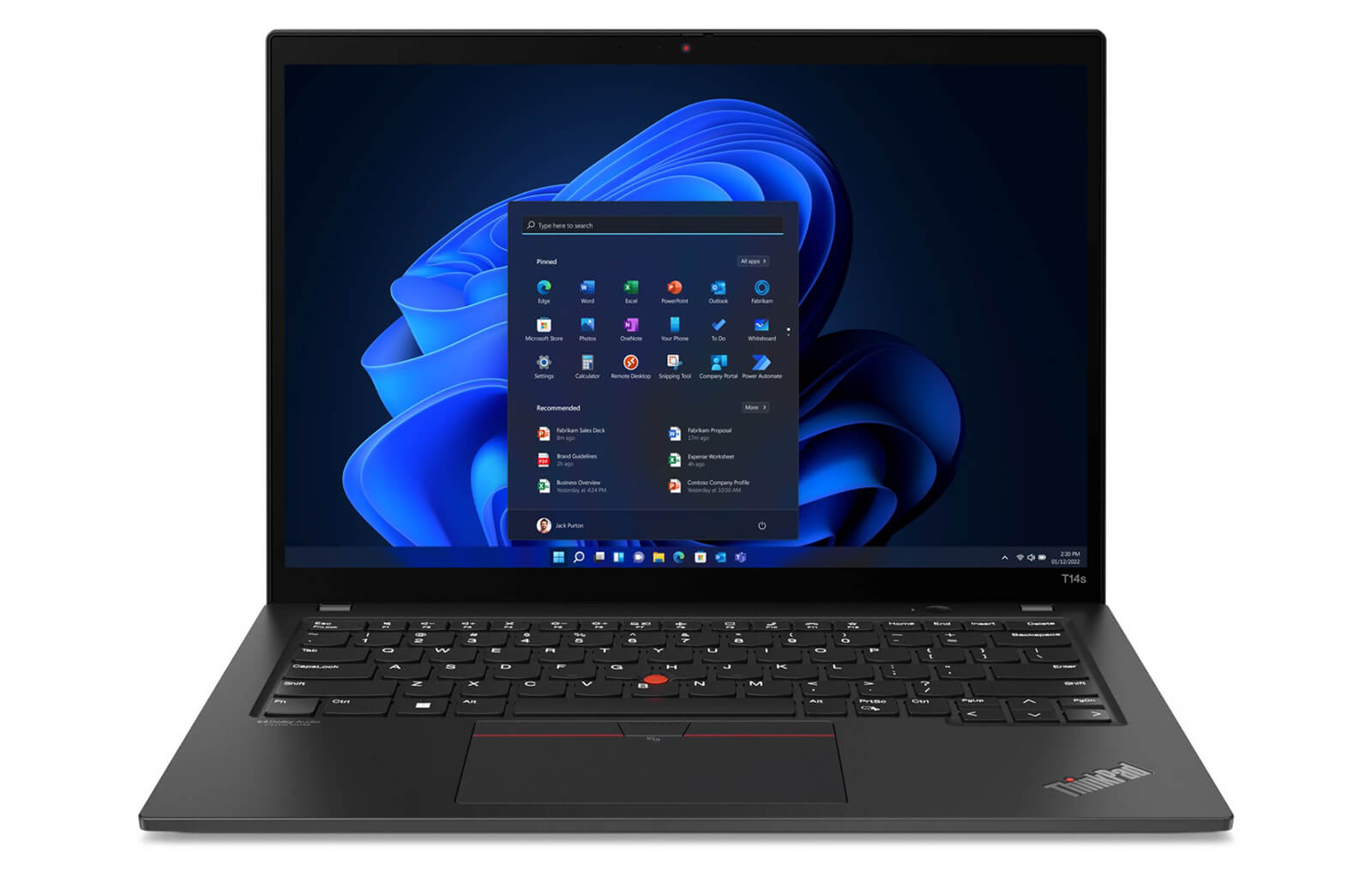
For users with higher visual requirements, the option to upgrade to a 2.8K OLED display (2880 x 1800 pixels) is well worth considering. This version supports Dolby Vision, reaches 400 nits of brightness, and offers high contrast for vivid colors and crisp detail down to each pixel. It is an ideal option for creative work, movie watching, or presenting high-quality content.
Beyond display quality, the integrated Anti-Glare feature helps reduce reflections from the surrounding environment. This allows users to work comfortably in bright lighting conditions without eye strain, improving productivity and the overall viewing experience.
Keyboard & TouchPad on the Thinkpad T14s Gen 4
Alongside performance and design, the keyboard and touchpad on the ThinkPad T14s Gen 4 are also major strengths that enhance everyday usability. Lenovo continues to maintain its renowned keyboard quality, with deep key travel, clear tactile feedback, and a sturdy build that helps users type quickly and accurately without worrying about flex during long typing sessions.
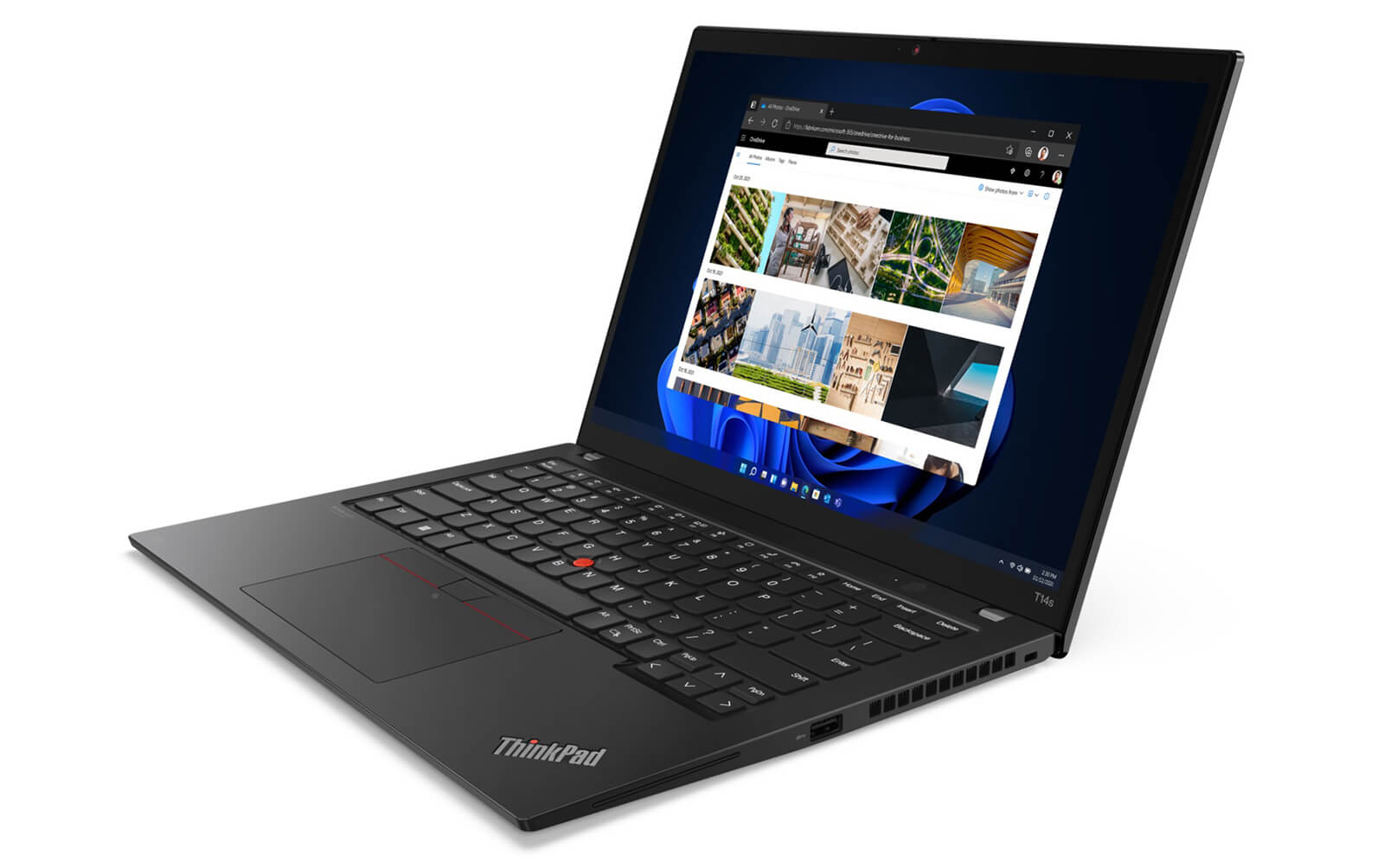
No ThinkPad would be complete without the signature TrackPoint, which enables quick navigation without taking your hands off the keyboard - a major advantage for professional users. Below it, the large touchpad is designed to feel smooth and responsive, with full support for multi-touch gestures, delivering a comfortable experience even without an external mouse.
In addition, the keyboard supports backlighting and convenient function keys, allowing users to adjust flexibly for different work situations. Together, these elements create a precise, stable, and efficient input experience - an essential quality in a premium business laptop like the ThinkPad T14s Gen 4.
Ports, Connectivity, and Battery Life
The connectivity system on the Lenovo ThinkPad T14s Gen 4 is designed to fully support modern work needs. The laptop includes a complete range of common ports, including 2 x Thunderbolt 4, 2 x USB-A 3.2 Gen 1, 1 x HDMI 2.0b, and 1 x headphone/mic combo jack, making it easy to connect to external monitors, external drives, or other peripherals without needing an additional hub.
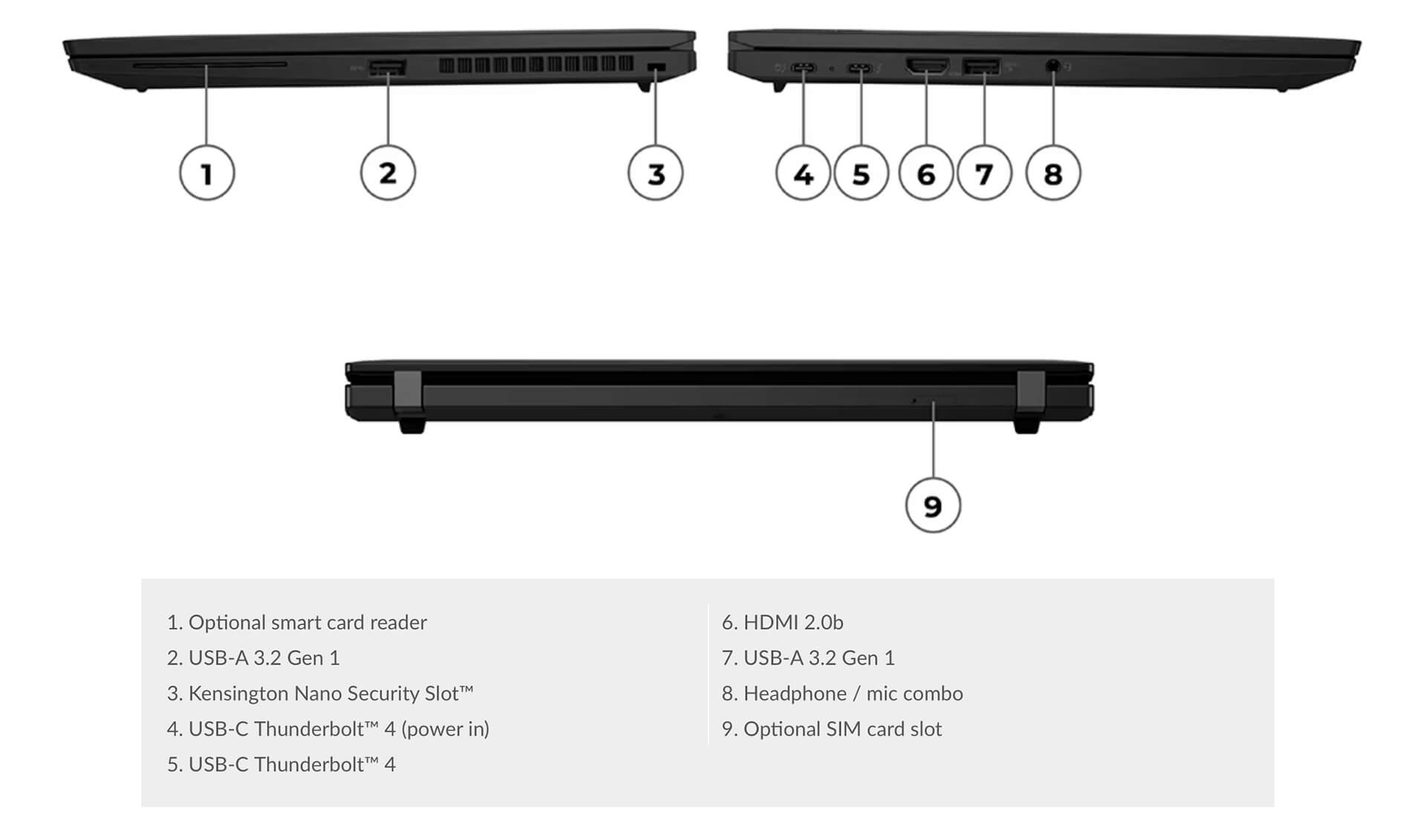
The inclusion of Thunderbolt 4 not only provides exceptional data transfer speeds, but also supports workspace expansion through dedicated docking stations. In addition, traditional USB-A ports and HDMI 2.0b still ensure strong compatibility with today’s office device ecosystem. Wireless connectivity with Intel Wi-Fi 6E AX211 and Bluetooth 5.2 also helps maintain a stable connection in complex network environments.
Beyond connectivity, the ThinkPad T14s Gen 4 also impresses with its large-capacity battery, delivering long usage time without frequent charging. This is a major plus for professional users, especially those who often travel or work during extended business trips.
Military-Grade Durability & Data Security
One of the top priorities when choosing a business laptop is durability and stable operation. The Lenovo ThinkPad T14s Gen 4 is rigorously tested to the U.S. military’s MIL-STD-810H standard, ensuring resistance to pressure, vibration, and extreme temperatures. Before launch, the device passed a series of tests to prove its reliability across varied work environments, from standard offices to constantly mobile conditions.
Beyond durable hardware, Lenovo also gives the ThinkPad T14s Gen 4 strong after-sales support and a clear warranty policy. This gives professional users complete peace of mind, especially when they need a reliable device for long business trips or important projects. The combination of military-grade durability and a professional support system makes this laptop series a valuable choice in the business segment.
Summary & Review of the Lenovo ThinkPad T14s Gen 4 (2023)
The Lenovo ThinkPad T14s Gen 4 (2023) is an ideal choice for business users looking for the combination of powerful performance, a thin and lightweight design, and military-standard durability. Thanks to its premium configuration and optimized design, this laptop delivers a smooth work experience, especially for mobile work environments or flexible offices.
In addition to handling intensive office tasks well, the ThinkPad T14s Gen 4 also maintains stability and reliability throughout use. Its upgrades over the previous generation bring clear improvements in processing speed, multitasking capability, and the overall experience, creating an efficient work device for modern users.
| Pros | Cons |
|---|---|
|
|
FAQ - Frequently Asked Questions About the Lenovo ThinkPad T14s Gen 4 (2023)
1. Is the ThinkPad T14s Gen 4 powerful enough for intensive office work and programming?
The laptop is equipped with a 13th Gen Intel Core CPU, up to 32 GB LPDDR5x RAM, and a PCIe Gen 4 SSD, delivering smooth performance when working with large Excel files, running Power BI, using IDEs such as VS Code and IntelliJ, as well as running Docker and virtual machines in professional programming environments.
2. Does the 14
The 14″ WUXGA IPS display (1920×1200), with brightness of around 300 nits and a 100 % sRGB color gamut, displays text and images clearly - ideal for programmers and basic 2D graphic design tasks.
3. Can the laptop maintain stable performance when running multiple heavy applications at the same time?
The optimized cooling design helps the CPU maintain high performance when multitasking, such as compiling code, running Docker, opening many browser tabs, or using virtual machines, without noticeable performance drops.
4. Can the ThinkPad T14s Gen 4 be used for 2D image processing or basic design work?
The integrated Intel Iris Xe GPU handles the requirements of Photoshop, Lightroom, Figma, or Illustrator well for basic image creation and light color correction for content projects.
5. Can the laptop play AAA games or handle heavy 3D graphics work?
No - the ThinkPad T14s Series is optimized for office work and programming, and is not suitable for AAA gaming or complex 3D graphic design.
6. How long is real-world battery life for office use or programming?
The laptop uses a 57 Wh battery. According to Lenovo technical documentation (PSREF), in energy-saving mode at 150 nits brightness, it reaches the maximum battery life measured by the MobileMark 25 standard.
Source: Lenovo PSREF
Real-world users report around 6-8 hours on Windows and 8-10 hours when optimizing battery life on Linux with TLP.
7. When running an IDE and Docker, does the laptop keep temperatures stable?
According to the user community, the T14s Gen 4 runs cool and quiet, with the fan producing almost no sound during long programming sessions, delivering a comfortable experience. [oai_citation:0‡psref.lenovo.com](https://psref.lenovo.com/Product/ThinkPad/ThinkPad_T14s_Gen_4_AMD?utm_source=chatgpt.com) [oai_citation:1‡news.ycombinator.com](https://news.ycombinator.com/item?id=38097331&utm_source=chatgpt.com)
8. Is the ThinkPad T14s Gen 4 highly compatible with Linux?
The AMD version of the T14s Gen 4 has been certified and officially supported on Ubuntu 22.04 LTS and RHEL 9.2, with stable booting. Qualcomm Active users have shared that Wi‑Fi, the touchpad, fingerprint reader, and webcam all work after driver updates.
Source: Ubuntu Certified
9. Is the ThinkPad T14s Gen 4 suitable for running Docker, Git CLI, and software development?
With its powerful platform, large RAM capacity, and reliable operation, this laptop is a suitable choice for programmers using Git, Docker, Python, Node.js, and software development tools, ensuring smooth performance when handling complex code and multitasking.
10. What is the warranty policy at Hung Phat Laptop for the ThinkPad T14s Gen 4?
Hưng Phát Laptop provides a 12-month warranty for new laptops, with 30-day replacement support for manufacturer defects. Like-new or used laptops (2023 models and earlier) include a 6-month warranty, still come with 30-day replacement support, and include free cleaning, software installation, and nationwide delivery.
Where Should You Buy the Lenovo Thinkpad T14s Gen 4 (2023) for a Good Price from a Trusted Seller?
If you are looking for a high-performance laptop with a thin, lightweight, and durable design for office work or frequent travel, the Lenovo ThinkPad T14s Gen 4 (2023) is an ideal choice. However, to get a genuine product at a competitive price with strong after-sales service, choosing the right place to buy is important.
Hung Phat Laptop is currently one of the trusted retailers specializing in officially imported Lenovo ThinkPad laptops with complete invoices and clear product origins. When you buy the ThinkPad T14s Gen 4 here, you receive a transparent warranty policy along with many attractive offers, ensuring peace of mind and satisfaction throughout your ownership experience.
Performance & benchmarks Lenovo ThinkPad T14s Gen 4 (2023)
Intel Core i7-1355U Intel Iris Xe Graphics G7 96EUs - best for Office 8.5/10, Programming 6/10.
Intel Core i7-1355U
- Cinebench R23 (multi-core)8,286
- Geekbench 6 (multi-core)8,908
- Geekbench 6 (single-core)2,505
- Cores / Threads10/12
Intel Iris Xe Graphics G7 96EUs iGPU
- 3DMark Time Spy1,560.5
- 3DMark Fire Strike5,159.5
- ArchitectureGen. 11 Ice Lake
Best for
Scored from real benchmarks- Gaming1.5/10
- Video / Graphics3/10
- Programming6/10
- Office8.5/10
Why does the CPU matter?
The CPU is the "brain" that handles every task: launching apps, multitasking, compiling code and editing video. The stronger the CPU, the faster and smoother the laptop runs when you juggle many things at once.
- BasicThis product
Web browsing, streaming and light office work.
- MainstreamThis product
Office work, moderate multitasking and studying.
- Mid-rangeThis product
Solid multitasking, programming and light graphics work.
- StrongThis product
Video editing, heavy programming, virtualization and gaming.
- FlagshipThis product
Heavy rendering, 4K/8K editing, virtual machines and AI workloads.
Why does the GPU matter?
The GPU (graphics card) handles visuals: gaming, video editing, 3D rendering and AI acceleration. The stronger the GPU, the higher your frame rates and the faster your video exports.
- Basic (iGPU)This product
Smooth display, 4K video and very light games (League of Legends, Valorant on low).
- MainstreamThis product
1080p eSports gaming, photo editing and light video editing.
- Mid-rangeThis product
1080p gaming on medium-high settings and smooth Full HD video editing.
- StrongThis product
1080p/1440p gaming on high settings, 4K video editing and 3D rendering.
- FlagshipThis product
4K/240Hz gaming, ray tracing, heavy rendering and AI.
Game performance
Real FPS - FHD- Dota 250 fps1080p Ultra
- Fortnite57 fps1080p Low
- GTA V85 fps1080p Medium
- Black Myth: Wukong10 fps1080p Low
- Cyberpunk 207717 fps1080p Low
≥60fps very smooth30-60fps playable<30fps lower the settings
Local AI performance
Tokens/second running locally on GPU- Gemma 4 E2B IT5.6 GB · ctx 256K6.0 tok/sDecent
- GLM-4 9B5.1 GB · ctx 128K7.0 tok/sDecent
- Gemma 4 E4B4.6 GB · ctx 256K8.0 tok/sDecent
- Ministral 8B4.6 GB · ctx 32K8.0 tok/sDecent
- Qwen 3.5 4B4.6 GB · ctx 32K8.0 tok/sDecent
- DeepSeek R1 Distill 7B4.1 GB · ctx 64K9.0 tok/sRuns well
- Gemma 4 E2B3.1 GB · ctx 256K12 tok/sRuns well
- Qwen 3.5 2B2.5 GB · ctx 32K14 tok/sRuns well
- Phi-4 Mini Reasoning2.4 GB · ctx 16K15 tok/sRuns well
- Llama 3.2 3B2 GB · ctx 128K18 tok/sRuns well
- SmolLM3 3B2 GB · ctx 128K18 tok/sRuns well
- DeepSeek R1 1.5B1.3 GB · ctx 64K28 tok/sRuns great
- Qwen 3.5 0.8B1.3 GB · ctx 32K28 tok/sRuns well
- TinyLlama 1.1B1.1 GB · ctx 2K33 tok/sRuns well
- Llama 3.2 1B1 GB · ctx 128K36 tok/sRuns well
- Gemma 2 9B5.1 GB · ctx 8K7.0 tok/sDecent
- Nemotron Nano 9B v25.1 GB · ctx 128K7.0 tok/sDecent
- Llama 3.1 8B4.6 GB · ctx 128K8.0 tok/sDecent
- Qwen 3 8B4.6 GB · ctx 128K8.0 tok/sDecent
- Mistral 7B v0.34.1 GB · ctx 32K9.0 tok/sRuns well
- Qwen 2.5 7B4.1 GB · ctx 128K9.0 tok/sRuns well
- Qwen 2.5 Coder 7B4.1 GB · ctx 128K9.0 tok/sRuns well
- Qwen 3 4B2.5 GB · ctx 32K14 tok/sRuns well
- Gemma 3 4B2.5 GB · ctx 128K14 tok/sRuns well
- Phi-3.5 Mini2.4 GB · ctx 128K15 tok/sRuns well
- Gemma 2 2B1.5 GB · ctx 8K24 tok/sRuns great
- Qwen 3 1.7B1.4 GB · ctx 32K26 tok/sRuns great
- Qwen 2.5 Coder 1.5B1.3 GB · ctx 32K28 tok/sRuns great
- Qwen 3 0.6B1.1 GB · ctx 32K33 tok/sRuns well
- Gemma 3 1B1 GB · ctx 32K36 tok/sRuns well
GreatWellDecent4-bit quantized, ctx = context window
No comments yet
Q&A about Lenovo ThinkPad T14s Gen 4 (2023)
Frequently asked questions about Lenovo ThinkPad T14s Gen 4 (2023)
What are the specifications of Lenovo ThinkPad T14s Gen 4 (2023)?
What is the warranty for Lenovo ThinkPad T14s Gen 4 (2023)?
Can I buy Lenovo ThinkPad T14s Gen 4 (2023) with home delivery?
Worth a Look
 2 configurations
Lenovo ThinkPad T1G Gen 8 (2026)
 3 configurations
Lenovo ThinkPad T16 Gen 4 (2025)
 4 configurations
Lenovo ThinkPad T14s Gen 6 (2025)
 3 configurations
Lenovo ThinkPad T14 Gen 6 (2025)





Đăng Phan 03/10/2023Purchased at Hung Phat
A reputable place to buy laptops
Nguyễn Mạnh Khang 21/05/2023Purchased at Hung Phat
Students should receive a 500k discount during the back-to-school season.