

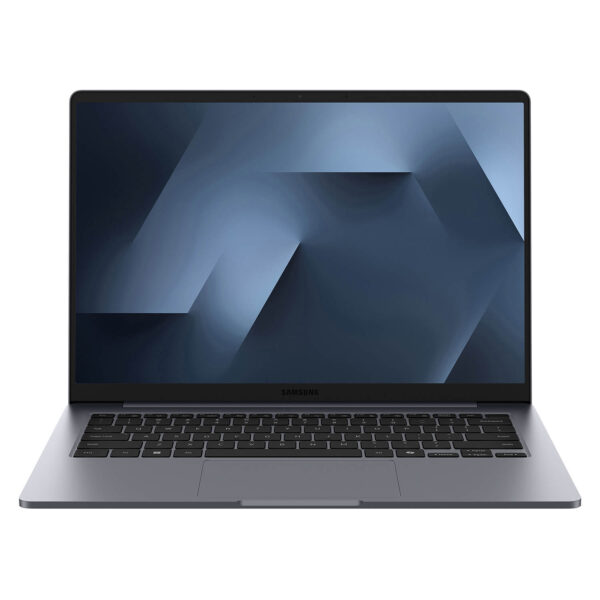
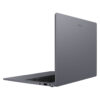
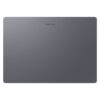
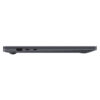
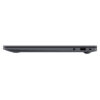
Samsung Galaxy Book6 16 inch (2026)
- CPU: Intel Core Ultra 5 325 vPro Up To 4.5GHz (8 Cores, 8 Threads, 12MB Cache - 47 TOPS NPU)
- RAM: LPDDR5X 16GB 8533MHz
- SSD: 512GB PCIe Gen4 M.2 SSD
- VGA: Intel® Graphics
- DISPLAY: 14" WUXGA (1920*1200) IPS, 60Hz, Non-Touch, Anti Glare, 350 nits
- CONDITION: New Open Box
- WARRANTY: Bảo hành 12 tháng
- Sleek and Elegant Design
- Large Display on Samsung Galaxy Book6 16″ (2026)
- Reliable Performance with Intel® Core™ Ultra Series 3
- Enhance Experience with Integrated AI
- Keyboard & Touchpad on Samsung Galaxy Book6 16
- Slots & Connectivity of Samsung Galaxy Book6 16
- Operating Temperature and Battery Life
- Samsung Galaxy Book6 16 inch (2026) Overview
- FAQ - Frequently Asked Questions about Samsung Galaxy Book6 16 inch (2026)
- Where to buy Samsung Galaxy Book6 16 at a reputable place with a good price?
Samsung Galaxy Book6 16 inch is the new premium laptop generation from Samsung 2026, combining a slim and lightweight design, reliable performance, and intelligent AI acceleration. The device is equipped with the Intel Core Ultra Series 3 processor and Intel NPU for accelerated AI processing, providing a smooth experience from video calls and programming to entertainment and content streaming. With a balance of durability, responsiveness, and flexibility, this is a PC ready for all work and daily life needs.
Sleek and Elegant Design
With the Samsung Galaxy Book6 16 inch, Samsung introduces a completely new design language, helping you streamline work and entertainment in style. The lightweight design of only 1.74kg and a thickness of 14.9mm provide a balance between portability and durability, easily fitting into backpacks or handbags for users on the go.
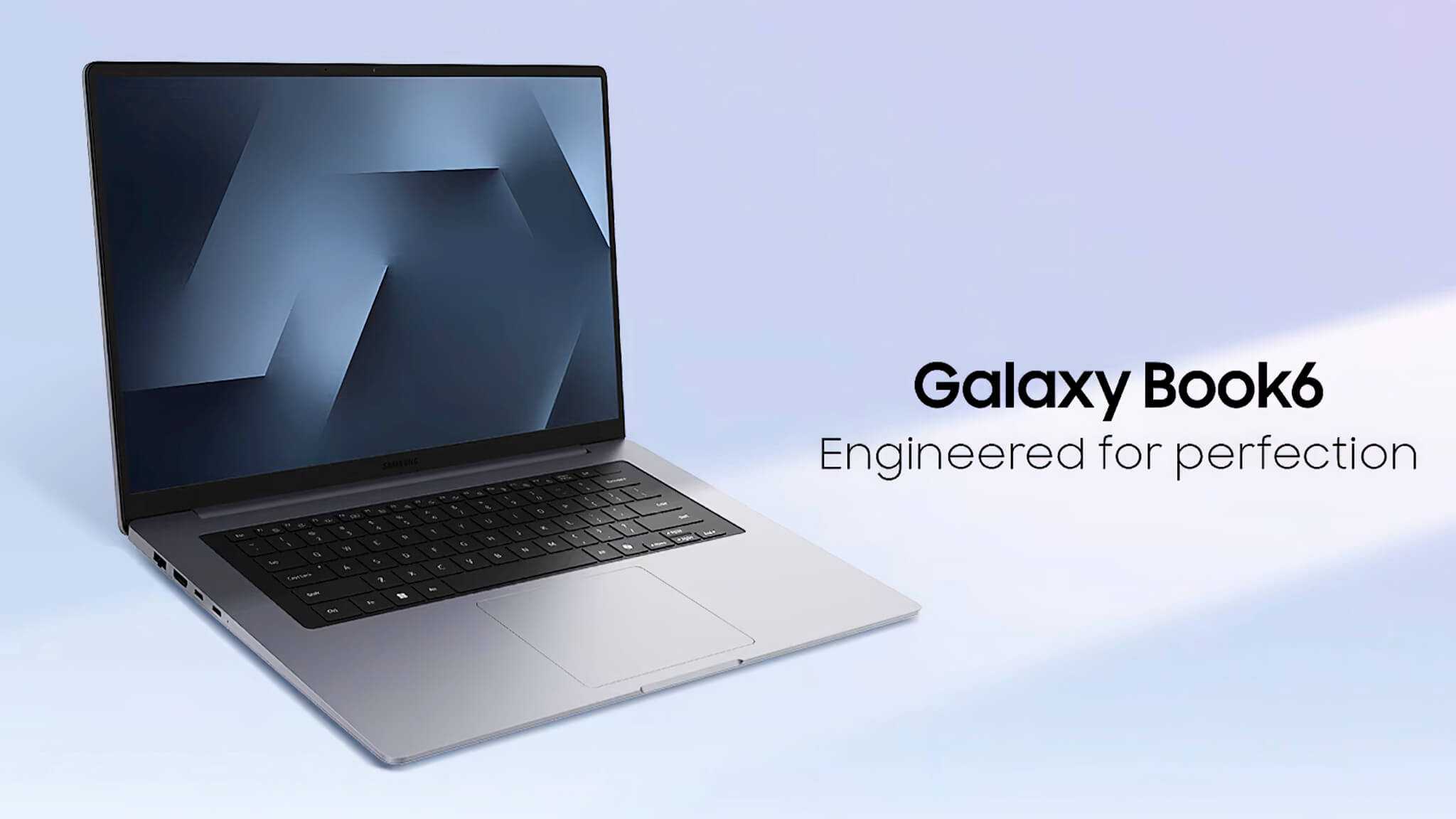
The product is finished in a luxurious gray tone, clearly expressing the modern and professional style of Samsung 2026. This PC is shaped to harmonize with your lifestyle, with a perfectly symmetrical keyboard and touchpad layout, creating visual harmony and a seamless user experience.
Convenience is also demonstrated through a scientifically arranged connection port system and a spacious 16-inch screen. Thanks to the combination of slim and lightweight design, high-quality finish, and practicality, the Samsung Galaxy Book6 16 inch becomes the ideal choice for office workers, students, and general users needing a stable companion for work and life.
Large Display on Samsung Galaxy Book6 16″ (2026)
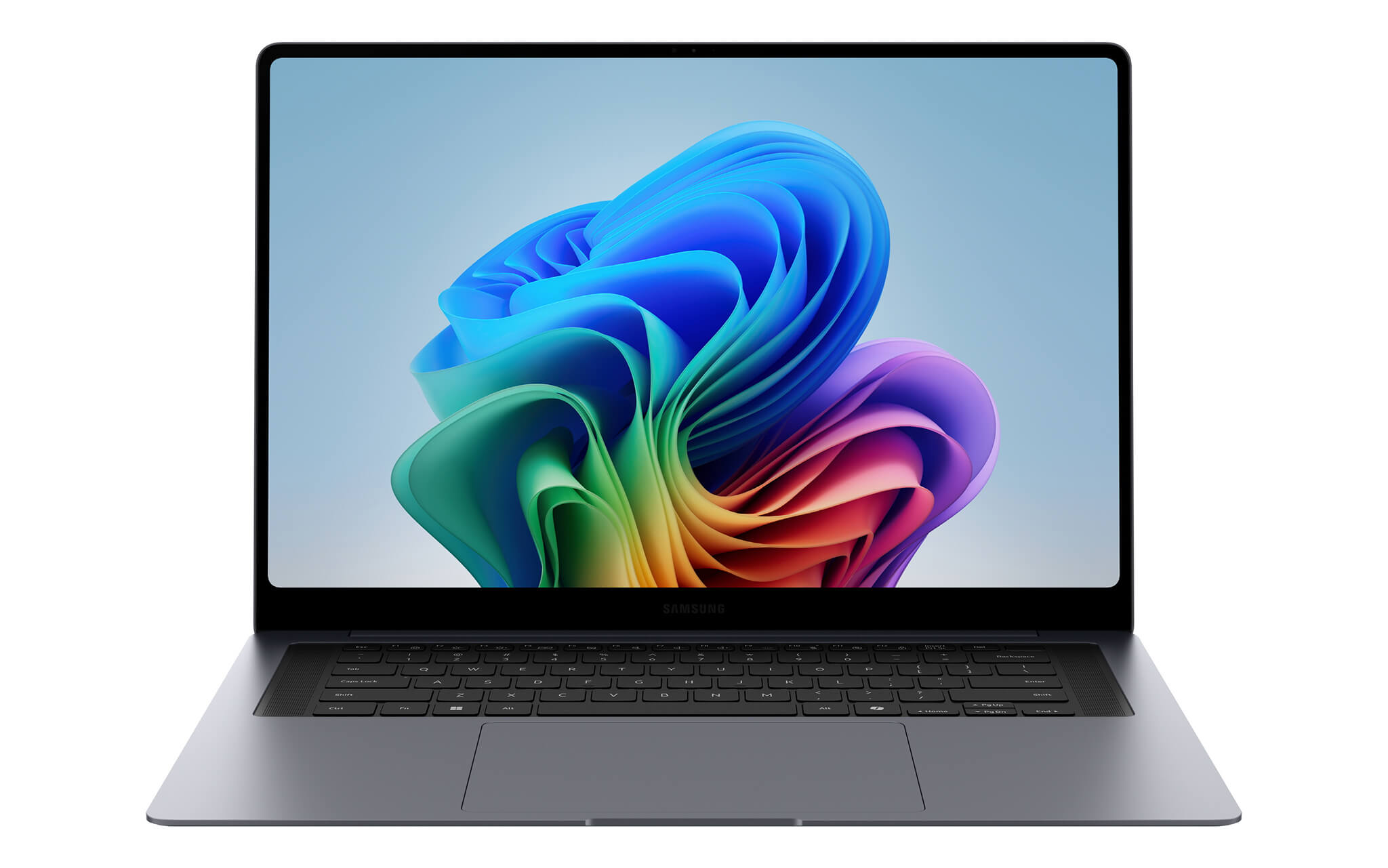
The screen on the Samsung Galaxy Book6 16 inch (2026) delivers sharp and clear images for all your favorite content thanks to the 16.0-inch anti-glare IPS panel and WUXGA (1920×1200) resolution. Everything is displayed vividly and brightly, meeting daily work and entertainment needs.
With a refresh rate of up to 60Hz and a maximum brightness of 350 nits, the screen provides a smooth and comfortable viewing experience in various lighting conditions. Whether you are shopping online or watching movies, the FHD+ panel of this premium PC is designed to deliver beautiful visual experiences.
The spacious 16.0-inch size also creates a comfortable space for office work, programming, or basic 2D content editing. The anti-glare finish helps minimize glare, supporting users in working continuously for long periods without causing eye strain.
Reliable Performance with Intel® Core™ Ultra Series 3
The power of the Samsung Galaxy Book6 16 inch helps you redefine how you work and play. The machine is equipped with the latest Intel Core Ultra 5 / 7 Series 3 processors, with the 16-inch version using the Intel Core Ultra 7 processor 355, ensuring all daily activities become fast, smooth, and effortless. From video calls and gaming to watching movies online, this is a PC ready to meet any demand of your day.
In addition to the CPU, the device also features integrated Intel Graphics, capable of smoothly handling light graphics tasks and daily multitasking. Combined with 16GB RAM LPDDR5X and a high-speed 1TB SSD NVMe, the machine delivers stable performance when opening multiple applications simultaneously, such as many browser tabs, office software, or programming tools.
To ensure the system always operates stably, the Samsung Galaxy Book6 16 inch is optimized for power management and cooling, effectively controlling temperature throughout use. This not only helps increase component lifespan but also provides a quiet operating experience, suitable for work and study environments.
Enhance Experience with Integrated AI
The Samsung Galaxy Book6 16 inch asserts its position in the 2026 premium laptop segment with AI acceleration capabilities thanks to the Intel NPU. The combination of the Intel Core Ultra Series 3 processor and the NPU helps process AI tasks directly on the device, such as intelligent search and image processing, enhancing real-time work efficiency without relying on cloud connectivity.
https://www.youtube.com/watch?v=YtA11DopWPY
The AI Select feature integrated with Galaxy AI is a standout highlight, helping to save time and effort for daily tasks. Searching for information on the web becomes extremely simple without typing: just circle an image directly on the screen and receive detailed information immediately. This feature also applies to text, links, and QR codes.
Additionally, AI Select also supports text translation and unit conversion, all performed directly without leaving the window you are using. Thanks to the combination of intelligent recognition technology and a large screen, this operation becomes as smooth and convenient as on a smartphone, helping to save time when browsing the web, shopping online, or processing image documents.
Keyboard & Touchpad on Samsung Galaxy Book6 16
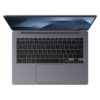
The keyboard on the Samsung Galaxy Book6 16 (2026) is designed with a user-centric philosophy, integrating Pro Keyboard with backlight support for a precise and comfortable typing experience. The perfectly symmetrical keyboard layout is suitable for both office workers and those who frequently work at night or in low-light environments.
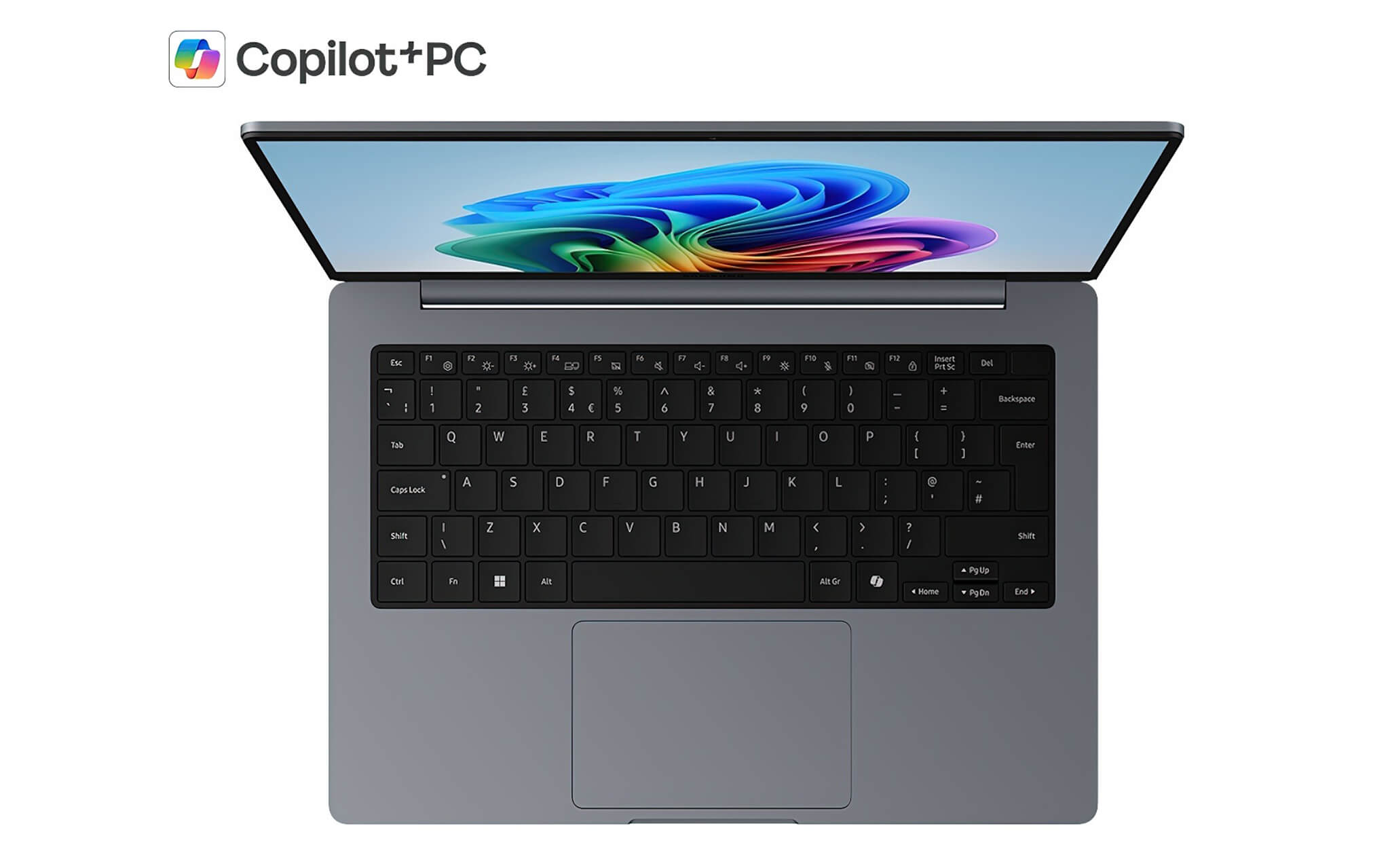
The clickpad is designed to be spacious, allowing for smooth scrolling, zooming, or task switching without the need for a separate mouse. High sensitivity and fast response also contribute to enhancing productivity when handling continuous work. The typing feel on the Samsung Galaxy Book6 16 inch is natural and comfortable, with a balanced layout that helps limit typing errors. From office workers and students to general users, everyone can fully utilize this input system, meeting long-term usage needs without causing hand fatigue.
Slots & Connectivity of Samsung Galaxy Book6 16
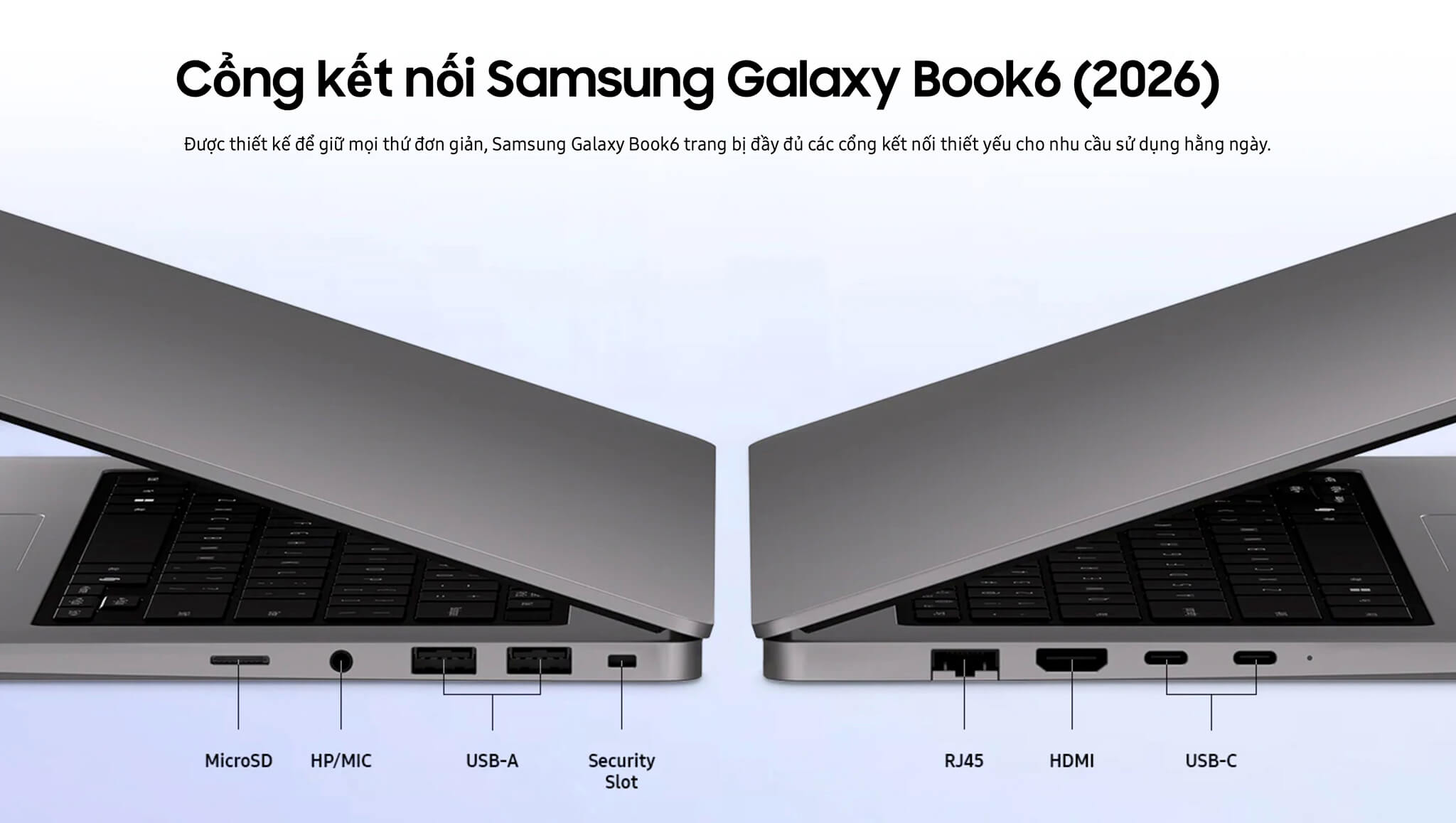
The Samsung Galaxy Book6 16 inch (2026) is equipped with a diverse connection system, meeting daily usage needs. The machine integrates 2 USB Type-C ports, 2 USB 3.2 ports, HDMI, a MicroSD slot, an RJ45 (LAN) port, and a combo headphone jack, allowing flexible connection with many peripherals and external monitors. Regarding wireless connectivity, the machine supports Wi-Fi 6E and Bluetooth 5.4, ensuring high transmission speeds and a stable Internet connection.
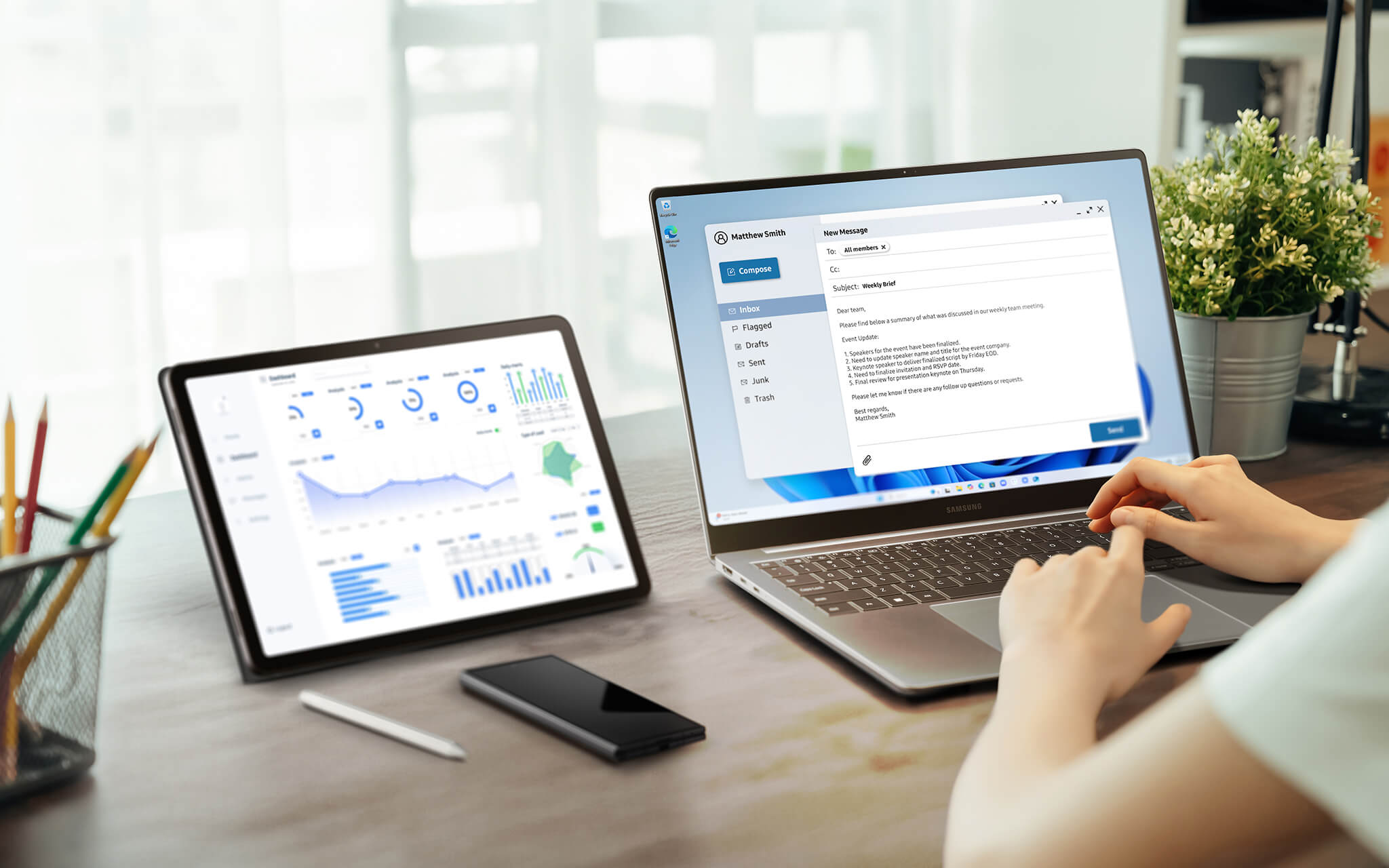
In particular, the Samsung Galaxy Book6 16 inch maximizes the power of the Galaxy ecosystem. The Multi Control feature allows you to use a single pointer to drag and drop files between your PC, phone, and tablet, while also clicking or typing on another Galaxy device using only the keyboard and clickpad on the Book6. Meanwhile, Storage Share helps remotely access photos, videos, and documents stored on a Galaxy phone directly from the PC without the need for cables or complex file transfer operations.
Data sharing also becomes simple with Quick Share, allowing you to send large files with just a select and send action, without needing email or additional apps. Additionally, the Second Screen feature helps pair a Galaxy Tab as a secondary screen, expanding the workspace for multitasking, creative work, or presentations. These seamless synchronization features bring convenience to modern users working across multiple device platforms.
Operating Temperature and Battery Life
The Samsung Galaxy Book6 16 inch scores points with stable operation and long-lasting battery life, ideal for users who travel frequently or need a device for continuous work. Thanks to the integration of advanced power management technology, this laptop provides peace of mind in situations requiring high flexibility.
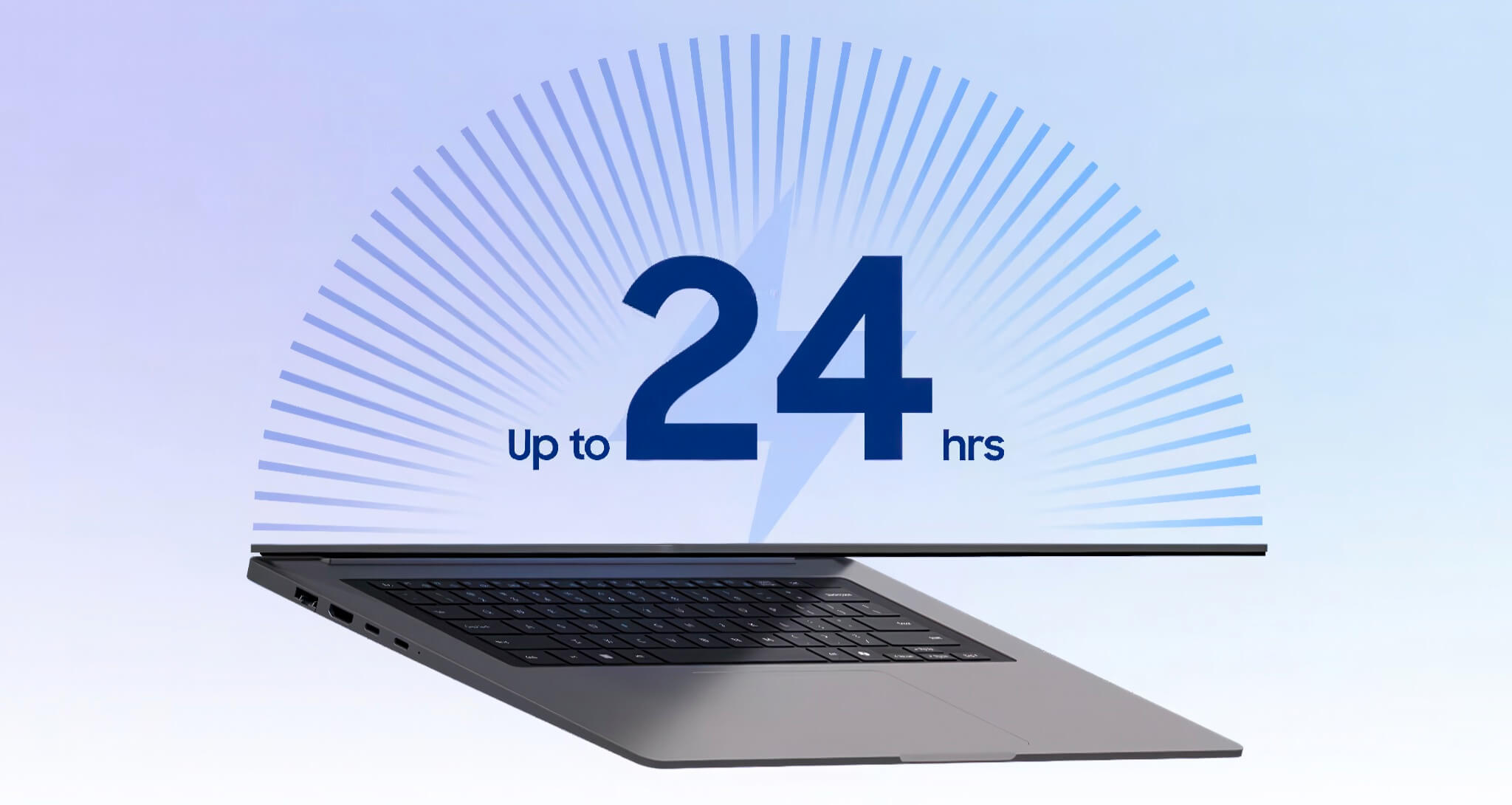
With a 61.2 Wh battery, the Galaxy Book6 16 inch can achieve up to 18 hours of usage in real-world conditions. Super Fast Charging technology supports recharging 33% of capacity in just 30 minutes, helping to save time and maintain work performance. The charger is also compatible with other Galaxy devices, helping to eliminate the hassle of carrying multiple chargers.
Additionally, the optimized cooling system helps the machine maintain a stable temperature even when handling multitasking. This not only improves overall performance but also enhances component lifespan, providing a smooth and durable usage experience in all circumstances.
Samsung Galaxy Book6 16 inch (2026) Overview
The Samsung Galaxy Book6 16 inch (2026) is a typical representative in the 2026 premium laptop segment, standing out with a slim and lightweight symmetrical design, reliable performance, and intelligent AI acceleration. Featuring a 16-inch anti-glare IPS screen with WUXGA resolution, Intel Core Ultra Series 3 processors, and Intel NPU supporting on-device AI processing, the product provides an optimal experience for office work, studying, and multimedia entertainment.
In addition to impressive hardware, the Samsung Galaxy Book6 16 inch also stands out with long battery life, fast charging, a diverse connection system, and Galaxy ecosystem features like Multi Control, Storage Share, Quick Share, and Second Screen. In the context of the growing AI era, this product is not only a reliable work tool but also demonstrates the technological vision of Samsung 2026, opening a new future for the smart device line.
| Pros | Cons |
|---|---|
|
|
FAQ - Frequently Asked Questions about Samsung Galaxy Book6 16 inch (2026)
1. How is the Galaxy Book6 different from the Galaxy Book6 Pro?
The Galaxy Book6 targets daily usage needs with an IPS WUXGA screen, Intel Core Ultra 5 / 7 processors, and integrated Intel GPU. Meanwhile, the Galaxy Book6 Pro is upgraded with a Dynamic AMOLED 2X screen, a vapor chamber cooling system, and superior speakers, making it suitable for professional users who need higher performance and a premium display experience.
2. What are the improvements in the Galaxy Book6 compared to the Galaxy Book5?
The Galaxy Book6 is equipped with the new Intel Core Ultra Series 3 (PTL) processors, a more powerful NPU for AI tasks, a slimmer and lighter design, and optimized power management to extend battery life. Galaxy ecosystem features have also been refined to provide a more seamless experience between devices.
3. Who is the Galaxy Book6 suitable for?
The product is suitable for office workers, students, general users, and anyone needing a stable laptop for daily tasks such as video calls, web browsing, document processing, entertainment, and content streaming. It is also a great choice for users who already own other Galaxy devices.
4. What processor does the Galaxy Book6 use?
The Galaxy Book6 uses Intel Core Ultra Series 3 processors, with Core Ultra 5 / 7 options. The 16-inch version in this article is equipped with the Intel Core Ultra 7 processor 355, combined with Intel NPU for accelerated on-device AI processing.
5. What is the RAM and storage capacity of the Galaxy Book6? Is it upgradable?
The version in this article has 16GB RAM LPDDR5X (soldered, not upgradable) and a 1TB NVMe SSD. The machine has 2 storage slots, allowing for SSD capacity expansion depending on user needs.
6. What AI features does the Galaxy Book6 have?
The Galaxy Book6 integrates Galaxy AI with prominent features like AI Select (circle to search, text translation, unit conversion), along with AI acceleration via Intel NPU for tasks like intelligent search and image processing directly on the device.
7. Does the Galaxy Book6 support Copilot+ PC features?
The Intel Core Ultra Series 3 processor is compatible with Copilot+ PC features. However, full support may depend on specific configurations and NPU performance requirements, so users should check the specifications of each specific model version.
Source: Samsung – official specifications
8. What are the advantages of the Galaxy Book6 screen?
The Galaxy Book6 16 inch uses a 16-inch WUXGA (1920×1200) anti-glare IPS panel, 60Hz refresh rate, and 350 nits brightness. The large screen provides a spacious display area, with clear images suitable for office work, web browsing, and watching movies.
9. How long does the Galaxy Book6 battery last and how fast is the charging?
With a 61.2Wh battery, the Galaxy Book6 can last up to 18 hours in real-world usage conditions. Super Fast Charging technology helps recharge up to 33% of the capacity in just 30 minutes, and the charger is compatible with other Galaxy devices.
10. What is the warranty policy at Hung Phat Laptop for the Galaxy Book6?
Hung Phat Laptop provides a 12-month warranty for new machines and a 30-day replacement policy for manufacturing defects. For like-new or used machines, there is a 6-month warranty with a 30-day replacement policy, including free cleaning, software installation, and nationwide delivery.
Where to buy Samsung Galaxy Book6 16 at a reputable place with a good price?
If you are looking for a premium laptop with reliable performance and a modern design, then the Samsung Galaxy Book6 16 inch is a worthy consideration in 2026. However, to ensure you buy authentic goods with a reasonable price and reliable support services, choosing a reputable retailer is an indispensable factor.
At Hung Phat Laptop, customers will be provided with Samsung Galaxy Book6 16 inch officially imported products, complete with full invoices and documents proving origin. Additionally, the official warranty policy, along with special offers and dedicated technical support, helps users feel completely secure while using the device.
Performance & benchmarks Samsung Galaxy Book6 16 inch (2026)
Intel Core Ultra 5 325 Intel Graphics 4 Xe3 Panther Lake iGPU — best for Văn phòng 8.5/10, Lập trình 6.5/10.
Intel Core Ultra 5 325
- Cinebench R23 (đa nhân)10,738
- Geekbench 6 (đa nhân)11,033
- Geekbench 6 (đơn nhân)2,576
- PassMark19,814
- Cores / Threads8/8
Intel Graphics 4 Xe3 Panther Lake iGPU iGPU
- 3DMark Time Spy2,883
- 3DMark Fire Strike6,826
- AI INT840 TOPS
Best for
Scored from real benchmarks- Chơi game2.5/10
- Dựng phim / Đồ hoạ3.5/10
- Lập trình6.5/10
- Văn phòng8.5/10
Why CPU matters
CPU là “bộ não” xử lý mọi tác vụ: mở ứng dụng, đa nhiệm, biên dịch, dựng phim. CPU càng mạnh, máy càng nhanh và mượt khi làm nhiều việc cùng lúc.
- Cơ bảnThis product
Lướt web, xem phim, soạn thảo văn phòng nhẹ.
- Phổ thôngThis product
Văn phòng, đa nhiệm vừa, học tập.
- Tầm trungThis product
Đa nhiệm tốt, lập trình, đồ hoạ nhẹ.
- Khá mạnhThis product
Dựng phim, lập trình nặng, ảo hoá, chơi game.
- Cao cấpThis product
Render nặng, biên tập 4K/8K, máy ảo, tác vụ AI.
Why GPU matters
GPU (card đồ hoạ) lo phần hình ảnh: chơi game, dựng video, render 3D và tăng tốc AI. GPU càng mạnh, khung hình game càng cao và xuất video càng nhanh.
- Cơ bản (iGPU)This product
Hiển thị mượt, xem phim 4K, game rất nhẹ (LMHT, Valorant mức thấp).
- Phổ thôngThis product
Game eSports 1080p, chỉnh ảnh, dựng video nhẹ.
- Tầm trungThis product
Game 1080p thiết lập trung–cao, dựng video Full HD ổn.
- Khá mạnhThis product
Game 1080p/1440p thiết lập cao, dựng video 4K, render 3D.
- Cao cấpThis product
Game 4K/240Hz, ray tracing, render & AI nặng.
Game performance
Real FPS — FHD- Dota 274 fps1080p Ultra
- CS259 fps1080p Trung bình
- GTA V53 fps1080p Cao
- Black Myth: Wukong18 fps1080p Thấp
- Cyberpunk 207737 fps1080p Thấp
🟢 ≥60fps rất mượt · 🟡 30–60fps chơi tốt · 🔴 <30fps cần giảm thiết lập
No comments yet
Q&A about Samsung Galaxy Book6 16 inch (2026)
Frequently asked questions about Samsung Galaxy Book6 16 inch (2026)
What are the specifications of Samsung Galaxy Book6 16 inch (2026)?
What is the warranty for Samsung Galaxy Book6 16 inch (2026)?
Can I buy Samsung Galaxy Book6 16 inch (2026) with home delivery?
Worth a Look
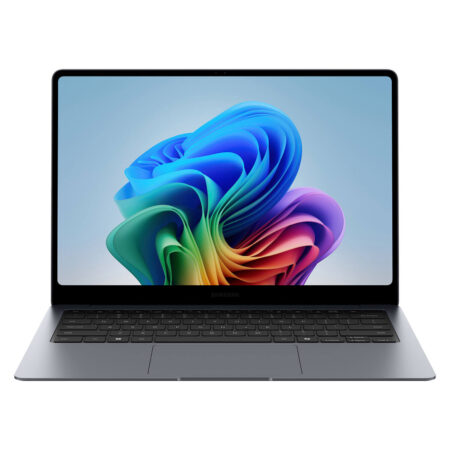
Samsung Galaxy Book6 Pro 14" (2026)
 3 configurations
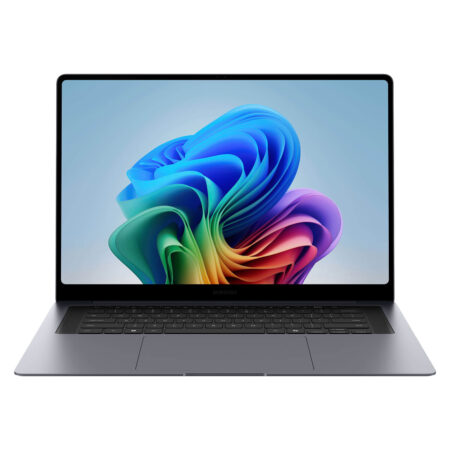
Samsung Galaxy Book6 Ultra 16" (2026)
 3 configurations
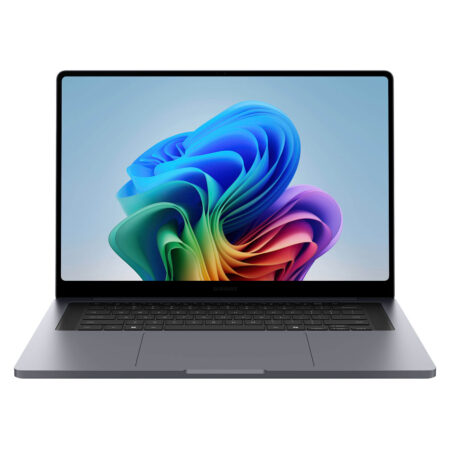
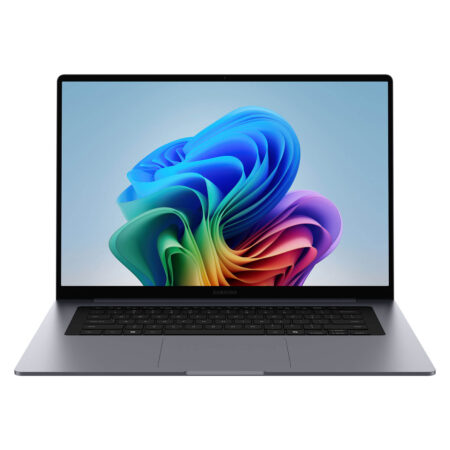
Samsung Galaxy Book6 Pro 16" (2026)
 3 configurations
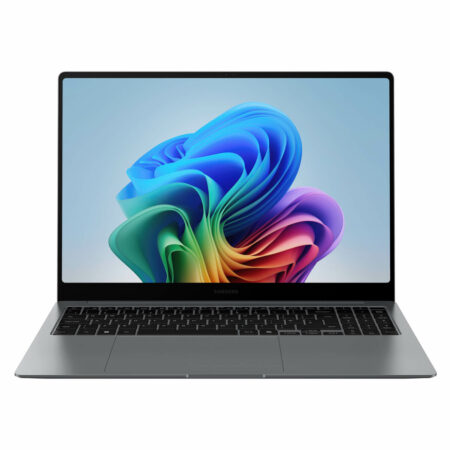
Samsung Galaxy Book6 16 inch (2026)





Share your review of this product
Write a reviewThere are no reviews yet.