

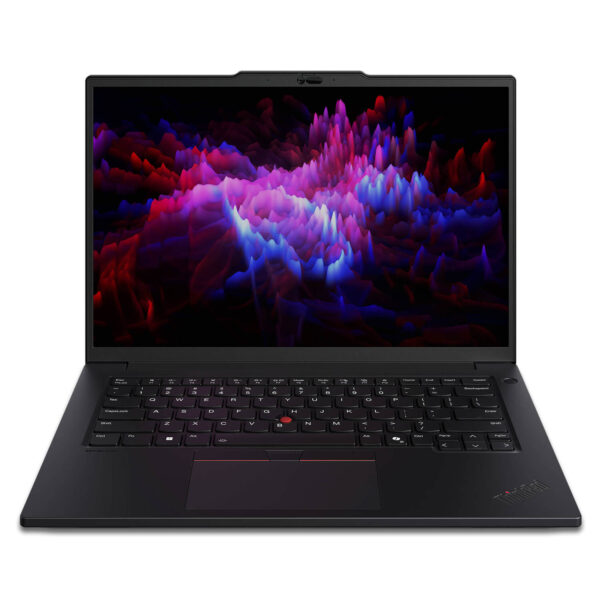
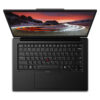
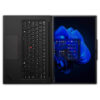
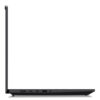
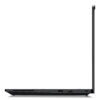
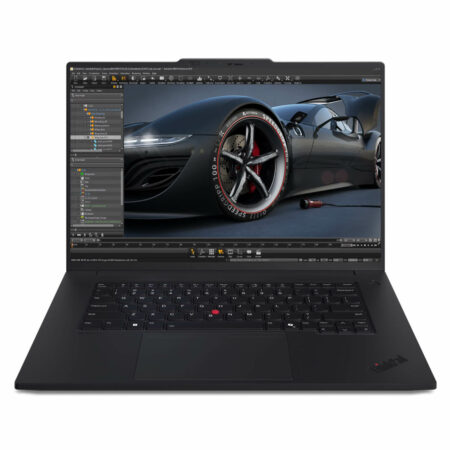
Lenovo ThinkPad P14s Gen 5 - Mobile Workstation (2024)
- CPU: Intel Core Ultra 5 125H vPro Up To 4.5GHz (14 Cores, 18 Threads, 18MB Cache)
- RAM: DDR5 16GB 5600MHz
- SSD: 512GB PCIe Gen4 M.2 SSD
- VGA: NVIDIA® RTX™ 500 Ada 4GB GDDR6
- DISPLAY: 14.5" WUXGA (1920 x 1200), IPS, Anti-Glare, Non-Touch, 100% sRGB, 300 nits
- CONDITION: New 100% Full Box
- WARRANTY: 36-month official warranty
- Modern Design, Solid Build
- The Display on the Lenovo Thinkpad P14s Gen 5
- Outstanding Performance with Intel® Core™ Ultra and Intel® Arc™ iGPU
- Keyboard and TouchPad on the Thinkpad P14s Gen5
- Security on the Lenovo Thinkpad P14s Gen 5 (2024)
- Ports & Connectivity on the Thinkpad P14s Gen 5
- Operating Temperature and Long Battery Life
- Summary of the Lenovo Thinkpad P14s Gen 5 - Premium Workstation (2024)
- FAQ - Frequently Asked Questions About the Lenovo ThinkPad P14s Gen 5 Mobile Workstation (2024)
- Where to Buy the Lenovo ThinkPad P14s Gen 5 at a Trusted Store with a Good Price?
The Lenovo ThinkPad P14s Gen 5 is a mobile workstation in Lenovo's ThinkPad Workstation lineup, delivering powerful performance and a modern design for professionals with demanding workloads. It stands out for its stable processing, flexible features, and advanced security technology that protects data effectively and adds confidence in enterprise or technical environments. With its strong configuration and high durability, the Lenovo ThinkPad P14s Gen 5 quickly becomes a top pick for experts who want a compact workstation laptop that can still handle complex tasks.
Modern Design, Solid Build
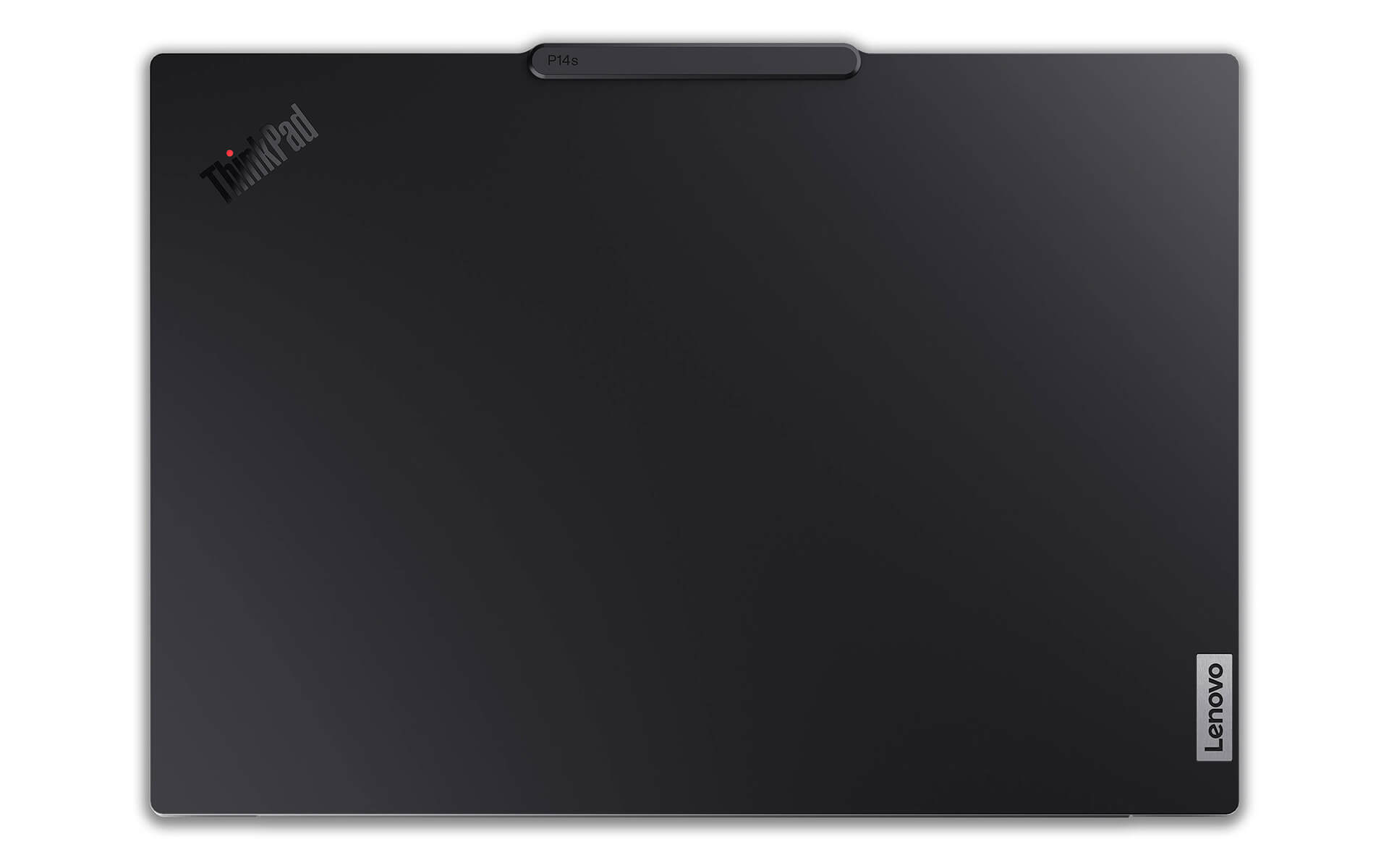
The Lenovo ThinkPad P14s Gen 5 makes an impression with a professional, modern, and eco-friendly design. The chassis combines magnesium and recycled aluminum, with 90% recycled magnesium-aluminum in the keyboard frame and 50% recycled aluminum in the outer shell, increasing durability while reducing environmental impact. It meets the MIL-STD 810H military standard, ensuring resistance to shocks and dust and stable operation in harsh conditions.
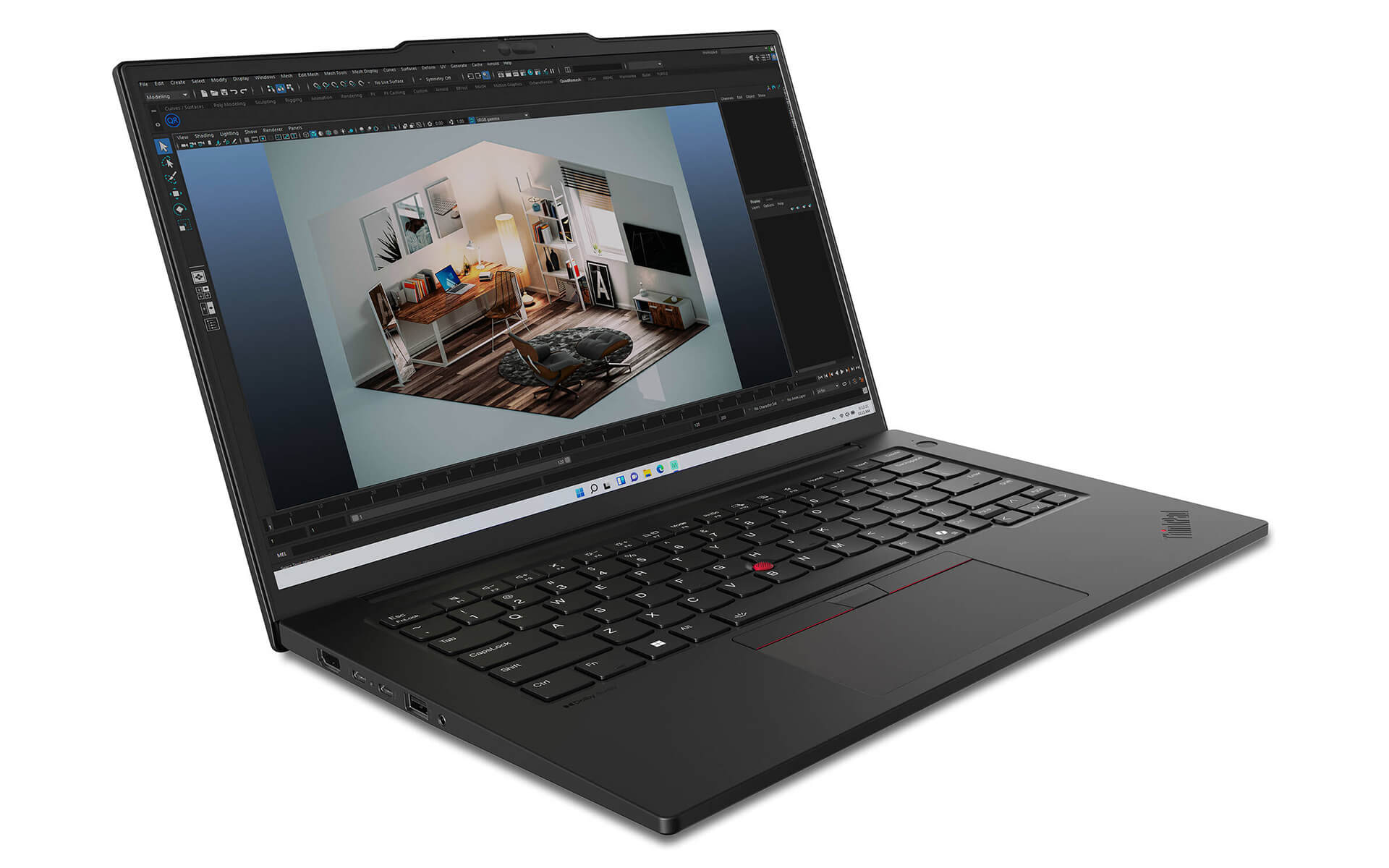
Thanks to its slim, light design, with dimensions of 325.5 x 227.6 x 18.5mm and a weight of only 1.61kg, the ThinkPad P14s Gen 5 easily goes along on every business trip. This flexibility and portability make it an ideal choice for anyone who needs a powerful workstation laptop that is still convenient to carry.
Beyond the durable structure, Lenovo has also paid attention to the finer design details. The ThinkPad keyboard with white LED backlighting and the large TrackPad feel comfortable and easy to use, even when working in low light. These small touches improve the overall experience and suit the needs of professional users well.
The Display on the Lenovo Thinkpad P14s Gen 5
The Lenovo ThinkPad P14s Gen 5 comes with a 14.5-inch display and several resolution options, including WUXGA, WQXGA, or 3K, delivering detailed, sharp visuals for people who work in graphic design or video editing. The IPS panel provides wide viewing angles and true-to-life color. Combined with anti-glare technology and TÜV Eyesafe certification, it reduces blue light and protects your eyes over long sessions, which is especially suitable for users who work many hours in a row.
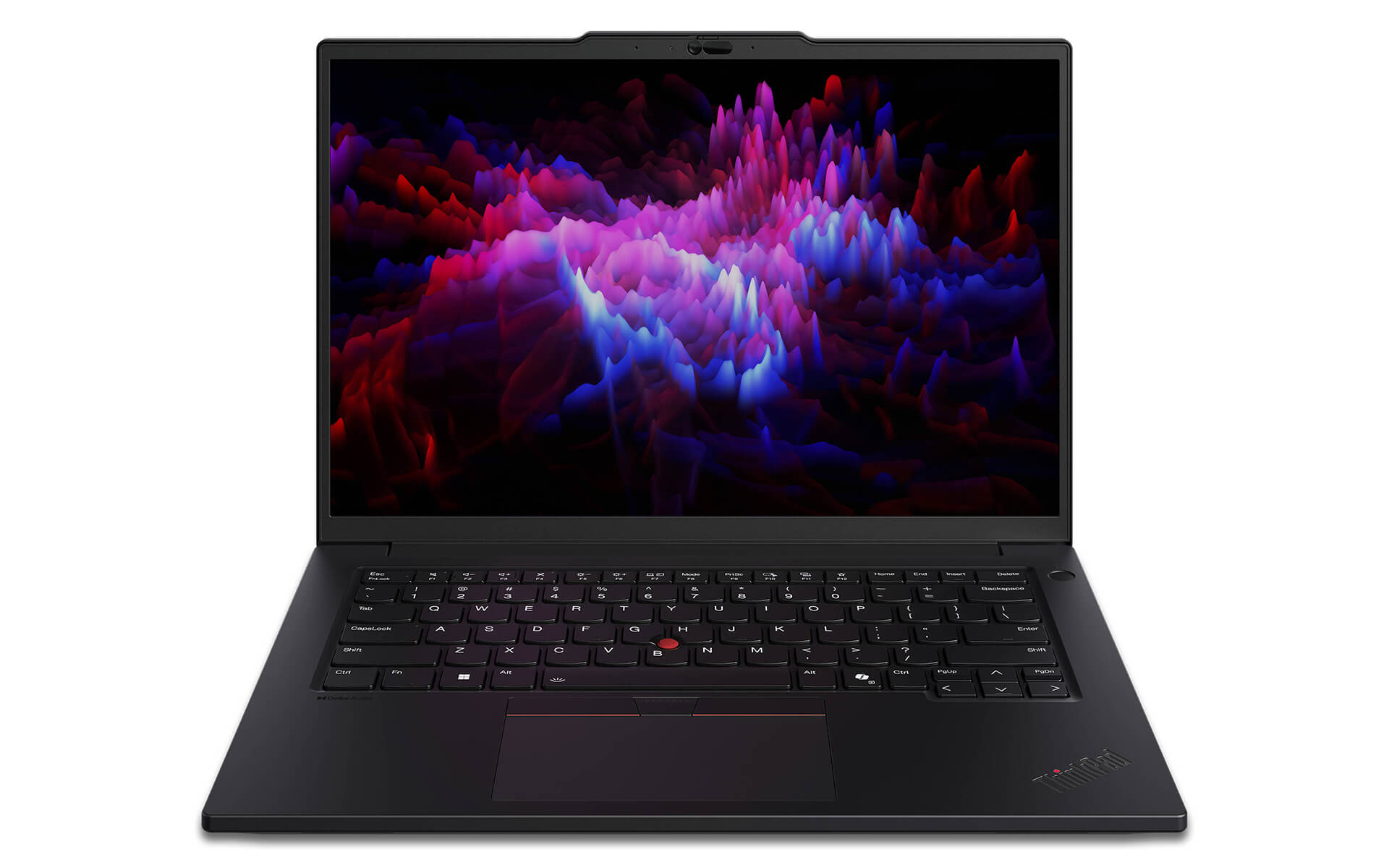
A notable plus on the ThinkPad P14s Gen 5 is the optional touchscreen, which adds flexibility when interacting directly with on-screen content. This feature is especially useful for graphics or presentation tasks, letting users control their work quickly and smoothly.
With high brightness and a wide color gamut, this workstation reproduces detailed images with accurate color, making it a fit for professional designs and high-quality video. Content creators can count on the clarity and color accuracy of the Lenovo ThinkPad P14s Gen 5 display.
Outstanding Performance with Intel® Core™ Ultra and Intel® Arc™ iGPU
The performance of the Lenovo ThinkPad P14s Gen 5 is highly regarded thanks to the latest Intel Core Ultra processor, which delivers outstanding power for a wide range of tasks, from basic office work to heavy applications such as graphic design and video editing. With multiple configuration options, the device supports processors with up to 16 cores and 22 threads, and a maximum clock speed of 5.1GHz through Turbo Boost technology, keeping performance smooth and stable in demanding workloads.
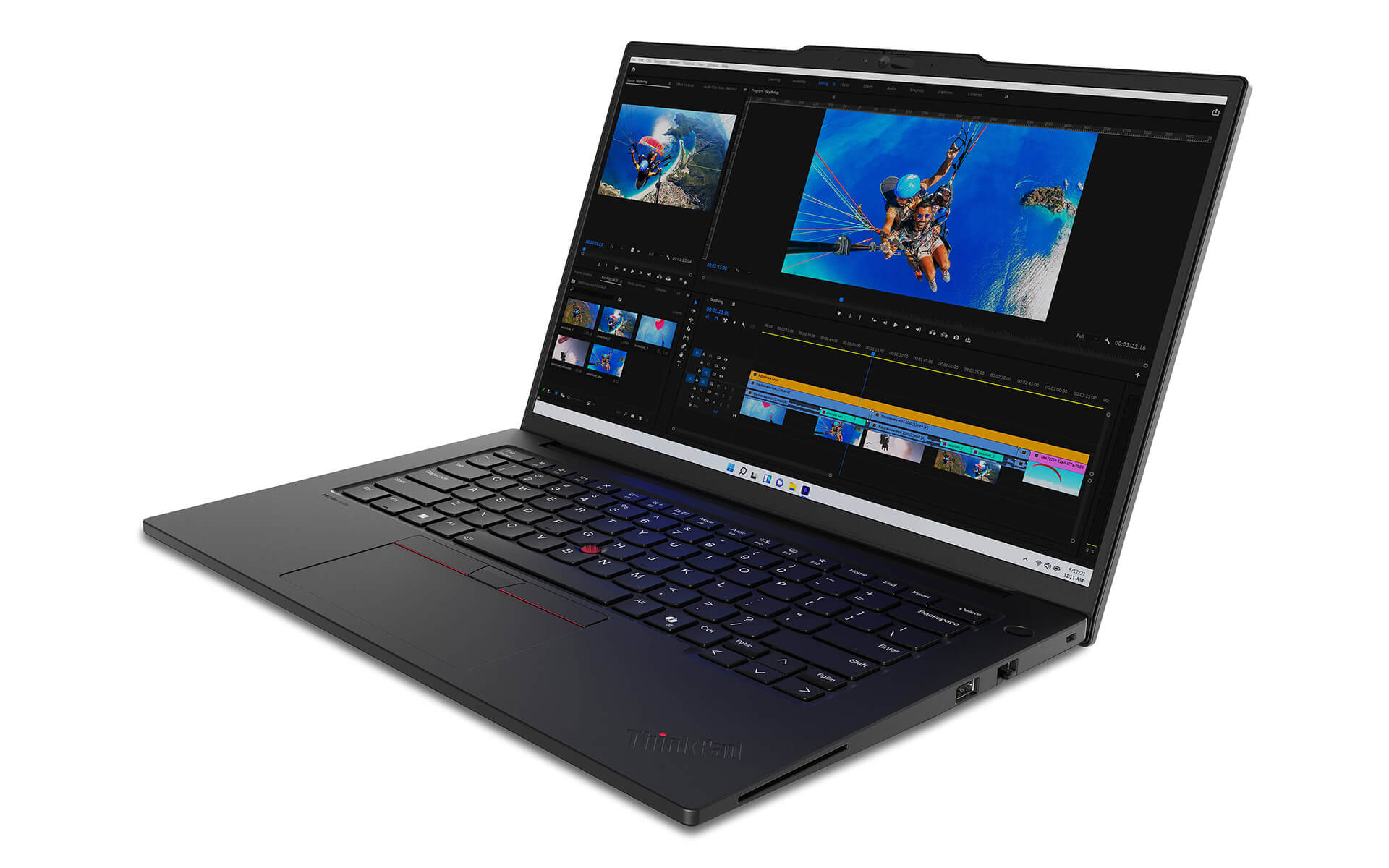
Alongside the powerful processor, the ThinkPad P14s Gen 5 offers two graphics options: Intel Arc iGPU or the discrete NVIDIA RTX 500 Ada Generation graphics card, meeting the needs of high-quality image and video processing. It is an ideal choice for graphic designers, game developers, and video editors who need a powerful, efficient mobile device.
The device also supports RAM upgrades to DDR5 up to 96GB (5600MHz) and SSD NVMe M.2 PCIe Gen4 storage up to 2TB, which speed up data access, keep multitasking stable, and cut waiting time. Thanks to the flexible configuration, users can easily expand performance when needed, suiting professional and content creation workloads.
Keyboard and TouchPad on the Thinkpad P14s Gen5
The ThinkPad keyboard on the Lenovo ThinkPad P14s Gen 5 is designed for comfort during long typing sessions, with good key bounce, standard key travel, and quick response. Combined with the white LED backlight, it makes the keyboard easy to use in low light and keeps typing accurate and steady even when working late at night.
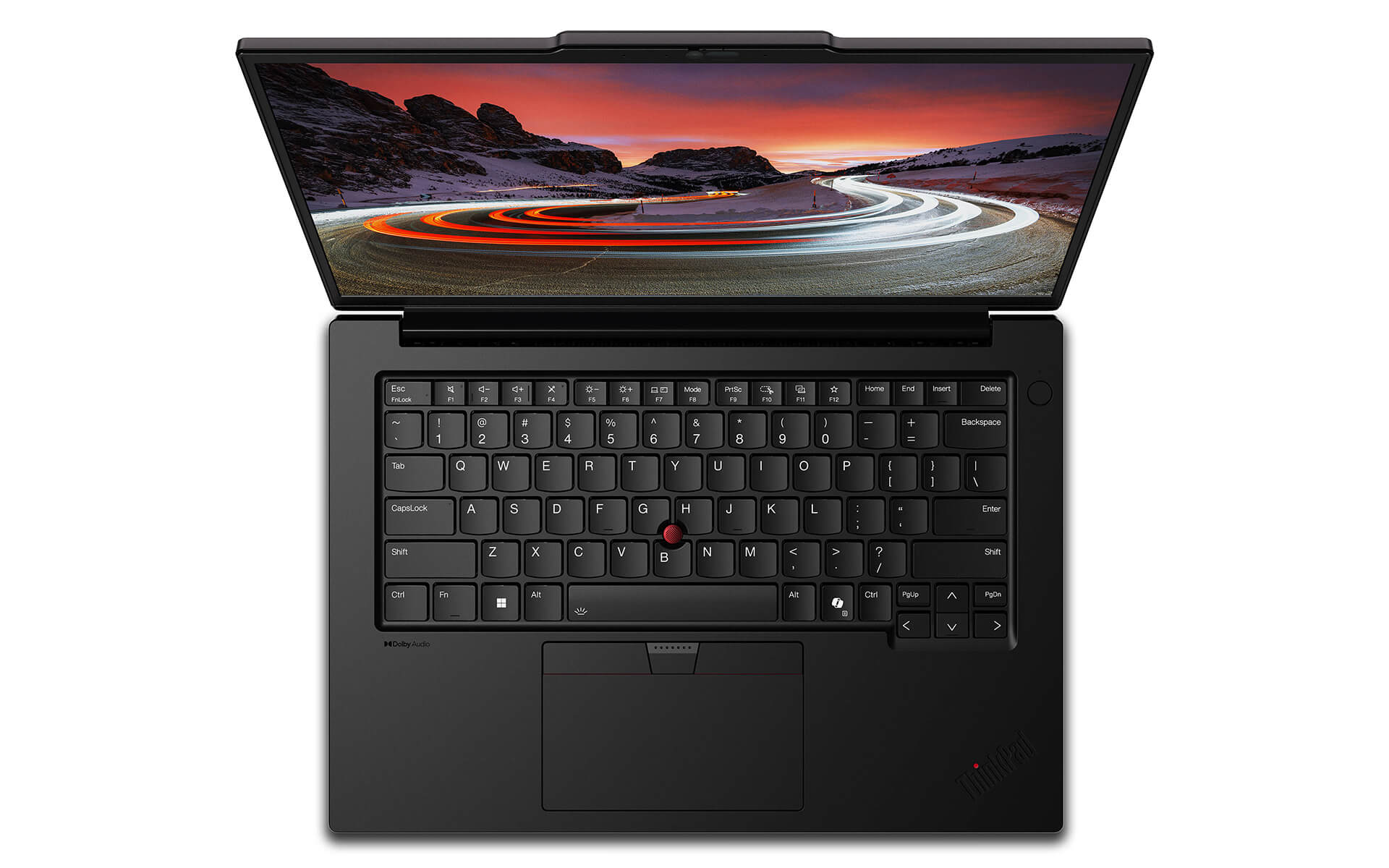
In addition, the large-area TouchPad supports multi-touch gestures for more precise navigation, while the classic TrackPoint is still there for quick control without taking your hands off the keyboard. This is especially well suited to people who handle a lot of text or work in a professional setting.
Overall, the input system on the Lenovo ThinkPad P14s Gen 5 is ergonomically designed to reduce hand fatigue during long, continuous use. As a result, users can stay highly productive and comfortable throughout their time with the device.
Security on the Lenovo Thinkpad P14s Gen 5 (2024)
The Lenovo ThinkPad P14s Gen 5 comes with a comprehensive security system that combines hardware and software to keep user data safe. The standout is the ThinkShield platform, which provides secure data encryption and biometric authentication, limiting access to authorized users only. In addition, TPM 2.0 helps encrypt sensitive data, while the Kensington Nano Security Slot adds physical security, letting you lock the device when working in public spaces.
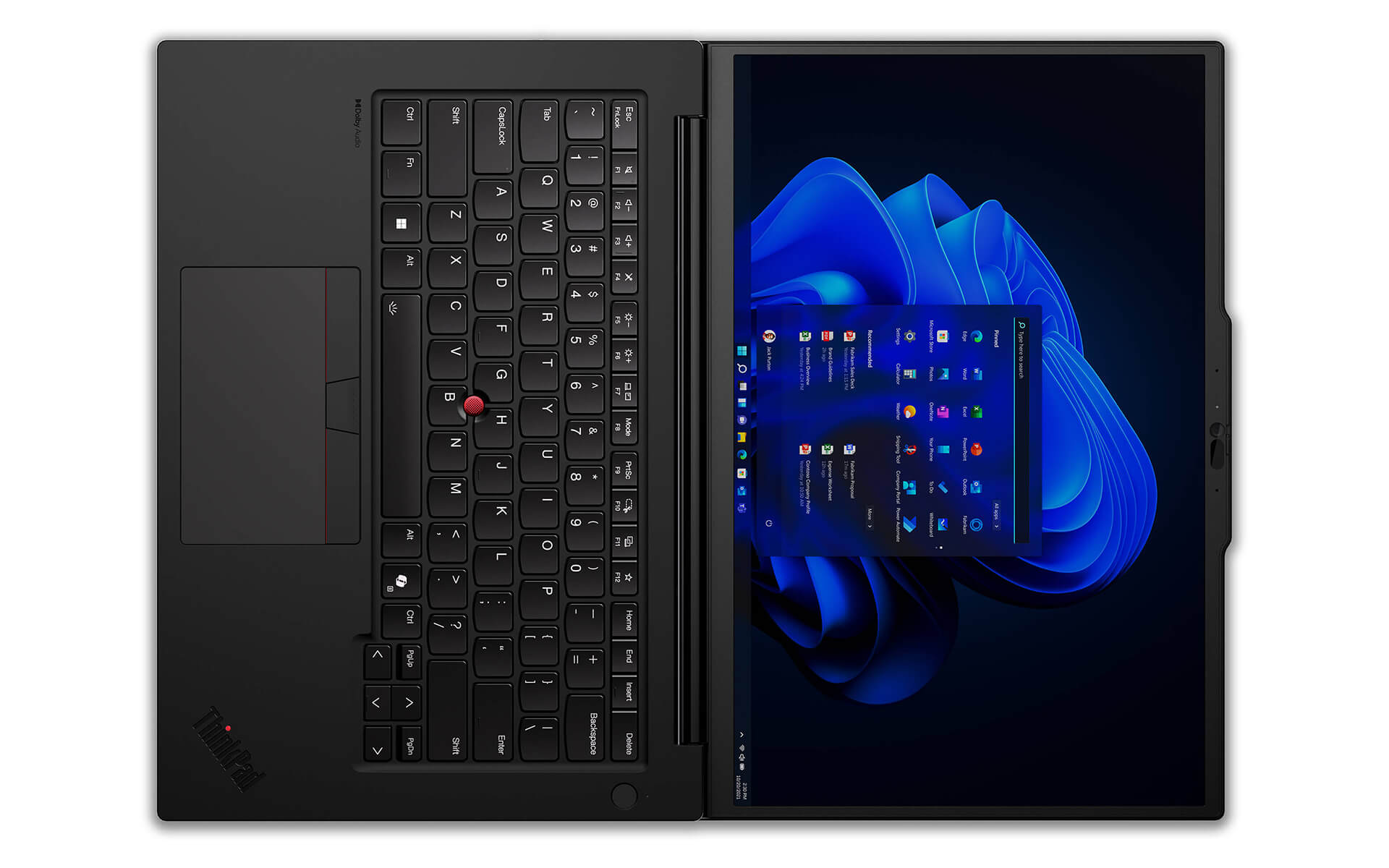
The security system on the ThinkPad P14s Gen 5 also uses Intel Threat Detection, an advanced AI technology that detects security threats early based on behavior and attack patterns. With timely alerts and automated defensive measures, the device is an ideal choice for users in fields with high security requirements, such as finance, engineering, or healthcare.
Ports & Connectivity on the Thinkpad P14s Gen 5
Connectivity is essential on the Lenovo ThinkPad P14s Gen 5, which offers a versatile set of ports for professional work. It features 2 USB-C Thunderbolt 4 ports supporting ultra-fast data transfer up to 40Gbps, and connects easily to peripherals such as 4K monitors or external drives. This lets users expand their workspace flexibly, which suits content creation or professional presentations.
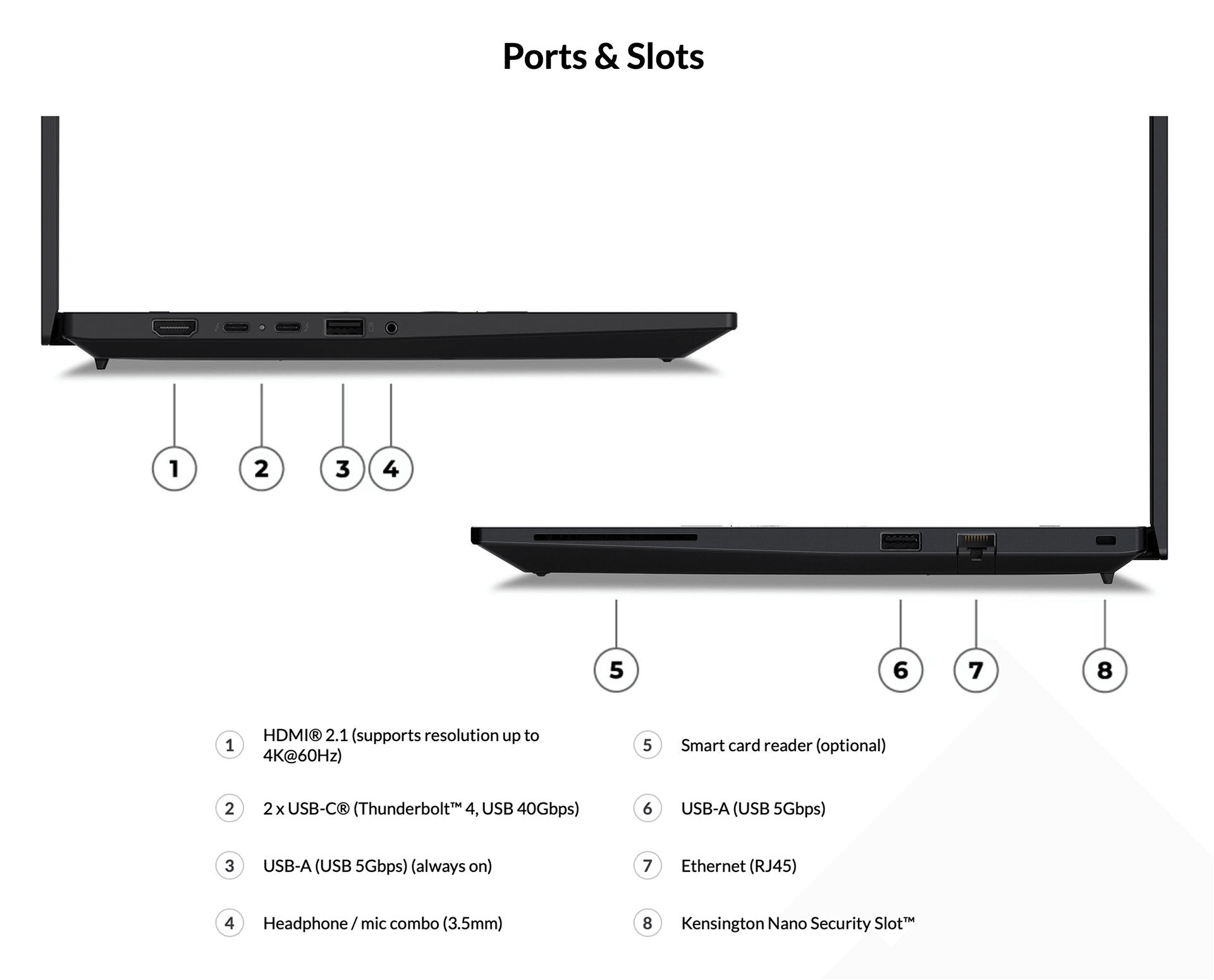
The device also keeps traditional ports, including 2 USB-A ports (USB 5Gbps), Ethernet RJ45, HDMI 2.1 supporting 4K@60Hz, and a 3.5mm headphone/microphone jack. This mix of modern and traditional ports lets users connect to a wide range of peripherals without adapters, making it more convenient in a professional work environment.
For wireless connectivity, the Lenovo ThinkPad P14s Gen 5 comes with Intel WiFi 6E AX211 and Bluetooth 5.3, delivering fast transfer speeds and a stable connection. This keeps the device dependable for online meetings, remote work, or wireless data transfers, in line with modern technology trends.
Operating Temperature and Long Battery Life
The ability to maintain stable temperatures and offer long battery life makes the Lenovo ThinkPad P14s Gen 5 an ideal choice for professional users. The cooling system uses dual fans and rear exhaust vents to keep the machine cool even when running heavy applications. This effective cooling solution not only protects components and extends the life of the device, but also lets users work comfortably without being bothered by overheating.
For battery life, the device offers two battery options, 57Whr or 75Whr, with fast charging that reaches 80% in just 60 minutes with a 100W or higher adapter. With its large battery capacity and fast charging, the ThinkPad P14s Gen 5 handles continuous mobile work well, which is especially useful for people who travel often or work where power is unreliable.
Summary of the Lenovo Thinkpad P14s Gen 5 - Premium Workstation (2024)
The Lenovo ThinkPad P14s Gen 5 is an ideal choice for professionals in design, engineering, and content production who need a compact but powerful workstation laptop. From its durable design to its deep processing capability, it meets professional needs across many industries, thanks to high performance, a sharp display, and an advanced security system.
Investing in the ThinkPad P14s Gen 5 is not just choosing a work device. It is also a long-term solution thanks to its flexible upgrade options and high durability. With its powerful configuration and modern technology, this mobile workstation lets professional users rely on the device's power for many years of continuous use.
| Pros | Cons |
|---|---|
|
|
FAQ - Frequently Asked Questions About the Lenovo ThinkPad P14s Gen 5 Mobile Workstation (2024)
1. What are the design and dimensions of the Lenovo ThinkPad P14s Gen 5?
The Lenovo ThinkPad P14s Gen 5 has a slim, light design with a premium aluminum shell, offering durability and a sleek look. It measures 317.7 x 226.9 x 17.9 mm and weighs about 1.28 kg, making it convenient to carry and use every day.
2. How good is the display on the Lenovo ThinkPad P14s Gen 5?
The laptop comes with a 14.5-inch display and these resolution options:
- WUXGA (1920 x 1200), IPS, anti-glare, 300 nits
- 3K (3072 x 1920), IPS, anti-glare, 120Hz, 500 nits
These options deliver sharp images and accurate color, suitable for creative work.
3. How is the performance of the Lenovo ThinkPad P14s Gen 5?
The ThinkPad P14s Gen 5 is equipped with an Intel® Core™ Ultra 7 155H processor, up to 64GB of DDR5 RAM, and a PCIe Gen4 SSD up to 2TB. It also offers an optional NVIDIA® RTX™ 500 Ada Generation graphics card with 4GB of VRAM, handling data analysis applications and heavy computing workloads such as MATLAB, Tableau, and SAS smoothly and delivering high performance for professional users.
4. Is it suitable for graphic design work?
With the NVIDIA® RTX™ 500 Ada Generation graphics card and a high-quality display, the ThinkPad P14s Gen 5 is suitable for 2D and 3D graphic design tasks, as well as professional video editing in software such as Adobe Creative Suite.
5. Is it suitable for programmers?
With strong performance, a high-quality display, and a comfortable keyboard, the ThinkPad P14s Gen 5 is an ideal choice for programmers. It supports development environments such as Visual Studio Code and other coding tools well, helping boost productivity and multitask effectively.
6. What is the real-world battery life of the Lenovo ThinkPad P14s Gen 5?
According to NotebookCheck's review, the Lenovo ThinkPad P14s Gen 5 lasts about 8 hours of continuous web browsing over Wi-Fi at medium brightness. Battery life may vary depending on configuration and usage.
Source: NotebookCheck
7. How are the temperatures of the Lenovo ThinkPad P14s Gen 5 during operation?
According to NotebookCheck's review, the Lenovo ThinkPad P14s Gen 5 maintains stable temperatures thanks to an effective cooling system. Even under heavy tasks, it keeps performance steady and does not get excessively hot.
Source: NotebookCheck
8. Does the Lenovo ThinkPad P14s Gen 5 support installing Linux?
According to Lenovo, the ThinkPad P14s Gen 5 supports installing Linux distributions such as Ubuntu or Fedora. Some features may need configuration adjustments or additional drivers to run stably.
Source: Lenovo PSREF
9. What is the warranty policy at Hung Phat Laptop?
The Lenovo ThinkPad P14s Gen 5 sold by Hung Phat Laptop is genuine, with a 36-month Lenovo Vietnam warranty. Hung Phat Laptop offers a new replacement within the first 30 days if the defect is from the manufacturer, along with free cleaning, free lifetime software installation, and nationwide delivery.
Where to Buy the Lenovo ThinkPad P14s Gen 5 at a Trusted Store with a Good Price?
The Lenovo ThinkPad P14s Gen 5 is an ideal choice for professional users who need a compact but powerful workstation laptop, well suited to work from technical design to in-depth content processing. However, to ensure product quality and a fair price, it is especially important to buy from a reputable seller.
At Hung Phat Laptop, you can shop with confidence for Lenovo's ThinkPad Workstation models, with full invoices, genuine manufacturer warranty, and after-sales technical support. It is a trusted destination if you want to buy the Lenovo ThinkPad P14s Gen 5 at a good price, with guaranteed authenticity and transparent, professional after-sales policies.
Performance & benchmarks Lenovo ThinkPad P14s Gen 5 - Mobile Workstation (2024)
Intel Core Ultra 5 125H NVIDIA RTX 500 Ada Generation Laptop - best for Office 8.5/10, Programming 7.5/10.
Intel Core Ultra 5 125H
- Cinebench R23 (multi-core)12,804.5
- Geekbench 6 (multi-core)11,268
- Geekbench 6 (single-core)2,279
- NPU (AI)11 TOPS
- Cores / Threads14/18
NVIDIA RTX 500 Ada Generation Laptop
- 3DMark Time Spy5,448.5
- 3DMark Fire Strike14,610
- VRAM4 GB
- AI INT8154 TOPS
- ArchitectureAda Lovelace
Best for
Scored from real benchmarks- Gaming4/10
- Video / Graphics4.5/10
- Programming7.5/10
- Office8.5/10
Why does the CPU matter?
The CPU is the "brain" that handles every task: launching apps, multitasking, compiling code and editing video. The stronger the CPU, the faster and smoother the laptop runs when you juggle many things at once.
- BasicThis product
Web browsing, streaming and light office work.
- MainstreamThis product
Office work, moderate multitasking and studying.
- Mid-rangeThis product
Solid multitasking, programming and light graphics work.
- StrongThis product
Video editing, heavy programming, virtualization and gaming.
- FlagshipThis product
Heavy rendering, 4K/8K editing, virtual machines and AI workloads.
Why does the GPU matter?
The GPU (graphics card) handles visuals: gaming, video editing, 3D rendering and AI acceleration. The stronger the GPU, the higher your frame rates and the faster your video exports.
- Basic (iGPU)This product
Smooth display, 4K video and very light games (League of Legends, Valorant on low).
- MainstreamThis product
1080p eSports gaming, photo editing and light video editing.
- Mid-rangeThis product
1080p gaming on medium-high settings and smooth Full HD video editing.
- StrongThis product
1080p/1440p gaming on high settings, 4K video editing and 3D rendering.
- FlagshipThis product
4K/240Hz gaming, ray tracing, heavy rendering and AI.
Local AI performance
Tokens/second running locally on GPU 4GB VRAM- Gemma 4 E2B3.1 GB · ctx 256K29 tok/sDecent
- Qwen 3.5 2B2.5 GB · ctx 32K36 tok/sDecent
- Phi-4 Mini Reasoning2.4 GB · ctx 16K37 tok/sDecent
- Llama 3.2 3B2 GB · ctx 128K45 tok/sRuns well
- SmolLM3 3B2 GB · ctx 128K45 tok/sRuns well
- DeepSeek R1 1.5B1.3 GB · ctx 64K69 tok/sRuns well
- Qwen 3.5 0.8B1.3 GB · ctx 32K69 tok/sRuns well
- TinyLlama 1.1B1.1 GB · ctx 2K81 tok/sRuns great
- Llama 3.2 1B1 GB · ctx 128K90 tok/sRuns great
- Qwen 3 4B2.5 GB · ctx 32K36 tok/sDecent
- Gemma 3 4B2.5 GB · ctx 128K36 tok/sDecent
- Phi-3.5 Mini2.4 GB · ctx 128K37 tok/sDecent
- Gemma 2 2B1.5 GB · ctx 8K60 tok/sRuns well
- Qwen 3 1.7B1.4 GB · ctx 32K64 tok/sRuns well
- Qwen 2.5 Coder 1.5B1.3 GB · ctx 32K69 tok/sRuns well
- Qwen 3 0.6B1.1 GB · ctx 32K81 tok/sRuns great
- Gemma 3 1B1 GB · ctx 32K90 tok/sRuns great
GreatWellDecent4-bit quantized, ctx = context window
No comments yet
Q&A about Lenovo ThinkPad P14s Gen 5 - Mobile Workstation (2024)
Frequently asked questions about Lenovo ThinkPad P14s Gen 5 - Mobile Workstation (2024)
What are the specifications of Lenovo ThinkPad P14s Gen 5 - Mobile Workstation (2024)?
What is the warranty for Lenovo ThinkPad P14s Gen 5 - Mobile Workstation (2024)?
Is Lenovo ThinkPad P14s Gen 5 - Mobile Workstation (2024) genuine?
Can I buy Lenovo ThinkPad P14s Gen 5 - Mobile Workstation (2024) with home delivery?
Worth a Look
 3 configurations
Lenovo ThinkPad P14s Gen 6 - Mobile Workstation (2025)
Lenovo ThinkPad P16s Gen 3 - Mobile WorkStation (2025)
 2 configurations
Lenovo ThinkPad P16 Gen 3 - Mobile WorkStation (2025)
 2 configurations
Lenovo ThinkPad P1 Gen 8 - Mobile WorkStation (2025)
 2 configurations





Nguyễn Âu Nhật Thiên 07/07/2024Purchased at Hung Phat
Fast delivery. The shop provides dedicated and enthusiastic service.
Anh Quốc 17/01/2024Purchased at Hung Phat
Always the best prices and top-quality products imported from the US.