

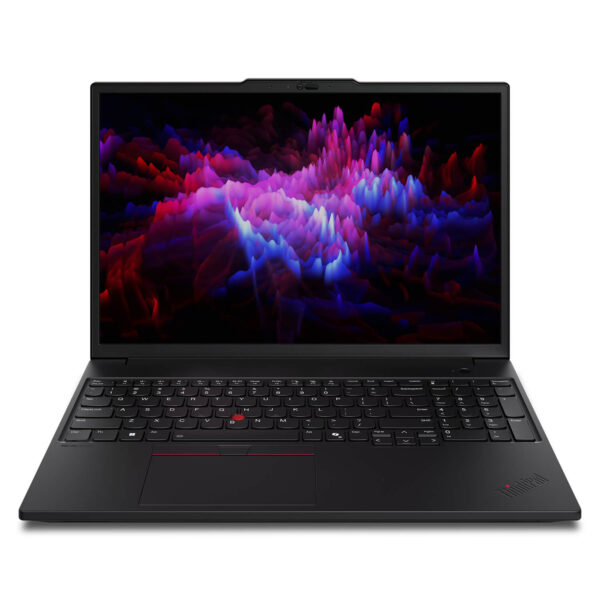
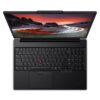

Lenovo ThinkPad P16s Gen 3 - Mobile WorkStation (2025)
- CPU: Intel Core Ultra 7 155H vPro Up To 4.8GHz (16 Cores, 22 Threads, 24MB Cache)
- RAM: DDR5 16B 5600MHz
- SSD: 512GB PCIe Gen4 M.2 SSD
- VGA: NVIDIA® RTX™ 500 Ada 4GB GDDR6
- DISPLAY: 16" WUXGA (1920*1200), IPS, 60Hz, Anti-Glare, Non-Touch, 300 nits
- CONDITION: Like New 99%
- WARRANTY: 12-month warranty
- A modern, thin and light design for a mobile workstation
- ThinkPad P16s Gen 3 (2025) Display
- Outstanding performance with Core Ultra and the RTX Ada Series
- ThinkPad P16s Gen 3 Keyboard & TouchPad
- ThinkPad P16s Gen 3 (2025) Security System
- ThinkPad P16s Gen 3 (2025) Ports & Slots
- Impressive Cooling and Battery Life
- Summary & Quick Review of the Lenovo ThinkPad P16s Gen 3 (2025)
- Where to buy the Lenovo ThinkPad P16s Gen 3 with a trusted seller and a good price?
The Lenovo ThinkPad P16s Gen 3 (2025) stands out as proof of how far the mobile workstation category has come, pairing top-tier performance with a smartly optimized design. This workstation laptop is an ideal choice for professionals and business users who need a powerful, flexible machine for working on the move. The ThinkPad P16s Gen 3 not only meets demanding workloads but also delivers an ideal experience for creators, engineers and architects, opening the door to limitless creativity. This article takes a close look at the design, display, performance, security and connectivity to give professional users a complete picture of this business laptop.
A modern, thin and light design for a mobile workstation
As a long-awaited upgrade, the ThinkPad P16s Gen 3 (2025) features a modern, minimalist design while keeping the sturdiness and durability of the MIL-STD-810H military standard. The chassis is crafted from an aluminum alloy with high rigidity and good impact resistance. It has ideal dimensions for portability (361.50 x 248.60 x 21.13 mm) and a starting weight of just 1.82 kg, so this mobile workstation is easy to carry without feeling heavy.
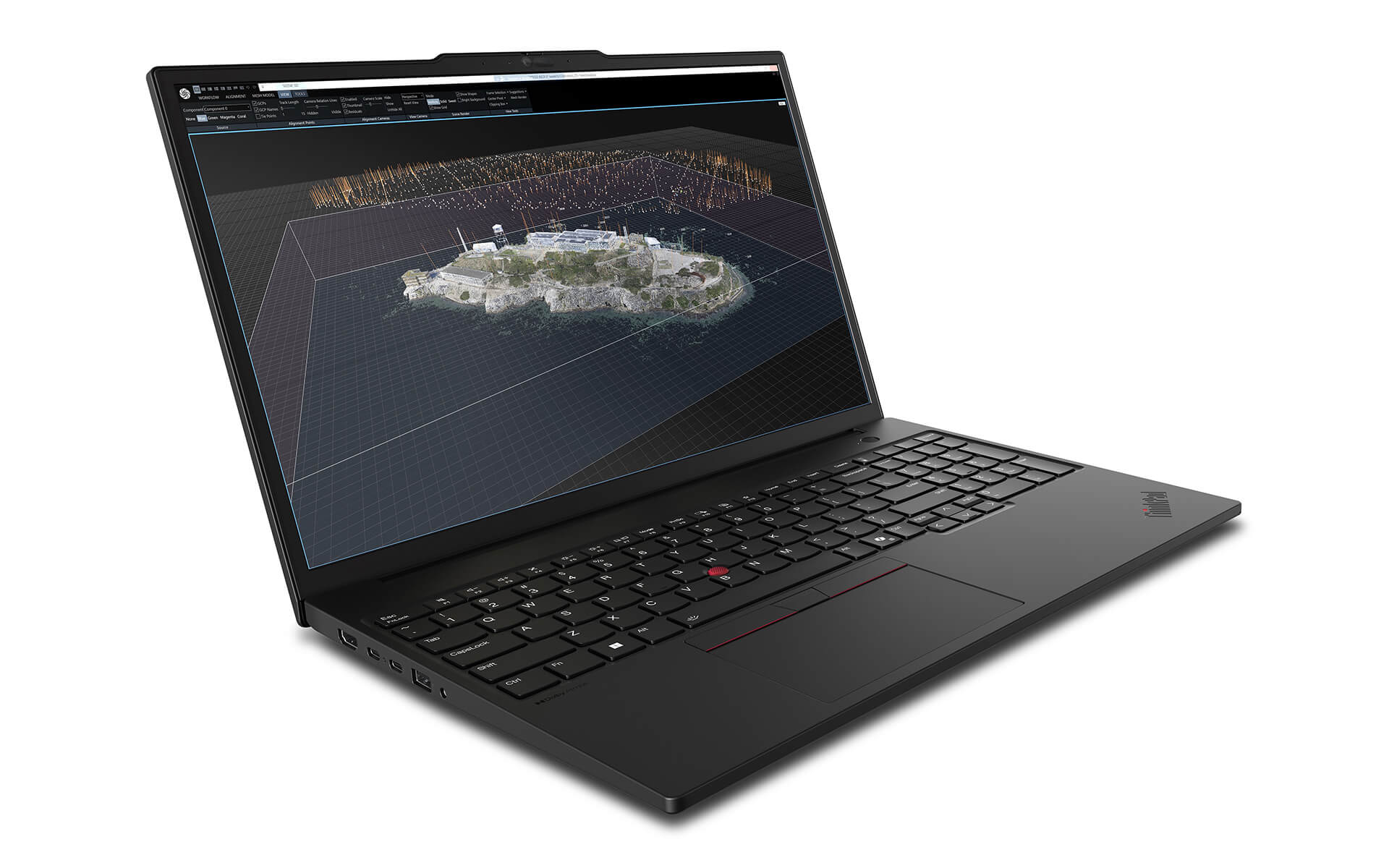
The premium materials not only increase strength but also reduce the effects of the environment, such as dust and moisture. The slim, light, elegant and refined design of the Lenovo ThinkPad P16s Gen 3 is especially well suited to business users, engineers and creators who are constantly on the move. The combination of a premium look and outstanding durability is a major plus for this business laptop line.
ThinkPad P16s Gen 3 (2025) Display
What sets the ThinkPad P16s Gen 3 apart in the mobile workstation segment is its premium display quality, which meets the exacting demands of designers and content creators. The laptop offers display options up to a sharp 4K OLED, delivering vivid color and outstanding contrast. With this level of quality, professional users can take on 3D design projects or edit images with a high level of detail.
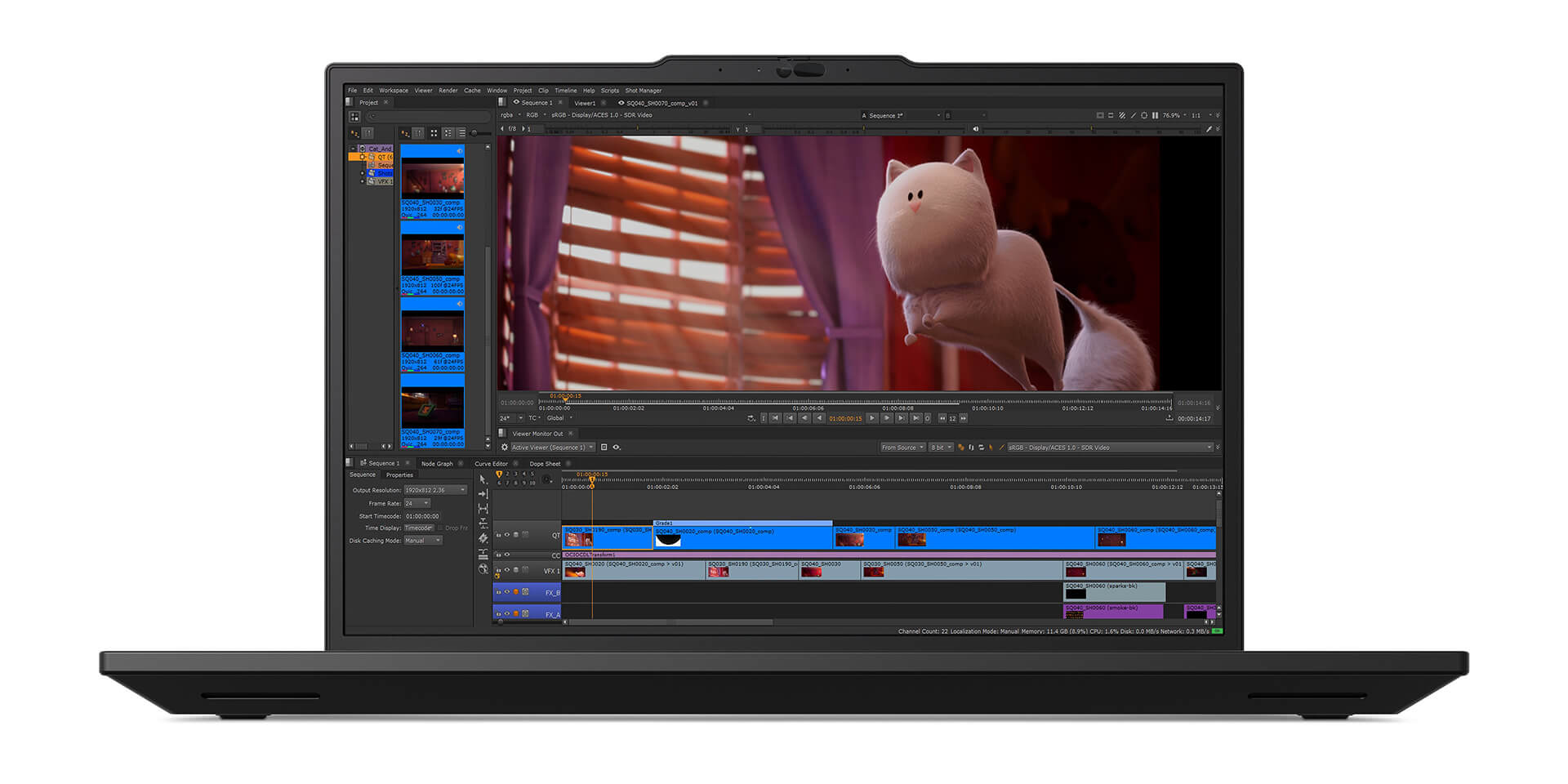
In addition, many display versions include anti-glare technology that reduces reflections to optimize the experience when working outdoors or in bright light. The Lenovo ThinkPad P16s Gen 3 display is also certified for reduced blue light emission, helping protect users' eyesight as much as possible. A clear, true-to-life display is the key to creativity and high productivity.
Outstanding performance with Core Ultra and the RTX Ada Series
The most notable upgrade of the ThinkPad P16s Gen 3 (2025) is the latest Intel® Core™ Ultra processor, which delivers strong performance with high-speed multitasking and optimal power efficiency. Built on a hybrid architecture of E-Cores and P-Cores, the processor lets this mobile workstation run smoothly across every task, from data editing and image rendering to intensive AI workloads and data analysis.
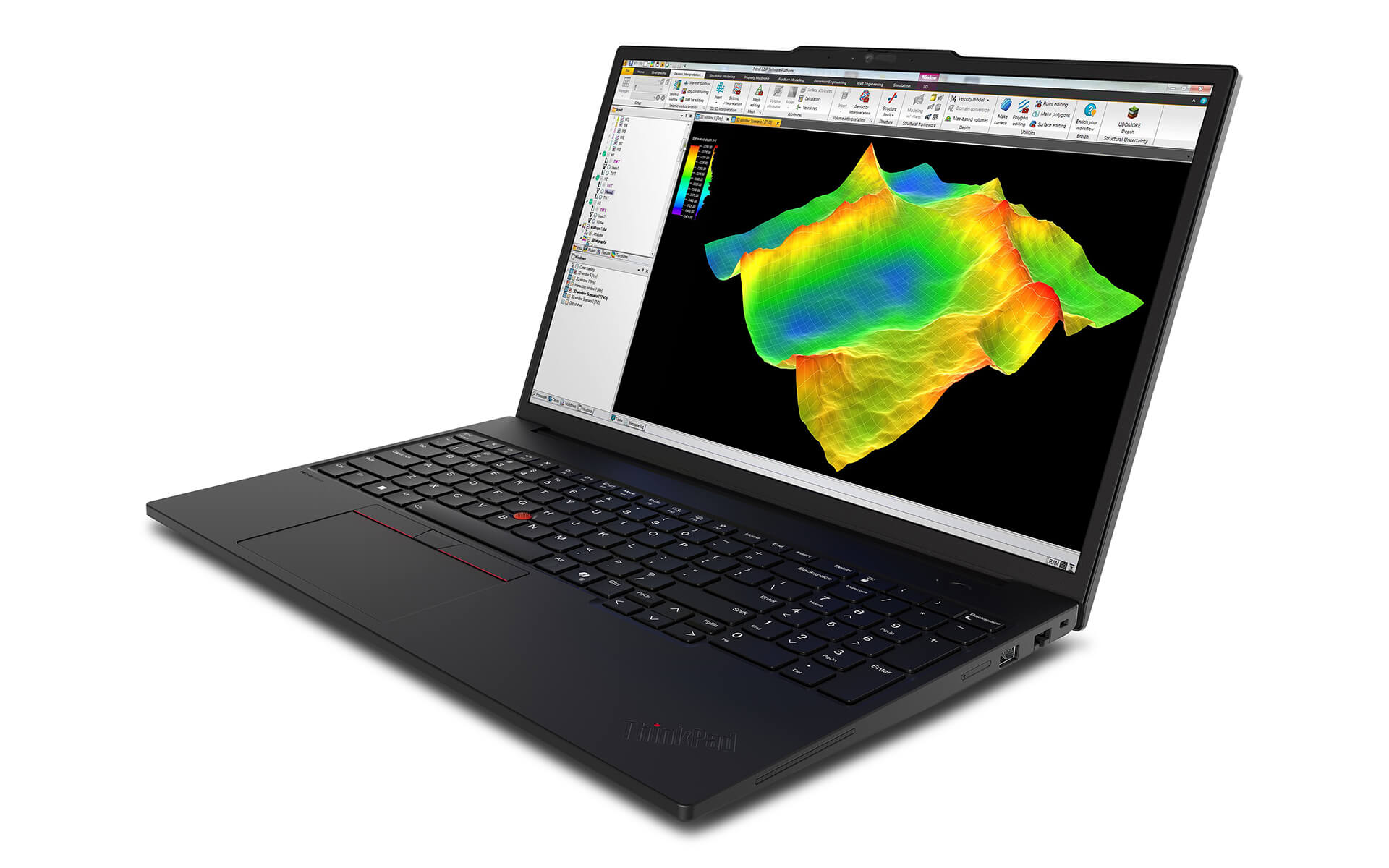
Paired with the CPU is a professional NVIDIA® RTX™ Ada series graphics card, which delivers excellent visuals, distortion-free output and fast, accurate graphics processing. The Lenovo ThinkPad P16s Gen 3 also optimizes AI processing with integrated AI engines, making algorithms and workflows easier to run. This is what lets creative professionals create freely without being held back by hardware.
ThinkPad P16s Gen 3 Keyboard & TouchPad
Typing on the ThinkPad P16s Gen 3 (2025) has always been a strength, thanks to a keyboard known for its accuracy, fast response and the lasting durability of the ThinkPad line. The new version has been redesigned with clearer tactile feedback cues, helping users find keys easily and type faster and more accurately during long editing or data entry sessions.
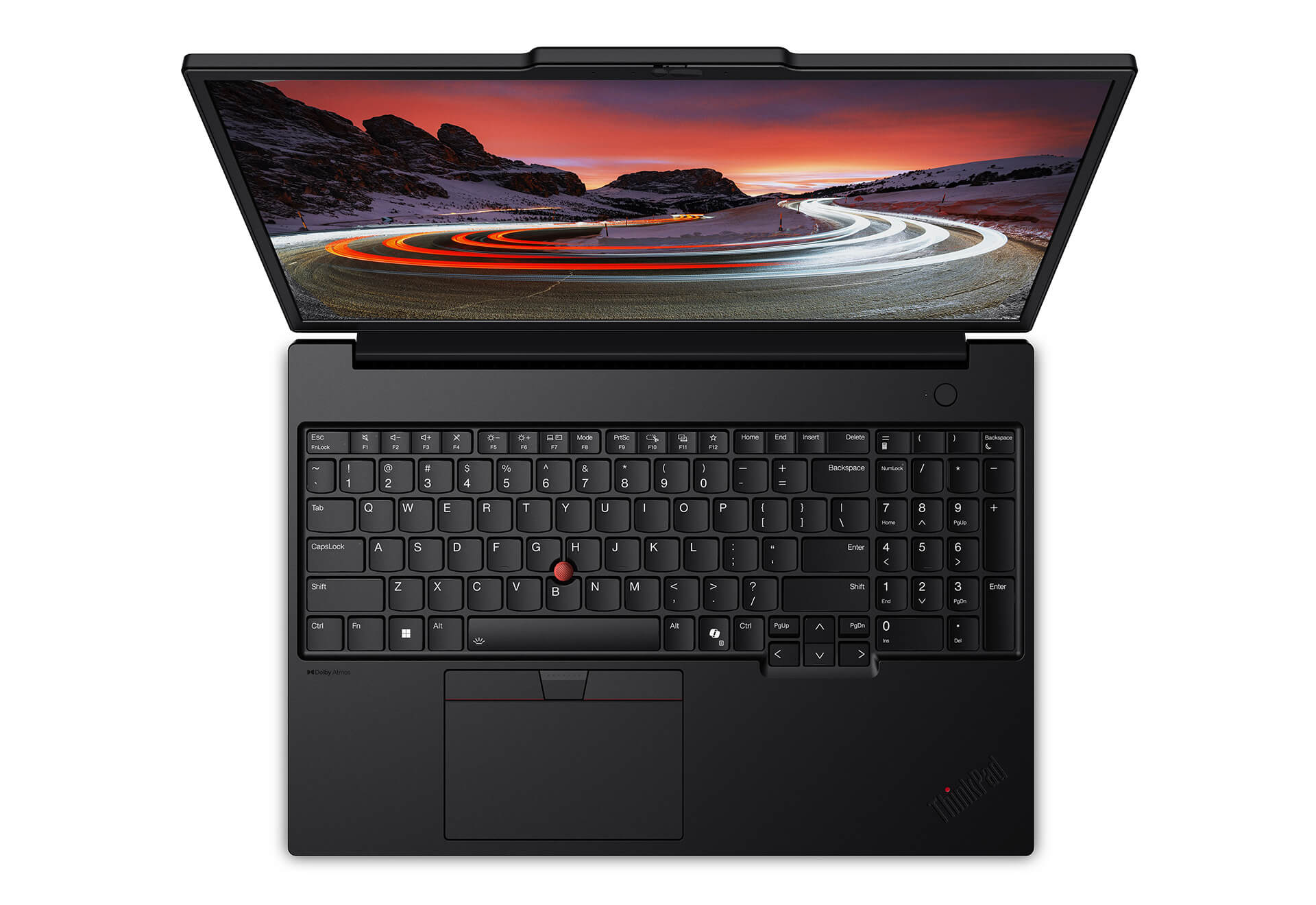
The roomier TouchPad comes with flexible customization features and supports smooth multitasking. The device includes gesture selection buttons, multi-touch and a convenient TrackPoint. The keyboard also integrates smart shortcut keys such as Windows Copilot, which streamline workflows, boost productivity and cut down the time spent on operations on this mobile workstation.
ThinkPad P16s Gen 3 (2025) Security System
Security is indispensable, and the Lenovo ThinkPad P16s Gen 3 integrates a range of advanced solutions to protect user data as thoroughly as possible. ThinkShield technology provides layers of data encryption, including a discrete Trusted Platform Module (dTPM) chip, drive encryption and hardware-level protections that block malware, keeping the information on this business laptop safe.
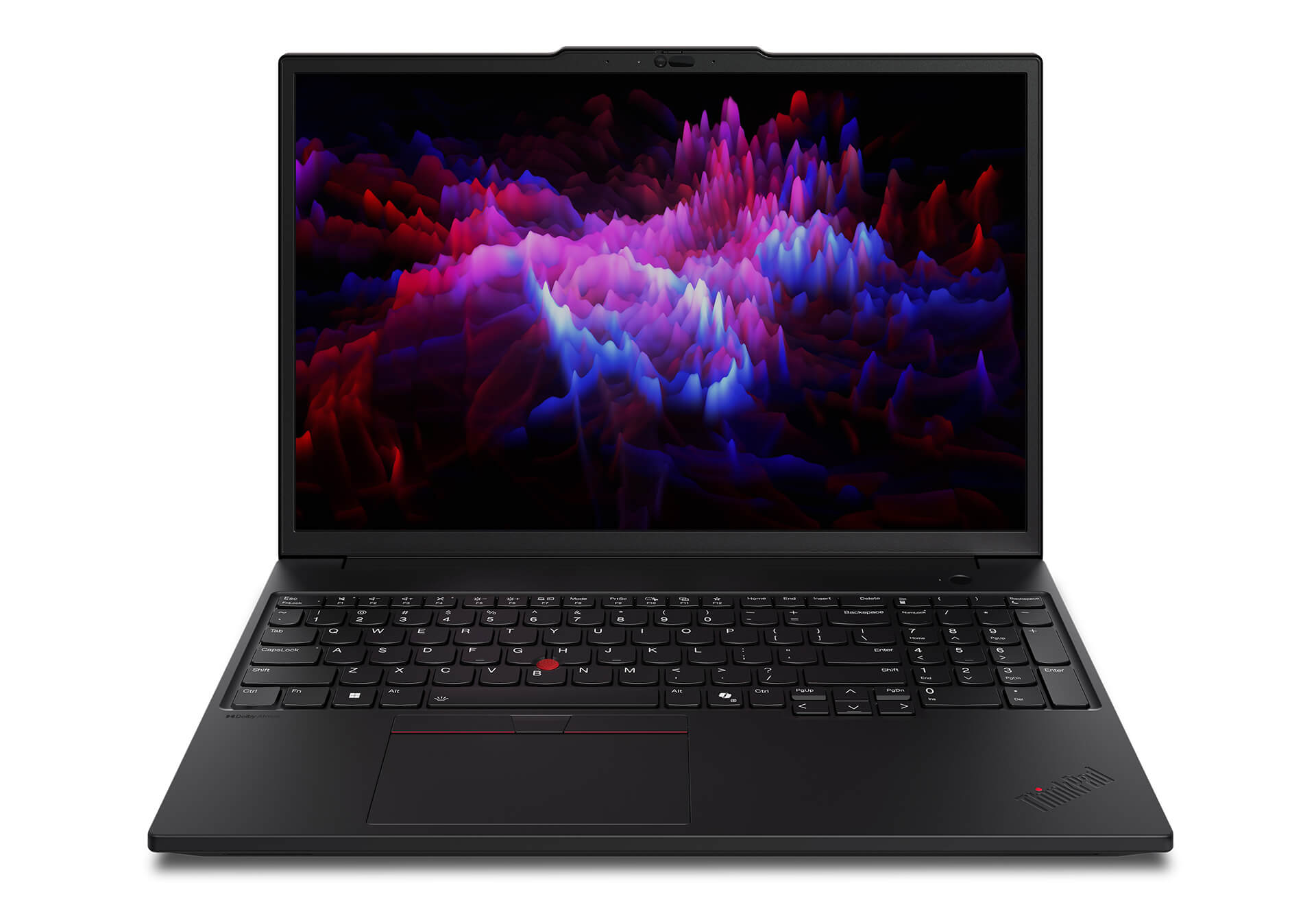
This mobile workstation also offers facial recognition through an IR camera for fast, accurate sign-in. It is equipped with a fingerprint sensor built into the keyboard for quick, secure access. The MIL-STD-810H standards prove its durability and its resistance to impact and shock, making it suitable for even the harshest environments while still keeping user data as safe as possible.
ThinkPad P16s Gen 3 (2025) Ports & Slots
Built to maximize connectivity, the ThinkPad P16s Gen 3 offers a range of modern ports. This mobile workstation is equipped with USB-C Thunderbolt 4, USB-A and HDMI 2.1 ports and a memory card slot, supporting top data transfer speeds, high-quality video output and fast charging. As a result, professional users can easily connect to peripherals, external displays or a high-speed internet connection.
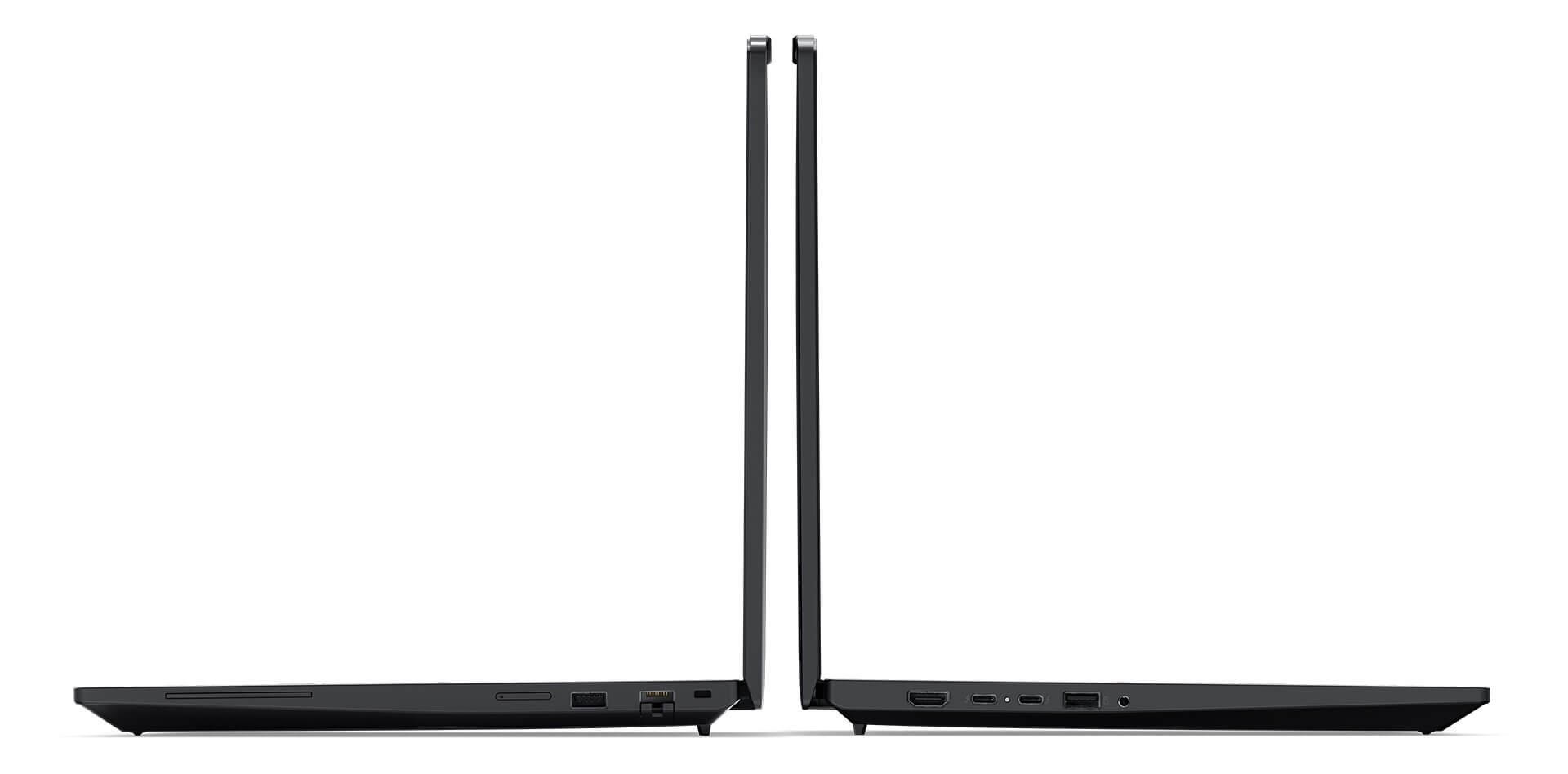
The system also offers strong wireless expansion, including WiFi 6E and Bluetooth 5.3, to keep connections stable in any situation. Optional configurations such as WWAN 4G/5G allow Internet access anywhere, which is especially useful for mobile business users and professionals who work remotely. The wide range of integrated ports shows how customizable the Lenovo ThinkPad P16s Gen 3 line is and how well it meets every work need.
Impressive Cooling and Battery Life
When running heavy workloads, effective cooling is the key to keeping the machine durable and stable. The ThinkPad P16s Gen 3 (2025) is equipped with an advanced cooling system that combines an optimized ventilation fan with large air vents to limit heat buildup during continuous operation. In addition, the well-planned internal structure helps reduce noise, making long working sessions more comfortable for professional users.
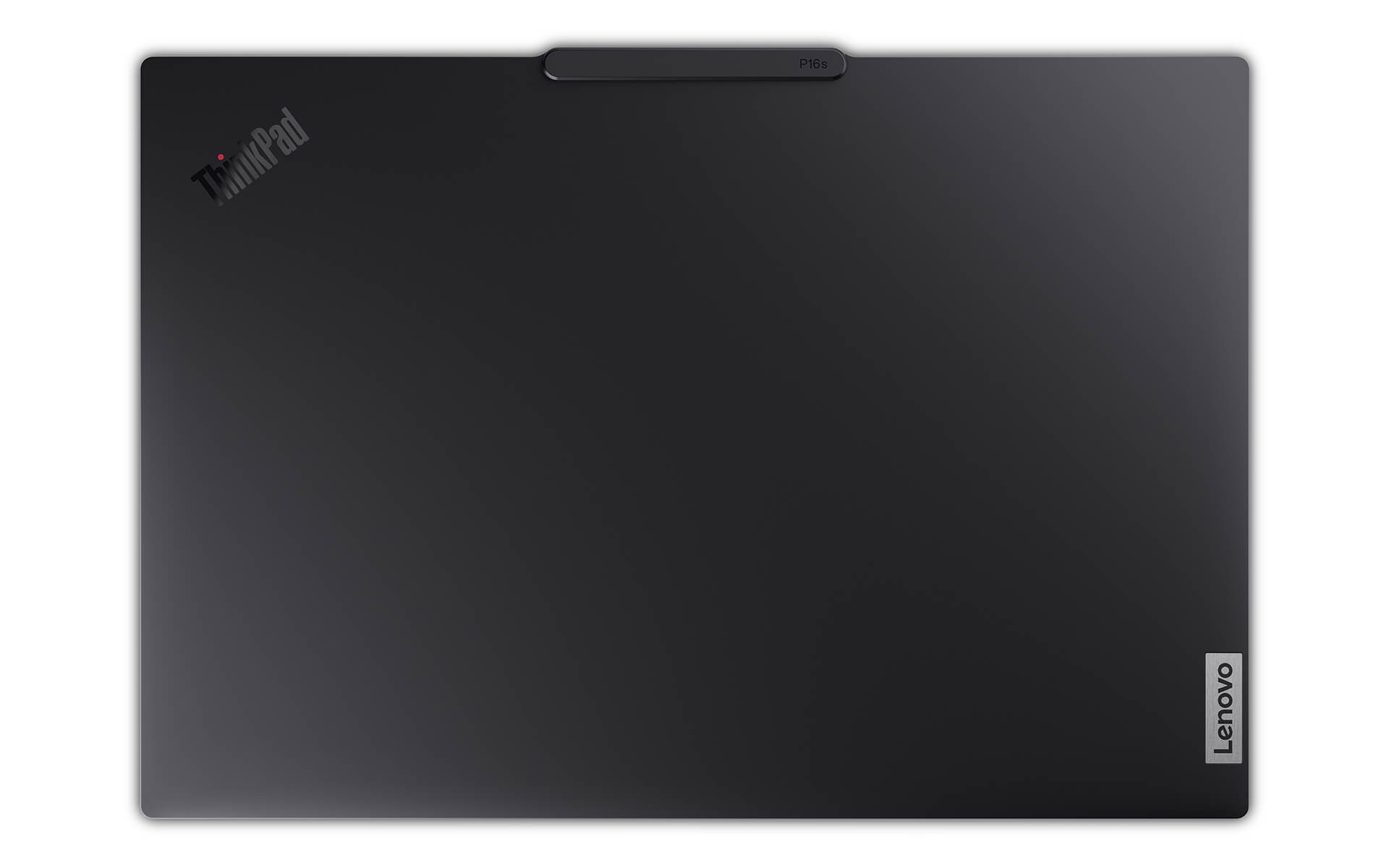
For power, this mobile workstation has a 75Whr battery and fast charging through Rapid Charge technology, which charges to 80% in just 60 minutes. This is extremely useful on long business trips or when you need to work offline, ensuring it keeps up with heavy power demands. The hardware and software optimization lets business users work with confidence anywhere, anytime on the Lenovo ThinkPad P16s Gen 3.
Summary & Quick Review of the Lenovo ThinkPad P16s Gen 3 (2025)
With its powerful hardware and a thin, light, thoroughly modern design, the Lenovo ThinkPad P16s Gen 3 not only meets the highest standards for performance and durability but also suits people who need maximum portability. Against its competitors, the ThinkPad P16s Gen 3 (2025) is an excellent choice for creative professionals, technology engineers, architects and multitasking business users. Beyond the hardware, its security solutions and expandable connectivity both add to the value of the product.
Overall, the Lenovo ThinkPad P16s Gen 3 (2025) is a well-rounded combination of powerful performance, a thin and light design and optimized security features, delivering a professional, first-class working and creative experience. With strong multitasking, outstanding graphics and a versatile set of connections, this product is a capable partner for every profession that demands constant mobility and high efficiency. It is a refined, durable mobile workstation that professional users should not overlook in 2025.
| Pros | Cons |
|---|---|
|
|
1. Who is the Lenovo ThinkPad P16s Gen 3 (2025) best suited for?
The ThinkPad P16s Gen 3 (2025) is a good fit for engineers, architects, graphic designers, IT professionals, content creators and business users who need a thin, light mobile workstation that still delivers high performance and business-grade durability.
2. Is the ThinkPad P16s Gen 3 durable?
Yes. It meets the MIL-STD-810H military durability standard, and its premium aluminum alloy frame helps resist impact, vibration, extreme temperatures and humidity, making it well suited to professional work environments and frequent travel.
3. Is the Lenovo ThinkPad P16s Gen 3 (2025) powerful?
Very powerful for a thin and light workstation. It uses a new-generation Intel Core Ultra paired with an NVIDIA RTX Ada Series GPU, handling CAD, BIM, light to medium 3D, semi-professional rendering, data analysis and AI tasks well.
4. Is the RTX Ada Series GPU in the P16s Gen 3 suitable for heavy rendering?
The RTX Ada Series GPU in the P16s Gen 3 is optimized for professional graphics and stability, but it is a lower-power version. It suits moderate rendering and long-term work, and is not ideal for continuous heavy rendering like the P16 Gen or a full-size workstation.
5. Is the ThinkPad P16s Gen 3 (2025) display good for design work?
Very good. It offers an optional 4K OLED or a high-resolution 16:10 IPS display with wide color gamut coverage (DCI-P3/AdobeRGB), high brightness and anti-glare, handling photo editing, video editing and professional graphic design well.
6. How long does the ThinkPad P16s Gen 3 battery last?
The battery is decent for a thin and light workstation. With office tasks and light design work, it lasts about 6-8 hours. With an OLED display or heavy workloads, battery life drops faster.
7. How is the cooling on the Lenovo ThinkPad P16s Gen 3?
The cooling system is well optimized for the thin and light design, keeping the machine stable over long periods. However, under continuous full load, temperatures rise higher than on a thicker, heavier workstation.
8. Is the ThinkPad P16s Gen 3 secure?
Very. It integrates the ThinkShield ecosystem, including dTPM, hardware encryption, a fingerprint sensor, an IR camera for facial recognition, a secure BIOS and business-grade layers of data protection.
9. Does the ThinkPad P16s Gen 3 (2025) have enough ports?
Yes, for professional work. It includes Thunderbolt 4, USB-A, HDMI 2.1, a 3.5mm jack, WiFi 6E, Bluetooth 5.3 and an optional WWAN 4G/5G, making it convenient to connect peripherals and work on the move.
10. Should I buy the Lenovo ThinkPad P16s Gen 3 (2025) at Hung Phat Laptop?
Yes. Hung Phat Laptop offers genuine Lenovo ThinkPad laptops with clear origins, transparent warranty, competitive prices and in-depth technical support, a good fit for high-end workstation users.
Where to buy the Lenovo ThinkPad P16s Gen 3 with a trusted seller and a good price?
Buying the Lenovo ThinkPad P16s Gen 3 is the right decision for technical professionals, designers and content creators who need a powerful, durable workstation laptop. However, to ensure the performance and quality you expect, choosing a trustworthy place to buy matters just as much as the machine's specs.
At Hung Phat Laptop, customers are guaranteed a genuine Lenovo ThinkPad with complete paperwork, transparent origin and a clear warranty policy. Besides competitive prices, the store also provides professional support and attractive offers. It is a reliable choice for anyone looking for a high-quality Lenovo ThinkPad P16s Gen 3 to serve demanding professional work for the long term.
Performance & benchmarks Lenovo ThinkPad P16s Gen 3 - Mobile WorkStation (2025)
Intel Core Ultra 7 155H NVIDIA RTX 500 Ada Generation Laptop - best for Office 8.5/10, Programming 8/10.
Intel Core Ultra 7 155H
- Cinebench R23 (multi-core)15,028
- Geekbench 6 (multi-core)12,385
- Geekbench 6 (single-core)2,409
- NPU (AI)11 TOPS
- Cores / Threads16/22
NVIDIA RTX 500 Ada Generation Laptop
- 3DMark Time Spy5,448.5
- 3DMark Fire Strike14,610
- VRAM4 GB
- AI INT8154 TOPS
- ArchitectureAda Lovelace
Best for
Scored from real benchmarks- Gaming4.5/10
- Video / Graphics5/10
- Programming8/10
- Office8.5/10
Why does the CPU matter?
The CPU is the "brain" that handles every task: launching apps, multitasking, compiling code and editing video. The stronger the CPU, the faster and smoother the laptop runs when you juggle many things at once.
- BasicThis product
Web browsing, streaming and light office work.
- MainstreamThis product
Office work, moderate multitasking and studying.
- Mid-rangeThis product
Solid multitasking, programming and light graphics work.
- StrongThis product
Video editing, heavy programming, virtualization and gaming.
- FlagshipThis product
Heavy rendering, 4K/8K editing, virtual machines and AI workloads.
Why does the GPU matter?
The GPU (graphics card) handles visuals: gaming, video editing, 3D rendering and AI acceleration. The stronger the GPU, the higher your frame rates and the faster your video exports.
- Basic (iGPU)This product
Smooth display, 4K video and very light games (League of Legends, Valorant on low).
- MainstreamThis product
1080p eSports gaming, photo editing and light video editing.
- Mid-rangeThis product
1080p gaming on medium-high settings and smooth Full HD video editing.
- StrongThis product
1080p/1440p gaming on high settings, 4K video editing and 3D rendering.
- FlagshipThis product
4K/240Hz gaming, ray tracing, heavy rendering and AI.
Local AI performance
Tokens/second running locally on GPU 4GB VRAM- Gemma 4 E2B3.1 GB · ctx 256K29 tok/sDecent
- Qwen 3.5 2B2.5 GB · ctx 32K36 tok/sDecent
- Phi-4 Mini Reasoning2.4 GB · ctx 16K37 tok/sDecent
- Llama 3.2 3B2 GB · ctx 128K45 tok/sRuns well
- SmolLM3 3B2 GB · ctx 128K45 tok/sRuns well
- DeepSeek R1 1.5B1.3 GB · ctx 64K69 tok/sRuns well
- Qwen 3.5 0.8B1.3 GB · ctx 32K69 tok/sRuns well
- TinyLlama 1.1B1.1 GB · ctx 2K81 tok/sRuns great
- Llama 3.2 1B1 GB · ctx 128K90 tok/sRuns great
- Qwen 3 4B2.5 GB · ctx 32K36 tok/sDecent
- Gemma 3 4B2.5 GB · ctx 128K36 tok/sDecent
- Phi-3.5 Mini2.4 GB · ctx 128K37 tok/sDecent
- Gemma 2 2B1.5 GB · ctx 8K60 tok/sRuns well
- Qwen 3 1.7B1.4 GB · ctx 32K64 tok/sRuns well
- Qwen 2.5 Coder 1.5B1.3 GB · ctx 32K69 tok/sRuns well
- Qwen 3 0.6B1.1 GB · ctx 32K81 tok/sRuns great
- Gemma 3 1B1 GB · ctx 32K90 tok/sRuns great
GreatWellDecent4-bit quantized, ctx = context window
No comments yet
Q&A about Lenovo ThinkPad P16s Gen 3 - Mobile WorkStation (2025)
Frequently asked questions about Lenovo ThinkPad P16s Gen 3 - Mobile WorkStation (2025)
What are the specifications of Lenovo ThinkPad P16s Gen 3 - Mobile WorkStation (2025)?
What is the warranty for Lenovo ThinkPad P16s Gen 3 - Mobile WorkStation (2025)?
Can I buy Lenovo ThinkPad P16s Gen 3 - Mobile WorkStation (2025) with home delivery?
Worth a Look
 3 configurations
Lenovo ThinkPad P14s Gen 6 - Mobile Workstation (2025)
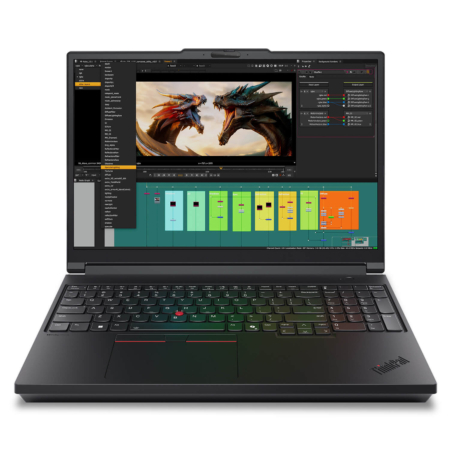 2 configurations
Lenovo ThinkPad P16 Gen 3 - Mobile WorkStation (2025)
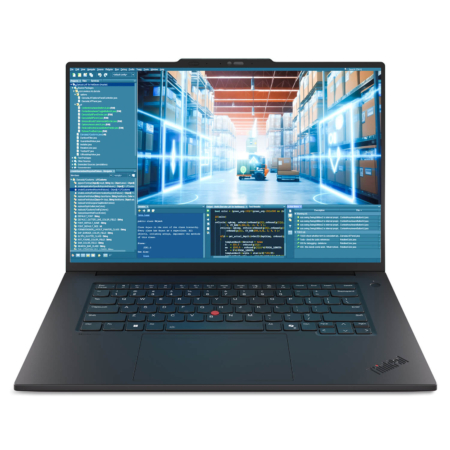 2 configurations
Lenovo ThinkPad P1 Gen 8 - Mobile WorkStation (2025)
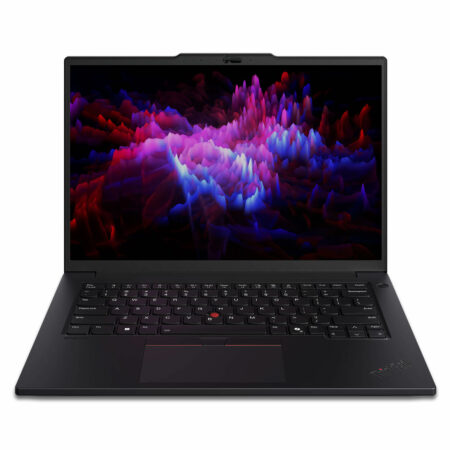 2 configurations
Lenovo ThinkPad P14s Gen 5 - Mobile Workstation (2024)
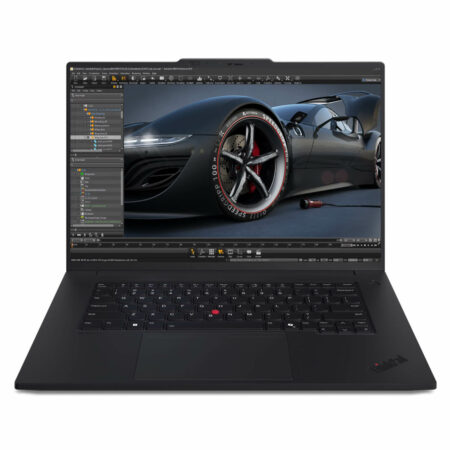 2 configurations





Huỳnh Mai Trang 09/05/2026Purchased at Hung Phat
This machine runs incredibly smoothly, the screen is sharp, and the typing experience is amazing. It's perfect for graphic design or engineering work - definitely worth every penny.
Phan Hương Giang 09/05/2026Purchased at Hung Phat
Runs smoothly and is quite good for graphic design. The keyboard feels great to type on and the screen is beautiful. The only downside is the 512GB SSD is a bit small; it fills up quickly when performing heavy tasks.