



Alienware 610M Wired/Wireless Gaming Mouse
- CONNECTIVITY Không dây / Có dây
- SENSITIVITY 16.000 DPI
- COLOR: Lunar Light
- CONDITION: New 100% Full Box
- WARRANTY: 6-month warranty
- Key Features of the Alienware 610M
- 1. Ergonomic Design
- 2. Wired/Wireless Connectivity
- 3. Smart Sensor
- 4. Customizable Buttons
- 5. RGB LED Lighting
- 6. Impressive Battery Life
- 7. Gameplay Data Analysis
- Alienware 610M Technical Specifications
- How to Use the Alienware 610M
- Step 1: Connect the Mouse
- Step 2: Basic Customization
- Step 3: Using It in Games
- Step 4: Care and Cleaning
- Alienware 610M Summary
Choosing the right peripherals is critical to getting the most out of your gaming experience. One of the standout products available right now is the Alienware 610M gaming mouse. With its excellent features and compelling strengths, the Alienware 610M is not only a great tool for gamers but also a symbol of class and style.
Key Features of the Alienware 610M
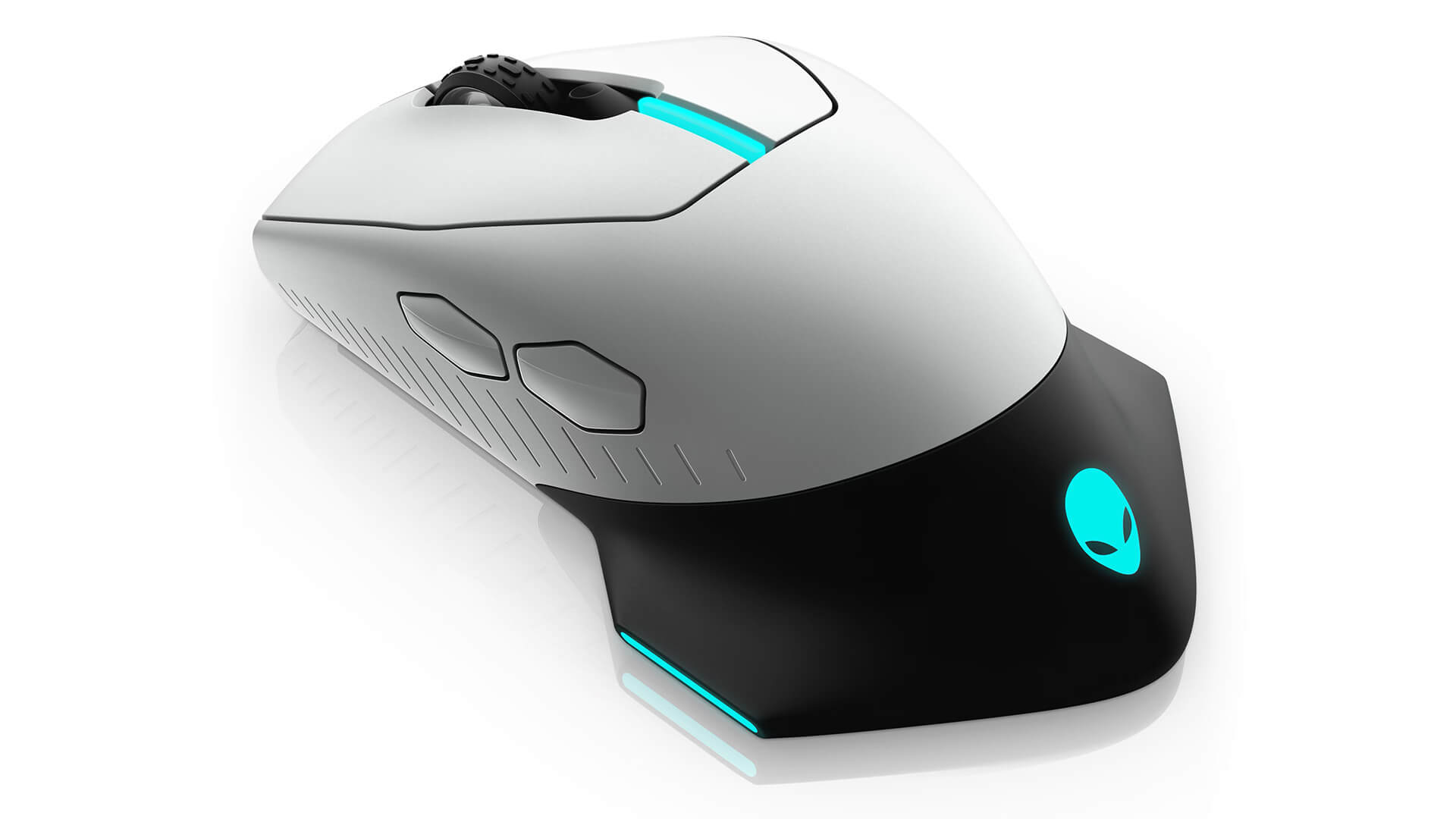
1. Ergonomic Design
The Alienware 610M is built on an ergonomic design for maximum comfort during long periods of use. Refined contours and durable materials keep your hand relaxed and reduce fatigue, even in gaming sessions that stretch for hours.
2. Wired/Wireless Connectivity
One of the most notable features of the Alienware 610M is its flexible connectivity, with both wired and wireless modes. Gamers can switch easily between the two depending on their needs. In wireless mode, the mouse runs reliably with minimal latency, so players can enjoy a flawless experience without worrying about interruptions.
3. Smart Sensor
The Alienware 610M features an advanced optical sensor that lets users adjust sensitivity up to 16,000 DPI. This means the mouse can detect and track movement accurately down to the millimeter. With such a high DPI range, gamers can tune the speed to their own play style - from fast movement in action games to pinpoint precision in strategy games.
4. Customizable Buttons
This mouse has up to 6 buttons that can be customized however you like. Users can program key commands for different games or applications. This feature boosts your efficiency in-game and gives you a major edge over opponents.
5. RGB LED Lighting
The Alienware 610M is more than just a gaming mouse. With its vivid RGB LED lighting system, it is a work of art. Users can customize colors and lighting effects to their taste with the Alienware Command Center software, creating an exciting, immersive atmosphere every time they play.
6. Impressive Battery Life
In wireless mode, the Alienware 610M delivers remarkable battery life. Thanks to its large battery capacity, the mouse can run continuously for many hours without recharging. That gives gamers peace of mind, with no worry about the battery dying in the middle of a tense match.
7. Gameplay Data Analysis
The Alienware 610M comes with a smart analytics system that tracks and records your gaming performance. You can check metrics such as accuracy, reaction speed, and many other stats. From there, you can adjust your play style to get better.
Alienware 610M Technical Specifications
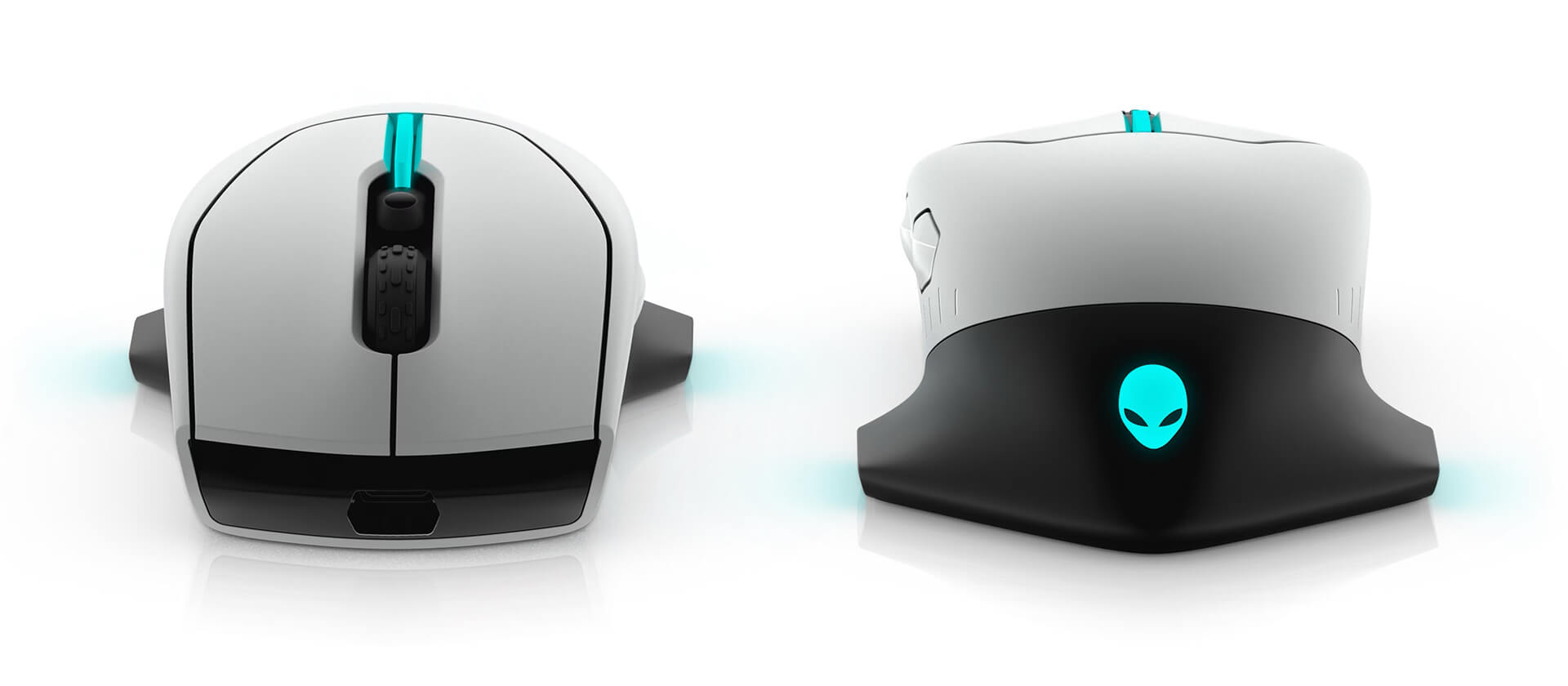
| OVERVIEW | Ergonomics: Right-handed and left-handed Gaming: Suitable Dimensions (L x W x H): 3.1 * 5.2 * 1.9 (in) Weight: 4.13 oz (120g) Color: Lunar light / Dark side of the moon |
| PORTS / SLOTS | Connectivity technology: Wireless / Wired Interface: USB Sensor: Optical Number of buttons: 7 Motion sensitivity: 16000 DPI Performance: Maximum acceleration of 40 G Polling rate: 1000 Hz, 400 in/s Cable length: 6.6 ft Features: Auto calibration, adjustable scroll wheel, braided nylon cable, 7 programmable buttons, Omron technology, 20 million clicks, 5 on-the-fly DPI settings, detachable cable, 16.8 million AlienFX lighting colors |
| EXPANSION / CONNECTIVITY | Interface: 1 x USB - 4 pin USB Type A |
| BATTERY | Technology: Lithium ion Run time (maximum): With default lighting (new from the factory):
|
| SOFTWARE / OS | Included software: Alienware Command Center Operating system requirement: Windows 10 |
How to Use the Alienware 610M
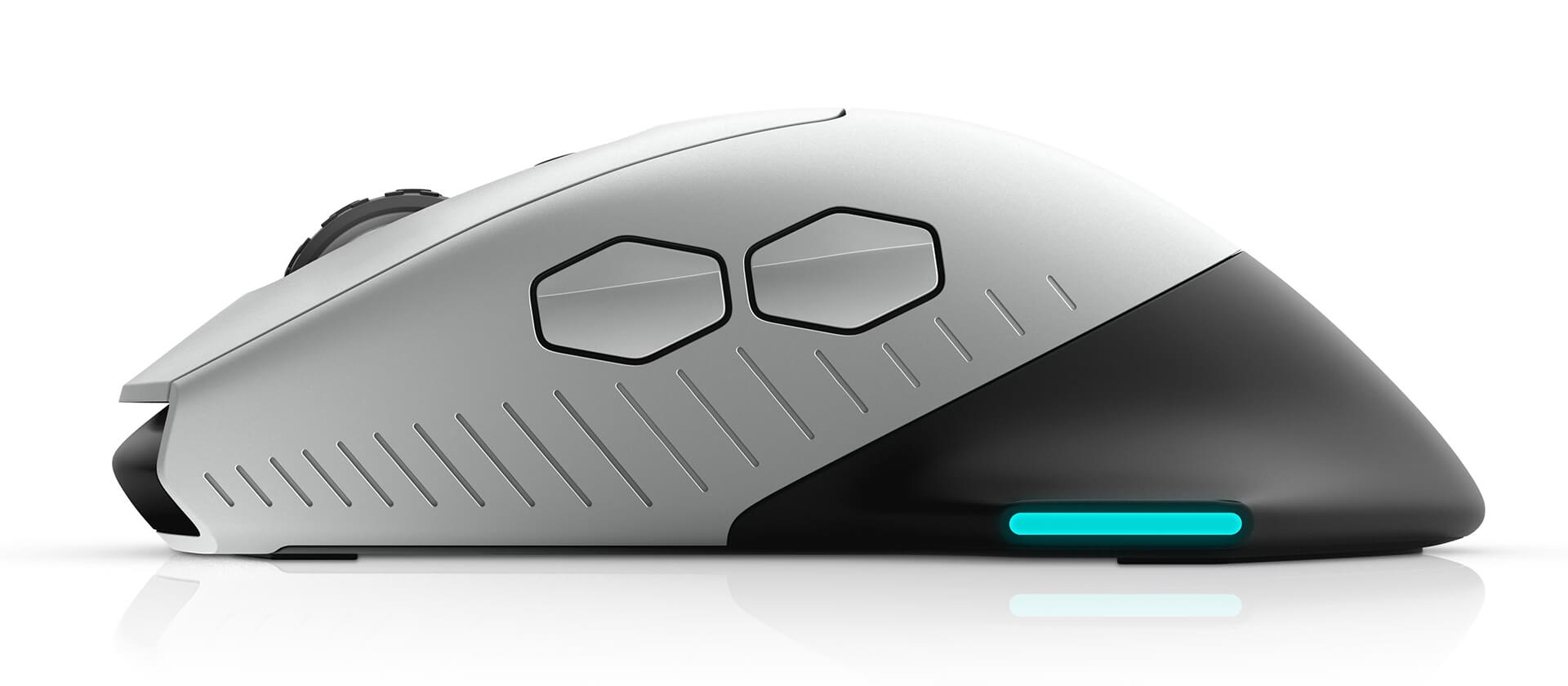
Step 1: Connect the Mouse
- Wired mode:
- Use the included USB cable to connect the mouse to your computer. Your computer will automatically detect it and install the driver if needed.
- Wireless mode:
- To use the mouse wirelessly, plug the USB receiver into a USB port on your computer.
- Press and hold the connect button on the mouse to enter pairing mode. When the mouse connects successfully, the indicator light will turn on.
Step 2: Basic Customization
- Install the Alienware Command Center software from the official Alienware website to customize the mouse settings.
- From there, you can adjust DPI sensitivity, configure the buttons, and change the RGB LED colors.
Step 3: Using It in Games
- Customize the buttons for each specific game. You can reprogram any button to perform key actions in the game.
- Enjoy a great gaming experience with the smooth feel and high precision of the optical sensor.
Step 4: Care and Cleaning
- When you are not using the mouse, turn it off to save battery in wireless mode.
- Clean the surface of the mouse and its crevices regularly to maintain its sensitivity and performance.
Alienware 610M Summary
The Alienware 610M gaming mouse is an ideal choice for gamers looking for a high-quality, full-featured product with style. With its ergonomic design, flexible connectivity, high precision, and many customization options, the Alienware 610M is sure to deliver. Whether you are a professional gamer or simply an enthusiast, the Alienware 610M will take your gaming performance to a new level. Try it and feel the difference for yourself!
No comments yet
Q&A about Alienware 610M Wired/Wireless Gaming Mouse
Frequently asked questions about Alienware 610M Wired/Wireless Gaming Mouse
What is the warranty for Alienware 610M Wired/Wireless Gaming Mouse?
Can I buy Alienware 610M Wired/Wireless Gaming Mouse with home delivery?
Worth a Look
 2 configurations
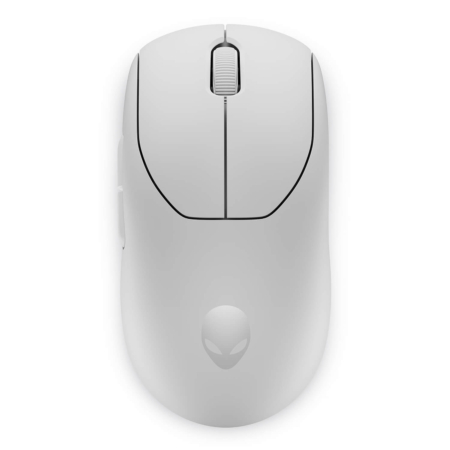
Alienware Pro Wireless Gaming Mouse
 2 configurations





Anh Hiếu Khang 08/01/2025Purchased at Hung Phat
Located in Tan Phu, HCM, but delivers to Hanoi extremely fast.
Đoàn Minh Trí 05/01/2024Purchased at Hung Phat
The best place to buy authentic Alienware gear.
Chí Bảo 07/08/2023Purchased at Hung Phat
The mouse feels amazing to use; I will provide a further review after using it for a while.
Lê Bảo Trung 19/02/2023Purchased at Hung Phat
The feeling of unboxing a brand new, sealed device is amazing!