

Sale -19%
Alienware · Gaming
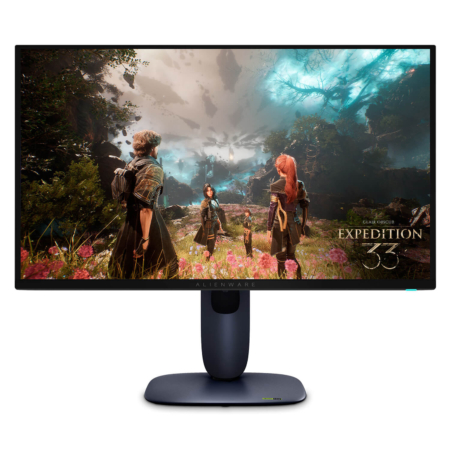
Alienware AW2725Q QD-OLED (27 inch / UHD / QD-OLED / 240Hz)
21,900,000₫
 2 configurations
 2 configurations
 2 configurations
 2 configurations
Gaming Gear is our group of genuine Alienware gaming accessories at Hung Phat Laptop: monitors, mice, and keyboards. If you already have a gaming PC or laptop, this is how you complete your setup with a monitor fast enough that you see the difference in play, a responsive mouse, and a keyboard that feels good to type on, all in one design style.
Hung Phat Laptop currently carries three QD-OLED 240Hz monitors in 27, 32, and 34-inch sizes, three mouse models ranging from a wired/wireless option to a tri-mode wireless one, and the AW510K low-profile mechanical keyboard. The products range from those that arrived at the store in 2024, such as the Alienware 610M and 720M mice and the AW510K keyboard, to the AW2725Q monitor, which arrived in 2026, and all of them are in stock. The sections below go through each group in turn, with product photos and the points worth knowing before you buy.
What Alienware accessories share is a matching design: the mice and keyboards come in two colors, the white Lunar Light and the black Dark Side of the Moon, and you can adjust buttons and lighting and save profiles in the Alienware Command Center software. That means you can buy one piece at a time to fit your budget and the setup still looks cohesive. Gaming Gear is divided into three groups by accessory type; open any group to see all the models and colors in stock.
Gaming Monitor is for people with a gaming PC or laptop with a powerful graphics card who want a monitor that is both fast and beautiful for gaming, watching HDR movies, and working. All three models use a QD-OLED panel, where each pixel emits its own light, giving deep blacks, high contrast, and a 0.03ms response time that is much faster than typical IPS monitors.
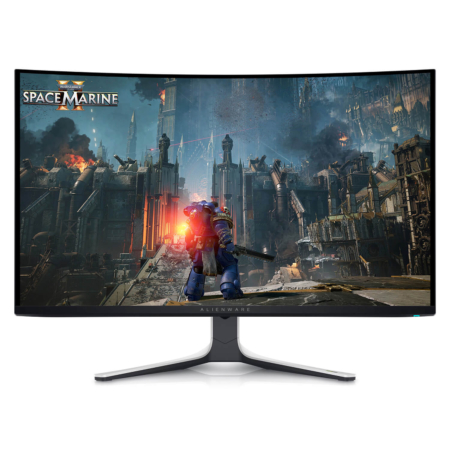
The newly arrived Alienware AW2725Q QD-OLED (27 inch / UHD / QD-OLED / 240Hz) is a 26.7-inch flat 4K monitor. At 166 PPI, text looks very sharp, and it adds a 240Hz refresh rate, 99% DCI-P3, and Dolby Vision. It fits desks of moderate depth, people who sit close, and anyone who games and also works a lot with text and spreadsheets.
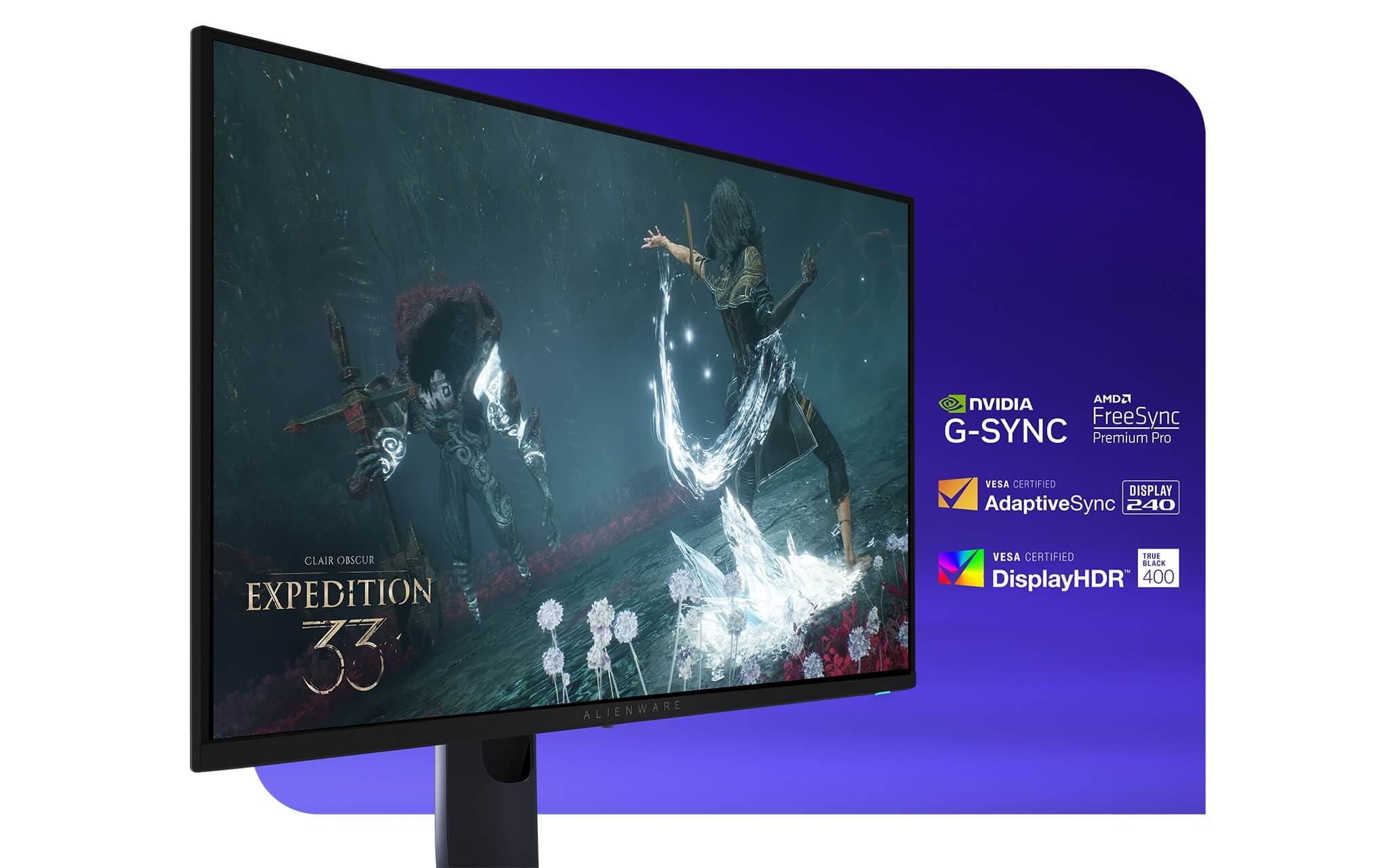
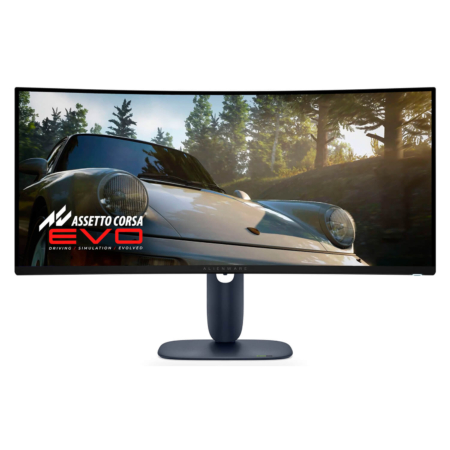
The Alienware AW3225QF QD-OLED (32 inch / UHD / QD-OLED / 240Hz / Curved) keeps the 4K resolution but steps up to a 31.6-inch display with a 1700R curve, giving a large picture that is still detailed. It has 2 HDMI ports, one of which supports eARC, so it is easy to add a game console and a speaker system. It suits anyone who wants one monitor for both PC use and living room entertainment.
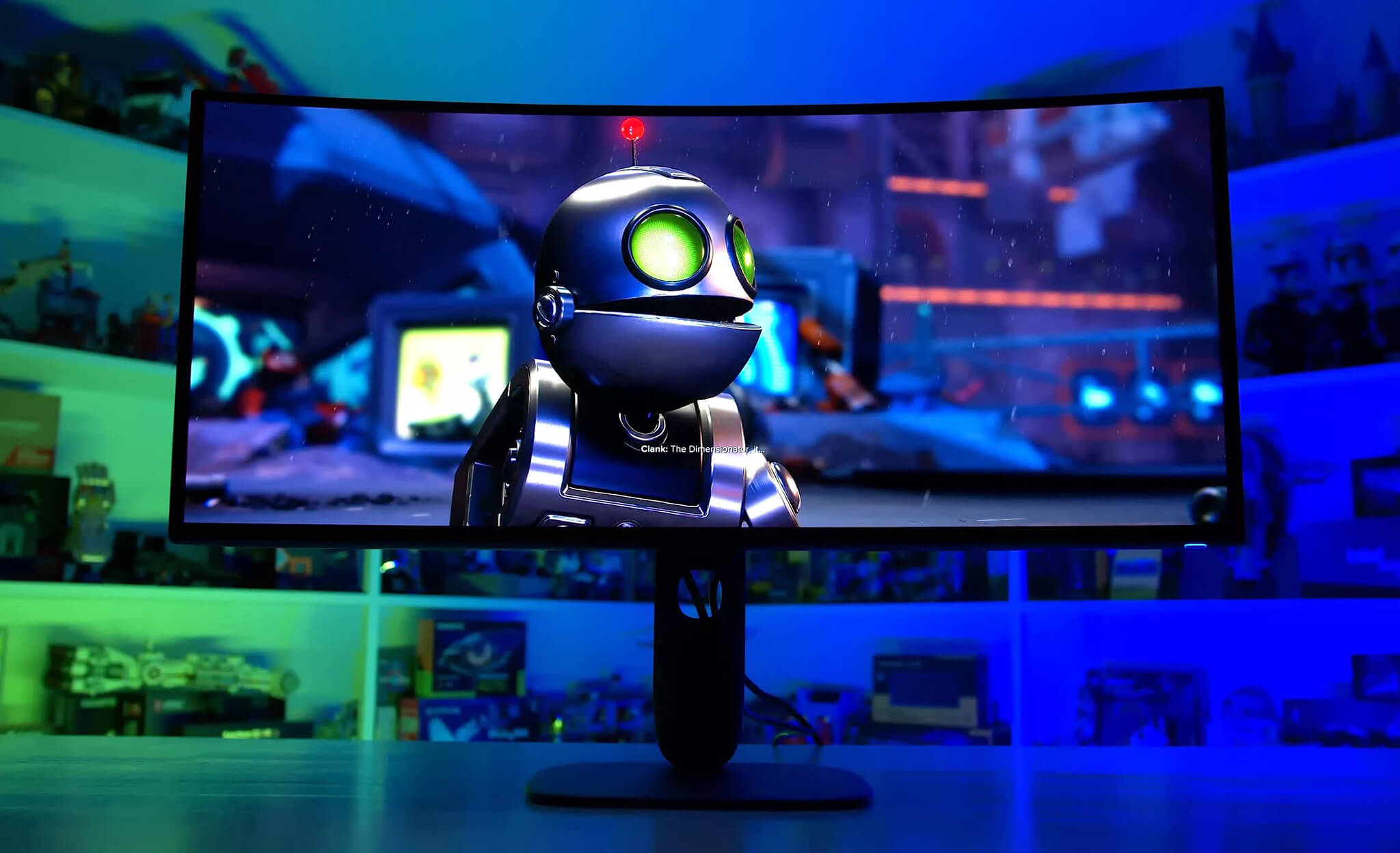
The Alienware AW3425DW QD-OLED (34 inch / WQHD / QD-OLED / 240Hz / Curved) is a 21:9 ultrawide monitor with a resolution of 3440 x 1440 and a 1800R curve. The wide frame gives racing games and open-world games a broader view and leaves comfortable room for 2 to 3 work windows side by side. Because the resolution is lower than 4K, a graphics card can reach higher frame rates more easily.
A note before you buy: to play at 4K and 240Hz you need a very powerful graphics card. In demanding games a typical PC will not reach a full 240 frames per second, but you will still see the benefits in contrast and smoothness. OLED monitors can suffer image retention if a static image stays on screen for a very long time, so turn on pixel refresh, hide the taskbar, and let the screen turn off on its own when not in use.
Gaming Mouse is for shooter and MOBA players who need a mouse that feels secure in the hand, responsive, and stable, and it also suits graphic designers who want a more precise cursor than an office mouse offers. The three Alienware models differ mainly in how they connect and how much they weigh, so think first about whether you will use the mouse at a fixed desk or carry it with your laptop.
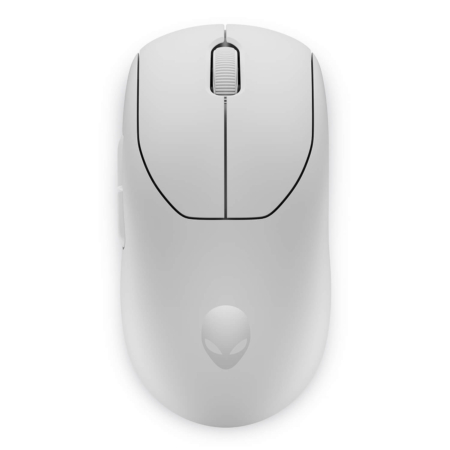
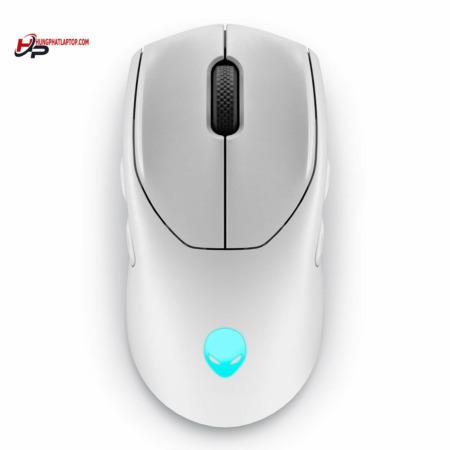
The newly arrived Alienware Pro Wireless Gaming Mouse weighs under 60g, has a symmetrical shape, connects wirelessly at 2.4GHz or by USB cable, and has a 26,000 DPI sensor. Alienware developed it with the Team Liquid esports team for competitive players who need fast flicks without tiring the hand.
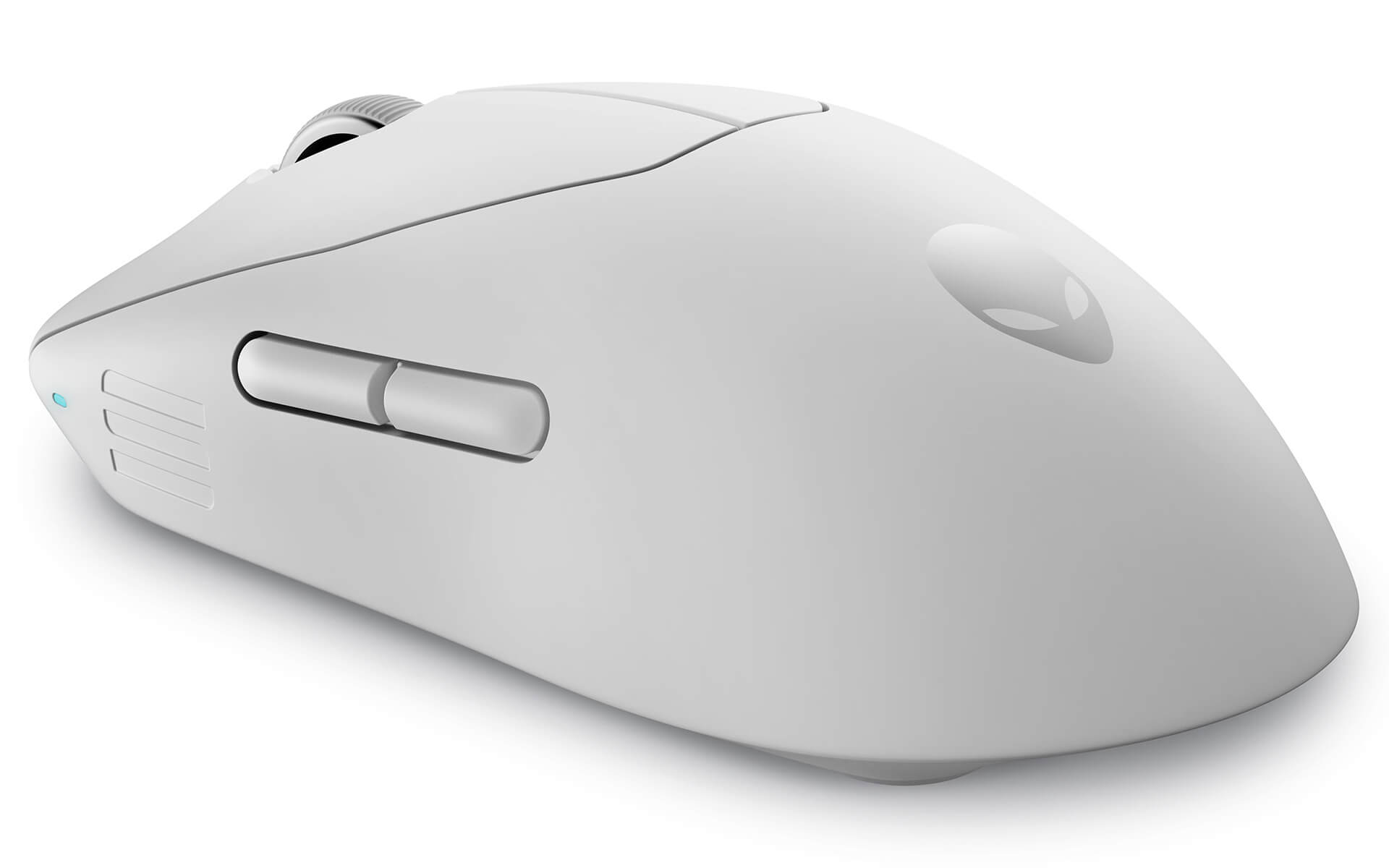
The Alienware 720M Tri-Mode Wireless Gaming Mouse has three ways to connect: a 2.4GHz dongle, Bluetooth, and a USB-C cable, along with a 26,000 DPI sensor. Bluetooth saves battery and does not take up a port, which suits carrying a laptop to work, while the dongle is for gaming that needs low latency.
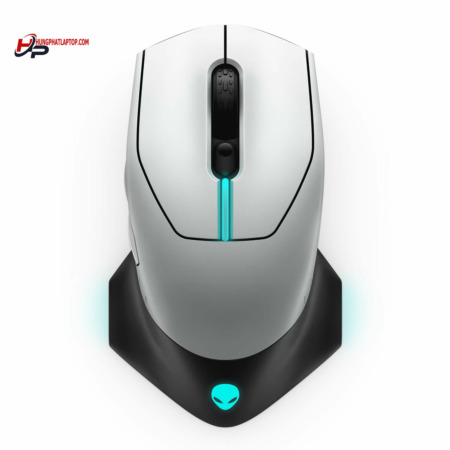
The Alienware 610M Wired/Wireless Gaming Mouse works both wired and wireless and has a 16,000 DPI sensor. It is the most approachable model in the group, a good first step up from an office mouse.
A high DPI does not mean better aim; most shooter players use only about 400 to 1,600 DPI. What decides the feel is a shape that fits your hand and your grip style, whether palm, claw, or fingertip, so if you can, try one in your hand before choosing.
Gaming Keyboard is for people who both play games and spend many hours a day typing or programming, and who want the feel of a mechanical keyboard without the tall keys of a traditional one. Low keys mean your wrists need to lift less, and people used to a laptop keyboard adjust quickly.
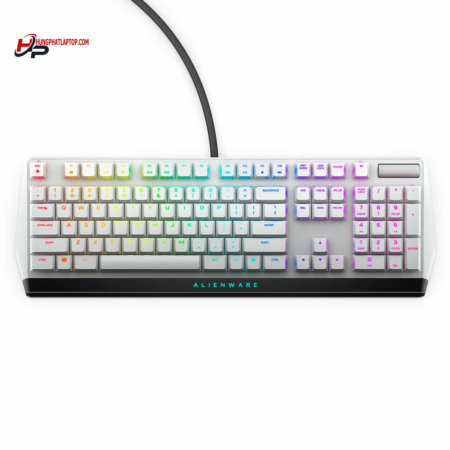
The Alienware AW510K Low Profile RGB Mechanical Gaming Keyboard uses CHERRY MX Low Profile Red switches with short travel and a light, quiet press, 16.8 million color RGB lighting adjustable per key, a dedicated volume knob, and a USB connection. It is a full-size keyboard with a numeric keypad, convenient for accounting data entry and spreadsheets.

Red switches are linear with no tactile bump, and they type quietly, which suits gaming, but people used to typing hard may hit the wrong keys more easily. A full-size keyboard takes up quite a lot of space, so measure your desk first if you plan to pair it with a 34-inch monitor and a large mouse pad.
The table below summarizes the main differences among the Alienware accessories in stock so you can see them at a glance before choosing.
| Product | Type | Key Specs | Connectivity | Best For |
|---|---|---|---|---|
| Alienware AW2725Q | Flat monitor | 26.7-inch 4K QD-OLED, 240Hz, 166 PPI | DisplayPort, 2 HDMI ports | Mid-size desks, gaming and text-heavy work |
| Alienware AW3225QF | Curved monitor 1700R | 31.6-inch 4K QD-OLED, 240Hz | DisplayPort, 2 HDMI ports with eARC | Large picture, games and movies |
| Alienware AW3425DW | Ultrawide curved monitor 1800R | 34-inch 3440 x 1440 QD-OLED, 240Hz | DisplayPort, HDMI | Wide field-of-view games, multitasking |
| Alienware Pro Wireless | Mouse | Under 60g, 26,000 DPI | 2.4GHz, USB cable | Competitive players |
| Alienware 720M | Mouse | 26,000 DPI | 2.4GHz, Bluetooth, USB-C cable | Shared between PC and laptop |
| Alienware 610M | Mouse | 16,000 DPI | Wired, wireless | New to gaming mice |
| Alienware AW510K | Full-size keyboard | CHERRY MX Low Profile Red, RGB | USB | Gaming plus heavy typing |
Specs are based on Dell Alienware's published figures and the product pages at Hung Phat Laptop; colors vary by version.
The monitor usually takes the biggest share of the budget and affects every hour you use your computer, so it is worth prioritizing first. For a compact desk and close seating, the 27-inch flat AW2725Q makes it easy to take in the whole screen; for a wide desk and a more immersive feel, go with the 32-inch curved or the 34-inch ultrawide. If you have a mid-range graphics card, the 34-inch monitor at 3440 x 1440 reaches higher frame rates more easily than a 4K monitor.
For a mouse, choose by connection type and weight first, and DPI second. For competitive play, pick the lightweight Pro Wireless; to share between a laptop and a PC, pick the 720M with Bluetooth; if you are just starting out, pick the 610M. The AW510K keyboard suits people who type a lot and want low keys to ease wrist strain. Buying the mouse and keyboard in the same color, Lunar Light or Dark Side of the Moon, keeps your setup matching.
If you are upgrading your setup, you can start with the gaming monitor category to compare the three sizes.
Every Gaming Gear product at Hung Phat Laptop is a genuine Alienware product that comes with an invoice and a clear warranty. Our advisors will ask whether you use a PC or a laptop, which graphics card you have, and how wide your desk is, so they can recommend the right monitor size and the right type of mouse and keyboard. Not sure whether to choose a 27-inch or 34-inch monitor, or a wired or wireless mouse? Send us your PC specs and the games you play most, and our team will compare each product for you in detail. When you buy, you get:


Hung Phat Laptop uses Google cookies (Analytics, Ads) and Microsoft Clarity to measure website traffic and advertising performance. Information about your browsing activity is sensitive personal data. If you do not agree, click “Decline”: these tools will be turned off and you can still browse and shop as usual.
See Privacy Policy