

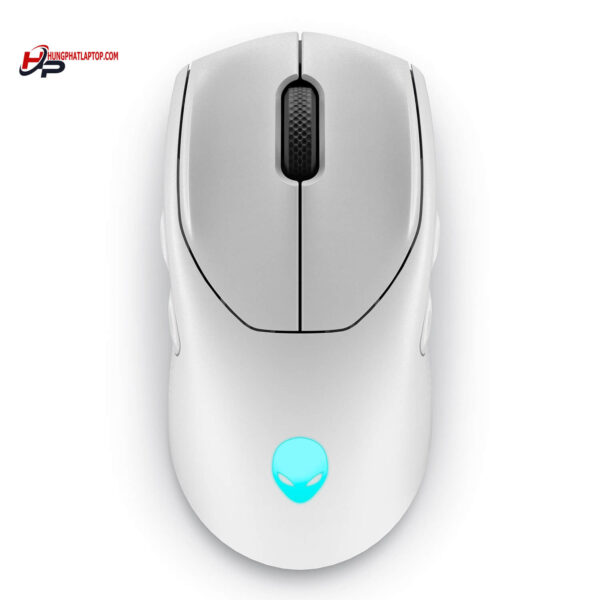
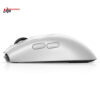
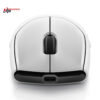
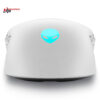
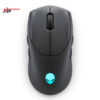
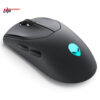
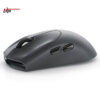
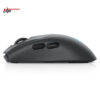
Alienware 720M Tri-Mode Wireless Gaming Mouse
- CONNECTIVITY USB / 2.4 GHz / Bluetooth 5.1
- SENSITIVITY 26.000 DPI
- COLOR: Lunar Light
- CONDITION: New 100% Full Box
- WARRANTY: Bảo hành 6 tháng
- Key Features of Alienware 720M
- 1. Excellent Ergonomic Design
- 2. Tri-Mode Wireless Transmission Technology
- 3. High Precision with Optical Sensor
- 4. Flexible Customizable Buttons
- 5. Customizable RGB LED Lighting
- 6. Long Battery Life
- Alienware 720M Specifications
- Alienware 720M User Guide
- 1. Connecting to Devices
- 2. Adjusting DPI
- 3. Programming Buttons
- 4. Battery Management
- Summary of Alienware 720M
In today's technological world, choosing a high-performance gaming device is a prerequisite for optimizing the gaming experience. To meet the needs of gamers, the Alienware 720M Tri-Mode Wireless Gaming Mouse has been developed with outstanding features. This article will dive deep into the product's features, usage, and the benefits it brings to users.
Key Features of Alienware 720M
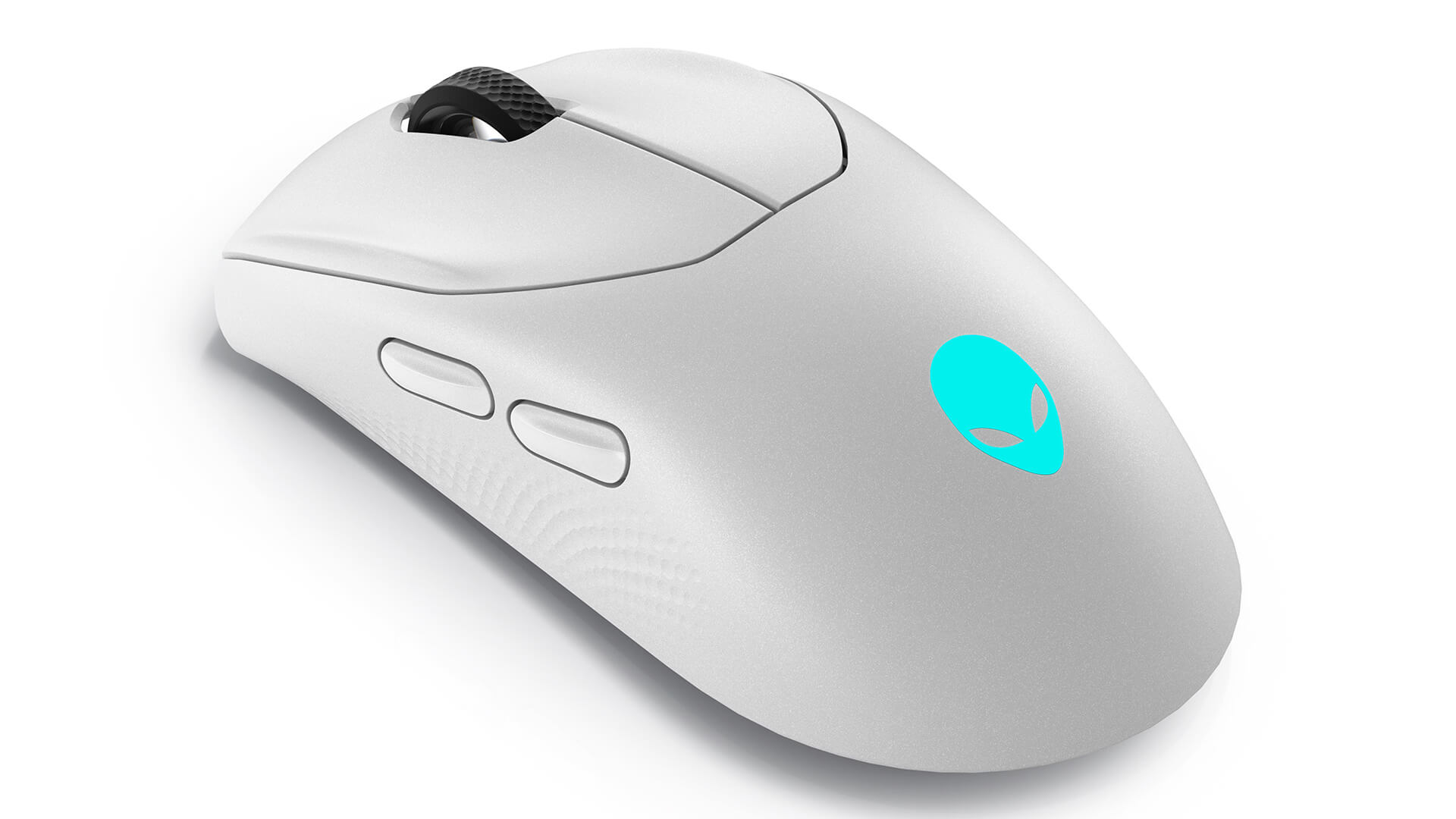
1. Excellent Ergonomic Design
The Alienware 720M gaming mouse is designed with sophisticated lines and ergonomics to provide maximum comfort for users during long periods of use. With a soft contact surface and moderate texture, this product helps prevent hand slippage or fatigue, even if you play games continuously for many hours.
2. Tri-Mode Wireless Transmission Technology
The Alienware 720M supports three connection modes: Bluetooth technology, 2.4GHz Wireless, and a wired mode via USB-C. This allows gamers to be flexible in choosing the connection method that best suits their gaming environment. The 2.4GHz wireless mode provides rapid transmission speeds, while Bluetooth mode is more battery-efficient for those who frequently use the mouse across various devices.
3. High Precision with Optical Sensor
With an optical sensor of up to 26,000 DPI, the Alienware 720M provides high precision and sensitivity, helping players easily execute clicks and smooth movements on the screen. A special feature of the product is the ability to customize DPI according to personal preference, thereby enhancing efficiency in every match.
4. Flexible Customizable Buttons
The Alienware 720M mouse is equipped with multiple buttons that can be programmed according to individual usage needs. Gamers can easily assign shortcuts to specific in-game functions, helping to create a significant competitive advantage in intense matches.
5. Customizable RGB LED Lighting
Beyond just performance, the Alienware 720M also brings an aesthetic element with beautiful RGB LED lighting. Users can easily customize the lighting and colors of the LEDs to their liking, creating a unique and personalized gaming style.
6. Long Battery Life
With a battery capacity of up to 300 mAh, the Alienware 720M allows users to use it for many continuous hours without the need for frequent recharging. This long battery life is truly useful during extended gaming marathons.
Alienware 720M Specifications
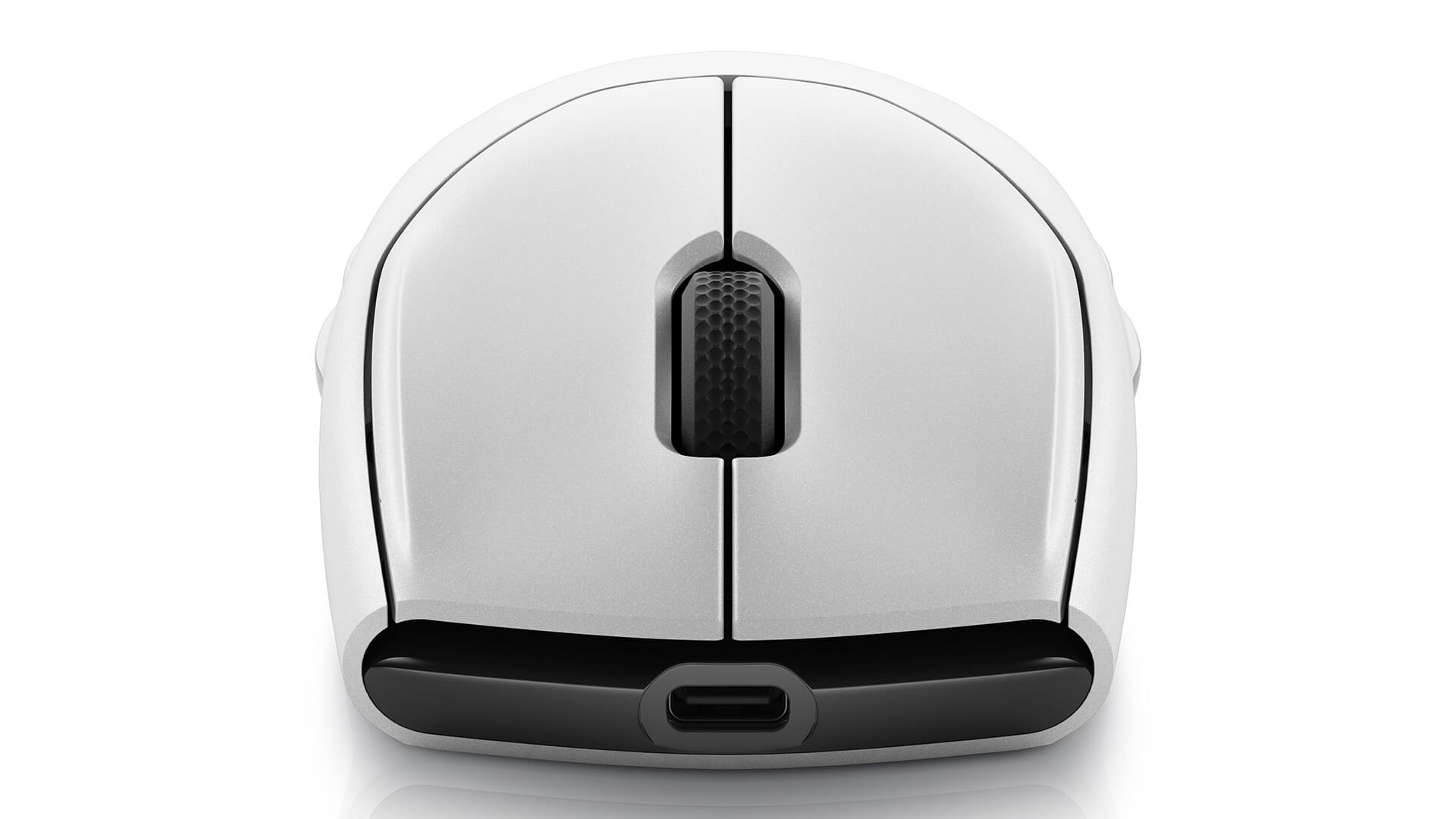
| OVERVIEW | Ergonomics: Right-handed and Left-handed Gaming: Suitable Dimensions (L x W x H): 2.4 * 4.9 * 1.5 (in) Weight: 0.19 lbs (89g) Color: Lunar light / Dark side of the moon |
| PORTS / SLOTS | Connectivity Technology: USB / 2.4 GHz / Bluetooth 5.1 Interface: USB Sensor: Optical Number of buttons: 7 Motion Sensitivity: 26000 DPI Performance: Up to 50 G acceleration Polling rate: 1000 Hz, 650 in/s Cable Length: 6.6 ft Features: Auto-calibration, adjustable scroll wheel, braided cable, ambidextrous design, 8 programmable buttons, magnetic lock, 5 instant DPI settings, detachable cable, 16.8 million color AlienFX lighting, fast charging, 70 million clicks |
| EXPANSION / CONNECTIVITY | Interface: 1 x USB - 4 pin USB Type A |
| BATTERY | Technology: Lithium ion Battery Life (Max): 420 hours |
| SOFTWARE / OS | Included Software: Alienware Command Center OS Requirement: Windows 10+ |
Alienware 720M User Guide
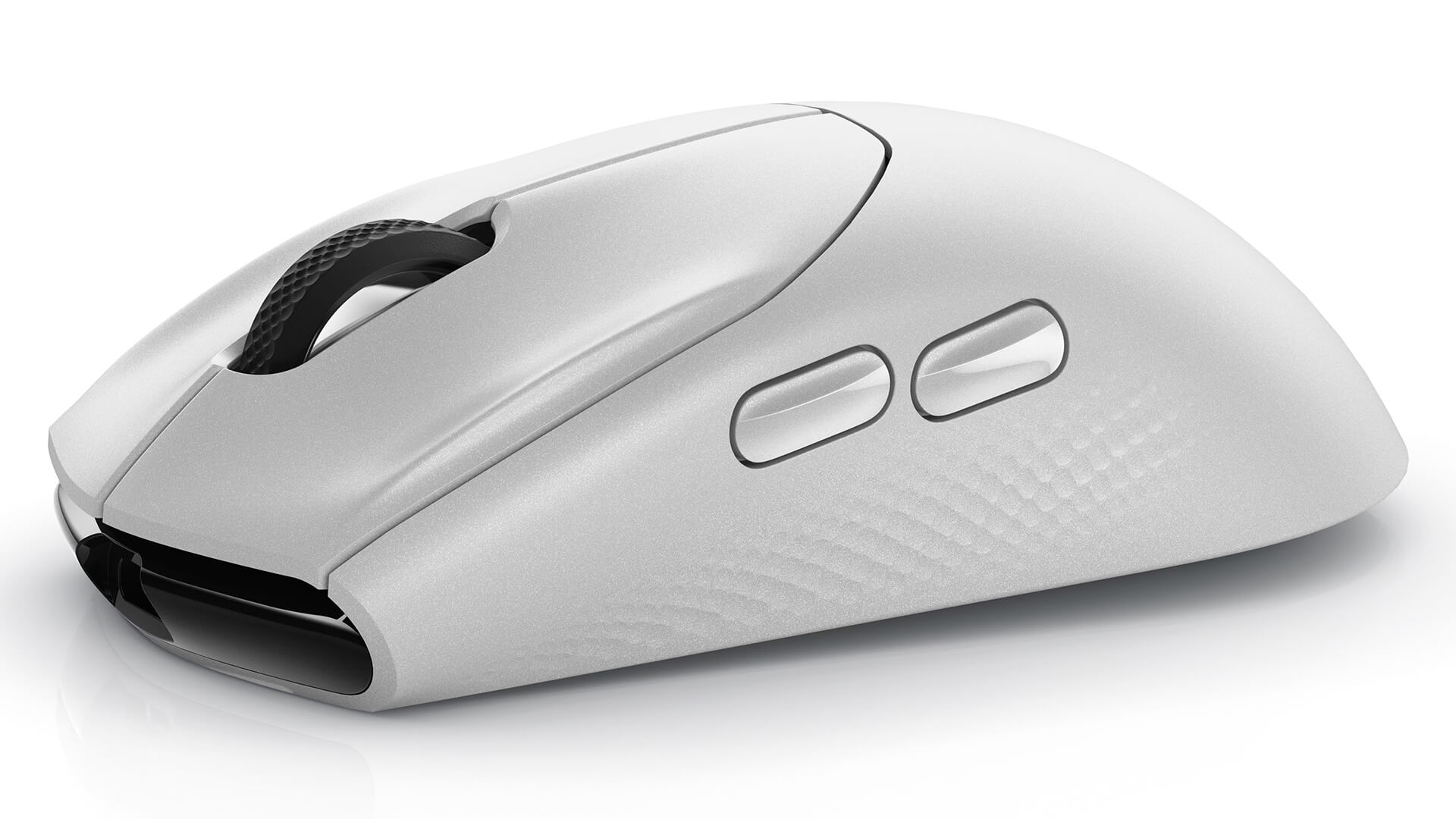
1. Connecting to Devices
- Bluetooth Mode: Press and hold the connect button on the mouse until the LED flashes. Go to the Bluetooth settings on your device and search for Alienware 720M to connect.
- 2.4GHz Wireless Mode: Plug the USB receiver into your computer, then turn on the mouse. The mouse will automatically connect without further action.
- Wired Mode: Connect the mouse to your computer using the USB-C cable for immediate use without any additional configuration.
2. Adjusting DPI
To adjust the mouse sensitivity, simply press the DPI change button on the mouse body. Each press will cycle through the preset DPI levels. You can also use the Alienware software to customize the DPI according to your personal needs.
3. Programming Buttons
Use the Alienware Command Center software to reprogram the buttons on the mouse according to your preferences. This software allows you to assign commands or shortcuts to each button, helping to optimize your gaming experience.
4. Battery Management
To extend battery life, always turn off the mouse when not in use and fully charge the battery whenever the capacity is low. Use the included charging cable to ensure the charging process is safe and efficient.
Summary of Alienware 720M
The Alienware 720M Tri-Mode Wireless Gaming Mouse is not just an ordinary gaming mouse. It represents the perfect combination of performance, features, and design. If you are looking for a device capable of improving your gaming experience and providing convenience during use, the Alienware 720M is certainly a wise choice. With superior features and connectivity flexibility, this product will support you in achieving victories in every match.
No comments yet
Q&A about Alienware 720M Tri-Mode Wireless Gaming Mouse
Frequently asked questions about Alienware 720M Tri-Mode Wireless Gaming Mouse
What is the warranty for Alienware 720M Tri-Mode Wireless Gaming Mouse?
Can I buy Alienware 720M Tri-Mode Wireless Gaming Mouse with home delivery?
Worth a Look
 2 configurations
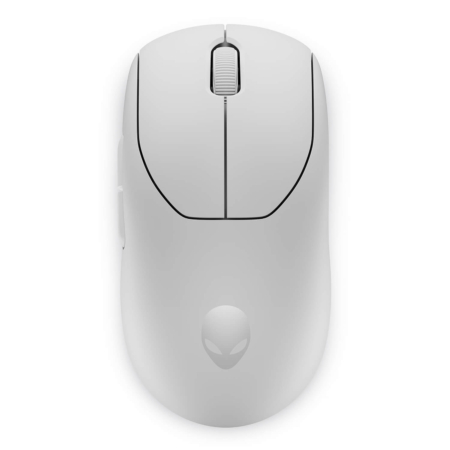
Alienware Pro Wireless Gaming Mouse
 2 configurations




Từ Nhật Anh 05/11/2024Purchased at Hung Phat
Where is the most reputable place to buy Alienware Gear in Tan Phu, everyone?
Thanh Liêm 05/10/2024Purchased at Hung Phat
The technical support team is very responsive.
Lưu Kiến Lương 31/07/2024Purchased at Hung Phat
The owner is a professional in providing consultation.