

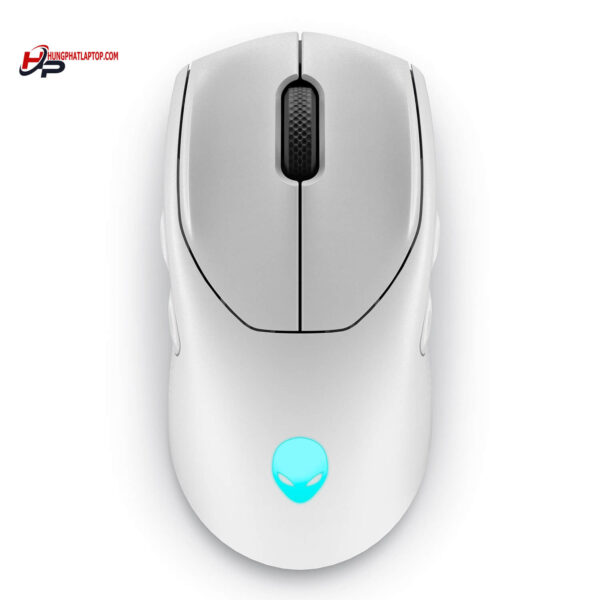
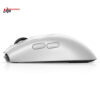
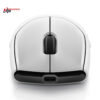
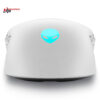
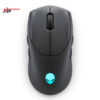
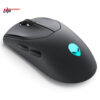
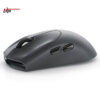
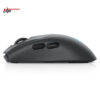
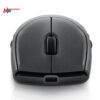
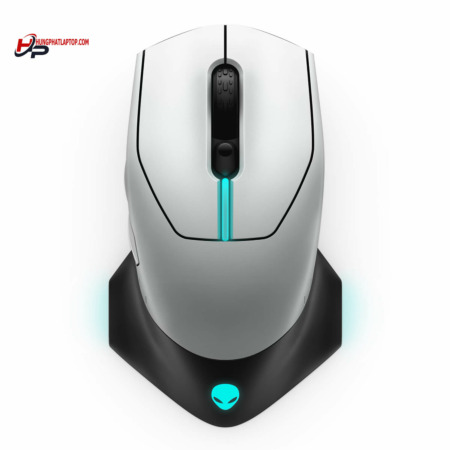
Alienware 720M Tri-Mode Wireless Gaming Mouse
- CONNECTIVITY USB / 2.4 GHz / Bluetooth 5.1
- SENSITIVITY 26.000 DPI
- COLOR: Lunar Light
- CONDITION: New 100% Full Box
- WARRANTY: 6-month warranty
- Standout Features of the Alienware 720M
- 1. Outstanding Ergonomic Design
- 2. Tri-Mode Wireless Technology
- 3. High Precision with an Optical Sensor
- 4. Flexible Customizable Buttons
- 5. Customizable RGB LED Lighting
- 6. Long Battery Life
- Alienware 720M Specifications
- How to Use the Alienware 720M
- 1. Connecting to Your Devices
- 2. Adjusting DPI
- 3. Programming the Buttons
- 4. Battery Management
- Final Thoughts on the Alienware 720M
Choosing a high-performance gaming peripheral is a prerequisite for getting the most out of your play. Built to meet the needs of gamers, the Alienware 720M Tri-Mode Wireless Gaming Mouse comes with a set of standout features. This article takes a closer look at the product's features, how to use it, and the benefits it offers users.
Standout Features of the Alienware 720M
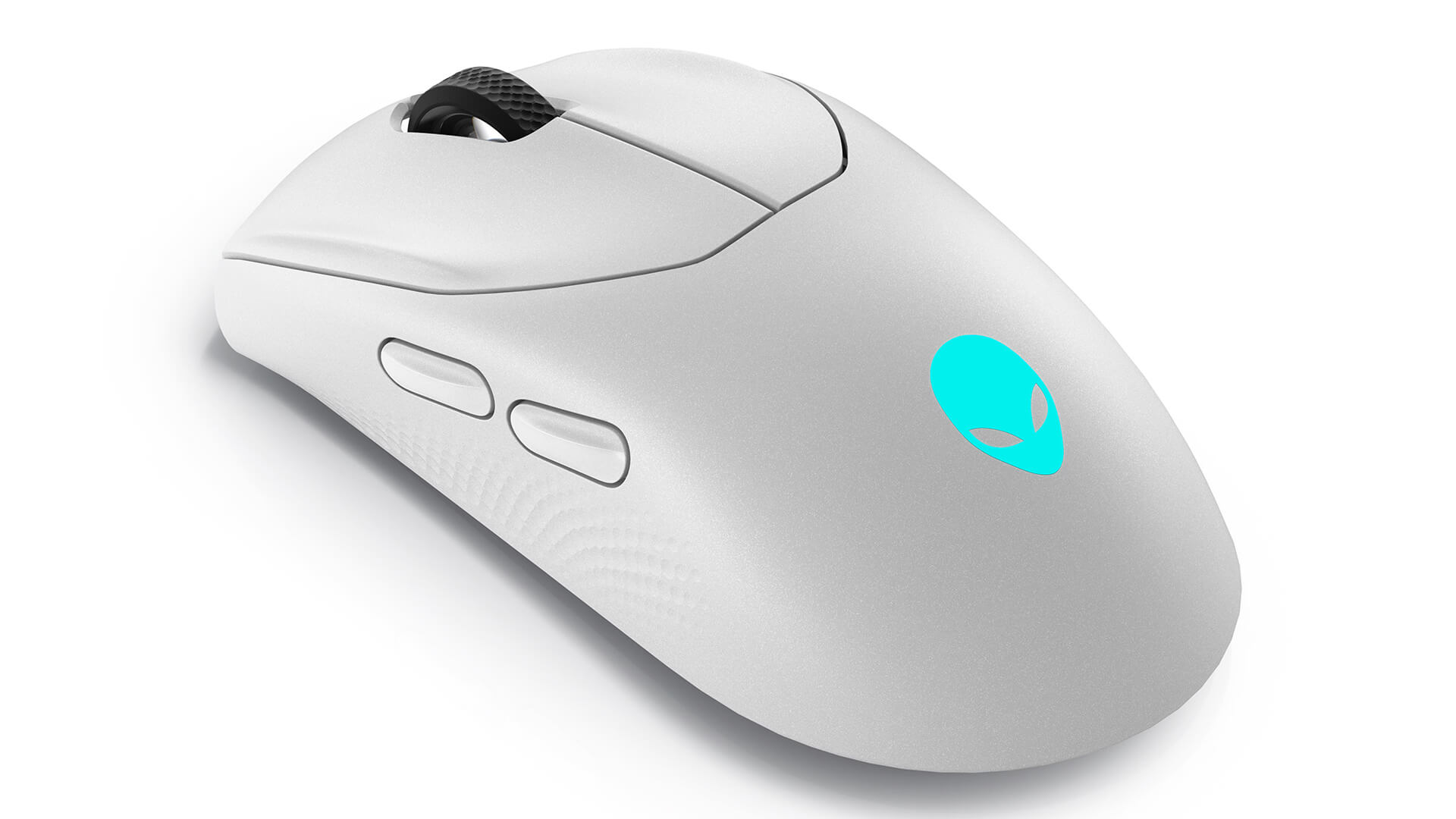
1. Outstanding Ergonomic Design
The Alienware 720M gaming mouse features refined lines and an ergonomic design that delivers maximum comfort during long hours of use. With a soft-touch surface and a moderate texture, it helps prevent your hand from slipping and reduces fatigue, even when you game continuously for hours.
2. Tri-Mode Wireless Technology
The Alienware 720M supports three connection modes: Bluetooth, 2.4GHz wireless, and wired mode via USB-C. This gives gamers the flexibility to choose the connection method that best suits their gaming environment. The 2.4GHz wireless mode delivers fast data transmission, while Bluetooth mode is easier on the battery for those who often use the mouse across multiple devices.
3. High Precision with an Optical Sensor
With an optical sensor of up to 26.000 DPI, the Alienware 720M delivers high precision and sensitivity, helping players land clicks and glide across the screen with ease. A particular highlight is the ability to customize DPI to your personal preference, which improves your performance in every match.
4. Flexible Customizable Buttons
The Alienware 720M mouse is equipped with multiple buttons that can be programmed to fit your own needs. Gamers can easily assign shortcuts to individual in-game functions, creating a significant competitive edge in intense matches.
5. Customizable RGB LED Lighting
Beyond working performance, the Alienware 720M also adds visual appeal with attractive RGB LED lighting. Users can easily adjust the lighting and LED colors to their liking, creating a unique, personalized gaming style.
6. Long Battery Life
With a battery capacity of up to 300 mAh, the Alienware 720M lets users play for many hours at a stretch without frequent recharging. This long battery life is especially useful during extended gaming marathons.
Alienware 720M Specifications
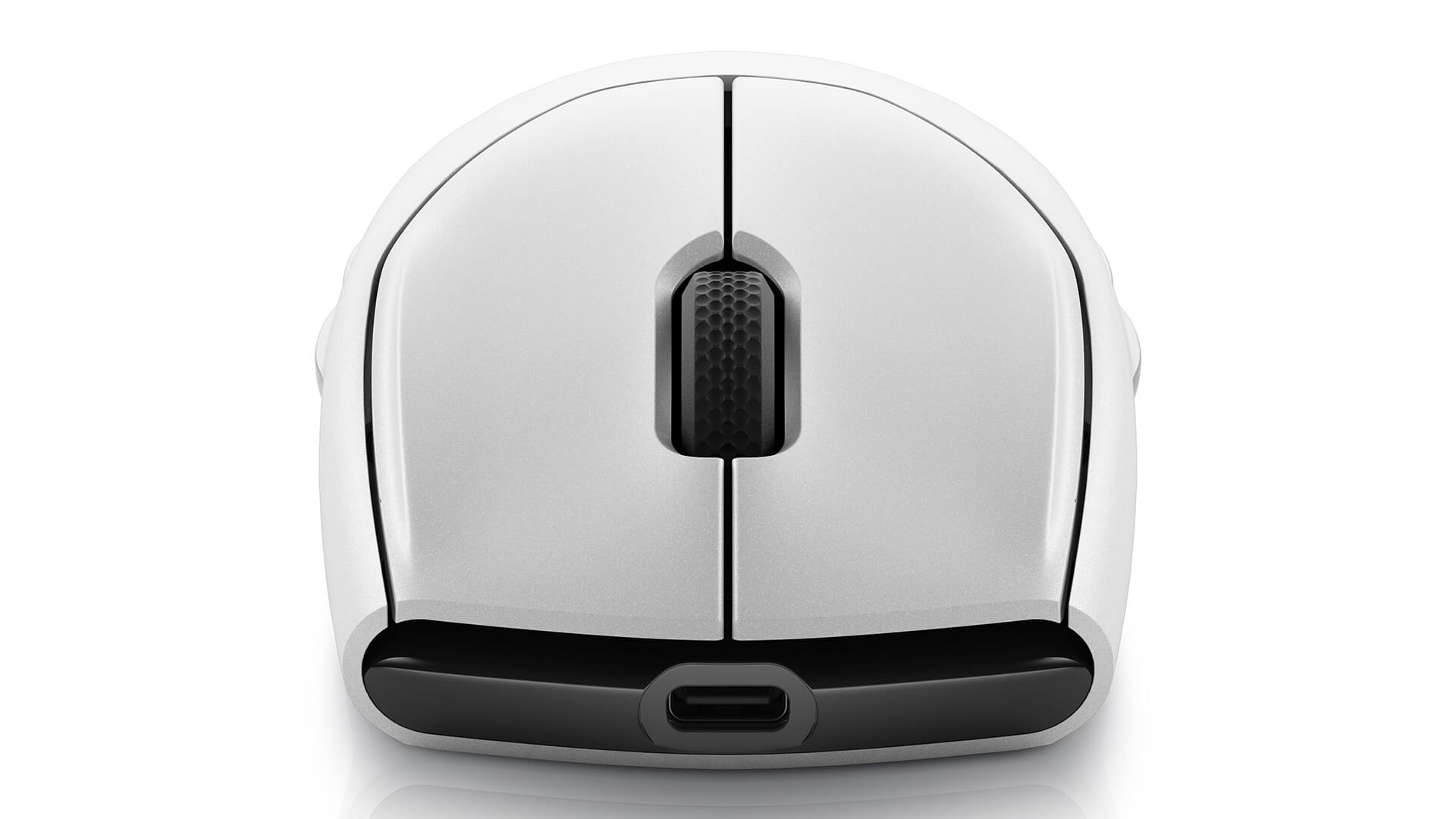
| OVERVIEW | Ergonomics: Right-handed and left-handed Gaming: Suitable Dimensions (L x W x H): 2.4 * 4.9 * 1.5 (in) Weight: 0.19 lbs (89g) Color: Lunar light / Dark side of the moon |
| PORTS / SLOTS | Connectivity technology: USB / 2.4 GHz / Bluetooth 5.1 Interface: USB Sensor: Optical Number of buttons: 7 Motion sensitivity: 26000 DPI Performance: Maximum acceleration 50 G Polling rate: 1000 Hz, 650 in/s Cable length: 6.6 ft Features: Auto-calibration, adjustable scroll wheel, braided cable, ambidextrous design, 8 programmable buttons, magnetic lock, 5 on-the-fly DPI settings, detachable cable, AlienFX lighting with 16.8 million colors, fast charging, 70 million clicks |
| EXPANSION / CONNECTIVITY | Interface: 1 x USB - 4 pin USB Type A |
| BATTERY | Technology: Lithium ion Battery life (max): 420 hours |
| SOFTWARE / OS | Included software: Alienware Command Center Operating system requirement: Windows 10+ |
How to Use the Alienware 720M
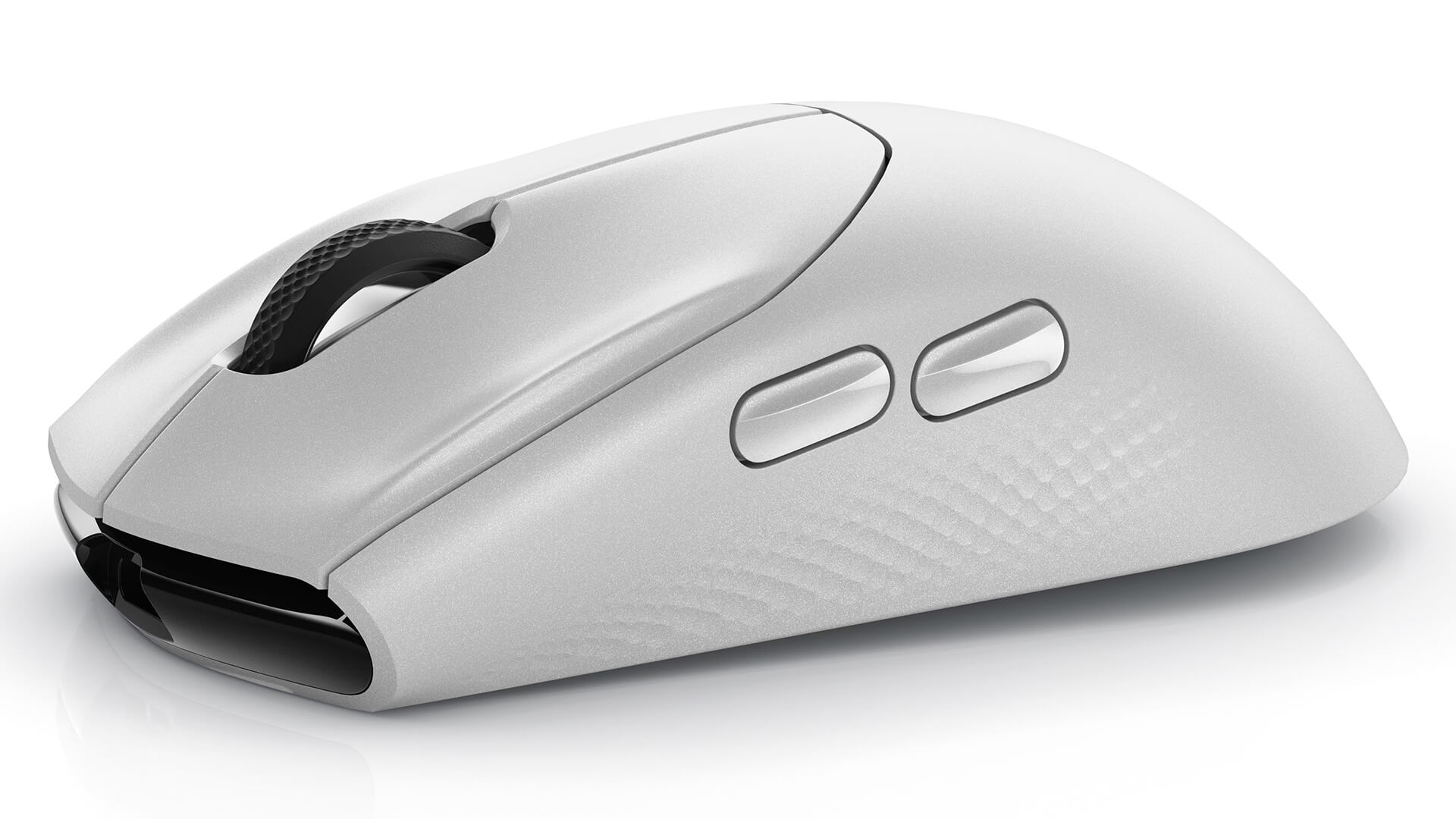
1. Connecting to Your Devices
- Bluetooth Mode: Press and hold the connect button on the mouse until the LED blinks. Then open the Bluetooth settings on your device and search for the Alienware 720M to pair.
- 2.4GHz Wireless Mode: Plug the USB receiver into your computer, then turn on the mouse. The mouse will connect automatically with no extra steps.
- Wired Mode: Connect the mouse to your computer with a USB-C cable and start using it right away, with no additional configuration.
2. Adjusting DPI
To adjust the mouse sensitivity, simply press the DPI button on the body of the mouse. Each press cycles through the preset DPI levels. You can also use Alienware's software to fine-tune the DPI to your personal needs.
3. Programming the Buttons
Use the Alienware Command Center software to reprogram the buttons on the mouse to your liking. The software lets you assign commands or shortcuts to each button, helping you optimize your gaming experience.
4. Battery Management
To extend battery life, always turn the mouse off when you are not using it, and fully charge it whenever the battery runs low. Use the included charging cable to keep charging safe and efficient.
Final Thoughts on the Alienware 720M
The Alienware 720M Tri-Mode Wireless Gaming Mouse is far more than an ordinary gaming mouse. It represents the perfect combination of performance, features, and design. If you are looking for a device that can improve your gaming experience and add convenience to everyday use, the Alienware 720M is certainly a smart choice. With its outstanding features and flexible connectivity, this mouse will help you secure wins in every match.
No comments yet
Q&A about Alienware 720M Tri-Mode Wireless Gaming Mouse
Frequently asked questions about Alienware 720M Tri-Mode Wireless Gaming Mouse
What is the warranty for Alienware 720M Tri-Mode Wireless Gaming Mouse?
Can I buy Alienware 720M Tri-Mode Wireless Gaming Mouse with home delivery?
Worth a Look
 2 configurations
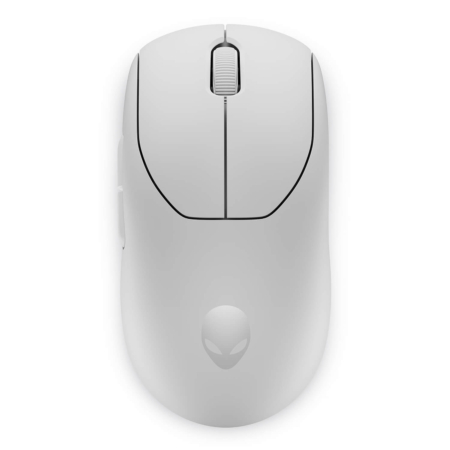
Alienware Pro Wireless Gaming Mouse
 2 configurations





Từ Nhật Anh 05/11/2024Purchased at Hung Phat
Where is the most reputable place to buy Alienware Gear in Tan Phu, everyone?
Thanh Liêm 05/10/2024Purchased at Hung Phat
The technical support team is very responsive.
Lưu Kiến Lương 31/07/2024Purchased at Hung Phat
The owner is a professional in providing consultation.