

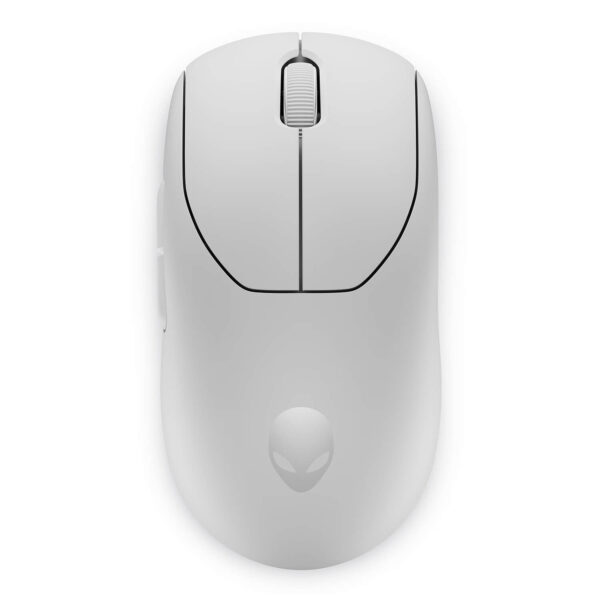

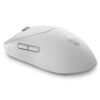
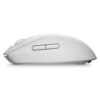
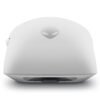
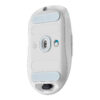
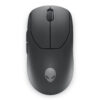
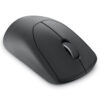
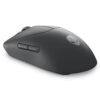
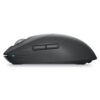
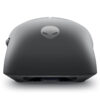
Alienware Pro Wireless Gaming Mouse
- CONNECTIVITY USB Cable / Wireless 2.4 GHz
- SENSITIVITY 26.000 DPI
- COLOR: Lunar Light
- CONDITION: New 100% Full Box
- WARRANTY: 6-month warranty
- Standout Features of the Alienware Pro Wireless Gaming Mouse
- 1. Instant Response with a High Polling Rate
- 2. Ultra-Light at Under 60g - A Design Gamers Love
- 3. Long Click Life and Precise Magnetic Switches
- 4. Long Battery Life and Ultra-Fast Charging
- 5. Deep Customization with Alienware Command Center
- 6. Sustainable Design Built for Performance
- Alienware Pro Wireless Gaming Mouse Specifications
- How to Use the Alienware Pro Wireless Gaming Mouse
- 1. Connect the Mouse to Your Device
- 2. Adjust DPI and Polling Rate
- 3. Flexible Button and Macro Assignment
- 4. Battery Management and Fast Charging
- Final Thoughts on the Alienware Pro Wireless Gaming Mouse
Alienware Pro Wireless Gaming Mouse is a premium wireless gaming mouse built to meet the most demanding standards of professional gamers. As games call for ever faster reflexes, pinpoint accuracy and deeper personalization, a high-performance peripheral has become essential to gaining a competitive edge.
Developed with real-world feedback from the renowned eSports organization Team Liquid and more than 100 professional players worldwide, the Alienware Pro Wireless mouse blends speed, durability, customization and an optimized design. This article takes a detailed look at its standout features, technical specifications, usage guide and practical value for users at every skill level.
Standout Features of the Alienware Pro Wireless Gaming Mouse
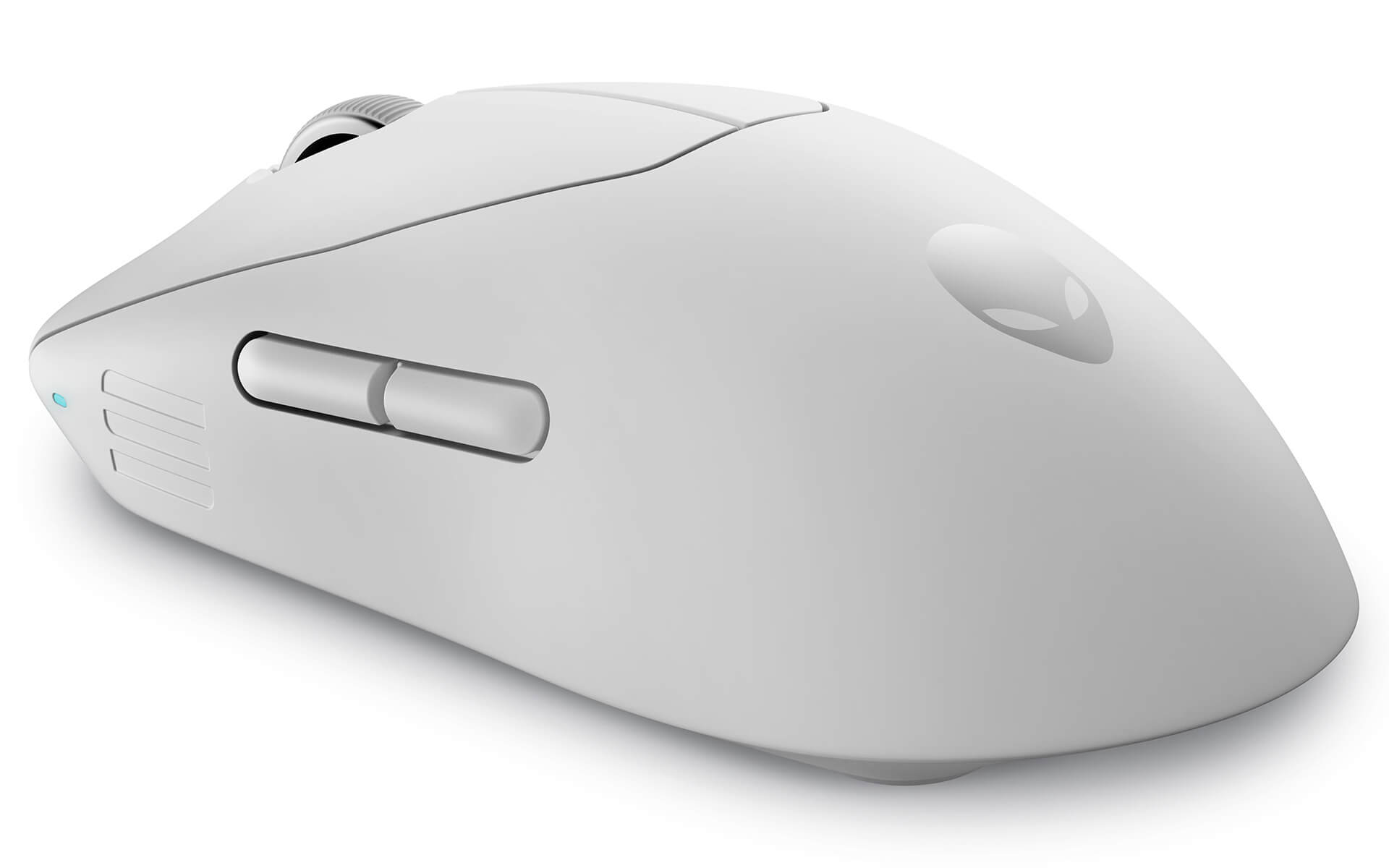
1. Instant Response with a High Polling Rate
The Alienware Pro Wireless mouse supports polling rates of up to 4KHz (wireless) and 8KHz (wired), delivering ultra-low latency of just 0.25ms and 0.125ms. This lightning-fast response keeps the connection smooth from your brain to the mouse to the game - a decisive advantage in eSports competition.
2. Ultra-Light at Under 60g - A Design Gamers Love
Weighing less than 60g, this is the lightest gaming mouse Alienware has made, ideal for quick reflexes and precise control. The symmetrical design suits every grip style: claw, palm or fingertip.
3. Long Click Life and Precise Magnetic Switches
The exclusive Magnetic-Force Keyplates structure, paired with optical switches, gives you a crisp, clear click that never sticks and is rated for up to 70 million presses.
4. Long Battery Life and Ultra-Fast Charging
You can game continuously for up to 120 hours at 1KHz or 32 hours at 4KHz. Just 5 minutes of charging is enough for another 6 hours of play - saving time and keeping performance at its peak.
5. Deep Customization with Alienware Command Center
The companion software lets you adjust DPI and polling rate, assign macros, configure button settings and update firmware automatically, making it easy to tune the experience to your liking.
6. Sustainable Design Built for Performance
The body is made from 82% post-consumer recycled plastic, with a wear-resistant coating on the shell and scroll wheel. The housing has built-in storage for the USB receiver, and the weight is optimally balanced for smoother handling.
Alienware Pro Wireless Gaming Mouse Specifications
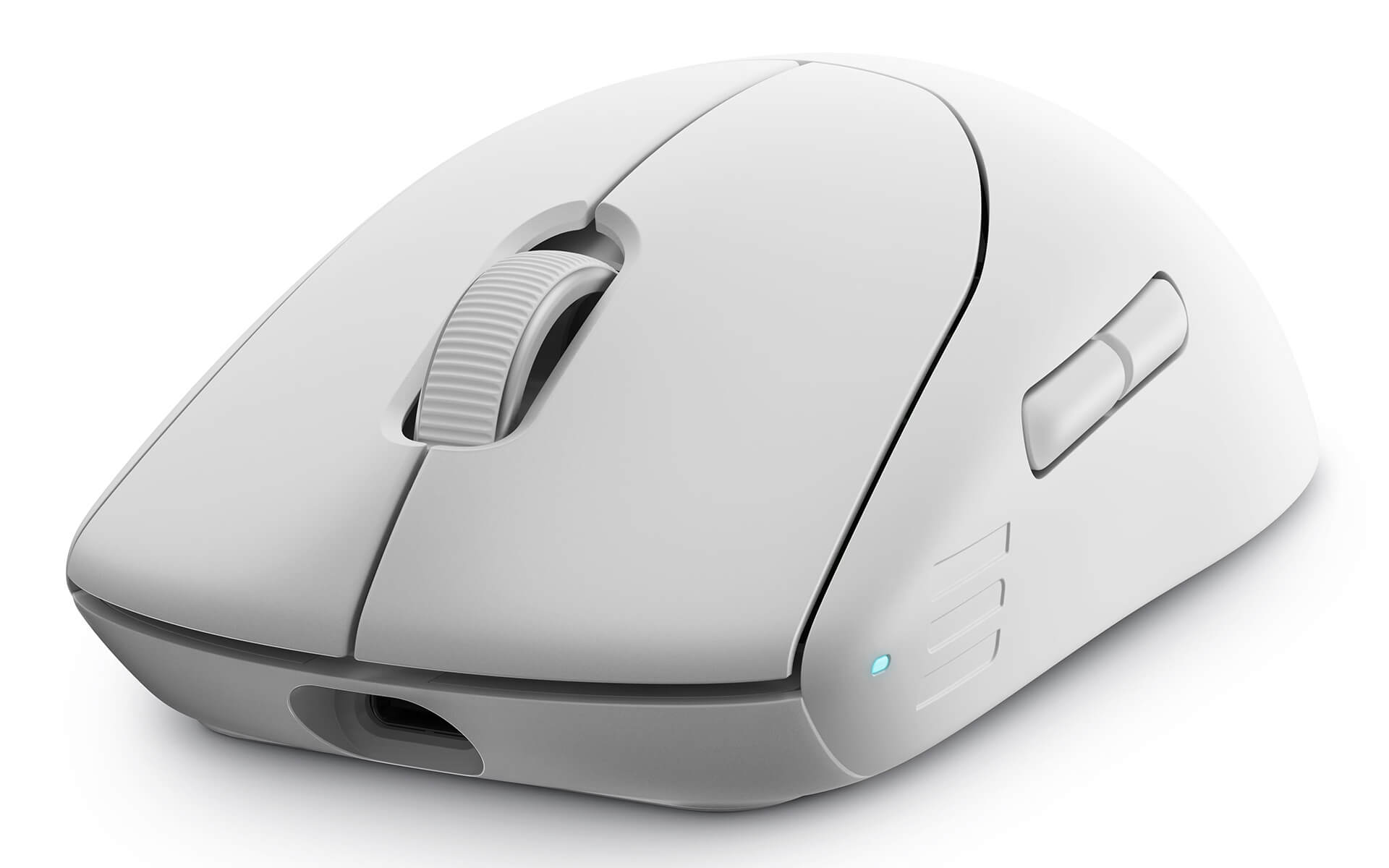
| OVERVIEW | Device type: Wireless mouse Design: Symmetrical Dimensions (W x D x H): 63.5mm x 124.5mm x 40.6mm Weight: < 59g Color: Dark Side of the Moon |
| CONNECTIVITY | Technology: Wireless 2.4GHz / wired USB Charging cable: USB-A to USB-C, 2000mm, lightweight soft braided cord |
| SENSOR & BUTTONS | Sensor: Optical Resolution: 26,000 DPI Max speed: 650 IPS Max acceleration: 50G Buttons: 6 programmable buttons Click life: 70 million clicks Keyplates: Magnetic + optical switches |
| BATTERY | Technology: Li-ion polymer battery Battery life: 120h (1KHz) / 32h (4KHz) Fast charging: 5 minutes for 6h of play at 1KHz |
| SOFTWARE / OS | Software: Alienware Command Center Operating system: Windows 10 or later Functions: DPI and polling rate adjustment, macros, firmware updates |
How to Use the Alienware Pro Wireless Gaming Mouse
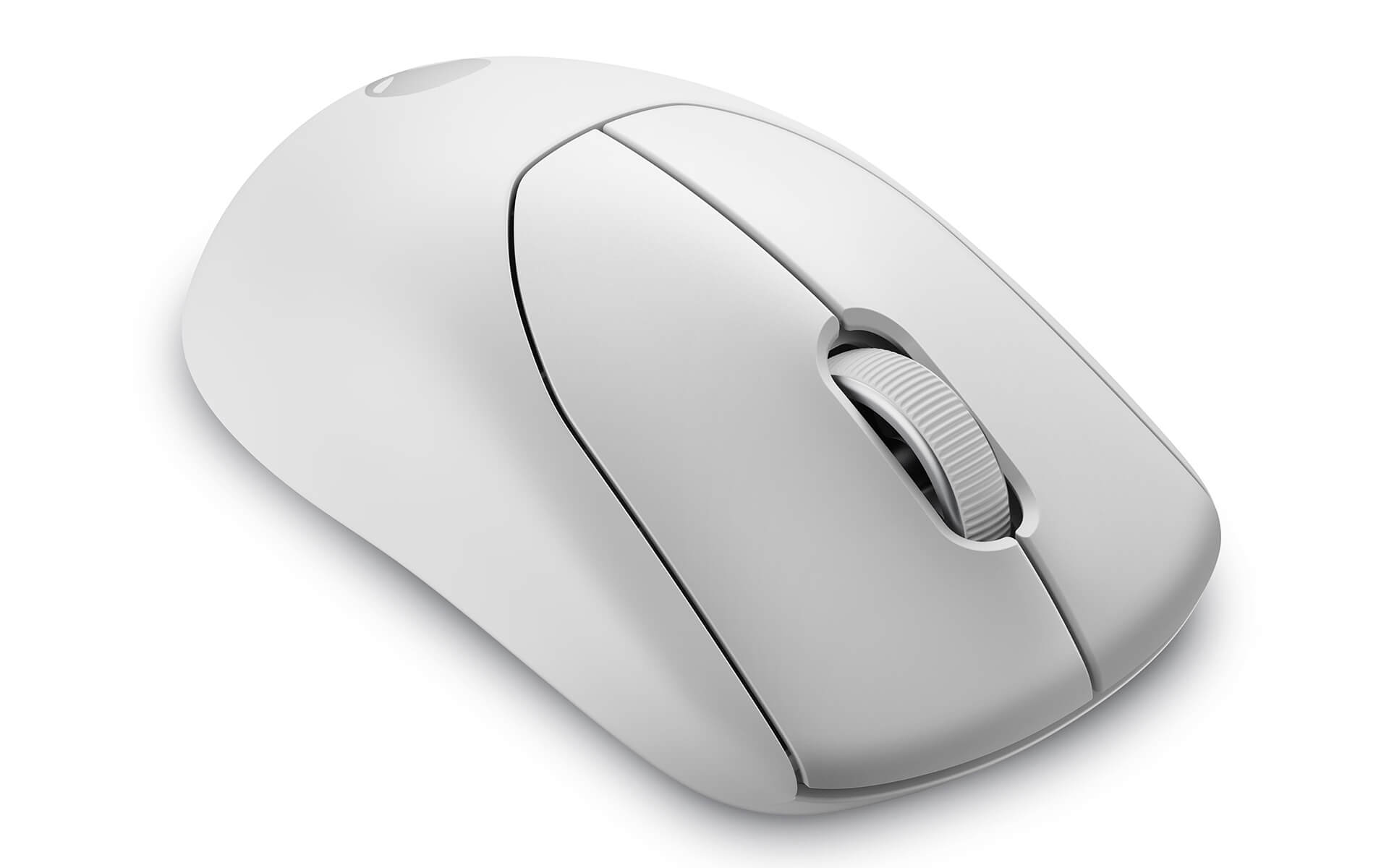
1. Connect the Mouse to Your Device
- Wireless mode: Plug the 2.4GHz receiver into your computer and turn on the mouse. It connects automatically.
- Wired mode: Connect with the USB-C cable to enable 8KHz mode.
2. Adjust DPI and Polling Rate
Use the Alienware Command Center software to change DPI quickly, set the polling rate and save separate profiles.
3. Flexible Button and Macro Assignment
Program the 6 buttons for in-game commands, key-combination macros, or profile switching whenever you need it.
4. Battery Management and Fast Charging
The long battery life lets you stay focused on competing. When the battery runs low, just 5 minutes of charging gives you another 6 hours of play.
Final Thoughts on the Alienware Pro Wireless Gaming Mouse
The Alienware Pro Wireless Gaming Mouse is the result of more than 18 months of research with over 100 professional gamers, including Team Liquid. From its ultra-light weight and magnetic switches to its impressive battery life and extremely fast response, it is designed to help you win. If you are a professional gamer or care about high performance, this is a choice you should not pass up.
No comments yet
Q&A about Alienware Pro Wireless Gaming Mouse
Frequently asked questions about Alienware Pro Wireless Gaming Mouse
What is the warranty for Alienware Pro Wireless Gaming Mouse?
Can I buy Alienware Pro Wireless Gaming Mouse with home delivery?
Worth a Look
 2 configurations
Alienware 720M Tri-Mode Wireless Gaming Mouse
 2 configurations





Lý Thảo Vy 24/05/2026
This ultra-lightweight mouse feels great in the hand; gaming is incredibly smooth with zero latency. The battery lasts a long time and charges quickly too. It's definitely worth the money, everyone!
Dương Ngọc Anh 24/05/2026
Ultra-lightweight mouse, feels amazing in hand. The battery lasts a long time and the fast charging is truly impressive. Definitely worth every penny, everyone!
Võ Kim Oanh 12/05/2026
The mouse is incredibly lightweight and feels super smooth in hand. The battery life is long-lasting and it charges very quickly; I didn't experience any lag while gaming. Definitely worth your money, everyone!