

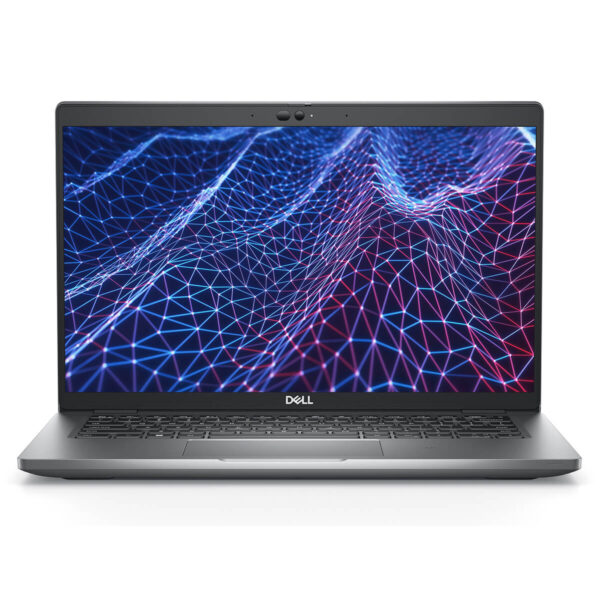
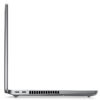
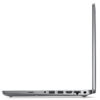
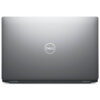
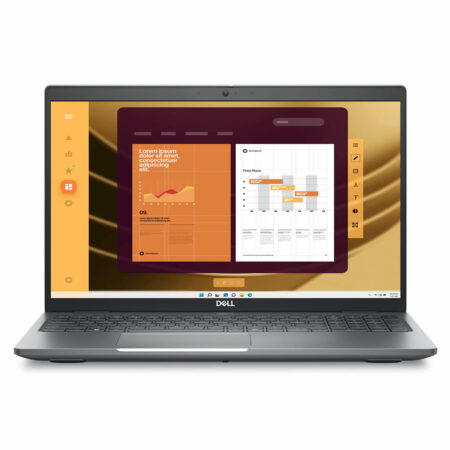
DELL Latitude 5430 (2022)
- CPU: Intel® Core i5 1235U vPro Up To 4.4GHz (10-Cores, 12-Threads, 12MB Cache)
- RAM: DDR4 16GB 3200MHz
- SSD: 256GB PCIe M.2 SSD
- VGA: Intel® Iris® Xe Graphics
- DISPLAY: 14" FHD (1920x1080) Non-Touch, Anti-Glare, 250nits
- CONDITION: Like New 99%
- WARRANTY: 12-month warranty
- Minimalist, Modern Design
- Display on the Dell Latitude 5430 (2022)
- Outstanding Performance with 12th Gen Intel CPUs
- Keyboard & Touchpad on the Dell Latitude 5430
- Ports & Connectivity on the Dell Latitude 5430
- Operating Temperature and Battery Life
- Summary & Review of the Dell Latitude 5430 (2022)
- FAQ - Frequently Asked Questions About the Dell Latitude 5430 (2022)
- Where to Buy the DELL Latitude 5430 at a Good Price from a Trusted Seller?
Choosing the right business laptop in a constantly evolving tech landscape means looking beyond processing power. Buyers also weigh durable design, security features, versatile connectivity, and dependable battery life. Backed by years of experience optimizing devices for professional work environments, the Dell Latitude 5430 (2022) has become a trusted choice for office workers and modern business professionals. It meets the demands of mobility, and it also reflects Dell's well-planned investment in the premium laptop segment, built for flexibility and safe, secure operation.
Minimalist, Modern Design
The design of the Dell Latitude 5430 (2022) stands out for blending a modern look with a minimalist philosophy. Its chassis is made of premium bio-based plastic, which feels sturdy while keeping the weight low. That helps users on the move, and it also reflects Dell's commitment to environmental protection, a factor that matters more and more in the tech industry.
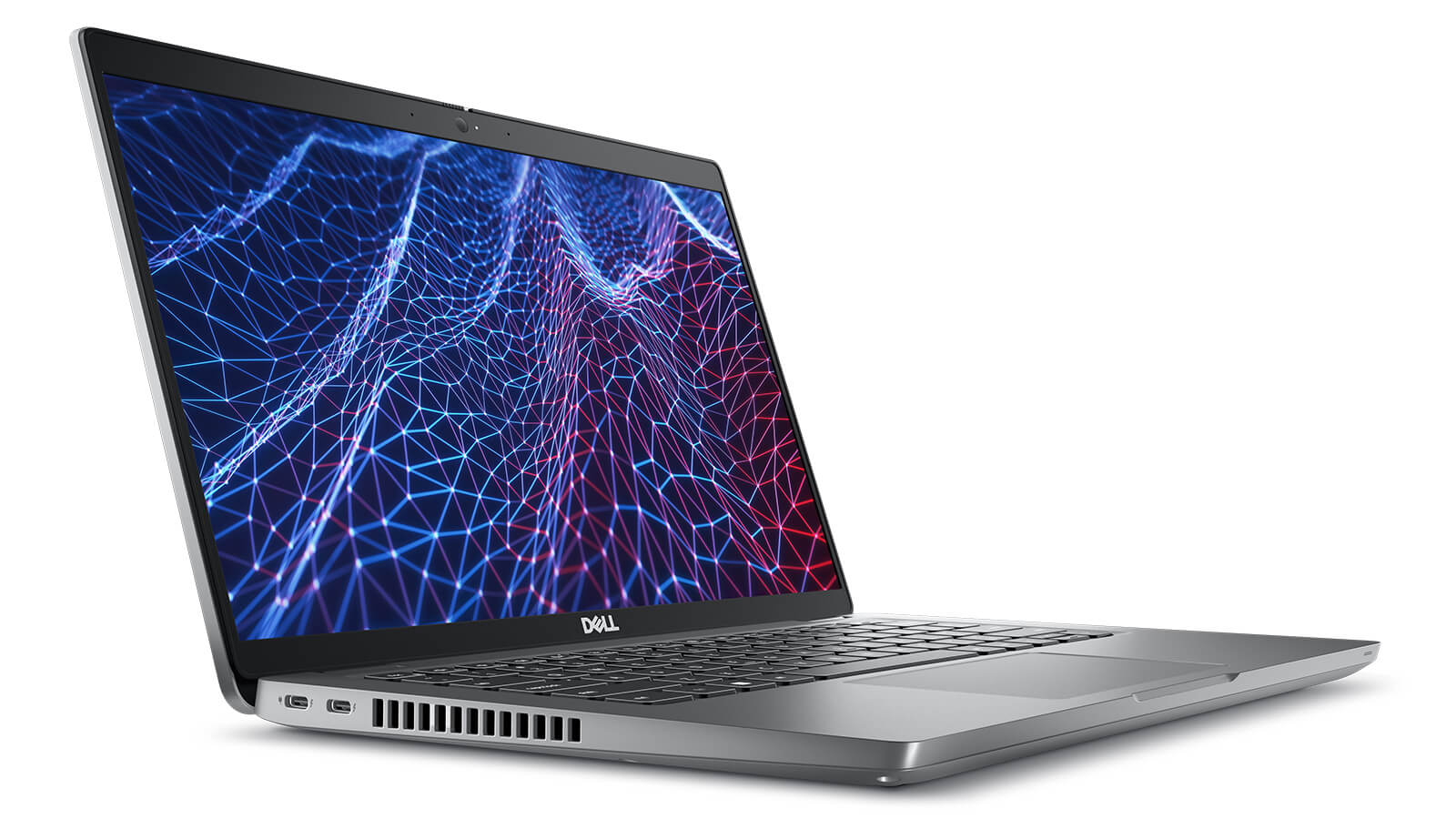
Weighing only about 1.36 kg with compact dimensions of (321.4 x 212 x 19.3 mm), the Dell Latitude 5430 shows how carefully its shape has been refined for people who travel often. The slim, lightweight build slips easily into a handbag or backpack without feeling bulky, so you can work flexibly wherever you are.
The elegant silver-gray finish and the Dell logo centered on the lid give it a professional look that suits any corporate setting. The solid surface finish adds to overall durability while preserving the refined style that defines Dell's premium business laptop line.
Display on the Dell Latitude 5430 (2022)
The display on the Dell Latitude 5430 (2022) is tuned for professional work. The 14-inch FHD (1920x1080) screen delivers sharp images and clear detail, so viewing stays comfortable across many situations, from text documents to presentations.
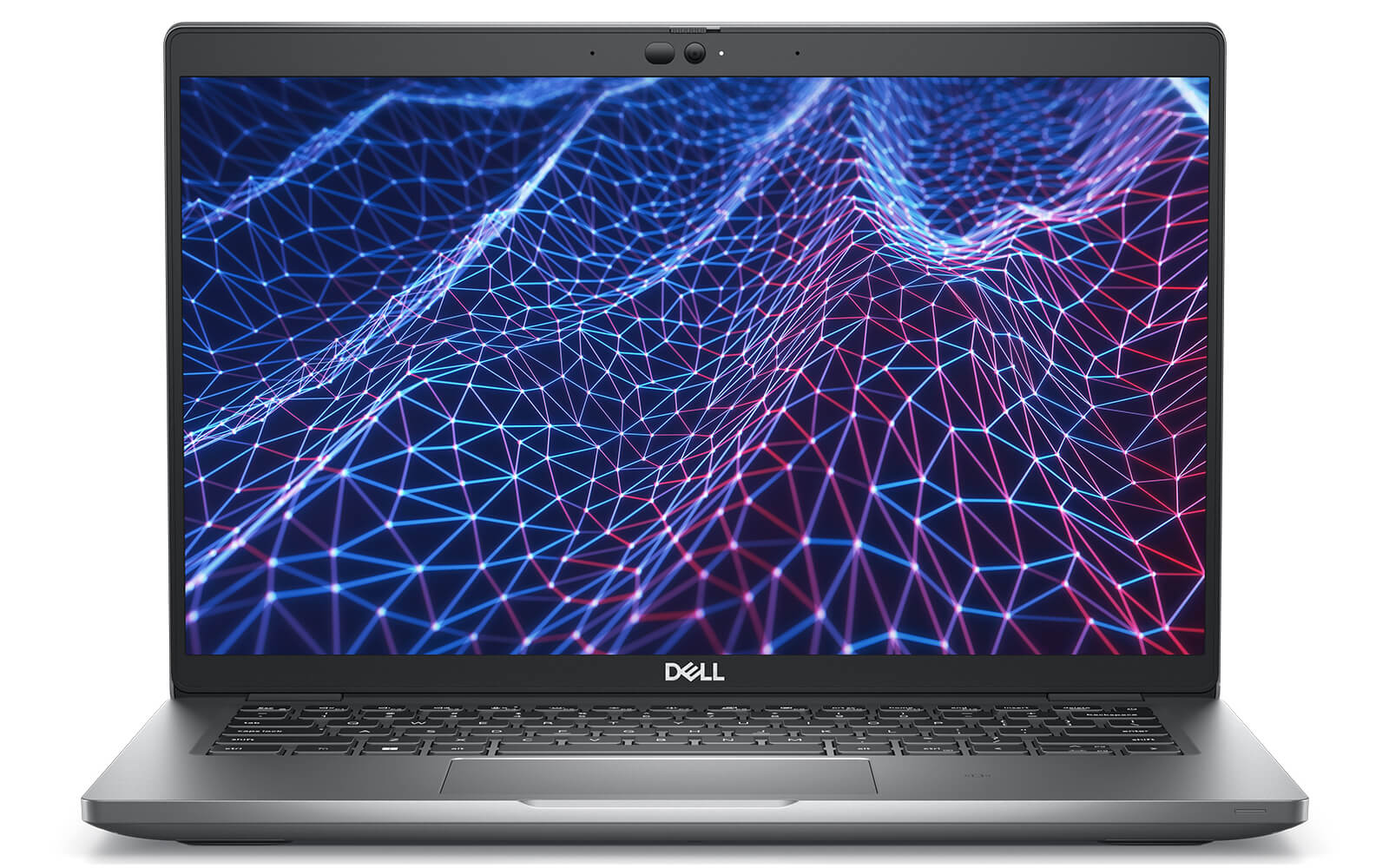
With brightness of up to 400 nits and Anti-Glare technology, the Dell Latitude 5430 screen stays easy to read even in strong light. This makes it especially well suited to mobile work, where lighting changes constantly. The IPS panel supports wide viewing angles and keeps colors true even when viewed from the side.
Dell also integrates ComfortView Plus blue light filtering to protect your eyes during long work sessions. Accurate color reproduction across a wide gamut makes the device suitable for creative tasks such as design or content editing, giving professional users a display they can rely on.
Outstanding Performance with 12th Gen Intel CPUs
The processing power of the Dell Latitude 5430 (2022) is built on 12th Gen Intel Core processors, with options ranging from the Core i5-1235U to the Core i7-1265U. These processors deliver excellent performance for the modern workplace, especially for anyone who needs stability and efficiency in everyday tasks.
With a 10-core, 12-thread design, the Dell Latitude 5430 i7 handles multitasking smoothly, from running office software to in-depth data analysis. Paired with integrated Intel Iris Xe Graphics, it covers everyday display needs and can also handle light graphics work, high-quality video playback, and effective presentations.
The hardware configuration is rounded out by LPDDR4 3200MHz RAM supporting up to 64GB, which gives you plenty of headroom for large workloads. In addition, the PCIe M.2 SSD, from 256GB to 512GB, delivers fast data access, shortening boot times and app launches and improving overall system performance.
| Dell Latitude 5430 (2022) Configuration Comparison | |||
|---|---|---|---|
| Configuration | Real-World Performance | Price | Best For |
| Core i5-1235U (10C/12T, Up to 4.4 GHz) RAM 16 GB DDR4 3200 MHz SSD 256 GB PCIe M.2 GPU: Intel Iris Xe Graphics Display: 14" FHD (1920×1080) IPS, Anti-Glare, Non-Touch, 250 nits |
Handles basic office tasks, web browsing, email, and remote learning well. Enough performance for light multitasking. Compact, lightweight design for flexible work. |
14,800,000₫ | General users who need a durable, good-value machine for study and light work |
| Core i7-1265U (10C/12T, Up to 4.8 GHz) RAM 16 GB DDR4 3200 MHz SSD 256 GB PCIe M.2 GPU: Intel Iris Xe Graphics Display: 14" FHD (1920×1080) IPS, Anti-Glare, Non-Touch, 250 nits |
Runs heavy office applications, many browser tabs, and sales management software smoothly. Higher performance than the i5, with faster response when processing tasks. |
20,800,000₫ | Users who want a smoother machine than the i5 and stable performance across many simultaneous tasks |
| Core i7-1265U (10C/12T, Up to 4.8 GHz) RAM 16 GB DDR4 3200 MHz SSD 512 GB PCIe M.2 GPU: Intel Iris Xe Graphics Display: 14" FHD (1920×1080) IPS, Anti-Glare, Non-Touch, 250 nits |
Same as the i7-256GB version but with more storage space, ideal for keeping lots of files or working with large datasets. Performance is unchanged, but it is more convenient when storing many documents and projects. |
22,200,000₫ | Long-term users who need ample storage and still want a fast machine |
Keyboard & Touchpad on the Dell Latitude 5430
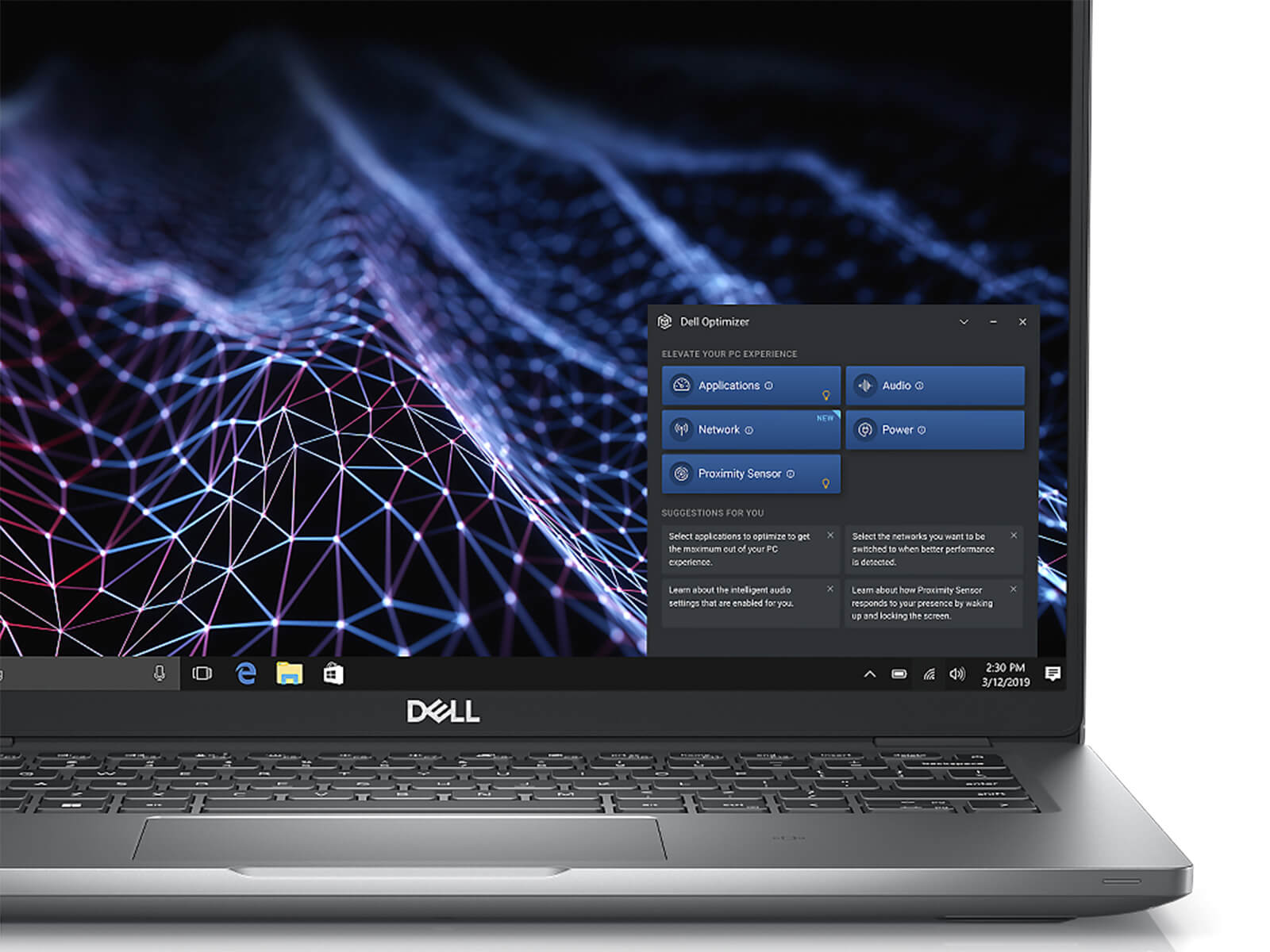
Typing and navigation on the Dell Latitude 5430 (2022) are tuned for professional work. The keyboard has good key response and well-judged key travel, so typing feels smooth and accurate over long sessions. The built-in backlit keyboard also keeps you productive in low light, which is especially useful for office users who are often on the move.
The touchpad on the Dell Latitude 5430 is spacious and highly sensitive, offering smooth control so you can work quickly without reaching for a mouse. The smart function key system, including a webcam shutter key, is a valuable plus that strengthens personal data security, an important factor for business users as digital security gets more attention.
Ports & Connectivity on the Dell Latitude 5430
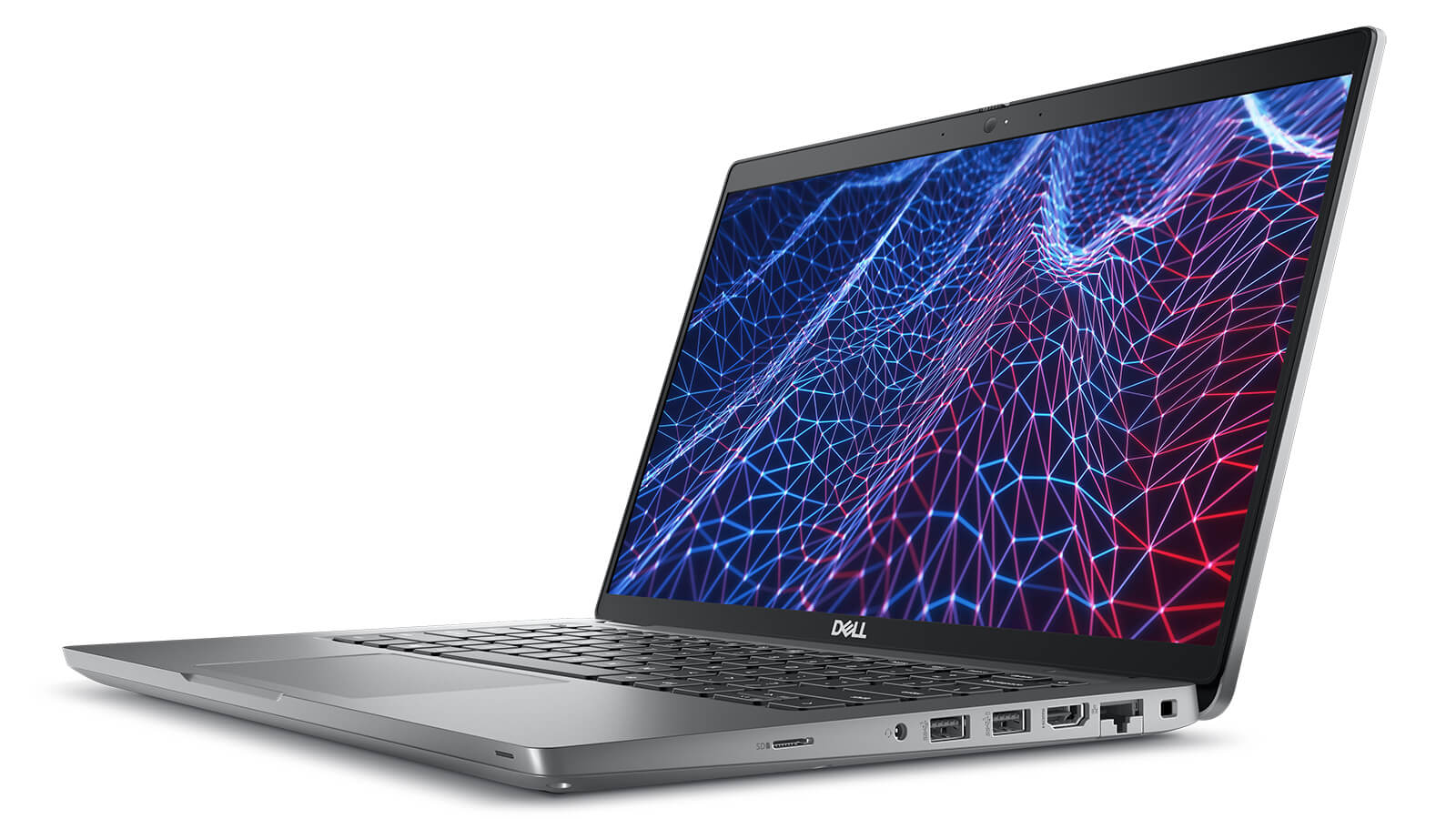
The Dell Latitude 5430 (2022) comes with a versatile set of ports that suits the flexible working style of business users. It has three USB 3.2 Gen 1 ports, one of which supports PowerShare, plus two Thunderbolt™ 4 ports with DisplayPort, Power Delivery, and USB4, ideal for high-speed data transfer, connecting external displays, or charging mobile devices. In addition, HDMI 2.0 and an Ethernet RJ-45 port ensure smooth presentations and a stable network connection in a professional office environment.
The Latitude 5430 also supports a microSD card slot, a universal audio jack, and Wi-Fi 6E AX211 + Bluetooth 5.2 wireless standards, offering flexible expansion along with efficient audio and wireless data transfer. All ports are laid out sensibly, so you can connect quickly while keeping a clean, modern look on this premium business laptop.
Operating Temperature and Battery Life
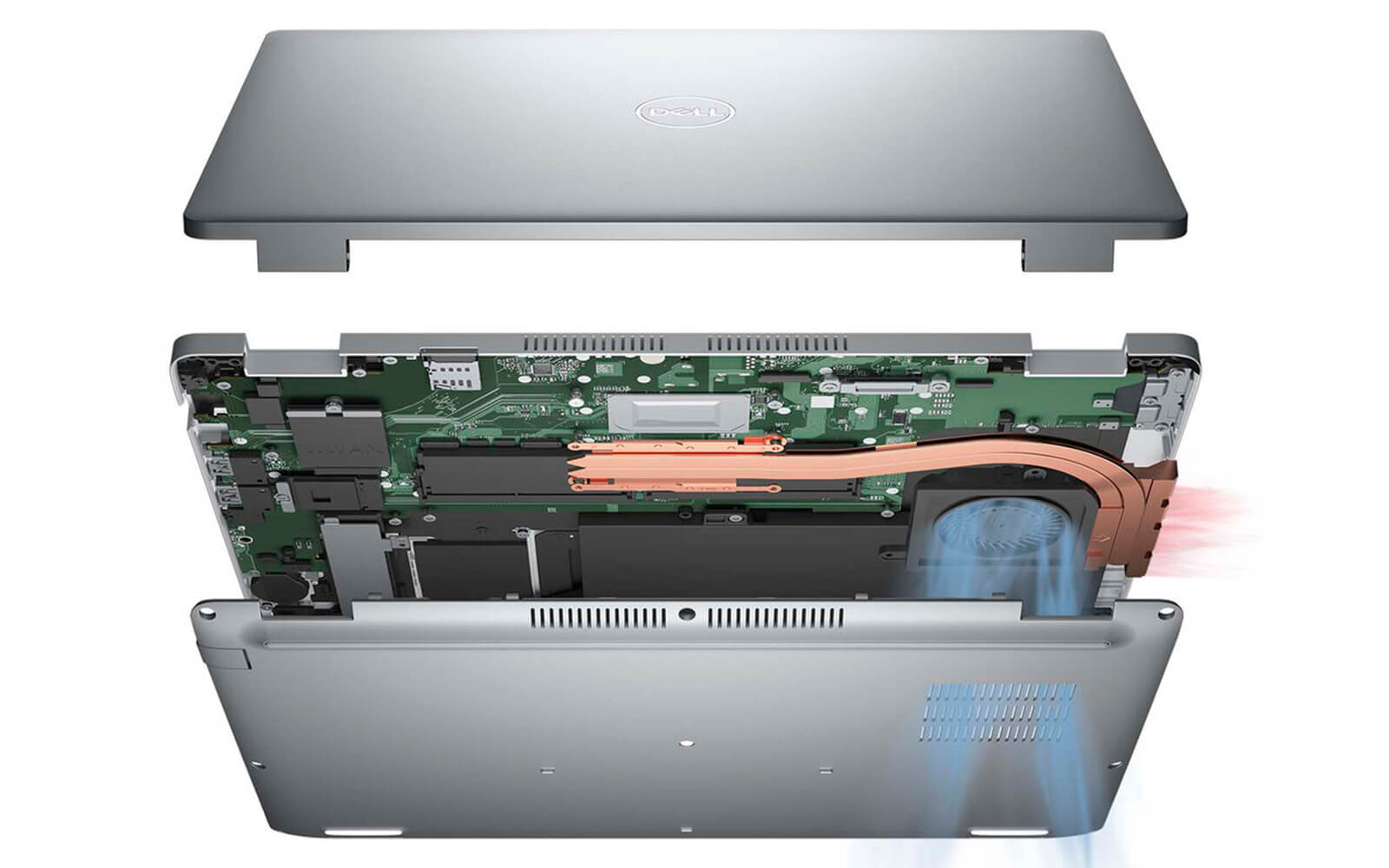
Beyond steady performance, the Dell Latitude 5430 (2022) impresses by staying cool during use. The smart cooling system is designed to handle the heat generated under heavy workloads, protecting component longevity and keeping performance at an optimal level over the long term.
For battery life, the Latitude 5430 uses a 58Wh Lithium-Ion battery that runs the device through a full workday without a mid-day recharge. Fast charging up to 80% in just 60 minutes adds further convenience, especially for users who travel often or work outside the office.
Another highlight in security features on the Latitude 5430 is Onlooker Detection technology, which can detect when a stranger is looking at your screen and issue a warning. It is a useful extra layer of protection in public settings, where privacy and data security are always a top priority.
Summary & Review of the Dell Latitude 5430 (2022)
The Dell Latitude 5430 (2022) is an ideal choice for business owners, office workers, and professional users looking for a dependable device for daily work. With its streamlined design, strong performance from 12th Gen Intel processors, comprehensive connectivity, and impressive battery life, this laptop meets the needs of frequent travel, remote work, and online meetings. In particular, modern security features such as Onlooker Detection help keep personal information safe in any situation.
The Latitude 5430 suits anyone who values stability, flexibility, and security in a professional work environment. It is not only an efficient work tool but also a sign of the user's serious investment in a lasting technology experience. It is well worth considering for organizations and individuals who need a complete mobile computing solution that delivers steady performance and long-term peace of mind.
| Pros | Cons |
|---|---|
|
|
FAQ - Frequently Asked Questions About the Dell Latitude 5430 (2022)
1. Is the Dell Latitude 5430 suitable for data-intensive work environments?
The Latitude 5430 has a sturdy alloy frame, meets the MIL‑STD 810H durability standard, and weighs about 1.36 kg. It is a good fit for professionals who travel often but still need a rugged, reliable device.
2. Is the 14
The laptop has a 14″ FHD IPS (1920×1080) anti-glare display with brightness of about 250 nits and wide viewing angles - well suited to writing documents, working in spreadsheets, and presenting information that is clear and easy to read.
3. Can the Latitude 5430 efficiently handle complex office workloads?
With an 11th-12th Gen Intel Core i5/i7 CPU, up to 64 GB of RAM, and a PCIe Gen 4 SSD, it handles large spreadsheets, Power BI reports, and Excel data management smoothly alongside many browser tabs - delivering a professional and efficient office experience.
4. Is it suitable for everyday programming and software development?
The multi-core CPU, fast SSD, and large RAM let the Latitude 5430 run IDEs such as VS Code, IntelliJ, and PyCharm without a hitch, and support building, debugging, and running Docker or lightweight containers during long work sessions.
5. Can the Latitude 5430 handle 2D design or light rendering work?
The integrated Intel Iris Xe and an office-grade display let it handle basic Photoshop, Figma, or Illustrator work well, which suits light creative jobs and marketing materials.
6. How long does the Dell Latitude 5430 battery last in real-world use?
According to LaptopMedia, with its 58 Wh battery, the Latitude 5430 can reach about **13 hours 20 minutes of web browsing** and **10 hours 56 minutes of video playback**, enough for a long workday without charging.
Source: LaptopMedia
7. Does it hold steady performance under heavy multitasking?
The single-fan cooling system and heat pipe keep temperatures well under control. When running many office apps, coding tools, and browser tabs at once, the laptop stays quiet and maintains steady performance. [oai_citation:0‡dell.com](https://www.dell.com/en-us/shop/dell-laptops/latitude-5430-laptop/spd/latitude-5430-laptop?utm_source=chatgpt.com) [oai_citation:1‡xda-developers.com](https://www.xda-developers.com/does-dell-latitude-5430-linux/?utm_source=chatgpt.com) [oai_citation:2‡laptopmedia.com](https://laptopmedia.com/review/dell-latitude-14-5430/?utm_source=chatgpt.com)
8. Does the Dell Latitude 5430 support Linux for developers?
Dell supports factory-installed Ubuntu 20.04 LTS on the Latitude 5430, and it is also compatible with Fedora. Users may need to update drivers for the touchpad or Wi‑Fi to make sure all hardware runs smoothly.
Source: Dell Support
9. What is Hung Phat Laptop's warranty policy for the Latitude 5430?
Hung Phat Laptop offers a 12-month warranty on new machines, with a replacement with a new unit within the first 30 days if a manufacturer defect occurs. Like-new or used machines (2022 models and earlier) come with a 6-month warranty, and the 30-day replacement right still applies. Customers also get free lifetime cleaning, free lifetime software installation, and nationwide delivery.
Where to Buy the DELL Latitude 5430 at a Good Price from a Trusted Seller?
If you are looking for a high-performance business laptop, the Dell Latitude 5430 is well worth considering for its smooth performance, compact, lightweight design, and certified durability. However, to be sure you get a genuine product at a fair price with transparent after-sales policies, choosing a reputable retailer is very important.
Hung Phat Laptop is one of the specialists supplying high-quality US-imported Dell Latitude laptops, with clear commitments on origin, invoicing, and transparent warranty. When you buy the Dell Latitude 5430 here, you get a competitive price, many promotions, and dedicated technical support - giving you complete peace of mind throughout your use of the device.
Performance & benchmarks DELL Latitude 5430 (2022)
Intel Core i5-1235U Intel Iris Xe Graphics G7 80EUs - best for Office 8/10, Programming 4.5/10.
Intel Core i5-1235U
- Geekbench 6 (multi-core)6,362
- Geekbench 6 (single-core)2,089
- PassMark12,574
- Cores / Threads10/12
Intel Iris Xe Graphics G7 80EUs iGPU
- 3DMark Time Spy1,181
- 3DMark Fire Strike4,048
- ArchitectureGen. 11 Ice Lake
Best for
Scored from real benchmarks- Gaming1.5/10
- Video / Graphics2.5/10
- Programming4.5/10
- Office8/10
Why does the CPU matter?
The CPU is the "brain" that handles every task: launching apps, multitasking, compiling code and editing video. The stronger the CPU, the faster and smoother the laptop runs when you juggle many things at once.
- BasicThis product
Web browsing, streaming and light office work.
- MainstreamThis product
Office work, moderate multitasking and studying.
- Mid-rangeThis product
Solid multitasking, programming and light graphics work.
- StrongThis product
Video editing, heavy programming, virtualization and gaming.
- FlagshipThis product
Heavy rendering, 4K/8K editing, virtual machines and AI workloads.
Why does the GPU matter?
The GPU (graphics card) handles visuals: gaming, video editing, 3D rendering and AI acceleration. The stronger the GPU, the higher your frame rates and the faster your video exports.
- Basic (iGPU)This product
Smooth display, 4K video and very light games (League of Legends, Valorant on low).
- MainstreamThis product
1080p eSports gaming, photo editing and light video editing.
- Mid-rangeThis product
1080p gaming on medium-high settings and smooth Full HD video editing.
- StrongThis product
1080p/1440p gaming on high settings, 4K video editing and 3D rendering.
- FlagshipThis product
4K/240Hz gaming, ray tracing, heavy rendering and AI.
Game performance
Real FPS - FHD- Dota 243 fps1080p High
- CS231 fps1080p Low
- GTA V71 fps1080p Medium
- CoD: Black Ops 615 fps1080p Low
- God of War Ragnarök14 fps1080p Low
- Cyberpunk 207715 fps1080p Low
≥60fps very smooth30-60fps playable<30fps lower the settings
Local AI performance
Tokens/second running locally on GPU- Gemma 4 E2B IT5.6 GB · ctx 256K6.0 tok/sDecent
- GLM-4 9B5.1 GB · ctx 128K7.0 tok/sDecent
- Gemma 4 E4B4.6 GB · ctx 256K8.0 tok/sDecent
- Ministral 8B4.6 GB · ctx 32K8.0 tok/sDecent
- Qwen 3.5 4B4.6 GB · ctx 32K8.0 tok/sDecent
- DeepSeek R1 Distill 7B4.1 GB · ctx 64K9.0 tok/sRuns well
- Gemma 4 E2B3.1 GB · ctx 256K12 tok/sRuns well
- Qwen 3.5 2B2.5 GB · ctx 32K14 tok/sRuns well
- Phi-4 Mini Reasoning2.4 GB · ctx 16K15 tok/sRuns well
- Llama 3.2 3B2 GB · ctx 128K18 tok/sRuns well
- SmolLM3 3B2 GB · ctx 128K18 tok/sRuns well
- DeepSeek R1 1.5B1.3 GB · ctx 64K28 tok/sRuns great
- Qwen 3.5 0.8B1.3 GB · ctx 32K28 tok/sRuns well
- TinyLlama 1.1B1.1 GB · ctx 2K33 tok/sRuns well
- Llama 3.2 1B1 GB · ctx 128K36 tok/sRuns well
- Gemma 2 9B5.1 GB · ctx 8K7.0 tok/sDecent
- Nemotron Nano 9B v25.1 GB · ctx 128K7.0 tok/sDecent
- Llama 3.1 8B4.6 GB · ctx 128K8.0 tok/sDecent
- Qwen 3 8B4.6 GB · ctx 128K8.0 tok/sDecent
- Mistral 7B v0.34.1 GB · ctx 32K9.0 tok/sRuns well
- Qwen 2.5 7B4.1 GB · ctx 128K9.0 tok/sRuns well
- Qwen 2.5 Coder 7B4.1 GB · ctx 128K9.0 tok/sRuns well
- Qwen 3 4B2.5 GB · ctx 32K14 tok/sRuns well
- Gemma 3 4B2.5 GB · ctx 128K14 tok/sRuns well
- Phi-3.5 Mini2.4 GB · ctx 128K15 tok/sRuns well
- Gemma 2 2B1.5 GB · ctx 8K24 tok/sRuns great
- Qwen 3 1.7B1.4 GB · ctx 32K26 tok/sRuns great
- Qwen 2.5 Coder 1.5B1.3 GB · ctx 32K28 tok/sRuns great
- Qwen 3 0.6B1.1 GB · ctx 32K33 tok/sRuns well
- Gemma 3 1B1 GB · ctx 32K36 tok/sRuns well
GreatWellDecent4-bit quantized, ctx = context window
No comments yet
Q&A about DELL Latitude 5430 (2022)
Frequently asked questions about DELL Latitude 5430 (2022)
What are the specifications of DELL Latitude 5430 (2022)?
What is the warranty for DELL Latitude 5430 (2022)?
Can I buy DELL Latitude 5430 (2022) with home delivery?
Worth a Look
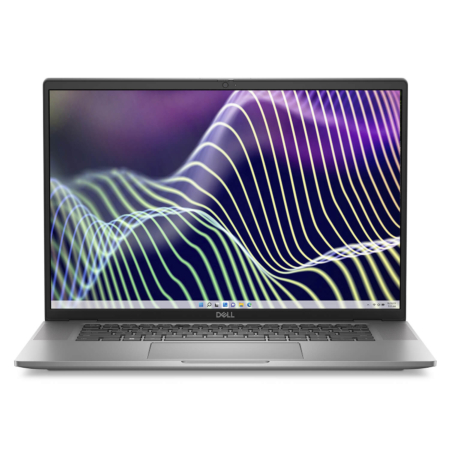
DELL Latitude 7640 (2023)
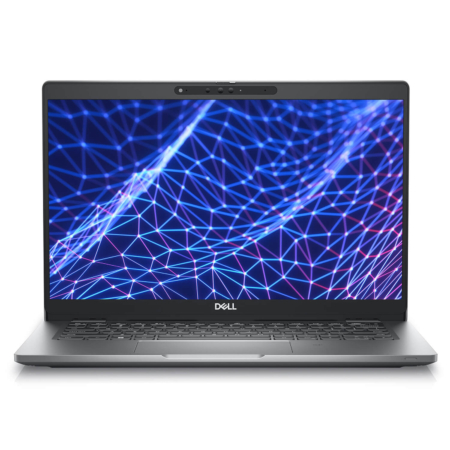
DELL Latitude 5330 (2 in 1) (2022)
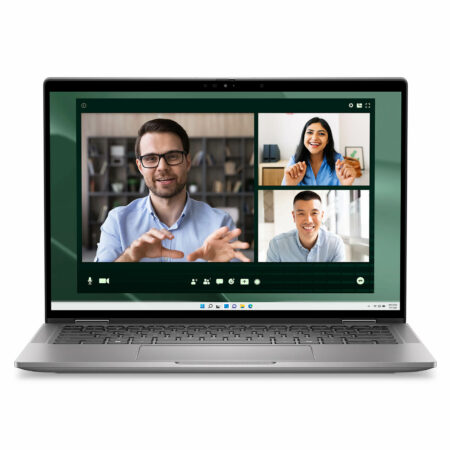
DELL Latitude 7350 (2 in 1) (2024)
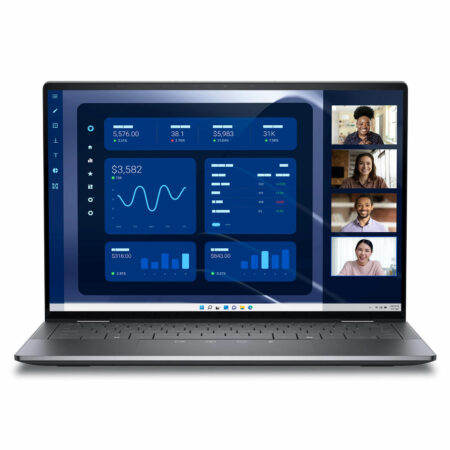
DELL Latitude 9450 (2 in 1) (2024)
 3 configurations





Yeh Cheng Xing 31/12/2024Purchased at Hung Phat
Great price
Thiên Lực 20/04/2024Purchased at Hung Phat
Great performance and great value
Ạnh Vinh Quang 19/04/2023Purchased at Hung Phat
Friendly and welcoming attitude towards customers