

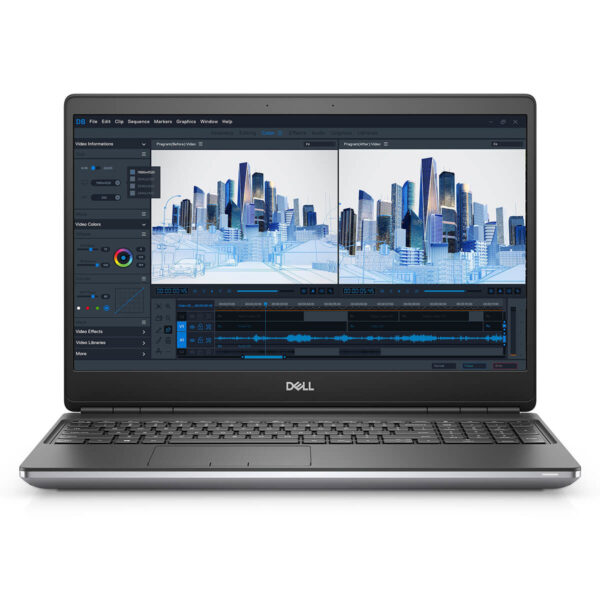

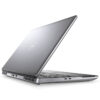
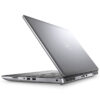
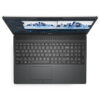
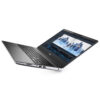
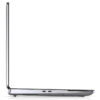
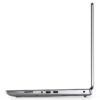
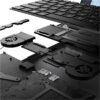
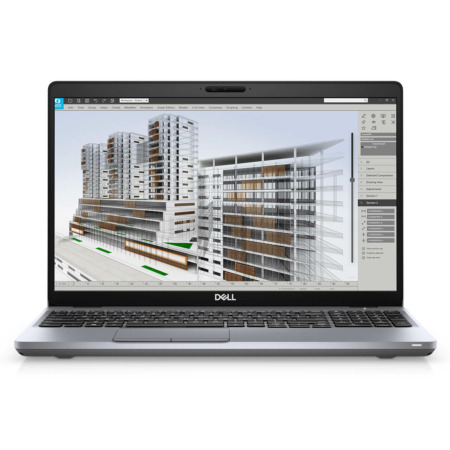
DELL Precision 7560 Mobile Workstation
- CPU: Intel Core Xeon W-11855M vPro Up To 4.9GHz (6 Cores 18MB Cache)
- RAM: DDR4 16GB 3200MHz
- SSD: 512GB PCIe M.2 SSD
- VGA: NVIDIA® Quadro T1200 4GB GDDR6
- DISPLAY: 15.6" FHD (1920*1080) 60Hz Anti-Glare, Non-Touch, 100% DCIP3, 500 Nits
- CONDITION: Like New 99%
- WARRANTY: Bảo hành 12 tháng
- Sturdy and Modern Design
- Display on Dell Precision 7560 (2021)
- Superior Performance with Intel Gen 11th and GPU RTX™ A Series
- Keyboard & Touchpad on Dell Precision 7560
- Ports & Connectivity on Dell Precision 7560
- Expected Temperature and Battery Life
- Summary & Review of Dell Precision 7560
- FAQ - Frequently Asked Questions about Dell Precision 7560 Mobile Workstation
- Where to buy a reliable Dell Precision 7560 at a good price?
Dell Precision 7560 belongs to the Dell Precision 15 series, specifically developed to meet the intensive professional needs in engineering, graphic design, and data analysis. Featuring powerful performance, high durability, and flexible upgradeability, this mobile workstation meets complex processing requirements while ensuring mobility for users on the move. The Dell Precision 7560 is an ideal choice for professionals needing a device that is both compact and capable of running specialized software smoothly, helping to optimize workflows and enhance long-term productivity.
Sturdy and Modern Design
Dell Precision 7560 stands out with a CNC unibody aluminum chassis, providing high durability and excellent impact resistance, making it suitable for frequent travelers. Compared to the previous Dell Precision 7550 generation, this model features improved finishing, with a matte black finish that resists fingerprints, creating a premium and professional feel in any work environment. With 360 x 242 x 25 - 27.36 mm dimensions and a weight of 2.45kg, the Dell Precision 15 Model 2021 achieves a great balance between portability and performance, optimally supporting intensive work requirements.
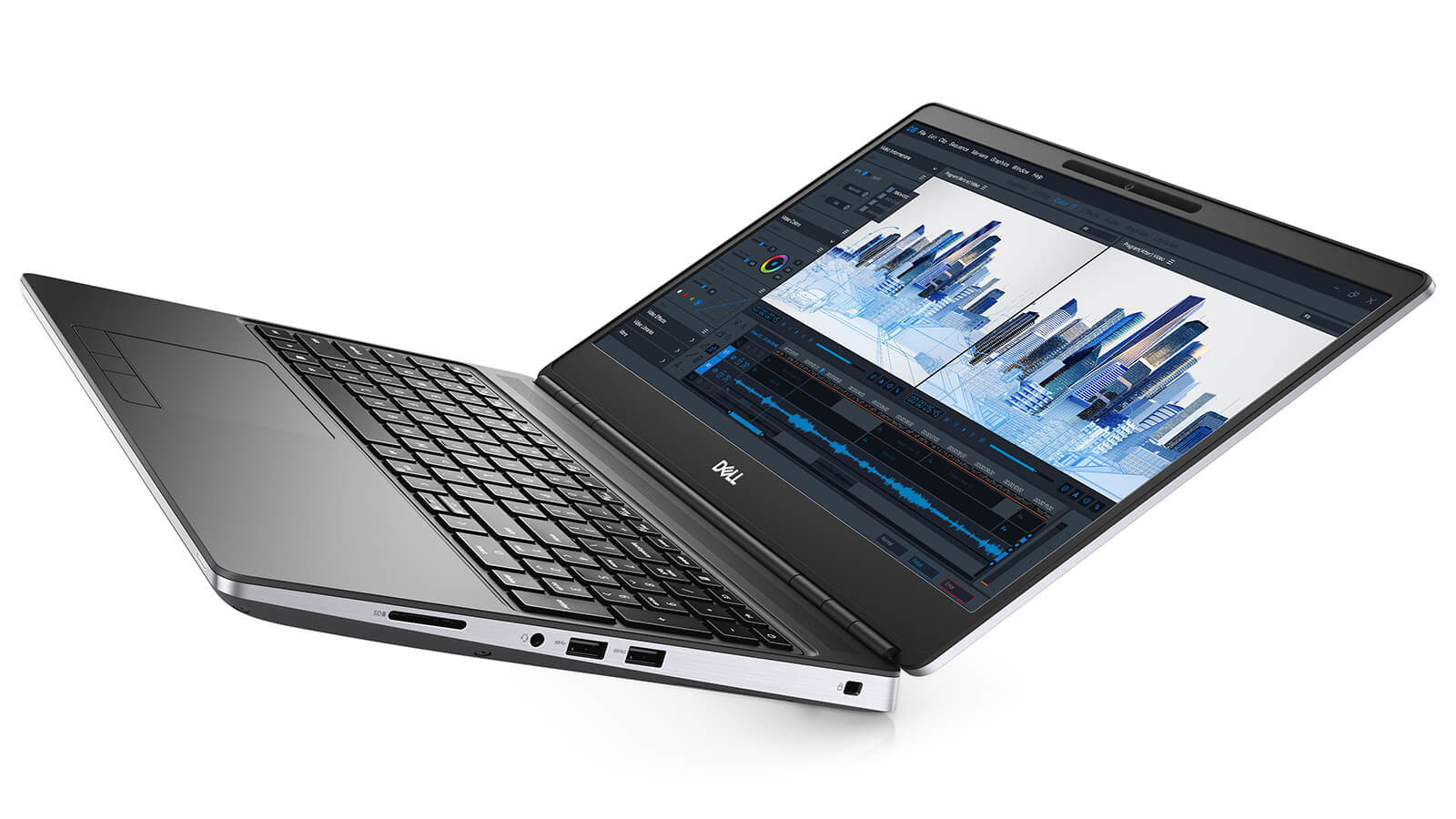
The design meets MIL-STD 810H standards, helping the machine withstand pressure and limit vibrations when moving or working on unstable surfaces. The robust metal hinge allows the screen to open at a 180-degree angle, providing flexibility when sharing content or changing viewing angles. The sturdy chassis also helps the screen remain stable, minimizing wobble when using design, rendering, or engineering simulation software that requires high precision.
The cooling system of the Dell Precision 7560 is optimized with large air vents, ensuring the machine stays cool even when processing heavy software or 3D rendering. This not only helps maintain long-term stable performance but also extends the lifespan of components, making it suitable for engineers, designers, and data experts who need a durable, powerful device under various operating conditions.
Display on Dell Precision 7560 (2021)
Dell Precision 7560 offers a high-quality visual experience thanks to diverse display options, flexibly serving needs ranging from office work to professional design. Users can choose between a power-saving Full HD (1920x1080) resolution or a sharp UHD 4K (3840x2160) resolution, meeting detailed display requirements for photo editing, 3D rendering, or video processing. The high-quality panel combined with a slim-bezel design optimizes the display space on the compact chassis, supporting efficient multitasking.
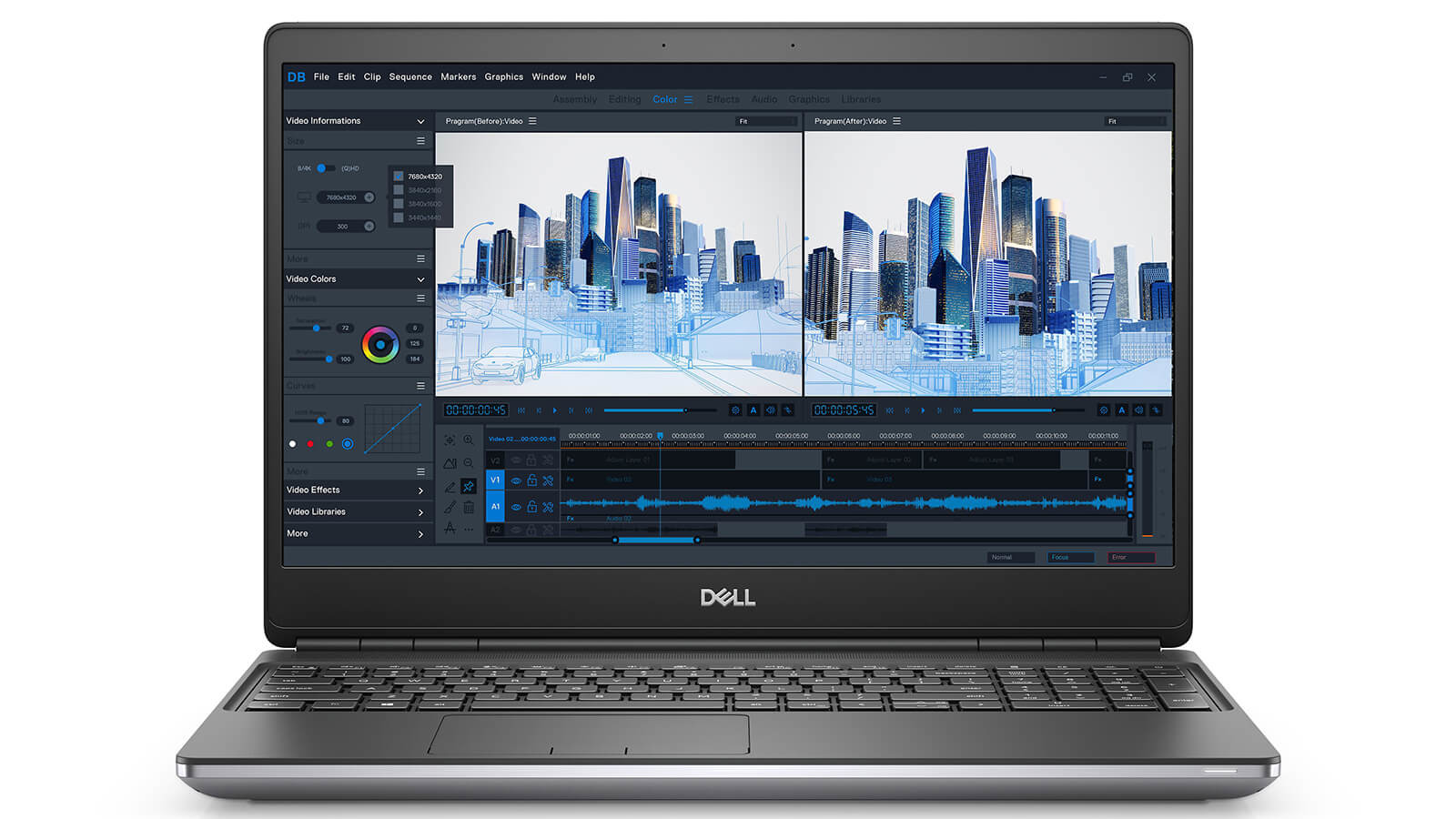
The UHD 4K version of the Dell Precision 7560 stands out with 500 nits brightness and 100% AdobeRGB color gamut, providing accurate color reproduction, ideal for graphic design and engineering work requiring high color precision. Meanwhile, the FHD screen with 100% DCI-P3 color gamut still ensures color accuracy and strong brightness, suitable for multimedia tasks or programming, while helping optimize battery life during mobile work. Users can also choose the FHD touchscreen version to increase flexibility in daily work operations.
In addition to excellent display capabilities, the Dell Precision 7560 integrates ComfortView Plus technology, which helps reduce blue light and limits eye strain during long working hours. Thanks to the combination of high resolution, high brightness, and a wide color gamut, this Dell Precision workstation fully meets the needs of creative, engineering, and multimedia work, delivering a superior visual experience on a durable chassis optimized for professional users.
Superior Performance with Intel Gen 11th and GPU RTX™ A Series
The Dell Precision 7560 i7 / i9 delivers powerful work performance thanks to being equipped with 11th Gen Intel Core processors with various options from i7-11800H, i7-11850H vPro to i9-11950H vPro and Xeon W-11855M vPro, effectively meeting 3D rendering, video editing, AI programming, and big data analysis tasks. The high number of cores and threads combined with strong clock speeds help the machine run heavy software smoothly, such as AutoCAD, SolidWorks, Adobe Premiere Pro, and Blender, shortening wait times and optimizing workflows for engineers, architects, and content creators.
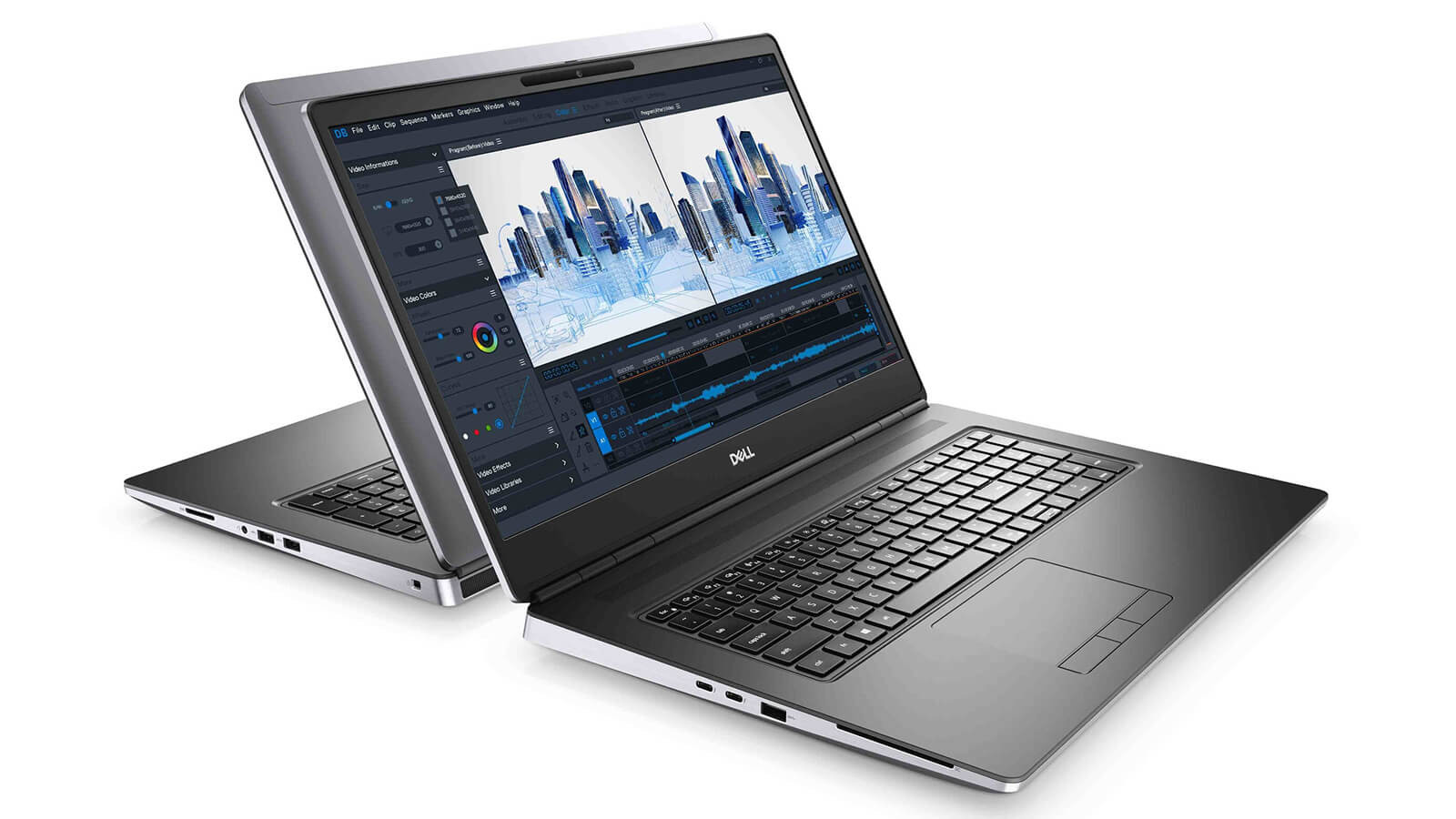
In addition to the powerful CPU, the Dell Precision 7560 also integrates NVIDIA RTX A Series GPUs with options including Quadro T1200, RTX A2000, A3000, A4000, and A5000, providing high-quality image processing capabilities, supporting Ray Tracing, AI Tensor Cores, and VR technologies, and effectively accelerating tasks such as 3D rendering, engineering simulation, intensive graphic design, and digital content development. The variety of GPU options allows users to flexibly optimize configurations for each specific work need, ensuring stable performance during continuous operation.
Combined with up to 64GB DDR4 3200MHz RAM and PCIe M.2 SSD storage up to 2TB, the Dell Precision 7560 Core i7 / i9 not only provides fast data access speeds but also ensures smooth multitasking, serving projects that require processing large volumes of data, while maintaining durable performance for professional users in high-demand work environments.
Keyboard & Touchpad on Dell Precision 7560
The keyboard on the Dell Precision 7560 is designed as a full-size keyboard with deep key travel, providing a smooth and precise typing feel, helping users reduce hand fatigue during long working sessions. The keys are scientifically arranged, providing maximum support for programmers, designers, and those who frequently perform high-speed data entry, while maintaining stability during continuous rapid typing.
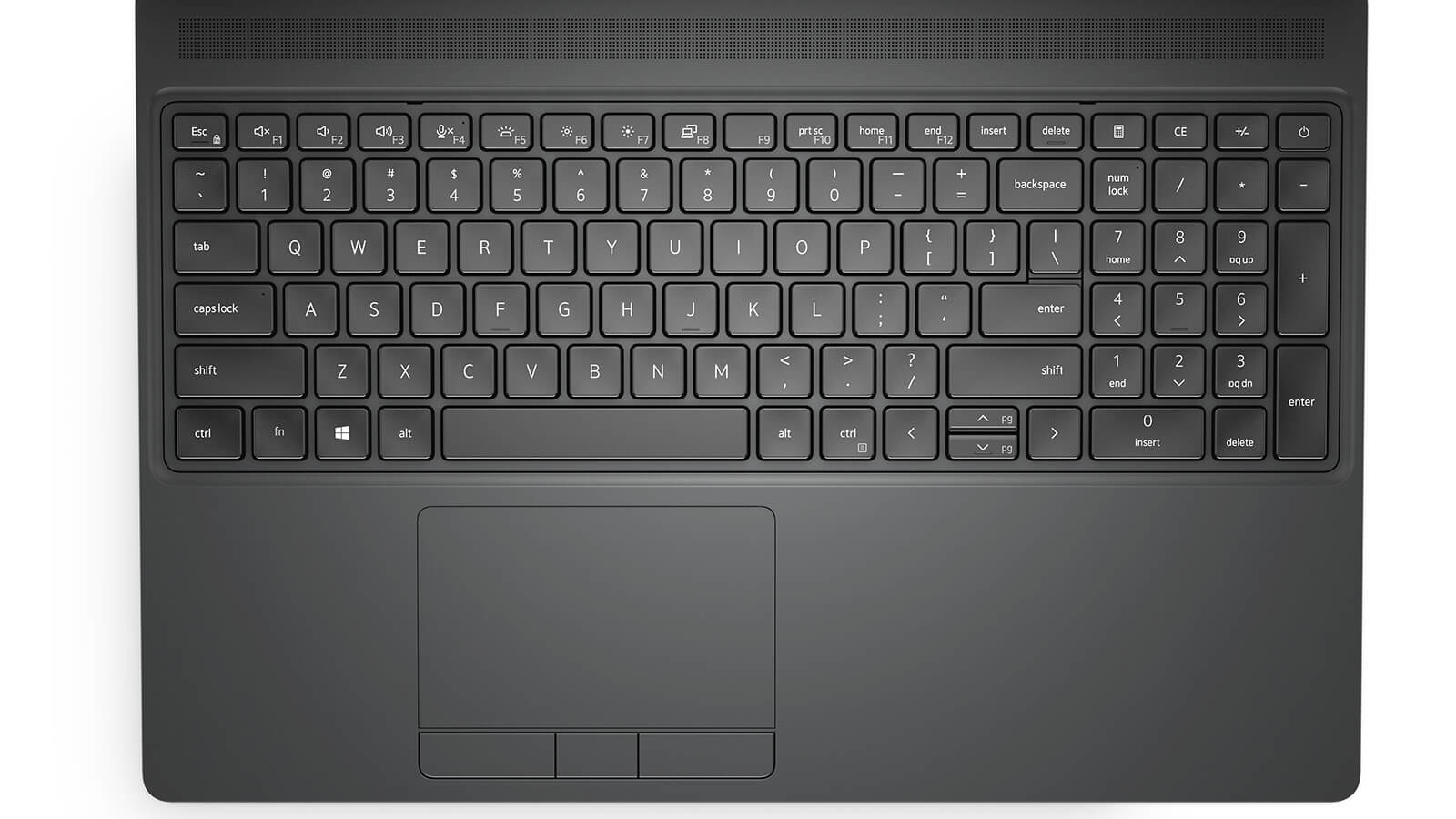
The keyboard design of the Dell Precision 7560 also integrates a backlight, supporting work in low-light environments without causing eye strain. The keys have good tactile feedback, helping to reduce errors during typing or programming, thereby enhancing work efficiency for professional users.
The large glass-covered Touchpad supports multi-touch with smooth and precise gesture recognition, making scrolling, zooming in, and zooming out more convenient. The separate mouse button design helps users avoid confusion during use, while providing precision and flexibility when working on image editing, design, and daily office tasks.
Ports & Connectivity on Dell Precision 7560
The Dell Precision 7560 is equipped with a modern port and connectivity system, fully supporting USB-A, USB-C Thunderbolt 4, HDMI 2.1, and mini DisplayPort, flexibly meeting everything from office work to intensive graphic tasks. Additionally, the machine integrates an SD card slot, Smart Card Reader, and an RJ-45 network port, allowing for rapid data transfer without an adapter, while the USB ports support PowerShare, allowing devices to be charged even when the computer is turned off. Wi-Fi 6E AX210 technology combined with Bluetooth 5.2 ensures stable wireless connection speeds, suitable for remote workers or frequent travelers.
The intelligent port arrangement on the Dell Precision 7560 places the power port and LAN port at the rear, helping to optimize workspace, reduce cable clutter, and create a neat, professional desk setup. This layout not only provides high aesthetics but also helps users operate more easily, especially in work environments requiring high concentration and flexibility when connecting peripherals while running heavy engineering and graphic software.
Expected Temperature and Battery Life
Dell Precision 7560 not only stands out in performance but is also optimized in terms of temperature management and battery life, providing stability during long working sessions. The dual-fan cooling system combined with heat pipes helps maintain ideal temperatures when running heavy tasks, limiting overheating and ensuring the machine operates quietly. This not only protects critical internal components but also maintains a quiet workspace, which is particularly suitable for engineers, designers, and professionals working in environments requiring high concentration.
Equipped with a 96Wh battery, the Dell Precision 7560 provides continuous usage from 4.5 to 5 hours, enough to handle work at the office or while traveling without constant recharging. The intelligent power management system supports optimizing power consumption, allowing users to focus on their work without interruption, while ensuring durable operational efficiency for long-term projects.
Summary & Review of Dell Precision 7560
Overall, the Dell Precision 7560 is a mobile workstation choice for engineers, architects, and content creators who need a durable device capable of smoothly handling CAD projects, 3D rendering, and complex video editing. With its sturdy design, comfortable keyboard, and sharp screen, this machine line provides maximum support for intensive professional performance, meeting the needs of mobility across various work environments.
This device is particularly suitable for those who require a stable tool with high reliability and diverse connectivity to be ready for integration with peripherals and external monitors, helping to optimize workspace and enhance daily productivity. Dell Precision is the appropriate choice for those needing a true workstation for long-term and professional work.
| Pros | Cons |
|---|---|
|
|
FAQ - Frequently Asked Questions about Dell Precision 7560 Mobile Workstation
1. Is the Precision 7560 suitable as a mobile workstation?
The Dell Precision 7560 is sturdily designed with an aluminum alloy chassis, meeting MIL-STD 810H military standards. It weighs approximately 2.5-3 kg depending on the configuration and is 27 mm thick, making it suitable for engineers and designers who need a powerful workstation that is still mobile for construction sites or business trips.
2. How is the display quality of the Precision 7560's 15.6-inch screen?
The machine features a 15.6-inch FHD (1920x1080) or UHD (3840x2160) screen depending on the option, with 100% sRGB or AdobeRGB (PremierColor) color gamut, supporting 2D design, photo editing, CAD, and video editing tasks that require accurate color display.
3. Is the Precision 7560 powerful enough to handle heavy 3D projects?
The Precision 7560 is equipped with 11th Gen Intel Xeon or Core i7/i9 CPUs, NVIDIA RTX A2000, A3000, A4000, or A5000 GPUs, and upgradable RAM up to 128GB, providing stable performance for 3D rendering, CAE engineering simulation, and detailed design in AutoCAD, Revit, SolidWorks, and Blender.
4. Is the machine suitable for programmers handling large projects?
The Precision 7560 supports programmers running heavy IDEs like PyCharm, IntelliJ IDEA, Visual Studio, fast code building, running Docker, VMware virtual machines, and managing large datasets thanks to its multi-core CPU, high-capacity ECC RAM, and high-speed SSD.
5. Is the Precision 7560 suitable for 2D design work?
The RTX A-Series GPU combined with a color-accurate screen allows the Precision 7560 to run Photoshop, Illustrator, Lightroom, InDesign, CAD drawing editing, technical design, poster creation, and basic video editing on Premiere or DaVinci Resolve smoothly.
6. What is the actual battery life of the Dell Precision 7560?
The machine uses a 95Wh battery, with an actual runtime of approximately 6-8 hours for office work, 2D editing, and light programming at 50% brightness. When rendering 3D or running heavy simulations, the time will decrease to 3-4 hours depending on the workload.
Source: PC Mag
7. Does the Precision 7560 get hot during long working sessions?
The machine utilizes a dual-fan cooling system with large copper heat pipes, ensuring high performance is maintained during 3D rendering, simulations, and heavy file processing without performance throttling under high loads.
8. Does the Dell Precision 7560 support Linux installation?
The Dell Precision 7560 is certified to run Ubuntu 20.04 LTS stably, ensuring full driver support for GPU, WiFi, and audio, making it suitable for programmers and engineers who need a native Linux environment for software development or running local servers.
Source: Ubuntu Certified
9. What is the warranty policy at Hung Phat Laptop for the Dell Precision 7560?
Hung Phat Laptop provides a 12-month warranty for new machines and a 30-day replacement policy for manufacturer defects. Like-new or used machines come with a 6-month warranty, still including a 30-day replacement period, along with free cleaning, software installation, and nationwide delivery.
Where to buy a reliable Dell Precision 7560 at a good price?
If you are looking for a durable mobile workstation for design, rendering, programming, or intensive data processing, the Dell Precision 7560 is the perfect choice for efficient and stable long-term work. However, finding a reputable address to ensure an authentic machine, full warranty, and reasonable pricing is crucial to optimizing your investment.
Hung Phat Laptop is a provider of officially imported Dell Precision models with verified quality, full invoices, transparent origins, and clear after-sales policies. When purchasing a Dell Precision 7560 here, you will enjoy competitive prices along with many promotions, ensuring peace of mind for your professional long-term use.
Performance & benchmarks DELL Precision 7560 Mobile Workstation
Intel Xeon W-11855M NVIDIA T1200 Laptop GPU - best for Văn phòng 8/10, Lập trình 5.5/10.
Intel Xeon W-11855M
- Geekbench 6 (đa nhân)7,042
- Geekbench 6 (đơn nhân)1,996
- Cores / Threads6/12
NVIDIA T1200 Laptop GPU
- 3DMark Time Spy3,595
- 3DMark Fire Strike10,134
- ArchitectureTuring
Best for
Scored from real benchmarks- Chơi game2.5/10
- Dựng phim / Đồ hoạ Recommended3/10
- Lập trình Recommended5.5/10
- Văn phòng8/10
Why CPU matters
CPU là “bộ não” xử lý mọi tác vụ: mở ứng dụng, đa nhiệm, biên dịch, dựng phim. CPU càng mạnh, máy càng nhanh và mượt khi làm nhiều việc cùng lúc.
- Cơ bảnThis product
Lướt web, xem phim, soạn thảo văn phòng nhẹ.
- Phổ thôngThis product
Văn phòng, đa nhiệm vừa, học tập.
- Tầm trungThis product
Đa nhiệm tốt, lập trình, đồ hoạ nhẹ.
- Khá mạnhThis product
Dựng phim, lập trình nặng, ảo hoá, chơi game.
- Cao cấpThis product
Render nặng, biên tập 4K/8K, máy ảo, tác vụ AI.
Why GPU matters
GPU (card đồ hoạ) lo phần hình ảnh: chơi game, dựng video, render 3D và tăng tốc AI. GPU càng mạnh, khung hình game càng cao và xuất video càng nhanh.
- Cơ bản (iGPU)This product
Hiển thị mượt, xem phim 4K, game rất nhẹ (LMHT, Valorant mức thấp).
- Phổ thôngThis product
Game eSports 1080p, chỉnh ảnh, dựng video nhẹ.
- Tầm trungThis product
Game 1080p thiết lập trung-cao, dựng video Full HD ổn.
- Khá mạnhThis product
Game 1080p/1440p thiết lập cao, dựng video 4K, render 3D.
- Cao cấpThis product
Game 4K/240Hz, ray tracing, render & AI nặng.
Game performance
Real FPS - FHD- Dota 2107 fps1080p Ultra
- GTA V50 fps1080p Ultra
🟢 ≥60fps rất mượt · 🟡 30-60fps chơi tốt · 🔴 <30fps cần giảm thiết lập
Local AI performance
Tokens/second running locally on GPU- Gemma 4 E2B3.1 GB · ctx 256K43 tok/sDecent
- Qwen 3.5 2B2.5 GB · ctx 32K54 tok/sDecent
- Phi-4 Mini Reasoning2.4 GB · ctx 16K56 tok/sDecent
- Llama 3.2 3B2 GB · ctx 128K67 tok/sRuns well
- SmolLM3 3B2 GB · ctx 128K67 tok/sRuns well
- DeepSeek R1 1.5B1.3 GB · ctx 64K103 tok/sRuns great
- Qwen 3.5 0.8B1.3 GB · ctx 32K103 tok/sRuns great
- TinyLlama 1.1B1.1 GB · ctx 2K122 tok/sRuns great
- Llama 3.2 1B1 GB · ctx 128K134 tok/sRuns great
- Qwen 3 4B2.5 GB · ctx 32K54 tok/sDecent
- Gemma 3 4B2.5 GB · ctx 128K54 tok/sDecent
- Phi-3.5 Mini2.4 GB · ctx 128K56 tok/sDecent
- Gemma 2 2B1.5 GB · ctx 8K90 tok/sRuns great
- Qwen 3 1.7B1.4 GB · ctx 32K96 tok/sRuns great
- Qwen 2.5 Coder 1.5B1.3 GB · ctx 32K103 tok/sRuns great
- Qwen 3 0.6B1.1 GB · ctx 32K122 tok/sRuns great
- Gemma 3 1B1 GB · ctx 32K134 tok/sRuns great
🟢 Great · 🟡 Well · 🟠 Decent - 4-bit quantized, ctx = context window
No comments yet
Q&A about DELL Precision 7560 Mobile Workstation
Frequently asked questions about DELL Precision 7560 Mobile Workstation
What are the specifications of DELL Precision 7560 Mobile Workstation?
What is the warranty for DELL Precision 7560 Mobile Workstation?
Can I buy DELL Precision 7560 Mobile Workstation with home delivery?
Worth a Look
 2 configurations
DELL Precision 5560 Mobile Workstation (2021)
 2 configurations
DELL Precision 3580 Mobile Workstation (2023)
DELL Precision 3571 Mobile Workstation (2022)
DELL Precision 5570 Mobile Workstation (2022)





Linh Phạm 29/10/2021Purchased at Hung Phat
Brand new in box, great price, 12-month warranty, and the owner provides excellent advice. 5*
Phạm Thiên Phước 30/10/2021 Administrator
Thank you very much.
Gia Huy 08/09/2021Purchased at Hung Phat
I got to unbox it myself and the machine is flawless, but the delivery was a bit slow.
Phạm Thiên Phước 08/09/2021 Administrator
We sincerely apologize that we cannot deliver your order quickly due to COVID-19 restrictions. We appreciate your understanding and thank you for your support.
Phùng Phạm 17/08/2021Purchased at Hung Phat
The owner is extremely enthusiastic, the after-sales service is great, and I even received a free MrVui backpack. 5 stars!
Hưng Phát Laptop 17/08/2021 Administrator
Thank you for supporting our Shop!