

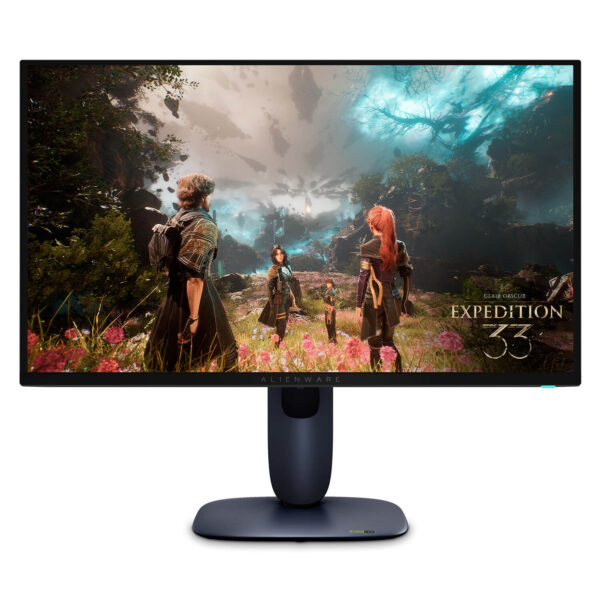
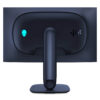
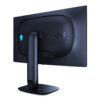
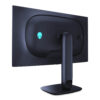
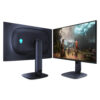
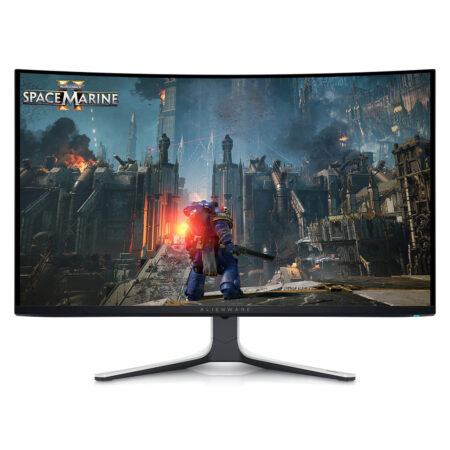
Alienware AW2725Q QD-OLED (27 inch / UHD / QD-OLED / 240Hz)
- DISPLAY: 26.7" 4K UHD (3840 x 2160), Tấm nền QD-OLED, Tỷ lệ 16:9, 166 PPI
- REFRESH RATE: 240Hz, Trải nghiệm hình ảnh siêu mượt mà
- RESPONSE TIME: 0,03ms GtG
- COLOR & HDR: 99% DCI-P3, Dolby Vision, Chuẩn VESA DisplayHDR True Black 400
- SYNC: NVIDIA G-SYNC Compatible, AMD FreeSync Premium Pro, VESA AdaptiveSync
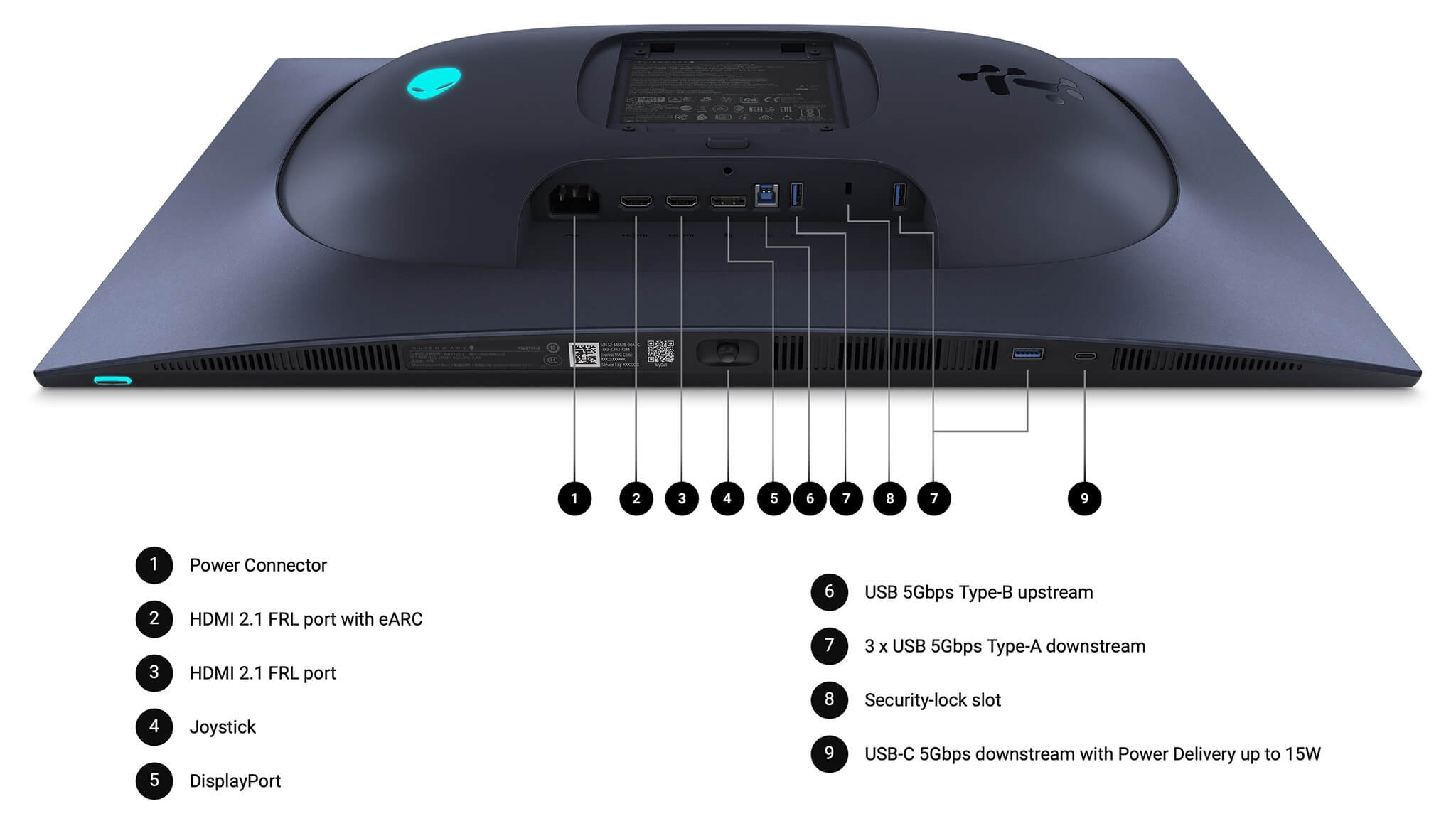
- PORTS: DisplayPort 1.4 (DSC), 2x HDMI 2.1 (eARC/ARC), Cụm cổng USB Hub
- CONDITION: New 100% Full Box
- WARRANTY: Bảo hành 12 tháng
- Is the Alienware AW2725Q suitable for 4K gaming?
- What makes the QD-OLED panel on the Alienware AW2725Q different?
- Are 240Hz and 0.03ms truly worth it on a 4K monitor?
- What advantages does the Alienware AW2725Q offer for daily work and entertainment?
- Should you choose the AW2725Q or the ultrawide AW3425DW?
- Should you buy the Alienware AW2725Q at Hưng Phát Laptop?
Alienware AW2725Q is a 27-inch gaming monitor that brings two traditionally incompatible features onto a single panel: sharp 4K resolution and a 240Hz refresh rate. Featuring a QD-OLED panel, a pixel density of 166 PPI, and a 0.03ms response time, this device is designed for those who want both detailed and smooth imagery without having to choose one over the other. The combination of Dolby Vision, the infinite contrast of OLED, and near-instantaneous speed makes the AW2725Q one of the most notable choices in the high-end gaming monitor segment.
Is the Alienware AW2725Q suitable for 4K gaming?
The Alienware AW2725Q is an excellent choice for gamers who want a full 4K experience while maintaining high frame rates. The 26.7-inch size combined with 3840 x 2160 resolution delivers a pixel density of up to 166 PPI, significantly higher than the standard levels found on 27-inch 2K or ultrawide monitors. The result is sharp text and smooth object edges, with almost no visible aliasing even when viewed from a close distance.
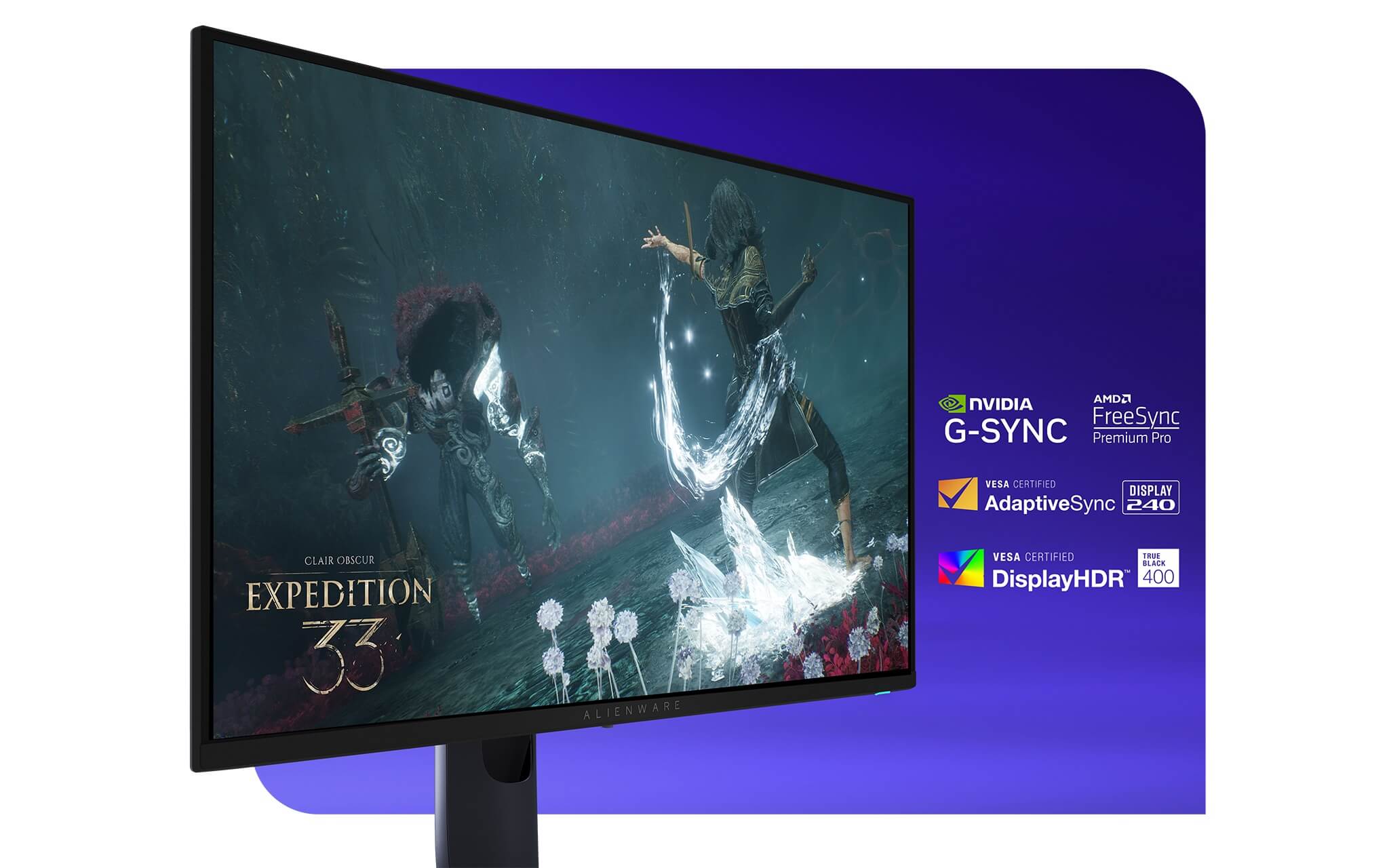
The product's sweet spot lies in the fact that 4K no longer means "slow." The 240Hz refresh rate allows you to fully utilize the power of high-end PC builds, playing both AAA titles and eSports games smoothly. The monitor supports NVIDIA G-SYNC Compatible, AMD FreeSync Premium Pro, and VESA AdaptiveSync, synchronizing frame rates to eliminate tearing when FPS fluctuates. For those building a serious setup, this device gathers all the convincing elements: the display quality of Alienware, its signature design, and top-tier specifications.
What makes the QD-OLED panel on the Alienware AW2725Q different?
The core value of the Alienware AW2725Q lies in its QD-OLED panel. Unlike LCD or IPS panels that require a backlight, QD-OLED allows each pixel to emit its own light and turn off completely. As a result, the monitor achieves infinite contrast, delivering absolute deep blacks without backlight bleed or halo effects around objects. In dark cinematic scenes or games with complex lighting effects, the depth and dimensionality of the image are distinctly different from traditional LCD screens.
In terms of color, the monitor covers 99% of the DCI-P3 color gamut, holds VESA DisplayHDR True Black 400 certification, and supports Dolby Vision. This trio ensures HDR content is displayed exactly as intended by creators, with highlights popping vividly against deep black backgrounds. The table below summarizes the product's key specifications.
| Category | Alienware AW2725Q |
|---|---|
| Size | 26.7 inch |
| Panel | QD-OLED |
| Resolution | 3840 x 2160 (4K UHD) |
| Pixel Density | 166 PPI |
| Aspect Ratio | 16:9 |
| Refresh Rate | 240Hz |
| Response Time | 0.03ms GtG |
| Color & HDR | 99% DCI-P3, Dolby Vision, DisplayHDR True Black 400 |
| Sync Technology | G-SYNC Compatible, FreeSync Premium Pro, VESA AdaptiveSync |
| Connectivity | DisplayPort 1.4 (DSC), 2 x HDMI 2.1 (with eARC/ARC), USB hub |
| Best For | 4K Gaming, HDR movies, Content creation |
On a 4K monitor, the advantages of QD-OLED's viewing angles and color uniformity are even more pronounced. Regardless of your viewing position, the image maintains its vibrancy and accuracy without the color washout at the edges common in many other panels. This makes the device highly capable for movies, gaming, and professional color-sensitive work.
Are 240Hz and 0.03ms truly worth it on a 4K monitor?
Many users wonder if a 240Hz refresh rate is necessary when you already have 4K resolution. The answer depends on how you play, but Alienware has eliminated the usual dilemma: you no longer have to choose between sharpness and smoothness. Previously, wanting 240Hz often meant settling for 2K resolution; now, the AW2725Q offers both on a single panel.
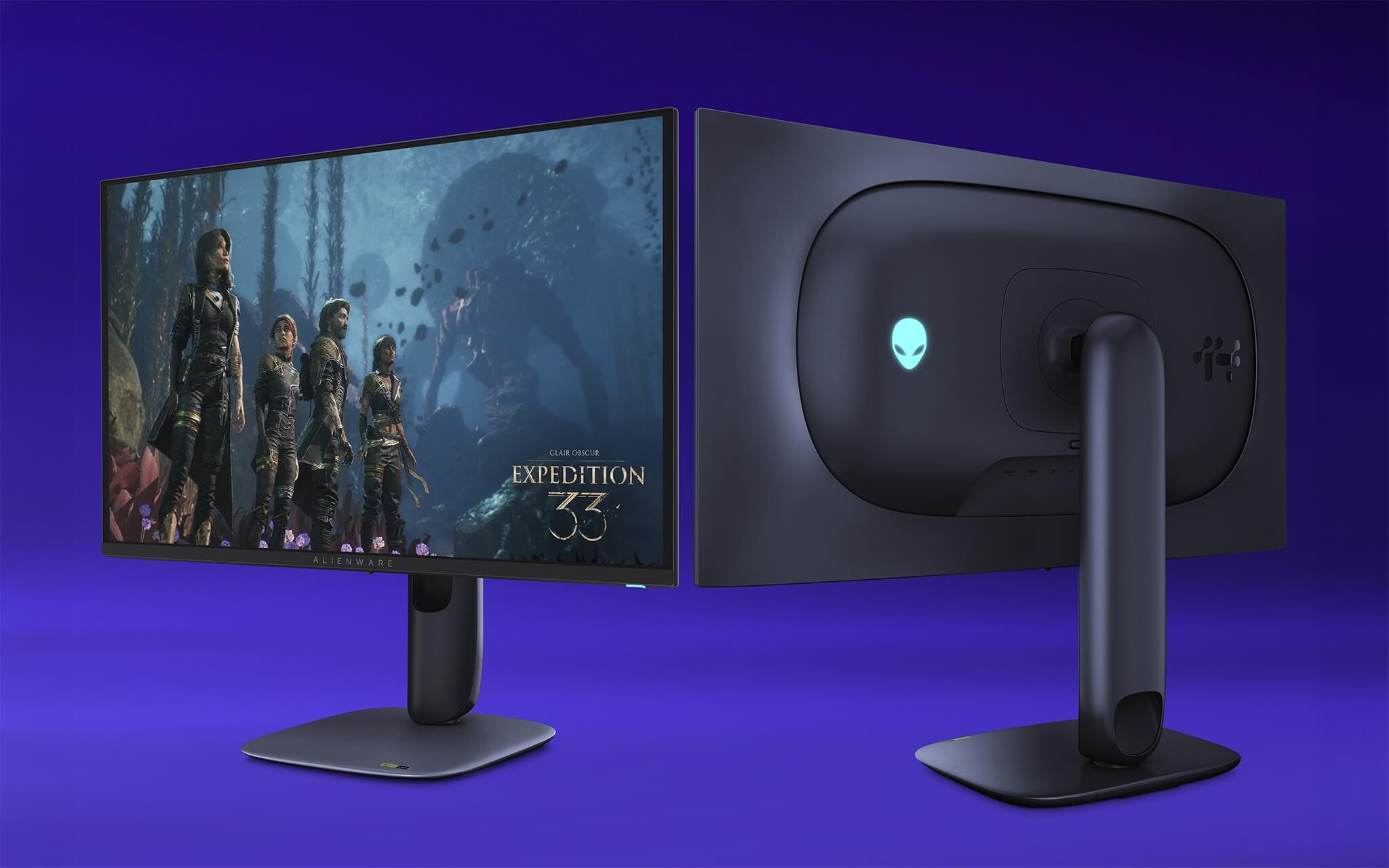
In practice, 240Hz provides a clear advantage during fast camera movements and high-paced combat. The 0.03ms GtG response time of the OLED panel almost entirely eliminates the ghosting typically seen on LCD screens, resulting in clean, crisp motion. For eSports gamers, this translates to highly responsive and precise control; for cinematic AAA games, the combination of 4K and instantaneous speed creates a seamless experience.
To be perfectly honest: to drive 4K at high FPS, your PC needs a powerful enough graphics card. If your PC configuration is mid-range, you can still use this monitor effectively, but you may struggle to hit the 240Hz mark in demanding titles; in those cases, sync technologies will help maintain a stable experience.
What advantages does the Alienware AW2725Q offer for daily work and entertainment?
Despite being a gaming monitor, the AW2725Q is a highly capable tool for work. The 166 PPI density makes text appear smooth and clear, reducing eye strain when reading documents or coding for long periods, while allowing you to open multiple windows side-by-side comfortably. This is an advantage that lower-resolution 27-inch monitors struggle to match.
For creators, the 99% DCI-P3 coverage and QD-OLED contrast help photo editing, video production, and reviewing HDR content look much closer to reality. The ability to display a wide color gamut and deep blacks is a necessity for serious color work, not just for gaming.
Regarding connectivity, the monitor features DisplayPort 1.4 with DSC support for running 4K at 240Hz with HDR, along with 2 x HDMI 2.1 ports that are fully compatible with both PCs and next-gen consoles. One HDMI port supports eARC/ARC, allowing high-quality audio to be transmitted to a soundbar or external speaker system, turning your desk into a streamlined entertainment hub. The integrated USB hub also allows you to connect your mouse, keyboard, and other peripherals directly to the monitor.
Should you choose the AW2725Q or the ultrawide AW3425DW?
This is the most common question when customers choose an Alienware QD-OLED monitor, as both feature 240Hz and 0.03ms but serve different preferences. The AW2725Q focuses on sharpness with 4K on a 27-inch screen, while the AW3425DW focuses on immersive field of view with a 21:9 curved aspect ratio. The table below provides a direct comparison.
| Comparison Criteria | Alienware AW2725Q | Alienware AW3425DW |
|---|---|---|
| Size | 26.7 inch | 34 inch |
| Aspect Ratio | 16:9 standard | 21:9 ultrawide |
| Resolution | 3840 x 2160 (4K) | 3440 x 1440 (WQHD) |
| Pixel Density | 166 PPI | Lower, wider aspect ratio |
| Panel | QD-OLED | QD-OLED |
| Refresh Rate | 240Hz | 240Hz |
| Response Time | 0.03ms GtG | 0.03ms GtG |
| Screen Type | Flat | 1800R Curved |
| PC Requirements | Higher (due to 4K) | More manageable |
| Best For | 4K Gaming, HDR movies, high-detail content creation | Ultrawide gaming, multitasking, immersive entertainment |
How to choose correctly: if you prioritize sharpness, work with detailed text and images, and have a powerful enough PC to drive 4K, then the AW2725Q is the more logical choice. Conversely, if you prefer a wide aspect ratio to see more of the game map, like multitasking with multiple windows, and want to reduce the load on your graphics card, the ultrawide AW3425DW will be more comfortable. Since both use the same QD-OLED panel, color quality and contrast are comparable.
Should you buy the Alienware AW2725Q at Hưng Phát Laptop?
For those looking for a high-end gaming monitor that doesn't force a compromise between sharpness and speed, the Alienware AW2725Q is a compelling option. This product brings together the most highly-rated display technologies available today: a QD-OLED panel with infinite contrast, 4K resolution at 166 PPI, a 240Hz refresh rate, 0.03ms response time, and Dolby Vision support. The only consideration is that you should have a commensurate PC configuration to fully exploit the monitor's capabilities.
Hưng Phát Laptop is a reputable destination to own this product, offering genuine goods, full invoices, and transparent warranty policies. When you buy here, you receive expert advice to choose a monitor that fits your specific PC build and actual needs, along with dedicated technical support and nationwide delivery.
No comments yet
Q&A about Alienware AW2725Q QD-OLED (27 inch / UHD / QD-OLED / 240Hz)
Frequently asked questions about Alienware AW2725Q QD-OLED (27 inch / UHD / QD-OLED / 240Hz)
What is the warranty for Alienware AW2725Q QD-OLED (27 inch / UHD / QD-OLED / 240Hz)?
Can I buy Alienware AW2725Q QD-OLED (27 inch / UHD / QD-OLED / 240Hz) with home delivery?
Worth a Look
Alienware AW3425DW QD-OLED (34 inch / WQHD / QD-OLED / 240Hz / Curved)





Minh Hoàng 15/07/2026
The screen is incredibly sharp with a super smooth QD-OLED panel. It's a bit of a shame that the price is slightly high, but the experience is excellent.
Minh Anh 15/07/2026
The screen is insanely beautiful with incredibly accurate colors and super smooth gaming. The price is a bit steep, but the 4K at 240Hz experience is absolutely top-tier.