

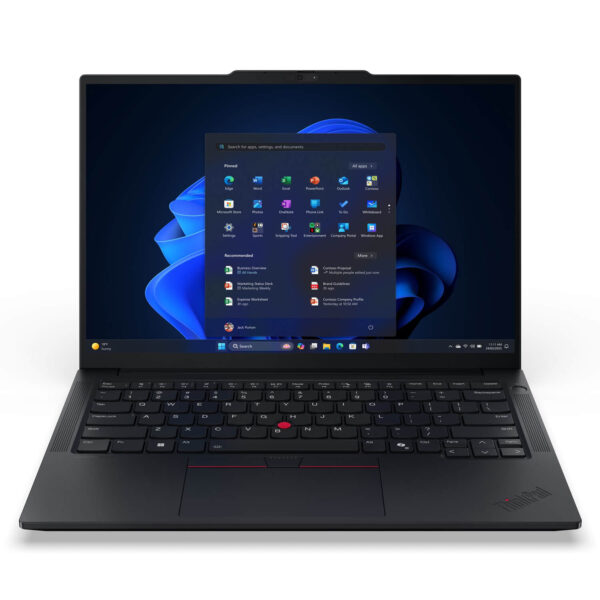
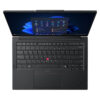
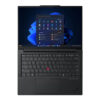
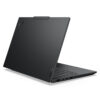
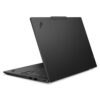
Lenovo ThinkPad E14 Gen 7 (2025)
- CPU: Intel Core Ultra 5 135H Up To 4.6GHz (14 Cores, 18 Threads, 18MB Cache)
- RAM: DDR5 16GB 5600MHz
- SSD: 512GB PCIe Gen4 M.2 SSD
- VGA: Intel® graphics
- OS: No OS
- DISPLAY: 14" WUXGA (1920x1200) IPS, Anti-Glare, 45% NTSC, 300nits
- CONDITION: New 100% Full Box
- WARRANTY: 24-month official warranty
- A Modern, Refined Design
- The ThinkPad E14 Gen 7 (2025) Display
- Outstanding Performance with Intel® Core™ Ultra Series 2
- ThinkPad E14 Gen 7 Keyboard & Touchpad
- Vivid Sound Quality
- ThinkPad E14 Gen 7 Thermals & Battery Life
- ThinkPad E14 Gen 7 Ports & Connectivity
- Lenovo ThinkPad E14 Gen 7 (2025) Overview
- FAQ - Frequently Asked Questions About the ThinkPad E14 Gen 7 (2025)
- Where to Buy the Lenovo Thinkpad E14 Gen 7 at a Good Price from a Trusted Seller?
The Lenovo ThinkPad E14 Gen 7 holds its own in the business laptop segment with a modern design, powerful specs, and advanced security. It is well regarded for meeting the flexible needs of professionals, office workers, and small and midsize businesses that want a durable, portable laptop that still looks professional. With an optimal balance of stable performance, ThinkPad durability, and easy portability, the ThinkPad E14 Gen 7 stands out as one of the most popular laptops of 2025.
A Modern, Refined Design
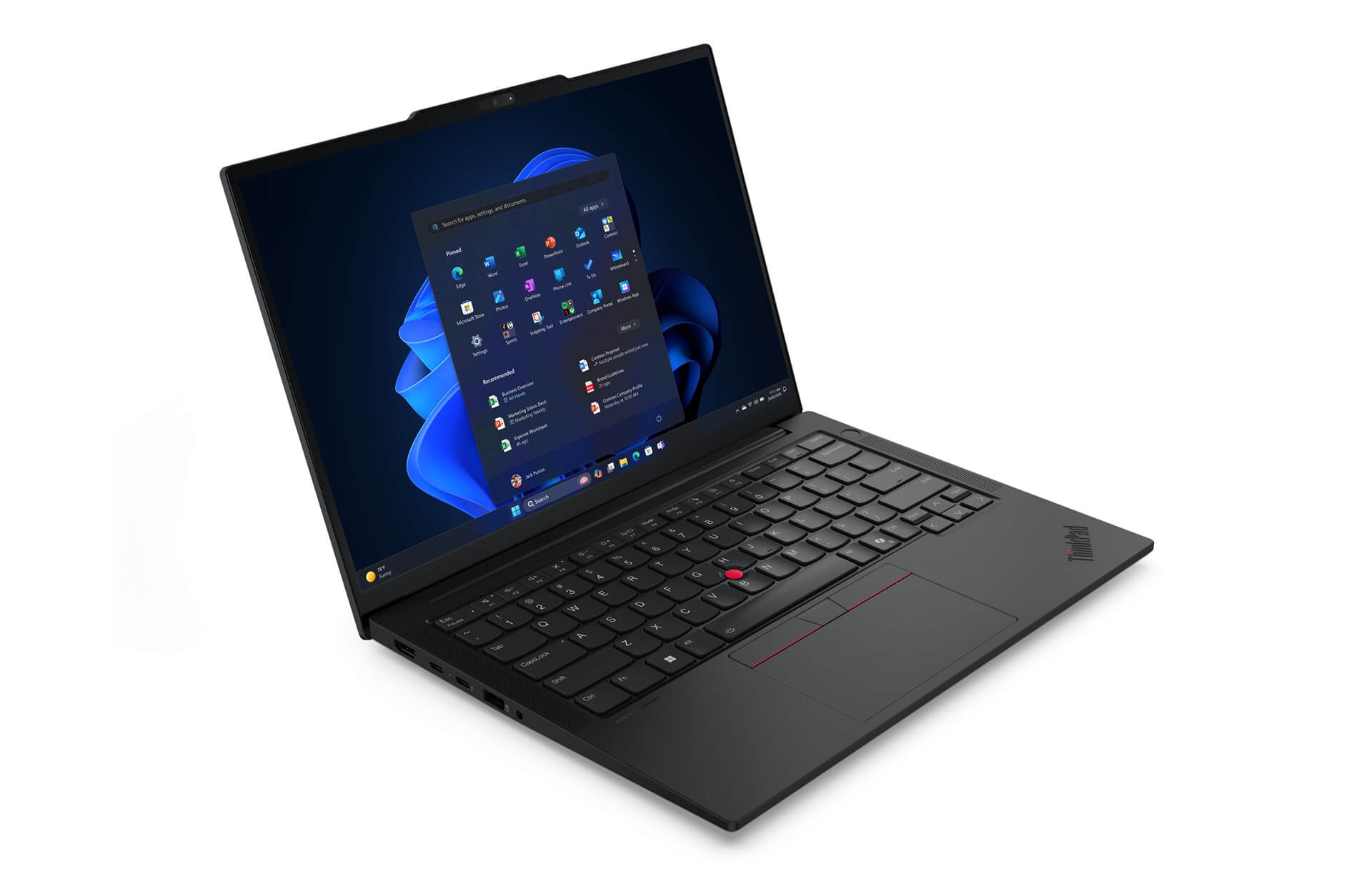
The Lenovo ThinkPad E14 Gen 7 has a modern, polished look with a slim, light body about 17mm thick, a classic black finish, and soft rounded edges, giving it the professional style the ThinkPad business laptop line is known for. It is built from recycled materials such as PCC plastic and aluminum alloy, which makes it sturdy while also reducing its environmental impact. The laptop also meets the MIL-STD-810H military standard, so it runs reliably even in harsh conditions, making it a good fit for people who travel often and need their work to stay safe.
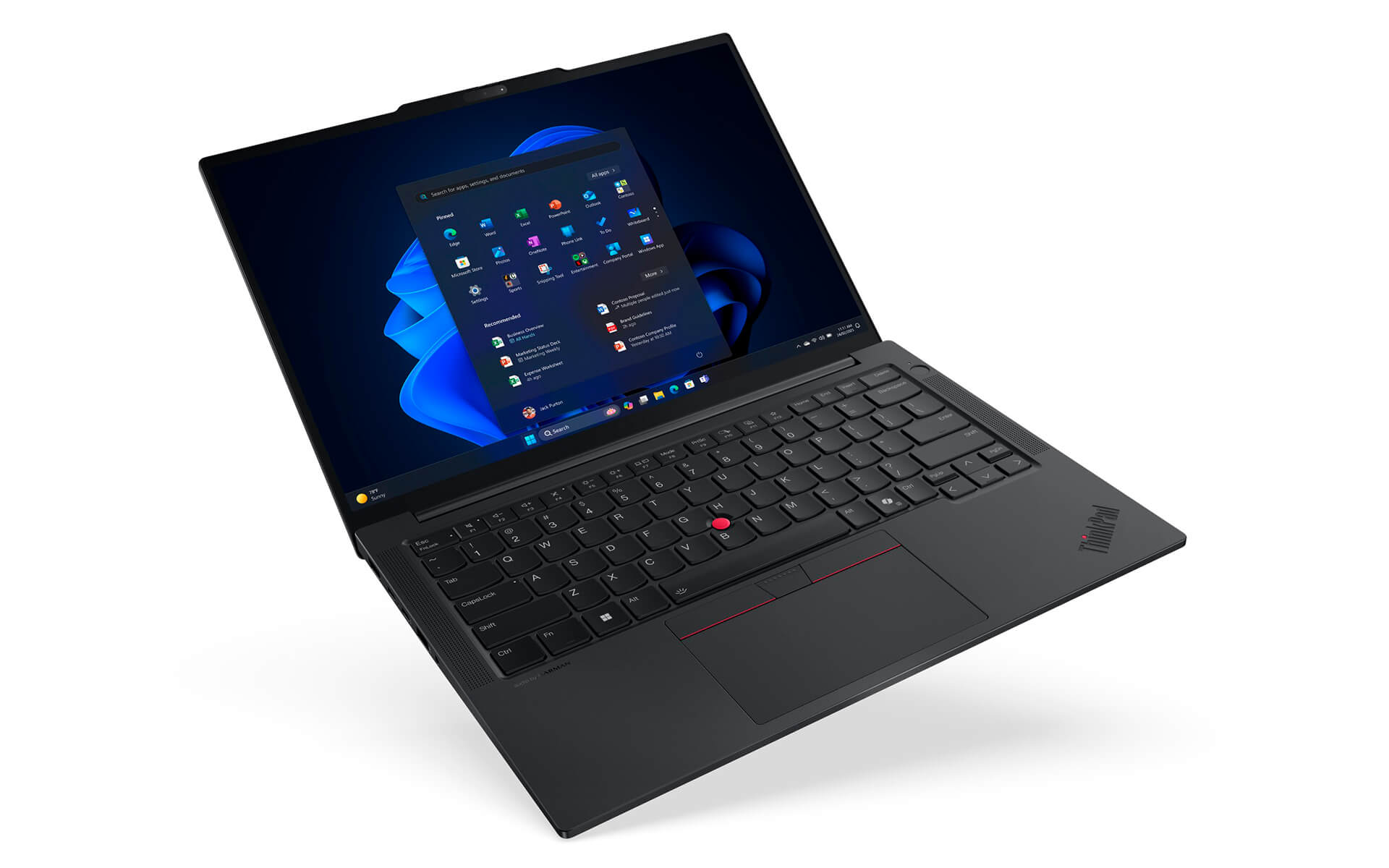
With a starting weight of just 1.34kg and dimensions of 313 x 220.3 x 10.1/15.25 mm (up to 20.5mm depending on configuration), the ThinkPad E14 Gen 7 is an ideal choice for users who need high portability. The aluminum top cover and PC-ABS bottom panel balance light weight, durability, and looks, and they reflect Lenovo's commitment to sustainable development. This laptop delivers stable performance and an elegant design, and it also offers lasting value for both your work and the environment.
The ThinkPad E14 Gen 7 (2025) Display
The Lenovo ThinkPad E14 Gen 7 (2025) has a 14-inch display with several resolution options, including WUXGA (1920x1200) and WQXGA+ (2560x1600), serving both work and multimedia entertainment well. Some versions also support a multi-touch screen, so you can interact with it as flexibly as you would on a mobile device. Thanks to IPS technology, the screen offers wide viewing angles, accurate colors, and high brightness, so content stays clear even outdoors or in strong light.
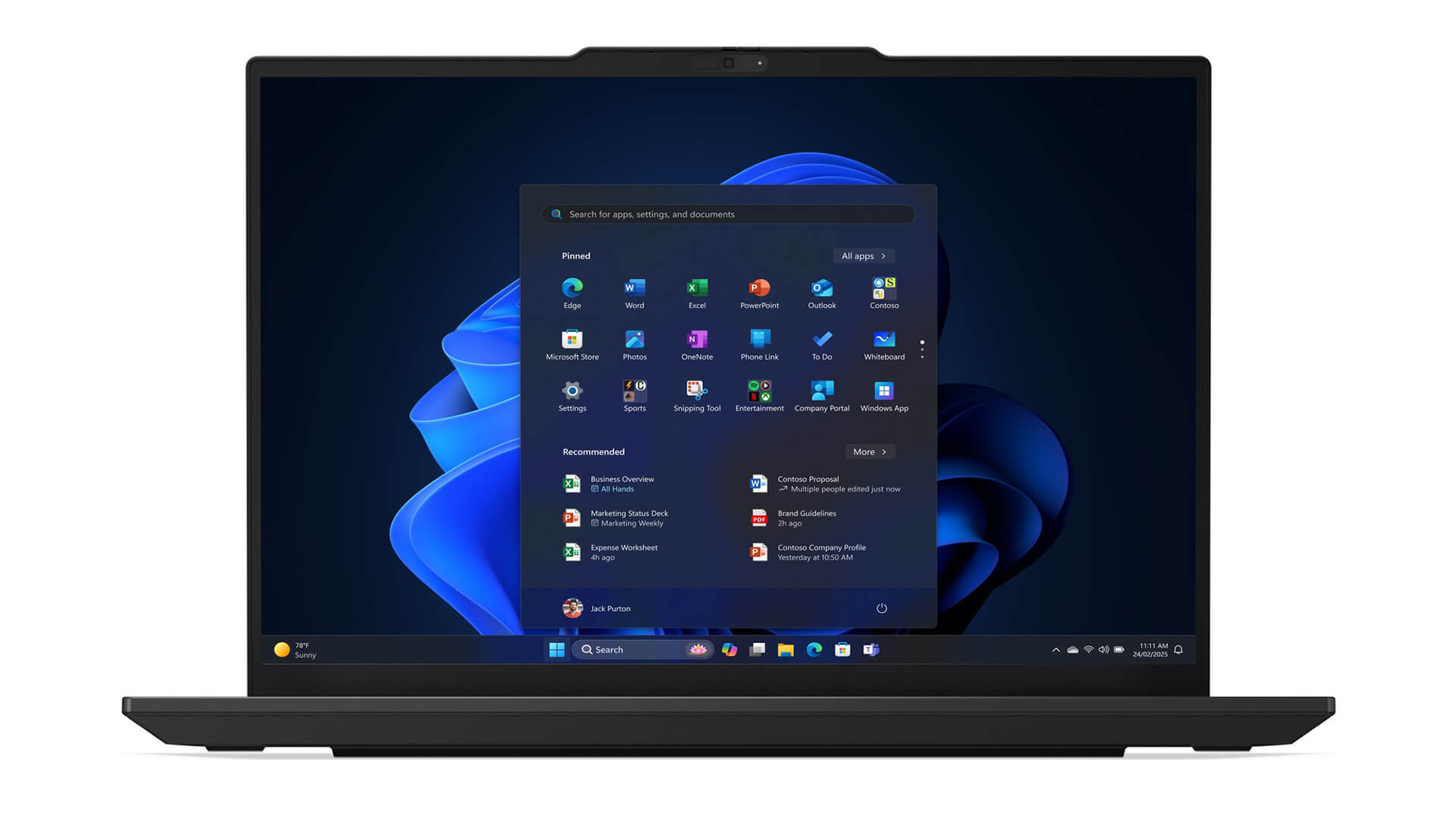
For better long-term comfort, the ThinkPad E14 Gen 7 includes TÜV Low Blue Light technology, which limits harmful blue light and reduces eye strain during long stretches of work. The display also has tempered glass, which improves scratch and impact resistance and keeps the screen looking good over long years of use. It is an ideal choice for office workers, students, and content creators who are often on the move and need a durable device with a sharp display that adapts to many different working situations.
Outstanding Performance with Intel® Core™ Ultra Series 2
The Lenovo ThinkPad E14 Gen 7 delivers impressive power thanks to the Intel® Core™ Ultra Series 2, a modern processor platform optimized for business environments. Higher-end versions with Intel Core Ultra 7 or above support Intel vPro technology, which enables remote management, stronger security, and smooth handling of demanding tasks such as large spreadsheets, data analysis, and specialized graphics software. This is a major advantage for professional users who need a stable, efficient, and highly secure laptop.
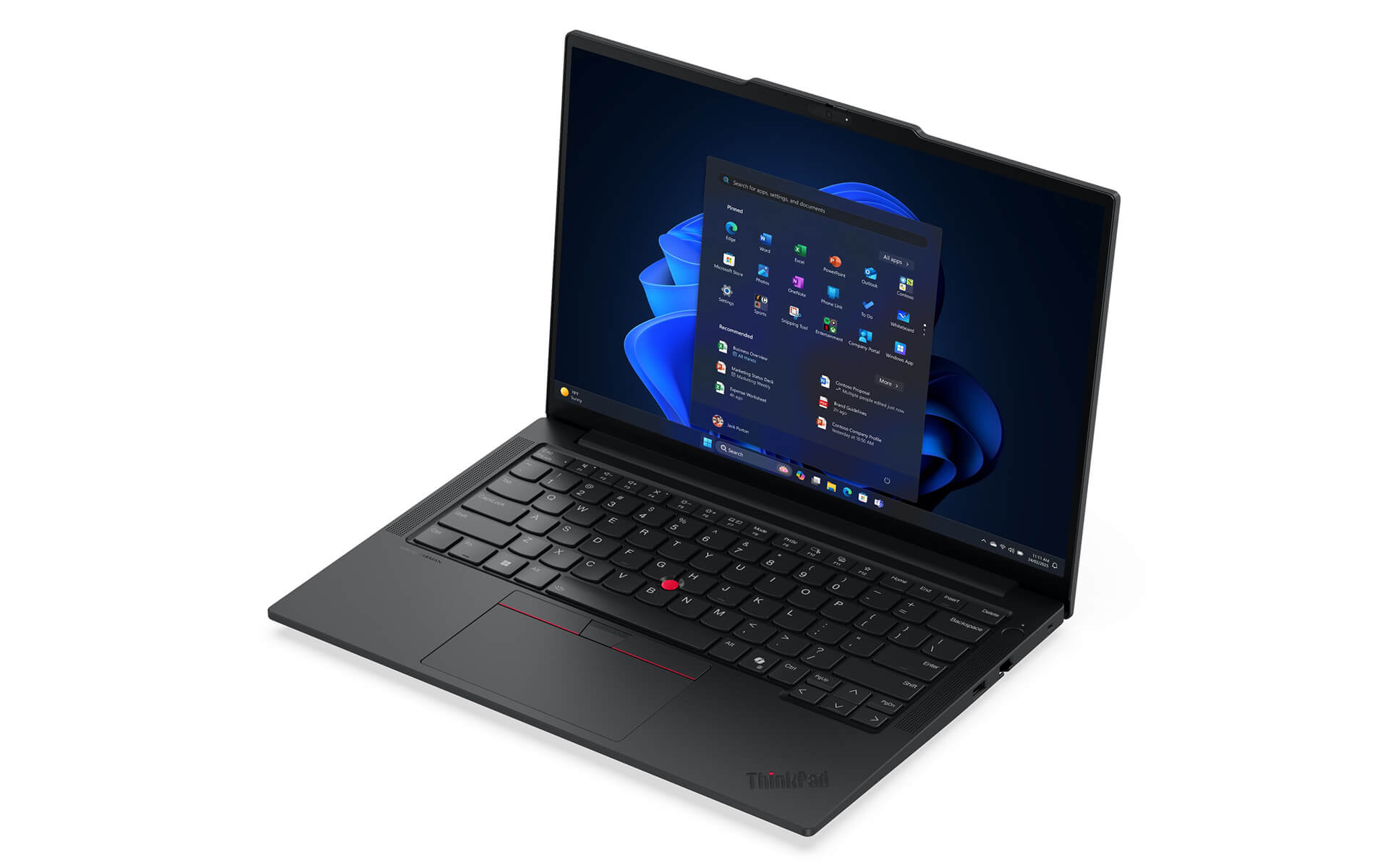
Another highlight of the ThinkPad E14 Gen 7 is its built-in AI, which adjusts system resources in real time. This keeps the laptop stable under heavy multitasking while shortening response lag. It is especially helpful for people who often have many apps open at once, from office work and studying to specialized software.
Besides the powerful CPU, the laptop offers Intel Arc Graphics or Intel Iris Xe graphics, suitable for basic design work, light rendering, and multimedia entertainment. The system supports upgrades to up to 32GB of DDR5 RAM and a PCIe Gen4 x4 SSD of up to 1TB, for fast processing and plenty of storage. With its combination of performance, durability, and expandability, the ThinkPad E14 Gen 7 is a complete solution for modern business professionals and technical experts.
ThinkPad E14 Gen 7 Keyboard & Touchpad
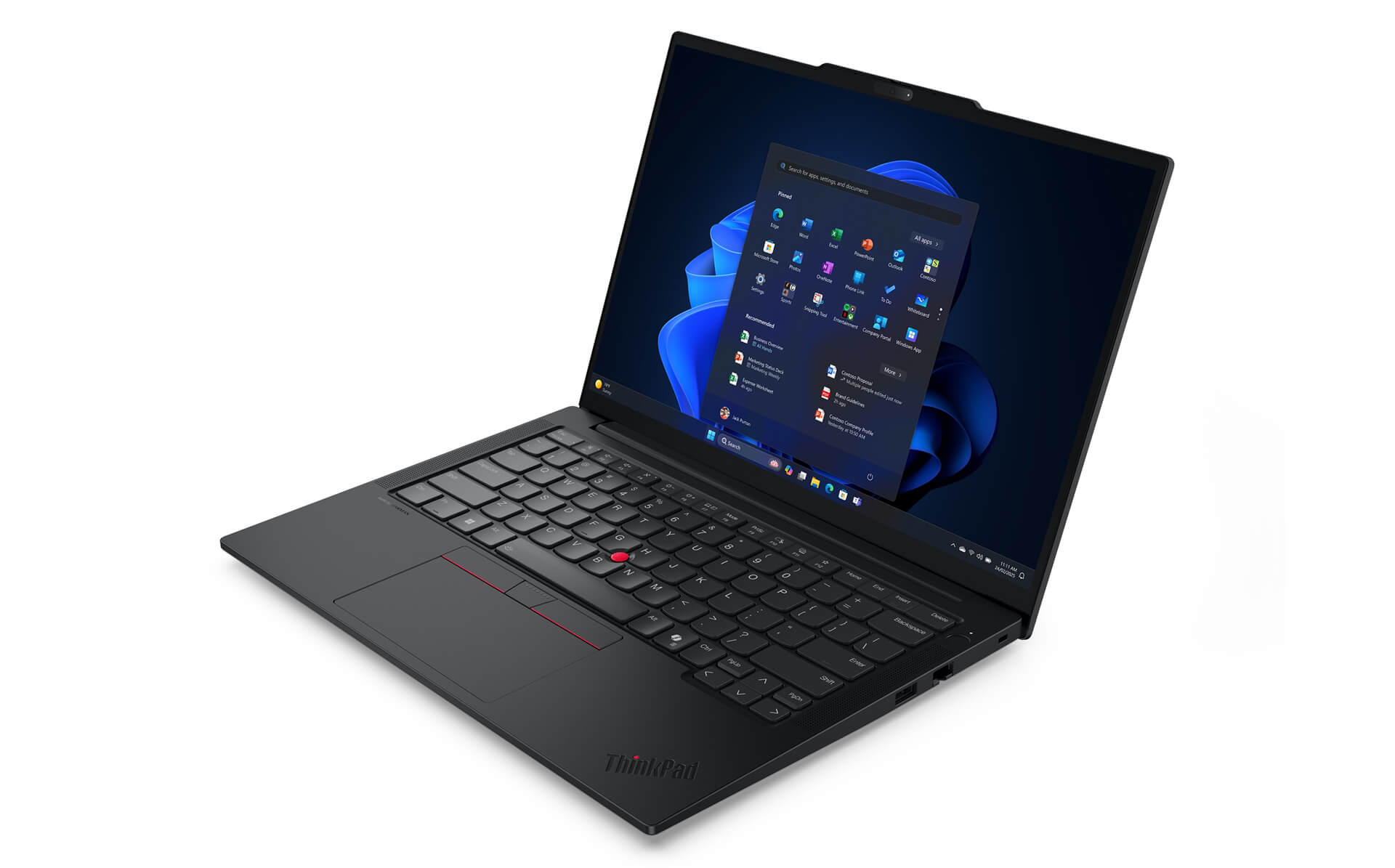
The Lenovo ThinkPad E14 Gen 7 has the full-size keyboard that is signature to the ThinkPad line, delivering accurate typing with sensible key travel and a clear tactile bounce. This design is especially well suited to people who work with text, write code, or handle content-heavy tasks. Built-in function keys for volume, microphone mute, and camera toggle help boost everyday productivity. On some versions, the power button also includes a fingerprint sensor, adding a convenient and secure layer of protection for business users.
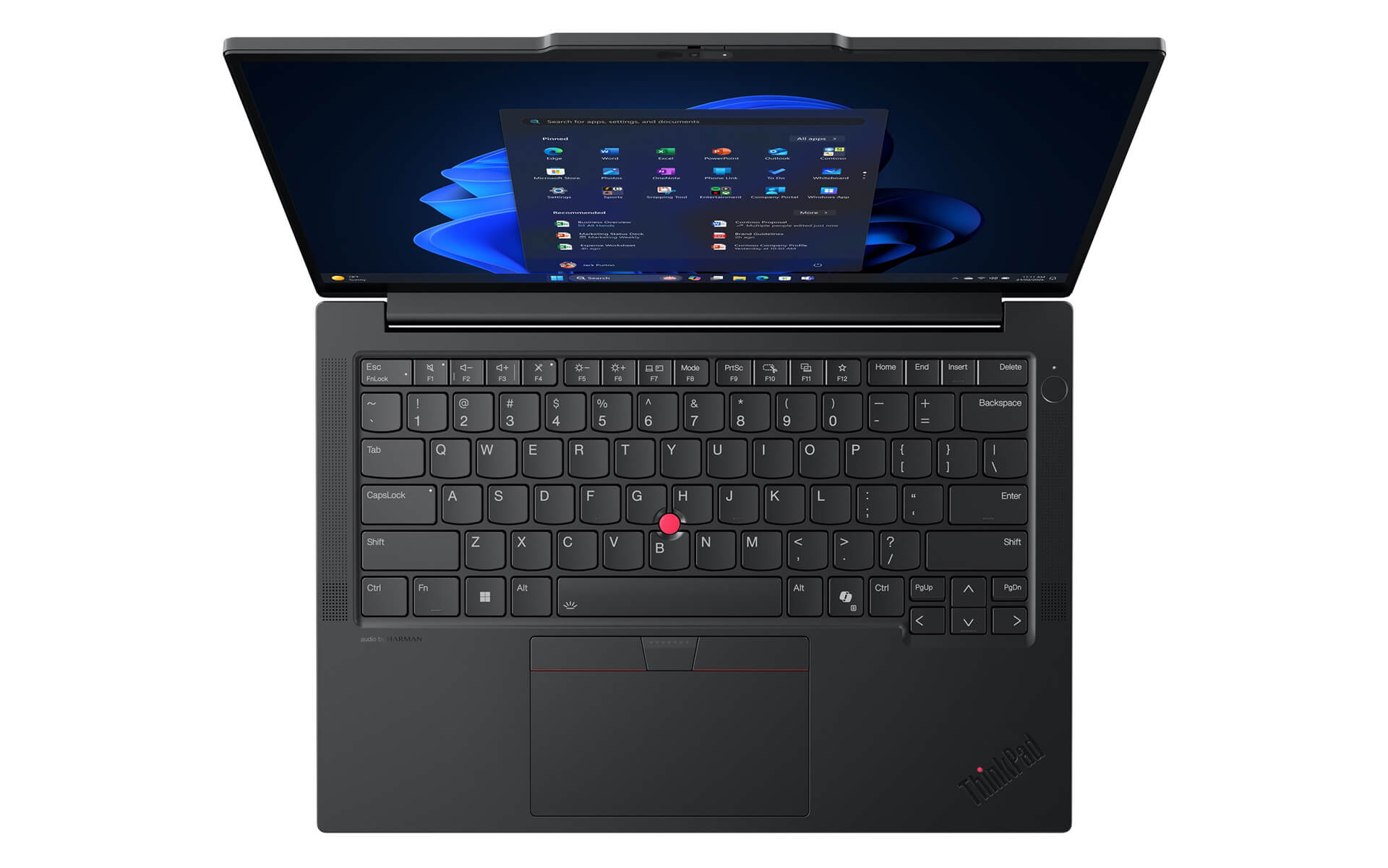
Alongside it, the ThinkPad E14 Gen 7 touchpad is large, supports multi-touch, and is highly sensitive, so scrolling, zooming, and switching between windows feel smooth and precise. The ergonomic design keeps you comfortable over long sessions while ensuring quick response. Together, the responsive keyboard and versatile touchpad make the ThinkPad E14 Gen 7 an optimal choice for people who travel often or work in a professional office.
Vivid Sound Quality
The Lenovo ThinkPad E14 Gen 7 gets an audio upgrade that delivers a well-rounded experience for both entertainment and work. Harman Kardon speakers combined with Dolby Atmos technology create a vivid, detailed, and deep soundstage, so you can enjoy music, watch movies, or join online meetings with clear, balanced, and natural sound. Its ability to play at high volume without distortion also helps the ThinkPad E14 Gen 7 hold up in meeting rooms and other large spaces.
Alongside the premium speakers, the built-in microphone on the ThinkPad E14 Gen 7 uses smart noise suppression, so your voice comes through clearly and naturally in any situation. On some configurations, the laptop also supports noise filtering and automatic audio adjustment, optimized for both quiet rooms and noisy public places. That makes the ThinkPad E14 Gen 7 a reliable choice for business professionals, students, and remote workers who need a laptop that is powerful in performance and just as good in audio experience.
ThinkPad E14 Gen 7 Thermals & Battery Life
The Lenovo ThinkPad E14 Gen 7 stands out for effective temperature control, which keeps performance stable even under heavy workloads. The cooling system is tuned with smart air vents and an automatic cooling fan, so the laptop keeps running smoothly and resists overheating. This design improves the long-term user experience and also helps extend component life, which suits people who regularly do intensive work in the office or on the go.
Beyond cooling, the battery life of the ThinkPad E14 Gen 7 is another big plus. The 64Whr battery allows 8 to 12 hours of continuous use, and fast charging can fill it in about 60 minutes, which is maximum convenience for busy users. The smart power management system balances performance and energy savings, so this laptop is always ready to keep up, from office work and studying to long business trips.
ThinkPad E14 Gen 7 Ports & Connectivity
The Lenovo ThinkPad E14 Gen 7 offers comprehensive connectivity that flexibly covers everything from office needs to multimedia entertainment. It has the common ports, including USB-A, USB-C with Thunderbolt 4, and USB 3.2 Gen 2, for high-speed data transfer and quick connections to peripherals. In addition, the HDMI 2.1 port delivers high-quality video output, while Ethernet RJ45, a headphone jack, and a memory card reader make it convenient to handle data and stay reliably connected. For wireless, the laptop supports Wi-Fi 6E and Bluetooth 5.3, which maintain high speeds, save power, and suit sharing large files.
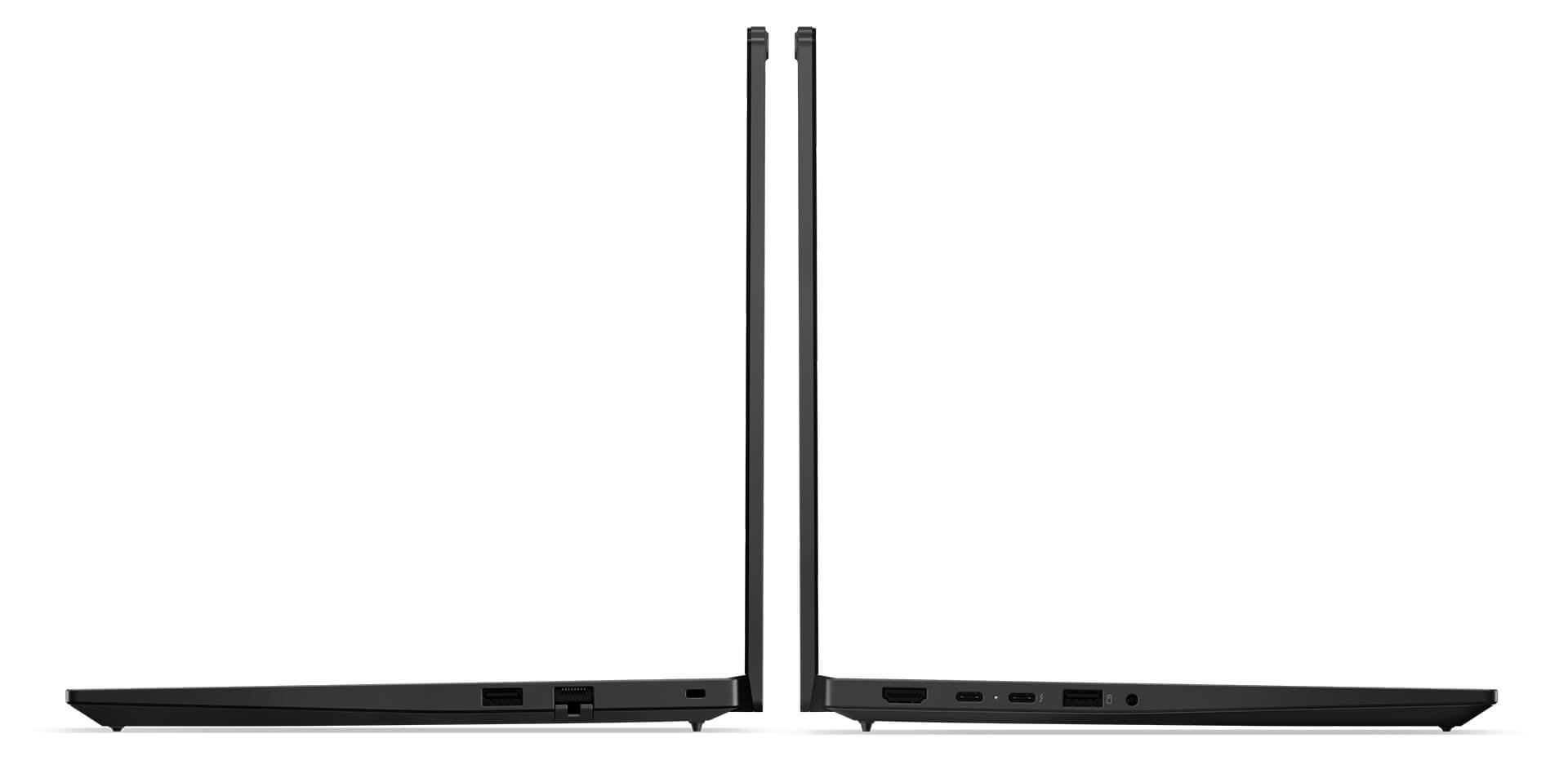
A particularly notable feature is the Thunderbolt 4 port, which supports fast charging and also extends connectivity to high-resolution displays and premium peripherals. Together, these give you a professional working experience, from a fixed office desk to mobile situations. With its powerful, versatile, and stable connectivity, the ThinkPad E14 Gen 7 is an optimal choice for business people, professionals, and modern users who always need a flexible, dependable work tool.
Lenovo ThinkPad E14 Gen 7 (2025) Overview
The Lenovo ThinkPad E14 Gen 7 (2025) is designed for business professionals, office workers, and small businesses that need a compact, lightweight device that is still powerful enough for daily work. At only about 1.34 kg, with 8-12 hours of battery life and fast charging, it suits people who move often between the office, meetings, and business trips. Security features such as the fingerprint sensor built into the power button, along with the business-grade ThinkPad keyboard, make for a better professional working experience, while the 14-inch anti-glare IPS display and Harman Kardon audio with Dolby Atmos handle both presentations and personal entertainment well.
For those who work flexibly or remotely, the ThinkPad E14 Gen 7 offers peace of mind with a versatile set of connections: USB-A, USB-C, HDMI 2.1, LAN, and Thunderbolt 4, along with Wi-Fi 6E for a smooth connection in any situation. It is an ideal choice for office staff who need stable performance, freelancers who travel often, and small business owners looking for a device that is both durable and cost-effective. Although it has no discrete GPU and only a basic webcam, it still meets the practical needs of today's professional users.
| Pros | Cons |
|---|---|
|
|
FAQ - Frequently Asked Questions About the ThinkPad E14 Gen 7 (2025)
1. Is the ThinkPad E14 Gen 7 (2025) suitable for professional business environments?
The E14 Gen 7 has a sturdy metal chassis, meets the MIL‑STD 810H standard, and weighs ~1.34 kg, making it a perfect choice for office workers or data specialists who travel often.
2. Is the 14
The laptop offers a WUXGA (1920×1200) or 2.8K display with 400 nits of brightness, delivering sharp images and a smooth feel when reading documents, building slides, or sharing content online.
3. Can the ThinkPad E14 Gen 7 handle large spreadsheets and in-depth reports smoothly?
With an Intel Core Ultra Series 2 CPU, up to 32 GB of RAM, and a PCIe Gen 4 SSD, it efficiently handles large Excel files, Power BI, and ERP software, and keeps multitasking stable without stuttering or lag.
4. Does it work well for everyday programming and software development?
The strong configuration lets the Thinkpad E14 Gen 7 run IDEs such as Visual Studio, VS Code, and IntelliJ IDEA smoothly. Building, debugging, and running Docker or virtual machines all stay stable throughout the workday.
5. Even though it is not graphics-focused, can it handle light content design work?
The integrated Intel GPU, paired with a color-accurate display, supports light 2D design tasks such as Figma, Illustrator, or editing PowerPoint slides, meeting the needs of office work and technical documents.
6. How long does the real-world battery life of the ThinkPad E14 Gen 7 last?
According to Lenovo PSREF, the E14 Gen 7's 64 Wh battery lasts about 12.3 hours in the MobileMark 30 test (at 250 nits brightness).
Source: Lenovo PSREF
7. Does it keep its performance when running many apps and building code continuously?
The efficient cooling system helps the E14 Gen 7 sustain high performance with no slowdown during multitasking, compiling, or running Docker tools for long periods.
8. Does the ThinkPad E14 Gen 7 support installing Linux for developers?
Lenovo certifies the Thinkpad E14 Gen 7 as compatible with Ubuntu (through the Linux User Guide written specifically for the E14 Gen 7). Users need to switch the BIOS to AHCI and update the Wi‑Fi or touchpad drivers to get full functionality.
Source: Lenovo Linux User Guide
9. What is the warranty policy at Hung Phat Laptop for the E14 Gen 7?
Hung Phat Laptop commits to a 12-month warranty on new machines, with a replacement with a different unit within the first 30 days if a manufacturer defect appears. For like-new or used products, customers still receive a 6-month warranty and a replacement policy during the first month. In addition, Hung Phat offers free periodic cleaning, software installation on request, and nationwide delivery.
Where to Buy the Lenovo Thinkpad E14 Gen 7 at a Good Price from a Trusted Seller?
If you are looking for a slim, light, high-spec, and reliable Lenovo ThinkPad laptop for professional work, the ThinkPad E14 Gen 7 is an ideal choice. It balances a portable design, strong performance, and premium security features.
Hung Phat Laptop is a trusted address that specializes in genuine ThinkPad laptops, officially imported, with a clear warranty policy, good prices, and many attractive promotions. When you buy the ThinkPad E14 Gen 7 (2025) here, you get dedicated advice and full technical support, so you can use it with confidence.
Performance & benchmarks Lenovo ThinkPad E14 Gen 7 (2025)
Intel Core Ultra 5 135H Intel Arc 8-Core iGPU - best for Office 8.5/10, Programming 7/10.
Intel Core Ultra 5 135H
- Cinebench R23 (multi-core)11,875.5
- Geekbench 6 (multi-core)10,368
- Geekbench 6 (single-core)2,278
- Cores / Threads14/18
Intel Arc 8-Core iGPU iGPU
- 3DMark Time Spy3,270
- 3DMark Fire Strike8,513
- ArchitectureXe LPG
Best for
Scored from real benchmarks- Gaming3/10
- Video / Graphics4/10
- Programming7/10
- Office8.5/10
Why does the CPU matter?
The CPU is the "brain" that handles every task: launching apps, multitasking, compiling code and editing video. The stronger the CPU, the faster and smoother the laptop runs when you juggle many things at once.
- BasicThis product
Web browsing, streaming and light office work.
- MainstreamThis product
Office work, moderate multitasking and studying.
- Mid-rangeThis product
Solid multitasking, programming and light graphics work.
- StrongThis product
Video editing, heavy programming, virtualization and gaming.
- FlagshipThis product
Heavy rendering, 4K/8K editing, virtual machines and AI workloads.
Why does the GPU matter?
The GPU (graphics card) handles visuals: gaming, video editing, 3D rendering and AI acceleration. The stronger the GPU, the higher your frame rates and the faster your video exports.
- Basic (iGPU)This product
Smooth display, 4K video and very light games (League of Legends, Valorant on low).
- MainstreamThis product
1080p eSports gaming, photo editing and light video editing.
- Mid-rangeThis product
1080p gaming on medium-high settings and smooth Full HD video editing.
- StrongThis product
1080p/1440p gaming on high settings, 4K video editing and 3D rendering.
- FlagshipThis product
4K/240Hz gaming, ray tracing, heavy rendering and AI.
Game performance
Real FPS - FHD- Dota 269 fps1080p Ultra
- CS252 fps1080p High
- GTA V140 fps1080p Medium
- CoD: Black Ops 624 fps1080p Low
- Star Wars Outlaws17 fps1080p Low
- Black Myth: Wukong20 fps1080p Low
- God of War Ragnarök11 fps1080p Low
- Final Fantasy XVI19 fps1080p Medium
- Cyberpunk 207731 fps1080p Low
≥60fps very smooth30-60fps playable<30fps lower the settings
Local AI performance
Tokens/second running locally on GPU- Gemma 4 E2B IT5.6 GB · ctx 256K15 tok/sDecent
- GLM-4 9B5.1 GB · ctx 128K16 tok/sDecent
- Gemma 4 E4B4.6 GB · ctx 256K18 tok/sDecent
- Ministral 8B4.6 GB · ctx 32K18 tok/sDecent
- Qwen 3.5 4B4.6 GB · ctx 32K18 tok/sDecent
- DeepSeek R1 Distill 7B4.1 GB · ctx 64K20 tok/sRuns well
- Gemma 4 E2B3.1 GB · ctx 256K27 tok/sRuns well
- Qwen 3.5 2B2.5 GB · ctx 32K34 tok/sRuns well
- Phi-4 Mini Reasoning2.4 GB · ctx 16K35 tok/sRuns well
- Llama 3.2 3B2 GB · ctx 128K42 tok/sRuns great
- SmolLM3 3B2 GB · ctx 128K42 tok/sRuns great
- DeepSeek R1 1.5B1.3 GB · ctx 64K65 tok/sRuns great
- Qwen 3.5 0.8B1.3 GB · ctx 32K65 tok/sRuns great
- TinyLlama 1.1B1.1 GB · ctx 2K76 tok/sRuns great
- Llama 3.2 1B1 GB · ctx 128K84 tok/sRuns great
- Gemma 2 9B5.1 GB · ctx 8K16 tok/sDecent
- Nemotron Nano 9B v25.1 GB · ctx 128K16 tok/sDecent
- Llama 3.1 8B4.6 GB · ctx 128K18 tok/sDecent
- Qwen 3 8B4.6 GB · ctx 128K18 tok/sDecent
- Mistral 7B v0.34.1 GB · ctx 32K20 tok/sRuns well
- Qwen 2.5 7B4.1 GB · ctx 128K20 tok/sRuns well
- Qwen 2.5 Coder 7B4.1 GB · ctx 128K20 tok/sRuns well
- Qwen 3 4B2.5 GB · ctx 32K34 tok/sRuns well
- Gemma 3 4B2.5 GB · ctx 128K34 tok/sRuns well
- Phi-3.5 Mini2.4 GB · ctx 128K35 tok/sRuns well
- Gemma 2 2B1.5 GB · ctx 8K56 tok/sRuns great
- Qwen 3 1.7B1.4 GB · ctx 32K60 tok/sRuns great
- Qwen 2.5 Coder 1.5B1.3 GB · ctx 32K65 tok/sRuns great
- Qwen 3 0.6B1.1 GB · ctx 32K76 tok/sRuns well
- Gemma 3 1B1 GB · ctx 32K84 tok/sRuns great
GreatWellDecent4-bit quantized, ctx = context window
No comments yet
Q&A about Lenovo ThinkPad E14 Gen 7 (2025)
Frequently asked questions about Lenovo ThinkPad E14 Gen 7 (2025)
What are the specifications of Lenovo ThinkPad E14 Gen 7 (2025)?
What is the warranty for Lenovo ThinkPad E14 Gen 7 (2025)?
Is Lenovo ThinkPad E14 Gen 7 (2025) genuine?
Can I buy Lenovo ThinkPad E14 Gen 7 (2025) with home delivery?
Worth a Look
Lenovo ThinkPad E16 Gen 2 (2024)
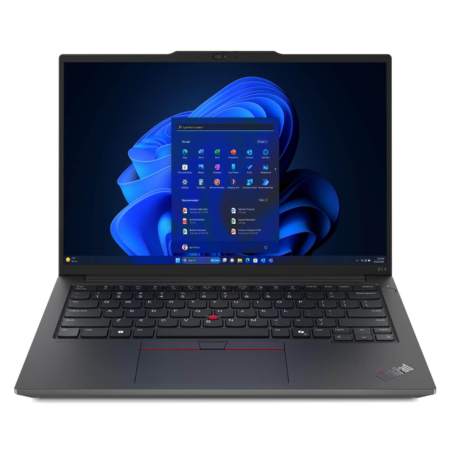
Lenovo ThinkPad E14 Gen 6 (2024)
 5 configurations
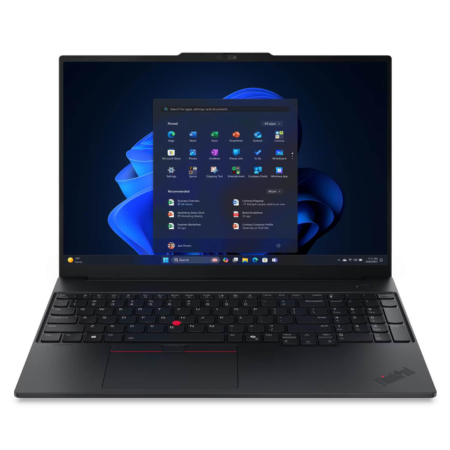
Lenovo ThinkPad E16 Gen 3 (2025)
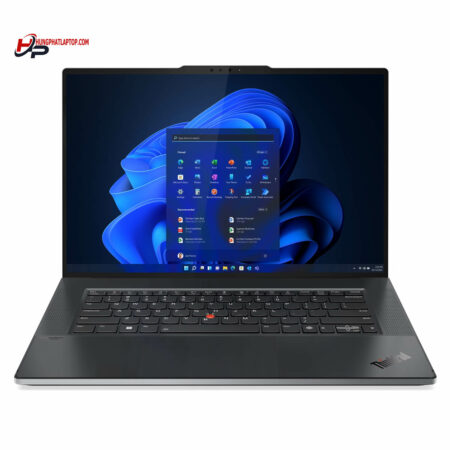
Lenovo ThinkPad Z16 Gen 1 (2022)
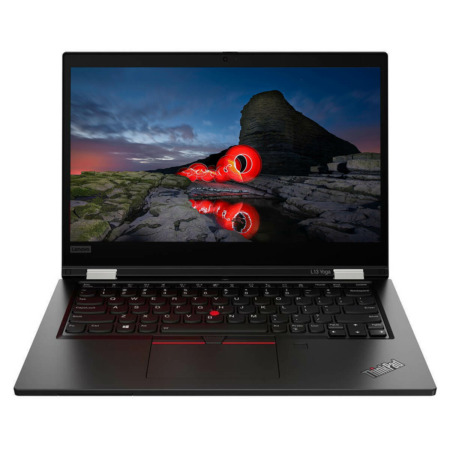





Nguyễn Minh Tiến 31/05/2025Purchased at Hung Phat
The order took a bit long, but the consultation was enthusiastic. 4 stars.
Lâm Khương Duy 14/05/2025Purchased at Hung Phat
Great price
Nguyễn Phan Bảo Khoa 16/03/2025Purchased at Hung Phat
Right near your house and super reliable! :))