

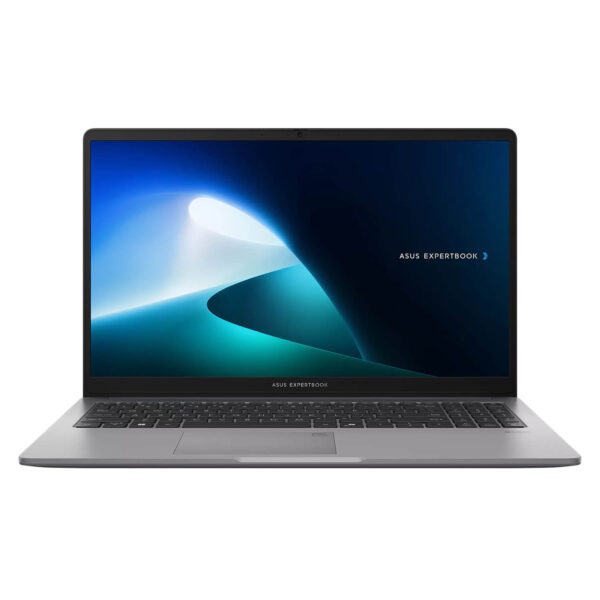
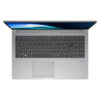
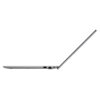
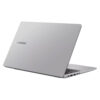
Asus ExpertBook P1 - P1503 15.6 inch (2024)
- CPU: Intel Core i3 1315U Up To 4.5GHz (6 Cores, 8 Threads, 10MB Cache)
- RAM: DDR5 8GB 4800MHz
- SSD: 512GB PCIe Gen4 M.2 SSD
- VGA: Intel® UHD Graphics
- DISPLAY: 14" FHD (1920*1080) IPS, 60Hz, Anti-glare, LED Backlit, 300nits
- CONDITION: New 100% Full Box
- WARRANTY: Bảo hành Chính hãng 24 tháng
- Elegant Design Meets Military-Grade Durability
- Superior Business Performance with 13th Gen Intel Core
- Sharp, Wide-Angle Display with Eye Protection
- Keyboard & Touchpad on the Asus ExpertBook P1 - P1503 (2024)
- Diverse and Comprehensive Connectivity
- Enterprise-Grade Security - Data Safety
- Thermal Management & Battery Life on the Asus ExpertBook P1 - 15.6 inch
- Summary and Quick Review: Asus ExpertBook P1 - P1503 (2024)
- Where to buy the Asus ExpertBook P1 - P1503 (2024) with reliability and great prices?
Asus ExpertBook P1 15.6 inch has become one of the most notable business laptop lineups of 2024. Featuring a sophisticated design, powerful performance, high-end security, and comprehensive connectivity, this model is a standout choice for entrepreneurs and professionals who require stability and flexibility. In this article, we will dive into every detail of the Asus ExpertBook P1 15.6 inch (P1503) and explain why it is capturing the attention of the business community today.
Elegant Design Meets Military-Grade Durability
It is hard not to be impressed by the look of the Asus ExpertBook P1 15.6 inch the moment you first touch it. With a sophisticated matte gray finish that offers superior scratch and abrasion resistance, this model not only exudes professionalism but is also incredibly durable. ASUS has utilized premium alloys combined with MIL-STD-810H standards to ensure near-military-grade durability, allowing the device to withstand heavy impacts, extreme conditions, and easy transport across various environments. This is a major plus for business owners or employees who travel frequently or are constantly on the move.
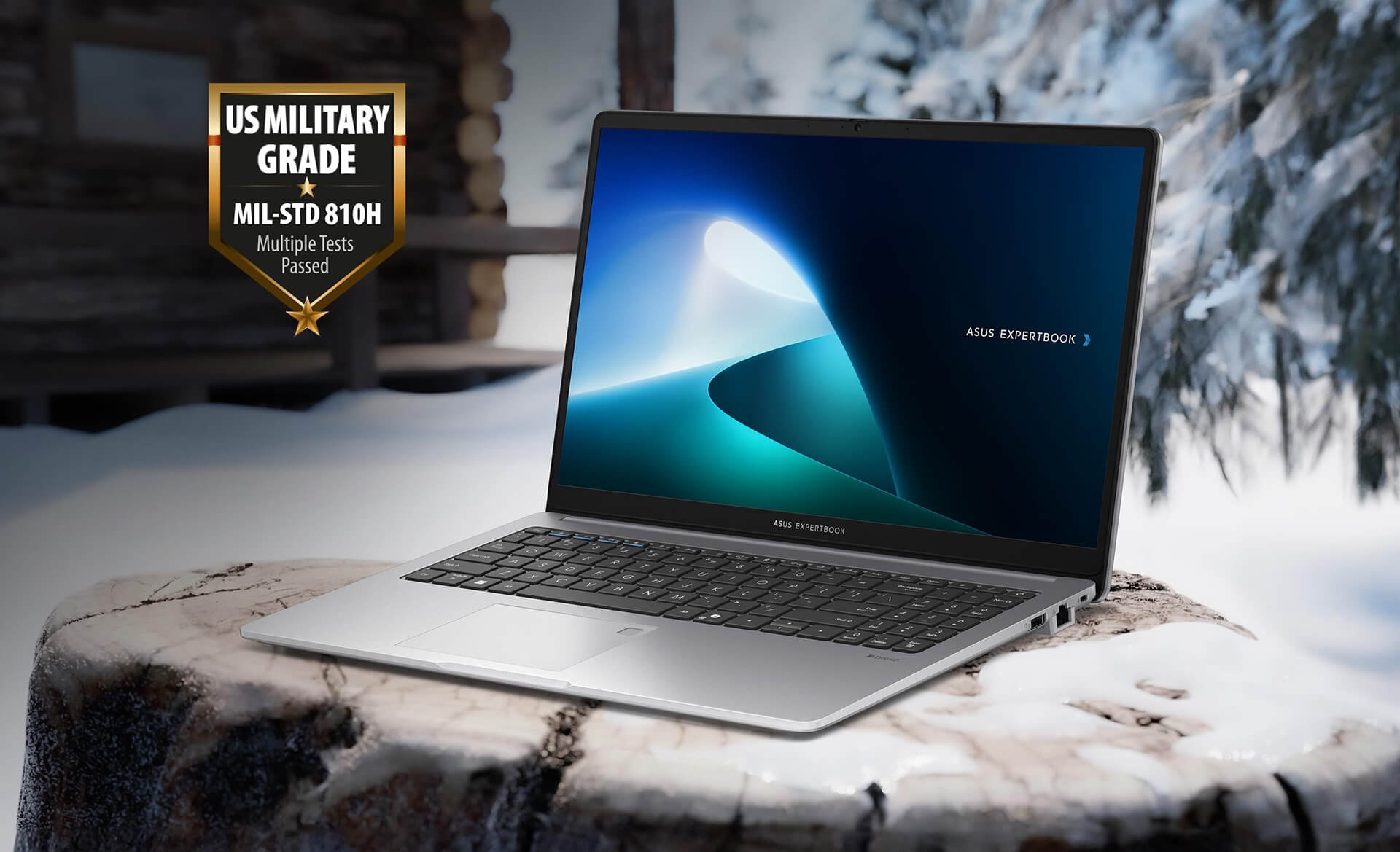
Furthermore, the Asus ExpertBook P1 (P1503) chassis is designed to be lightweight, weighing only about 1.6kg, making it easy to carry without fatigue or bulkiness. Every detail-from the hinges and ports to the ventilation slots-is meticulously finished, reflecting the brand's commitment to both aesthetics and durability. More than just a laptop, it is a loyal companion for all your business journeys.
Superior Business Performance with 13th Gen Intel Core
A key driver behind the Asus ExpertBook P1 15.6 inch becoming a top choice is its powerful and stable performance, powered by the latest 13th Gen Intel® Core™ i7 processors. This represents a significant leap in performance compared to previous generations, allowing for seamless multitasking, running enterprise applications, or handling intensive tasks with ease. This is particularly ideal for those who frequently work with graphic software, data analysis, or long video conferences.
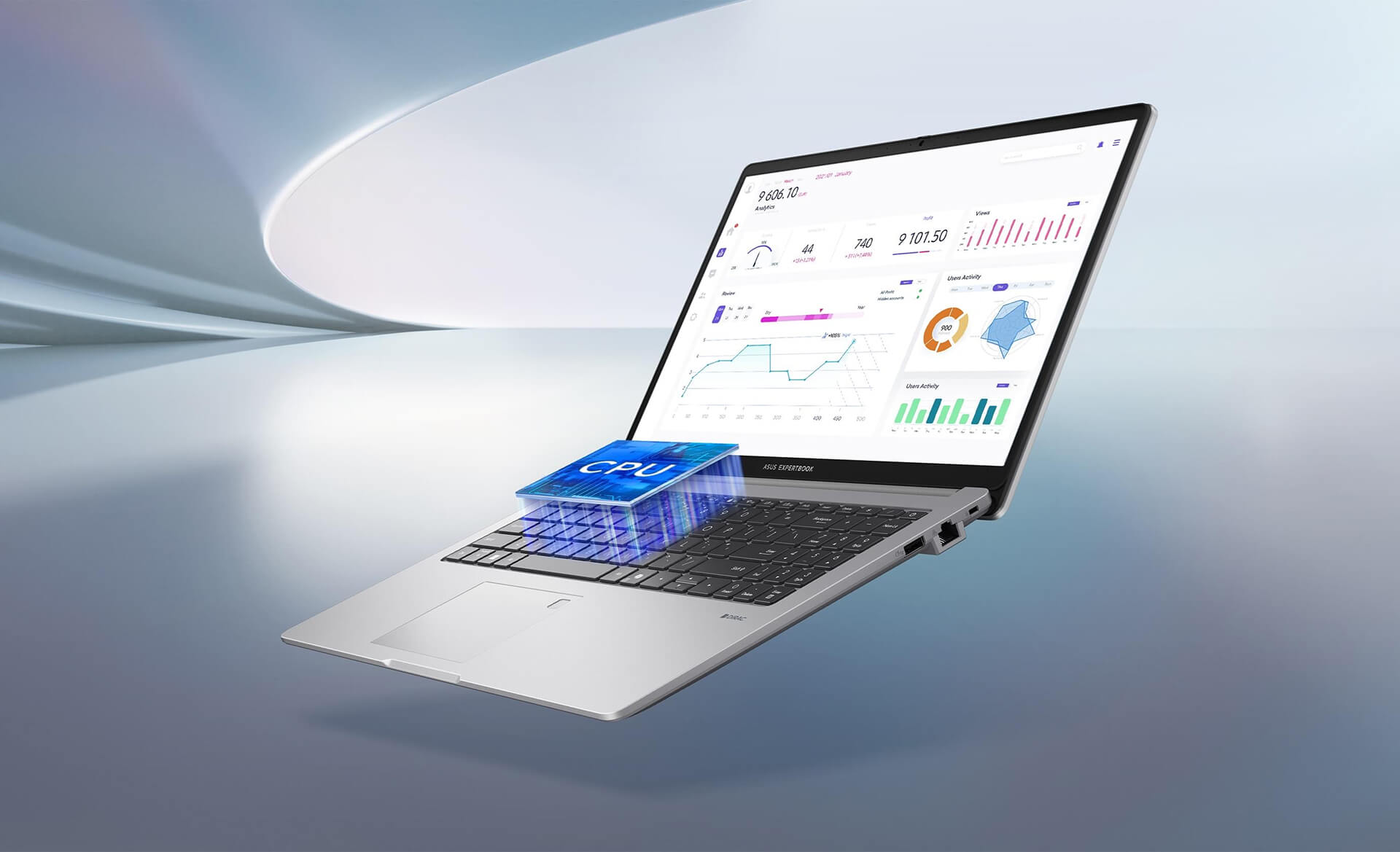
Additionally, the machine comes equipped with up to 64 GB of DDR5 RAM and supports up to 1 TB of dual-RAID SSD storage, which improves data read/write speeds while ensuring maximum data protection. With this level of power, the Asus ExpertBook P1 (P1503) is not only suitable for current workloads but also offers the scalability to meet future professional demands. The combination of hardware strength and software optimization-specifically AI ExpertMeet-helps enhance productivity and optimize the user experience.
Sharp, Wide-Angle Display with Eye Protection
One of the highlights of the Asus ExpertBook P1 15.6 inch is its large, sharp Full HD display, allowing users to work, watch movies, or participate in online seminars with clarity and vibrancy. The screen technology supports wide viewing angles, making it easy for all team members to view the content without worrying about image distortion or glare. Notably, integrated eye-protection technology minimizes harmful blue light and automatically adjusts brightness to suit the surrounding environment, reducing eye strain during long hours of use.

Additionally, the Asus ExpertBook P1 screen is equipped with a tempered glass layer that is scratch-resistant and anti-reflective, making it suitable for working outdoors or in high-light environments. This is an essential item for anyone needing maximum visual support-a laptop that can be used for hours while maintaining image sharpness and color accuracy.
Keyboard & Touchpad on the Asus ExpertBook P1 - P1503 (2024)
Keyboard quality is a critical factor in evaluating the user experience for data entry, especially for business professionals who frequently draft documents and take notes. The Asus ExpertBook P1 (P1503) is equipped with a chiclet keyboard featuring an ideal key travel and clear tactile feedback, optimized for fast and accurate typing. The standard key sizes help minimize errors during typing. Additionally, the backlit keyboard supports working in low-light conditions, demonstrating Asus's attention to detail in enhancing the user experience.

The Touchpad is also a standout feature: it is spacious, smooth, and highly responsive, making it capable of replacing a mouse in any situation. Multi-touch gestures and easy customization allow users to operate quickly and conveniently, meeting diverse professional needs. Thanks to this integrated design, the Asus ExpertBook P1 provides a comfortable, professional feel, allowing users to focus entirely on their work without being distracted by the minor details often found on other high-end laptops.
Diverse and Comprehensive Connectivity
It is rare to find a business laptop with as much connectivity as the Asus ExpertBook P1. It includes all standard ports such as USB Type-C, USB 3.2, HDMI, a card reader, and a headphone/mic jack, allowing users to easily connect to peripherals like projectors, printers, USB drives, or external monitors. This is essential for work environments that demand flexibility and speed.
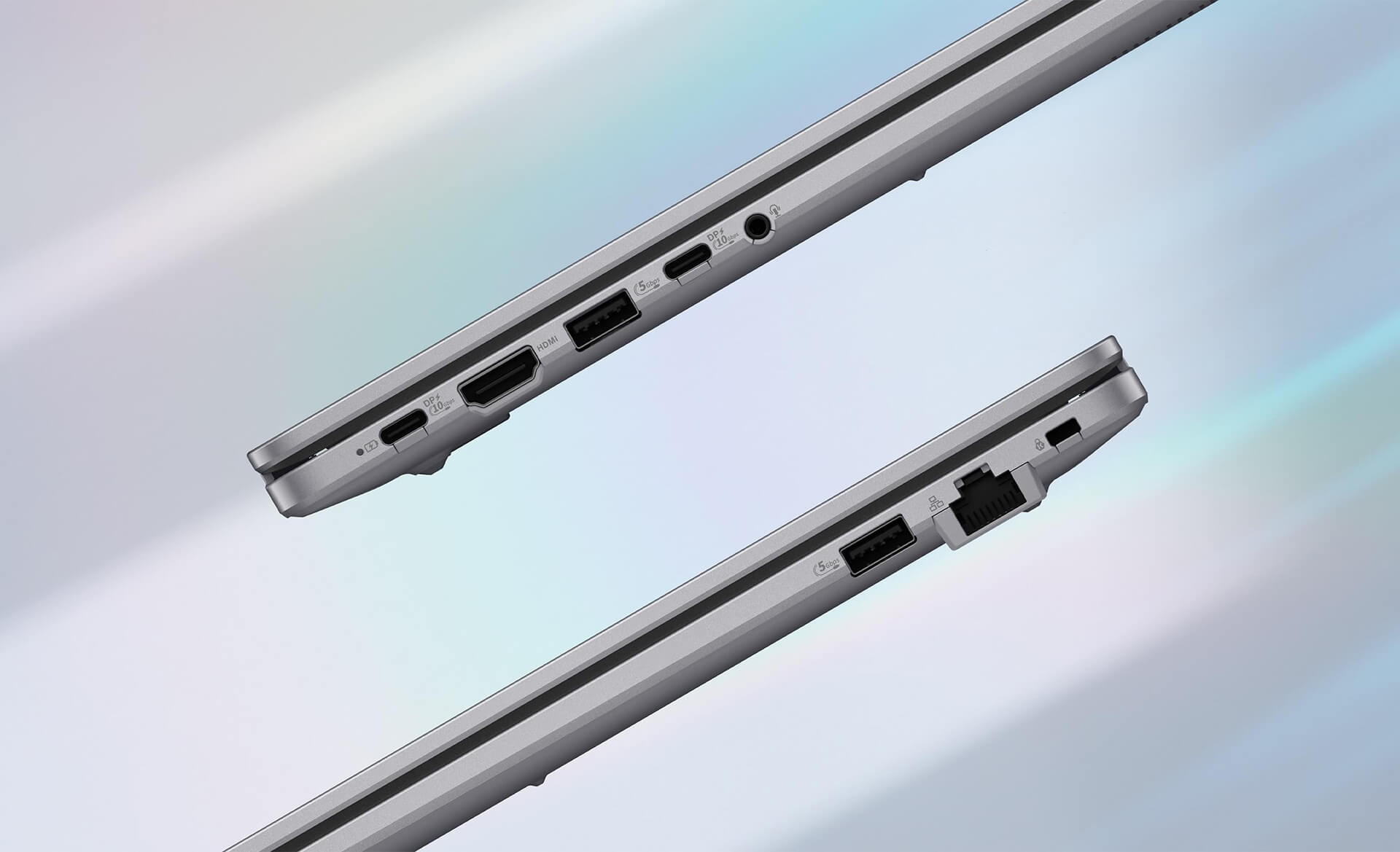
Furthermore, Wi-Fi 6 and Bluetooth 5.2 technology ensure that wireless connections remain stable and smooth, even in environments with many connected devices. This feature helps boost productivity by reducing wait times or network issues. The comprehensive connectivity of the Asus ExpertBook P1 not only helps users work more efficiently but also ensures business continuity, no matter where they are.
Enterprise-Grade Security - Data Safety
In the digital age, security is a top priority for businesses, especially as data becomes increasingly critical. The Asus ExpertBook P1 (P1503) integrates several advanced security technologies, such as a fingerprint sensor built directly into the keyboard for fast and secure login. Additionally, the TPM 2.0 chip encrypts all data, minimizing the risk of leaks or unauthorized access.

The system BIOS is also optimized to enterprise standards, capable of managing and enforcing strict security policies. ASUS also provides anti-virus software and advanced software protection layers, giving users peace of mind when working in busy network environments. Thanks to these features, the Asus ExpertBook P1 is more than just a laptop; it is a "leader" that ensures the security and integrity of corporate data.
Thermal Management & Battery Life on the Asus ExpertBook P1 - 15.6 inch
Despite its compact design, the Asus ExpertBook P1 focuses on maximum performance through an intelligent thermal management system. Integrated ExpertCool technology helps maintain stable performance, lowers component temperatures, and extends the lifespan of internal parts. Notably, this system operates quietly, ensuring no noise during work or when you need deep concentration.
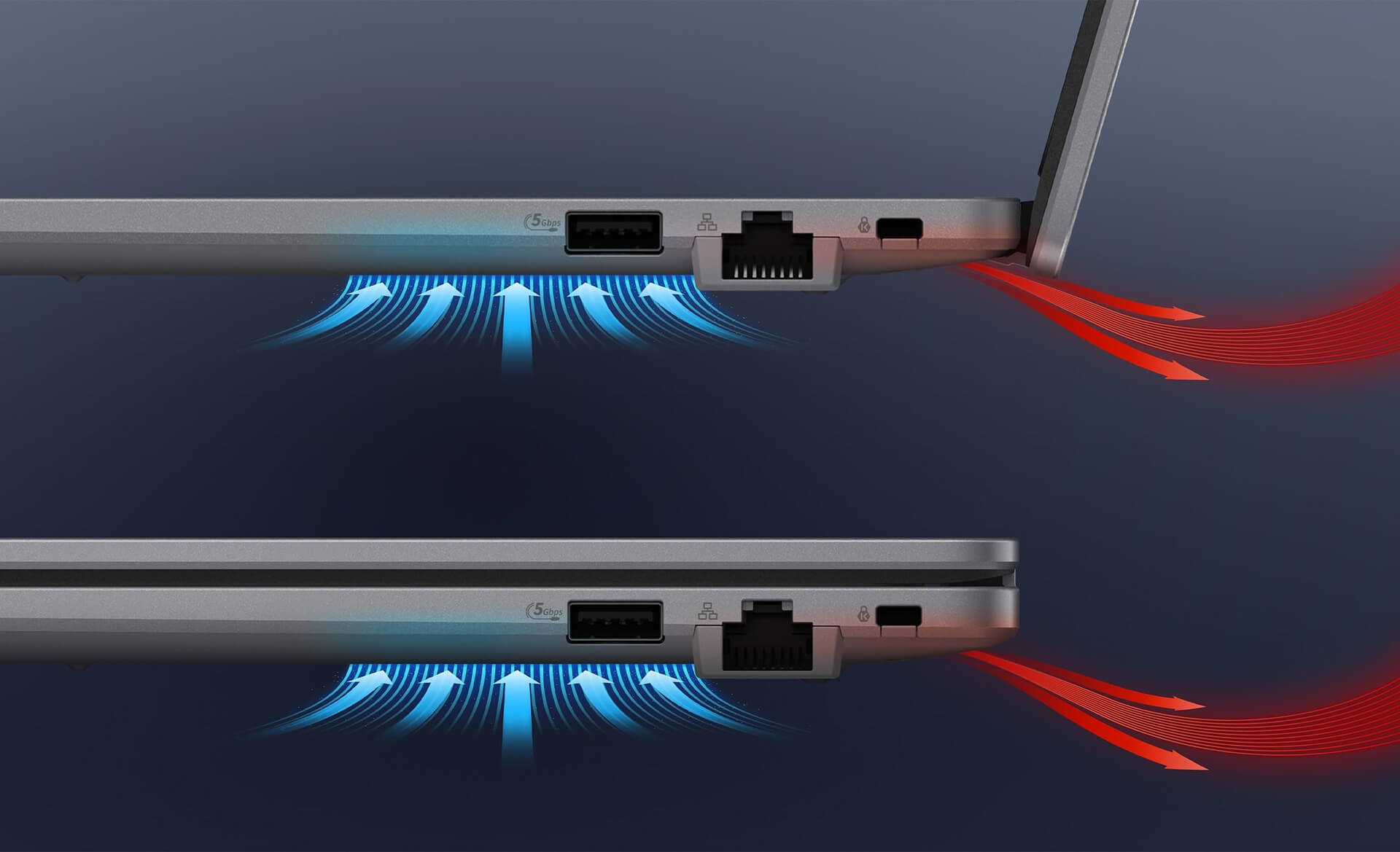
Regarding battery life, the Asus ExpertBook P1 15.6 inch features enough capacity to operate continuously for many hours, making it ideal for those on the move. Fast-charging technology allows the device to recharge quickly, ensuring work is never interrupted. In real-world testing, the machine can run for over 8 continuous hours according to enterprise standards, allowing users to work confidently from morning to night without worrying about running out of power.
Summary and Quick Review: Asus ExpertBook P1 - P1503 (2024)
After a thorough analysis of the design, performance, security, connectivity, and battery life of the Asus ExpertBook P1 15.6 inch, it is clear that this is a worthwhile choice for businesses in 2024. The product not only boasts a sophisticated and durable exterior but also integrates advanced technologies that enhance productivity and provide maximum data protection.
With the Asus ExpertBook P1 (P1503), you are not just getting a powerful work tool, but a reliable partner on your career journey. Whether you are an entrepreneur, an office employee, or part of a project team requiring high connectivity and security, this laptop meets every requirement excellently. The perfect blend of performance, design, and durability has made the Asus ExpertBook P1 a new icon for the modern business laptop.
| Pros | Cons |
|---|---|
|
|
1. Who is the Asus ExpertBook P1 15.6 inch (P1503) suitable for?
The Asus ExpertBook P1 15.6 inch (P1503) is designed for entrepreneurs, office employees, professionals, and students in business or technical fields who need a large-screen laptop with stable performance, high durability, and robust security for long-term use.
2. What are the standout design and durability features of the Asus ExpertBook P1 15.6 inch?
The device features a minimalist, elegant business design with a premium alloy chassis that meets MIL-STD-810H military-grade standards, providing resistance to impacts, vibrations, and stable operation in various working environments.
3. How does the 13th Gen Intel Core performance meet work demands?
The Asus ExpertBook P1 (P1503) utilizes 13th Gen Intel Core i3 / i5 processors, delivering powerful performance for advanced office tasks, data processing, online meetings, project management, and continuous multitasking throughout the day.
4. Does the laptop support RAM and SSD upgrades?
Yes. The laptop supports up to 64GB of DDR5 RAM and SSD capacities up to 1TB (RAID supported), allowing users to easily expand performance and storage space in the future.
5. Is the 15.6-inch screen of the Asus ExpertBook P1 good for long-term work?
The 15.6-inch Full HD screen features wide viewing angles, an anti-glare coating, and integrated blue light reduction technology, which protects the eyes and provides a comfortable experience during long working sessions.
6. What is notable about the keyboard and touchpad on the ExpertBook P1 15.6 inch?
The chiclet keyboard offers ideal key travel and good tactile feedback, with a backlight to assist working in low-light environments. The touchpad is wide, smooth, and supports multi-touch gestures, meeting professional needs effectively.
7. What ports does the Asus ExpertBook P1 have?
The device is fully equipped with USB Type-C, USB 3.2, HDMI, a card reader, and a headphone jack, meeting the needs for connecting peripherals, presenting, and office work without needing a hub.
8. Is the security on the Asus ExpertBook P1 sufficient for business use?
The ExpertBook P1 integrates a fingerprint sensor, TPM 2.0 chip, enterprise-standard BIOS, and hardware-software security layers, effectively protecting data and making it suitable for corporate and organizational environments.
9. How are the battery life and thermal management of the device?
The device uses the ExpertCool thermal system, which operates quietly and maintains stable performance. The battery life is sufficient for a full day of office work and includes fast-charging support, making it suitable for people on the move.
10. Is the Asus ExpertBook P1 15.6 inch (P1503) a good purchase in 2024?
With its durable design, large screen, 13th Gen Intel Core performance, excellent upgradeability, and enterprise-grade security, the Asus ExpertBook P1 15.6 inch (P1503) is a worthwhile investment for users prioritizing long-term stability and efficiency.
Where to buy the Asus ExpertBook P1 - P1503 (2024) with reliability and great prices?
If you are looking for a business laptop that balances military-grade durability, stable 13th Gen Intel Core performance, and high-level security features, then the Asus ExpertBook P11 - P1503 (2024) at Hung Phat Laptop is your optimal solution. With over 10 years of experience in the industry, Hung Phat is committed to providing genuine products, ensuring quality and transparent warranty policies, along with free nationwide delivery.
Beyond our commitment to product quality and delivery, Hung Phat Laptop also provides lifetime technical consultation and offers many exclusive deals when you purchase the Asus ExpertBook P11 - P1503 (2024). Contact us now to receive the best market prices and experience professional after-sales service from our team of highly experienced technicians.
Performance & benchmarks Asus ExpertBook P1 - P1503 15.6 inch (2024)
Intel Core i3-1315U Intel UHD Graphics Xe G4 48EUs - best for Văn phòng 4.5/10, Lập trình 4/10.
Intel Core i3-1315U
- PassMark11,077
- Cores / Threads6/8
Intel UHD Graphics Xe G4 48EUs iGPU
- 3DMark Time Spy801
- 3DMark Fire Strike2,469
- ArchitectureGen. 11 Ice Lake
Best for
Scored from real benchmarks- Chơi game1/10
- Dựng phim / Đồ hoạ2/10
- Lập trình4/10
- Văn phòng4.5/10
Why CPU matters
CPU là “bộ não” xử lý mọi tác vụ: mở ứng dụng, đa nhiệm, biên dịch, dựng phim. CPU càng mạnh, máy càng nhanh và mượt khi làm nhiều việc cùng lúc.
- Cơ bảnThis product
Lướt web, xem phim, soạn thảo văn phòng nhẹ.
- Phổ thôngThis product
Văn phòng, đa nhiệm vừa, học tập.
- Tầm trungThis product
Đa nhiệm tốt, lập trình, đồ hoạ nhẹ.
- Khá mạnhThis product
Dựng phim, lập trình nặng, ảo hoá, chơi game.
- Cao cấpThis product
Render nặng, biên tập 4K/8K, máy ảo, tác vụ AI.
Why GPU matters
GPU (card đồ hoạ) lo phần hình ảnh: chơi game, dựng video, render 3D và tăng tốc AI. GPU càng mạnh, khung hình game càng cao và xuất video càng nhanh.
- Cơ bản (iGPU)This product
Hiển thị mượt, xem phim 4K, game rất nhẹ (LMHT, Valorant mức thấp).
- Phổ thôngThis product
Game eSports 1080p, chỉnh ảnh, dựng video nhẹ.
- Tầm trungThis product
Game 1080p thiết lập trung-cao, dựng video Full HD ổn.
- Khá mạnhThis product
Game 1080p/1440p thiết lập cao, dựng video 4K, render 3D.
- Cao cấpThis product
Game 4K/240Hz, ray tracing, render & AI nặng.
Game performance
Real FPS - FHD- Dota 283 fps1080p Thấp
- CS246 fps1080p Thấp
- GTA V49 fps1080p Trung bình
- Star Wars Outlaws3 fps1080p Thấp
- Cyberpunk 207711 fps1080p Thấp
🟢 ≥60fps rất mượt · 🟡 30-60fps chơi tốt · 🔴 <30fps cần giảm thiết lập
Local AI performance
Tokens/second running locally on GPU- Gemma 4 E2B IT5.6 GB · ctx 256K6.0 tok/sDecent
- GLM-4 9B5.1 GB · ctx 128K7.0 tok/sDecent
- Gemma 4 E4B4.6 GB · ctx 256K8.0 tok/sDecent
- Ministral 8B4.6 GB · ctx 32K8.0 tok/sDecent
- Qwen 3.5 4B4.6 GB · ctx 32K8.0 tok/sDecent
- DeepSeek R1 Distill 7B4.1 GB · ctx 64K9.0 tok/sRuns well
- Gemma 4 E2B3.1 GB · ctx 256K12 tok/sRuns well
- Qwen 3.5 2B2.5 GB · ctx 32K14 tok/sRuns well
- Phi-4 Mini Reasoning2.4 GB · ctx 16K15 tok/sRuns well
- Llama 3.2 3B2 GB · ctx 128K18 tok/sRuns well
- SmolLM3 3B2 GB · ctx 128K18 tok/sRuns well
- DeepSeek R1 1.5B1.3 GB · ctx 64K28 tok/sRuns great
- Qwen 3.5 0.8B1.3 GB · ctx 32K28 tok/sRuns well
- TinyLlama 1.1B1.1 GB · ctx 2K33 tok/sRuns well
- Llama 3.2 1B1 GB · ctx 128K36 tok/sRuns well
- Gemma 2 9B5.1 GB · ctx 8K7.0 tok/sDecent
- Nemotron Nano 9B v25.1 GB · ctx 128K7.0 tok/sDecent
- Llama 3.1 8B4.6 GB · ctx 128K8.0 tok/sDecent
- Qwen 3 8B4.6 GB · ctx 128K8.0 tok/sDecent
- Mistral 7B v0.34.1 GB · ctx 32K9.0 tok/sRuns well
- Qwen 2.5 7B4.1 GB · ctx 128K9.0 tok/sRuns well
- Qwen 2.5 Coder 7B4.1 GB · ctx 128K9.0 tok/sRuns well
- Qwen 3 4B2.5 GB · ctx 32K14 tok/sRuns well
- Gemma 3 4B2.5 GB · ctx 128K14 tok/sRuns well
- Phi-3.5 Mini2.4 GB · ctx 128K15 tok/sRuns well
- Gemma 2 2B1.5 GB · ctx 8K24 tok/sRuns great
- Qwen 3 1.7B1.4 GB · ctx 32K26 tok/sRuns great
- Qwen 2.5 Coder 1.5B1.3 GB · ctx 32K28 tok/sRuns great
- Qwen 3 0.6B1.1 GB · ctx 32K33 tok/sRuns well
- Gemma 3 1B1 GB · ctx 32K36 tok/sRuns well
🟢 Great · 🟡 Well · 🟠 Decent - 4-bit quantized, ctx = context window
No comments yet
Q&A about Asus ExpertBook P1 - P1503 15.6 inch (2024)
Frequently asked questions about Asus ExpertBook P1 - P1503 15.6 inch (2024)
What are the specifications of Asus ExpertBook P1 - P1503 15.6 inch (2024)?
What is the warranty for Asus ExpertBook P1 - P1503 15.6 inch (2024)?
Is Asus ExpertBook P1 - P1503 15.6 inch (2024) genuine?
Can I buy Asus ExpertBook P1 - P1503 15.6 inch (2024) with home delivery?
Worth a Look
 2 configurations
Asus ExpertBook P1 - P1403 14" (2024)
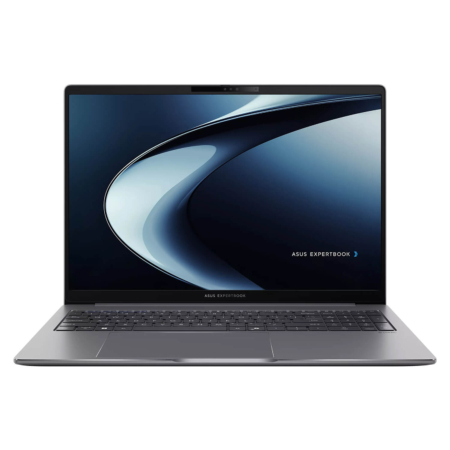 2 configurations
Asus ExpertBook P3 - P3605 16-inch (2024)
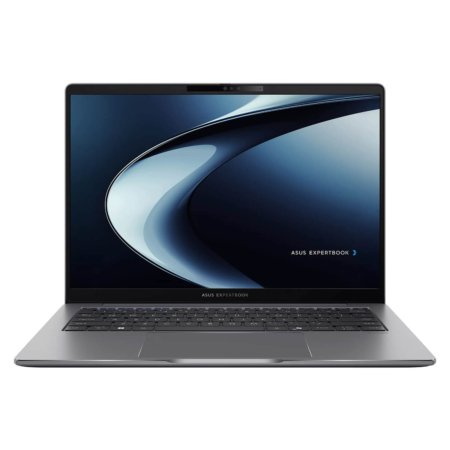 2 configurations
Asus ExpertBook P3 - P3405 14" (2024)
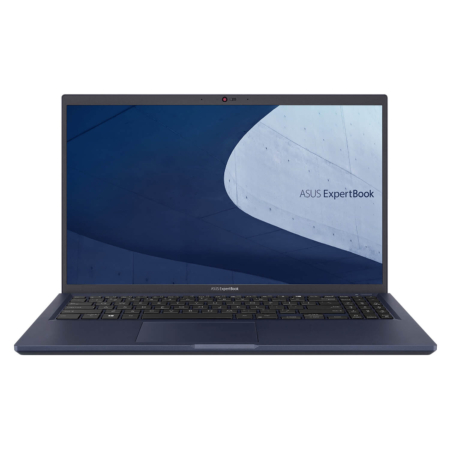 2 configurations




Minh Quân 04/07/2026
This machine is beautiful, everyone! The chassis is sturdy and the screen is incredibly sharp. With a 13th Gen configuration, it runs very smoothly—definitely worth the money for office workers.
Minh Quân 04/07/2026
The machine runs very smoothly and stably; the design looks premium and it's also quite lightweight. The only downside is that the screen is a bit dim, but overall, it's still very good.
Hải Linh 03/05/2026Purchased at Hung Phat
The build quality is solid yet surprisingly lightweight, making it incredibly convenient for commuting. It handles office tasks smoothly without any lag, and the screen is very sharp.
Ngọc Trang 30/04/2026Purchased at Hung Phat
The machine performs great; it feels solid yet lightweight and easy to carry around. The screen is sharp and doesn't cause eye strain. Definitely worth the money.