

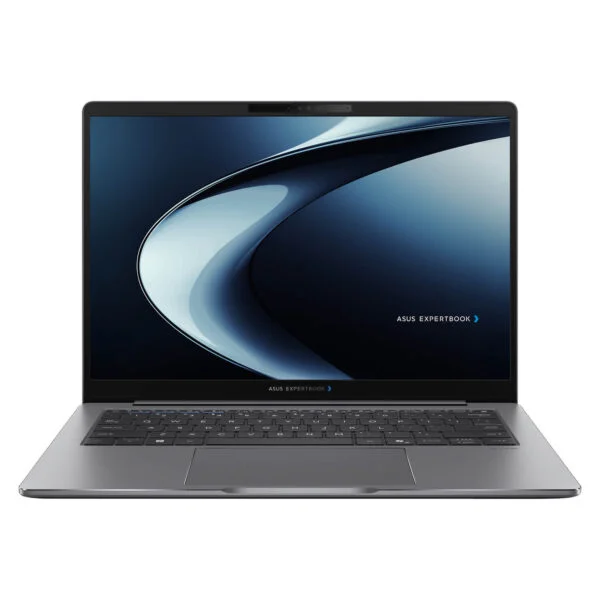
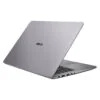
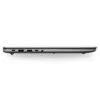
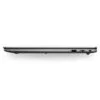
Asus ExpertBook P5 P5405CAA (2026)
- CPU: Intel Core Ultra 7 356H Up To 4.7GHz (16 Cores, 16 Threads, 18MB Cache - 50 TOPS NPU)
- RAM: DDR5 16GB 5600MHz (2 slots, up to 64GB)
- SSD: 512GB PCIe Gen4 M.2 SSD
- VGA: Intel® Graphics
- DISPLAY: 14" WQXGA (2560*1600) IPS 144Hz, Anti-glare, 100% sRGB, 400 nits
- OS: Windows 11 Home
- COLOR: Misty Grey
- CONDITION: New 100% Full Box
- WARRANTY: 24-month official warranty
- Asus ExpertBook P5 P5405CAA Design: Misty Grey Aluminum Chassis, Ports Shifted to the Left Side
- Asus ExpertBook P5 P5405CAA 14-Inch WQXGA 144Hz Display, 400 nits, 100% sRGB
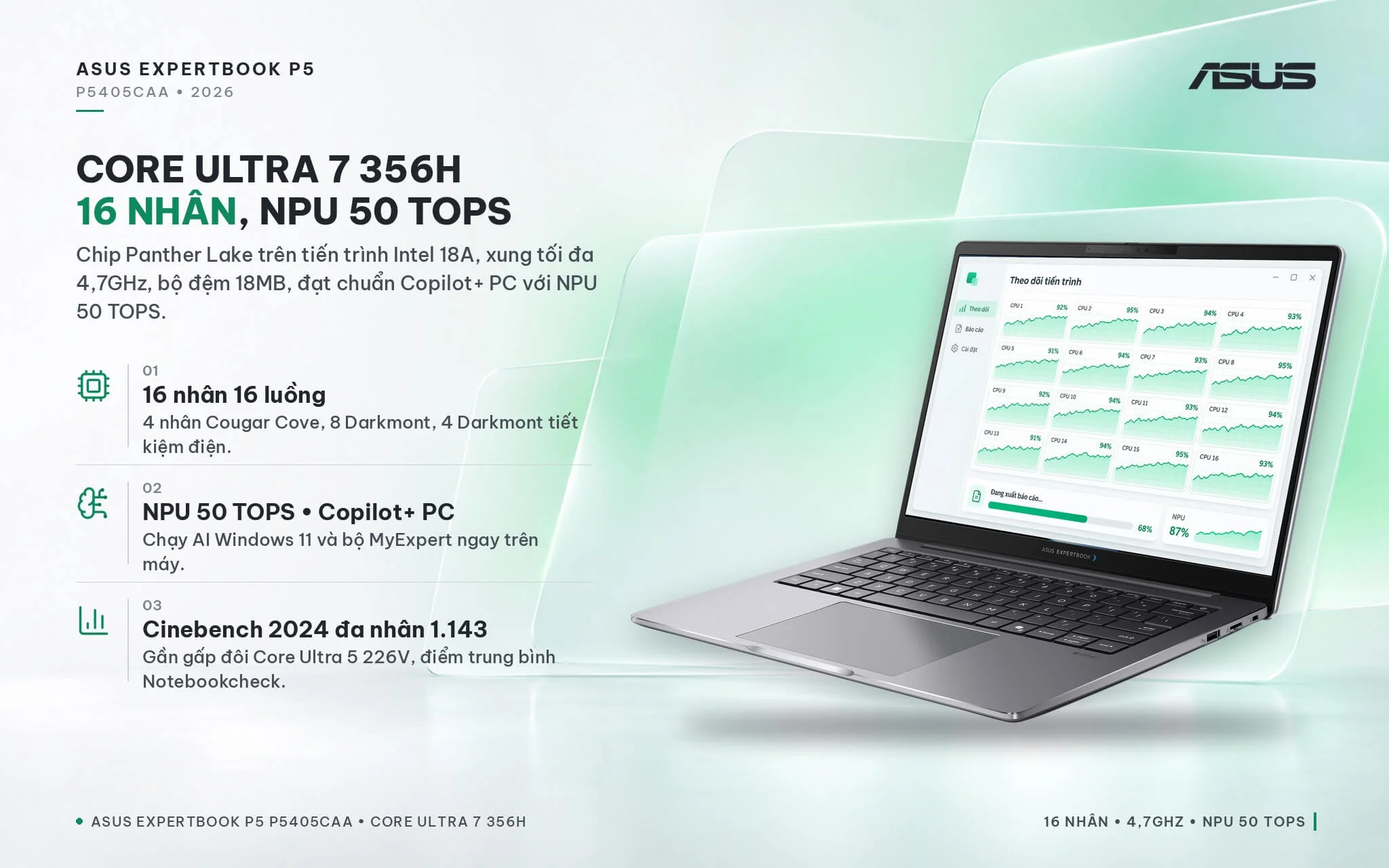
- ExpertBook P5 P5405CAA Performance with 16-Core Intel Core Ultra 7 356H and 50 TOPS NPU
- Full-size keyboard, online meeting hotkeys, Dirac speakers, and ExpertGuardian on the Asus ExpertBook P5 P5405CAA
- Ports and battery on the Asus ExpertBook P5 P5405CAA: RJ45 LAN port, Wi-Fi 7, 2 Thunderbolt 4 ports, 63Wh battery
- Overview and Verdict: Asus ExpertBook P5 P5405CAA (2026)
- FAQ - Frequently Asked Questions About the Asus ExpertBook P5 P5405CAA (2026)
- Where to Buy the Genuine Asus ExpertBook P5 P5405CAA (2026) at a Great Price?
Launched in early 2026 under the name ExpertBook P5 G2, the Asus ExpertBook P5 P5405CAA (2026) is an upgrade to the 14-inch business P5 lineup, moving to Intel Core Ultra Series 3 (Panther Lake) processors and switching to upgradeable discrete RAM. Compared to its predecessor, it adds a LAN port, Wi-Fi 7, and the MyExpert AI toolkit, making it well-suited for accounting, engineering, and project management departments that need plenty of processing cores and want a machine built for years of use. This article covers the design, display, performance, upgradeability, security, ports, and key considerations before buying.
Asus ExpertBook P5 P5405CAA Design: Misty Grey Aluminum Chassis, Ports Shifted to the Left Side
The Asus ExpertBook P5 P5405CAA measures 315.1 x 226.8 x 10.0-18.0 mm. ASUS rates the starting weight at 1.38 kg for the 50Wh battery configuration, while the model currently sold with a 63Wh battery weighs about 1.44 kg. The chassis is finished in Misty Grey with an aluminum lid, keyboard deck, and bottom panel, meeting the US military durability standard MIL-STD-810H. Compared to the 2024 P5 generation, it is slightly thicker and heavier, but gains discrete RAM slots and a LAN port in return.
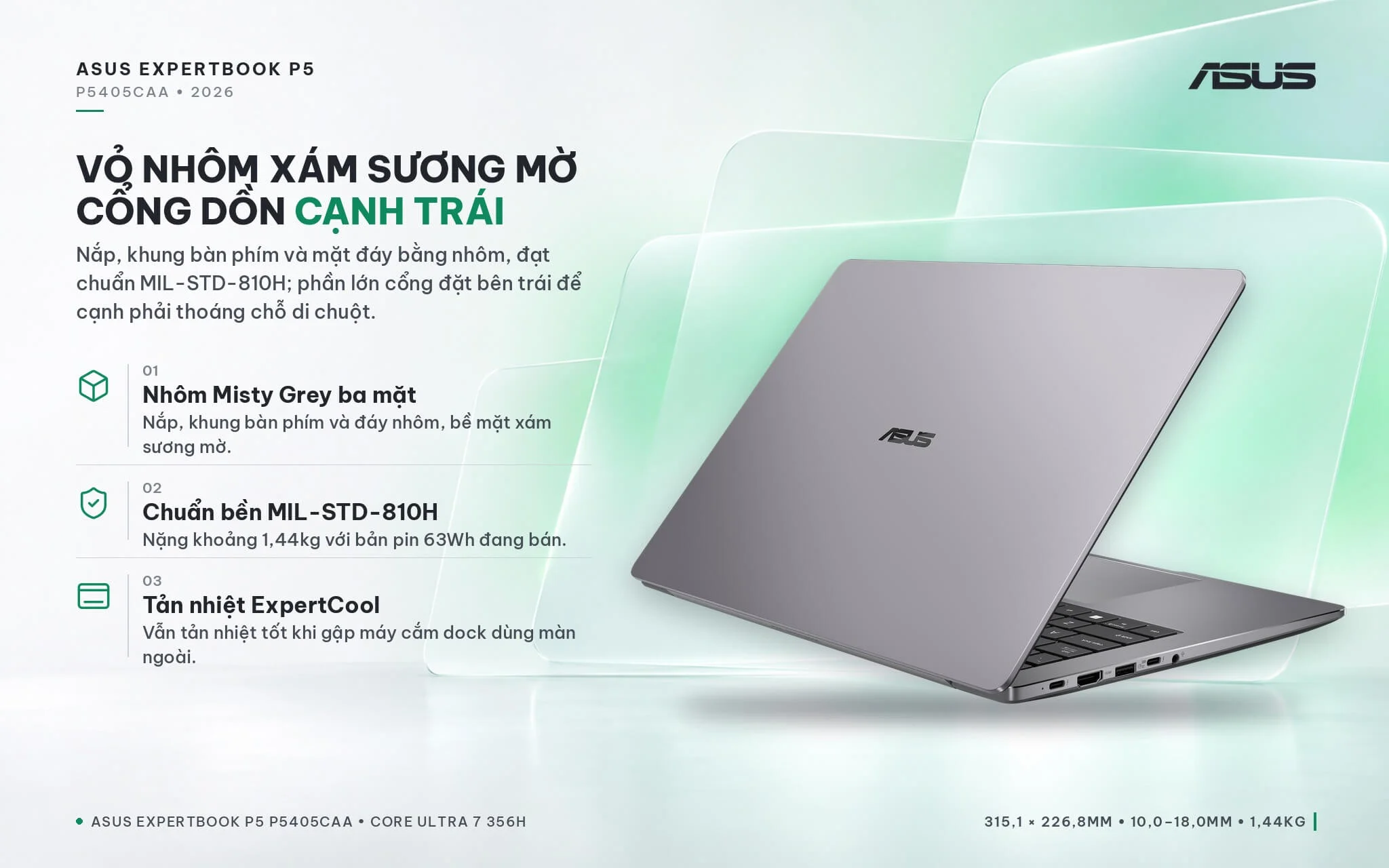
Asus placed most of the ports on the left edge, leaving the right side clear so you have plenty of room for your mouse on cramped desks. The ExpertCool cooling system is designed to maintain effective cooling even when the lid is closed while docked to an external monitor, ideal for users who work at a fixed desk at the office and then take the laptop home. Notebookcheck noted that the same-generation 16-inch version has a hinge that is not particularly stiff, prioritizing a thin and light profile over ThinkPad-style rigidity. If you are looking for an office-oriented Asus laptop with plenty of ports and easy upgradeability, the P5 G2 is well worth considering.
Asus ExpertBook P5 P5405CAA 14-Inch WQXGA 144Hz Display, 400 nits, 100% sRGB
The Asus ExpertBook P5 P5405CAA (2026) features a 14-inch IPS display with WQXGA (2560 x 1600) resolution, a 16:10 aspect ratio, a 144Hz refresh rate, 400 nits of brightness, and 100% sRGB coverage. It is a non-touch screen with an anti-glare coating, wide viewing angles, and an 84% screen-to-body ratio. This is the higher-resolution, higher-brightness display option in the P5 G2 series, alongside the 300-nit WUXGA and touch-enabled WUXGA versions.
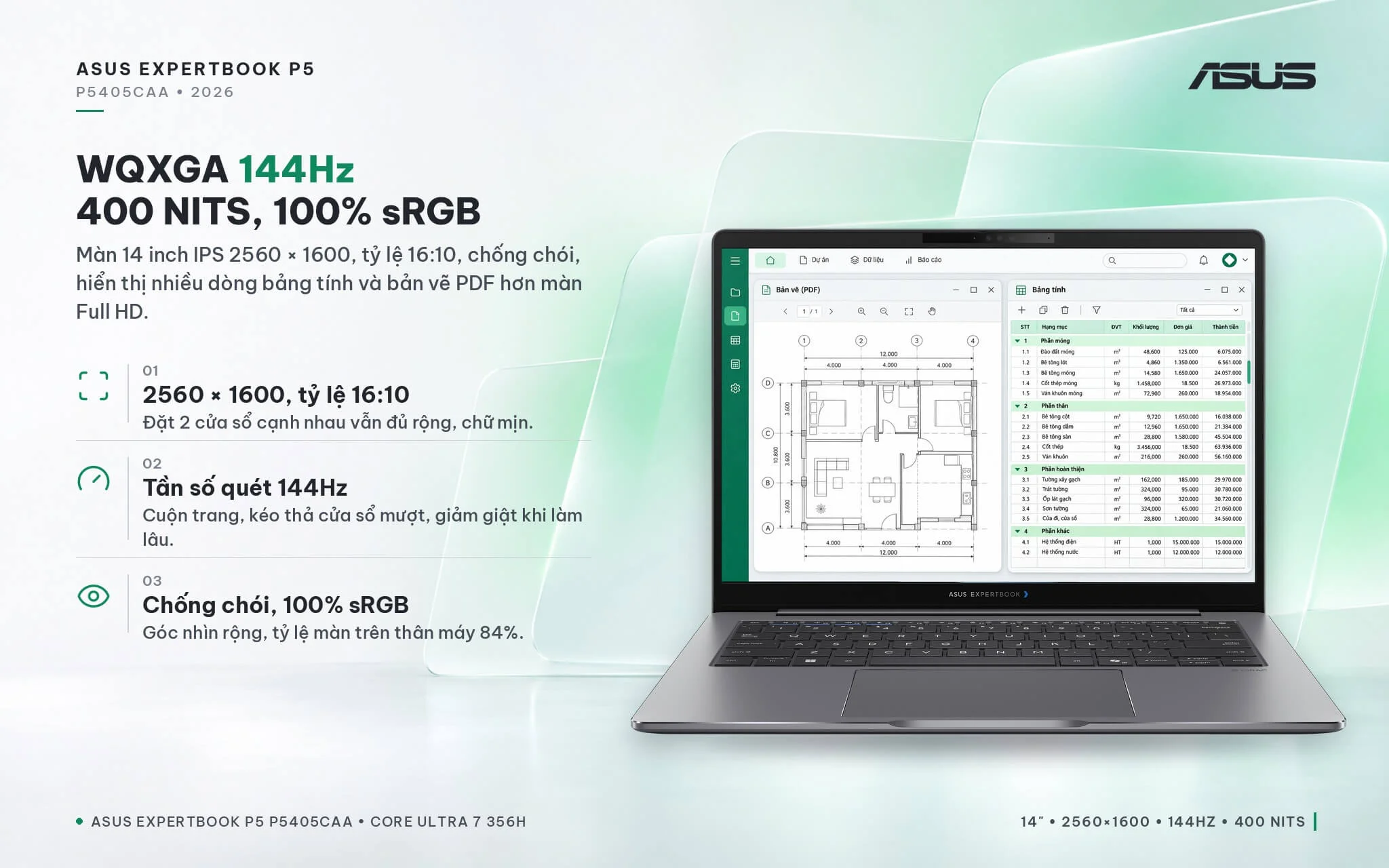
The 2560 x 1600 resolution on a 14-inch panel delivers sharp text, showing more rows when viewing large spreadsheets or PDF blueprints compared to a Full HD screen, while the 16:10 aspect ratio leaves plenty of room when placing two windows side by side. The 144Hz panel ensures smooth scrolling and window dragging, reducing stutter during long work sessions. On the same-generation 16-inch version, Notebookcheck measured an average brightness of about 426 nits, close to the advertised figure. If you work in print design and need the DCI-P3 color space, connecting an external monitor via HDMI 2.1 or Thunderbolt 4 is recommended.
ExpertBook P5 P5405CAA Performance with 16-Core Intel Core Ultra 7 356H and 50 TOPS NPU
The P5405CAA-NZ0223W model is powered by the Intel Core Ultra 7 356H processor built on the Intel 18A process, featuring 16 cores and 16 threads (4 Cougar Cove performance cores, 8 Darkmont efficiency cores, and 4 low-power Darkmont efficiency cores), a maximum boost clock of 4.7 GHz, and an 18 MB cache. Its Intel AI Boost NPU delivers 50 TOPS, meeting the Copilot+ PC standard to run Windows 11 AI features and the MyExpert suite on-device. On the 16-inch P5605CAA version, Notebookcheck noted that Asus set the power limits to 29W sustained and 66W short-term.
| CPU | Cinebench 2024 Single / Multi-Core | Geekbench 6 Single / Multi-Core |
|---|---|---|
| Intel Core Ultra 7 356H (ExpertBook P5 P5405CAA) | 122 / 1,143 | 2,839 / 16,587 |
| Intel Core Ultra 7 255H (Arrow Lake, reference) | 124 / 1,053 | 2,867 / 15,223 |
| Intel Core Ultra 7 155H (Meteor Lake, reference) | 102 / 789 | 2,409 / 12,385 |
| Intel Core Ultra 5 226V (2024 ExpertBook P5) | 112 / 584 | 2,582 / 10,011 |
Source: Notebookcheck, average scores for each CPU across tested laptops. Real-world performance may be lower depending on power limits and RAM configuration.
In Cinebench 2024 multi-core, the Core Ultra 7 356H scores nearly double the Core Ultra 5 226V found in the 2024 ExpertBook P5 and is about 9% faster than the Core Ultra 7 255H, while single-core performance is comparable to the 255H. This advantage is evident when exporting large reports, running heavy Excel macros, compiling code, or editing short videos while keeping Teams and a browser open. Note that Notebookcheck tested the 16-inch P5605CAA with a single RAM stick and recorded 870 multi-core points, about 24% lower than the chip's average, due to the 29W sustained power limit and single-channel memory. In return, the machine runs cool, has a quieter fan than the AMD version of the same generation, and delivers good battery life.
The integrated graphics on the Core Ultra 7 356H is a 4-core Xe3 Intel Graphics. This iGPU is roughly 50% faster than the 4-core GPU on the previous-generation Meteor Lake chip, providing ample power to drive external monitors, play high-resolution video, and handle light photo editing, though it still trails the 2024 P5's Arc 130V by about 15% in Time Spy. ASUS labels the GPU as Intel Graphics in 64-bit (single-channel) RAM configurations; adding a second memory stick for dual-channel operation gives the integrated graphics better memory bandwidth.
| GPU | 3DMark Time Spy Graphics | 3DMark Steel Nomad Light |
|---|---|---|
| 4-core Xe3 Intel Graphics (ExpertBook P5 P5405CAA) | 2,865 | 2,501 |
| Intel Arc 140T (Core Ultra 7 255H, reference) | 3,843 | 3,547 |
| Intel Arc 130V (2024 ExpertBook P5) | 3,388 | 2,670 |
| 4-core Intel Graphics (Meteor Lake, reference) | 1,902 | 1,626 |
Source: Notebookcheck, average scores for each integrated GPU.
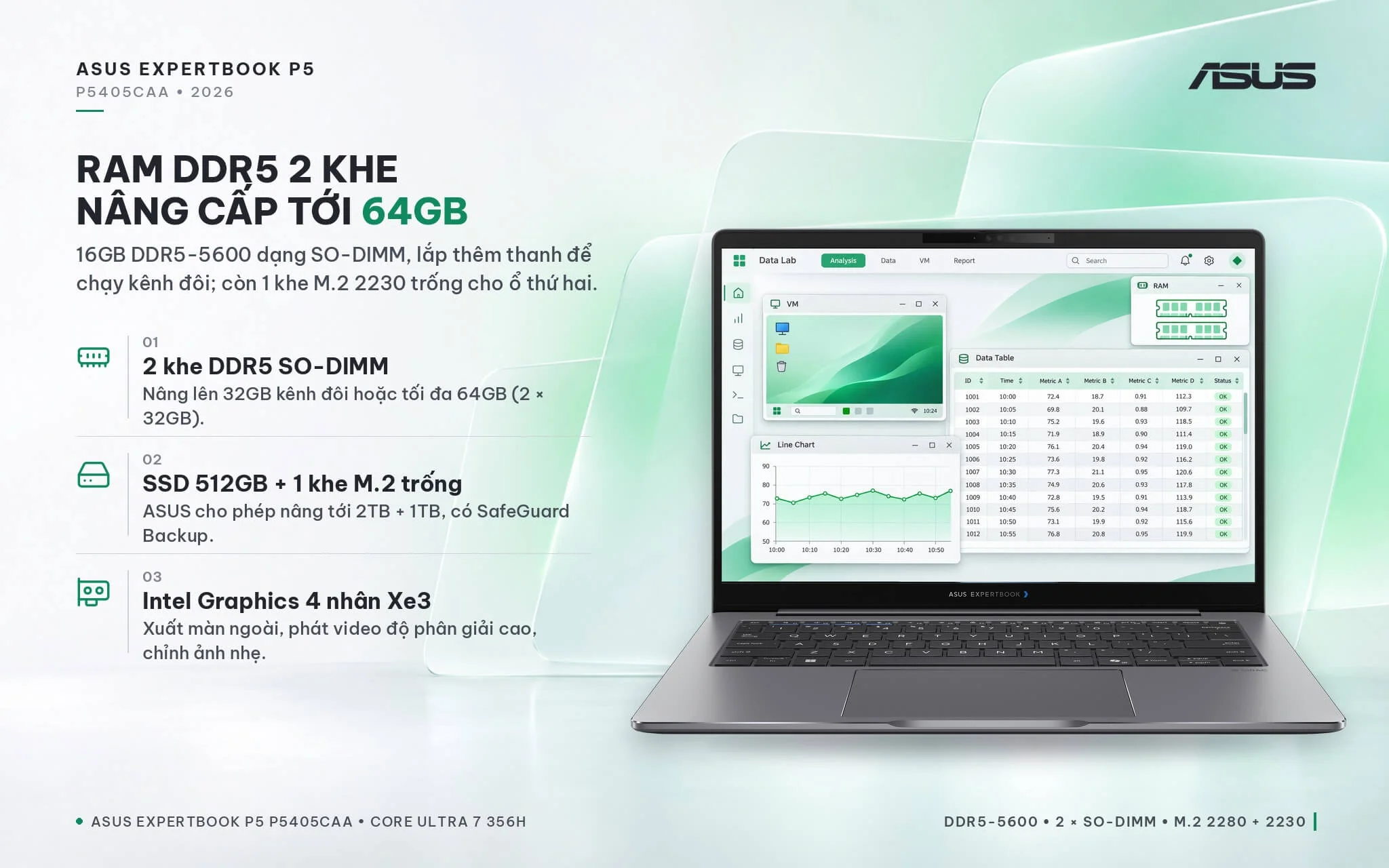
A major highlight of the G2 generation is the RAM: the laptop uses 16GB of DDR5-5600 SO-DIMM memory across two upgradeable slots, replacing the soldered design of the 2024 model. If your unit comes with a single 16GB stick, adding another matching 16GB module enables dual-channel memory, expanding capacity to 32GB while boosting both CPU and integrated graphics performance. ASUS states that the system supports up to 64GB (2 x 32GB), providing plenty of headroom for virtual machines, data analysis, or running multiple applications simultaneously.
The 512GB PCIe 4.0 SSD is installed in the M.2 2280 slot, alongside an empty M.2 2230 PCIe 4.0 slot for adding a second drive; ASUS supports user upgrades up to 2TB + 1TB. Having two drives lets you separate work data or take advantage of ASUS SafeGuard Backup for automated backups.
Full-size keyboard, online meeting hotkeys, Dirac speakers, and ExpertGuardian on the Asus ExpertBook P5 P5405CAA
The Asus ExpertBook P5 P5405CAA features a full-size backlit chiclet keyboard with 1.5 mm key travel, well-spaced keycaps, and spill resistance against up to 66cc of liquid. It includes dedicated hotkeys for online meetings to speed up actions while sharing your screen. Like recent ExpertBook generations, the F1 through F4 cluster features colored accent stripes for easy identification.
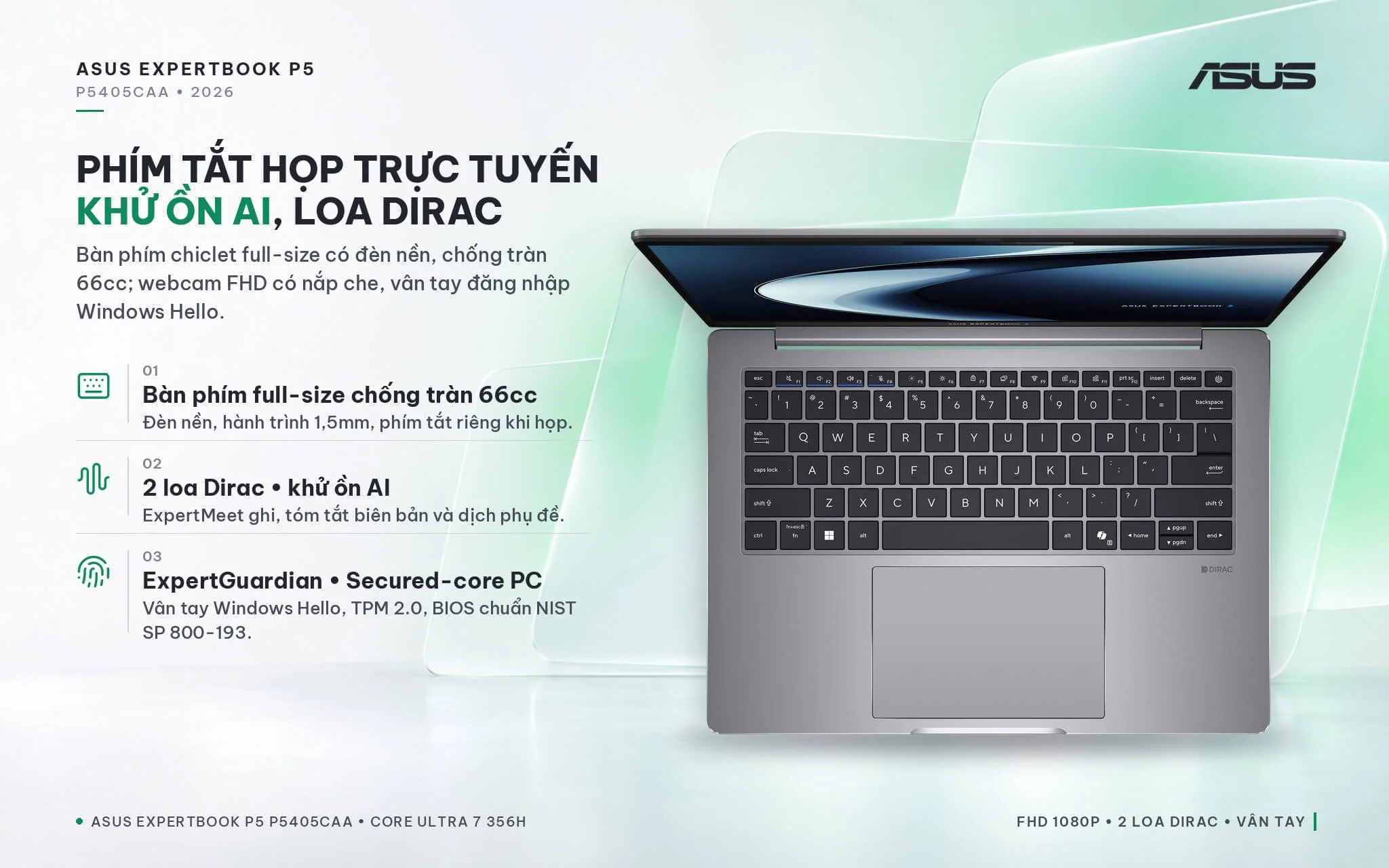
According to ASUS Vietnam specifications, this configuration features a 1080p FHD webcam with a physical privacy shutter, dual speakers tuned with Dirac technology, integrated microphones, and ASUS AI noise-canceling technology. The MyExpert software suite includes ExpertMeet for recording and summarizing meetings along with live subtitle translation, Chat, Knowledge Hub to turn documents into a searchable knowledge base, Advanced Tool for email drafting assistance, and File Search to locate both local and cloud files. For security, the laptop offers a fingerprint sensor for Windows Hello sign-in, ASUS ExpertGuardian with a NIST SP 800-193 compliant BIOS, Microsoft Secured-core PC technology, TPM 2.0, Intel Boot Guard, BIOS Guard, and a Kensington Nano security slot.
Ports and battery on the Asus ExpertBook P5 P5405CAA: RJ45 LAN port, Wi-Fi 7, 2 Thunderbolt 4 ports, 63Wh battery
The Asus ExpertBook P5 P5405CAA (2026) comes equipped with two USB4-compatible Thunderbolt 4 ports supporting display output and charging, two USB-A 3.2 Gen 1 ports, one HDMI 2.1 port, one Gigabit RJ45 LAN port, and a 3.5 mm audio jack. The LAN port is a major upgrade over the 2024 generation, letting you plug into company wired networks, time attendance clocks, or internal accounting software without an adapter. The two Thunderbolt 4 ports let you use a single-cable dock to connect monitors, keyboards, and charging simultaneously.
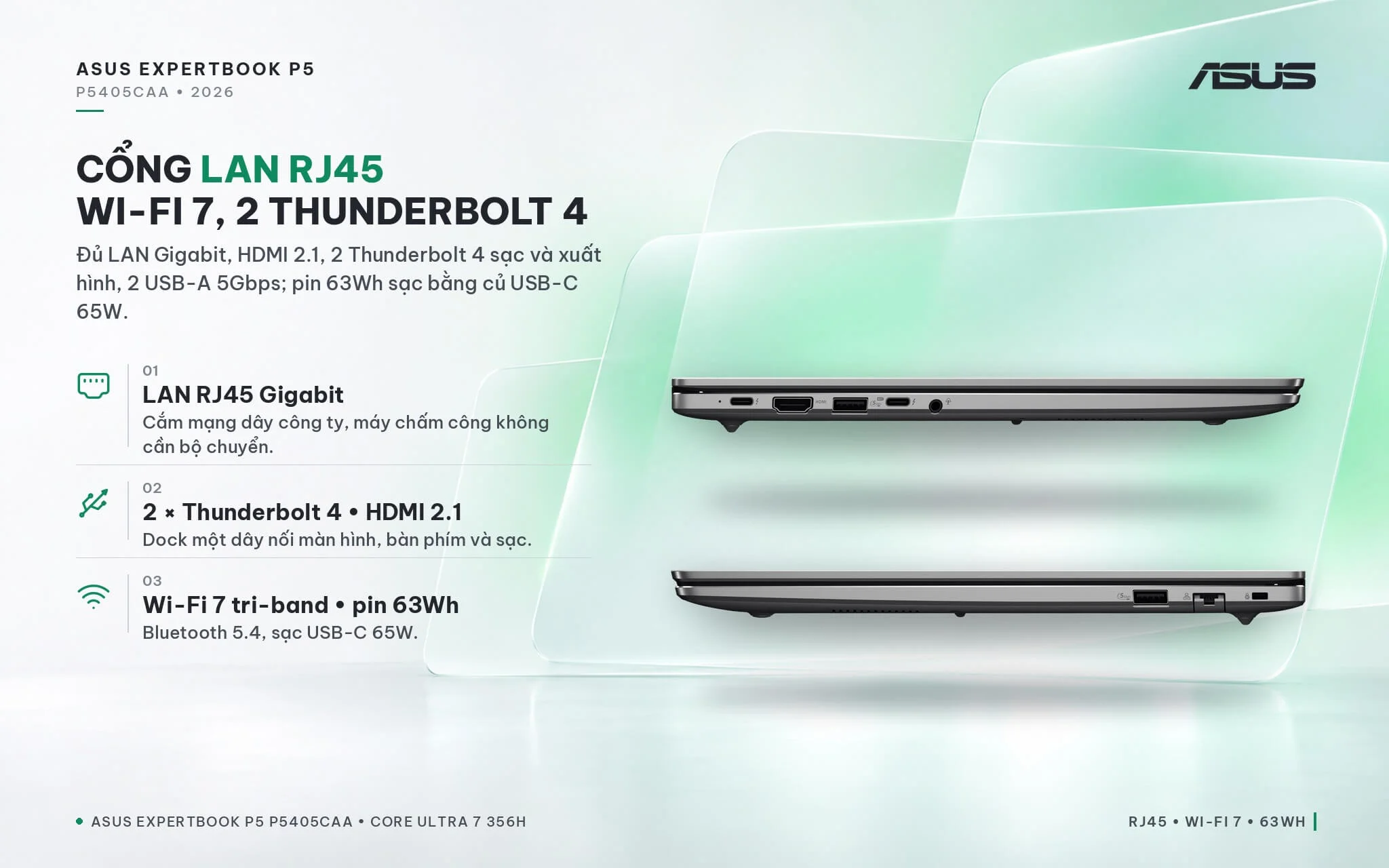
Wireless connectivity relies on tri-band 2x2 Wi-Fi 7 and Bluetooth 5.4, delivering faster speeds when your office has a Wi-Fi 7 router. It packs a 63Wh battery, charged via a 65W USB-C power adapter; Notebookcheck noted that the 16-inch version with the same processor delivered solid battery life, slightly edging out the AMD version despite having a smaller battery. Because the USB-C charging port sits on the left side, you may want a longer charging cable if your wall outlet is on the right side of the desk. The USB-A ports on this generation are Gen 1 running at 5Gbps, slower than the 10Gbps version on the 2024 model; for large file transfers, use an external drive connected via Thunderbolt 4.
Overview and Verdict: Asus ExpertBook P5 P5405CAA (2026)
The Asus ExpertBook P5 P5405CAA (2026) is a 14-inch business laptop powered by the 16-core Intel Core Ultra 7 356H processor, a 50 TOPS NPU, two upgradeable DDR5 RAM slots, two SSD slots, a 144Hz WQXGA display, and a full port selection including LAN, HDMI 2.1, and Thunderbolt 4 inside a MIL-STD-810H aluminum chassis. Notebookcheck rated the same-generation 16-inch version at 86%, praising its cool operation, quiet fan, solid battery life, and upgradeable RAM. The machine is well-suited for accountants, engineers, data analysts, and businesses looking for a machine to use for 4 to 5 years.
Considerations to keep in mind: the integrated GPU features only 4 Xe3 cores, making it unsuitable for 3D graphics or gaming; if needed, consider models with a larger Arc GPU or discrete graphics. If the machine runs a single RAM stick, performance will not be maximized, so install an additional stick with matching bus speed for dual-channel operation. At about 1.44 kg, it is heavier than the 2024 generation, which frequent travelers may want to factor in. USB-A tops out at 5Gbps, so use a Thunderbolt 4 port for transferring large files. You can also explore additional models in the Asus ExpertBook category.
Compared to the 2024 ExpertBook P5 P5405CSA powered by Lunar Lake, this G2 generation is nearly twice as fast in multicore performance, features upgradeable RAM, and adds LAN and Wi-Fi 7, though the older generation is lighter, has a slightly better GPU, and includes an IR camera. If your workflow involves heavy numbers, multitasking, and long-term use, the P5405CAA is the more practical choice.
| Pros | Cons |
|---|---|
|
|
FAQ - Frequently Asked Questions About the Asus ExpertBook P5 P5405CAA (2026)
1. How does the P5405CAA (2026) differ from the ExpertBook P5 P5405CSA (2024)?
2. Can the RAM be upgraded, and how much should you install?
3. How much faster is the Core Ultra 7 356H compared to previous-generation chips?
4. Does the machine have a LAN port and support single-cable docking?
5. Is the laptop a Copilot+ PC?
6. What support do you get when buying from Hung Phat Laptop?
Where to Buy the Genuine Asus ExpertBook P5 P5405CAA (2026) at a Great Price?
Choosing a Panther Lake business laptop for data-heavy workloads? Hung Phat Laptop consults directly on your specific software and workload demands. From there, we advise whether your Asus ExpertBook P5 P5405CAA should stick with 16GB or move up to 32GB of dual-channel RAM. If you need extra storage, our technicians will recommend the right SSD for the vacant M.2 slot. Every spec detail is confirmed clearly before you place your order.
Each machine is an authorized product backed by a full invoice and a 24-month manufacturer warranty. Any manufacturer defect within the first 30 days qualifies for a unit replacement. Our technicians assist with RAM and SSD upgrades whenever required, backed by ongoing technical support and nationwide delivery. Order your Asus ExpertBook P5 G2 at Hung Phat Laptop.
Performance & benchmarks Asus ExpertBook P5 P5405CAA (2026)
Intel Core Ultra 7 356H Intel Graphics 4 Xe3 Panther Lake iGPU - best for Programming 8.5/10, Office 8.5/10.
Intel Core Ultra 7 356H
- Cinebench R23 (multi-core)19,522.5
- Geekbench 6 (multi-core)16,587
- Geekbench 6 (single-core)2,839
- PassMark33,855
- NPU (AI)50 TOPS
- Cores / Threads16/16
Intel Graphics 4 Xe3 Panther Lake iGPU iGPU
- 3DMark Time Spy2,883
- 3DMark Fire Strike6,826
- AI INT840 TOPS
- ArchitectureXe3
Best for
Scored from real benchmarks- Gaming3.5/10
- Video / Graphics5.5/10
- Programming8.5/10
- Office8.5/10
- AI / Generative AI3/10
Why does the CPU matter?
The CPU is the "brain" that handles every task: launching apps, multitasking, compiling code and editing video. The stronger the CPU, the faster and smoother the laptop runs when you juggle many things at once.
- BasicThis product
Web browsing, streaming and light office work.
- MainstreamThis product
Office work, moderate multitasking and studying.
- Mid-rangeThis product
Solid multitasking, programming and light graphics work.
- StrongThis product
Video editing, heavy programming, virtualization and gaming.
- FlagshipThis product
Heavy rendering, 4K/8K editing, virtual machines and AI workloads.
Why does the GPU matter?
The GPU (graphics card) handles visuals: gaming, video editing, 3D rendering and AI acceleration. The stronger the GPU, the higher your frame rates and the faster your video exports.
- Basic (iGPU)This product
Smooth display, 4K video and very light games (League of Legends, Valorant on low).
- MainstreamThis product
1080p eSports gaming, photo editing and light video editing.
- Mid-rangeThis product
1080p gaming on medium-high settings and smooth Full HD video editing.
- StrongThis product
1080p/1440p gaming on high settings, 4K video editing and 3D rendering.
- FlagshipThis product
4K/240Hz gaming, ray tracing, heavy rendering and AI.
Game performance
Real FPS - QHD- Dota 274 fps1080p Ultra
- CS259 fps1080p Medium
- GTA V53 fps1080p High
- Black Myth: Wukong18 fps1080p Low
- Cyberpunk 207737 fps1080p Low
≥60fps very smooth30-60fps playable<30fps lower the settings
No comments yet
Q&A about Asus ExpertBook P5 P5405CAA (2026)
Frequently asked questions about Asus ExpertBook P5 P5405CAA (2026)
What are the specifications of Asus ExpertBook P5 P5405CAA (2026)?
What is the warranty for Asus ExpertBook P5 P5405CAA (2026)?
Is Asus ExpertBook P5 P5405CAA (2026) genuine?
Can I buy Asus ExpertBook P5 P5405CAA (2026) with home delivery?
Worth a Look
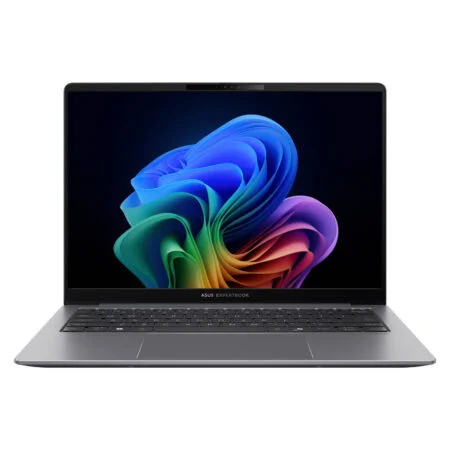
Asus ExpertBook P5 P5405CSA (2024)
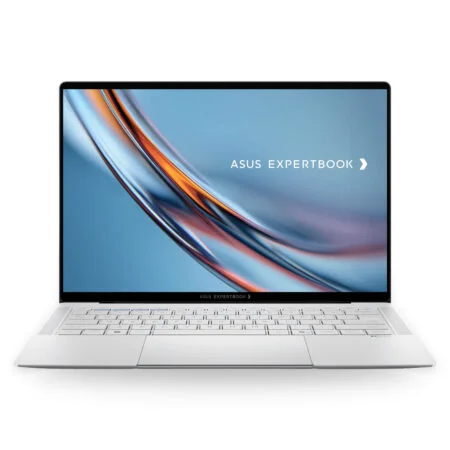 2 configurations
Asus ExpertBook B9 B9406CAA (2026)
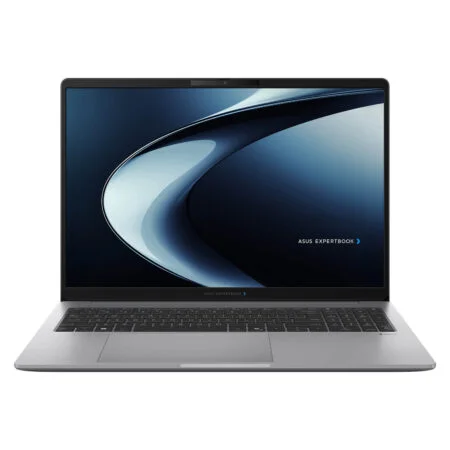 2 configurations
Asus ExpertBook P3 G1 P3606CCAP (2026)
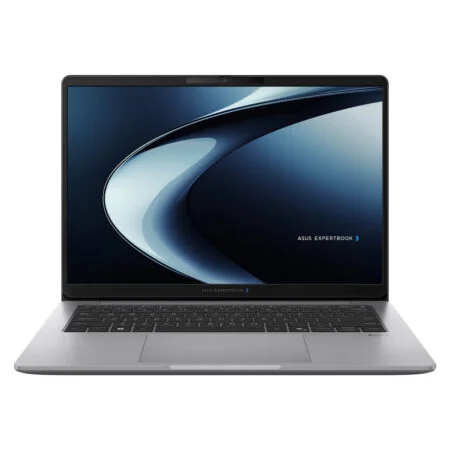
Asus ExpertBook P3 G1 P3406CCAP (2026)


Từ Gia Khang 2 ngày trước
Màn hình độ phân giải cao xem bảng tính rất rõ, chữ mịn. Có điều máy hơi dày và nặng hơn đời trước một chút.