

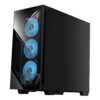
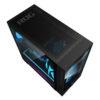
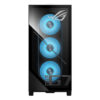
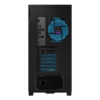
Asus ROG G700 - Gaming Desktop (2026)
- CPU: Intel Core Ultra 7 265KF Up To 5.5GHz (20 Cores, 20 Threads, 30MB Cache - 13 TOPS NPU)
- RAM: DDR5 32GB 5200MHz
- SSD: 1TB PCIe Gen4 M.2 SSD
- VGA: NVIDIA® GeForce RTX™ 5070 12GB GDDR7
- PSU: 850W power supply (80+ Gold, peak 900W)
- COOLING: Liquid Cooler 240mm
- KEYBOARD & MOUSE: Gaming RGB Keyboard & Mouse (USB)
- CONDITION: New 100% Full Box
- WARRANTY: 12-month warranty
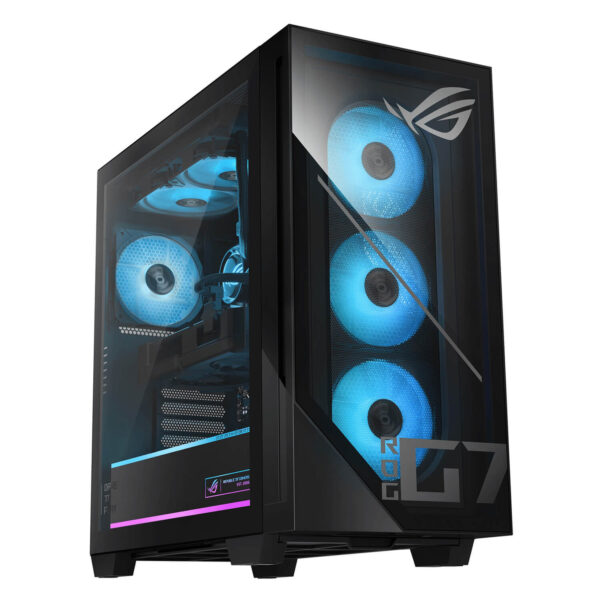
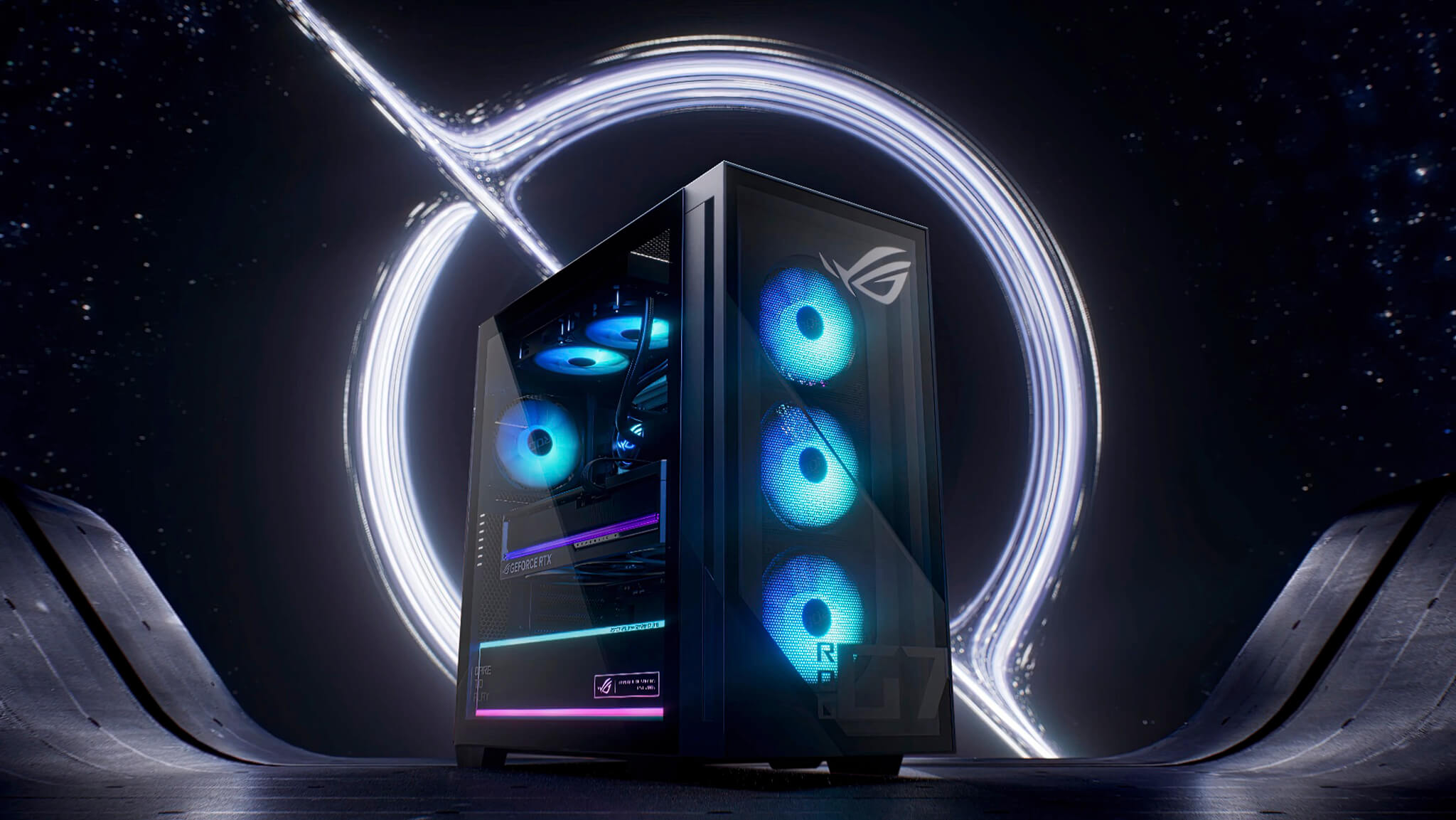
- A ROG full tower design that feels premium from the outside
- Core Ultra 7 265KF and RTX 5070 deliver practical, premium gaming
- Not just for gaming: the ROG G700 also suits content creation and local AI
- Cooling, connectivity, and upgradability are what hold long-term value
- Who is the ASUS ROG G700 (2026) gaming PC right for?
- Summary of the ASUS ROG G700 - Gaming Desktop (2026)
- FAQ - Frequently asked questions about the ASUS ROG G700 (2026)
Asus ROG G700 - Gaming Desktop (2026) is a premium gaming desktop for users who want a machine that is powerful, good-looking, and ready for years of use without having to build it part by part. From its core configuration of Intel Core Ultra 7 265KF, NVIDIA GeForce RTX 5070, 32GB DDR5 RAM, and a 1TB M.2 NVMe PCIe 4.0 SSD, its direction is clear: conquering AAA games, content creation, streaming, graphics work, and even practical local AI tasks. What makes the ROG G700 appealing is not any single spec, but the way ASUS packages everything into one system with a distinctly ROG design, well-planned cooling, modern connectivity, and plenty of room for long-term upgrades. It is the kind of desktop for people who need a powerful machine to sit permanently in a workspace or entertainment corner, where both performance and the user experience should feel worthy of the setup from the very first glance.
A ROG full tower design that feels premium from the outside
The ASUS ROG G700 (2026) does not follow the minimalist, office-style approach. This model goes for a bold gaming look with a large full tower frame, a glass side panel, Aura Sync RGB lighting, and clearly recognizable ROG details. The overall impression is that of a high-end desktop made for display, matching a gaming monitor (see the Gaming Monitor category), a mechanical keyboard, and a lineup of high-performance accessories. It suits setups that need a visual centerpiece rather than just a case tucked under the desk.
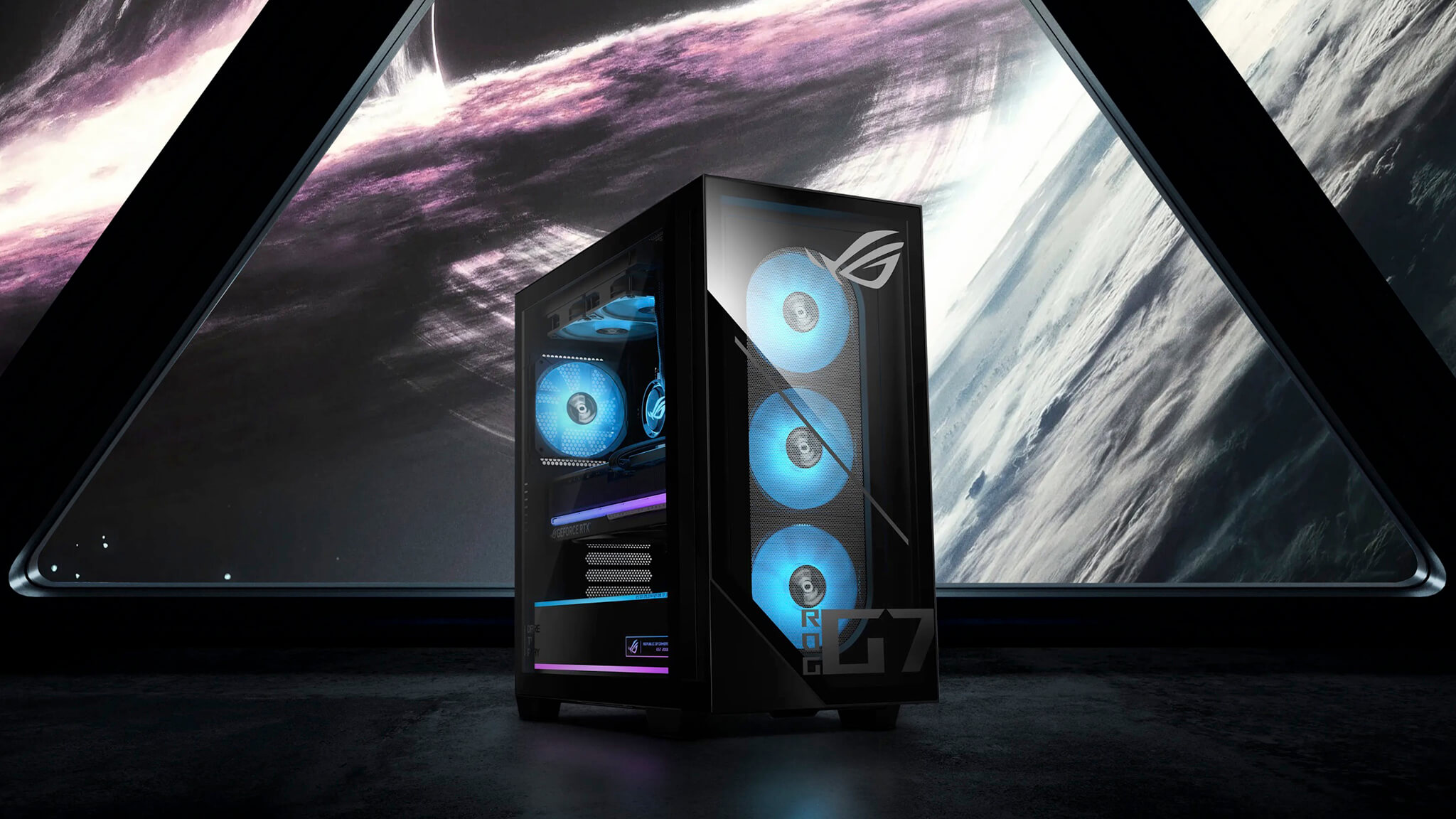
But the value of the design goes beyond looks. The large chassis leaves more open space inside, keeps cables tidier, and makes component upgrades easier. For a prebuilt desktop, this is well worth having, because long-term use depends heavily on the polish of the entire system, not just the CPU or GPU. Compared with other products in the genuine Asus laptop ecosystem or the ASUS brand category at Hung Phat Laptop, the ROG G700 is clearly positioned among high-performance gaming desktops, geared toward a fixed, powerful setup full of personality.
Another thing worth praising is that the ROG G700's design language does not speak only to young gamers. It also suits users who want a machine with a strong, stylish, and distinctive tech presence. This desktop makes an impression easily in a showroom, a streaming corner, or a workspace focused on content creation.
Core Ultra 7 265KF and RTX 5070 deliver practical, premium gaming
The most convincing thing about the ASUS ROG G700 (2026) is its balance of power and practicality. The Intel Core Ultra 7 265KF is a CPU strong enough to handle many layers of tasks at once, while the GeForce RTX 5070 opens up excellent performance for AAA games, real-time graphics, ray tracing, and GPU-accelerated workloads. Combined with 32GB DDR5 RAM and a 1TB PCIe 4.0 NVMe SSD, this machine delivers a fast, smooth, and stable experience across nearly all the heavy demands a high-end gaming desktop typically faces.
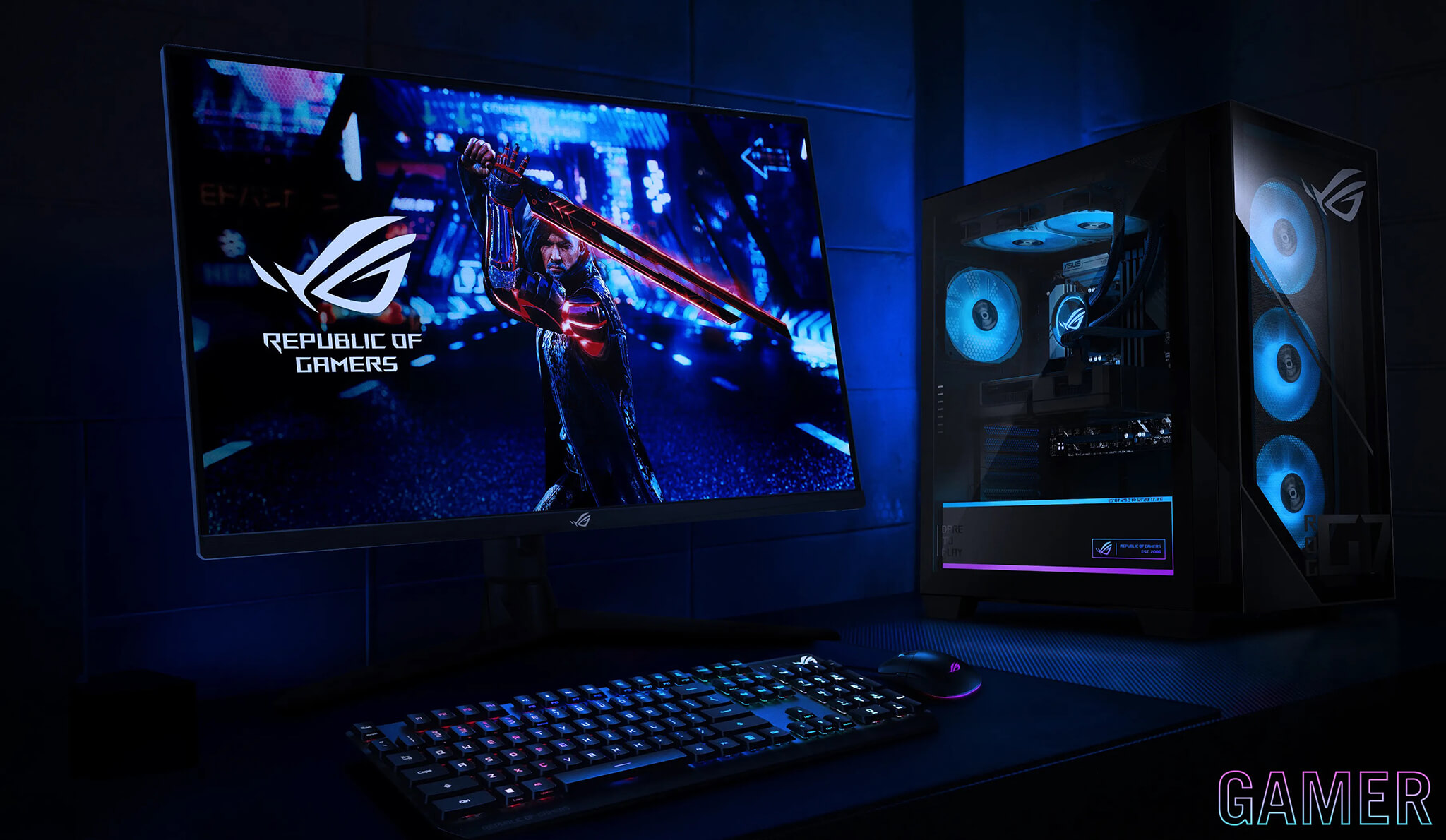
In practice, this configuration is a great fit for gamers playing at 1440p with high settings, while still staying comfortable when streaming, recording, running many background apps, or editing video after a session. The RTX 5070 also holds its value longer than mainstream cards, since games keep getting heavier in graphics, VRAM use, and new rendering technologies. For anyone who wants a desktop strong enough to run reliably for years without constant upgrades, this is a compelling choice.
The 32GB of DDR5 memory is a big plus because it leaves generous headroom for multitasking. It is a great amount of RAM for people who game, work, and create content on the same machine, and it is still enough for running light virtual machines, processing data, editing clips, or keeping many browser tabs open for long stretches. The 1TB PCIe 4.0 SSD is also good enough for fast game load times, a quick operating system boot, and less waiting in everyday use.
Not just for gaming: the ROG G700 also suits content creation and local AI
A premium gaming desktop today would be less appealing if it were strong only at games. The ASUS ROG G700 (2026) has a nice advantage: its configuration is flexible enough to stretch into broader needs, especially content creation and local AI. The Core Ultra 7 265KF handles CPU-heavy tasks well, while the RTX 5070 gives a clear edge in GPU-accelerated applications such as video editing, effects acceleration, photo processing, upscaling, AI image generation, or running local language models within the limits of the machine's actual VRAM.
For users who like building their own AI systems at home, the ROG G700 is well suited to workflows such as mid-size LLM inference, text-to-image, speech processing, content automation, or setting up a local environment for personal AI experiments. It is not a machine built for training large models at enterprise scale, but it is a very good platform for practical applied AI: faster than a laptop, more stable than a mini PC, and easier to expand if you want to add storage or tweak the system later.
From a trend perspective, this is also why high-end gaming desktops are drawing more and more interest. Buyers are not just paying for FPS, but also for the ability to turn a gaming machine into a hub for entertainment, work, and tech experimentation right at home. As ASUS keeps expanding its presence in the gaming hardware ecosystem, the article ASUS launches the ROG Equalizer 12V-2x6 to reduce the risk of melting GPU connectors also shows to some extent that the company is putting more emphasis on stability and long-term ownership experience.
Cooling, connectivity, and upgradability are what hold long-term value
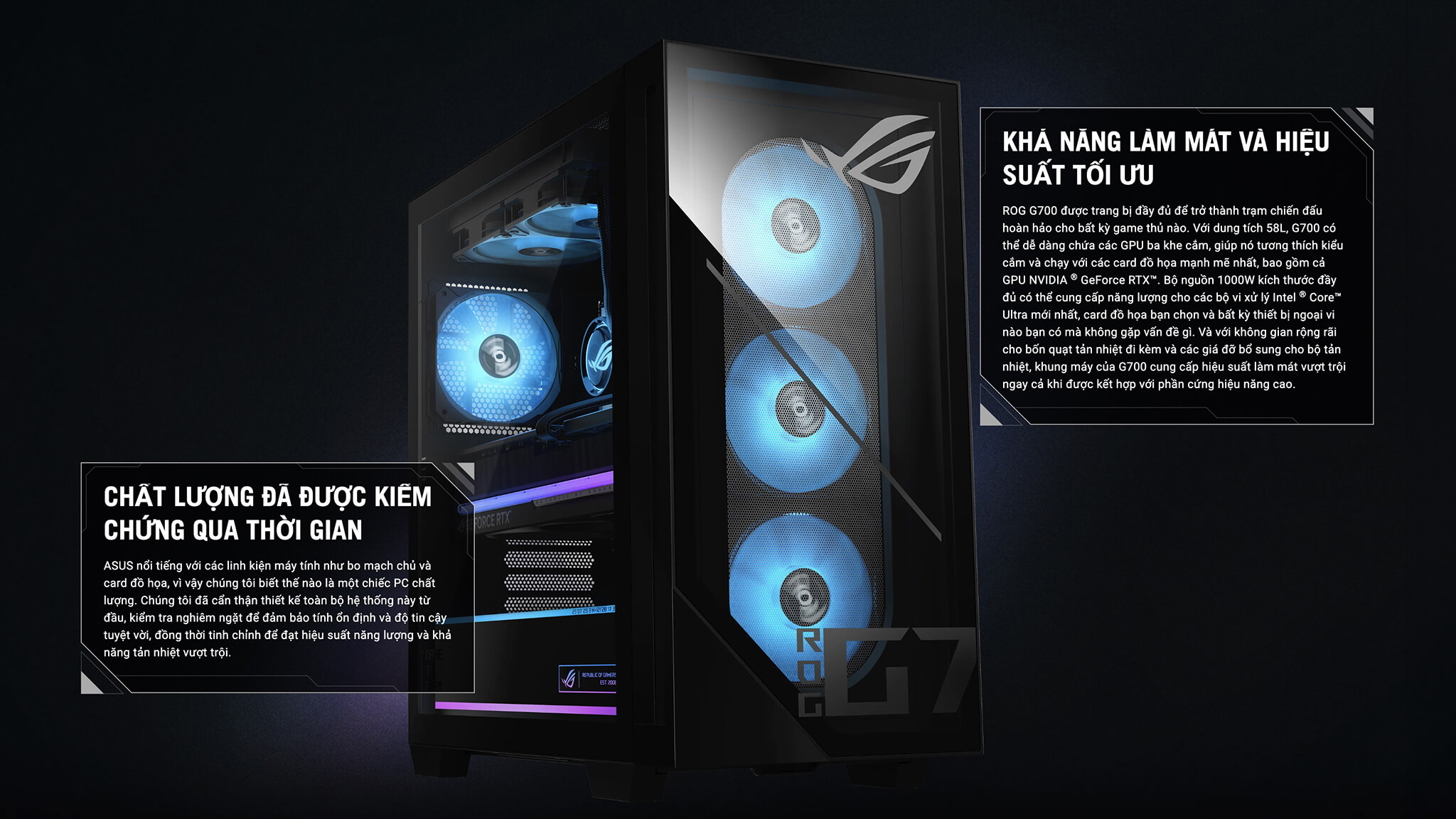
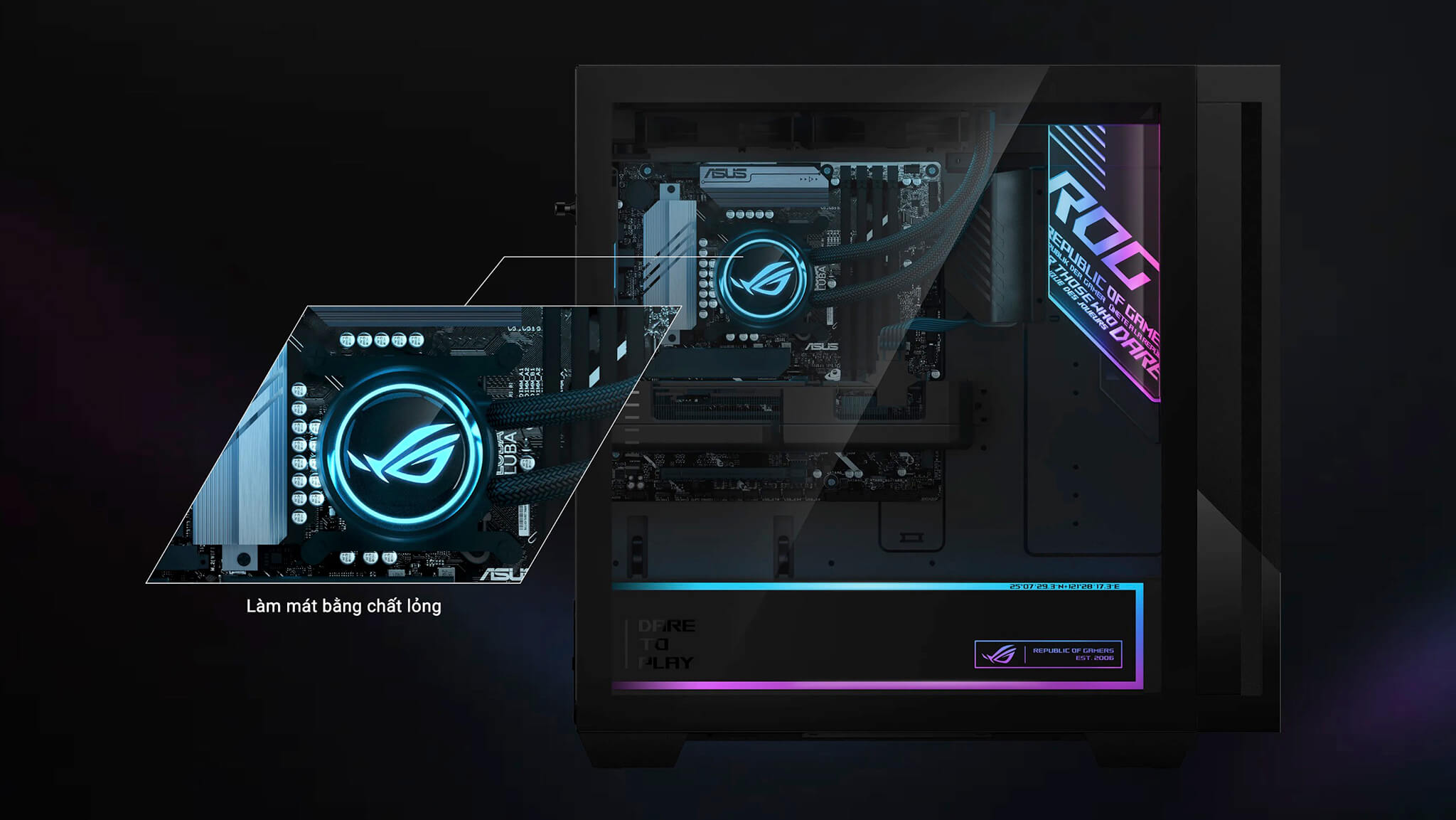
Strong specs only matter when the system is good enough to sustain stable performance over time. According to the listing description, the ASUS ROG G700 - Gaming Desktop uses a multi-fan system combined with a 240mm AIO liquid cooler. This kind of cooling setup suits a premium gaming desktop well because it keeps temperatures under better control during long gaming sessions, extended rendering, or continuous GPU workloads. Well-planned cooling not only keeps the machine cooler but also keeps noise at a more pleasant level under heavy use.
The machine's connectivity is also very practical for modern users. 2.5Gbps Ethernet, Wi-Fi 6, and a diverse set of ports make it suitable for many kinds of setups, from gaming and streaming to working with multiple peripherals. This is easy to overlook when looking only at the CPU and GPU, but it directly affects the quality of the everyday experience.
In addition, the full tower frame is a guarantee of upgradability. Adding an SSD, upgrading RAM, swapping the graphics card, or tweaking the system later is noticeably easier than on smaller desktops. For someone buying a high-end machine to keep for a long time, expandability is always an important factor. For more details on the product line, see the official ROG G700 specs page for a clearer picture of ASUS's design philosophy for this desktop series.
Who is the ASUS ROG G700 (2026) gaming PC right for?
The Asus ROG G700 (part of the Asus ROG & TUF category) is best for users who want a prebuilt desktop that is truly worth the money: serious AAA gamers, streamers, content creators, editors, graphic designers, or people who like building a local AI ecosystem for personal work. It also suits those who do not want to spend a lot of time assembling a PC but still want the benefits of a powerful configuration, a good-looking chassis, and an easy-to-upgrade platform.
On the other hand, if your needs stop at light eSports, basic office work, or simple entertainment, the ROG G700 will be somewhat more than you need. Its value lies in offering a complete premium desktop experience, where gaming, aesthetics, computing power, and flexibility all come together in a single system.
Summary of the ASUS ROG G700 - Gaming Desktop (2026)
The ASUS ROG G700 (2026) is a premium gaming desktop that brings together the right elements to make a prebuilt machine appealing: attractive looks, a powerful configuration, well-planned cooling, good upgradability, and a range of use that goes beyond traditional gaming. With the Intel Core Ultra 7 265KF, RTX 5070, 32GB DDR5, and 1TB PCIe 4.0 SSD, the product suits not only gamers but also content creators, streamers, and users who want to run local AI in a personal environment. It is a very notable choice for a desk corner that needs a premium, powerful feel and is ready to serve for a long time.
| Pros | Cons |
|---|---|
|
|
FAQ - Frequently asked questions about the ASUS ROG G700 (2026)
1. Can the ASUS ROG G700 (2026) play AAA games well at 1440p?
Yes. With the Core Ultra 7 265KF and GeForce RTX 5070, this model is well suited to playing most AAA games at 1440p resolution with high settings. If you also use technologies like DLSS, performance can be optimized even further in many demanding titles.
2. Is the ASUS ROG G700 (2026) good for game streaming and YouTube?
Yes. This configuration suits gaming as well as streaming, screen recording, video editing, and digital content processing. 32GB of RAM helps the system stay smoother when many applications run at the same time.
3. Does this machine work well for Photoshop, Premiere Pro, and video editing?
Yes. It is a configuration strong enough for popular content creation software such as Photoshop, Premiere Pro, the desktop version of CapCut, or other video editing tools. The RTX 5070 GPU also gives a clear advantage in hardware-accelerated tasks.
4. Can the ASUS ROG G700 (2026) run local AI?
Yes. The machine suits many local AI workflows such as AI image generation, speech-to-text, text-to-speech, mid-size language model inference, or content automation on a personal computer. This is a big advantage if you need a desktop that both plays games and handles practical AI at home or in a private office.
5. Is the ASUS ROG G700 (2026) suitable for AI training?
The machine suits tests, light fine-tuning, personal AI workflow research, and tasks that lean more toward inference. For large training jobs or models that need very high VRAM, it is not the optimal setup compared with workstations or dedicated multi-GPU systems.
6. Is a 1TB SSD enough for gaming and local AI together?
At first, yes. It is enough for the operating system, main applications, and a number of popular games or models. However, if you store many AAA games, datasets, checkpoints, or AI outputs, it is wise to plan an SSD upgrade early so the system always has comfortable storage space.
7. Is the machine's cooling system enough for prolonged heavy workloads?
According to the listing description, the machine uses a 240mm AIO combined with multiple fans, so the cooling platform is better suited to long gaming sessions, extended rendering, or continuous GPU tasks. This is a valuable point because a powerful desktop needs good enough cooling to keep performance stable over the long term.
8. Is the ASUS ROG G700 (2026) easy to upgrade with RAM, SSD, and GPU?
Yes. The advantage of a full tower chassis is its roomy interior, which makes work easier and upgrades much more convenient later. This is one of the reasons premium prebuilt desktops are more appealing to users who want to invest for the long term.
9. Which type of user is this machine best for?
The ROG G700 is best for gamers who play demanding games, streamers, content creators, editors, graphic designers, and people who want to add local AI for personal needs or work. It is a desktop for users who want a powerful, versatile machine, not just one for light gaming.
10. What should I keep in mind when buying the ASUS ROG G700 (2026)?
The most important thing is to verify the exact model and the actual configuration being sold, especially the GPU, RAM, SSD, ports, and warranty policy. Since gaming desktops can have multiple variants by market, checking the correct version is a very important step before you buy.
Performance & benchmarks Asus ROG G700 - Gaming Desktop (2026)
Intel Core Ultra 7 265KF NVIDIA GeForce RTX 5070 - best for Gaming 10/10, Video / Graphics 9.5/10.
Intel Core Ultra 7 265KF
- Geekbench 6 (multi-core)21,377
- Geekbench 6 (single-core)3,157
- PassMark58,680
- Cores / Threads20/20
NVIDIA GeForce RTX 5070
- 3DMark Time Spy22,260
- 3DMark Fire Strike56,472
- VRAM12 GB
- AI INT8988 TOPS
- ArchitectureBlackwell
Best for
Scored from real benchmarks- Gaming Recommended10/10
- Video / Graphics9.5/10
- Programming9.5/10
- Office9.5/10
- AI / Generative AI9.5/10
Why does the CPU matter?
The CPU is the "brain" that handles every task: launching apps, multitasking, compiling code and editing video. The stronger the CPU, the faster and smoother the laptop runs when you juggle many things at once.
- BasicThis product
Web browsing, streaming and light office work.
- MainstreamThis product
Office work, moderate multitasking and studying.
- Mid-rangeThis product
Solid multitasking, programming and light graphics work.
- StrongThis product
Video editing, heavy programming, virtualization and gaming.
- FlagshipThis product
Heavy rendering, 4K/8K editing, virtual machines and AI workloads.
Why does the GPU matter?
The GPU (graphics card) handles visuals: gaming, video editing, 3D rendering and AI acceleration. The stronger the GPU, the higher your frame rates and the faster your video exports.
- Basic (iGPU)This product
Smooth display, 4K video and very light games (League of Legends, Valorant on low).
- MainstreamThis product
1080p eSports gaming, photo editing and light video editing.
- Mid-rangeThis product
1080p gaming on medium-high settings and smooth Full HD video editing.
- StrongThis product
1080p/1440p gaming on high settings, 4K video editing and 3D rendering.
- FlagshipThis product
4K/240Hz gaming, ray tracing, heavy rendering and AI.
Game performance
Real FPS - desktop GPU- Dota 2222 fps4K Ultra
- CoD: Black Ops 664 fps4K Ultra
- Star Wars Outlaws73 fps1080p Ultra
- Black Myth: Wukong57 fps1080p Ultra
- God of War Ragnarök82 fps4K Ultra
- Final Fantasy XVI74 fpsQHD Ultra
- Cyberpunk 2077110 fpsQHD Ultra
≥60fps very smooth30-60fps playable<30fps lower the settings
Local AI performance
Tokens/second running locally on GPU 12GB VRAM- Qwen 3.5 9B9.7 GB · ctx 32K48 tok/sDecent
- Gemma 4 E4B IT8.7 GB · ctx 256K54 tok/sDecent
- Phi-4 14B7.7 GB · ctx 16K61 tok/sRuns well
- DeepSeek R1 Distill 14B7.7 GB · ctx 64K61 tok/sRuns well
- Gemma 4 E2B IT5.6 GB · ctx 256K84 tok/sRuns well
- GLM-4 9B5.1 GB · ctx 128K92 tok/sRuns great
- Gemma 4 E4B4.6 GB · ctx 256K102 tok/sRuns great
- Ministral 8B4.6 GB · ctx 32K102 tok/sRuns great
- Qwen 3.5 4B4.6 GB · ctx 32K102 tok/sRuns great
- DeepSeek R1 Distill 7B4.1 GB · ctx 64K115 tok/sRuns great
- Gemma 4 E2B3.1 GB · ctx 256K152 tok/sRuns great
- Qwen 3.5 2B2.5 GB · ctx 32K188 tok/sRuns great
- Phi-4 Mini Reasoning2.4 GB · ctx 16K196 tok/sRuns great
- SmolLM3 3B2 GB · ctx 128K235 tok/sRuns great
- DeepSeek R1 1.5B1.3 GB · ctx 64K362 tok/sRuns great
- Qwen 3.5 0.8B1.3 GB · ctx 32K362 tok/sRuns great
- TinyLlama 1.1B1.1 GB · ctx 2K428 tok/sRuns great
- Qwen 2.5 14B7.7 GB · ctx 128K61 tok/sRuns well
- Qwen 3 14B7.7 GB · ctx 128K61 tok/sRuns well
- Gemma 3 12B6.6 GB · ctx 128K71 tok/sRuns well
- Mistral Nemo 12B6.6 GB · ctx 128K71 tok/sRuns well
- Llama 3.2 11B Vision6.1 GB · ctx 128K77 tok/sRuns well
- Gemma 2 9B5.1 GB · ctx 8K92 tok/sRuns great
- Nemotron Nano 9B v25.1 GB · ctx 128K92 tok/sRuns great
- Llama 3.1 8B4.6 GB · ctx 128K102 tok/sRuns great
- Qwen 3 8B4.6 GB · ctx 128K102 tok/sRuns great
- Mistral 7B v0.34.1 GB · ctx 32K115 tok/sRuns great
- Qwen 2.5 7B4.1 GB · ctx 128K115 tok/sRuns great
- Qwen 2.5 Coder 7B4.1 GB · ctx 128K115 tok/sRuns great
- Qwen 3 4B2.5 GB · ctx 32K188 tok/sRuns great
- Gemma 3 4B2.5 GB · ctx 128K188 tok/sRuns great
- Phi-3.5 Mini2.4 GB · ctx 128K196 tok/sRuns great
- Llama 3.2 3B2 GB · ctx 128K235 tok/sRuns great
- Gemma 2 2B1.5 GB · ctx 8K314 tok/sRuns great
- Qwen 3 1.7B1.4 GB · ctx 32K336 tok/sRuns great
- Qwen 2.5 Coder 1.5B1.3 GB · ctx 32K362 tok/sRuns great
- Qwen 3 0.6B1.1 GB · ctx 32K428 tok/sRuns great
- Llama 3.2 1B1 GB · ctx 128K470 tok/sRuns great
- Gemma 3 1B1 GB · ctx 32K470 tok/sRuns great
GreatWellDecent4-bit quantized, ctx = context window
No comments yet
Q&A about Asus ROG G700 - Gaming Desktop (2026)
Frequently asked questions about Asus ROG G700 - Gaming Desktop (2026)
What are the specifications of Asus ROG G700 - Gaming Desktop (2026)?
What is the warranty for Asus ROG G700 - Gaming Desktop (2026)?
Can I buy Asus ROG G700 - Gaming Desktop (2026) with home delivery?
Worth a Look
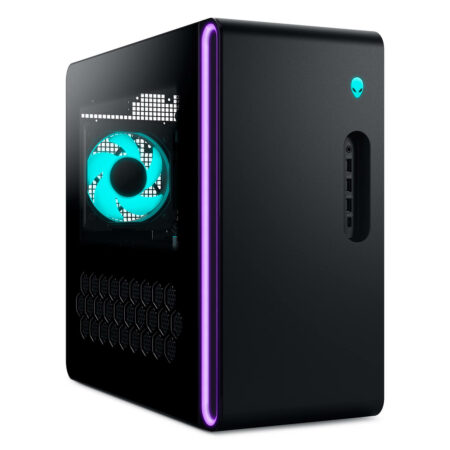
Alienware Aurora Gaming Desktop ACT1250 (2025)





Ngô Diệu Linh 02/05/2026Purchased at Hung Phat
This machine is incredibly powerful; gaming is extremely smooth. The design looks super cool, and it makes my workspace setup look much more premium. Definitely worth every penny, everyone!
Võ Khánh Vy 29/04/2026Purchased at Hung Phat
It runs incredibly smoothly; playing AAA games is completely lag-free. The ROG design looks super cool and makes my workspace look much more premium. Definitely worth the money, everyone!