

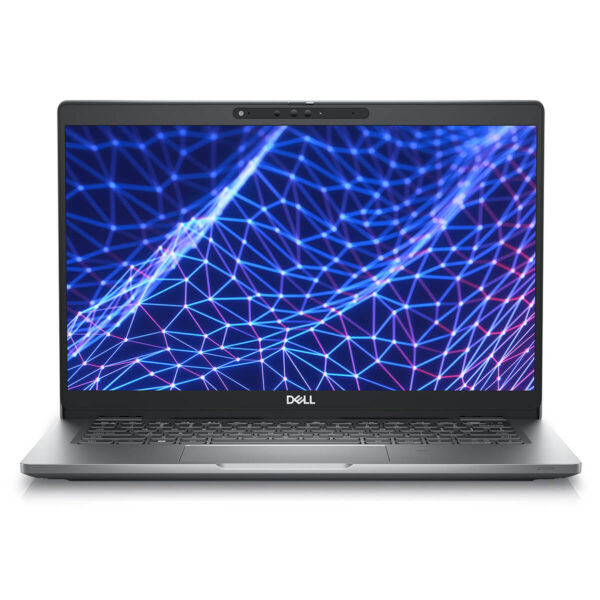
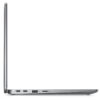
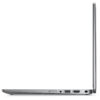
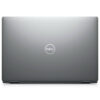
DELL Latitude 5330 (2022)
- CPU: Intel Core i5 1235U vPro Up To 4.4GHz (10 Cores, 12 Threads, 12MB Cache)
- RAM: DDR4 16GB 3200MHz
- SSD: 256GB PCIe M.2 SSD
- VGA: Intel® Iris® Xe Graphics
- DISPLAY: 13.3" IPS FHD (1920*1080), Non-Touch, Anti-Glare, 400Nits
- CONDITION: New 100% Full Box
- WARRANTY: Bảo hành 12 tháng
- Sophisticated and Modern Design
- Superior Performance with 12th Gen Intel CPU
- Display on Dell Latitude 5330 (2022)
- Keyboard & Touchpad on Dell Latitude 5330
- Slots & Connectivity on Dell Latitude 5330
- Operating Temperature and Battery Life
- Summary & Review of Dell Latitude 5330 (2022)
- FAQ - Frequently Asked Questions about Dell Latitude 5330 (2022)
- Where to buy Dell Latitude 5330 with good reputation and price?
Dell Latitude 5330 (2022) is a next-generation business laptop designed to be lightweight, focusing on stable performance and a comprehensive security system, providing high reliability in professional working environments. Aimed at modern office users, this product combines flexible design, robust hardware configuration, and the ability to handle continuous tasks, from daily work to expanded connectivity needs. With a balance of portability, durability, and a smooth user experience, the Dell Latitude 5330 becomes a reliable choice for entrepreneurs and office employees needing a device that is both powerful and secure. Dell Latitude also emphasizes Dell's commitment to providing optimal solutions for the modern business environment.
Sophisticated and Modern Design
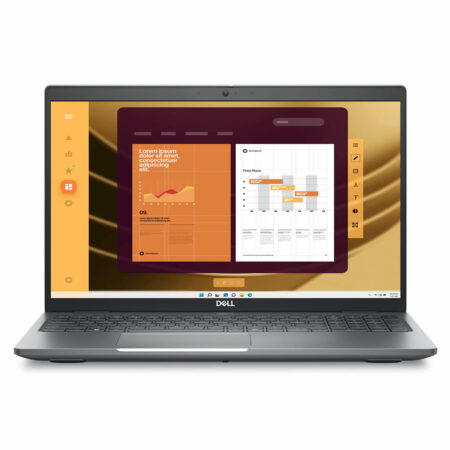
The Dell Latitude 5330 (2022) is shaped with a minimalist and modern design style, standing out with a luxurious Titan Gray color, suitable for both corporate environments and flexible workspaces. The Dell logo is subtly placed on the lid along with clean lines that demonstrate consistency in design language and affirm product quality. With a thickness of only 17mm and a weight of approximately 1.2kg, the device offers high mobility while maintaining a sturdy feel, meeting the needs of daily use and frequent travel.
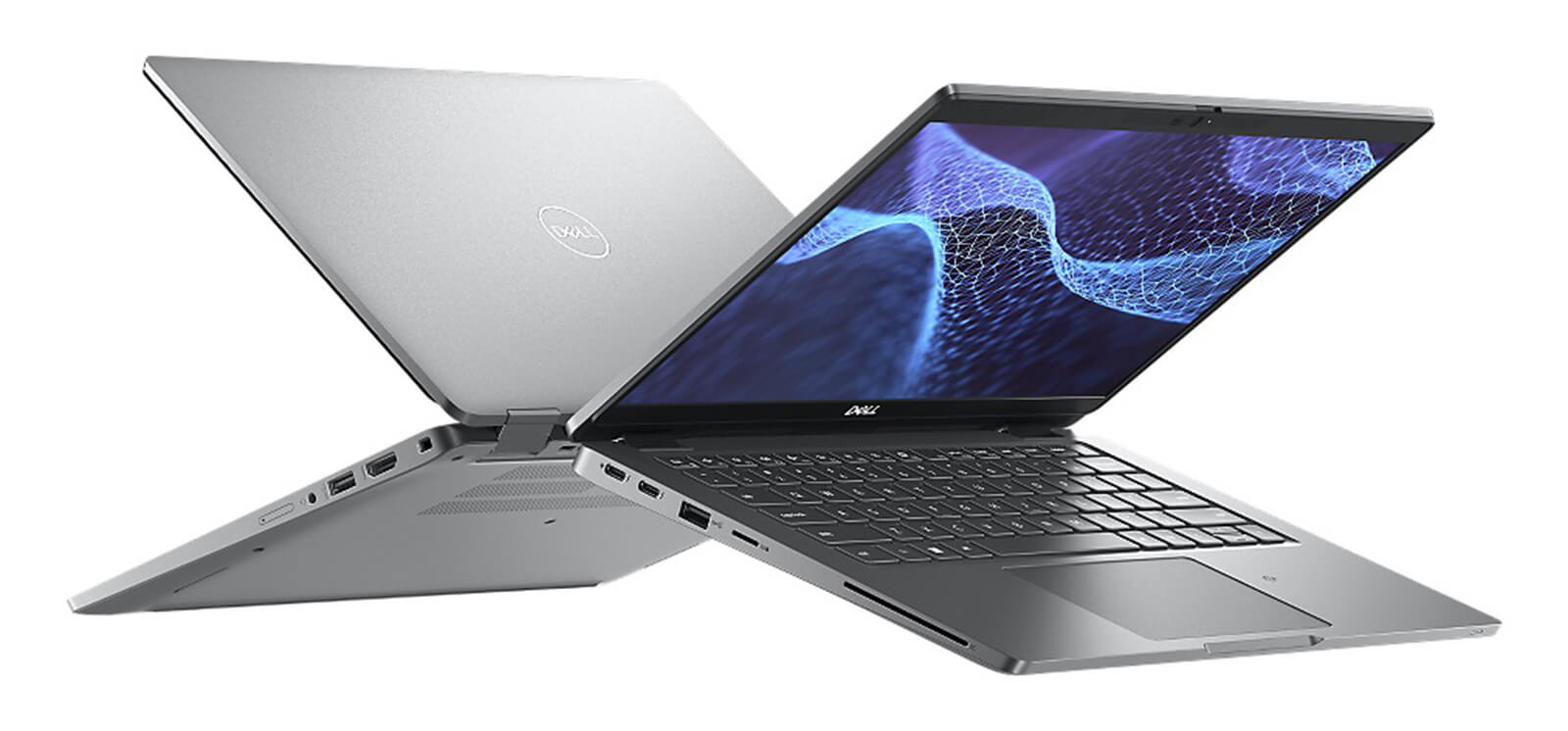
A notable point of the Dell Latitude 5330 is also its environmentally friendly materials, as the chassis is made from 21% bio-plastic, 30% recycled plastic, and 20% recycled carbon fiber. This structure not only enhances durability but also demonstrates Dell's commitment to sustainable development. Thanks to its compact size (305.7 x 207.5 mm), users can easily carry it in a backpack without affecting work performance, making the product an ideal choice for entrepreneurs, experts, and office employees who need a slim, durable, and flexible device.
Superior Performance with 12th Gen Intel CPU
The Dell Latitude 5330 (2022) makes an impression with powerful performance featuring the Intel Alder Lake 12th Gen processor, providing two configuration options: Core i5-1245U and Core i7-1265U. With up to 10 cores and 12 threads, the device flexibly handles everything from basic office tasks to intensive workloads, while maintaining stability even when running multiple applications simultaneously. This is a solid hardware foundation for entrepreneurs and experts needing a high-performance laptop to meet high-intensity work demands.
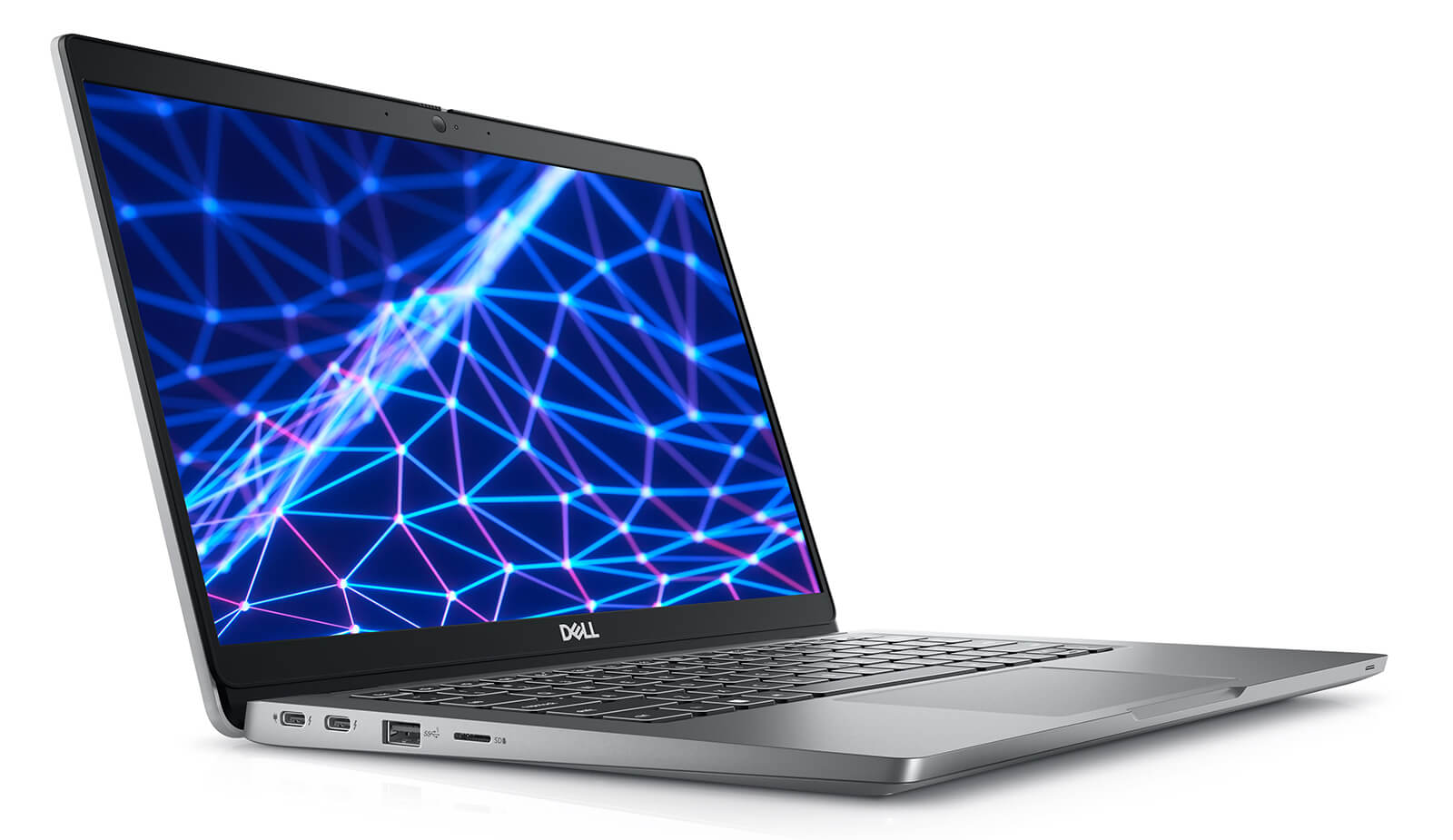
The smooth multitasking capability of the Dell Latitude 5330 is clearly demonstrated in heavy tasks such as video editing, graphics processing, or big data analysis. According to practical evaluations, overall performance has improved by approximately 30% compared to the previous generation, helping to shorten project implementation time and enhance work efficiency. This provides peace of mind for users in the modern business environment, where speed and accuracy are always key factors.
To optimize the long-term experience, the device supports DDR5 RAM up to 32GB at 3200MHz, combined with a PCIe NVMe Gen3 SSD with a maximum capacity of 1TB. Thanks to the flexible storage configuration and large capacity, users can comfortably store data while ensuring fast access speeds, enhancing the durability and performance of this premium business laptop line.
Display on Dell Latitude 5330 (2022)
The Dell Latitude 5330 (2022) features a 13-inch Full HD (1920 x 1080) resolution display, providing sharp and clear image quality, meeting both office needs and basic image editing tasks. This is one of the factors that makes the device a suitable choice in the modern working environment, where the balance between performance and visual experience is always prioritized.
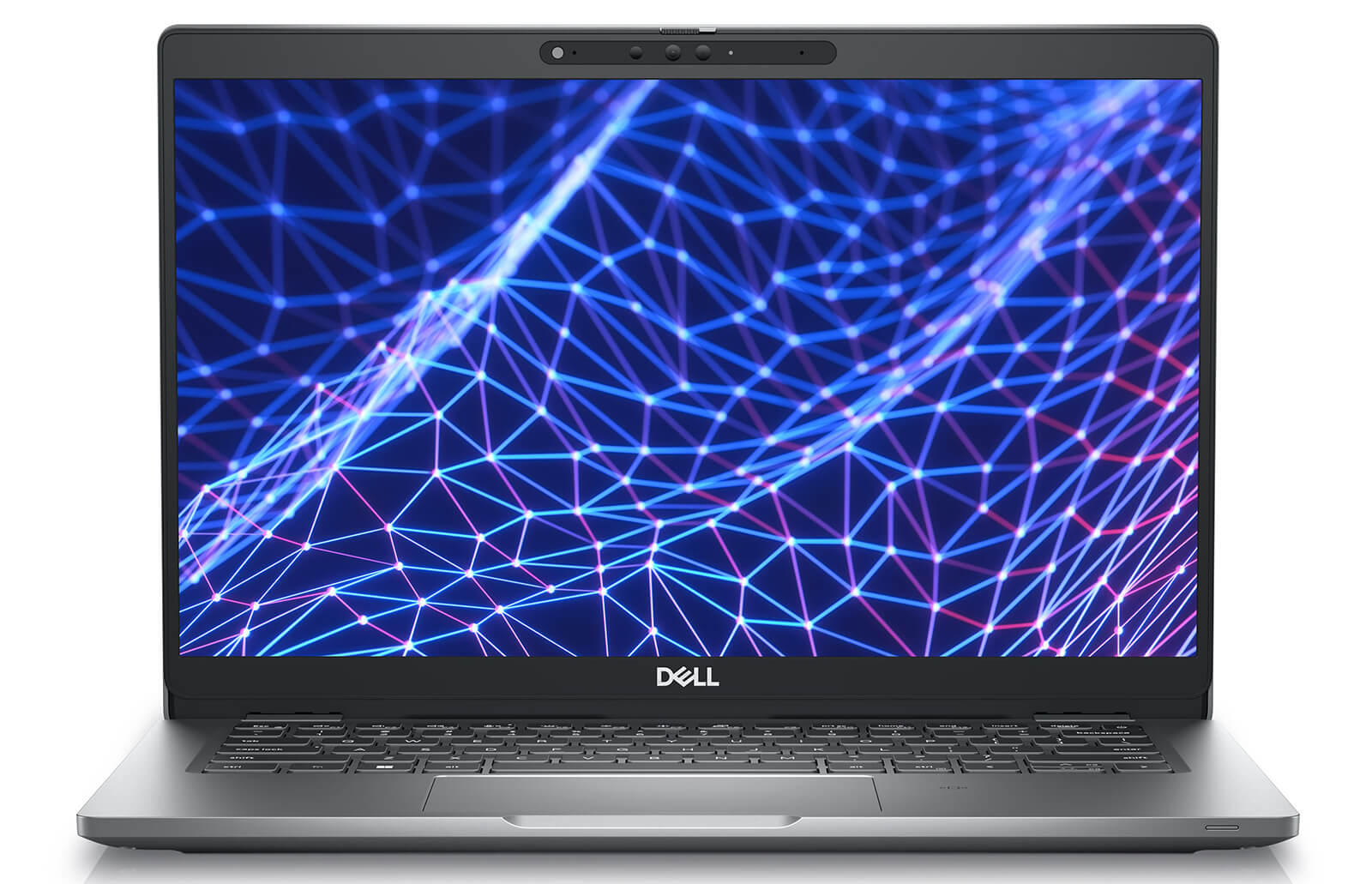
Wide-Viewing Angle (WVA) technology provides a wide viewing angle of up to 130 degrees, maintaining stable colors and contrast even when viewed from different positions, optimally supporting content sharing in meetings or small group presentations. With brightness ranging from 250 to 400 nits, the screen ensures good visibility in many lighting conditions, including outdoors. Additionally, integrated blue light reduction technology helps limit eye strain during long-term use, enhancing comfort and protecting the visual health of professional users.
Keyboard & Touchpad on Dell Latitude 5330
The Dell Latitude 5330 (2022) is optimized for the input experience with a well-arranged keyboard, moderate key travel, and good responsiveness, helping text drafting or data entry occur quickly and accurately. The keys have balanced spacing, minimizing typing errors while providing comfort when working for many consecutive hours. This is an important factor for professional users who need a device that is both flexible and maintains stable performance in an office environment.
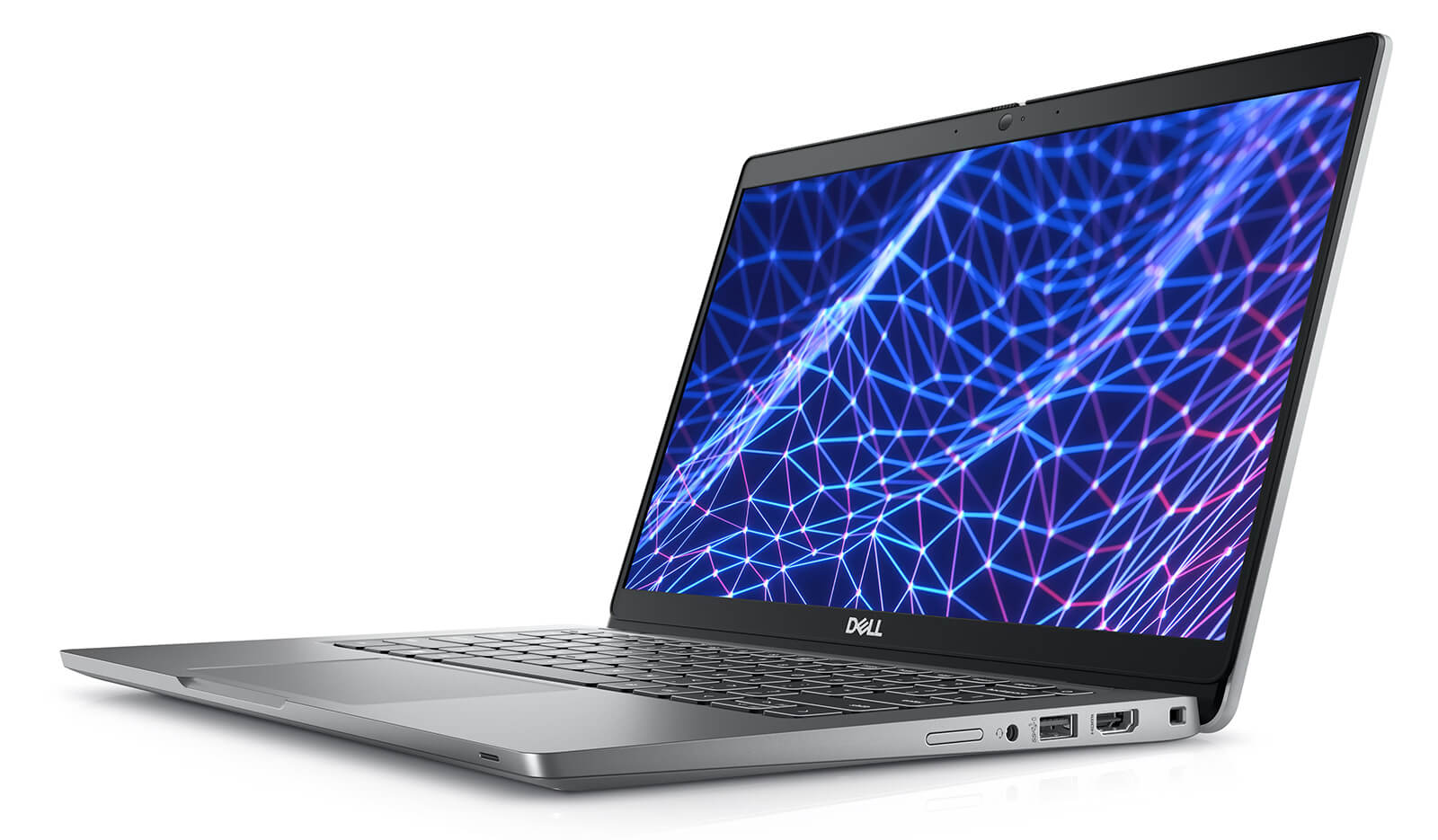
The touchpad of the Latitude 5330 is also designed to be responsive, supporting smooth multi-touch gestures such as swiping, scrolling, or dragging and dropping, creating a seamless experience without the need for an external mouse. In addition, the machine is integrated with modern technologies such as facial recognition and presence detection, contributing to increased security and convenience during use. This combination helps the Dell Latitude 5330 assert its position as a business laptop line that is both powerful and secure for professional work.
Slots & Connectivity on Dell Latitude 5330
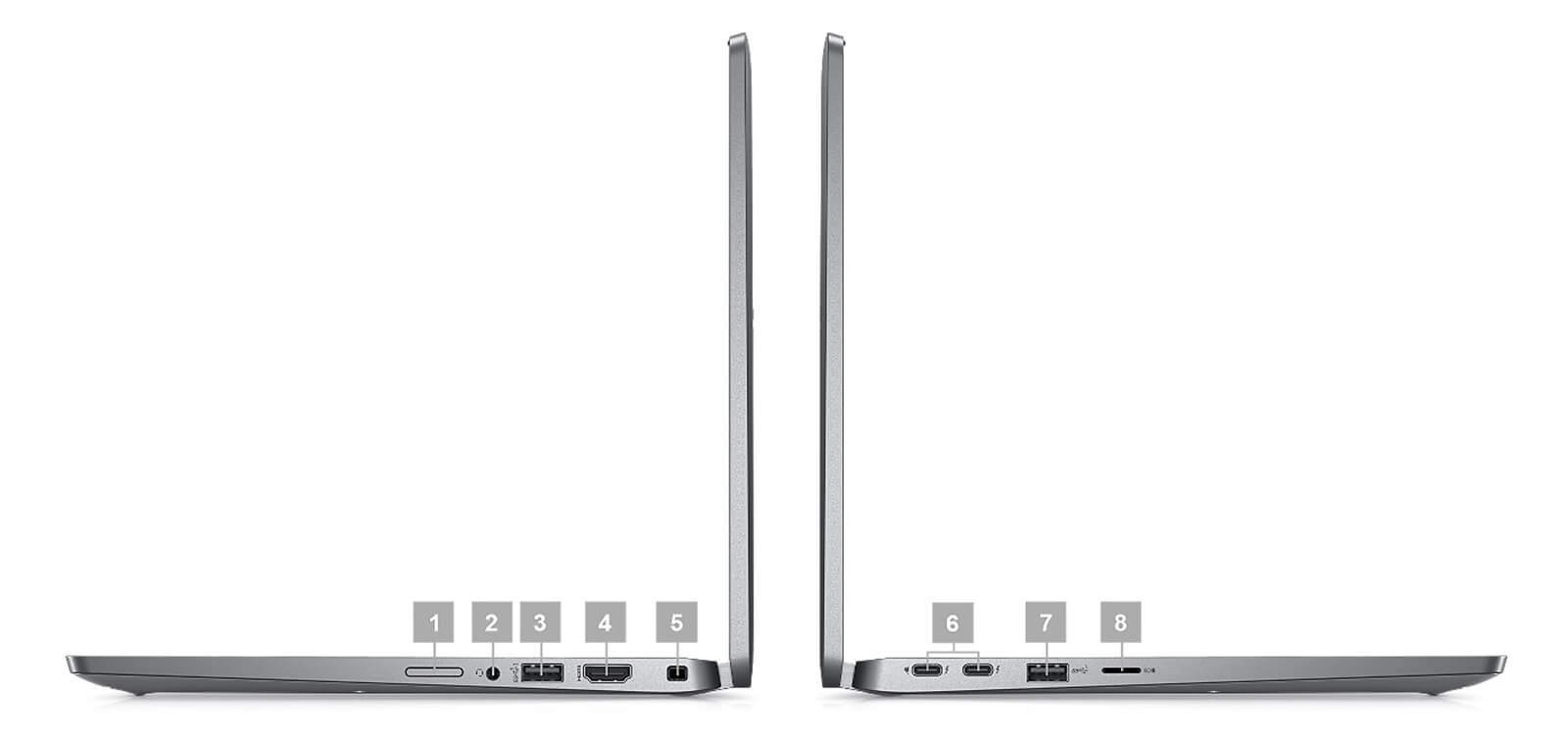
The Dell Latitude 5330 (2022) offers flexibility in work thanks to a rich system of connection ports. The machine is equipped with 2 Thunderbolt 4 ports, USB 3.2, HDMI 2.0, an SD card reader, and a 3.5mm headphone jack, fully meeting needs from projection and data transfer to connecting peripheral devices. Not needing to rely on external adapters helps save workspace and improve usage efficiency, which is particularly useful for users who travel frequently or need quick setups at the office.
Regarding wireless connectivity, the Dell Latitude 5330 supports the modern Wi-Fi 6E standard, providing stable speed and wide bandwidth even when many devices are accessing the network simultaneously. A notable plus is ExpressConnect technology, which allows the machine to automatically prioritize the strongest connection and can even use multiple Wi-Fi networks simultaneously. As a result, online work performance, video conferencing, or cloud data access are all optimized, ensuring a smooth and seamless experience in all situations.
Operating Temperature and Battery Life
The Dell Latitude 5330 (2022) stands out with good temperature control, ensuring the machine operates stably even when processing heavy tasks. The cooling system with a larger fan helps maintain ideal temperature levels, reducing the risk of overheating and protecting important internal components. Consequently, the device's work performance is always kept stable, providing reliability for professional users during long-term use.
In addition to cooling capabilities, the Dell Latitude 5330 is also equipped with a 41Wh Lithium-Ion battery, meeting daily work needs with long-lasting usage time. The ExpressCharge feature is a major plus, allowing fast charging up to 80% in about 60 minutes, which is very useful for those who travel frequently or need to maintain continuous work outside the office without worrying about interruptions.
Summary & Review of Dell Latitude 5330 (2022)
The Dell Latitude 5330 (2022) is positioned as a reliable business laptop line, focusing on stability, portability, and the ability to meet professional work requirements. With a compact design, configuration based on Intel Gen 12, and a diverse connection system, this device is suitable for office employees, project managers, and frequently traveling entrepreneurs. The 13-inch Full HD screen provides clear display quality, the keyboard optimizes the input experience, and a series of modern connection ports help the machine easily adapt to many real-world situations such as document processing, online meetings, or remote work.
The strength of the Dell Latitude 5330 also comes from enterprise-standard durability, enhanced security capabilities, and battery support with ExpressCharge, bringing peace of mind to users in high-intensity work environments. Although it still has limitations in plastic chassis material, average speaker quality, and the use of Intel Iris Xe integrated graphics, this device remains an optimal choice for organizations and individuals looking for a durable laptop, stable performance, and optimized total cost of ownership in the long term.
| Pros | Cons |
|---|---|
|
|
FAQ - Frequently Asked Questions about Dell Latitude 5330 (2022)
1. Is the Dell Latitude 5330 suitable for a mobile business environment?
The Latitude 5330 features an ultra-lightweight metal design (~1.2 kg), compact and durable, making it very suitable for tech specialists and office employees who need to move frequently between agencies and departments.
2. Does the 13.3
The 13.3″ Full HD (1920×1080) IPS anti-glare screen, with brightness around 300-400 nits, clearly displays text content, spreadsheets, and online meetings, helping users work comfortably all day.
3. Can the Latitude 5330 stably handle large data office tasks?
With the Intel Alder Lake processor (i5/i7 U-series), up to 32 GB of RAM, and PCIe Gen 4 SSD, the machine smoothly handles large Excel files, BI reports, and opening many tabs simultaneously without freezing or lagging. [oai_citation:0‡notebookcheck.net](https://www.notebookcheck.net/Dell-Latitude-5330-revealed-with-16-9-displays-soldered-RAM-and-plenty-of-configuration-options.610908.0.html?utm_source=chatgpt.com)
4. Does the machine have enough performance for programming and software development?
The 10-core CPU, high-speed SSD, and sufficient RAM help the Latitude 5330 run IDEs like VS Code, IntelliJ smoothly, supporting building, debugging, and running light containers (Docker) without affecting the work experience.
5. Can the Latitude 5330 handle 2D design or simple content creation?
The integrated Intel GPU and standard IPS screen help it handle 2D design software like Photoshop, Figma, or Illustrator well, suitable for marketing documents and basic UI.
6. How long is the actual battery life of the Dell Latitude 5330?
The Latitude 5330 provides a 41Wh or 58Wh battery depending on the configuration. The 58Wh model achieves approximately **9-10 hours of web browsing** and **8 hours of continuous Full HD video playback**, making it very suitable for a full workday without needing a charger.
Source: NanoReview
7. Does the machine overheat when multitasking?
The cooling design with a compact fan helps the Latitude 5330 maintain a stable temperature when opening many applications, running debugs, compiling, or transferring large amounts of data. The machine operates quietly, without causing annoying noise.
8. Does the Dell Latitude 5330 support Linux installation for software development?
The Latitude 5330 is highly compatible with distributions like Ubuntu 20.04 LTS and Fedora. Some drivers such as the touchpad or Wi-Fi may need to be updated to perfect the experience.
Source: Dell Support
9. What is the warranty policy at Hung Phat Laptop for the Latitude 5330?
Hung Phat Laptop provides a 12-month warranty for new machines, supporting exchanges within 30 days if manufacturing defects occur. Like-new or used machines (2022 models and below) are warranted for 6 months, including free cleaning, lifetime software installation, and free nationwide delivery.
Where to buy Dell Latitude 5330 with good reputation and price?
If you are looking for a high-performance business laptop, then the Dell Latitude 5330 (2022) is a worthy consideration with its compact design, powerful configuration, and high reliability. However, to ensure product quality and transparent after-sales policies, choosing the right purchasing address is an indispensable factor.
Hung Phat Laptop is a specialized distributor of authentic US-imported Dell Latitude models, with full invoices, clear origins, and a reputable warranty regime. When choosing to buy the Dell Latitude 5330 at Hung Phat, you will receive competitive prices, many attractive offers, and dedicated support from an experienced technical team.
No comments yet
Q&A about DELL Latitude 5330 (2022)
Frequently asked questions about DELL Latitude 5330 (2022)
What are the specifications of DELL Latitude 5330 (2022)?
What is the warranty for DELL Latitude 5330 (2022)?
Can I buy DELL Latitude 5330 (2022) with home delivery?
Worth a Look
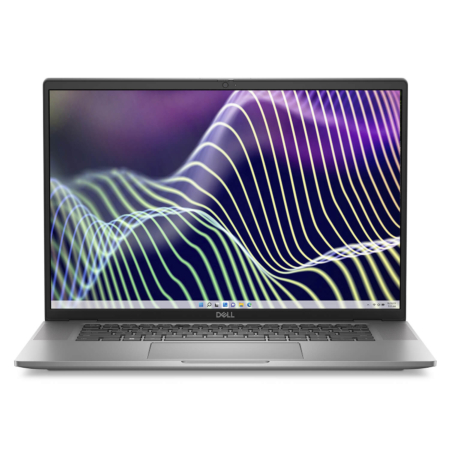
DELL Latitude 7640 (2023)
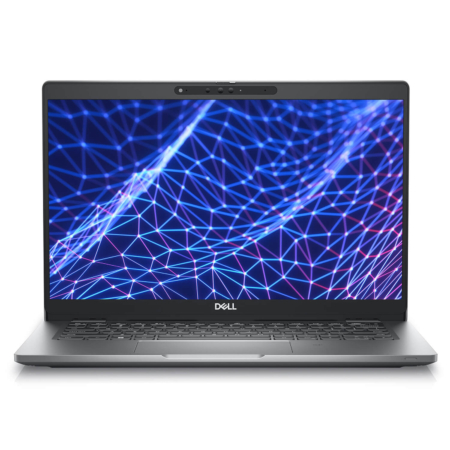
DELL Latitude 5330 (2 in 1) (2022)
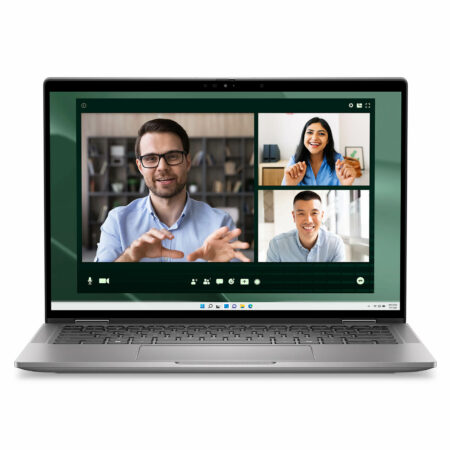
DELL Latitude 7350 (2 in 1) (2024)
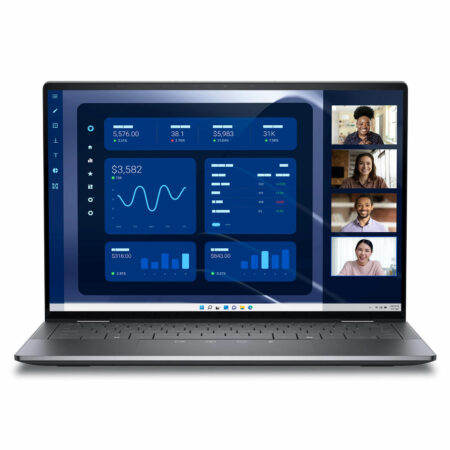
DELL Latitude 9450 (2 in 1) (2024)
 3 configurations




Anh Trung 19/10/2024Purchased at Hung Phat
Beautiful laptop, perfect in every detail.
Lê Minh Đức 11/07/2024Purchased at Hung Phat
Great price
Bùi Trung Kiên 05/01/2024Purchased at Hung Phat
Support is excellent!