

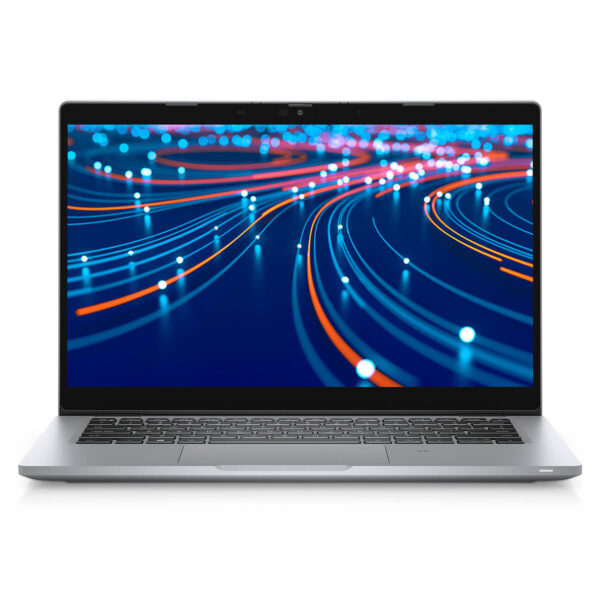
DELL Latitude 5420 (2021)
- CPU: Intel Core i5 1145G7 Up To 4.4GHz (4 Cores 8MB Cache)
- RAM: DDR4 16GB 3200MHz
- SSD: 256GB PCIe M.2 SSD
- VGA: Intel® Iris® Xe Graphics
- DISPLAY: 14" FHD (1920x1080) Non-Touch, Anti-Glare, 250nits
- CONDITION: Like New 99%
- WARRANTY: Bảo hành 12 tháng
DELL Latitude 5420 (2021)
Following the success of its predecessor, Dell continues to release the Dell Latitude 5420 office laptop line, targeting students and office workers. Featuring a slim, lightweight, and elegant design with powerful performance, it is capable of meeting all user tasks. Let's explore this product with Hung Phat in the article below.
Dell Latitude 5420 features an elegant design
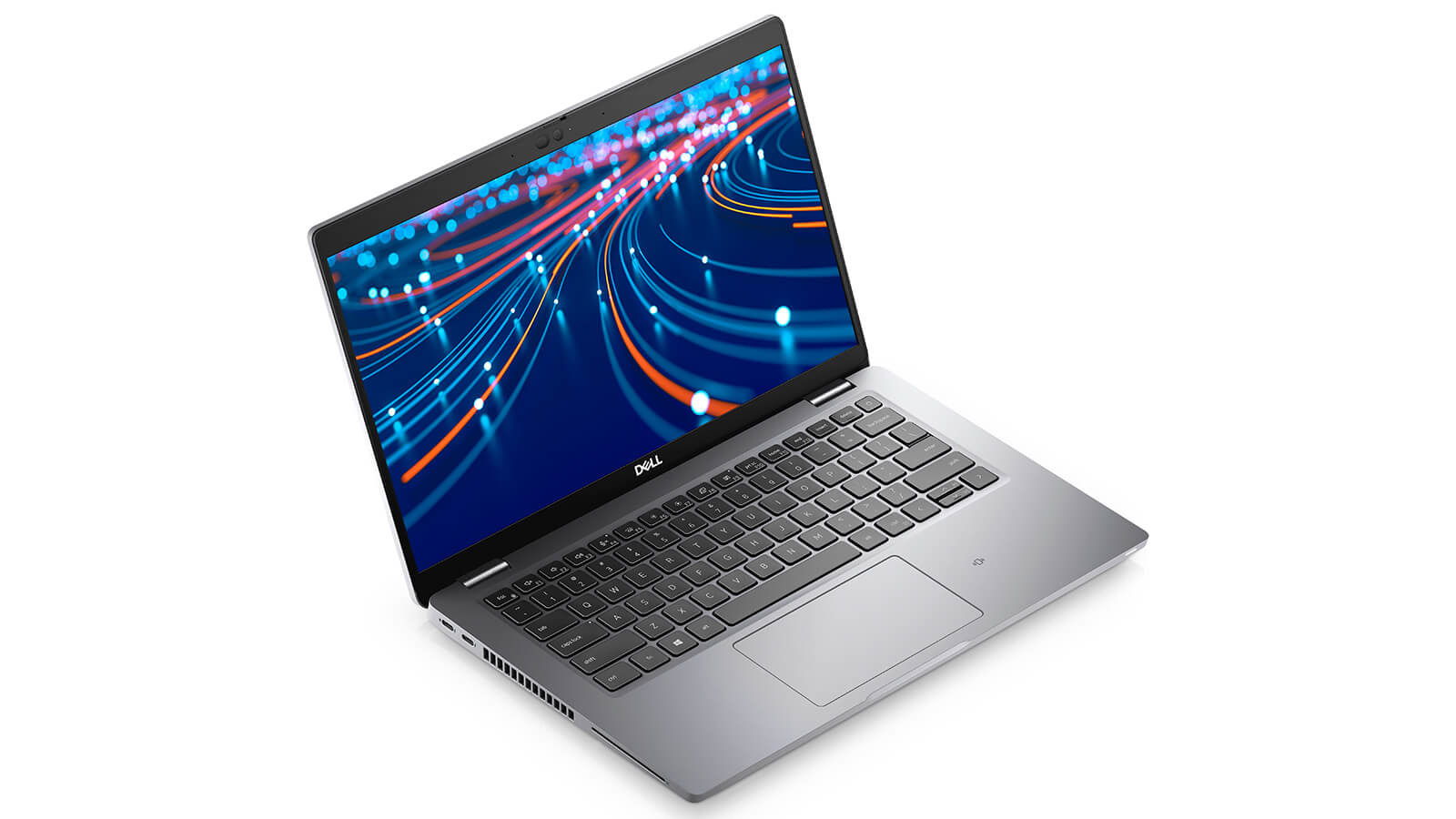
Regarding the design, the Latitude 5420 does not have too many changes compared to its predecessor. The chassis is made of high-quality bio-plastic. Dell stated that for future products, they are aiming to use environmentally friendly materials. The frame is made of sturdy and durable aluminum alloy.
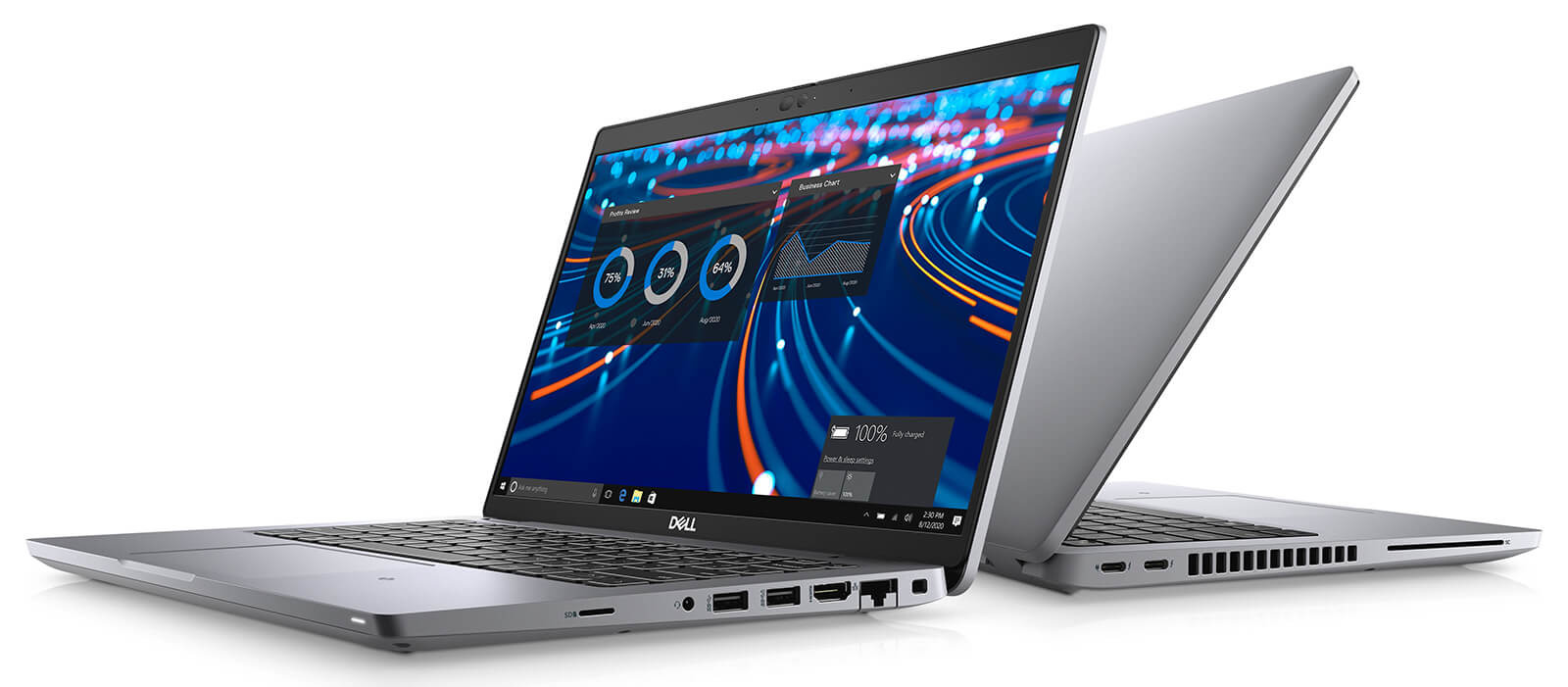
The Chrome-plated Dell logo is placed in the center of the back cover, enhancing its prominence. The edges of the machine are slightly rounded, making it look softer and more elegant. The entire device is covered in a sophisticated silver-gray color. The hinge is sturdy, with an opening angle of up to 180 degrees, providing convenience for users during use. The Dell Latitude weighs 1.4kg with a thickness of 20mm. Although it is not the thinnest laptop currently available, with this weight, users can easily carry it around.
Dell Latitude 5420 features a sharp and vivid screen
The Latitude 5420 features a 14-inch screen with Full HD resolution (1920x1080 pixels). The 16:9 aspect ratio with a pixel density of 157 PPI delivers sharp and vivid images.
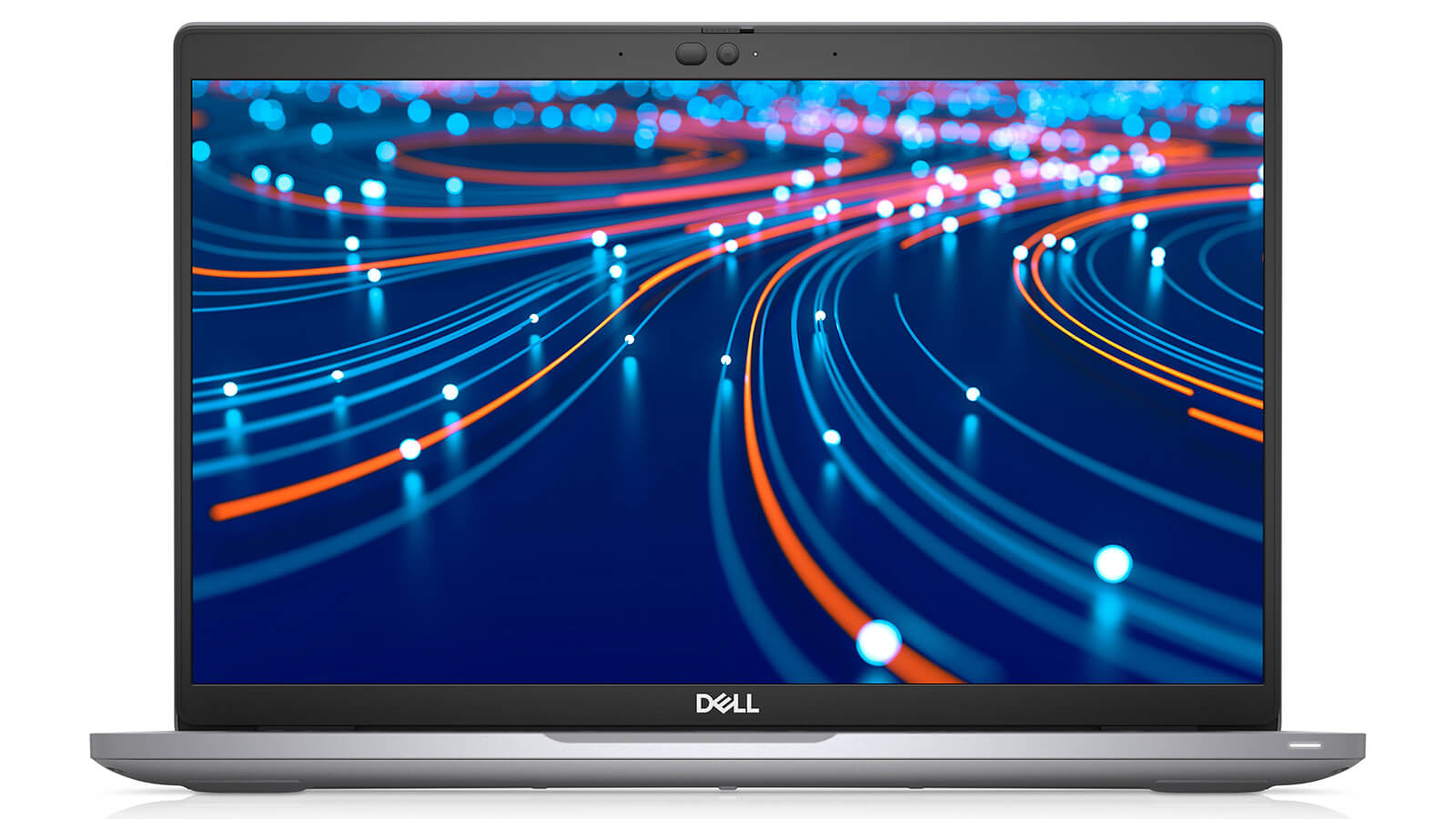
The average brightness is 250 nits, the dE2000 value is over 4, and the contrast ratio is 1350:1. This delivers sharp and vivid images that few laptops in the same segment can achieve. The Dell Latitude 14 5420 offers good outdoor usability thanks to IPS anti-glare technology. Additionally, images do not distort or display incorrect colors at various viewing angles. A 720p resolution webcam is located in the center of the top bezel. The webcam image quality is not highly rated; images appear slightly blurry and colors are overly saturated even in good lighting conditions.
Dell Latitude 5420 is fully equipped with connectivity ports
One of the points we believe users will extremely love about this product line is the variety of connectivity ports. The left side of the machine is equipped with two Thunderbolt 4 ports and a smart card reader. Conversely, the right side features a security lock slot, an RJ-45 port, an HDMI 2.0 port, two USB Type-A 3.2 Gen 1 ports, a 3.5mm headphone jack, and a MicroSD card reader. Additionally, there is a SIM card tray on the back of the machine.
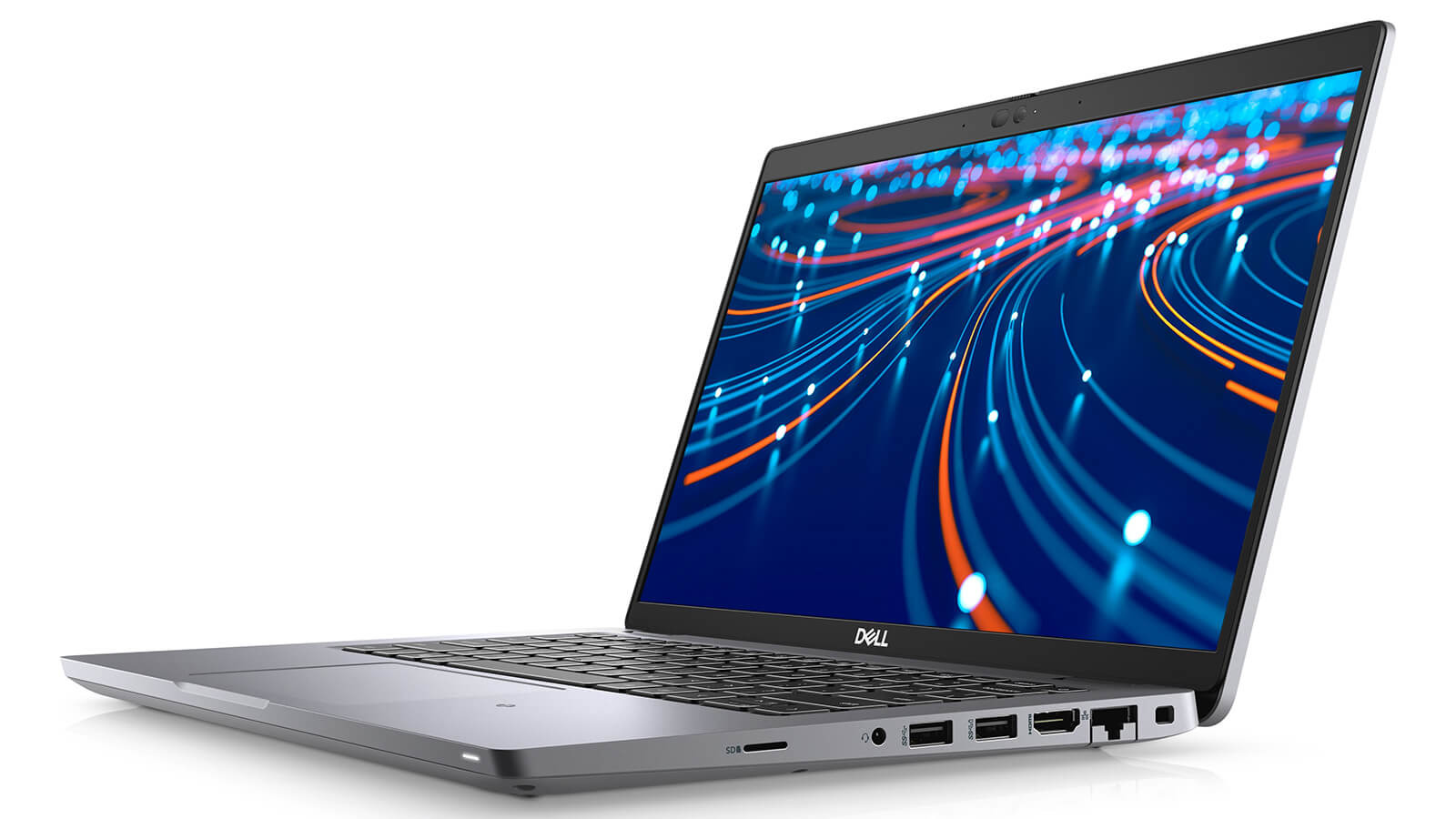
In addition, the Dell Latitude 5420 also features wireless connectivity via Wi-Fi 6 and Bluetooth 5.8. With a Netgear Nighthawk AX12 reference router, the Dell laptop achieves 1,436 Mb/s for downloading and 1,361 Mb/s for uploading.
Keyboard and Touchpad
The Dell Latitude 5420 is equipped with a Chiclet keyboard that offers a wonderful typing experience. The long key travel with quiet, high-tactile keys ensures no noise while typing. However, this 14-inch laptop does not have a numpad. Therefore, the keyboard layout is spacious enough so that users do not feel uncomfortable during use.

The Tab, Caps Lock, and left Shift keys are large for a laptop in this segment. The Shift and Tab keys are often used to access hotkeys in Office or switch between applications. The Latitude 5420 is also equipped with a backlit keyboard with two customization modes, helping users work easily in low-light conditions. The touchpad has a moderate size. The surface is covered with a coating, helping multitasking operations on the touchpad run smoothly and accurately.
Dell Latitude 5420 delivers strong performance
The Latitude 14 5420 is a laptop line aimed at office users, businesses, and those who value diverse security features. Therefore, the machine's performance meets office tasks well thanks to the latest 11th Gen Intel CPU with a very powerful U-series chip. The 256GB SSD provides fast read and write speeds. It is considered a formidable competitor in its segment.
Intel UHD Graphics allows it to smoothly handle 2D graphics software like Photoshop and AI. However, it is not truly suitable for 3D graphics software or video rendering. Regarding gaming performance, it is suitable for playing some lightweight games with low graphics requirements like LOL, DOTA2, etc. But if users demand higher gaming capabilities, the Dell Latitude 5420 may not be the most suitable choice for you.
The cooling capability of the Latitude 5420 is rated as good, with a maximum temperature of 40 degrees Celsius when performing office tasks. However, this temperature is only slightly warm, so users can comfortably place the machine on their laps while using it.
Battery life
According to information from the manufacturer, the machine uses a 63-watt battery. This is common in modern high-end laptop lines. Reducing the battery size helps make the machine lighter. In practice, when using the machine in 150 nits brightness mode for office tasks or light web browsing, the maximum battery life the machine can achieve is 9 hours and 30 minutes. With this battery life, users can easily work all day without worrying about the battery running out.
Additionally, the machine is equipped with fast charging technology, capable of charging the battery to 80% within 1 hour.
Conclusion
In short, if you only use office applications or light graphics, the Dell Latitude 5420 is one of the options you can consider. Besides strong performance, the machine also offers long battery life and high mobility, making it a great companion for your work.
Performance & benchmarks DELL Latitude 5420 (2021)
Intel Core i5-1145G7 Intel Iris Xe Graphics G7 80EUs - best for Văn phòng 7.5/10, Lập trình 4/10.
Intel Core i5-1145G7
- Geekbench 6 (đa nhân)6,026
- Geekbench 6 (đơn nhân)1,883
- PassMark9,149
- Cores / Threads4/8
Intel Iris Xe Graphics G7 80EUs iGPU
- 3DMark Time Spy1,181
- 3DMark Fire Strike4,048
- ArchitectureGen. 11 Ice Lake
Best for
Scored from real benchmarks- Chơi game1/10
- Dựng phim / Đồ hoạ2/10
- Lập trình4/10
- Văn phòng7.5/10
Why CPU matters
CPU là “bộ não” xử lý mọi tác vụ: mở ứng dụng, đa nhiệm, biên dịch, dựng phim. CPU càng mạnh, máy càng nhanh và mượt khi làm nhiều việc cùng lúc.
- Cơ bảnThis product
Lướt web, xem phim, soạn thảo văn phòng nhẹ.
- Phổ thôngThis product
Văn phòng, đa nhiệm vừa, học tập.
- Tầm trungThis product
Đa nhiệm tốt, lập trình, đồ hoạ nhẹ.
- Khá mạnhThis product
Dựng phim, lập trình nặng, ảo hoá, chơi game.
- Cao cấpThis product
Render nặng, biên tập 4K/8K, máy ảo, tác vụ AI.
Why GPU matters
GPU (card đồ hoạ) lo phần hình ảnh: chơi game, dựng video, render 3D và tăng tốc AI. GPU càng mạnh, khung hình game càng cao và xuất video càng nhanh.
- Cơ bản (iGPU)This product
Hiển thị mượt, xem phim 4K, game rất nhẹ (LMHT, Valorant mức thấp).
- Phổ thôngThis product
Game eSports 1080p, chỉnh ảnh, dựng video nhẹ.
- Tầm trungThis product
Game 1080p thiết lập trung-cao, dựng video Full HD ổn.
- Khá mạnhThis product
Game 1080p/1440p thiết lập cao, dựng video 4K, render 3D.
- Cao cấpThis product
Game 4K/240Hz, ray tracing, render & AI nặng.
Game performance
Real FPS - FHD- Dota 243 fps1080p Cao
- CS231 fps1080p Thấp
- GTA V71 fps1080p Trung bình
- CoD: Black Ops 615 fps1080p Thấp
- God of War Ragnarök14 fps1080p Thấp
- Cyberpunk 207715 fps1080p Thấp
🟢 ≥60fps rất mượt · 🟡 30-60fps chơi tốt · 🔴 <30fps cần giảm thiết lập
Local AI performance
Tokens/second running locally on GPU- Gemma 4 E2B IT5.6 GB · ctx 256K6.0 tok/sDecent
- GLM-4 9B5.1 GB · ctx 128K7.0 tok/sDecent
- Gemma 4 E4B4.6 GB · ctx 256K8.0 tok/sDecent
- Ministral 8B4.6 GB · ctx 32K8.0 tok/sDecent
- Qwen 3.5 4B4.6 GB · ctx 32K8.0 tok/sDecent
- DeepSeek R1 Distill 7B4.1 GB · ctx 64K9.0 tok/sRuns well
- Gemma 4 E2B3.1 GB · ctx 256K12 tok/sRuns well
- Qwen 3.5 2B2.5 GB · ctx 32K14 tok/sRuns well
- Phi-4 Mini Reasoning2.4 GB · ctx 16K15 tok/sRuns well
- Llama 3.2 3B2 GB · ctx 128K18 tok/sRuns well
- SmolLM3 3B2 GB · ctx 128K18 tok/sRuns well
- DeepSeek R1 1.5B1.3 GB · ctx 64K28 tok/sRuns great
- Qwen 3.5 0.8B1.3 GB · ctx 32K28 tok/sRuns well
- TinyLlama 1.1B1.1 GB · ctx 2K33 tok/sRuns well
- Llama 3.2 1B1 GB · ctx 128K36 tok/sRuns well
- Gemma 2 9B5.1 GB · ctx 8K7.0 tok/sDecent
- Nemotron Nano 9B v25.1 GB · ctx 128K7.0 tok/sDecent
- Llama 3.1 8B4.6 GB · ctx 128K8.0 tok/sDecent
- Qwen 3 8B4.6 GB · ctx 128K8.0 tok/sDecent
- Mistral 7B v0.34.1 GB · ctx 32K9.0 tok/sRuns well
- Qwen 2.5 7B4.1 GB · ctx 128K9.0 tok/sRuns well
- Qwen 2.5 Coder 7B4.1 GB · ctx 128K9.0 tok/sRuns well
- Qwen 3 4B2.5 GB · ctx 32K14 tok/sRuns well
- Gemma 3 4B2.5 GB · ctx 128K14 tok/sRuns well
- Phi-3.5 Mini2.4 GB · ctx 128K15 tok/sRuns well
- Gemma 2 2B1.5 GB · ctx 8K24 tok/sRuns great
- Qwen 3 1.7B1.4 GB · ctx 32K26 tok/sRuns great
- Qwen 2.5 Coder 1.5B1.3 GB · ctx 32K28 tok/sRuns great
- Qwen 3 0.6B1.1 GB · ctx 32K33 tok/sRuns well
- Gemma 3 1B1 GB · ctx 32K36 tok/sRuns well
🟢 Great · 🟡 Well · 🟠 Decent - 4-bit quantized, ctx = context window
No comments yet
Q&A about DELL Latitude 5420 (2021)
Frequently asked questions about DELL Latitude 5420 (2021)
What are the specifications of DELL Latitude 5420 (2021)?
What is the warranty for DELL Latitude 5420 (2021)?
Can I buy DELL Latitude 5420 (2021) with home delivery?
Worth a Look
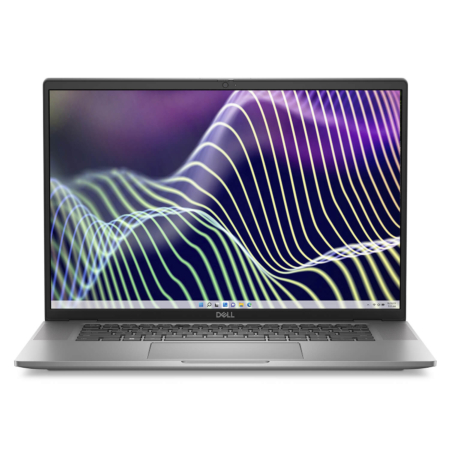
DELL Latitude 7640 (2023)
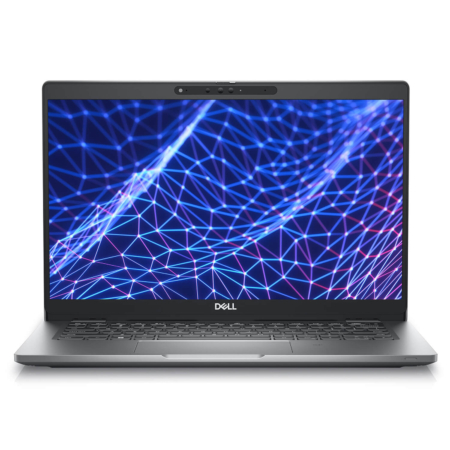
DELL Latitude 5330 (2 in 1) (2022)
DELL Latitude 7350 (2 in 1) (2024)
DELL Latitude 9450 (2 in 1) (2024)
 3 configurations




Minh Hoàng 25/07/2026
The machine runs very smoothly, the screen is beautiful, and the keyboard feels amazing to type on. The only downside is that the webcam is a bit blurry, but overall, it's great.
Anh Linh 28/10/2024Purchased at Hung Phat
The consultants are very professional.
NguyễN TrọNg NghĩA 21/06/2024Purchased at Hung Phat
I will buy again if the after-sales service is good; overall, it's OK.