

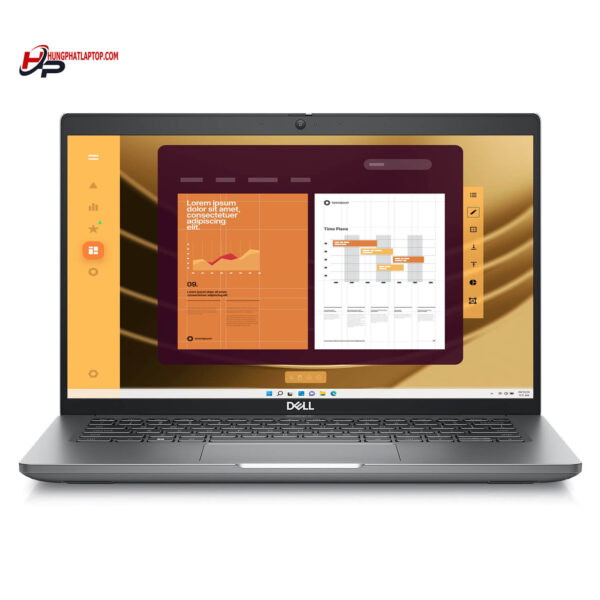
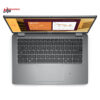
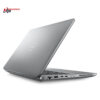
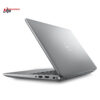
DELL Latitude 5450 (2024)
- CPU: Intel Core Ultra 5 135U vPro Up To 4.4GHz (12 Cores, 14 Threads, 12MB Cache)
- RAM: DDR5 16GB 5600MHz
- SSD: 256GB TLC PCIe Gen4 M.2 SSD
- VGA: Intel® Graphics
- DISPLAY: 14″ IPS FHD (1920*1080), Anti-Glare, Non-Touch, 45% NTSC, 250 nits
- CONDITION: Like New 99%
- WARRANTY: 12-month warranty
- Minimalist design built for business
- The display on the Dell Latitude 5450 (2024)
- Outstanding performance with Intel® Core™ Ultra CPUs
- Comprehensive security - safe for your data
- Keyboard and touchpad on the Dell Latitude 5450 (2024)
- Ports & connectivity on the Dell Latitude 5450
- Overview and review of the Dell Latitude 14 5450 (2024)
- FAQ - Frequently asked questions about the Dell Latitude 5450 (2024)
- Where to buy the Dell Latitude 5450 (2024) from a trusted seller at a good price?
The Dell Latitude 5450 (2024), part of the Dell Latitude UltraBook lineup, is highly regarded for its compact design, impressive performance, and enterprise-grade security. It features an Intel Core Ultra 14th-generation CPU and up to 64GB of LPDDR5X RAM, backed by a dependable cooling system and an ExpressCharge battery that keeps it running for hours on end. It is a smart choice for professionals, office workers, and business owners who want a device that balances ruggedness with everyday flexibility.
Minimalist design built for business
The design of the Dell Latitude 5450 (2024) strikes an excellent balance between portability and durability, making it especially well suited to office workers and professionals who are always on the move. At roughly 1.4kg and with compact dimensions of 321.35 x 212.00 x 19.06 mm, this Dell Latitude UltraBook slips easily into a backpack and is just as convenient to carry to work anywhere.
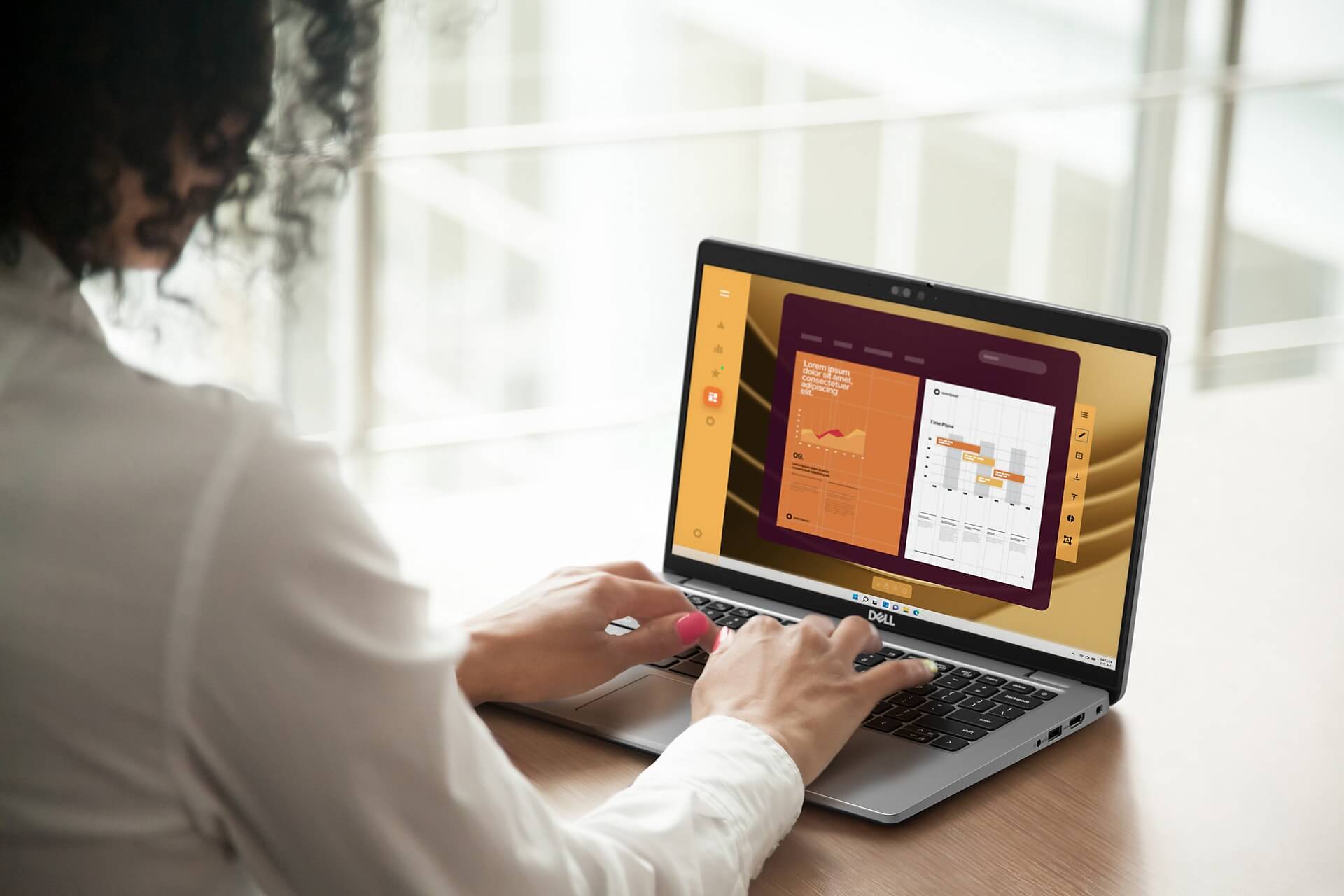
For materials, Dell chose eco-friendly recycled components while still meeting the MIL-STD-810H military standard for toughness. That means the laptop withstands impacts, extreme temperatures, and dust in real-world use. The combination of a minimalist design, durable materials, and a commitment to protecting the environment raises the overall value of the Dell Latitude 5450 (2024) in the eyes of professional users.
The chassis has a refined finish in a modern silver-gray or matte black that suits a wide range of personal styles and office environments. Gently rounded edges, a comfortable feel in the hand, and an upscale look make this laptop more than a work tool: it is a statement of personal style. Whether you are an executive, a developer, or a sales professional, the Dell Latitude 5450 (2024) always makes a polished, professional impression.
The display on the Dell Latitude 5450 (2024)
The display on the Dell Latitude 5450 (2024) delivers an impressive visual experience with a Full HD (1920 x 1080) resolution on a 14-inch screen, meeting everyday work and entertainment needs. With ComfortView Plus technology, the screen reduces harmful blue light to help protect your eyes during long sessions. A brightness of 300 nits and a wide 72% NTSC color gamut keep images clear and colors true to life, which is especially useful for professionals working in graphics and digital content.
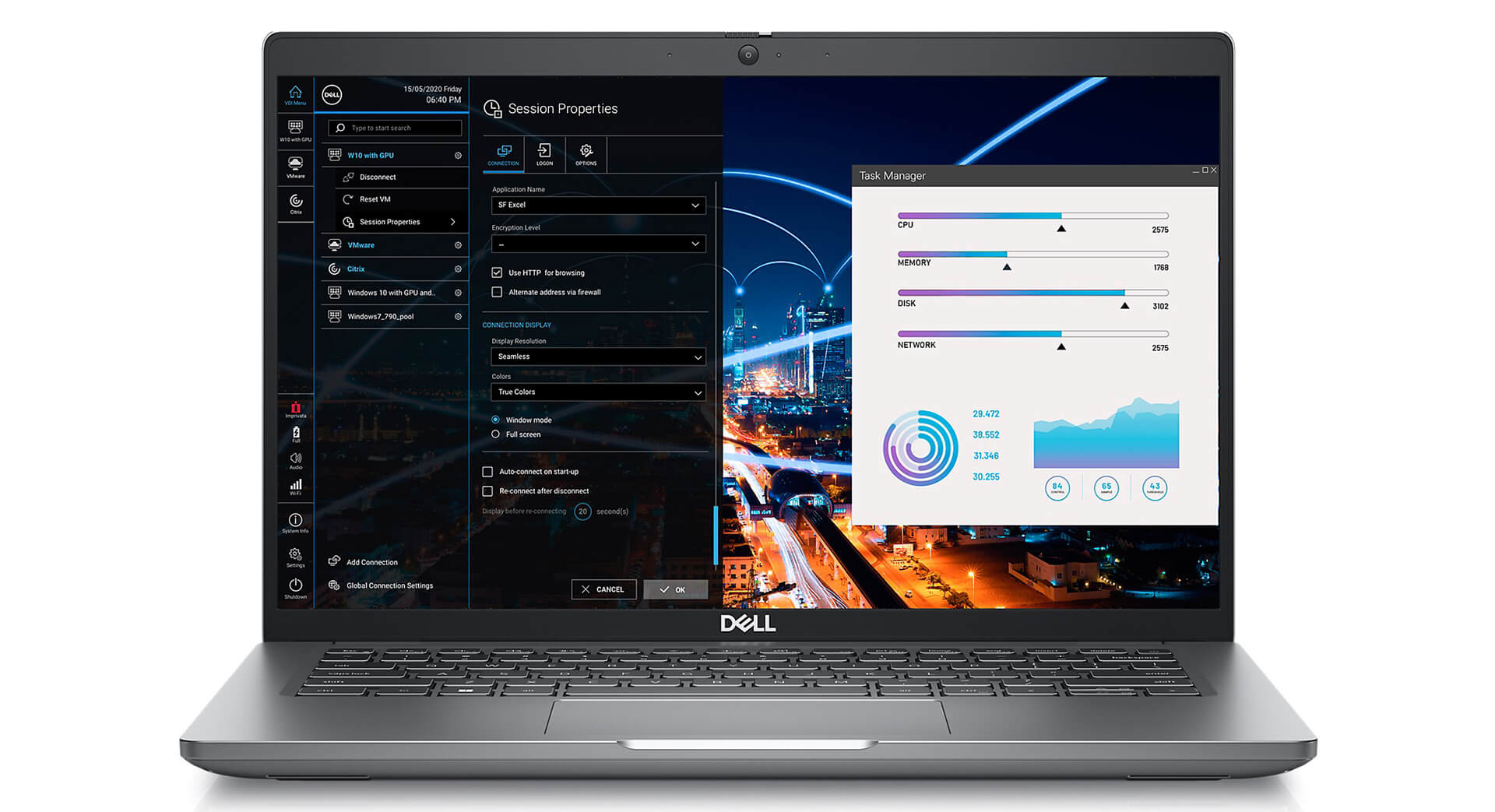
The optional touchscreen on the Dell Latitude 5450 (2024) adds flexibility to the way you interact with the laptop. You can tap, swipe, or drag to get things done quickly without an external mouse. This is very handy in presentations and online meetings, where you can work directly with content without stepping away from your audience.
Beyond work, the display on this Dell Latitude UltraBook also delivers quality entertainment, with rich detail when watching movies or playing light games. Although it is not a dedicated gaming laptop, the Dell Latitude 5450 (2024) still handles graphics tasks well thanks to Intel® Graphics, which suits anyone who wants versatility in a single device.
Outstanding performance with Intel® Core™ Ultra CPUs
The performance of the Dell Latitude 5450 (2024) is tuned to handle every modern workload, from everyday office tasks to in-depth data processing. With the latest Intel Core Ultra CPU options, including the Core Ultra 7-165U vPro, the laptop delivers strong processing power, high performance, and stability in multitasking work environments. Flexible configurations let you choose the solution that best fits how you actually use it.
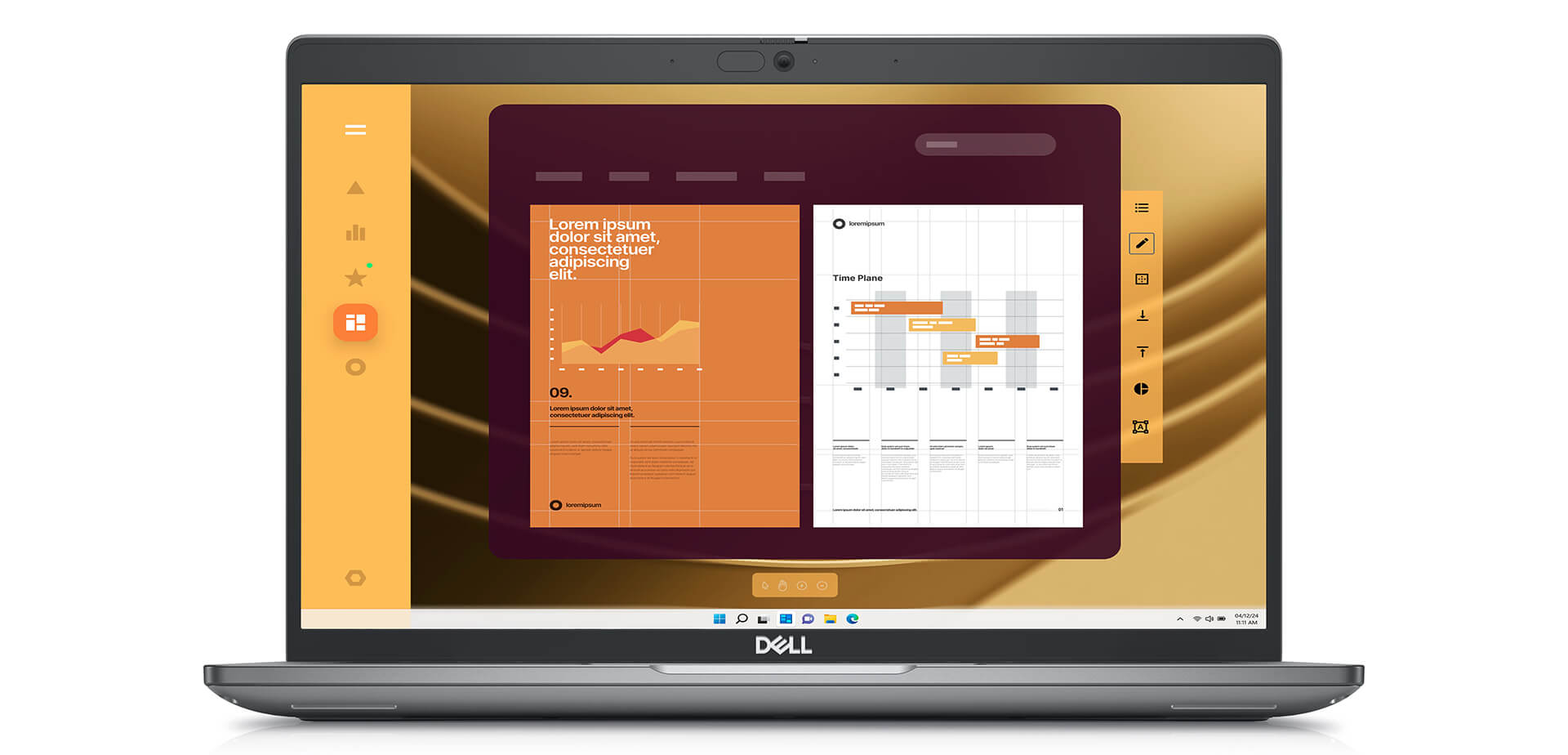
Paired with 16GB of DDR5 5600MHz RAM and a 256GB PCIe Gen4 SSD, the Latitude 5450 (2024) offers extremely fast data access and nearly instant response times. You can open multiple applications at once without lag, which improves your daily productivity. This configuration is especially well suited to people who regularly work with large documents, accounting software, word processing, or heavy spreadsheets.
For graphics, the laptop uses Intel Graphics, which is enough for basic needs such as photo editing, light video editing, or presenting multimedia content. Although it does not target the gaming segment, the Dell Latitude 5450 (2024) still delivers smooth, sharp visuals that improve visual clarity in office and creative tasks. It is an ideal choice for tech professionals, business staff, and creators who need a stable, high-performance, energy-efficient device.
Comprehensive security - safe for your data
In a modern technology environment, protecting data security is essential for individuals and businesses alike. The Dell Latitude 5450 (2024) is built with a full range of security solutions that protect users from risks ranging from unauthorized access to malware, and give you extra peace of mind when working remotely or on the go.
The laptop supports both a fingerprint sensor and facial recognition through Windows Hello, allowing fast sign-in while keeping your information private and secure. In addition, the onboard TPM 2.0 encrypts sensitive data, while Secure Boot controls the startup process and stops malware from getting in at the very first step. These layers of protection give both individual and business users confidence, especially as cybersecurity threats keep growing.
Beyond the hardware, remote management and control is another strength of the Latitude 5450. The system can be locked remotely if it is stolen, so your information does not leak. This feature is a strong fit for organizations with strict security policies, helping them control devices in flexible work environments. As a result, Dell continues to reinforce its position as a provider of secure, reliable Dell Latitude UltraBook laptops.
Keyboard and touchpad on the Dell Latitude 5450 (2024)
In practice, the typing and touchpad experience plays a major role in daily productivity. The Dell Latitude 5450 (2024) has a standard keyboard that feels solid under the fingers, with well-judged key travel that suits office users and anyone who works with text for long stretches. The built-in backlight makes it easy to work in low light, so you stay productive day and night.
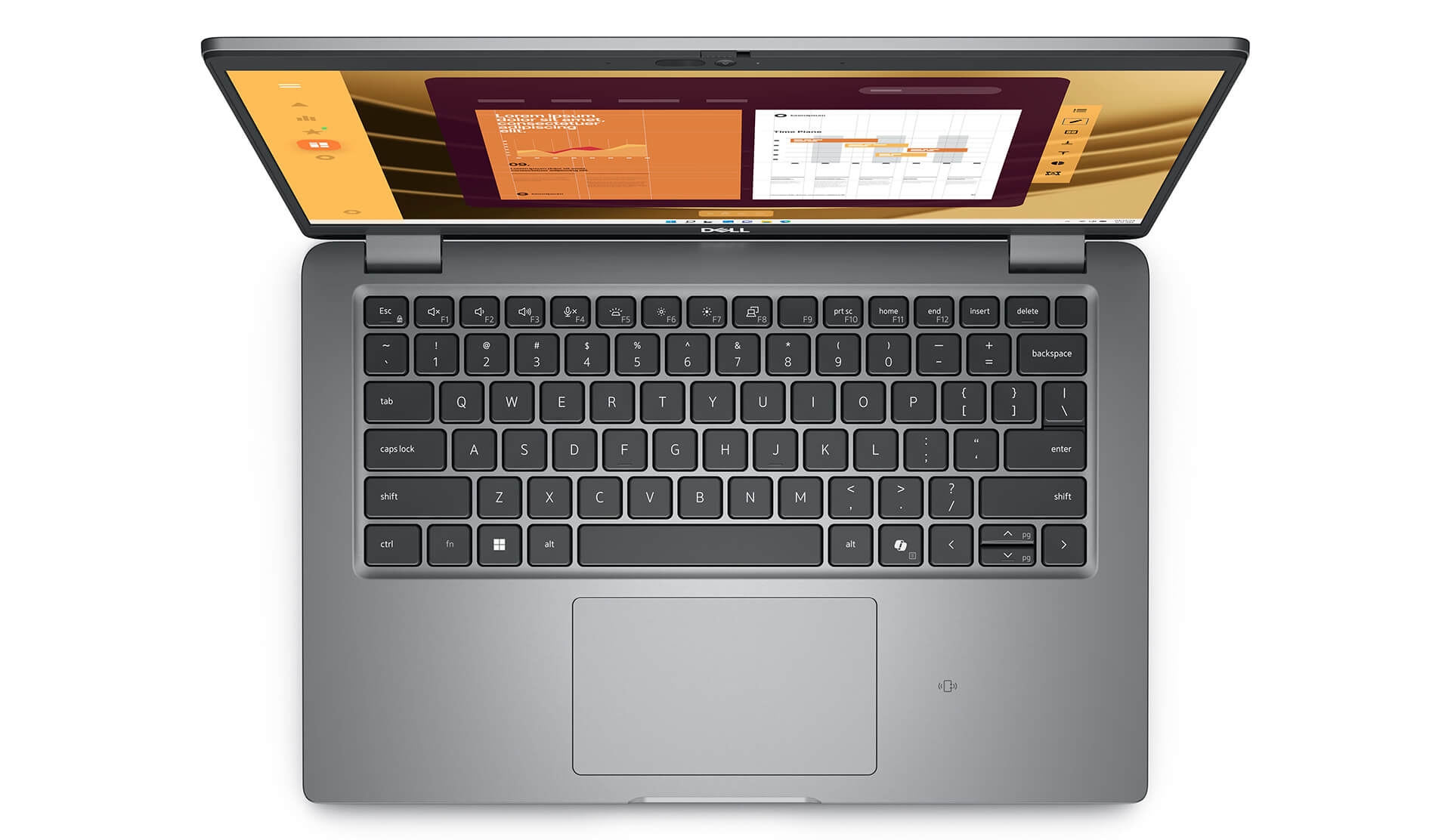
The touchpad on this Dell Latitude UltraBook also impresses with high sensitivity and flexible multi-touch support. Scrolling, zooming, and switching windows are all smooth, making navigation convenient without a separate mouse. As a result, the laptop not only meets mobility needs but also helps you work more efficiently in any situation.
Ports & connectivity on the Dell Latitude 5450
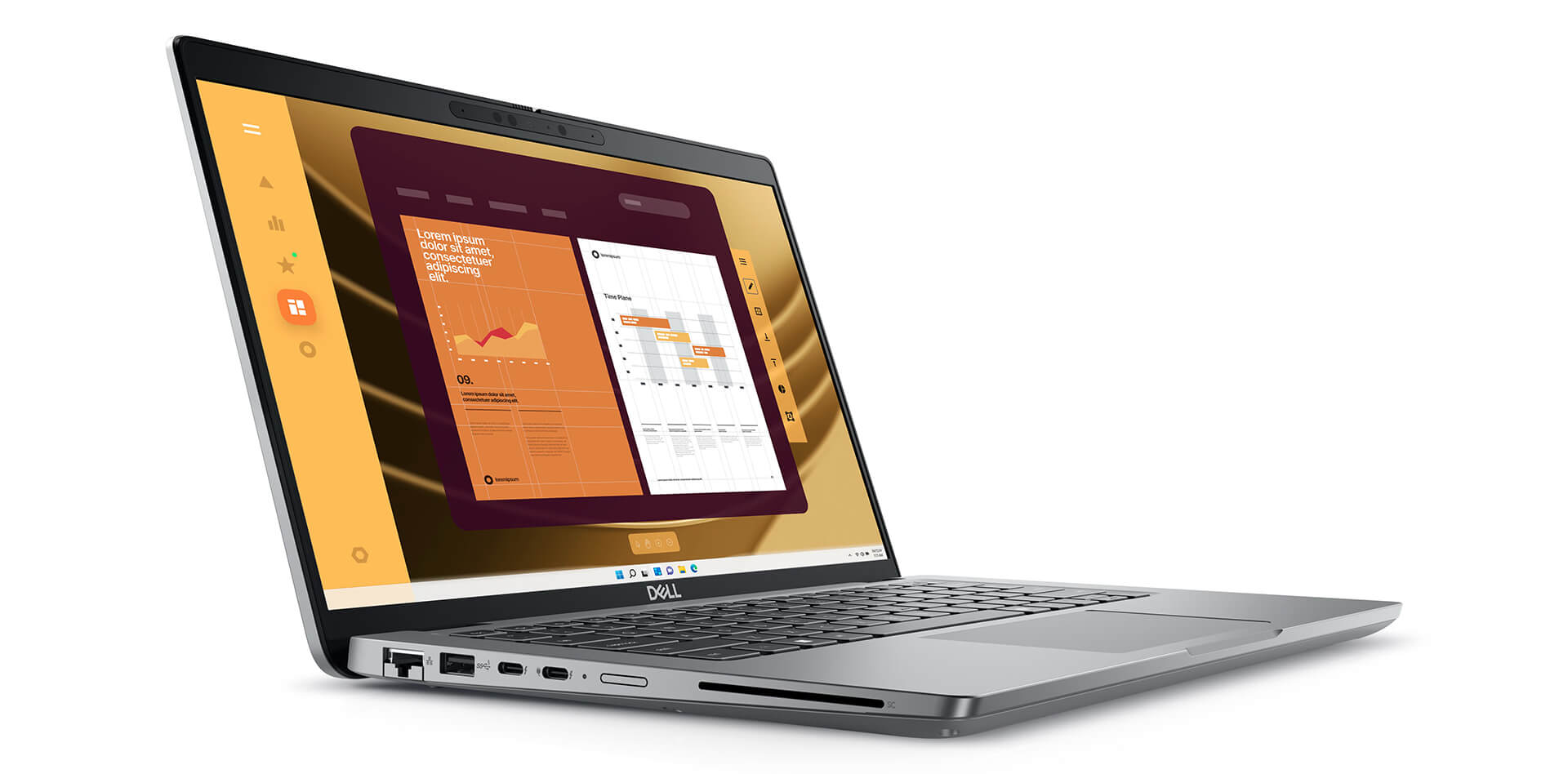
The ports and connectivity on the Dell Latitude 5450 (2024) are designed for maximum convenience in a professional work environment. With all the essential ports built in, the laptop connects easily to a wide range of peripherals and fully covers real-world needs.
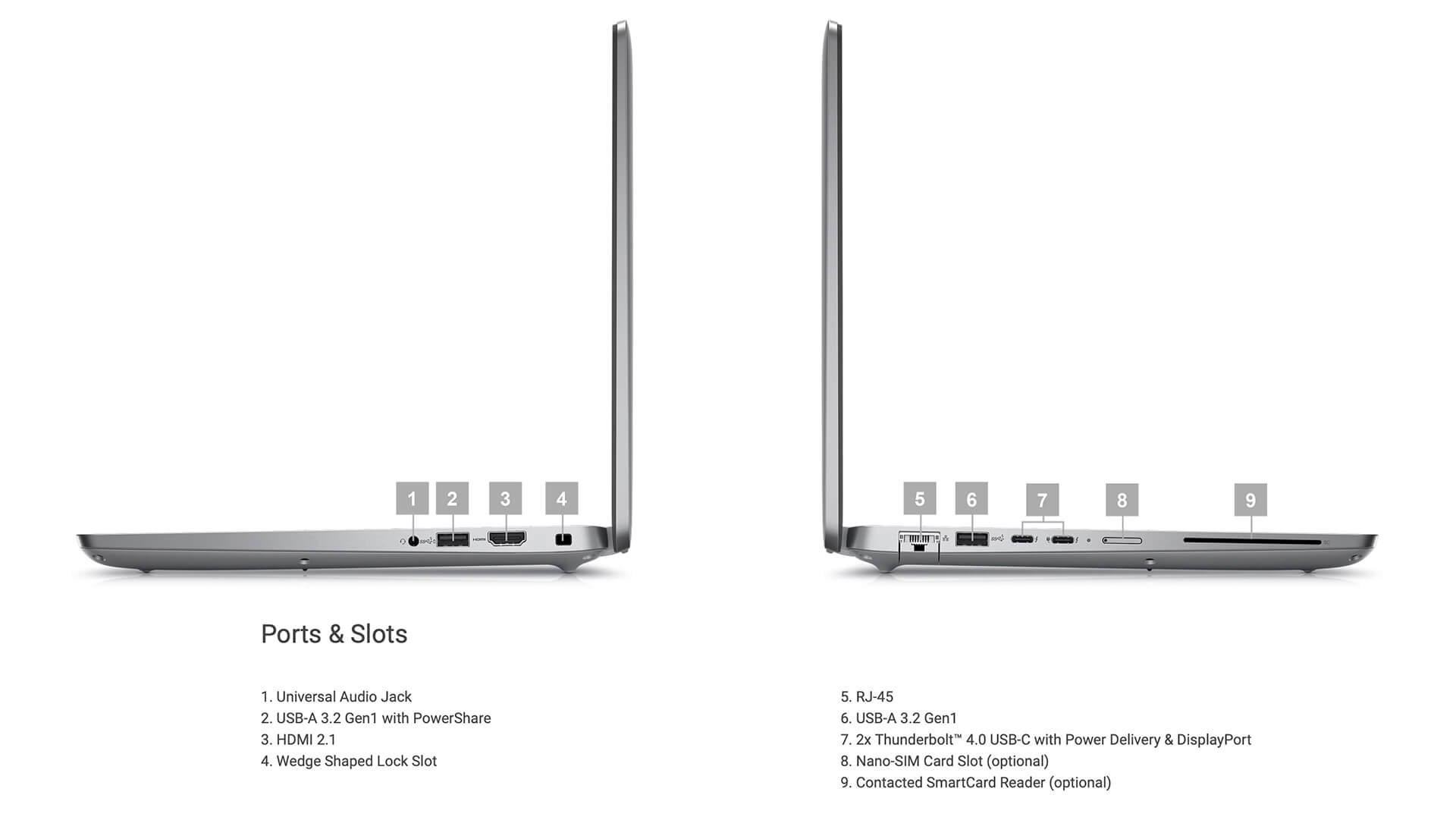
The two Thunderbolt™ 4 ports on this Dell Latitude UltraBook not only deliver extremely fast data transfer but can also power peripherals. Professionals who work across multiple devices or in a tidy workspace will especially appreciate this. The laptop also includes a USB 3.2 Gen 1 (PowerShare) port, a standard USB 3.2 Gen 1 port, and HDMI 2.1, so you can connect flexibly to everything from mice and keyboards to monitors and projectors.
Wireless connectivity on the Latitude 5450 (2024) is just as impressive, with support for Wi-Fi 6E and Bluetooth 5.3. Thanks to these two standards, the laptop delivers fast, stable network access and pairs well with other devices such as headphones, mice, or mobile devices. Together, the wired and wireless connections make this premium Dell Latitude UltraBook a flexible tool for modern users.
Overview and review of the Dell Latitude 14 5450 (2024)
The Dell Latitude 5450 (2024) is an ideal choice for office workers and business users, thanks to a well-balanced mix of a thin, light design, stable performance, and many modern security features. It handles everyday work tasks well and also delivers a smooth experience with its sharp display, comfortable keyboard, and flexible connectivity. From a professional standpoint, this Dell Latitude UltraBook is highly rated for both durability and practical usefulness in a professional work environment.
Although the price of the Dell Latitude 5450 (2024) may be higher than some mainstream laptops, for anyone who puts quality, reliability, and performance first, it is an entirely reasonable investment. Overall, this laptop is a capable work companion for anyone who needs a durable, flexible device with strong security in every situation.
| Pros | Cons |
|---|---|
|
|
FAQ - Frequently asked questions about the Dell Latitude 5450 (2024)
1. Is the Dell Latitude 5450 suitable for data-heavy and professional work environments?
The Latitude 5450 is built with a sturdy metal aluminum frame and meets the MIL‑STD 810H durability standard. It is compact and weighs about 1.42 kg, making it a good fit for people who travel often and need a durable machine made for the office.
2. Does the 14-inch FHD display meet work and presentation needs?
The Latitude 5450 has a 14″ FHD (1920×1080) anti-glare IPS display with a brightness of about 300 nits, offering wide viewing angles and sharp visuals that suit working with documents, presentations, and online meetings.
3. Can it handle complex data workloads well?
With an Intel Core Ultra CPU (12 cores), up to 64GB of DDR5 RAM, and a PCIe Gen 4 SSD, the Latitude 5450 easily handles large Excel files, runs Power BI, manages data, and keeps many browser tabs open without lag.
4. Does the Latitude 5450 work well for programming and software development?
A multi-core CPU, a high-speed SSD, and DDR5 RAM let the Latitude 5450 run IDEs such as VS Code and IntelliJ smoothly, and handle compiling, debugging, and running Docker containers efficiently throughout a long workday.
5. Can it be used for 2D image design or simple UI work?
The integrated Intel GPU combined with a color-accurate display is enough to run basic 2D design software such as Photoshop, Figma, or Illustrator for marketing needs or light UI design.
6. What is the real-world battery life of the Dell Latitude 5450?
According to LaptopMedia, the Latitude 5450 with its 54 Wh battery can run for about **9 hours of continuous FHD video playback**, enough for a full workday without charging.
Source: LaptopMedia
7. Does it hold its performance when multitasking?
The optimized single-fan cooling system helps the Latitude 5450 maintain stable temperatures. The laptop stays quiet and does not lose performance when running many applications or compiling code continuously. [oai_citation:0‡laptopmedia.com](https://laptopmedia.com/review/dell-latitude-5450-review-small-but-fast/?utm_source=chatgpt.com) [oai_citation:1‡amazon.com](https://www.amazon.com/Dell-Latitude-5450-Laptop-1920x1080/dp/B0D6B2YVHY?utm_source=chatgpt.com)
8. Does the Latitude 5450 support installing Linux for developers?
The Latitude 5450 works well with popular distributions such as Ubuntu and Fedora, although users may need to add touchpad or Wi‑Fi drivers for a complete experience.
Source: Dell Support
9. What is Hung Phat Laptop's warranty policy for the Latitude 5450?
Hung Phat Laptop provides a 12-month warranty on new machines, with a replacement with a new unit within the first 30 days if a hardware fault occurs. For like-new or used machines (2024 models and earlier), the warranty is 6 months, and replacement within the first 30 days is still supported. Customers get free cleaning, lifetime software installation, and nationwide delivery.
Where to buy the Dell Latitude 5450 (2024) from a trusted seller at a good price?
The Dell Latitude 5450 (2024) is an ideal choice for anyone who needs a premium business laptop that combines a minimalist design, strong performance, and outstanding durability. Not only is it a good fit for people who travel often, but this series is also highly rated for running smoothly in professional work environments, from modern offices to nonstop business trips.
If you are looking for a place to buy a genuine Dell Latitude 5450 (2024), Hung Phat Laptop is a trustworthy address. With experience distributing officially imported Dell Latitude laptops, Hung Phat commits to products with transparent origins, full invoices, and a clear warranty policy. Customers can also take advantage of many attractive offers, for peace of mind and lasting value from this premium piece of technology.
Performance & benchmarks DELL Latitude 5450 (2024)
Intel Core Ultra 5 135U Intel Graphics 4-Core iGPU (Meteor / Arrow Lake) - best for Office 8.5/10, Programming 6/10.
Intel Core Ultra 5 135U
- Cinebench R23 (multi-core)9,315
- Geekbench 6 (multi-core)9,514
- Geekbench 6 (single-core)2,176
- Cores / Threads12/14
Intel Graphics 4-Core iGPU (Meteor / Arrow Lake) iGPU
- 3DMark Time Spy1,902
- 3DMark Fire Strike4,973
- AI INT88 TOPS
- ArchitectureXe LPG
Best for
Scored from real benchmarks- Gaming2/10
- Video / Graphics3/10
- Programming6/10
- Office8.5/10
Why does the CPU matter?
The CPU is the "brain" that handles every task: launching apps, multitasking, compiling code and editing video. The stronger the CPU, the faster and smoother the laptop runs when you juggle many things at once.
- BasicThis product
Web browsing, streaming and light office work.
- MainstreamThis product
Office work, moderate multitasking and studying.
- Mid-rangeThis product
Solid multitasking, programming and light graphics work.
- StrongThis product
Video editing, heavy programming, virtualization and gaming.
- FlagshipThis product
Heavy rendering, 4K/8K editing, virtual machines and AI workloads.
Why does the GPU matter?
The GPU (graphics card) handles visuals: gaming, video editing, 3D rendering and AI acceleration. The stronger the GPU, the higher your frame rates and the faster your video exports.
- Basic (iGPU)This product
Smooth display, 4K video and very light games (League of Legends, Valorant on low).
- MainstreamThis product
1080p eSports gaming, photo editing and light video editing.
- Mid-rangeThis product
1080p gaming on medium-high settings and smooth Full HD video editing.
- StrongThis product
1080p/1440p gaming on high settings, 4K video editing and 3D rendering.
- FlagshipThis product
4K/240Hz gaming, ray tracing, heavy rendering and AI.
Game performance
Real FPS - FHD- Dota 253 fps1080p Ultra
- CS248 fps1080p Medium
- GTA V101 fps1080p Medium
- CoD: Black Ops 615 fps1080p Low
- God of War Ragnarök21 fps1080p Low
- Final Fantasy XVI8 fps1080p Low
- Cyberpunk 207719 fps1080p Low
≥60fps very smooth30-60fps playable<30fps lower the settings
No comments yet
Q&A about DELL Latitude 5450 (2024)
Frequently asked questions about DELL Latitude 5450 (2024)
What are the specifications of DELL Latitude 5450 (2024)?
What is the warranty for DELL Latitude 5450 (2024)?
Can I buy DELL Latitude 5450 (2024) with home delivery?
Worth a Look
DELL Latitude 7640 (2023)
DELL Latitude 5330 (2 in 1) (2022)
DELL Latitude 7350 (2 in 1) (2024)
DELL Latitude 9450 (2 in 1) (2024)
 3 configurations





Thủy Tiên 10/01/2025Purchased at Hung Phat
Great prices, quality products
Anh Hạ 27/03/2024Purchased at Hung Phat
Works great, no issues at all.