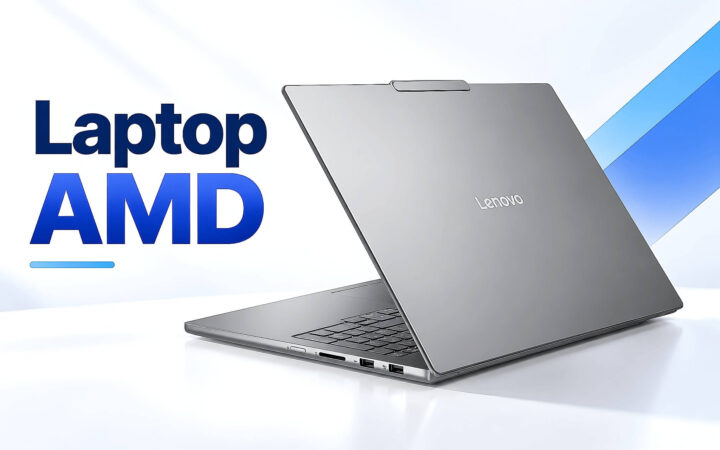
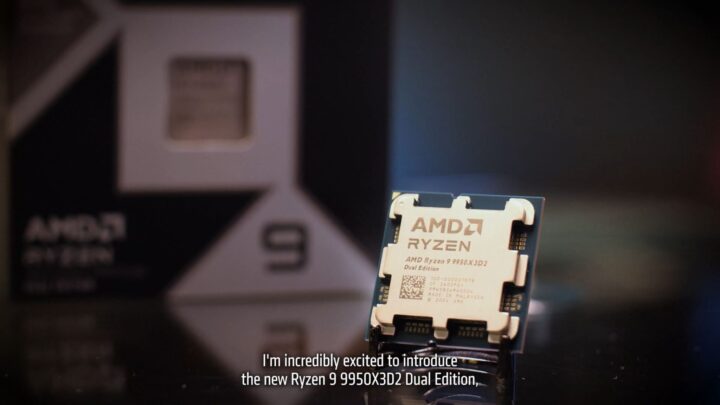
Laptops Choosing an AMD Laptop: A Guide to Ryzen Processors Before You Buy When shopping for a laptop, the processor is the heart of the machine. For many users, the AMD Ryzen lineup offers a compelling alternative to Intel, often providing superior multi-core performance and integrated graphics efficiency. However, navigating the complex web of model numbers and suffixes can be daunting. To ensure you get the right machine for your specific needs, it is essential to understand how to read AMD Ryzen chip nomenclature before you make your purchase. ### Understanding the Ryzen Naming Convention AMD uses a standardized naming system that tells you exactly where a processor sits in the performance hierarchy. A typical Ryzen processor name consists of several key components: **1. The Brand (Ryzen)** This identifies the processor family. **2. The Generation (e.g., 5, 6, 7, or 8)** The first digit following "Ryzen" indicates the generation. Generally, a higher number represents a newer architecture with improved efficiency and features. For example, a Ryzen 7 7000 series chip is more recent than a Ryzen 7 5000 series chip. **3. The Segment (e.g., 3, 5, 7, or 9)** The second digit tells you the performance tier: * **Ryzen 3:** Entry-level, ideal for basic tasks like web browsing, streaming, and office work. * **Ryzen 5:** Mid-range, the "sweet spot" for students and general productivity. * **Ryzen 7:** High-performance, designed for heavy multitasking, photo editing, and gaming. * **Ryzen 9:** Enthusiast-grade, built for professional video editing, 3D rendering, and extreme gaming. **4. The Model Number (The remaining digits)** The final digits differentiate specific models within the same tier and generation. ### Decoding the Suffixes: The Most Important Part While the numbers tell you the tier, the letter at the end of the model name is perhaps the most critical piece of information for laptop buyers. This suffix indicates the processor's power consumption and intended use case. **U-Series (Ultra-Low Power)** Designed for thin-and-light ultrabooks. These chips prioritize battery life and portability over raw power. They are perfect for students or office professionals who need a machine that lasts all day during commutes and meetings. **HS/PS Series (High Performance / Slim)** These are high-performance chips optimized for thinner, more powerful laptops. They offer a balance between high-speed processing and thermal management, making them ideal for creative professionals and casual gamers who want a portable yet capable machine. **H/HX Series (High Performance / Extreme Performance)** These are the heavy hitters. Found in thick, powerful gaming laptops and mobile workstations, these chips prioritize maximum performance above all else. They consume more power and generate more heat, but they provide the muscle needed for intensive AAA gaming and professional-grade rendering. ### Matching the Chip to Your Needs To make an informed decision, you must align the processor's capabilities with your daily workflow: * **For Basic Productivity (Browsing, Word, Excel, Netflix):** A **Ryzen 3 or Ryzen 5 (U-series)** is more than sufficient. You will benefit most from a long-lasting battery and a lightweight design. * **For Multitasking and Content Creation (Large spreadsheets, Photoshop, light video editing):** Look for a **Ryzen 5 or Ryzen 7 (HS or U-series)**. This provides the extra cores needed to handle multiple demanding applications simultaneously without sacrificing too much portability. * **For Gaming and Professional Workloads (AAA Gaming, 4K Video Editing, 3D Modeling):** You should prioritize a **Ryzen 7 or Ryzen 9 (H or HX-series)**. These processors are designed to handle sustained, high-intensity workloads that would throttle a lower-power chip. By understanding these naming conventions, you can move past the marketing hype and select a laptop that matches your actual requirements, ensuring you don't overpay for power you won't use-or underpower yourself on a task that requires it. 26/09/2026 · 11 min read
Desktop PCs AMD has adjusted how Windows and Linux recognize Ryzen boost clocks. 11/05/2026 · 4 min read
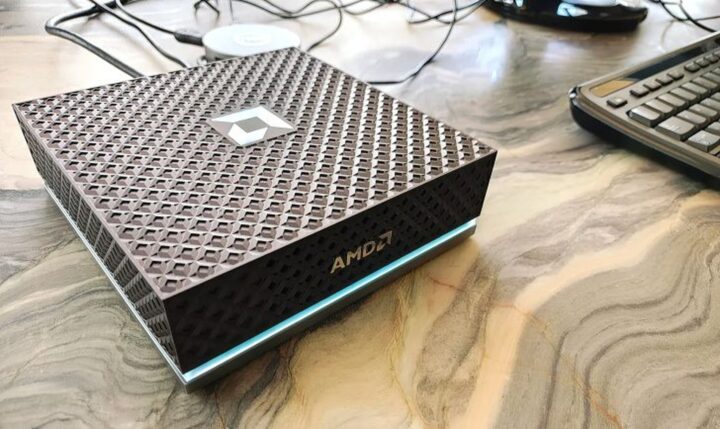
Desktop PCs Mini PC Ryzen AI MAX 395 aims to challenge NVIDIA DGX Spark, set to launch in June 04/05/2026 · 4 min read
Desktop PCs AMD Ryzen 9 9950X3D2 Dual Edition launches with 208 MB Zen 5 cache 27/03/2026 · 4 min read