

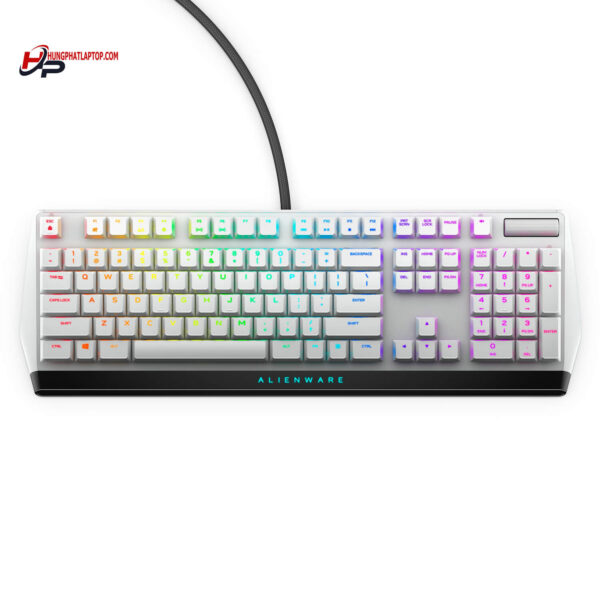
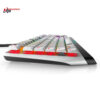
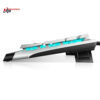
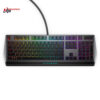
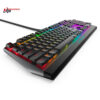
Alienware AW510K Low Profile RGB Mechanical Gaming Keyboard
- CONNECTIVITY: USB
- SWITCH: CHERRY MX Low Profile Red
- LED LIGHT: RGB / 16.8 triệu màu
- COLOR: Lunar Light
- CONDITION: New 100% Full Box
- WARRANTY: 6-month warranty
- Standout Features of the Alienware AW510K Keyboard
- 1. Bold, Modern Design
- 2. Excellent Typing Feel
- 3. Versatile RGB Lighting System
- 4. Flexible Macro Functionality
- 5. Easy Connectivity
- 6. Large, Crisp Lettering
- Alienware AW510K Specifications
- How to Use the Alienware AW510K
- 1. Connect the Keyboard
- 2. Install the Alienware Command Center Software
- 3. Set Up Personal Shortcuts
- 4. Maintenance and Cleaning
- Alienware AW510K Wrap-Up
A gaming keyboard is one of the most important pieces of gear for any gamer. The Alienware AW510K keyboard in particular does more than meet your gaming needs: it also delivers a distinctive, interactive experience. In this article, we take a closer look at the standout features of the AW510K and show you how to get the most out of it.
Standout Features of the Alienware AW510K Keyboard
1. Bold, Modern Design
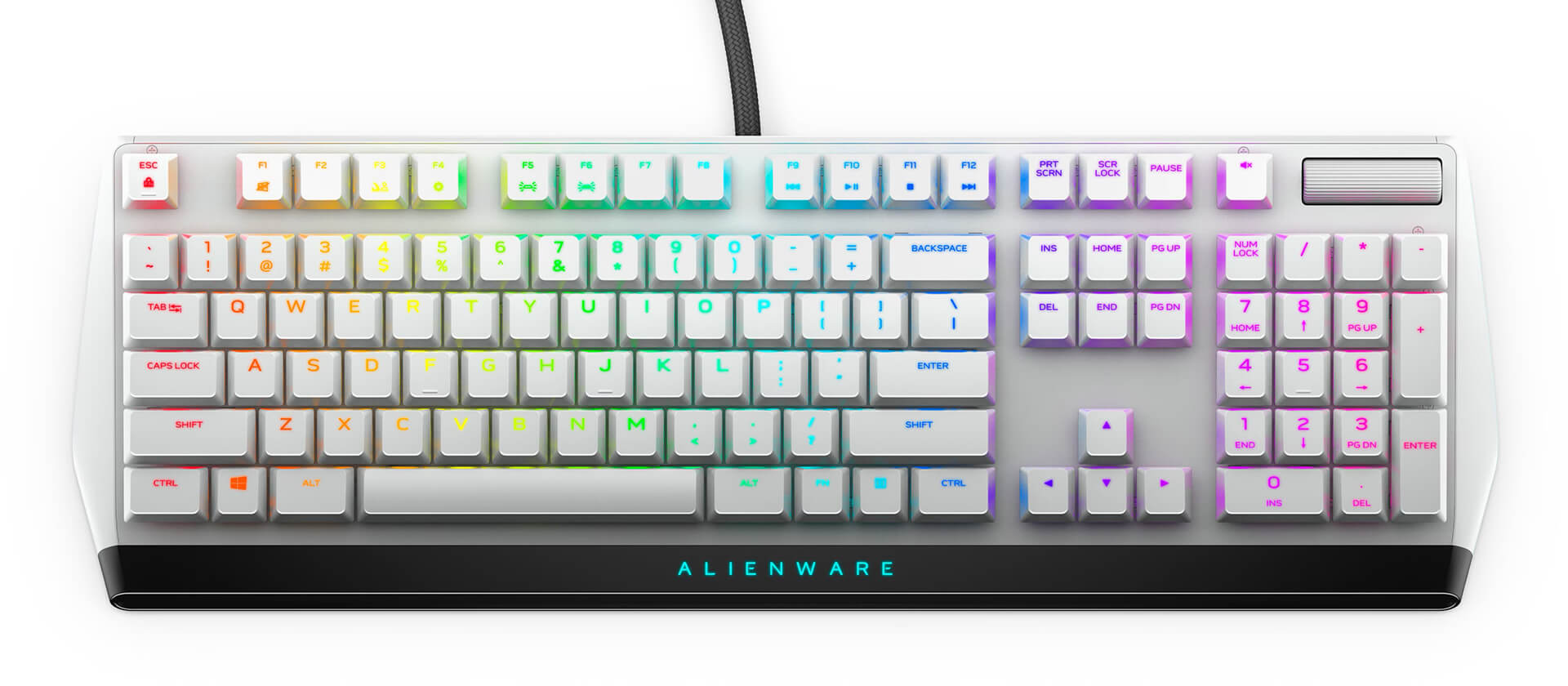
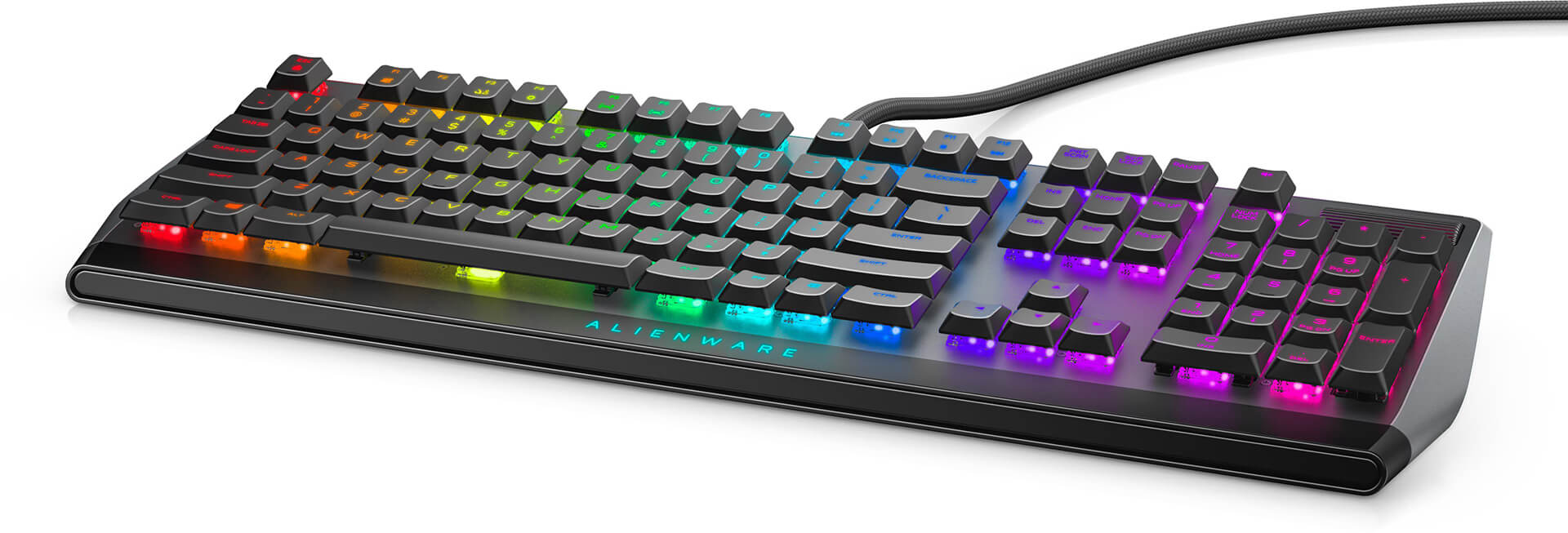
The Alienware AW510K has a strikingly bold look, with a minimalist color scheme that is refined all the same. The outer shell is made of premium plastic with a smooth touch-sensitive surface, and customizable RGB LEDs let you personalize your gaming space however you like.
2. Excellent Typing Feel
The AW510K uses custom switch technology that delivers fast response and high accuracy. With its short key travel, you can type comfortably for hours on end without fatigue. That is especially useful if you spend long stretches gaming or working in an office.
3. Versatile RGB Lighting System
One of the biggest strengths of the Alienware AW510K is its fully customizable RGB LED lighting system. You can change the colors, patterns, and lighting effects to suit your personal taste. You can create a colorful gaming space that matches each game or your mood.
4. Flexible Macro Functionality
The AW510K supports macro recording, so you can program shortcut keys to perform complex in-game actions quickly. With just a few clicks, you can configure the keyboard in ways you never could before, boosting your speed and accuracy in game.
5. Easy Connectivity
The Alienware AW510K connects over USB with a highly stable connection. You don't have to worry about lag or interruptions while you play. Fast, easy connectivity means you can jump right in with no hurdles.
6. Large, Crisp Lettering
The letters on the keyboard are large and crisp, making the keys easy to read even in low light. That is a real convenience for hardcore gamers.
Alienware AW510K Specifications
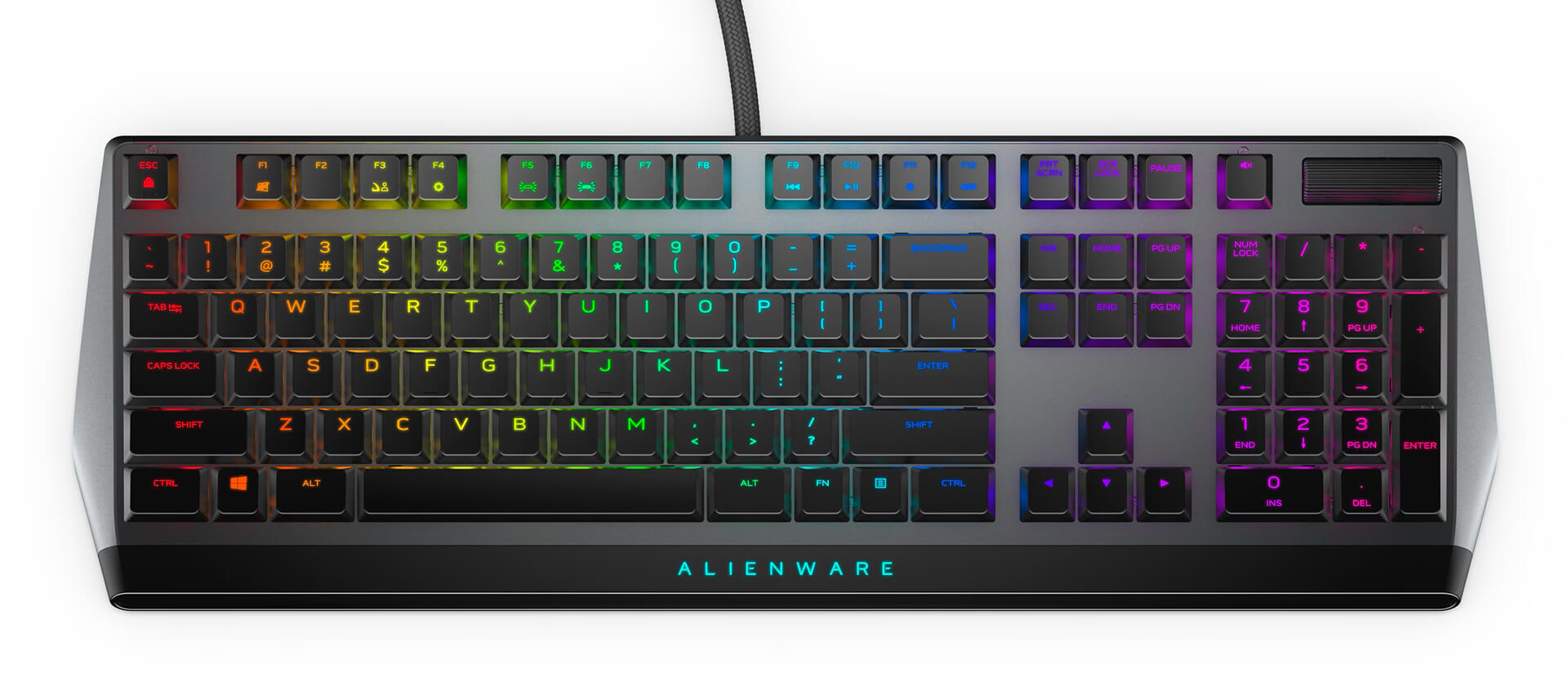
| OVERVIEW | Keyboard LED: RGB / 16.8 million colors Gaming: Suitable Interface: USB Color: Lunar light / Dark side of the moon |
| KEYBOARD FEATURES | Hot Keys: Mute, play/pause, stop, backward, volume -, volume +, skip backward, skip forward Keycap Layout: US English Keyboard Technology: Mechanical Keyboard Switch Type: CHERRY MX Low Profile Red Adjustable Height: Yes Key Layout: Full Size (with numeric keypad) Dimensions (L x W x H): 18.4 * 6.1 * 1.2 (in) Weight: 32.1 oz (9.1 kg) |
| KEY HIGHLIGHTS |
|
| CABLE INFORMATION | Cable Type: Braided Cable Length: 6.6 ft (~ 2m) |
| SOFTWARE / OS | Included Software: Alienware Command Center Operating System Requirement: Windows 10+ |
How to Use the Alienware AW510K
1. Connect the Keyboard
To connect the Alienware AW510K, plug the USB cable into your computer. The system will automatically detect the device and install the necessary drivers. No further adjustments are needed.
2. Install the Alienware Command Center Software
To take full advantage of the AW510K's features, download and install the Alienware Command Center software from the official website. This is where you can customize the RGB LEDs, record macros, and control every keyboard-related setting.
- Customize the LEDs: Open the software and go to the lighting section. There you can choose your preferred colors, styles, and lighting effects.
- Record macros: Go to the macro recording menu and follow the instructions to program the keys you want.
3. Set Up Personal Shortcuts
With macro recording and shortcut keys, you can optimize the keyboard for each different game. Just open the Alienware Command Center software, select the game you want to configure, and then program the keys the way that feels most convenient to you.
4. Maintenance and Cleaning
To keep the Alienware AW510K performing its best, clean the keyboard regularly. Use a soft cloth and a mild cleaning solution to wipe down the keycap surfaces. Avoid harsh chemicals, which can damage the surface and the internal components of the keyboard.
Alienware AW510K Wrap-Up
The Alienware AW510K keyboard is a great choice not only for gamers but also for anyone looking for an efficient input device. With its refined design, outstanding typing feel, and an appealing range of customization features, the AW510K holds its own in the gaming market. We hope this article has given you a deeper understanding of the product, along with a useful guide so you can have a great experience with the Alienware AW510K.
No comments yet
Q&A about Alienware AW510K Low Profile RGB Mechanical Gaming Keyboard
Frequently asked questions about Alienware AW510K Low Profile RGB Mechanical Gaming Keyboard
What is the warranty for Alienware AW510K Low Profile RGB Mechanical Gaming Keyboard?
Can I buy Alienware AW510K Low Profile RGB Mechanical Gaming Keyboard with home delivery?
Worth a Look
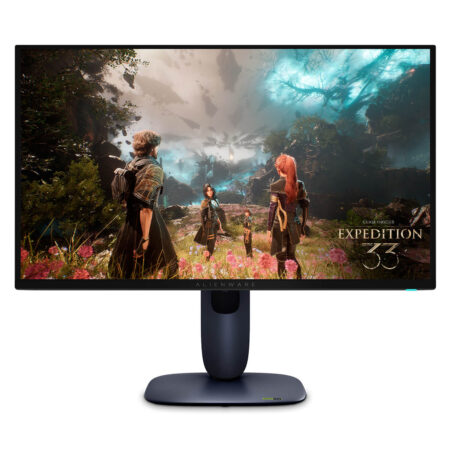
Alienware AW2725Q QD-OLED (27 inch / UHD / QD-OLED / 240Hz)
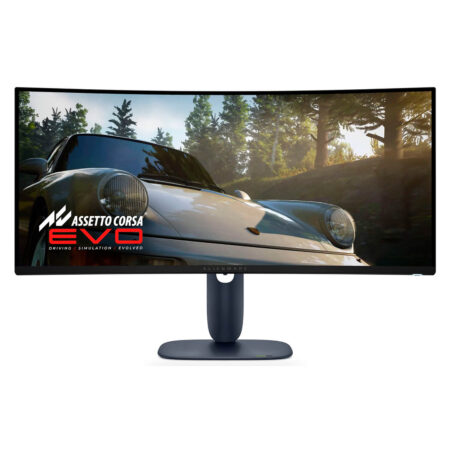
Alienware AW3425DW QD-OLED (34 inch / WQHD / QD-OLED / 240Hz / Curved)
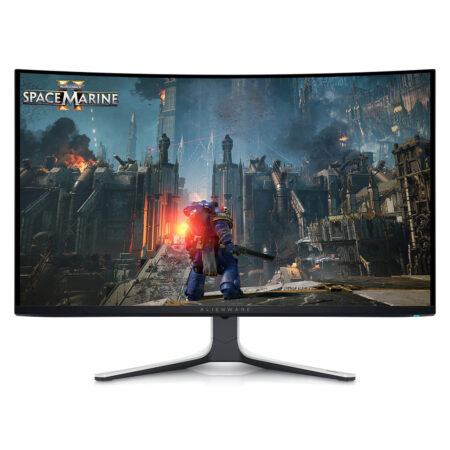
Alienware AW3225QF QD-OLED (32 inch / UHD / QD-OLED / 240Hz / Curved)
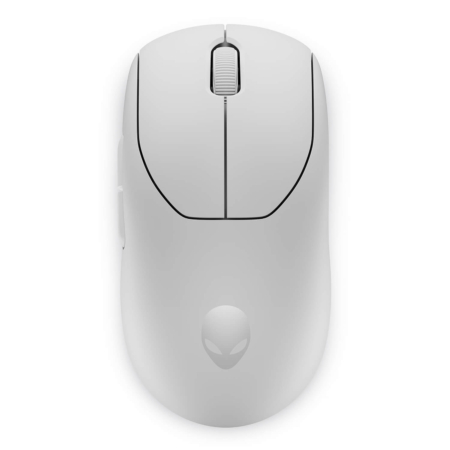 2 configurations
Alienware Pro Wireless Gaming Mouse
 2 configurations





Nguyễn Phú An 07/06/2024Purchased at Hung Phat
Good
Phạm Trần Bảo Anh 26/02/2024Purchased at Hung Phat
For Alienware laptops and accessories, look no further than Hung Phat!
Ngô Minh Tâm 02/03/2023Purchased at Hung Phat
Great, good price, and it's exactly the black color I wanted.
Anh Thành 21/02/2023Purchased at Hung Phat
I love the way the owner provides advice.