

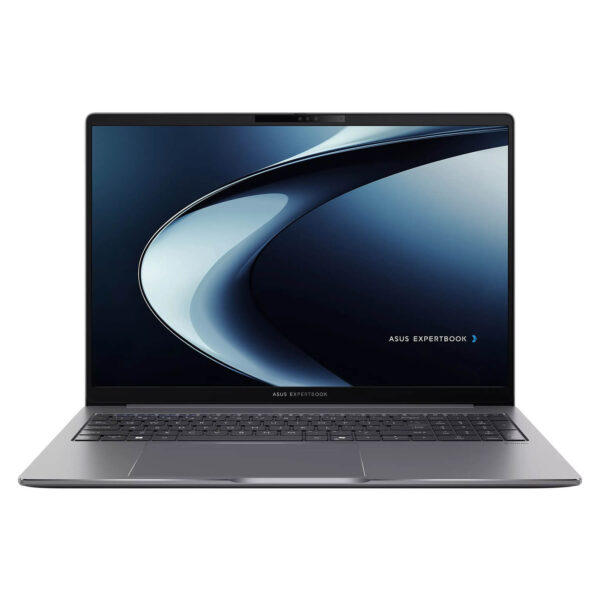
Asus ExpertBook P3 - P3605 16-inch (2024)
- CPU: Intel Core i5 13420H Up To 4.6GHz (8 Cores, 12 Threads, 12MB Cache)
- RAM: DDR5 16GB 4800MHz
- SSD: 512GB PCIe Gen4 M.2 SSD
- VGA: Intel® UHD Graphics
- DISPLAY: 16" WQXGA (2560*1600) IPS, 144Hz, Anti-glare, LED Backlit, 100% sRGB, 400nits
- CONDITION: New 100% Full Box
- WARRANTY: Bảo hành Chính hãng 24 tháng
- Modern Design with Military-Grade Durability
- Powerful Business Performance with 13th Gen Intel Core
- Sharp, Wide-Angle Display with Eye Protection
- Keyboard & Touchpad on the Asus ExpertBook P3 - P3605 (2024)
- Comprehensive and Diverse Connectivity
- Enterprise-Grade Security - Data Protection
- Thermal Management & Battery Life on the Asus ExpertBook P3 - 16 inch
- Summary and Quick Review: Asus ExpertBook P3 - P3605 (2024)
- Where to buy the Asus ExpertBook P3 - P3605 (2024) at a reliable store with the best price?
Asus ExpertBook P3 16 inch is one of the most notable business laptops of 2024, offering the perfect blend of performance, mobility, and security. Featuring a modern design, powerful processing capabilities, and features optimized for productivity, the Asus ExpertBook P3 16 inch promises to be an indispensable companion for businesses, freelancers, and remote workers alike. Equipped with the latest technologies, this laptop elevates the user experience, from professional workflows to casual entertainment.
Modern Design with Military-Grade Durability
The Asus ExpertBook P3 16 inch stands out with a sleek, sophisticated aesthetic that doesn't compromise on ruggedness. Its premium alloy chassis is built to withstand impacts and scratches, meeting MIL-STD 810H military standards-a hallmark of the ExpertBook business lineup. Its slim and lightweight profile makes it an ideal choice for professionals on the move, weighing in at just 1.74kg to minimize the burden during long commutes.
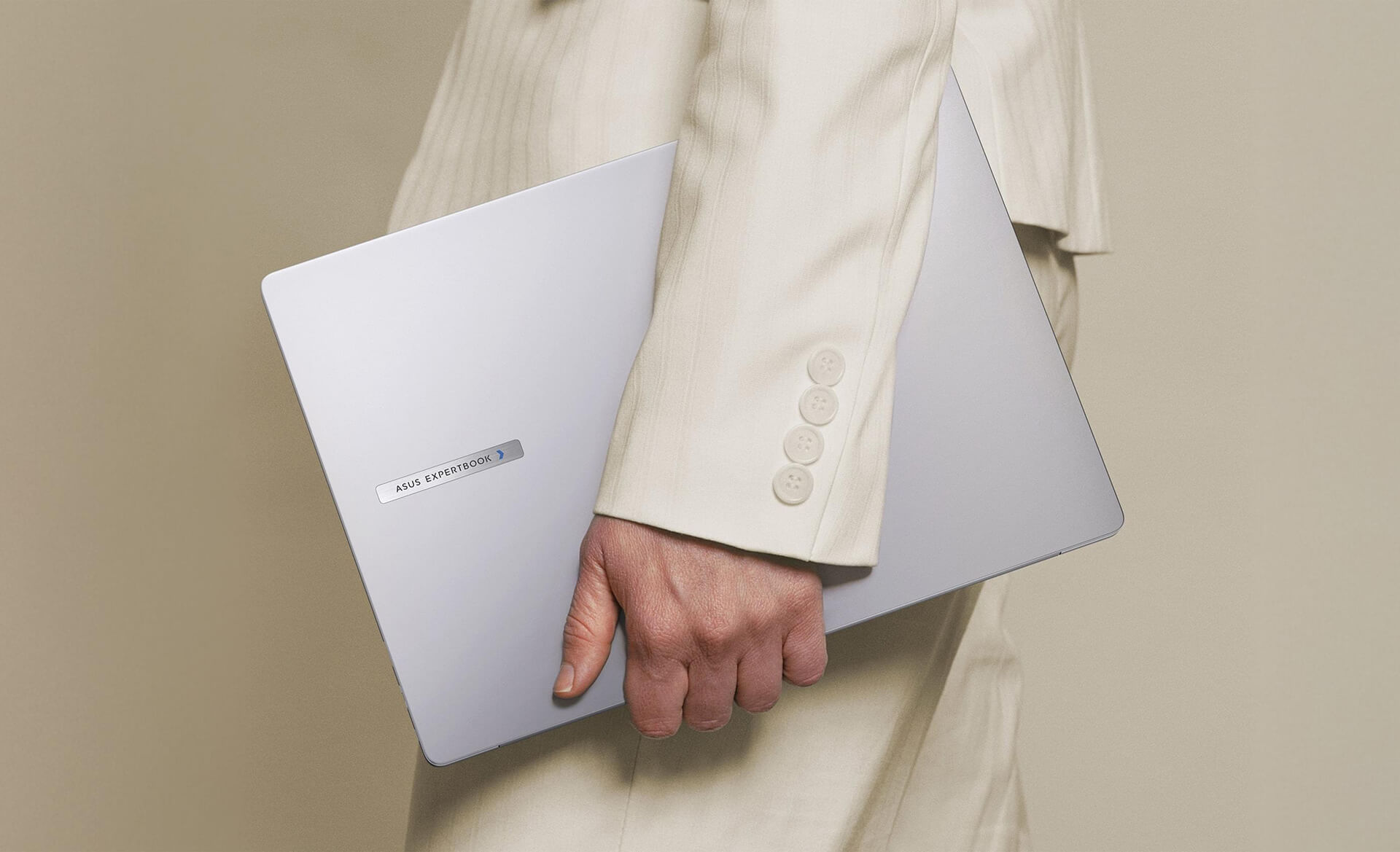
Additionally, the specialized surface finish resists fingerprints and provides a secure grip while enhancing scratch resistance against environmental wear. This design reflects Asus's strategy of catering to business professionals and individuals who value minimalism without sacrificing elegance or functional detail.
Powerful Business Performance with 13th Gen Intel Core
Beyond its looks, the Asus ExpertBook P3 16 inch delivers exceptional power powered by the latest 13th Gen Intel® Core™ processors. Equipped with up to 64 GB of DDR5 RAM and dual SSD options reaching up to 3 TB, this machine handles heavy multitasking, high-performance software, and continuous workloads without lag.
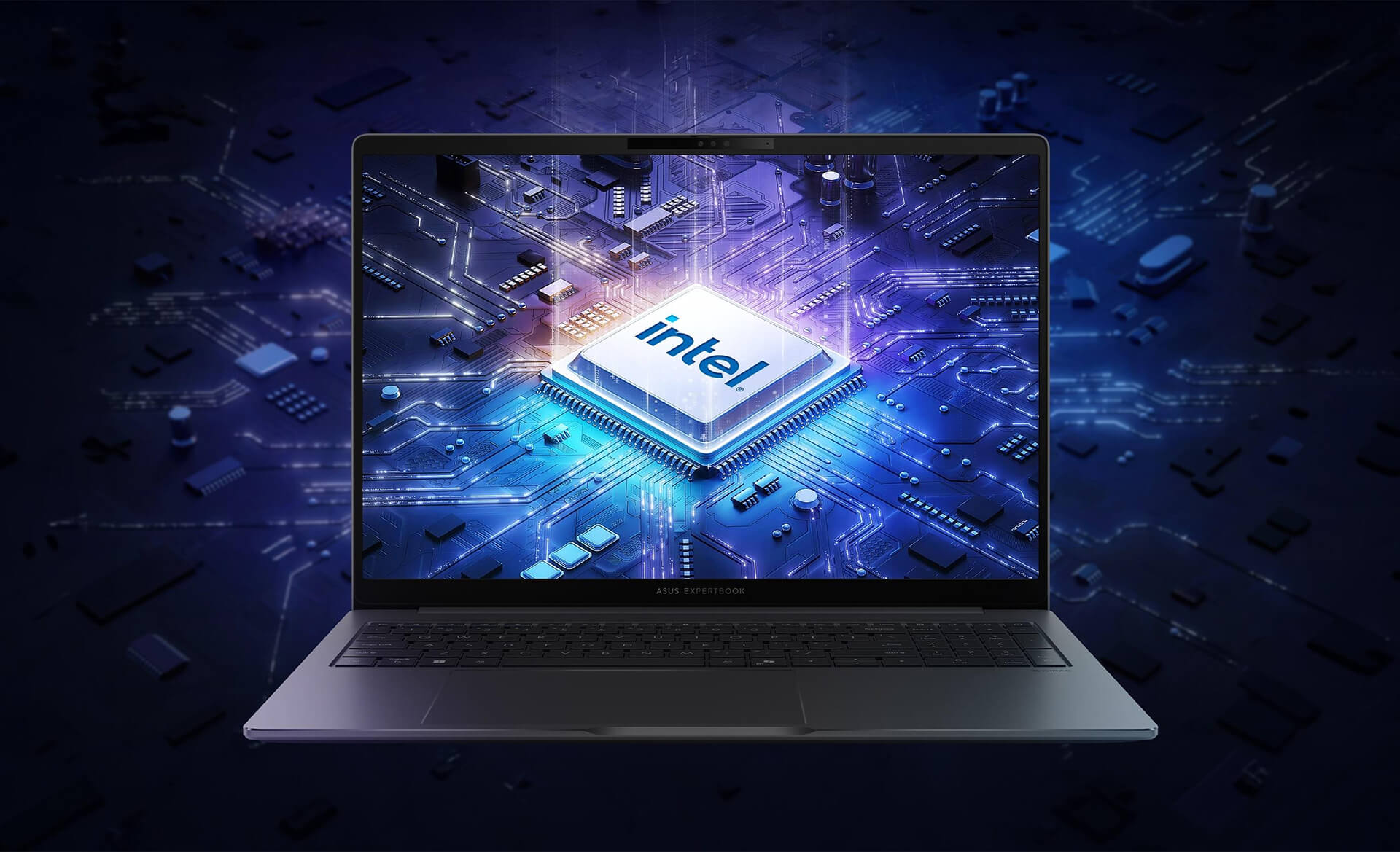
This performance level is tailor-made for businesses and individuals involved in creative work, data analysis, or projects requiring high speed and precision. Experience total confidence when running demanding applications, video editing, graphic processing, or AI models. With this level of power, the Asus ExpertBook P3 (P3605) ensures you are always ready to tackle any challenge and maximize productivity.
Sharp, Wide-Angle Display with Eye Protection
The Asus ExpertBook P3 16 inch features a standout display. Equipped with anti-glare technology and a 2.5K resolution with a 16:10 aspect ratio and up to a 144Hz refresh rate, this laptop delivers vivid, lifelike visuals perfect for both work and entertainment. The wide viewing angles allow users to view content easily from various perspectives, reducing eye strain during long working sessions.
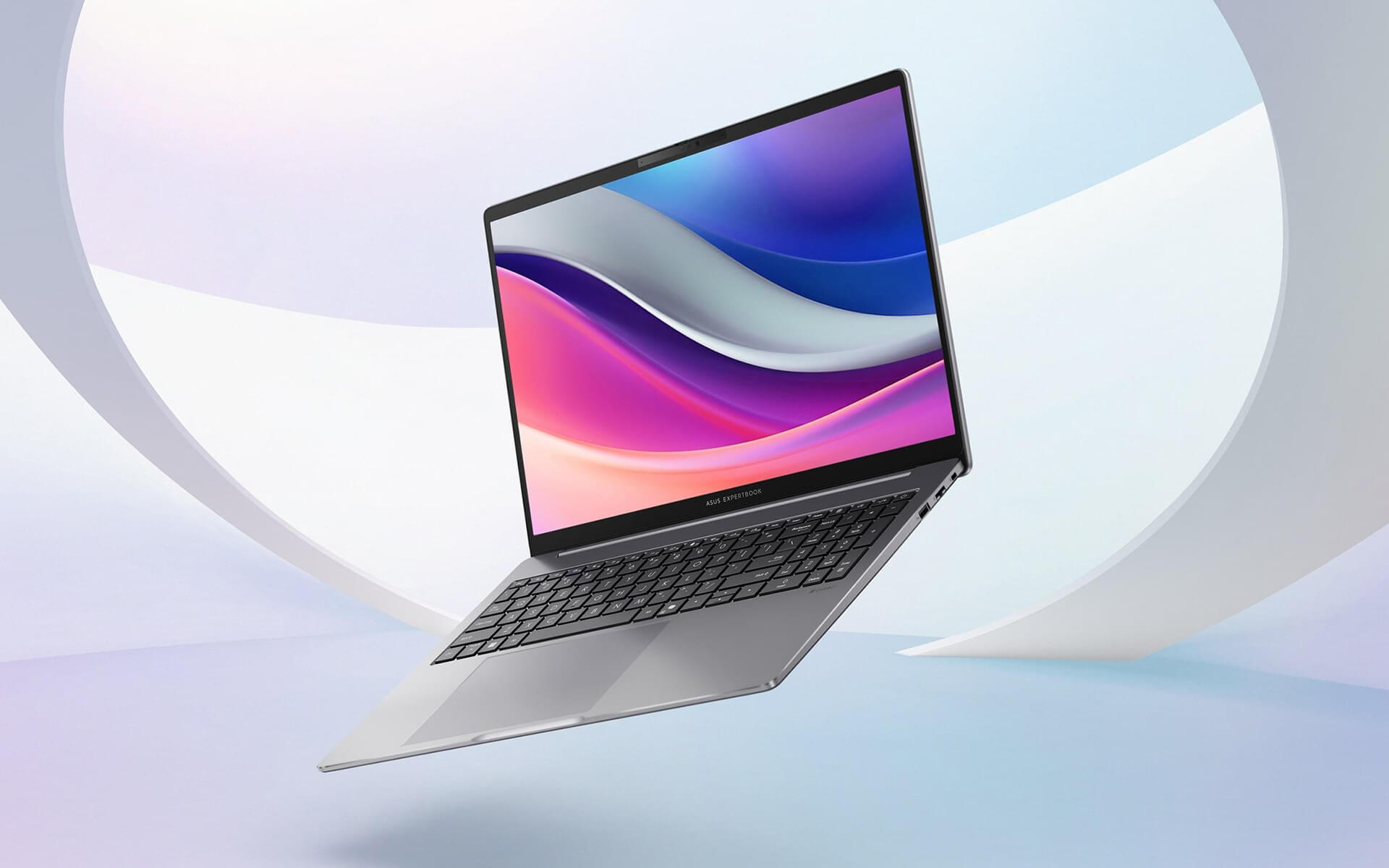
Furthermore, anti-reflective and eye-care technologies help mitigate eye fatigue and headaches, especially during extended work hours or in low-light environments. As a result, the Asus ExpertBook P3 is not just a professional workstation, but an ideal space for creativity and entertainment that satisfies even the most discerning users.
Keyboard & Touchpad on the Asus ExpertBook P3 - P3605 (2024)
The Asus ExpertBook P3 16 inch keyboard is optimized for long-duration typing, offering a smooth, tactile feel that increases typing speed and minimizes hand fatigue. The layout is thoughtfully designed, featuring dedicated conference keys and utilities that allow users to quickly adjust meeting settings, or toggle the microphone and camera with a single touch.

The spacious, smooth touchpad features integrated biometric sensors and anti-interference technology, ensuring fast and stable gestures. Additionally, specialized video conferencing shortcuts make managing online meetings easier than ever, optimizing the digital communication experience in the modern era.
Comprehensive and Diverse Connectivity
To meet increasingly diverse connectivity needs, the Asus ExpertBook P3 features a comprehensive array of ports. Two Thunderbolt™ 4 Type-C ports allow for high-speed data transfer, rapid charging, and optimal video output to external devices. Additionally, the HDMI 2.1 port makes it easy to connect to monitors or projectors for presentations and online meetings. For stable, high-speed internet in any environment, the RJ45 Ethernet port is also included.
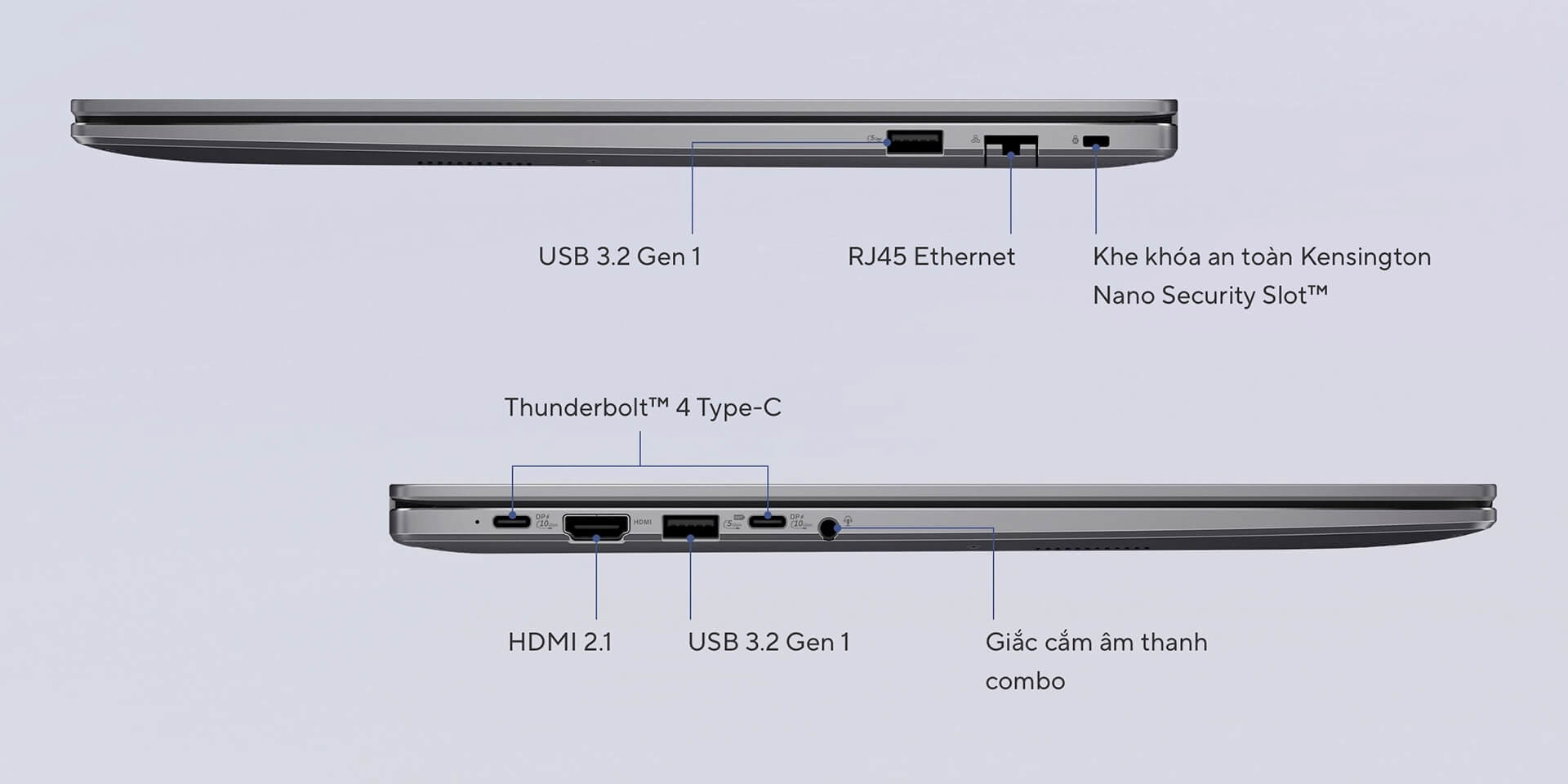
With USB 3.2 Gen 1 ports, a security lock slot, and other essential connections, the Asus ExpertBook P3 (P3605) meets all the daily connectivity requirements of modern, flexible business users. This design not only boosts workflow efficiency but also saves significant time and effort.
Enterprise-Grade Security - Data Protection
Security is paramount for business devices, and the Asus ExpertBook P3 16 inch delivers with integrated high-level security systems. The TPM 2.0 chip encrypts sensitive data, protecting critical information from potential threats. Additionally, the integrated fingerprint sensor on the touchpad allows for fast, secure logins without the fear of data leaks.

Beyond that, features like the Kensington Nano lock slot, Asus's proprietary security software, and automatic security updates enhance protection by detecting potential attacks or unauthorized access early. This allows users to focus on their work without worrying about data exposure or loss.
Thermal Management & Battery Life on the Asus ExpertBook P3 - 16 inch
A vital component in maintaining the stable performance of the Asus ExpertBook P3 is the ExpertCool thermal system. This system combines advanced cooling technologies to maintain optimal temperatures, minimize noise, and prevent overheating during continuous workloads. This ensures the machine stays cool and durable, even when running demanding software for extended periods.
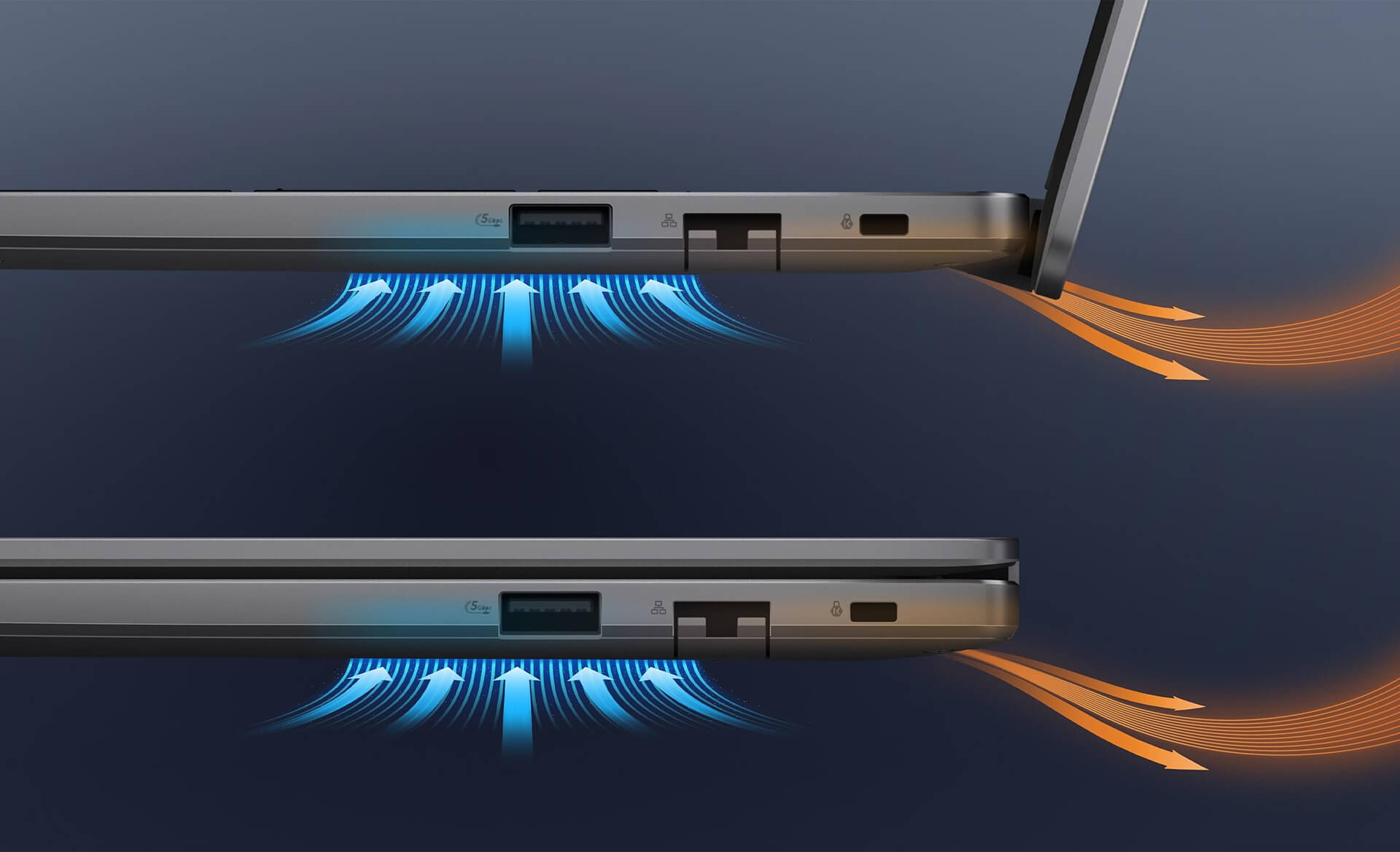
Furthermore, the Asus ExpertBook P3 battery is designed for long-lasting use, making it suitable for business trips or remote work without the constant need for a charger. The integration of fast-charging technology and energy-saving features optimizes the user experience, ensuring the device is always ready when needed. This is a key factor in boosting productivity during busy workdays.
Summary and Quick Review: Asus ExpertBook P3 - P3605 (2024)
The Asus ExpertBook P3 16 inch asserts its dominance in the premium business laptop segment through its combination of powerful hardware architecture and optimized data security solutions. The device boasts impressive performance from the 13th Gen Intel processor, paired with a smooth 2.5K resolution 144Hz display, enabling seamless handling of everything from simple tasks to complex workflows. With military-grade durability and high-level security, the Asus ExpertBook P3 (P3605) is a reliable tool ready to meet the most demanding standards of professional users in 2024.
In addition to its internal power, this model excels with comprehensive connectivity, modern thermal management, and long battery life, ensuring continuous operational performance. These advantages make the Asus ExpertBook P3 an ideal choice for entrepreneurs, freelancers, and small-to-medium enterprises seeking a balance between cost and superior features. Investing in a device with optimized design and comprehensive data protection like the P3605 not only maximizes work efficiency but also provides absolute peace of mind for long-term growth.
| Pros | Cons |
|---|---|
|
|
Who is the Asus ExpertBook P3 16 inch (P3605) best for?
The Asus ExpertBook P3 16 inch is designed for entrepreneurs, freelancers, managers, and remote workers who need a large-screen laptop with high performance, military-grade durability, and enterprise-level security. It is also ideal for high-end office users who require heavy multitasking and long-term stability.
Does the Asus ExpertBook P3 16 inch handle heavy workloads well?
Yes. Equipped with a 13th Gen Intel Core processor, up to 64GB of DDR5 RAM, and large PCIe SSD capacities (up to 3TB), it excels at multitasking, data analysis, programming, content editing, and sustained heavy workloads.
What are the advantages of the ExpertBook P3's 16-inch 2.5K 144Hz display?
The 16-inch 2.5K display with a 16:10 aspect ratio provides a spacious and sharp workspace. The 144Hz refresh rate ensures smoother interactions, which is particularly useful for multitasking with multiple windows, presentations, content viewing, or light entertainment.
Is the Asus ExpertBook P3 16 inch suitable for graphic design?
It is suitable for 2D design, photo editing, basic video editing, and content creation thanks to its high-resolution screen and wide viewing angles. However, because it uses integrated graphics, it is not intended for heavy 3D graphics or intensive rendering tasks.
What makes the durability of the Asus ExpertBook P3 16 inch stand out?
The Asus ExpertBook P3 meets US MIL-STD 810H military standards, allowing it to withstand impacts, vibrations, and harsh environmental conditions. This is a major advantage for business users or those who travel frequently and work in high-intensity environments.
Is the security on the Asus ExpertBook P3 16 inch reliable?
Extremely reliable. The laptop is equipped with a TPM 2.0 chip, a fingerprint sensor, a Kensington Nano lock slot, and Asus's hardware-software security solutions, effectively protecting both corporate data and personal information.
How long does the Asus ExpertBook P3 16 inch battery last?
With its large battery capacity combined with power-saving technology, the Asus ExpertBook P3 16 inch can easily last through a standard workday. It also supports fast charging, reducing downtime for users on the move.
How does the ExpertCool thermal system work?
The ExpertCool thermal system optimizes airflow and heat dissipation, helping the laptop maintain stable performance, minimize heat, and reduce fan noise during heavy tasks or extended work sessions.
Does the Asus ExpertBook P3 16 inch have enough ports for business use?
Yes. It comes equipped with Thunderbolt 4, HDMI 2.1, USB-A, USB-C, an RJ45 LAN port, and other essential connections, making it easy to connect to monitors, projectors, peripherals, and wired networks in a professional environment.
Should I choose the Asus ExpertBook P3 16 inch over a 14-inch laptop?
If you prioritize a large screen, ample workspace, high performance, and primarily use your laptop at a desk or office, the ExpertBook P3 16 inch is an excellent choice. Conversely, if you require maximum portability for frequent travel, you might consider the 14-inch versions.
Where to buy the Asus ExpertBook P3 - P3605 (2024) at a reliable store with the best price?
If you are looking for a business laptop that balances military-grade durability, stable 13th Gen Intel Core performance, and high-level security, then the Asus ExpertBook P3 - P3605 (2024) at Hung Phat Laptop is your optimal solution. With over 10 years of industry experience, Hung Phat is committed to providing authentic products, guaranteed quality, transparent warranty policies, and free nationwide delivery.
Beyond our commitment to product quality and delivery, Hung Phat Laptop offers lifetime technical consultation and exclusive promotions when you purchase the Asus ExpertBook P3 - P3605 (2024). Contact us today to get the best market price and experience professional after-sales service from our team of experienced technicians.
Performance & benchmarks Asus ExpertBook P3 - P3605 16-inch (2024)
Intel Core i5-13420H Intel Iris Xe Graphics G7 80EUs - best for Văn phòng 8.5/10, Lập trình 6.5/10.
Intel Core i5-13420H
- Cinebench R23 (đa nhân)11,084
- Geekbench 6 (đa nhân)8,444
- Geekbench 6 (đơn nhân)2,254
- Cores / Threads8/12
Intel Iris Xe Graphics G7 80EUs iGPU
- 3DMark Time Spy1,181
- 3DMark Fire Strike4,048
- ArchitectureGen. 11 Ice Lake
Best for
Scored from real benchmarks- Chơi game2/10
- Dựng phim / Đồ hoạ3.5/10
- Lập trình6.5/10
- Văn phòng8.5/10
Why CPU matters
CPU là “bộ não” xử lý mọi tác vụ: mở ứng dụng, đa nhiệm, biên dịch, dựng phim. CPU càng mạnh, máy càng nhanh và mượt khi làm nhiều việc cùng lúc.
- Cơ bảnThis product
Lướt web, xem phim, soạn thảo văn phòng nhẹ.
- Phổ thôngThis product
Văn phòng, đa nhiệm vừa, học tập.
- Tầm trungThis product
Đa nhiệm tốt, lập trình, đồ hoạ nhẹ.
- Khá mạnhThis product
Dựng phim, lập trình nặng, ảo hoá, chơi game.
- Cao cấpThis product
Render nặng, biên tập 4K/8K, máy ảo, tác vụ AI.
Why GPU matters
GPU (card đồ hoạ) lo phần hình ảnh: chơi game, dựng video, render 3D và tăng tốc AI. GPU càng mạnh, khung hình game càng cao và xuất video càng nhanh.
- Cơ bản (iGPU)This product
Hiển thị mượt, xem phim 4K, game rất nhẹ (LMHT, Valorant mức thấp).
- Phổ thôngThis product
Game eSports 1080p, chỉnh ảnh, dựng video nhẹ.
- Tầm trungThis product
Game 1080p thiết lập trung-cao, dựng video Full HD ổn.
- Khá mạnhThis product
Game 1080p/1440p thiết lập cao, dựng video 4K, render 3D.
- Cao cấpThis product
Game 4K/240Hz, ray tracing, render & AI nặng.
Game performance
Real FPS - QHD- Dota 243 fps1080p Cao
- CS231 fps1080p Thấp
- GTA V6 fpsQHD Ultra
- CoD: Black Ops 615 fps1080p Thấp
- God of War Ragnarök14 fps1080p Thấp
- Cyberpunk 20776 fpsQHD Ultra
🟢 ≥60fps rất mượt · 🟡 30-60fps chơi tốt · 🔴 <30fps cần giảm thiết lập
Local AI performance
Tokens/second running locally on GPU- Gemma 4 E2B IT5.6 GB · ctx 256K6.0 tok/sDecent
- GLM-4 9B5.1 GB · ctx 128K7.0 tok/sDecent
- Gemma 4 E4B4.6 GB · ctx 256K8.0 tok/sDecent
- Ministral 8B4.6 GB · ctx 32K8.0 tok/sDecent
- Qwen 3.5 4B4.6 GB · ctx 32K8.0 tok/sDecent
- DeepSeek R1 Distill 7B4.1 GB · ctx 64K9.0 tok/sRuns well
- Gemma 4 E2B3.1 GB · ctx 256K12 tok/sRuns well
- Qwen 3.5 2B2.5 GB · ctx 32K14 tok/sRuns well
- Phi-4 Mini Reasoning2.4 GB · ctx 16K15 tok/sRuns well
- Llama 3.2 3B2 GB · ctx 128K18 tok/sRuns well
- SmolLM3 3B2 GB · ctx 128K18 tok/sRuns well
- DeepSeek R1 1.5B1.3 GB · ctx 64K28 tok/sRuns great
- Qwen 3.5 0.8B1.3 GB · ctx 32K28 tok/sRuns well
- TinyLlama 1.1B1.1 GB · ctx 2K33 tok/sRuns well
- Llama 3.2 1B1 GB · ctx 128K36 tok/sRuns well
- Gemma 2 9B5.1 GB · ctx 8K7.0 tok/sDecent
- Nemotron Nano 9B v25.1 GB · ctx 128K7.0 tok/sDecent
- Llama 3.1 8B4.6 GB · ctx 128K8.0 tok/sDecent
- Qwen 3 8B4.6 GB · ctx 128K8.0 tok/sDecent
- Mistral 7B v0.34.1 GB · ctx 32K9.0 tok/sRuns well
- Qwen 2.5 7B4.1 GB · ctx 128K9.0 tok/sRuns well
- Qwen 2.5 Coder 7B4.1 GB · ctx 128K9.0 tok/sRuns well
- Qwen 3 4B2.5 GB · ctx 32K14 tok/sRuns well
- Gemma 3 4B2.5 GB · ctx 128K14 tok/sRuns well
- Phi-3.5 Mini2.4 GB · ctx 128K15 tok/sRuns well
- Gemma 2 2B1.5 GB · ctx 8K24 tok/sRuns great
- Qwen 3 1.7B1.4 GB · ctx 32K26 tok/sRuns great
- Qwen 2.5 Coder 1.5B1.3 GB · ctx 32K28 tok/sRuns great
- Qwen 3 0.6B1.1 GB · ctx 32K33 tok/sRuns well
- Gemma 3 1B1 GB · ctx 32K36 tok/sRuns well
🟢 Great · 🟡 Well · 🟠 Decent - 4-bit quantized, ctx = context window
No comments yet
Q&A about Asus ExpertBook P3 - P3605 16-inch (2024)
Frequently asked questions about Asus ExpertBook P3 - P3605 16-inch (2024)
What are the specifications of Asus ExpertBook P3 - P3605 16-inch (2024)?
What is the warranty for Asus ExpertBook P3 - P3605 16-inch (2024)?
Is Asus ExpertBook P3 - P3605 16-inch (2024) genuine?
Can I buy Asus ExpertBook P3 - P3605 16-inch (2024) with home delivery?
Worth a Look
 2 configurations
Asus ExpertBook P1 - P1503 15.6 inch (2024)
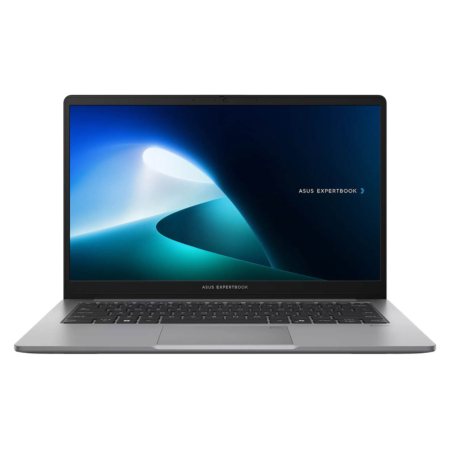 2 configurations
Asus ExpertBook P1 - P1403 14" (2024)
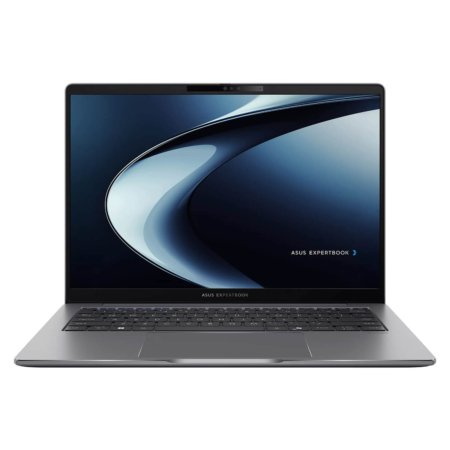 2 configurations
Asus ExpertBook P3 - P3405 14" (2024)
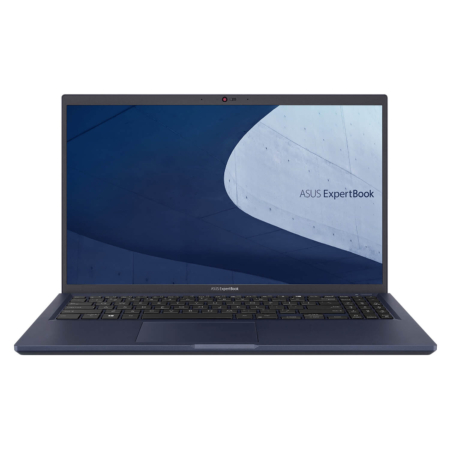 2 configurations




Minh Quân 09/07/2026
This laptop is beautiful, everyone! The design is premium and stylish, and the 2K screen is incredibly sharp. It runs very smoothly without any lag at all.
Minh Hoàng 09/07/2026
The machine is beautiful; the 2K screen is incredibly sharp and doesn't cause eye strain during work. The powerful configuration handles multitasking extremely smoothly—definitely worth the money.
Minh Triết 09/06/2026
The performance is super smooth, and the 16-inch screen is incredibly wide and sharp. It's lightweight, making it perfect for someone like me who carries it to work every day. Highly recommended, everyone!
Văn Phong 15/05/2026
The performance is super smooth, and the screen is incredibly large, clear, and sharp. The design is sturdy yet lightweight, so it doesn't feel bulky at all. Highly recommended!