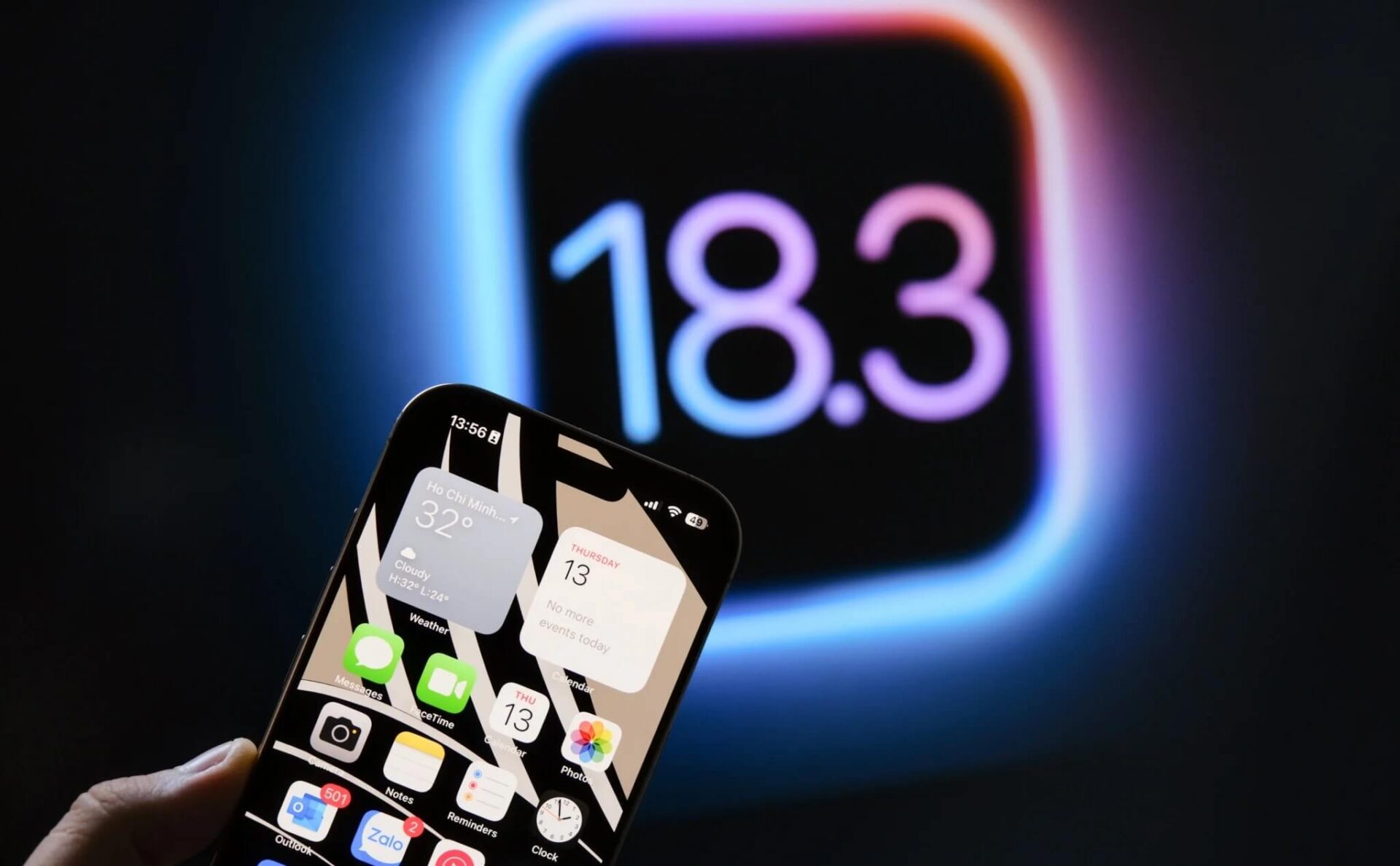
About three weeks after Apple officially released iOS 18.3, I have had enough time to experience and review the changes in this version. Although it is not a major update, iOS 18.3 still brings certain improvements in performance, smoothness, battery life, and AI features. So, what is the actual experience like? Let's dive into the details together!
How to update to iOS 18.3
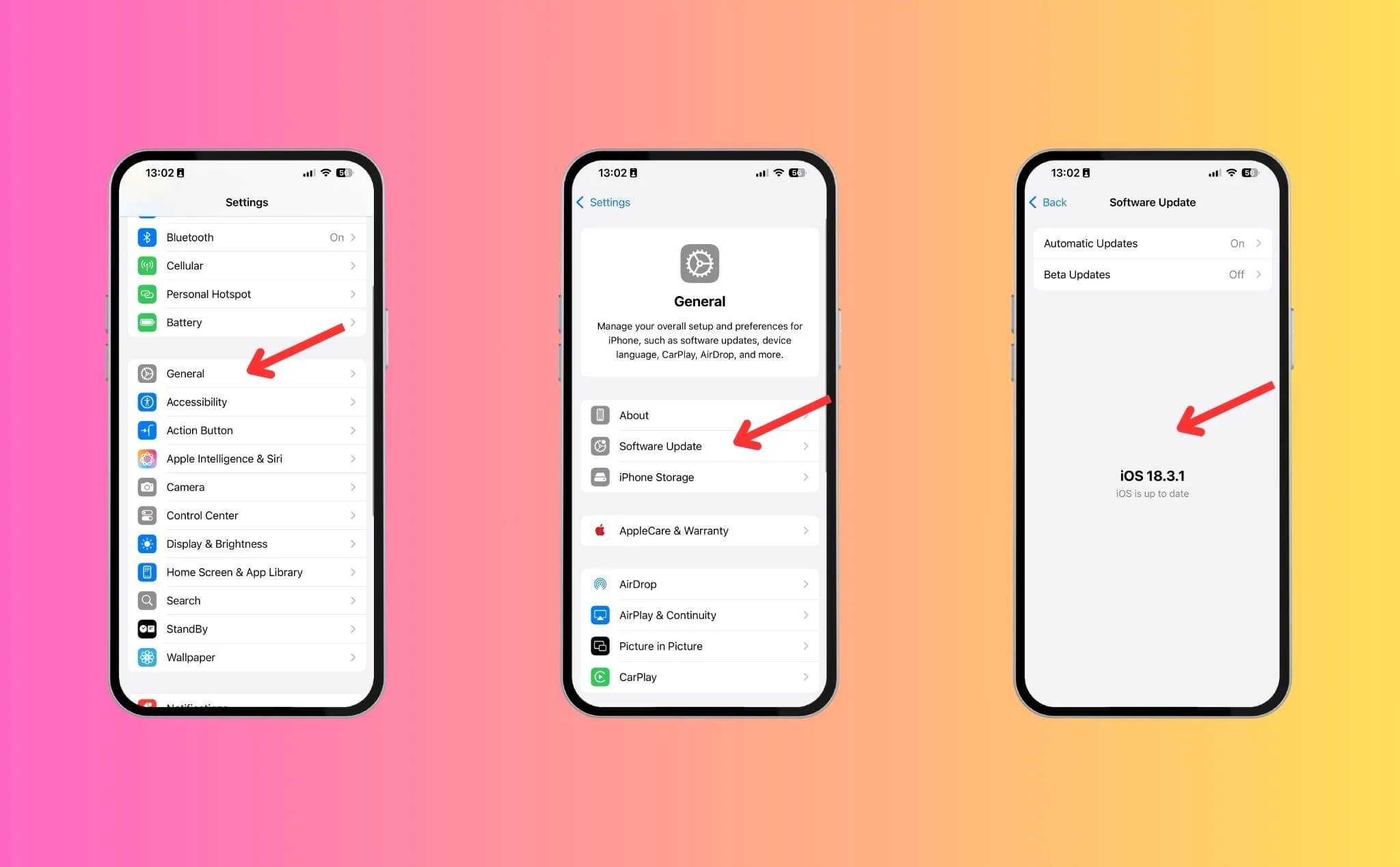
If you are using an iPhone that supports iOS 18.3, the update process is very simple:
- Go to Settings → General
- Select Software Update
- If you are on iOS 17, you may see the option for iOS 17.7.5 or iOS 18.3. Select iOS 18.3 to update to the latest version.
New features in iOS 18.3
Here are some new highlights in iOS 18.3 that you should know:
- Improved AI notification summary: In previous iOS versions, Apple's AI sometimes summarized notification content incorrectly. In iOS 18.3, this issue has been partially fixed, helping to display information more accurately. Notably, AI-summarized notifications will be italicized, making them easy for users to distinguish.
- Visual Intelligence upgrade (iPhone 16 series only): Visual Intelligence on iOS 18.3 helps users automatically add events to the Calendar app from images of tickets, posters, or flyers. Additionally, the ability to recognize animals and plants has been significantly improved. Note: This feature does not support older iPhone models.
- Continuous calculation in the Calculator app: When pressing the "=" sign, the calculation will continue with the previous result, making it faster to perform repetitive calculations or compound interest.
- Automatic Apple Intelligence activation: On AI-supported iPhones, iOS 18.3 will automatically enable Apple Intelligence without manual intervention.
- New Black Unity wallpaper set: Apple has added a Black Unity wallpaper collection for iPhone, iPad, and Mac.
Real-world experience on iOS 18.3
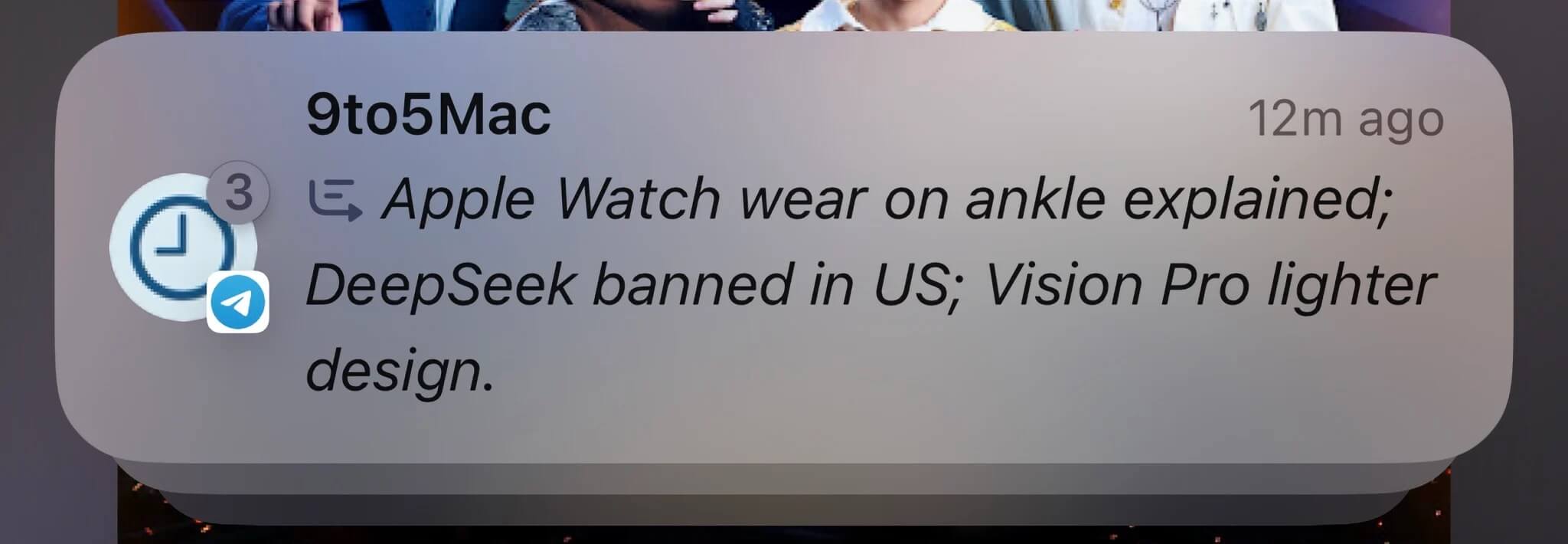
1. Notification summary feature
I noticed that the AI has improved significantly, with the error rate reduced to only about 1/10 cases. However, there are still some minor bugs; I hope Apple continues to optimize them in future updates.
2. Visual Intelligence
I tested it with various types of tickets, and the results were as follows:
- Concert tickets: Fast recognition, automatically imports information into the Calendar app.
- Movie posters: Does not automatically fill in the movie name; requires manual entry.
- Flight tickets: Completely automatic, from date and time to flight number.
- Train tickets: Recognizes the date but cannot yet read the train line name.
3. Performance, temperature, and battery life
- Smoothness: I felt smoother animations, especially when quickly closing/opening apps.
- iOS 18 keyboard stuttering: This has been fixed; many users have also confirmed that this issue no longer occurs.
- Battery life: I used an iPhone 16 Pro and found that the battery lasts about 30 minutes longer than on iOS 18.2. However, battery consumption still depends on individual usage patterns.
- Temperature: Not much change; if taking photos continuously, the device still heats up quickly.
Has Apple Intelligence improved?
Apple Intelligence on iOS 18.3 is a bit smoother, especially with the text summarization and rewriting features. However, image-related features like generating emojis or images still experience lag. According to information from Apple, iOS 18.4 may support Vietnamese; I will wait to re-evaluate when this update is released.
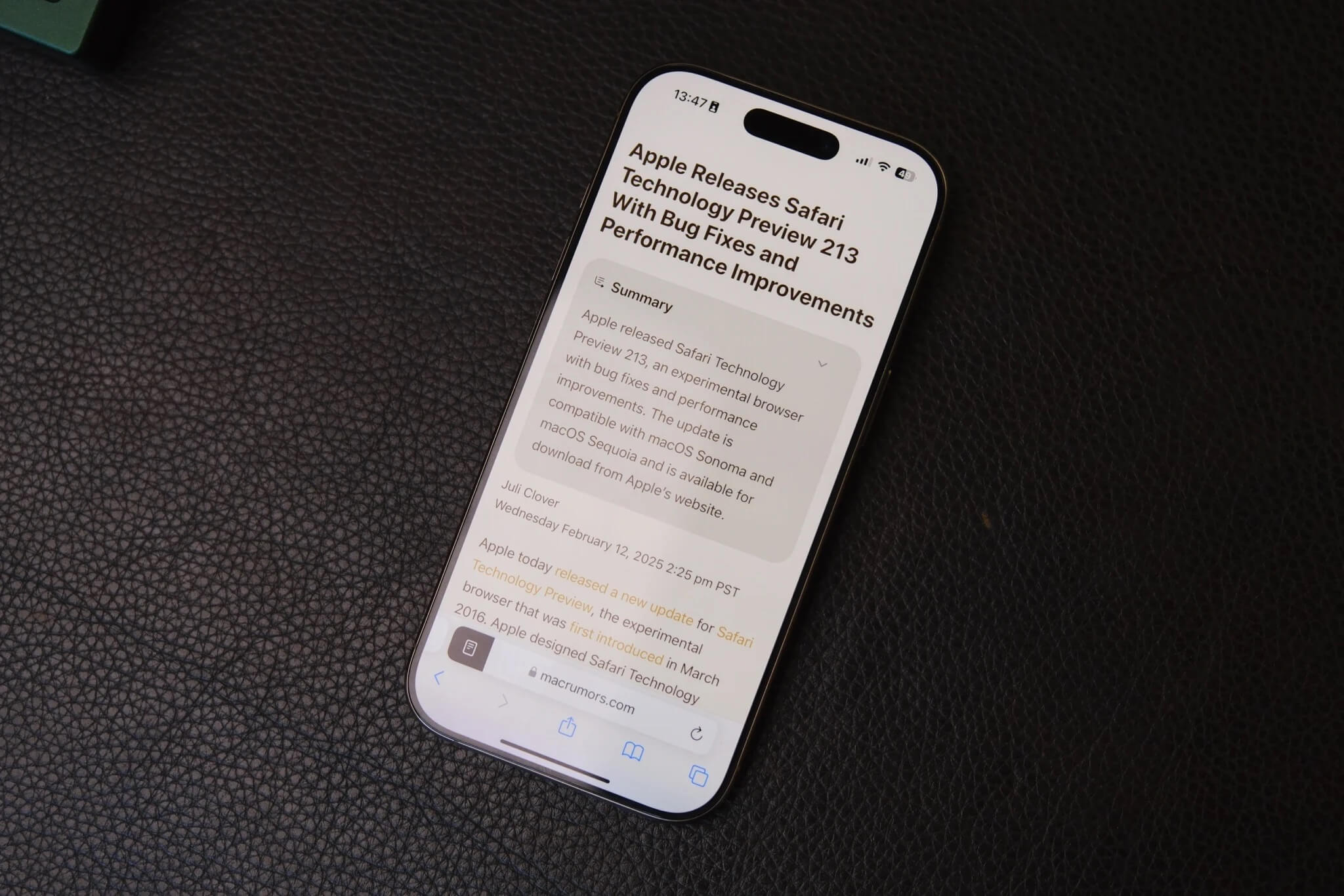
Overall, iOS 18.3 is a small but worthwhile update, bringing improvements in performance, AI, and stability. If you are currently on iOS 18.2, I recommend updating to iOS 18.3 for a better experience. If you have already updated to iOS 18.3, please share your thoughts!