

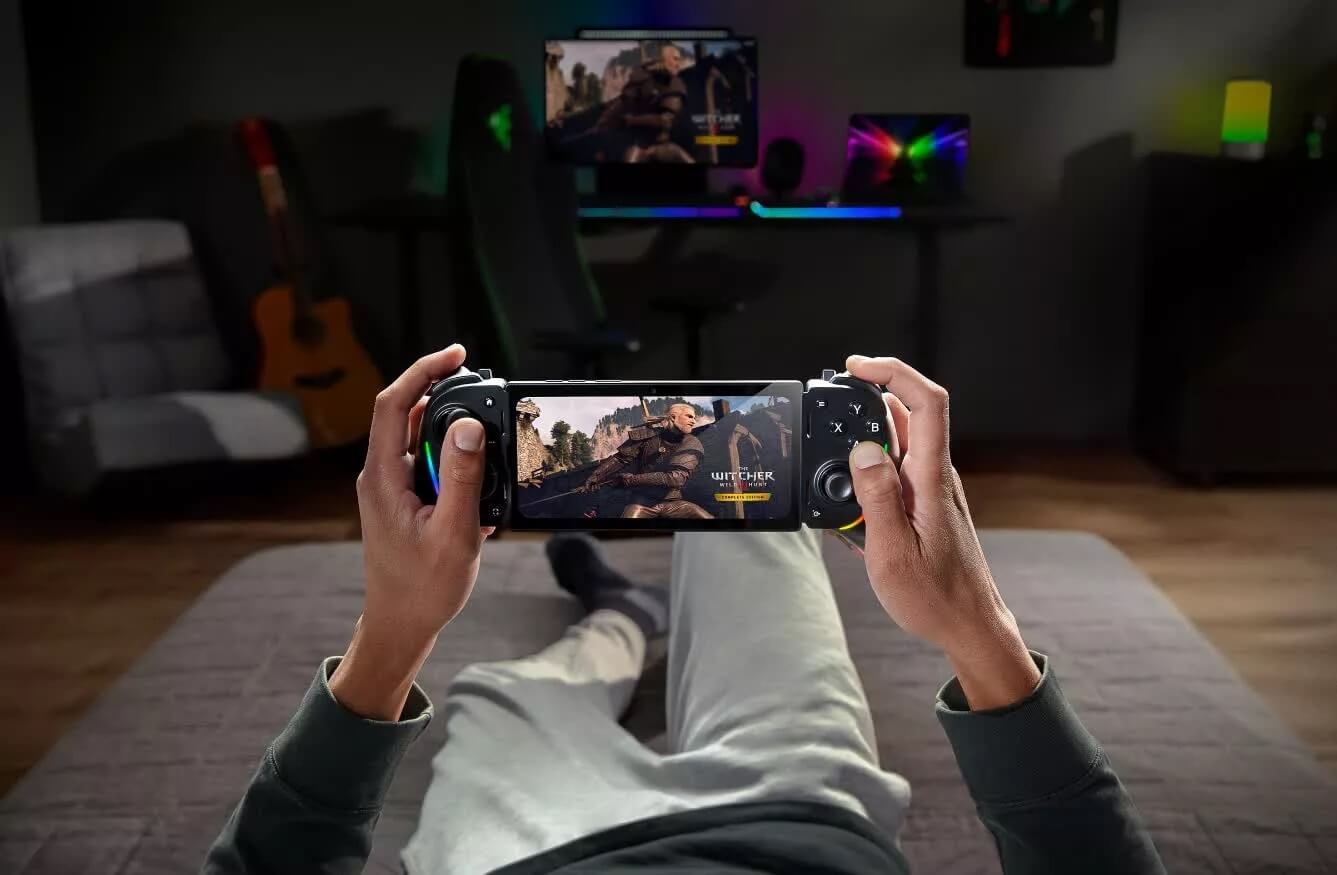
After a limited testing period, Razer has officially introduced PC Remote Play, a remote gaming service that directly competes with Valve's Steam Link. This is a major step forward for Razer in the game streaming sector, allowing users to experience their PC game library on various mobile devices and other computers via local networks or the internet. The service was first announced at CES 2025 and is now expanded to all iOS and Android users.
Multi-platform support, optimized image quality, and flexible controller connectivity
PC Remote Play allows users to stream their personal PC game library to Android devices, iPhones, or other Windows computers. Users can access games purchased on Steam, Epic Games Store, and Xbox Game Pass, providing significant flexibility for gamers across different ecosystems.
Compared to similar services like Steam Link or Moonlight, Razer is confident thanks to its support for the AV1 codec, which helps reduce latency, save bandwidth, and improve image quality-crucial factors when playing fast-paced action games or titles requiring precise reflexes.

The service also automatically adjusts resolution and frame rate according to the end device to provide a smooth, lag-free experience. In initial tests, users reported stable 1080p/60fps image transmission over 5GHz Wi-Fi.
Regarding controllers, PC Remote Play is compatible with many types of controllers, from Razer Kishi and Kishi Ultra to Xbox or PS5 controllers. Notably, when paired with the Razer Kishi Ultra, Android users can also enjoy enhanced haptic feedback - Razer Sensa HD Haptics, providing a much more realistic sense of interaction when playing action, racing, or shooting games.
Initial setup is somewhat complex but offers great expansion potential
To start using PC Remote Play, users need to perform several setup steps:
- Download and install two applications, Nexus and PC Remote Play, on your mobile device.
- On your PC, install the Razer Cortex software, enable the Remote Play feature, and log in with your Razer ID.
- Establish a connection and pair your PC with your phone/tablet via a local Wi-Fi network.
Razer has released detailed setup instructions on its official website to support non-expert users. Although it is slightly more complex than its competitors initially, it offers deep customization, a smooth experience, and superior performance in return.
Additionally, PC Remote Play supports gameplay video recording, customizable on-screen touch controls, and saving custom configurations for each game. These features are ideal for streamers, YouTubers, or users who enjoy sharing their gaming experiences.
For iPad users, the service fully supports external mice, keyboards, and trackpads, turning the mobile device into a gaming machine nearly equivalent to a laptop-especially useful for those who want to experience PC games on a large screen while on the go.
Razer also stated that they are continuing to develop additional features such as streaming via 4G/5G networks, optimizing performance for new mobile chips, and expanding support to platforms like macOS or Android TV.
With PC Remote Play, Razer is not only keeping up with the game streaming trend but also delivering a flexible solution with sharp visuals and impressive controller support. While the setup process still needs refinement, this service has great potential to become a new choice for gamers who love convenience, mobility, and multi-platform gaming experiences. In a rapidly growing market, PC Remote Play could be a strategic boost helping Razer expand its software ecosystem alongside its traditional hardware.











