


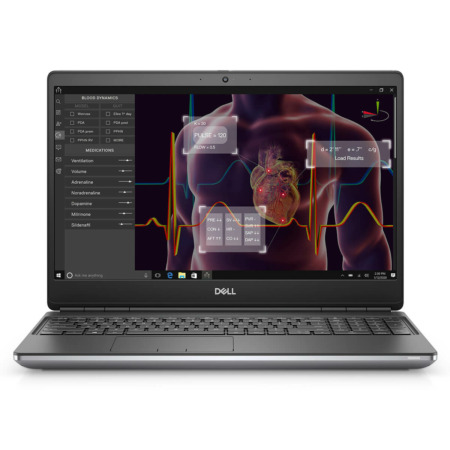
DELL Precision 3580 Mobile Workstation (2023)
- CPU: Intel Core i7 1355U vPro Up To 5.0GHz (10 Cores, 12 Threads, 12MB Cache)
- RAM: DDR4 16GB 3200MHz
- SSD: 512GB PCIe Gen4 M.2 SSD
- VGA: Intel® Iris® Xe Graphics
- DISPLAY: 15.6" FHD (1920*1080), 60Hz, Non-touch, 250 nits
- CONDITION: New 100% Full Box
- WARRANTY: 12-month warranty
- Dell Precision 3580 Design: Clean, Compact and Just 1.61kg
- Precision 3580 (2023) 15.6-Inch Full HD Display With Two Brightness Levels
- Dell Precision 3580 Performance With Core i7-1370P, RTX A500 Graphics and up to 32GB DDR4 RAM
- Keyboard, Touchpad, Speakers and FHD Infrared Webcam on the Dell Precision 3580 (2023)
- Dell Precision 3580 Ports and Battery: 2 Thunderbolt 4, HDMI, RJ45 LAN and a 54Wh Battery
- Dell Precision 15 3580 (2023) Overview and Review
- FAQ - Frequently Asked Questions About the DELL Precision 3580 Mobile Workstation (2023)
- Where to Buy a Genuine Dell Precision 3580 Mobile Workstation (2023)
DELL Precision 3580 Mobile Workstation (2023) is Dell's 15.6-inch mobile workstation for engineers, architects and technical graphics professionals who need a dependable work machine at a reasonable cost. It runs on 13th Gen Intel Core i7 vPro processors, offers an optional NVIDIA RTX A500 professional graphics card, and comes with a full set of ports, from Thunderbolt 4 and HDMI to RJ45 LAN. This article walks through the design, display, performance, connectivity and the points worth weighing before you choose a configuration.
Dell Precision 3580 Design: Clean, Compact and Just 1.61kg
Dell Precision 3580 (2023) has the look of a true business workstation: a silver-gray chassis, a flat lid with the Dell logo in the center, squared-off lines and no unnecessary decoration. This style suits engineering offices, meeting rooms and client meetings alike.
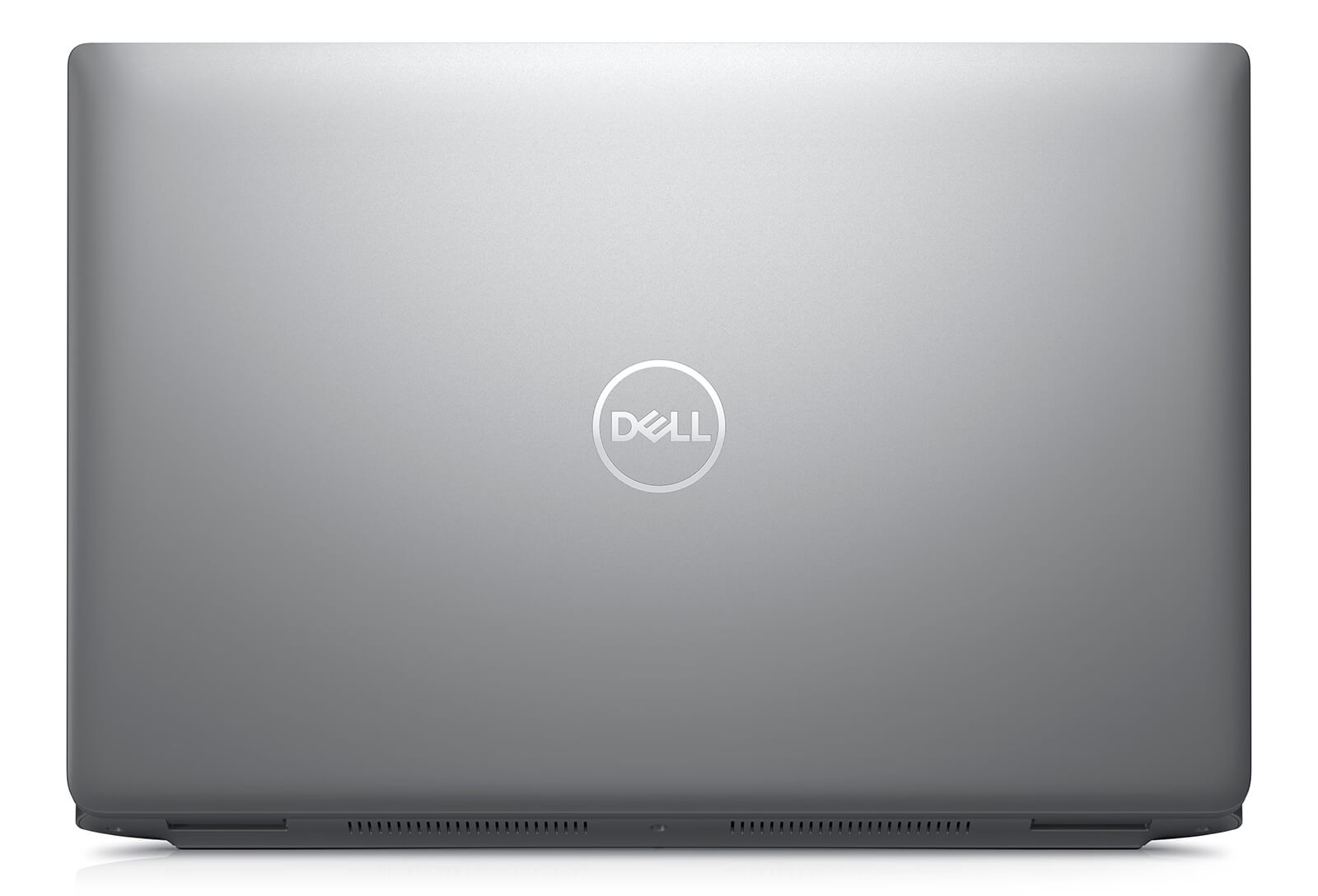
The laptop weighs 1.613kg and measures 357.8mm wide and 233.3mm deep, with a thickness of 20.8mm at the front edge to 22.8mm at the rear. For a 15.6-inch workstation, that is light enough to carry every day between the office, job sites and home. If you need a durable Dell laptop for technical work, the Precision chassis is well worth considering.
Precision 3580 (2023) 15.6-Inch Full HD Display With Two Brightness Levels
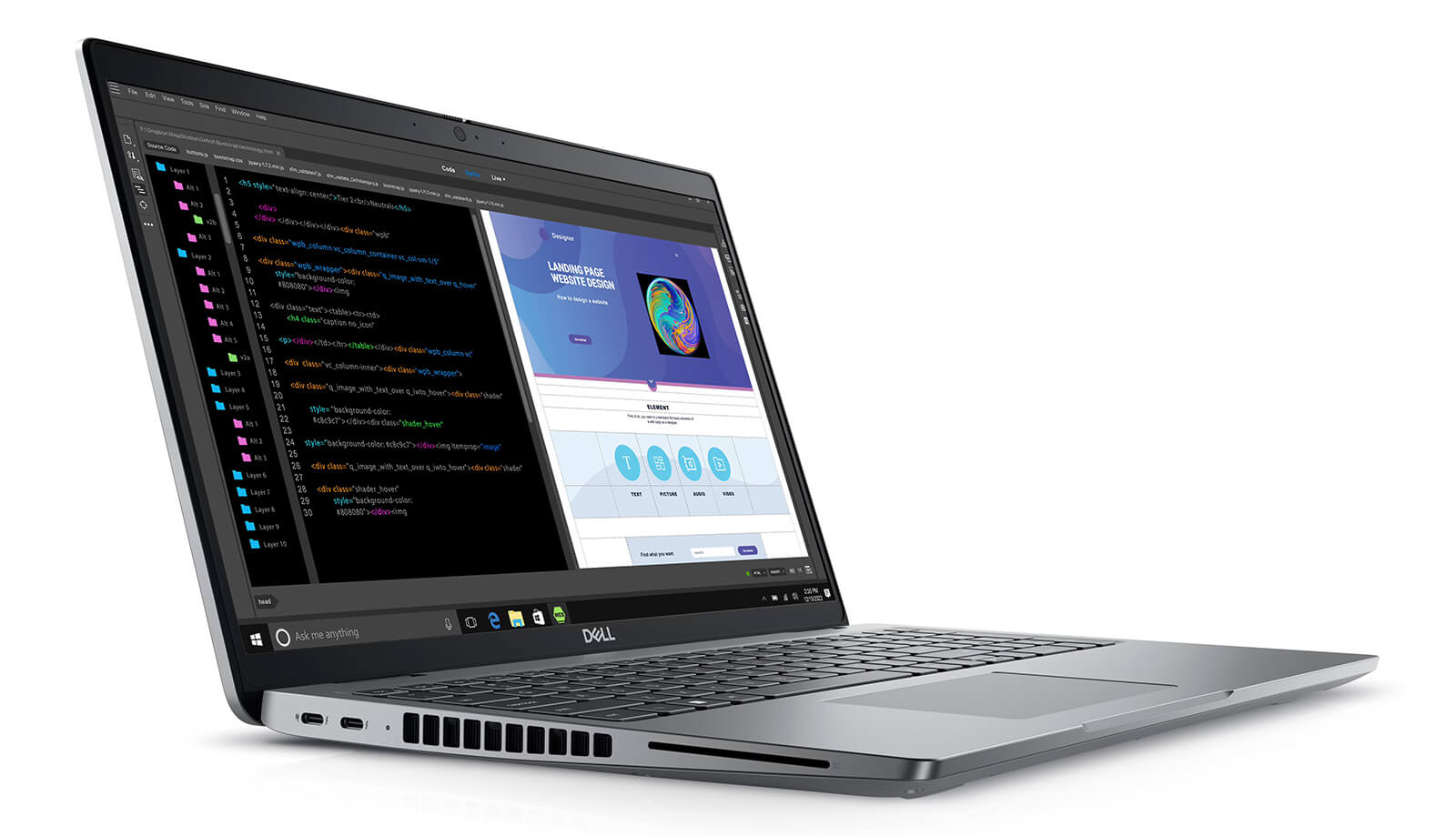
Precision 3580 (2023) features a 15.6-inch Full HD (1920 x 1080) non-touch display with a 60Hz refresh rate. Depending on the configuration, brightness is either 250 nits or 400 nits: the Core i7-1355U model on sale comes with the 250-nit panel, while the Core i7-1370P model comes with the 400-nit panel.
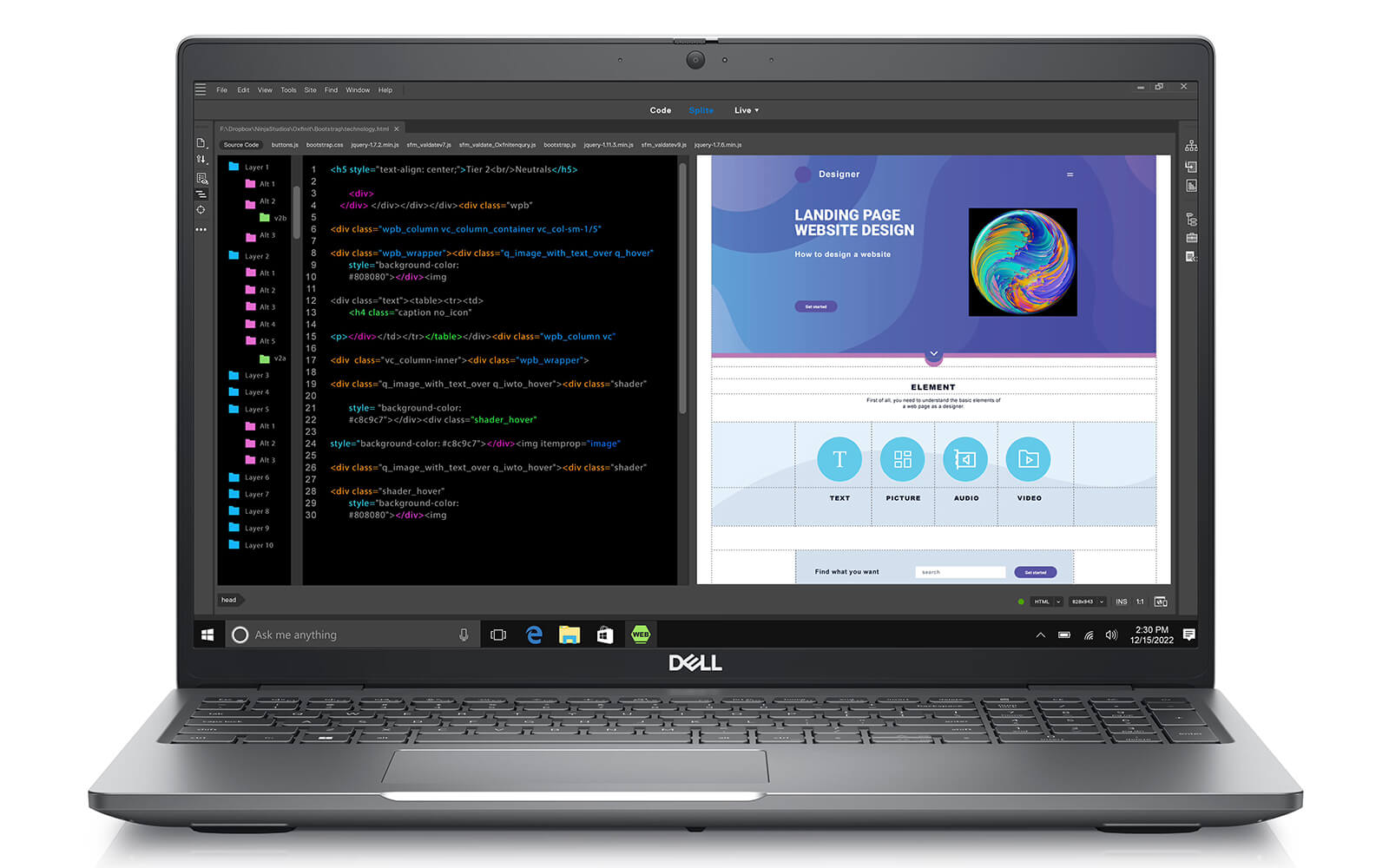
Full HD resolution on a 15.6-inch screen delivers clear text and enough room to open AutoCAD drawings, spreadsheets or split the screen between two apps. The 250-nit panel suits indoor work; if you often sit near a window or work out in the field, the 400-nit version is easier to read. When you need more screen space or a higher resolution, you can output to an external monitor via Thunderbolt 4 or HDMI 2.0.
Dell Precision 3580 Performance With Core i7-1370P, RTX A500 Graphics and up to 32GB DDR4 RAM
Dell Precision 3580 offers two 13th Gen vPro processor options. The Core i7-1355U model has 10 cores and 12 threads, 12MB of cache and a max clock of 5.0GHz, and belongs to the power-efficient U series. The Core i7-1370P model has 14 cores and 20 threads, 24MB of cache and a max clock of 5.2GHz, and belongs to the P series, which delivers higher multi-core performance. The vPro platform lets IT departments manage and secure machines remotely across the business.
| CPU | Cinebench R23 single / multi-core | Geekbench 6 single / multi-core |
|---|---|---|
| Intel Core i7-1355U | 1,825 / 8,286 | 2,505 / 8,908 |
| Intel Core i7-1370P | 1,915 / 13,159 | 2,642 / 12,694 |
Source: average scores from Notebookcheck. Results on an actual machine may vary depending on the power mode and ambient temperature.
In real-world use, the Core i7-1355U handles office work, 2D drawings and basic photo editing. The Core i7-1370P scores about 59% higher in Cinebench R23 multi-core, making it the better fit for SolidWorks modeling, exporting files, compiling code or running many applications at once.
The i7-1355U model uses integrated Intel Iris Xe Graphics, while the i7-1370P model gets a discrete NVIDIA RTX A500 4GB GDDR6 card. The RTX A500 is an NVIDIA professional graphics card that scores nearly twice as high as Iris Xe in 3DMark, speeding up viewports in CAD software, mid-level 3D modeling and video editing.
| GPU | 3DMark Time Spy Graphics | 3DMark Fire Strike Graphics |
|---|---|---|
| Intel Iris Xe Graphics G7 96EUs | ~1,561 | ~5,160 |
| NVIDIA RTX A500 Laptop GPU | ~2,995 | ~7,598 |
Source: average scores from Notebookcheck. The RTX A500 scores are based on a small number of measured samples and are for reference only.
The RTX A500 is a good match for AutoCAD 3D, Revit, SketchUp and Blender with moderately sized models. For heavy rendering scenes or large simulations, this card has its limits, and you should consider workstations with a higher-tier RTX card. For memory, the laptop uses DDR4 3200MHz RAM in 16GB or 32GB options; both models on sale have 16GB, which is enough for technical office work and mid-size models, and you can upgrade to 32GB when working with large files. The 512GB PCIe Gen4 M.2 SSD keeps boot-up and app launches quick; if your project library is large, you can swap in a higher-capacity SSD or add an external drive over Thunderbolt 4.
Keyboard, Touchpad, Speakers and FHD Infrared Webcam on the Dell Precision 3580 (2023)
The keyboard on the Dell Precision 3580 (2023) has a roomy layout that fits the 15.6-inch body, with moderate key travel that suits long stretches of typing and entering commands. The touchpad sits in the center of the palm rest and supports Windows multi-touch gestures for scrolling, zooming and switching apps without an external mouse.
The 2 x 2W stereo speakers, 4W in total, use Realtek Waves MaxxAudio 12.0 and are clear enough for online meetings and tutorials; for fuller sound, use headphones or external speakers. The 1080p 30fps webcam includes an IR infrared camera for Windows Hello face sign-in, along with dual microphones, an ambient light sensor and Express Sign-In, which detects when you sit down at or walk away from the laptop.
Dell Precision 3580 Ports and Battery: 2 Thunderbolt 4, HDMI, RJ45 LAN and a 54Wh Battery
Dell Precision 3580 comes with 2 Thunderbolt 4 ports supporting USB4, DisplayPort Alt Mode and Power Delivery charging, 2 USB 3.2 Gen 1 ports (one with PowerShare for charging peripherals), 1 HDMI 2.0 port, 1 RJ45 LAN port and 1 audio jack. With HDMI and LAN built in, you can plug into a meeting-room projector or the office wired network without an adapter.
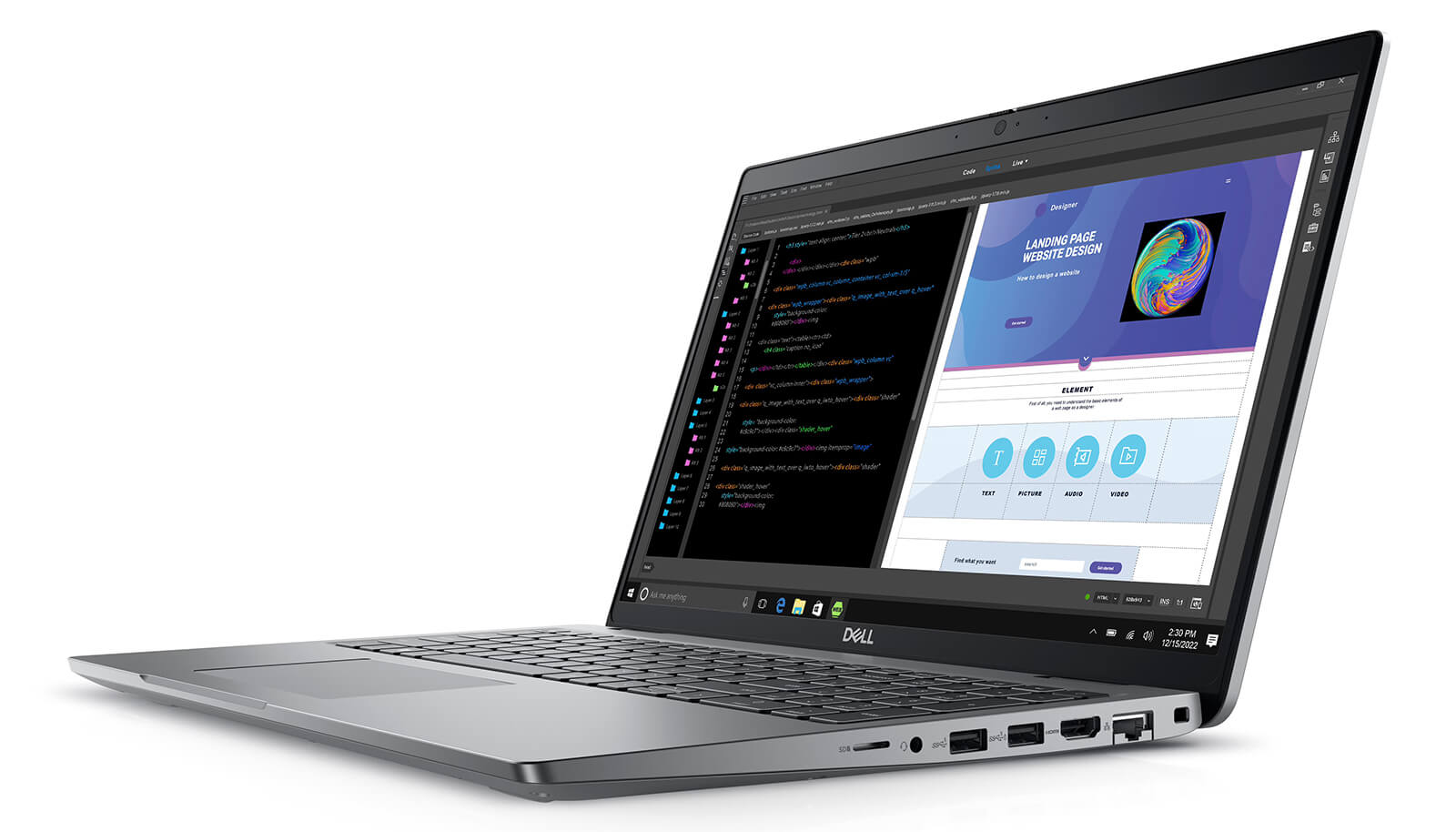
Wireless connectivity comes from an Intel Wi-Fi 6E AX211 2x2 card with MU-MIMO support and Bluetooth 5, staying stable when you transfer project data over the local network or the cloud.
The 54Wh battery is moderate for a 15.6-inch laptop, especially on the model with the discrete RTX A500, so real-world runtime depends heavily on configuration and workload. When working away from an outlet, switch to a battery-saver mode and lower the screen brightness; since the laptop charges over Thunderbolt 4, you can carry a compact USB-C charger with the right wattage.
Dell Precision 15 3580 (2023) Overview and Review
Dell Precision 15 3580 (2023) is a 15.6-inch workstation that balances a 1.61kg weight, a full set of ports and 13th Gen Intel vPro processors. The Core i7-1355U model suits technical office work and 2D drawings, while the Core i7-1370P model with the RTX A500 suits engineers and architects who need mid-level 3D modeling.
Points to consider: the display is Full HD 60Hz only, and the 250-nit version looks a bit dim in bright surroundings, so choose the 400-nit version or add an external monitor. The 54Wh battery is moderate, so bring the charger for full workdays. The RTX A500 is an entry-level professional card that is not suited to heavy rendering, and the laptop uses DDR4 RAM instead of DDR5. You can explore other configurations in the Dell Precision 15 category.
| Pros | Cons |
|---|---|
|
|
FAQ - Frequently Asked Questions About the DELL Precision 3580 Mobile Workstation (2023)
1. Should I choose the Precision 3580 with the Core i7-1355U or the Core i7-1370P?
The Core i7-1355U model is enough for technical office work, 2D drawings and basic photo editing. The Core i7-1370P model has 14 cores and 20 threads and comes with the RTX A500 card and a 400-nit display, making it the better fit for 3D modeling, running SolidWorks or working in many applications at once.
2. Is the RTX A500 card enough for AutoCAD, Revit and SketchUp?
It is enough for moderately sized models in AutoCAD, Revit, SketchUp and Blender. For heavy rendering scenes or large simulations, choose a workstation with a higher-tier RTX card.
3. What is the difference between the 250-nit and 400-nit displays?
Both are 15.6-inch Full HD 60Hz non-touch displays. The 400-nit version is brighter and easier to read near a window or out in the field; the 250-nit version suits indoor work.
4. What ports does the Dell Precision 3580 have?
The laptop has 2 Thunderbolt 4 ports, 2 USB 3.2 Gen 1 ports (one with PowerShare), 1 HDMI 2.0 port, 1 RJ45 LAN port and 1 audio jack, plus Wi-Fi 6E and Bluetooth 5.
5. How much does the Precision 3580 weigh, and how big is the battery?
The laptop weighs 1.613kg, is 20.8 - 22.8mm thick and uses a 54Wh battery that charges over the Thunderbolt 4 port.
6. What support do I get when buying from Hung Phat Laptop?
Every laptop is a genuine product with an invoice and a clear warranty, backed by 30-day returns or exchanges for manufacturer defects, technical support, RAM and SSD upgrades and nationwide delivery.
Two other models worth a look: the DELL Precision 3581 Mobile Workstation (2023) and the DELL Precision 3591 Mobile Workstation (2024).
Where to Buy a Genuine Dell Precision 3580 Mobile Workstation (2023)
Do you work on 2D drawings or 3D models? Do you need a light machine for job sites or one that stays on your office desk? Hung Phat Laptop will ask about the software you use. From there, we will recommend either the Core i7-1355U model or the Core i7-1370P model with the RTX A500 of the Dell Precision 3580. If you are looking for a 15-inch workstation for engineers, we are happy to compare each configuration with you.
Every laptop we sell is a genuine product with a full invoice. Warranty terms are stated clearly. Laptops with manufacturer defects can be returned or exchanged within the first 30 days. Our technicians can upgrade your RAM or replace your SSD whenever you need. You get long-term technical support and nationwide delivery. Order your Dell workstation laptop from Hung Phat Laptop.
Performance & benchmarks DELL Precision 3580 Mobile Workstation (2023)
Intel Core i7-1355U Intel Iris Xe Graphics G7 96EUs - best for Office 8.5/10, Programming 5.5/10.
Intel Core i7-1355U
- Cinebench R23 (multi-core)8,286
- Geekbench 6 (multi-core)8,908
- Geekbench 6 (single-core)2,505
- PassMark13,815
- Cores / Threads10/12
Intel Iris Xe Graphics G7 96EUs iGPU
- 3DMark Time Spy1,560.5
- 3DMark Fire Strike5,159.5
- ArchitectureGen. 11 Ice Lake
Best for
Scored from real benchmarks- Gaming1.5/10
- Video / Graphics3/10
- Programming5.5/10
- Office8.5/10
Why does the CPU matter?
The CPU is the "brain" that handles every task: launching apps, multitasking, compiling code and editing video. The stronger the CPU, the faster and smoother the laptop runs when you juggle many things at once.
- BasicThis product
Web browsing, streaming and light office work.
- MainstreamThis product
Office work, moderate multitasking and studying.
- Mid-rangeThis product
Solid multitasking, programming and light graphics work.
- StrongThis product
Video editing, heavy programming, virtualization and gaming.
- FlagshipThis product
Heavy rendering, 4K/8K editing, virtual machines and AI workloads.
Why does the GPU matter?
The GPU (graphics card) handles visuals: gaming, video editing, 3D rendering and AI acceleration. The stronger the GPU, the higher your frame rates and the faster your video exports.
- Basic (iGPU)This product
Smooth display, 4K video and very light games (League of Legends, Valorant on low).
- MainstreamThis product
1080p eSports gaming, photo editing and light video editing.
- Mid-rangeThis product
1080p gaming on medium-high settings and smooth Full HD video editing.
- StrongThis product
1080p/1440p gaming on high settings, 4K video editing and 3D rendering.
- FlagshipThis product
4K/240Hz gaming, ray tracing, heavy rendering and AI.
Game performance
Real FPS - FHD- Dota 250 fps1080p Ultra
- Fortnite57 fps1080p Low
- GTA V85 fps1080p Medium
- Black Myth: Wukong10 fps1080p Low
- Cyberpunk 207717 fps1080p Low
≥60fps very smooth30-60fps playable<30fps lower the settings
Local AI performance
Tokens/second running locally on GPU- Gemma 4 E2B IT5.6 GB · ctx 256K6.0 tok/sDecent
- GLM-4 9B5.1 GB · ctx 128K7.0 tok/sDecent
- Gemma 4 E4B4.6 GB · ctx 256K8.0 tok/sDecent
- Ministral 8B4.6 GB · ctx 32K8.0 tok/sDecent
- Qwen 3.5 4B4.6 GB · ctx 32K8.0 tok/sDecent
- DeepSeek R1 Distill 7B4.1 GB · ctx 64K9.0 tok/sRuns well
- Gemma 4 E2B3.1 GB · ctx 256K12 tok/sRuns well
- Qwen 3.5 2B2.5 GB · ctx 32K14 tok/sRuns well
- Phi-4 Mini Reasoning2.4 GB · ctx 16K15 tok/sRuns well
- Llama 3.2 3B2 GB · ctx 128K18 tok/sRuns well
- SmolLM3 3B2 GB · ctx 128K18 tok/sRuns well
- DeepSeek R1 1.5B1.3 GB · ctx 64K28 tok/sRuns great
- Qwen 3.5 0.8B1.3 GB · ctx 32K28 tok/sRuns well
- TinyLlama 1.1B1.1 GB · ctx 2K33 tok/sRuns well
- Llama 3.2 1B1 GB · ctx 128K36 tok/sRuns well
- Gemma 2 9B5.1 GB · ctx 8K7.0 tok/sDecent
- Nemotron Nano 9B v25.1 GB · ctx 128K7.0 tok/sDecent
- Llama 3.1 8B4.6 GB · ctx 128K8.0 tok/sDecent
- Qwen 3 8B4.6 GB · ctx 128K8.0 tok/sDecent
- Mistral 7B v0.34.1 GB · ctx 32K9.0 tok/sRuns well
- Qwen 2.5 7B4.1 GB · ctx 128K9.0 tok/sRuns well
- Qwen 2.5 Coder 7B4.1 GB · ctx 128K9.0 tok/sRuns well
- Qwen 3 4B2.5 GB · ctx 32K14 tok/sRuns well
- Gemma 3 4B2.5 GB · ctx 128K14 tok/sRuns well
- Phi-3.5 Mini2.4 GB · ctx 128K15 tok/sRuns well
- Gemma 2 2B1.5 GB · ctx 8K24 tok/sRuns great
- Qwen 3 1.7B1.4 GB · ctx 32K26 tok/sRuns great
- Qwen 2.5 Coder 1.5B1.3 GB · ctx 32K28 tok/sRuns great
- Qwen 3 0.6B1.1 GB · ctx 32K33 tok/sRuns well
- Gemma 3 1B1 GB · ctx 32K36 tok/sRuns well
GreatWellDecent4-bit quantized, ctx = context window
No comments yet
Q&A about DELL Precision 3580 Mobile Workstation (2023)
Frequently asked questions about DELL Precision 3580 Mobile Workstation (2023)
What are the specifications of DELL Precision 3580 Mobile Workstation (2023)?
What is the warranty for DELL Precision 3580 Mobile Workstation (2023)?
Can I buy DELL Precision 3580 Mobile Workstation (2023) with home delivery?
Worth a Look
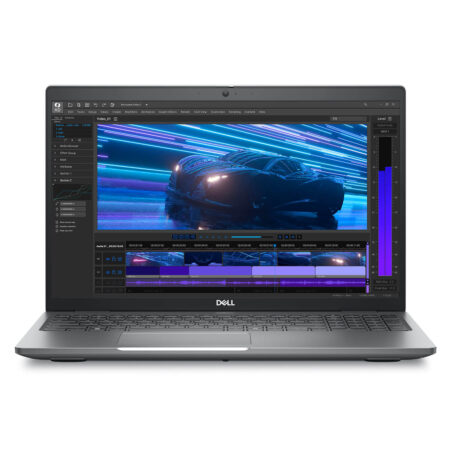
DELL Precision 3591 Mobile Workstation (2024)
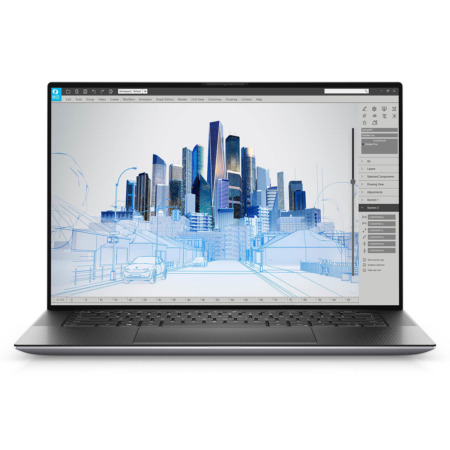 2 configurations
DELL Precision 5560 Mobile Workstation (2021)
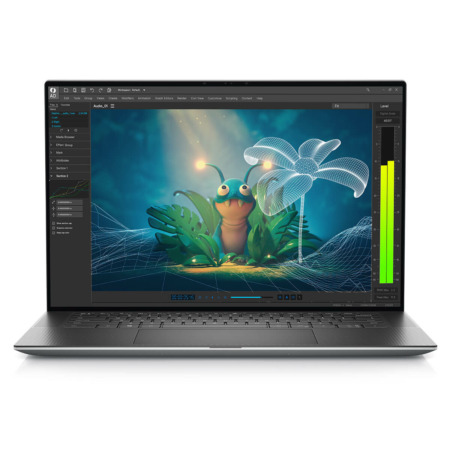
DELL Precision 5570 Mobile Workstation (2022)
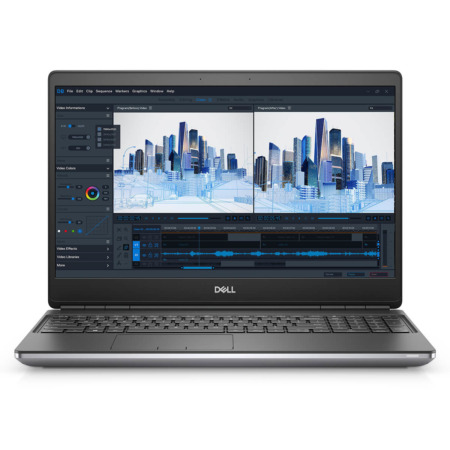 3 configurations
Dell Precision 7560 Mobile Workstation
 2 configurations


Trịnh Mai Trang 05/08/2026
The machine runs smoothly and performs quite well for graphic design and AutoCAD. The screen is beautiful and has no glare. My only complaint is that it gets a bit hot when running heavy tasks, but otherwise, it's great.
Thái Huỳnh 03/07/2024Purchased at Hung Phat
Highly recommended, reputable shop.
Ạnh Vinh Quang 09/03/2024Purchased at Hung Phat
Super fast delivery.