


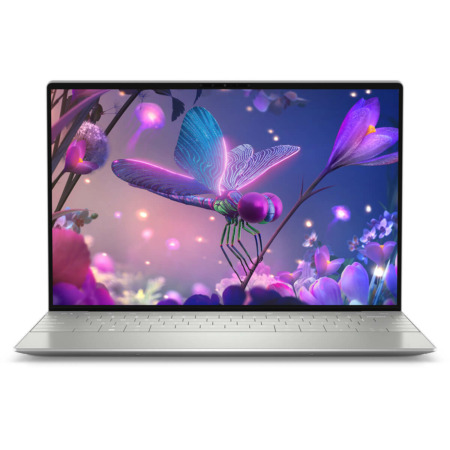
DELL XPS 13 9345 (2024)
- CPU: Snapdragon® X Elite, X1E-80-100 Up To 4.0GHz (12 Cores, 42MB Cache)
- RAM: LPDDR5X 16GB 8448MHz
- SSD: 512GB PCIe Gen4 M.2 SSD
- VGA: Qualcomm® Adreno™ Graphics
- DISPLAY: 13.4" IPS FHD+ (1920 x 1200), 30-120Hz, InfinityEdge Non-Touch Display, Anti-Glare, Dolby Vision™, 100% sRGB, 500-nits
- COLOR: PLATINUM
- CONDITION: New 100% Full Box
- WARRANTY: 12-month warranty
- Compact DELL XPS 13 9345 Design With an Aluminum Chassis From Just 1.18kg
- Dell XPS 13 9345 13.4-Inch Display: FHD+ 120Hz or 3K OLED
- XPS 13 9345 Performance With Snapdragon X Elite X1E-80-100, LPDDR5x RAM and Gen4 SSD
- Copilot+ PC on the Dell XPS 13 9345 AI: Recall, Live Captions and Cocreator
- Keyboard, Glass Touchpad, 8W Quad Speakers and 1080p Webcam on the XPS 13 9345
- DELL XPS 13 9345 Ports and Battery: 2 USB-C 40Gbps, Wi-Fi 7, 55Wh Battery
- DELL XPS 13 9345 (2024) Overview and Review
- FAQ - Frequently Asked Questions About the DELL XPS 13 9345 (2024)
- Where to Buy the DELL XPS 13 9345 (2024) Snapdragon X Elite From a Trusted Store?
DELL XPS 13 9345 (2024) is the ARM-powered version of the XPS 13, weighing about 1.2kg and part of the Copilot+ PC family, with AI features that run right on the device. It uses a Qualcomm Snapdragon X Elite chip with integrated Adreno graphics and is aimed at business users, students and mobile professionals who need a compact 13-inch laptop with long battery life and less dependence on a power outlet. This article covers the design, display, performance, AI features, ports and the points you should weigh before buying.
Compact DELL XPS 13 9345 Design With an Aluminum Chassis From Just 1.18kg
Dell XPS 13 9345 uses a sturdy aluminum alloy chassis, and the thin InfinityEdge bezels let the body fit almost exactly around the 13.4-inch display. The versions sold at Hung Phat Laptop come in two colors: bright silver Platinum for the FHD+ model and dark gray Graphite for the OLED model.
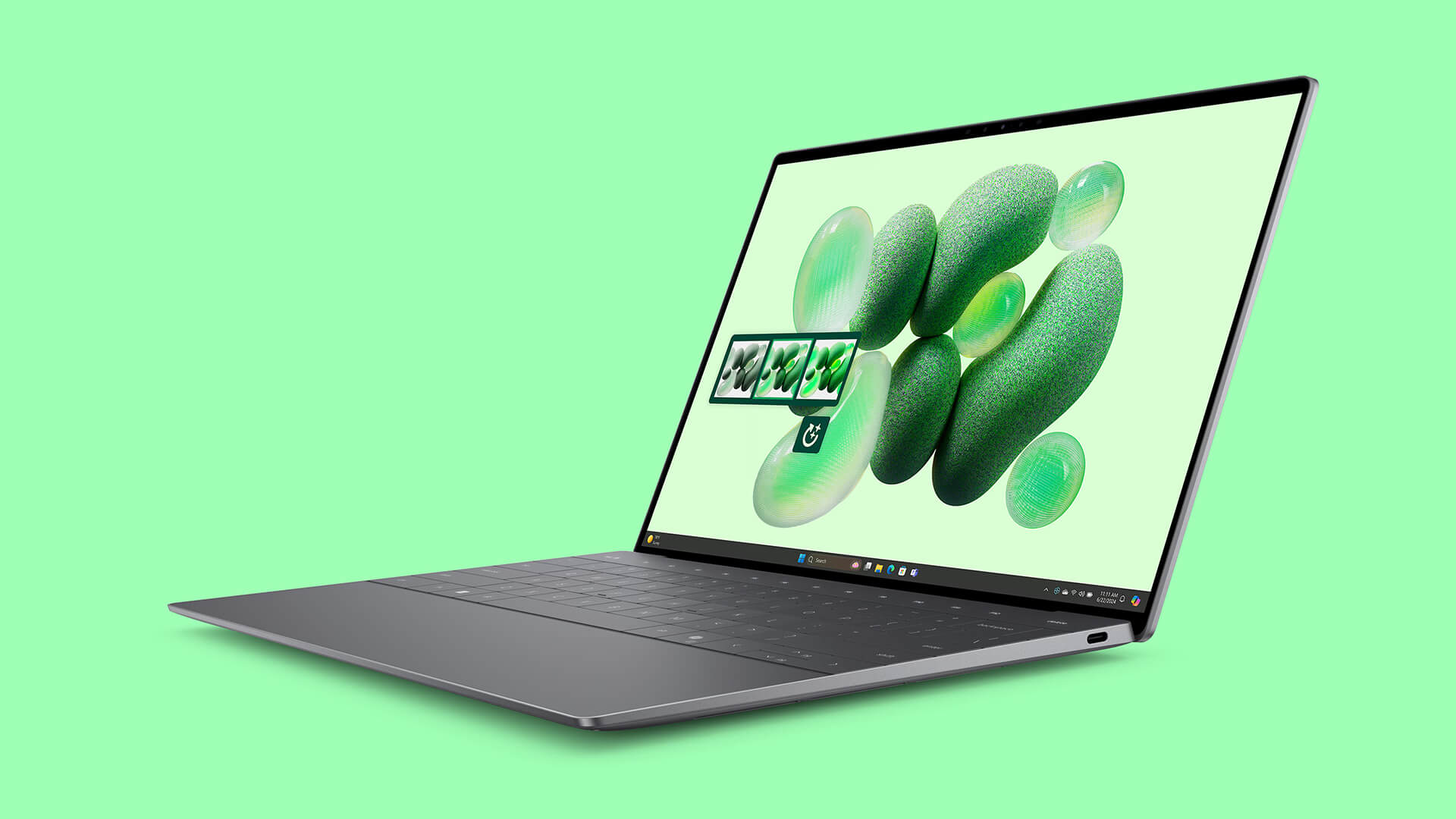
The laptop measures 295.4mm wide and 199.1mm deep, and it is 14.8mm thick with the OLED display and 15.3mm with the FHD+ display. It weighs just 1.18kg (OLED) and 1.19kg (FHD+), lighter than many mainstream 14-inch laptops, and fits in a 13-inch protective sleeve or the laptop compartment of a small backpack. If you need a Dell laptop to carry every day, this size is very comfortable.

Dell XPS 13 9345 13.4-Inch Display: FHD+ 120Hz or 3K OLED
Dell XPS 13 9345 offers two 13.4-inch 16:10 display options, both with Dolby Vision support. The FHD+ (1920 x 1200) version is a non-touch, anti-glare IPS panel covering 100% sRGB with 500 nits of brightness, well suited to office work and sitting near a window. The 3K OLED (2880 x 1800) version adds touch, an anti-reflective coating, 100% DCI-P3 coverage and 400 nits of brightness, delivering vivid colors and deep blacks for photo editing and movies.
The FHD+ version has a 120Hz refresh rate, so scrolling and dragging windows feel smoother than on a 60Hz screen, and the rate can drop when the content is static to save battery. The 3K OLED version runs at 60Hz in exchange for higher resolution and a wider color gamut. If you mostly work with documents and spreadsheets and need long battery life, the FHD+ version is the sensible choice; if you do color work, like touch input and watch a lot of movies, the OLED version is the better investment.
XPS 13 9345 Performance With Snapdragon X Elite X1E-80-100, LPDDR5x RAM and Gen4 SSD
Both versions of the XPS 13 9345 on sale use the Snapdragon X Elite X1E-80-100 chip with 12 cores, 42MB of cache, a max clock of 4.0GHz and a 45 TOPS NPU. The chip is built on the ARM architecture with a 4nm process and prioritizes performance per watt, so the laptop stays cool and keeps good battery life during office work.
| CPU | Cinebench R23 single / multi-core | Geekbench 6 single / multi-core |
|---|---|---|
| Qualcomm Snapdragon X Elite X1E-80-100 | 1,297 / 9,927 | 2,805 / 14,390 |
| Qualcomm Snapdragon X Elite X1E-84-100 (reference) | 1,350 / 9,471 | 2,892 / 15,412 |
| Intel Core Ultra 7 155H (reference) | 1,743 / 15,028 | 2,409 / 12,385 |
| Intel Core Ultra 7 258V (reference) | 1,872 / 10,301 | 2,754 / 10,966 |
Source: average scores from Notebookcheck. Cinebench R23 has no native build for ARM chips, so the Snapdragon scores here are lower than the chip's real capability; results on an actual unit also vary with the power mode and ambient temperature.
Geekbench 6 runs natively on ARM, so it gives a closer picture: the single-core score of the Snapdragon X Elite X1E-80-100 is higher than the Core Ultra 7 155H and on par with the Core Ultra 7 258V, while its multi-core score beats both. In real use, the laptop handles Office, browsers with many tabs, online meetings, web development and Lightroom photo editing smoothly.
The integrated Qualcomm Adreno 3.8 TFLOPS graphics scores about 1,706 in 3DMark Time Spy Graphics and 6,289 in Fire Strike Graphics according to Notebookcheck, slightly ahead of Intel Iris Xe but behind Intel Arc 140V. That is enough for photo editing, light Full HD video editing and light games, but not for 3D graphics or demanding games; some games that use anti-cheat software may not run on Windows on ARM yet.
The LPDDR5x 8448MHz RAM comes in 16GB and 32GB, soldered to the motherboard, so it cannot be upgraded later; if you often run several heavy apps or plan to use the laptop for 4 to 5 years, choose the 32GB version from the start. The PCIe Gen4 M.2 SSD comes in 512GB and 1TB, with fast read and write speeds, and can be swapped for a larger drive when needed.
The laptop runs the ARM version of Windows 11 Pro. Most popular apps already have native ARM versions, and older x86 apps run through the Windows emulation layer. If your work depends on specialized software, older printer drivers or custom accounting software, you should check compatibility before buying.
Copilot+ PC on the Dell XPS 13 9345 AI: Recall, Live Captions and Cocreator
The 45 TOPS NPU qualifies the Dell XPS 13 9345 as a Copilot+ PC, running AI features on the device instead of sending everything to the cloud. Recall lets you find content you have seen before through screenshots, while Live Captions shows real-time subtitles for more than 40 languages, handy for online meetings or educational videos.
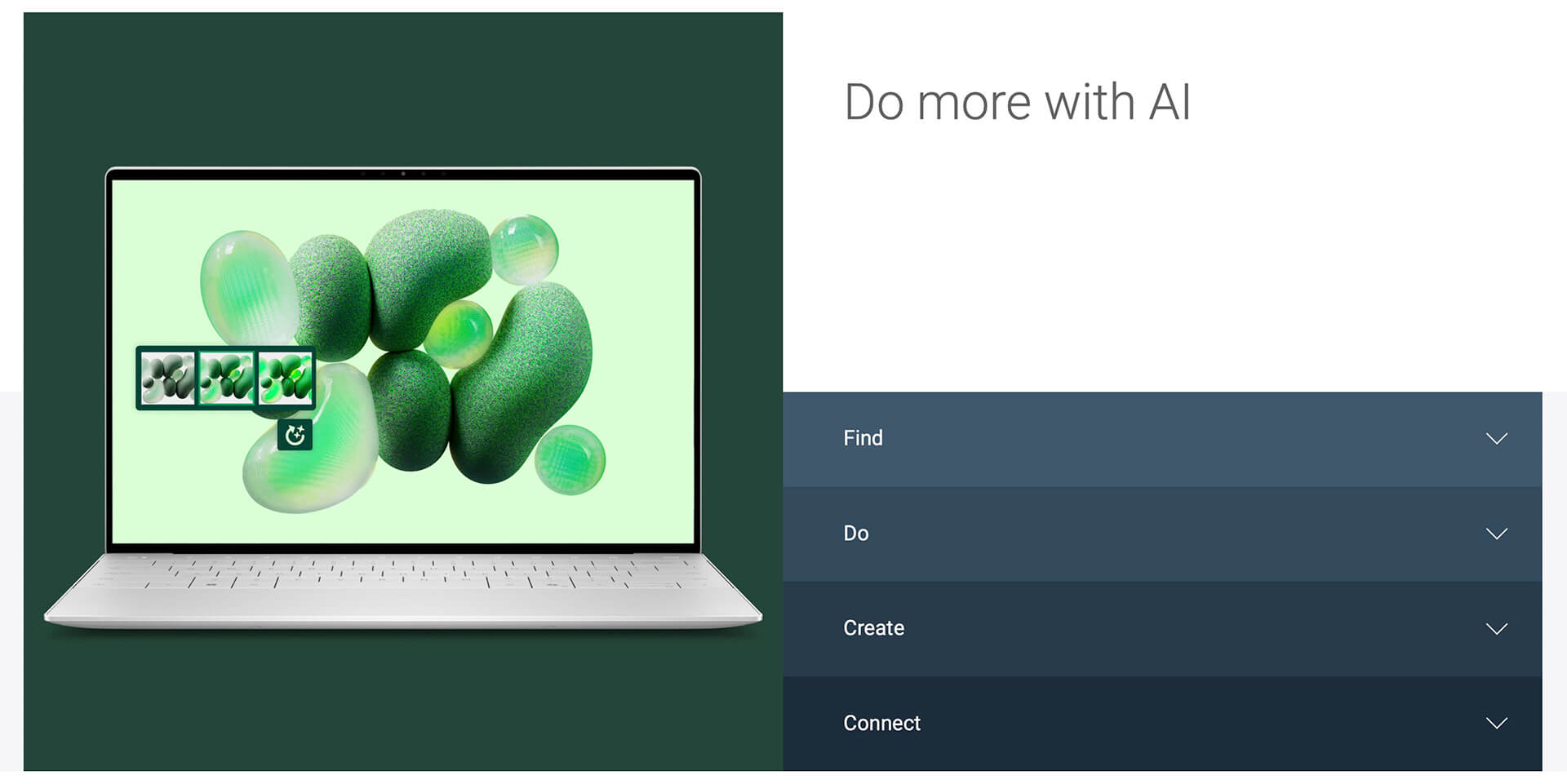
Cocreator turns a text description into an image in just a few steps, useful for marketers or anyone who needs to sketch out an idea quickly. The Copilot assistant understands natural language and takes voice or text commands to summarize documents, draft emails and organize your work. Microsoft rolls out some AI features gradually through Windows updates, so keep the laptop updated to get the full set.
Keyboard, Glass Touchpad, 8W Quad Speakers and 1080p Webcam on the XPS 13 9345
The keyboard on the XPS 13 9345 is backlit, so you can type accurately in a dark room. The wide glass touchpad supports smooth multi-touch gestures. A 360p infrared camera enables Windows Hello face sign-in, faster than typing a password every time you open the laptop.
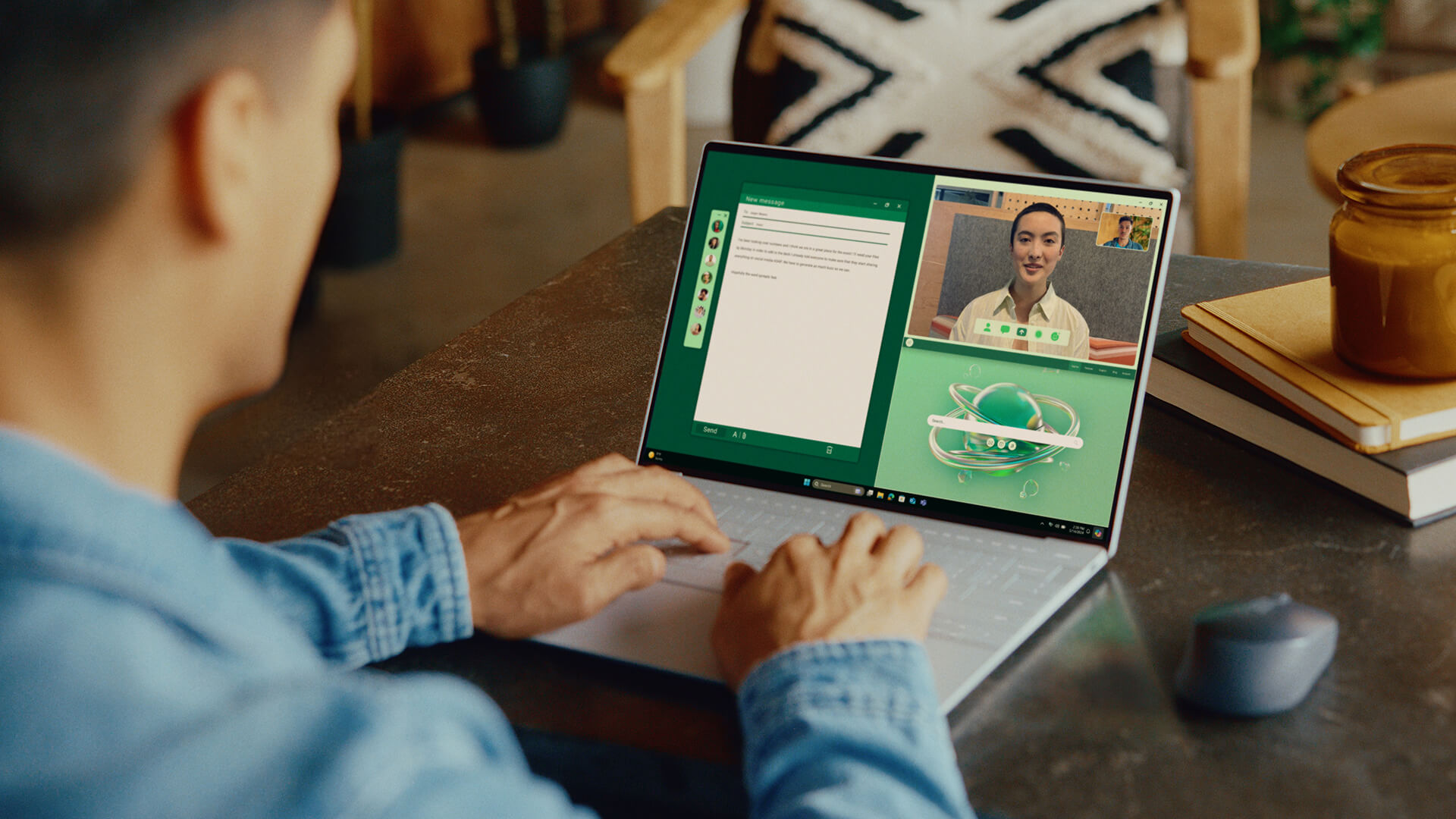
The 1080p 30fps webcam with 2 microphones delivers a much clearer picture than the 720p webcams on many office laptops, enough for daily Teams and Zoom meetings. The quad-speaker system pairs tweeters with woofers and uses Qualcomm WSA8845 amplifiers for a total of 8W (2W x 4), producing full, clear sound for a 13-inch body.
DELL XPS 13 9345 Ports and Battery: 2 USB-C 40Gbps, Wi-Fi 7, 55Wh Battery
DELL XPS 13 9345 has 2 USB Type-C Full Function ports, one on each side, running at 40Gbps with Power Delivery charging and DisplayPort output. Wireless connectivity comes from a Qualcomm FastConnect 7800 Wi-Fi 7 2x2 card and Bluetooth 5.4, stable when transferring large files or on video calls.
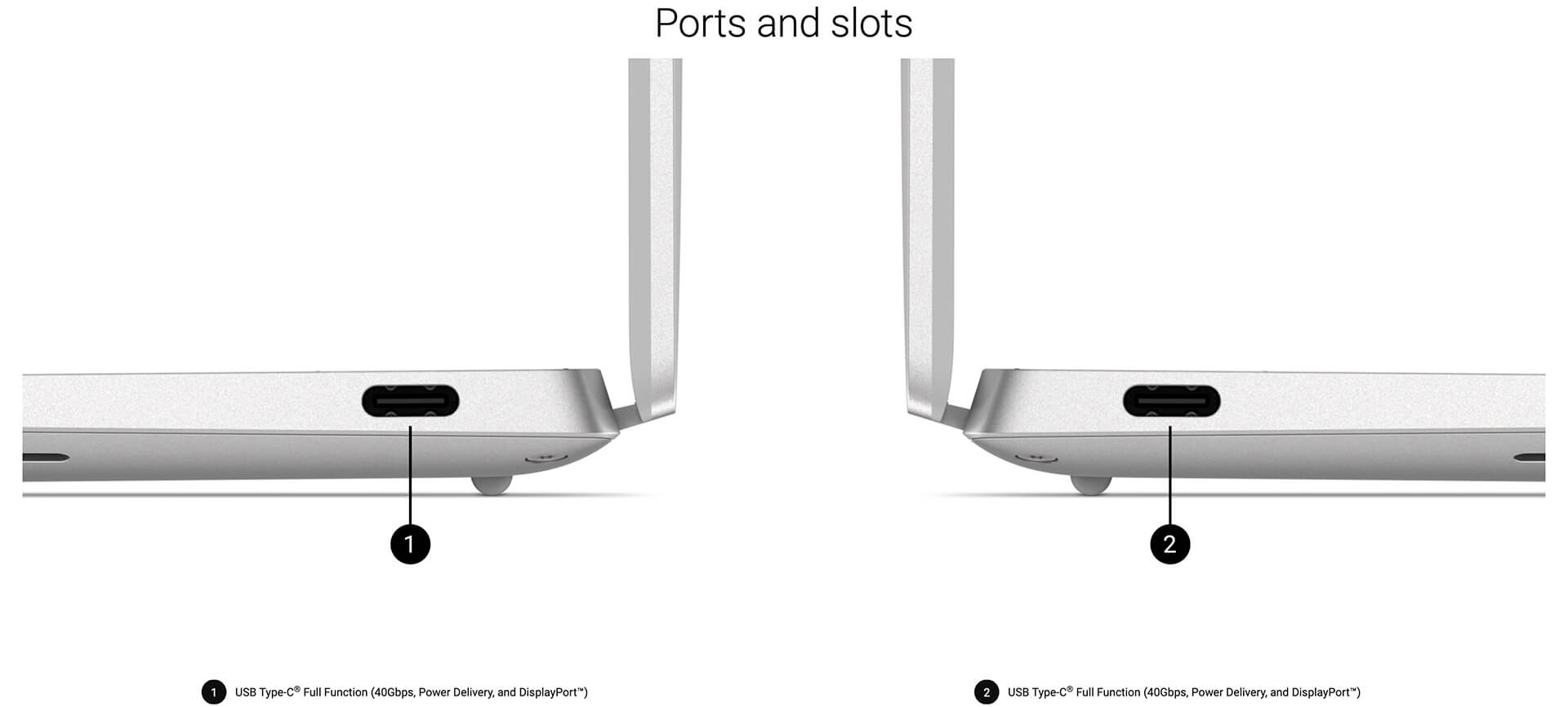
The laptop has only 2 USB-C ports, with no USB-A, HDMI or SD card slot, so you will need a small USB-C hub to connect a mouse, older USB drives or a projector. A multiport hub or a monitor with USB-C power delivery neatly solves this at your desk.
The 55Wh battery, combined with the power-efficient ARM chip, typically lasts a full office workday without the charger, and it fast-charges over 60W USB-C from either side. The FHD+ version usually lasts longer than the OLED version; to stretch it further, lower the brightness and turn on Windows battery saver.
DELL XPS 13 9345 (2024) Overview and Review
DELL XPS 13 9345 (2024) is a 13-inch laptop weighing about 1.2kg, with a beautiful display available in 120Hz or OLED, long battery life and the full set of Copilot+ PC AI features. It suits business users, students, content creators and web developers who need a compact machine to carry every day.
The trade-offs to consider: the laptop has only 2 USB-C ports, which a small hub can supplement. The RAM is soldered, so choose enough capacity from the start. Adreno graphics are not meant for demanding games or 3D, and some older x86 software may not yet run reliably on ARM, so check first if you rely on specialized software. You can also browse other models in the Dell XPS 13 category.
| Pros | Cons |
|---|---|
|
|
FAQ - Frequently Asked Questions About the DELL XPS 13 9345 (2024)
1. Can the RAM in the XPS 13 9345 be upgraded?
No. The LPDDR5x RAM is soldered to the motherboard and comes in 16GB and 32GB. The M.2 SSD, however, can be replaced with a larger drive.
2. Does the laptop run familiar Windows software?
Most popular apps, such as Office, web browsers, Zoom and Teams, already have ARM versions. Older x86 apps run through emulation, and some specialized software or older drivers may not be supported yet, so check before buying.
3. Should I choose the FHD+ or 3K OLED display?
The FHD+ display is anti-glare, runs at 120Hz, reaches 500 nits and is more power-efficient, making it a good fit for office work. The 60Hz 3K OLED display adds touch and covers 100% DCI-P3, suiting photo editing and movies.
4. Can the XPS 13 9345 play games?
It can handle light games with its integrated Adreno graphics. Demanding games and some games that use anti-cheat software may not run, or may not run smoothly, on Windows on ARM.
5. What ports does the laptop have?
It has 2 USB Type-C 40Gbps ports with charging and DisplayPort output, plus Wi-Fi 7 and Bluetooth 5.4. For USB-A, HDMI or SD cards, you will need a USB-C hub.
6. What support do I get when buying at Hung Phat Laptop?
Every laptop is a genuine product that comes with an invoice, a clear warranty, 30-day returns for manufacturer defects, SSD upgrade support, technical support and nationwide delivery.
Two other models worth a look: the DELL XPS 13 9350 (2025) and the DELL XPS 13 9340 (2024).
Where to Buy the DELL XPS 13 9345 (2024) Snapdragon X Elite From a Trusted Store?
Do you mainly do office work, study and travel for business often? The 16GB, 512GB SSD, FHD+ version of the DELL XPS 13 9345 is enough. Do you edit photos, run many apps at once or plan to keep the laptop for years? The 32GB, 1TB SSD, 3K OLED version is a better fit. Our advisors will help you check whether the software you use runs well on a thin and light Copilot+ PC laptop.
Every XPS laptop at our store is a genuine product with a full invoice. Warranty terms are stated clearly, and units with manufacturer defects are exchanged within the first 30 days. Our technicians help with SSD upgrades and provide long-term technical support. We deliver nationwide for anyone who needs a 13-inch business laptop. Order now at Hung Phat Laptop.
Performance & benchmarks DELL XPS 13 9345 (2024)
Qualcomm Snapdragon X Elite X1E-80-100 Qualcomm Adreno Graphics - best for Office 8.5/10, Programming 6/10.
Qualcomm Snapdragon X Elite X1E-80-100
- Cinebench R23 (multi-core)9,927
- Geekbench 6 (multi-core)14,390
- Geekbench 6 (single-core)2,805
- PassMark22,861
- NPU (AI)45 TOPS
- Cores / Threads12/12
Qualcomm Adreno Graphics
- 3DMark Time Spy1,706
- 3DMark Fire Strike6,288.5
Best for
Scored from real benchmarks- Gaming2/10
- Video / Graphics3/10
- Programming6/10
- Office8.5/10
- AI / Generative AI4.5/10
Why does the CPU matter?
The CPU is the "brain" that handles every task: launching apps, multitasking, compiling code and editing video. The stronger the CPU, the faster and smoother the laptop runs when you juggle many things at once.
- BasicThis product
Web browsing, streaming and light office work.
- MainstreamThis product
Office work, moderate multitasking and studying.
- Mid-rangeThis product
Solid multitasking, programming and light graphics work.
- StrongThis product
Video editing, heavy programming, virtualization and gaming.
- FlagshipThis product
Heavy rendering, 4K/8K editing, virtual machines and AI workloads.
Why does the GPU matter?
The GPU (graphics card) handles visuals: gaming, video editing, 3D rendering and AI acceleration. The stronger the GPU, the higher your frame rates and the faster your video exports.
- Basic (iGPU)This product
Smooth display, 4K video and very light games (League of Legends, Valorant on low).
- MainstreamThis product
1080p eSports gaming, photo editing and light video editing.
- Mid-rangeThis product
1080p gaming on medium-high settings and smooth Full HD video editing.
- StrongThis product
1080p/1440p gaming on high settings, 4K video editing and 3D rendering.
- FlagshipThis product
4K/240Hz gaming, ray tracing, heavy rendering and AI.
No comments yet
Q&A about DELL XPS 13 9345 (2024)
Frequently asked questions about DELL XPS 13 9345 (2024)
What are the specifications of DELL XPS 13 9345 (2024)?
What is the warranty for DELL XPS 13 9345 (2024)?
Can I buy DELL XPS 13 9345 (2024) with home delivery?
Worth a Look
 6 configurations
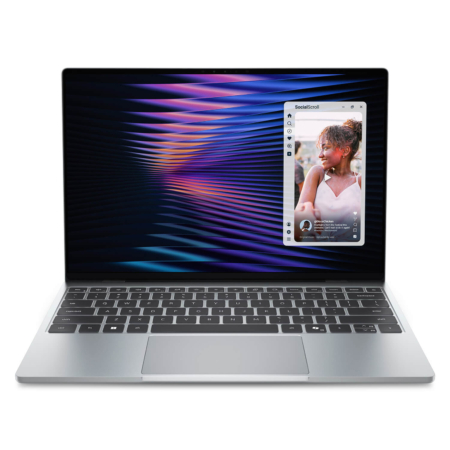
Dell XPS 13 DX13260 (2026)
 3 configurations
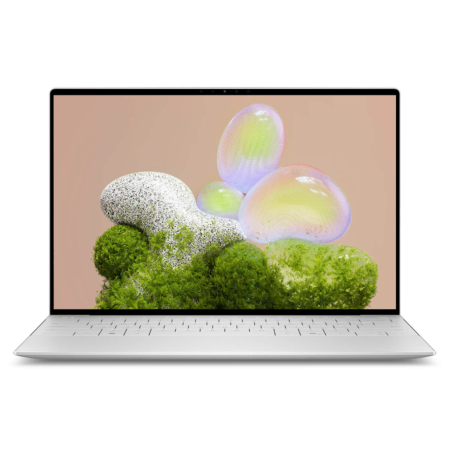
DELL XPS 13 9350 (2025)
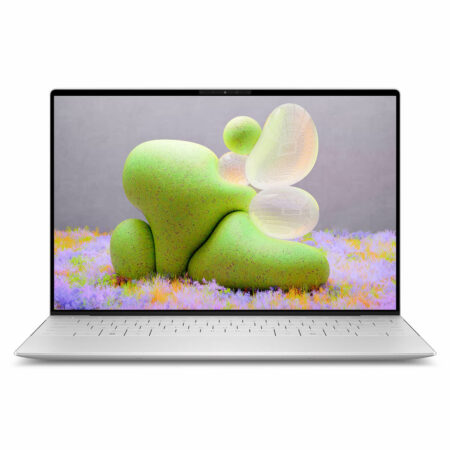
DELL XPS 13 9340 (2024)


Nguyễn Thanh Tuấn 02/09/2024Purchased at Hung Phat
Brand new, factory sealed. We are honest about the condition - if it's new, we say it's new; if it's used, we say it's used. Highly trustworthy, everyone!
Lương Quốc Dũng 24/07/2024Purchased at Hung Phat
Enthusiastic consultation
Anh Trí 09/02/2024Purchased at Hung Phat
Enthusiastic staff.