

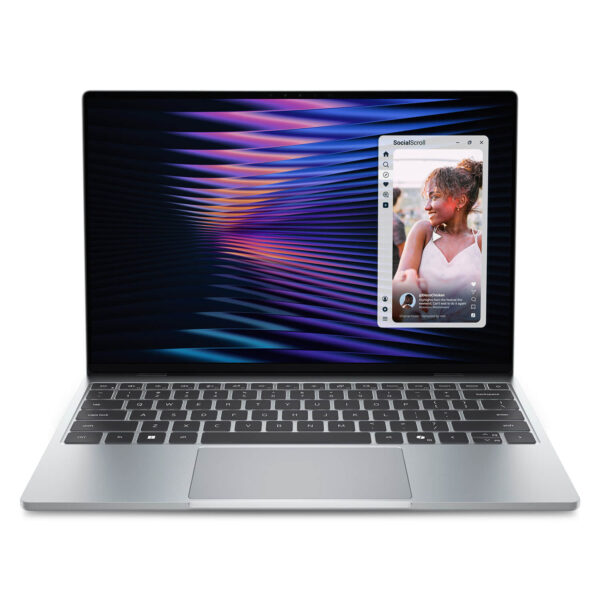
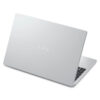
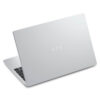
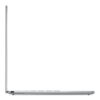
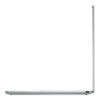
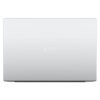
DELL XPS 13 DX13260 (2026)
- CPU: Intel Core 5 320 Up To 4.6GHz (6 Cores, 6 Threads, 6MB Cache - 16 TOPS NPU)
- RAM: LPDDR5X 16GB 7567MHz
- SSD: 512GB PCIe Gen4 M.2 SSD
- VGA: Intel® Graphics
- DISPLAY: 13.4" IPS 2.5K (2560 x 1600), 30-120Hz, InfinityEdge Touch Display, Anti-Reflective, Eyesafe, 100% DCI-P3, 500-nits
- CONDITION: New 100% Full Box
- WARRANTY: Bảo hành 12 tháng
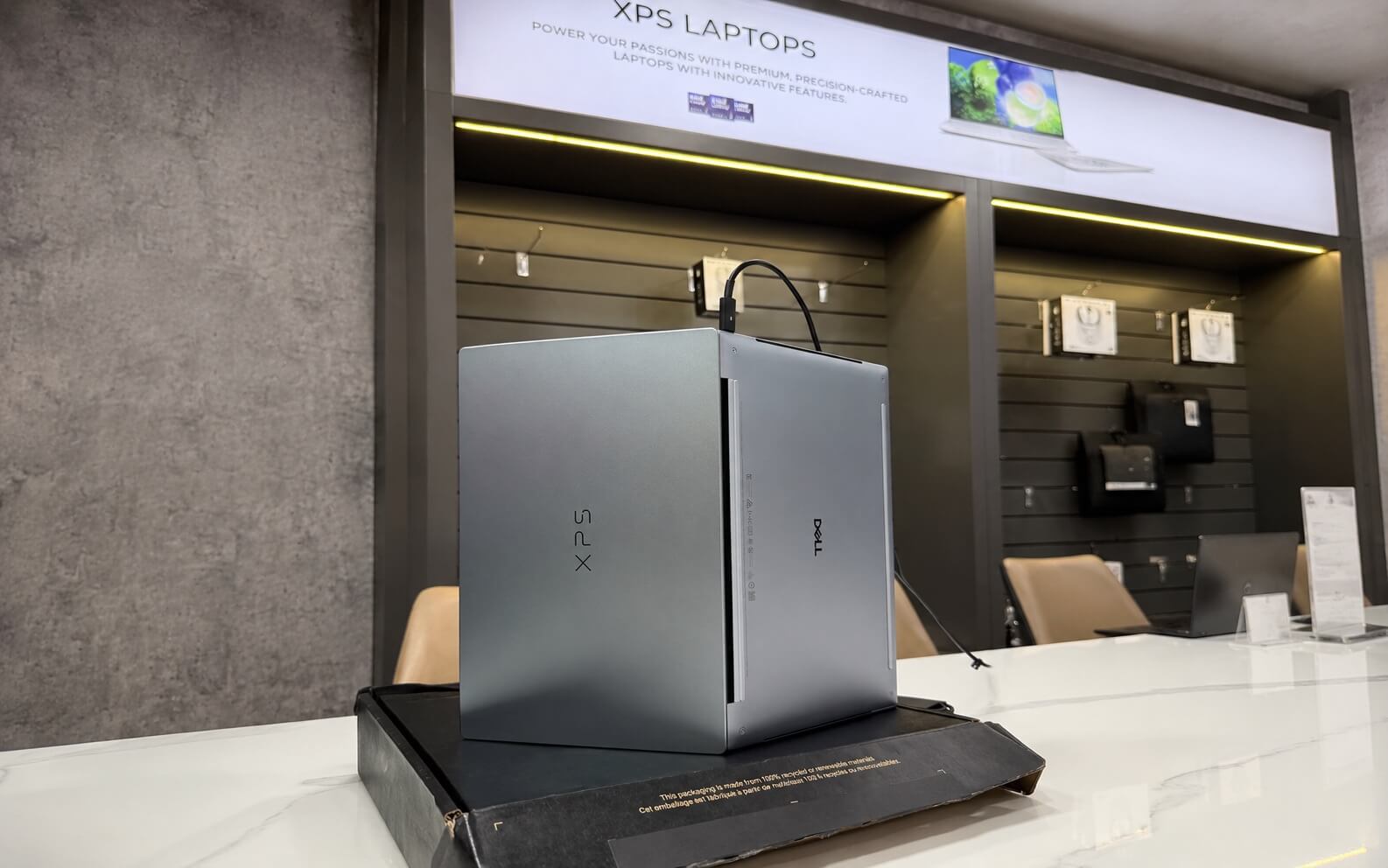
- Slim, Lightweight, and Luxurious Design
- Display of the Dell XPS 13 DX13260 (2026)
- Performance with Intel Core Series 3 and Core Ultra Series 3
- Enhance Your Experience with Integrated AI
- Keyboard & Touchpad
- Ports & Connectivity of the Dell XPS 13 DX13260 (2026)
- Operating Temperature & Battery Life
- Overview and Review of the Dell XPS 13 DX13260 (2026)
- FAQ - Frequently Asked Questions about Dell XPS 13 DX13260 (2026)
- Where to buy the Dell XPS 13 DX13260 (2026) with good prices and reliability?
Dell XPS 13 DX13260 (2026) marks a remarkable turning point for Dell's premium ultrabook line: it retains the familiar XPS essence with a CNC aluminum chassis and InfinityEdge bezel-less display, but this time, it is thinner and lighter than ever and features the first run of the next-generation Intel platforms (Wildcat Lake and Panther Lake). The dilemma for many is not whether the machine is powerful, but whether to choose the budget-friendly Intel Core 5 320 version or the Intel Core Ultra 7 355 version that meets Copilot+ PC standards. This article from Dell XPS will break down each configuration so you don't pay extra for what you don't need.
Slim, Lightweight, and Luxurious Design
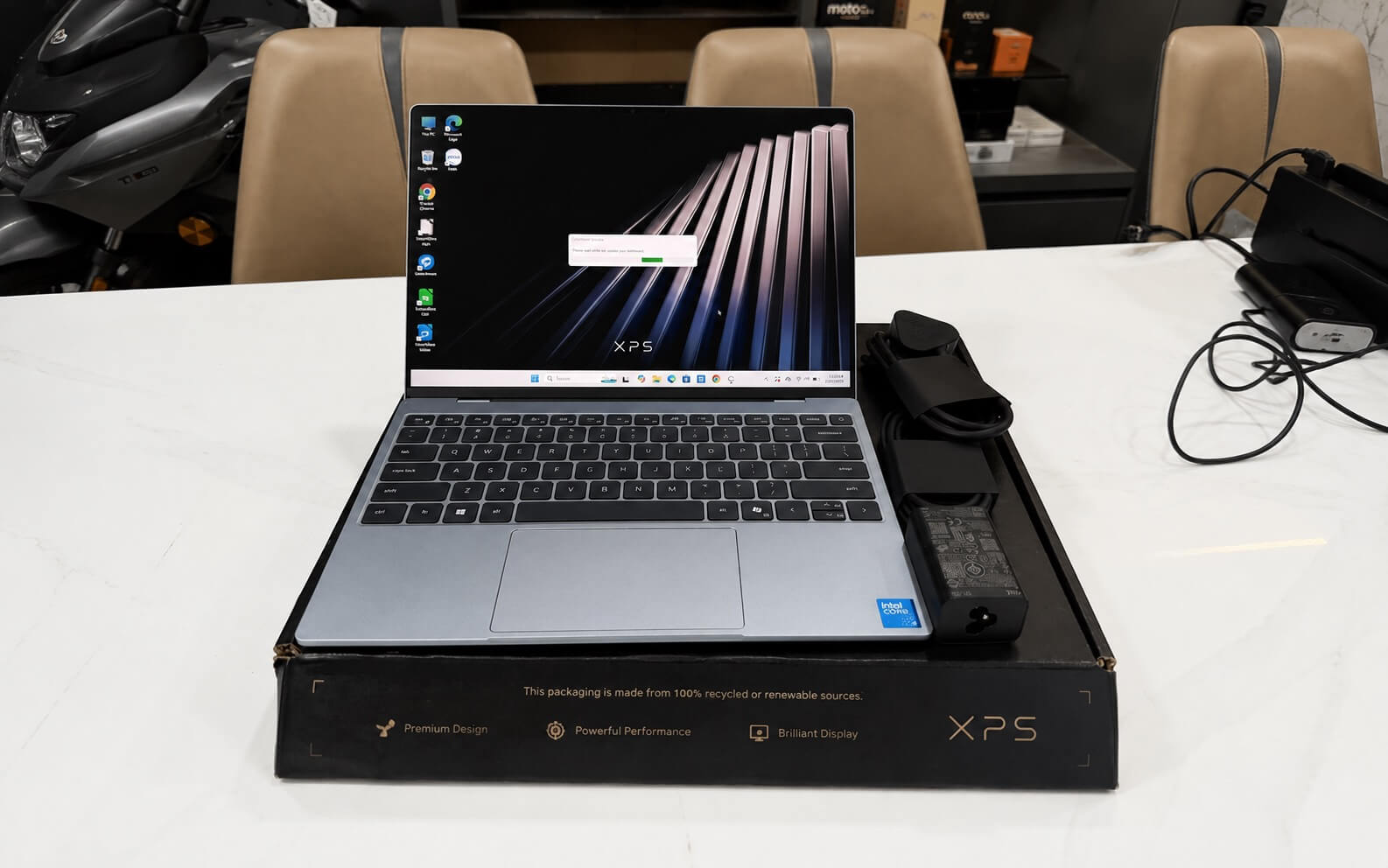
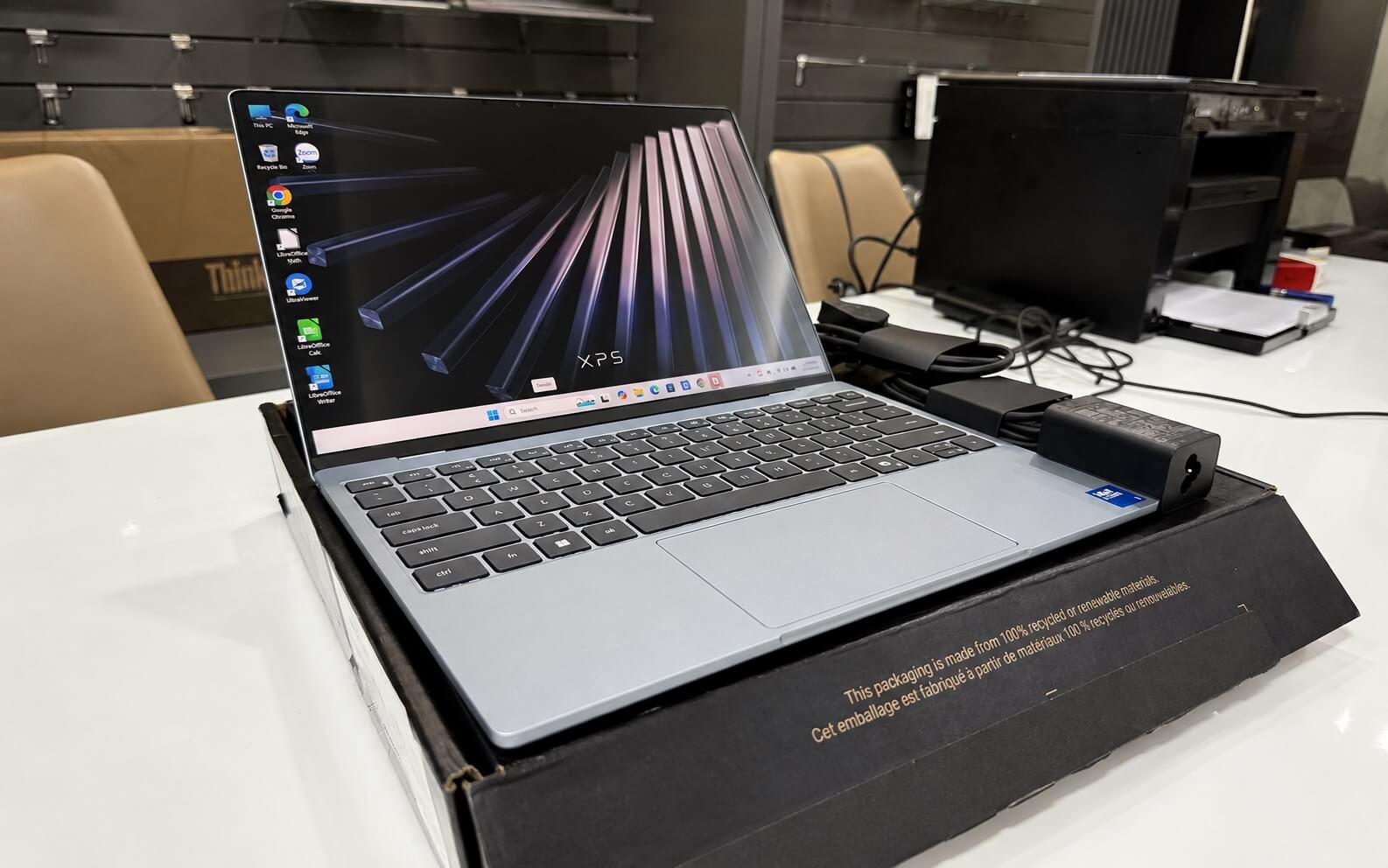
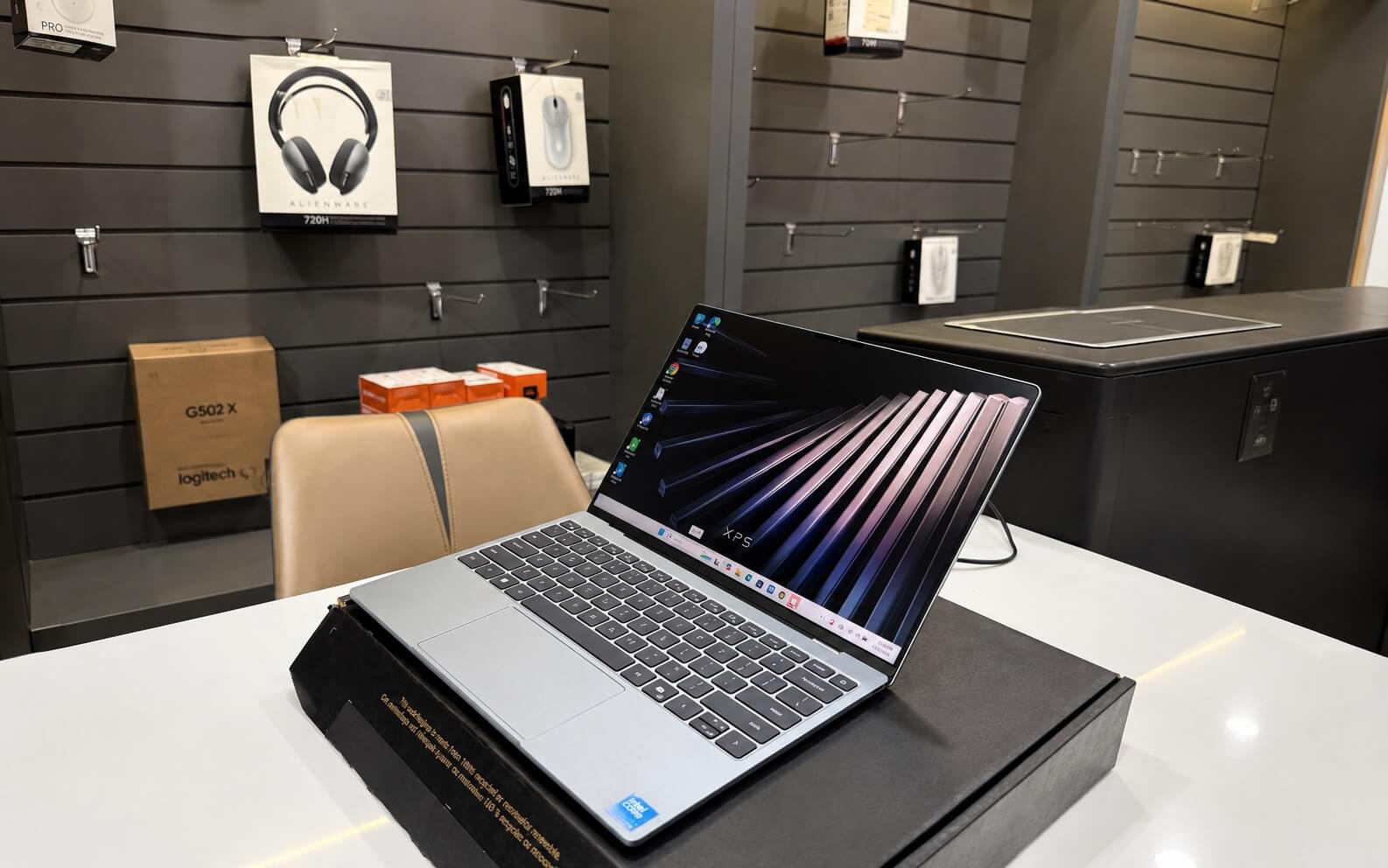
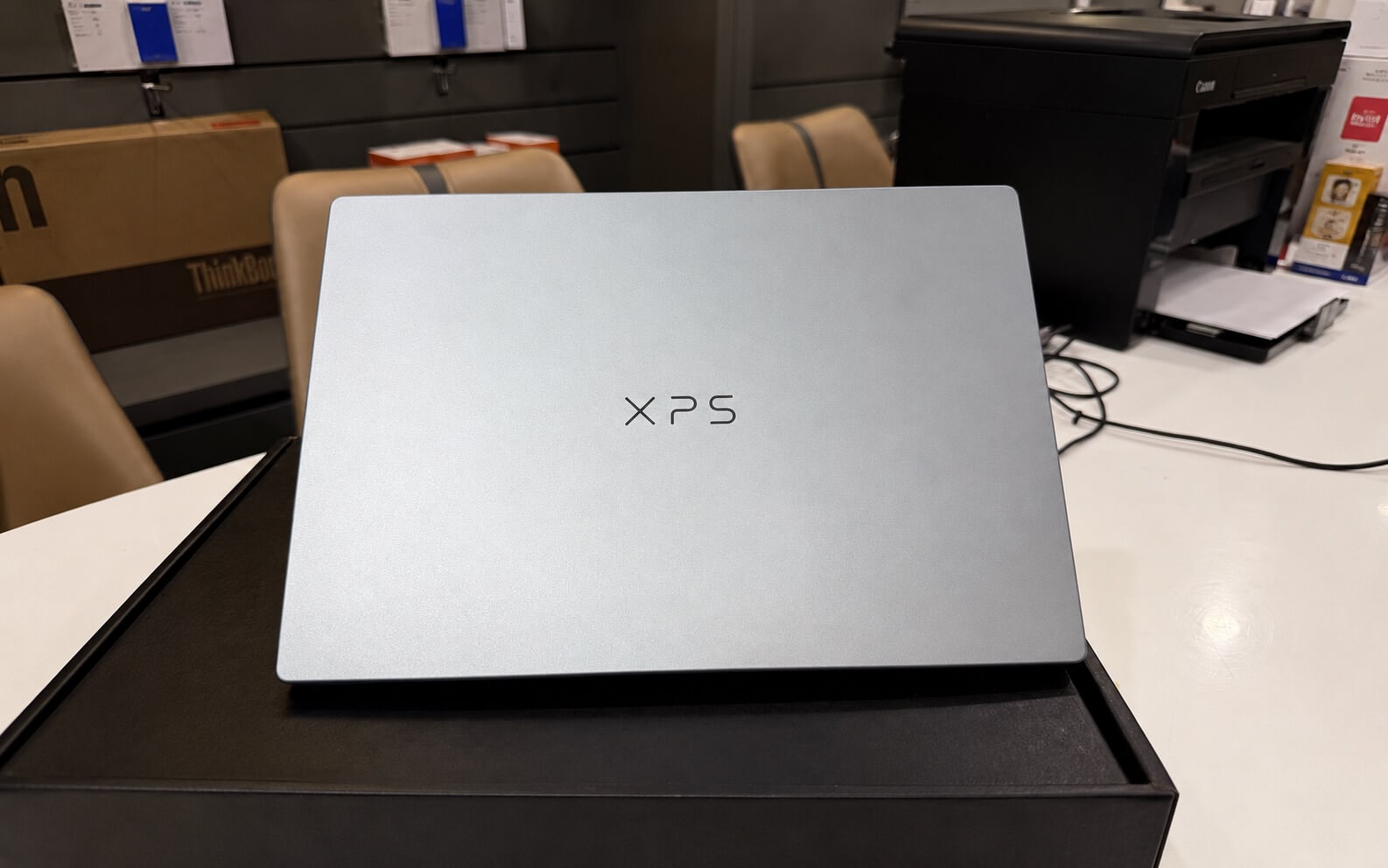
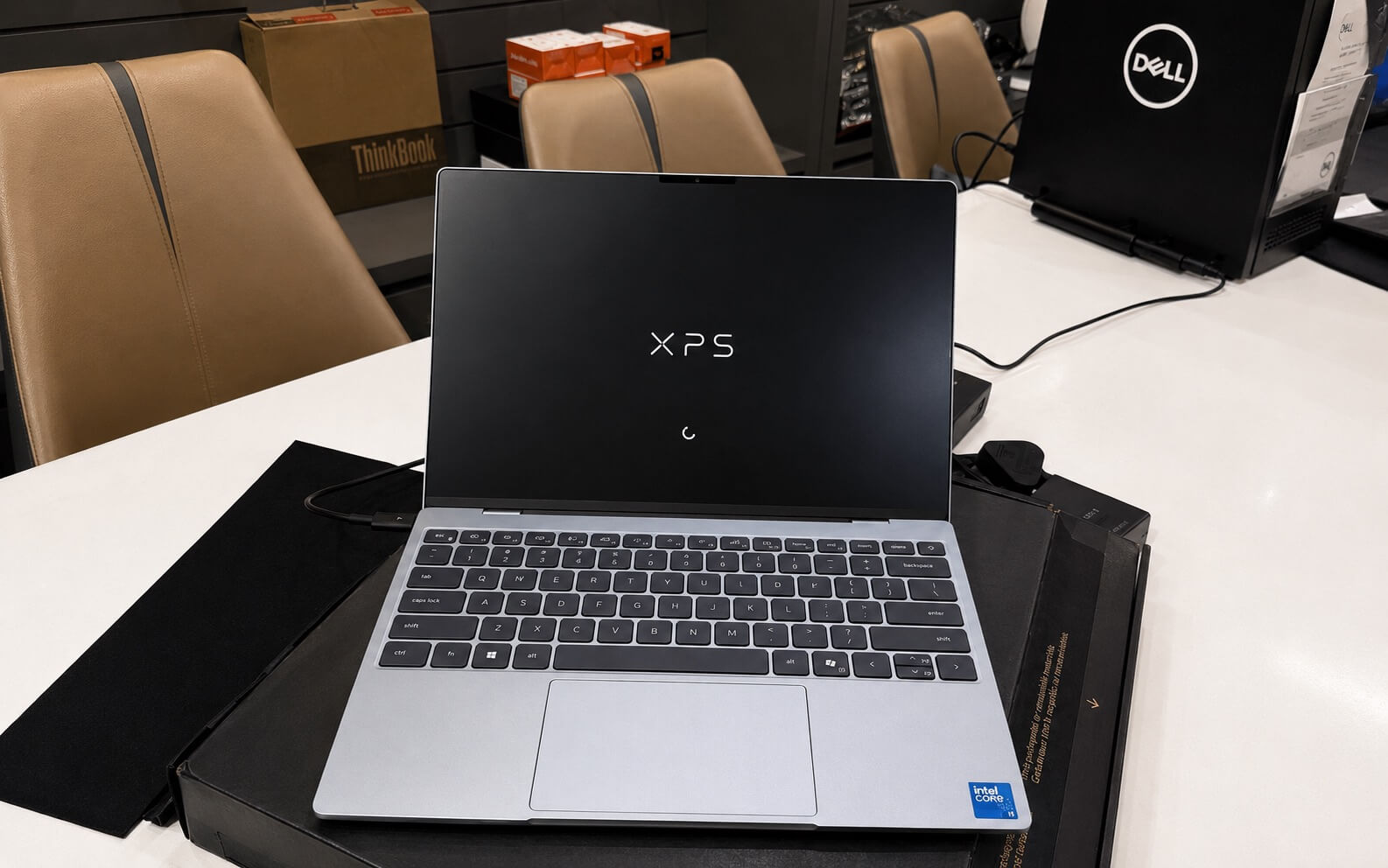
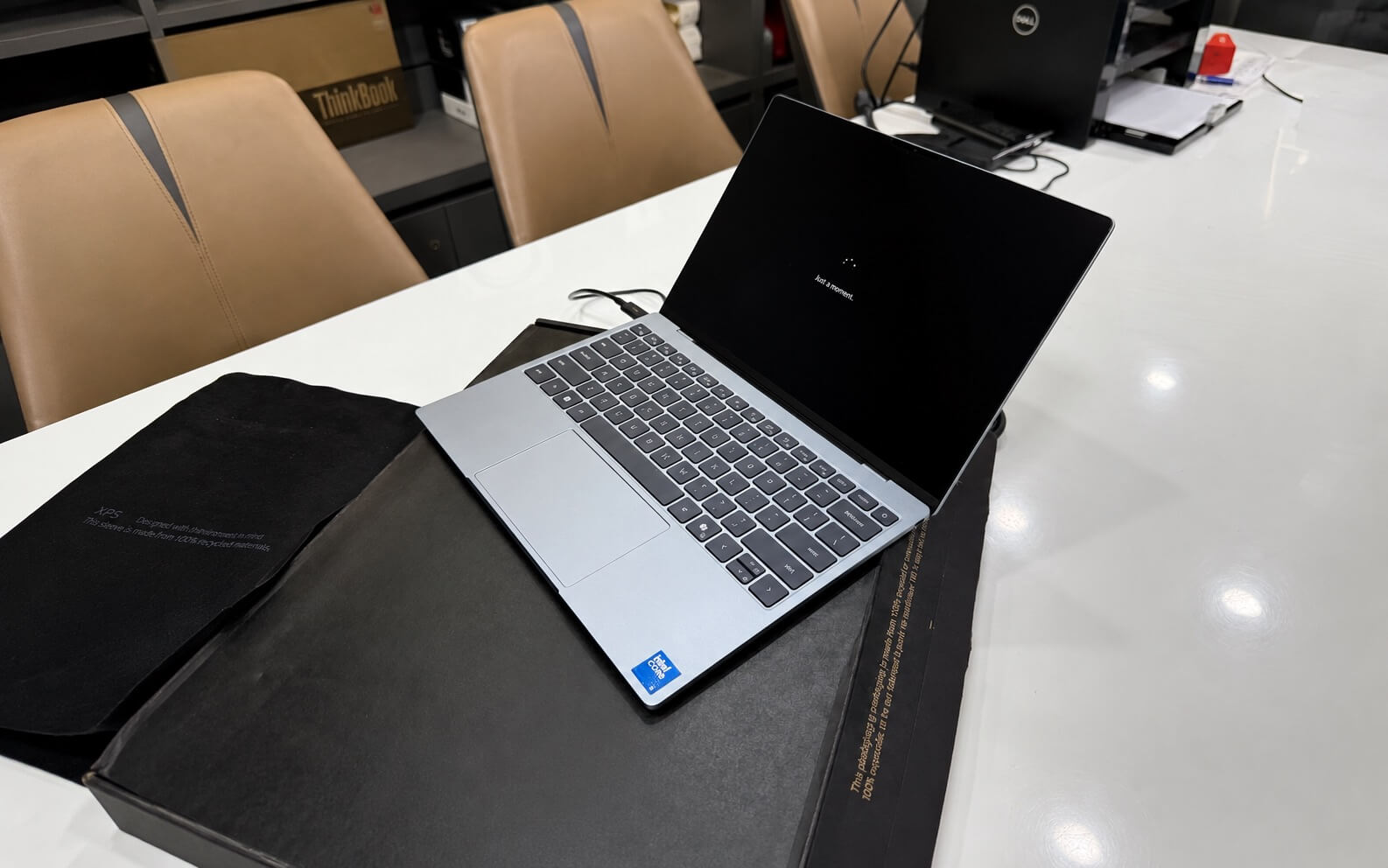
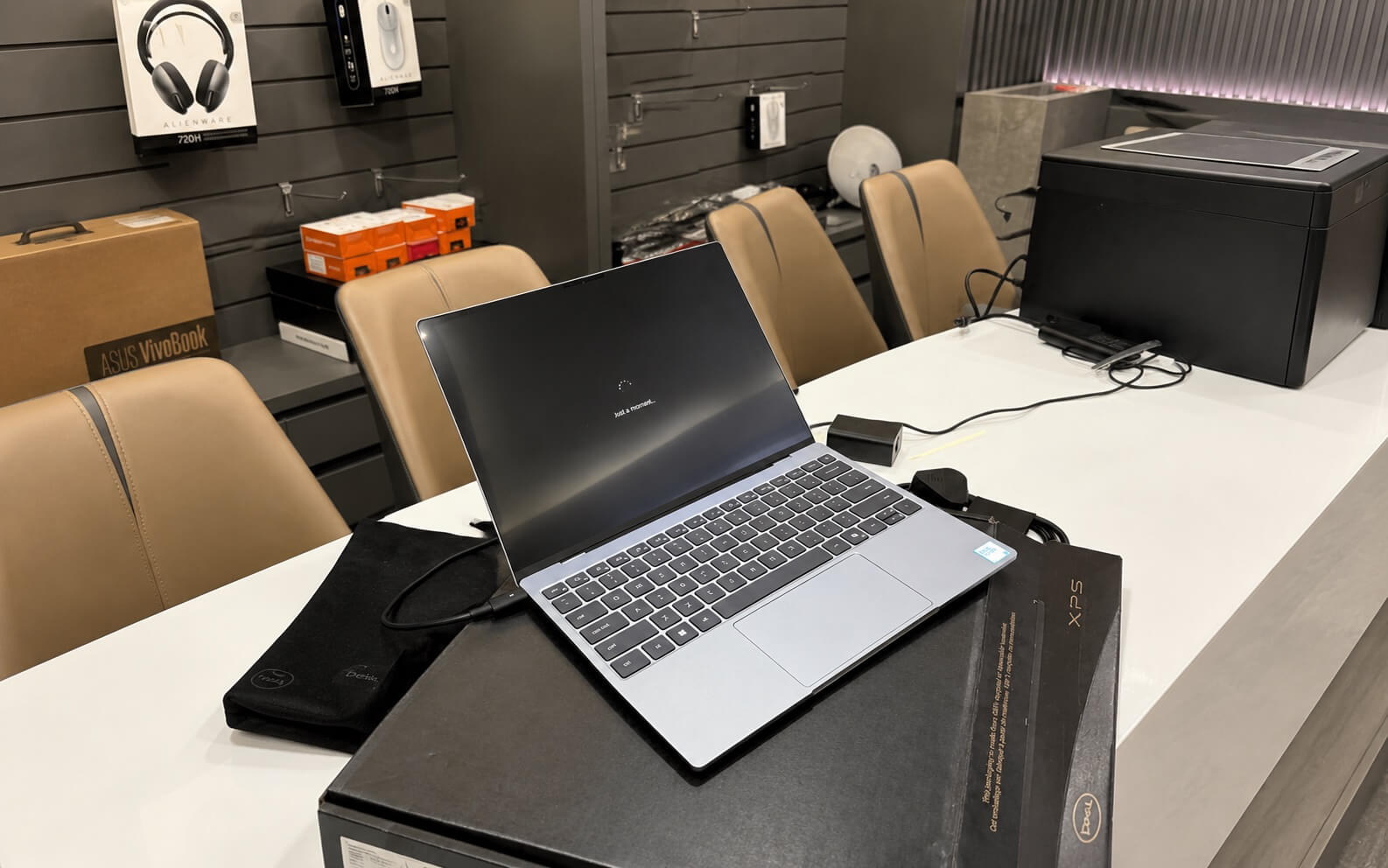
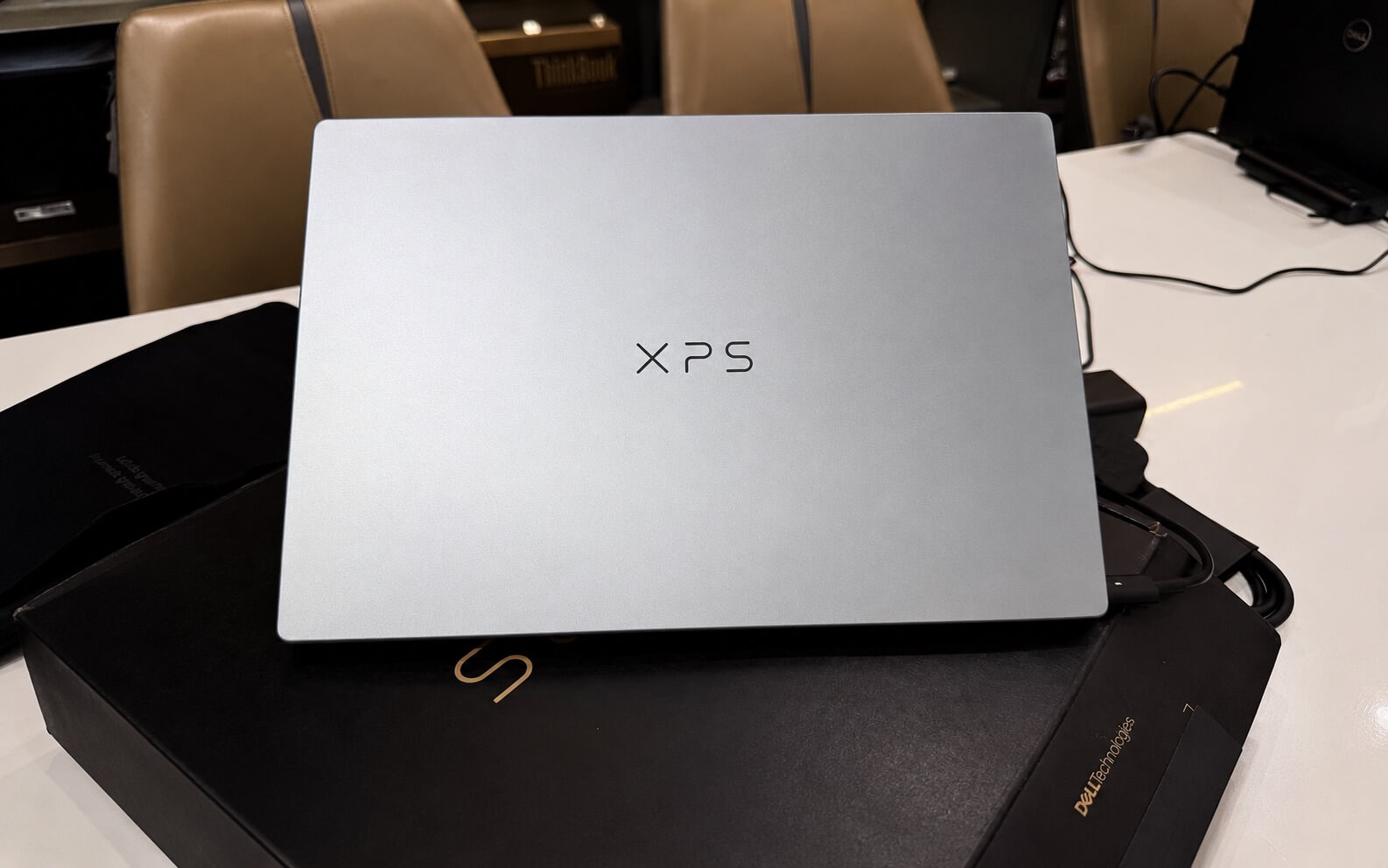
The Dell XPS 13 DX13260 maintains the minimalist design language that made the XPS series famous, but pushes mobility to a new level. The chassis is crafted from solid CNC aluminum, with sharply cut edges that feel sturdy in hand and exude a premium feel worthy of its price point. This is the thinnest XPS Dell has ever produced to date.
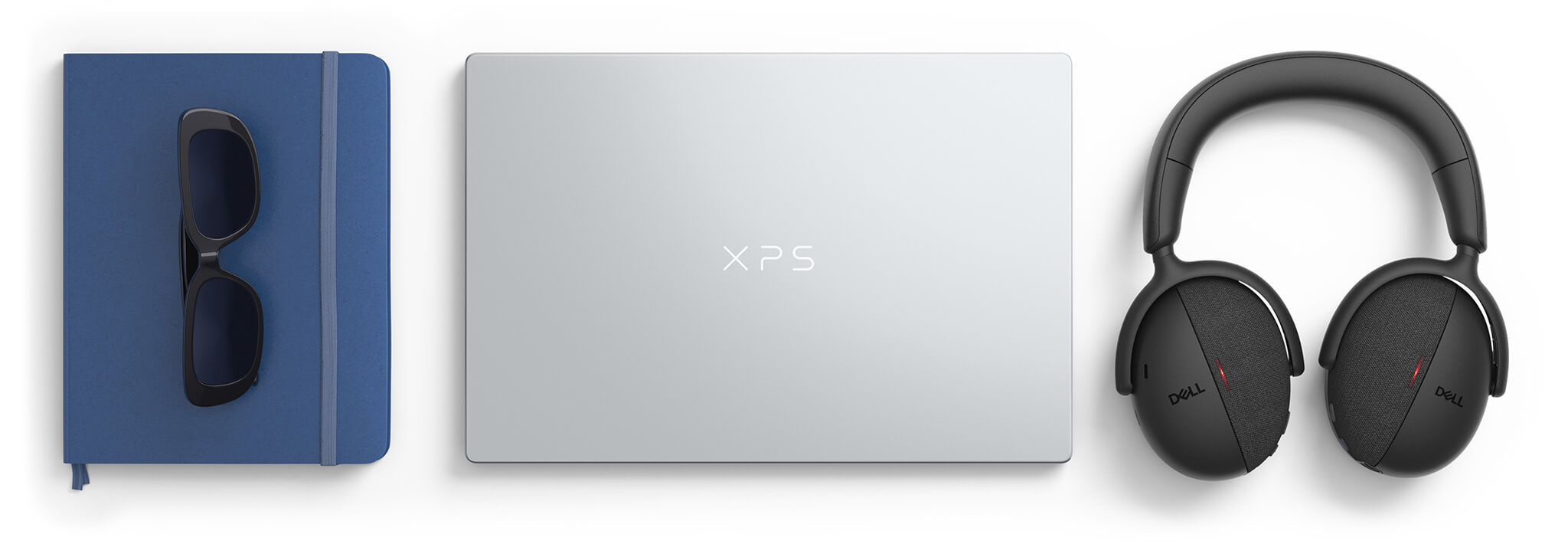
The device is only 12.7mm thick and weighs approximately 0.9kg, significantly lighter than the previous generation. With this weight, you can easily slip the laptop into a backpack for work, school, or business trips without feeling any bulk. Despite being so thin, Dell has managed to fit a dual-fan cooling system inside, a technical feat not found in every 13-inch laptop.
Regarding color, the Dell XPS 13 DX13260 (2026) comes in two options: Sky (light smoky blue) and Storm (dark gray), allowing you to choose based on personal taste or professional environment. Above the screen is a 1080p webcam with integrated infrared (IR) sensors, supporting fast and secure Windows Hello facial login, which is highly convenient for office users who unlock their laptops frequently throughout the day.
Display of the Dell XPS 13 DX13260 (2026)
The display is one of the most worthwhile upgrades in this generation. The Dell XPS 13 DX13260 uses a 13.4-inch 2.5K (2560 x 1600) panel with a 16:10 aspect ratio and InfinityEdge ultra-thin bezels, providing a spacious viewing area and sharp imagery within a compact frame.
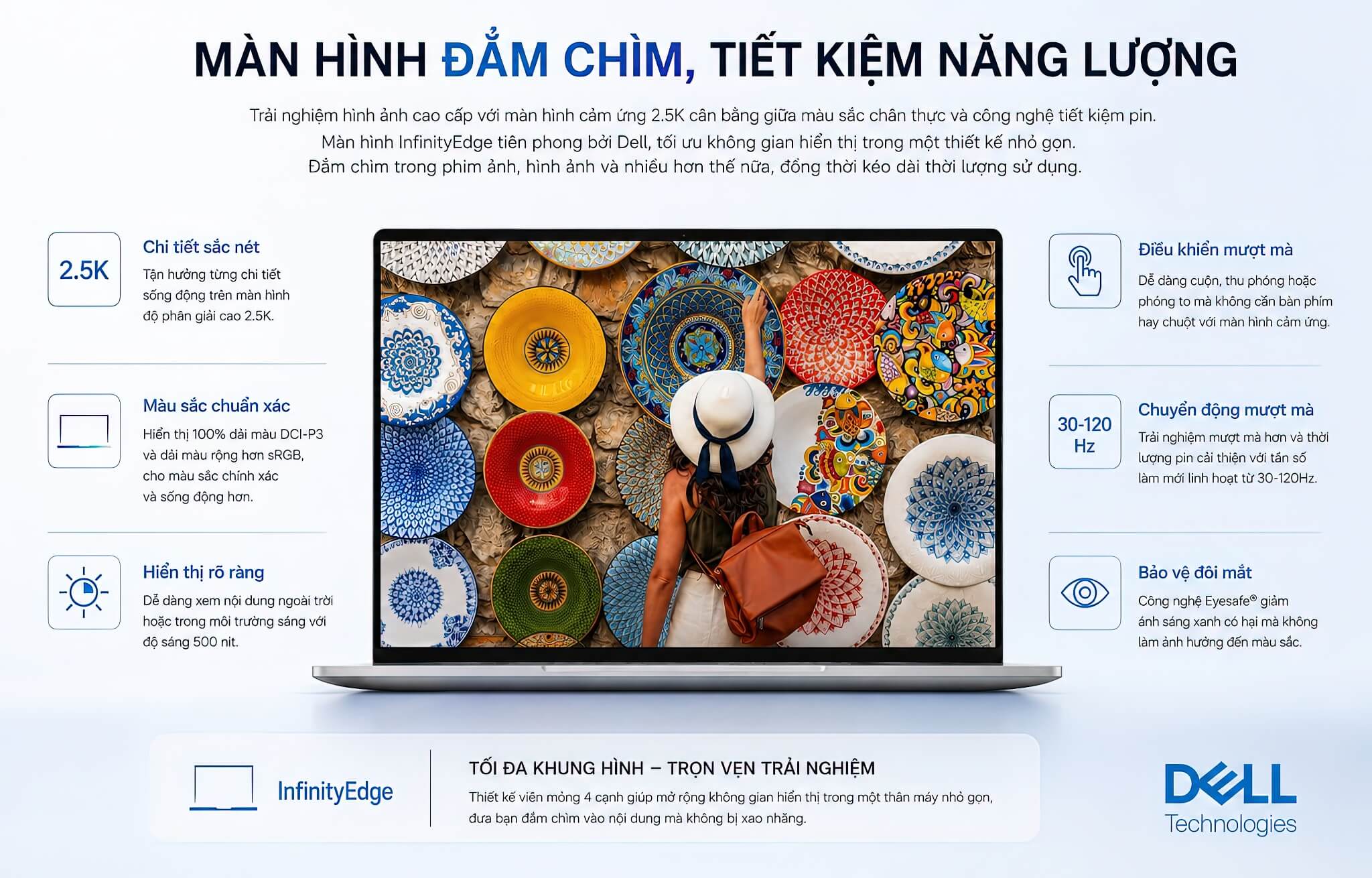
The highlight is the dynamic 30-120Hz refresh rate: the machine automatically drops to 30Hz when reading documents to save battery and ramps up to 120Hz when scrolling web pages or viewing motion content for a smooth experience. A 500 nits brightness level ensures clarity even when sitting near a window or using it outdoors in the shade, while the touchscreen layer supports intuitive touch operations.
In terms of color, the screen covers 100% of the DCI-P3 gamut and is DisplayHDR 400 certified, offering accurate color reproduction and excellent contrast. This is a clear advantage for photo editors, light video editors, or anyone wanting to watch movies with lifelike colors. Compared to other ultrabooks in the same segment, this is a high-quality, value-driven panel.
Performance with Intel Core Series 3 and Core Ultra Series 3
The Dell XPS 13 DX13260 (2026) is one of the few machines to mix both of Intel's new platforms within the same product line. The standard version runs on the Intel Core 5 320 (Wildcat Lake architecture, Core Series 3), while the high-end version uses the Intel Core Ultra 7 355 (Panther Lake architecture, Core Ultra Series 3). Both are manufactured on the advanced 2nm process, optimizing power efficiency for the slim chassis.
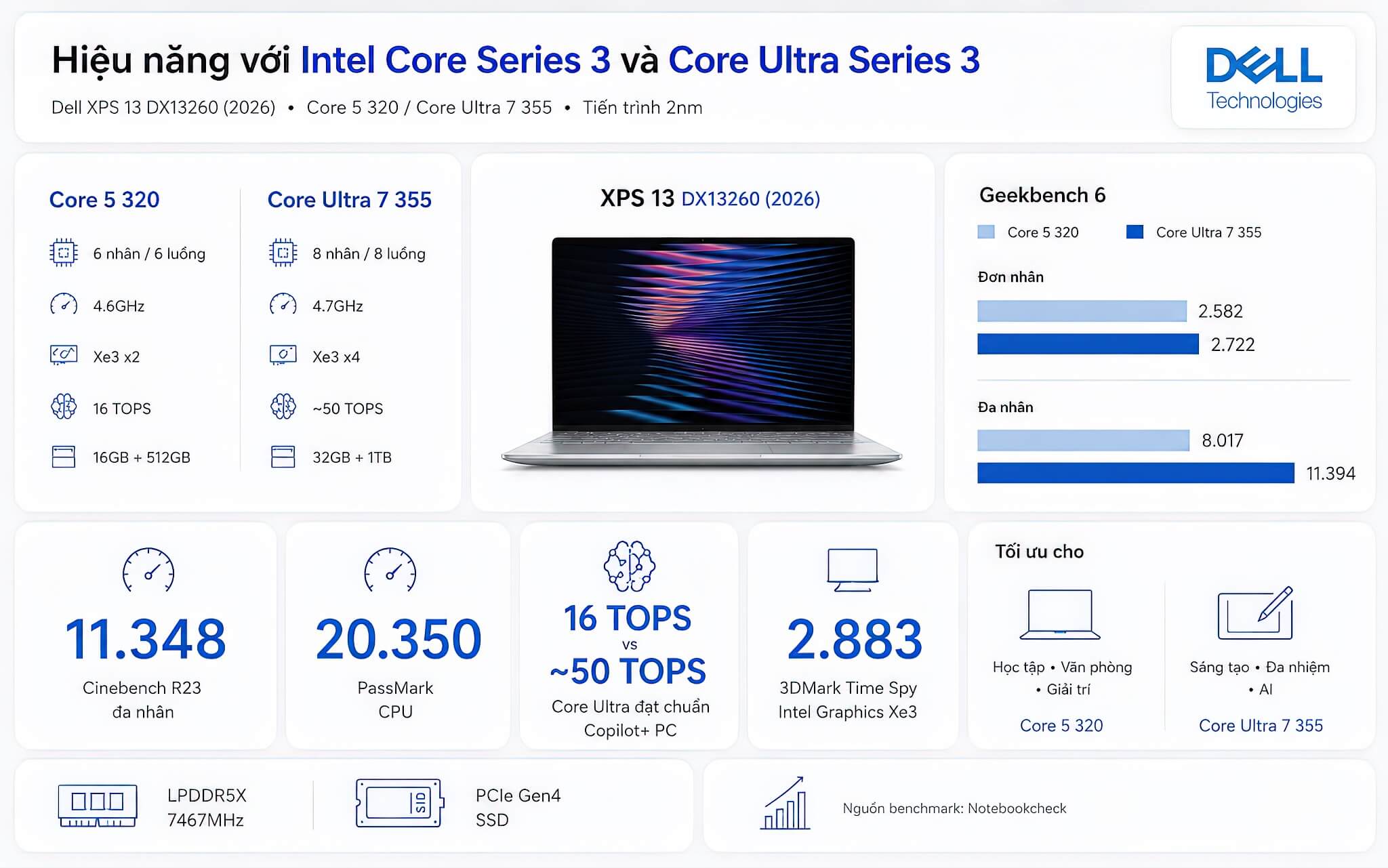
To put it simply: the Core 5 320 is capable of smoothly handling office tasks, browsing with many tabs, studying, and daily entertainment. The Core Ultra 7 355, however, is the configuration for heavier workloads. According to Notebookcheck data, the Core Ultra 7 355 achieves approximately 11,348 Cinebench R23 multi-core points and 20,350 PassMark points, more than enough for heavy multitasking, photo editing, and short video editing.
| Specifications | Intel Core 5 320 (Wildcat Lake) | Intel Core Ultra 7 355 (Panther Lake) |
|---|---|---|
| Cores / Threads | 6 cores / 6 threads | 8 cores / 8 threads |
| Max Clock Speed | 4.6GHz | 4.7GHz |
| Integrated Graphics | Intel Graphics (2 Xe3 cores) | Intel Graphics (4 Xe3 cores) |
| AI Performance (NPU) | 16 TOPS | ~50 TOPS (Copilot+ PC compliant) |
| Max RAM | 16GB LPDDR5X | 32GB LPDDR5X |
| Max SSD | 512GB PCIe Gen4 | 1TB PCIe Gen4 |
| Ideal User | Students, office workers (basic) | Creators, heavy multitaskers, AI users |
To clearly illustrate the power gap between the two configurations rather than just speaking generally, here are the benchmark comparisons from Notebookcheck. Since the Core 5 320 is a very new chip, some Notebookcheck measurements may not be fully updated, but the Geekbench scores alone are enough to show the difference.
| Benchmark Score (Source: Notebookcheck) | Intel Core 5 320 | Intel Core Ultra 7 355 |
|---|---|---|
| Cinebench R23 Single-Core | Not updated | 1,940 points |
| Cinebench R23 Multi-Core | Not updated | 11,348 points |
| Geekbench 6 Single-Core | 2,582 points | 2,722 points |
| Geekbench 6 Multi-Core | 8,017 points | 11,394 points |
| PassMark CPU | Not updated | 20,350 points |
| AI Performance (NPU) | 16 TOPS | ~50 TOPS |
| 3DMark Time Spy (Integrated Graphics) | Not updated | 2,883 points |
Looking at the table, you can see that in multi-core tasks, the Core Ultra 7 355 is approximately 42% higher in Geekbench 6 scores than the Core 5 320, not to mention the significant advantage in NPU and integrated graphics. This gap accurately reflects their positioning: one is for standard office work, while the other handles heavy multitasking, creative work, and AI. Actual figures may vary slightly depending on the RAM configuration and the machine's thermal management.
Both versions use onboard 7467MHz LPDDR5X RAM and PCIe Gen4 SSD, ensuring fast response times and quick boot-ups. The major difference lies in the maximum capacity: if you are accustomed to running many heavy applications simultaneously or saving large project files, the Core Ultra 7 355 version with 32GB RAM and a 1TB SSD will be much more comfortable. Please note that since the RAM is soldered onboard, you must choose the correct capacity from the start, as it cannot be upgraded later.
Enhance Your Experience with Integrated AI
AI is the clear differentiator between the two configurations of the Dell XPS 13 DX13260, and it is something you should consider carefully before purchasing. Both chips feature a dedicated AI processing unit (NPU) to accelerate intelligent tasks such as call noise cancellation, webcam background blur, or running local AI models.
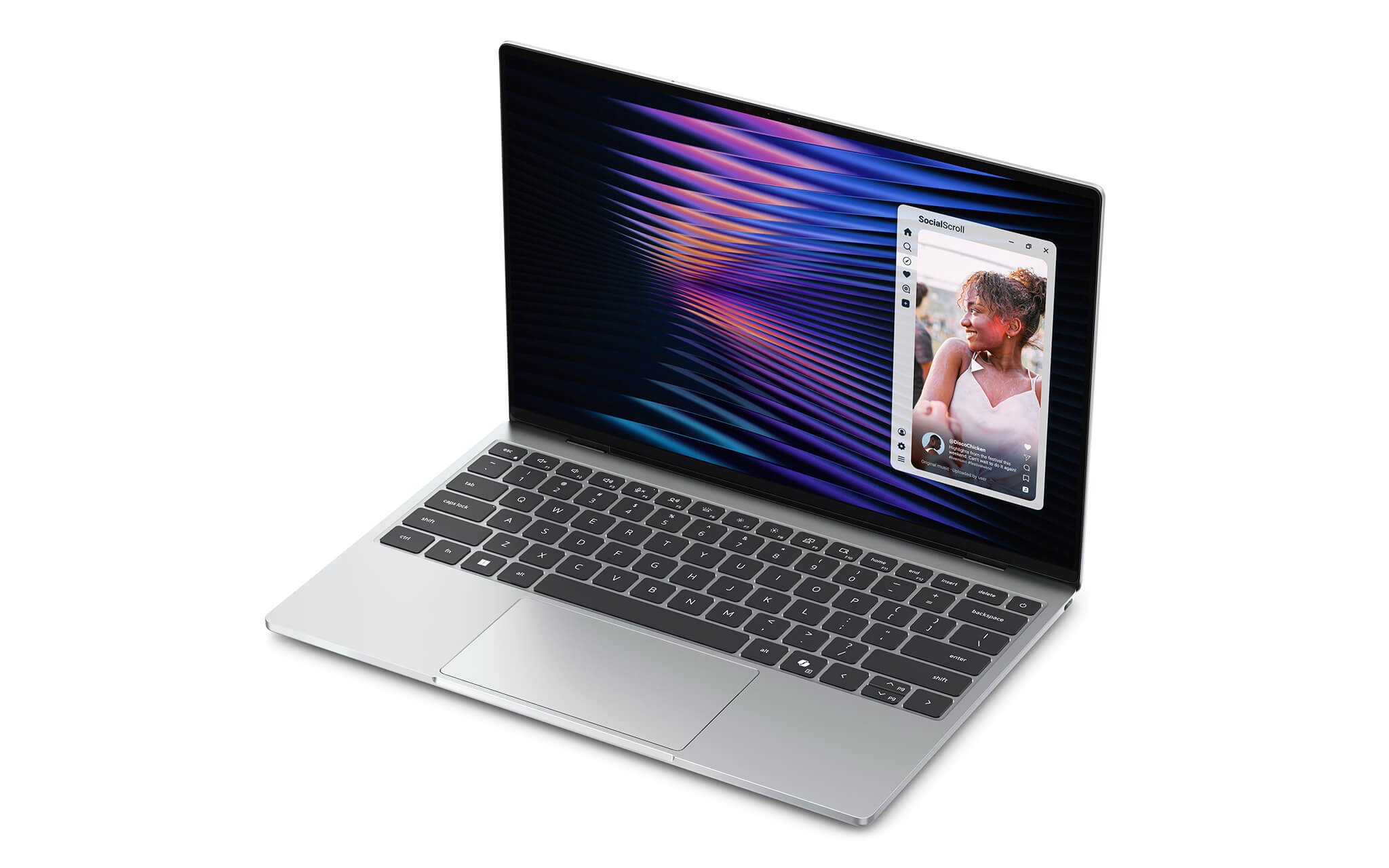
However, the performance levels differ significantly. The Core 5 320 has an NPU of approximately 16 TOPS, which is sufficient for light AI features in Windows. The Core Ultra 7 355 reaches about 50 TOPS, exceeding the 40 TOPS threshold required for Microsoft's Copilot+ PC certification, unlocking the full suite of AI features like Recall, Cocreator, or live translation.
In other words, if you are truly interested in the new Windows AI features and want long-term usability, the Core Ultra 7 355 is a better investment. Conversely, if you only use the laptop for daily work, the 16 TOPS NPU on the Core 5 320 is still adequate, and you can save a significant amount of money.
Keyboard & Touchpad
The keyboard on the Dell XPS 13 DX13260 (2026) is fine-tuned for a comfortable typing experience throughout the day. The key travel is well-balanced with good tactile feedback, allowing for fast and accurate typing while minimizing hand fatigue during long writing sessions. The backlit keyboard supports working in low-light conditions, which is convenient for those who work in cafes or at night.
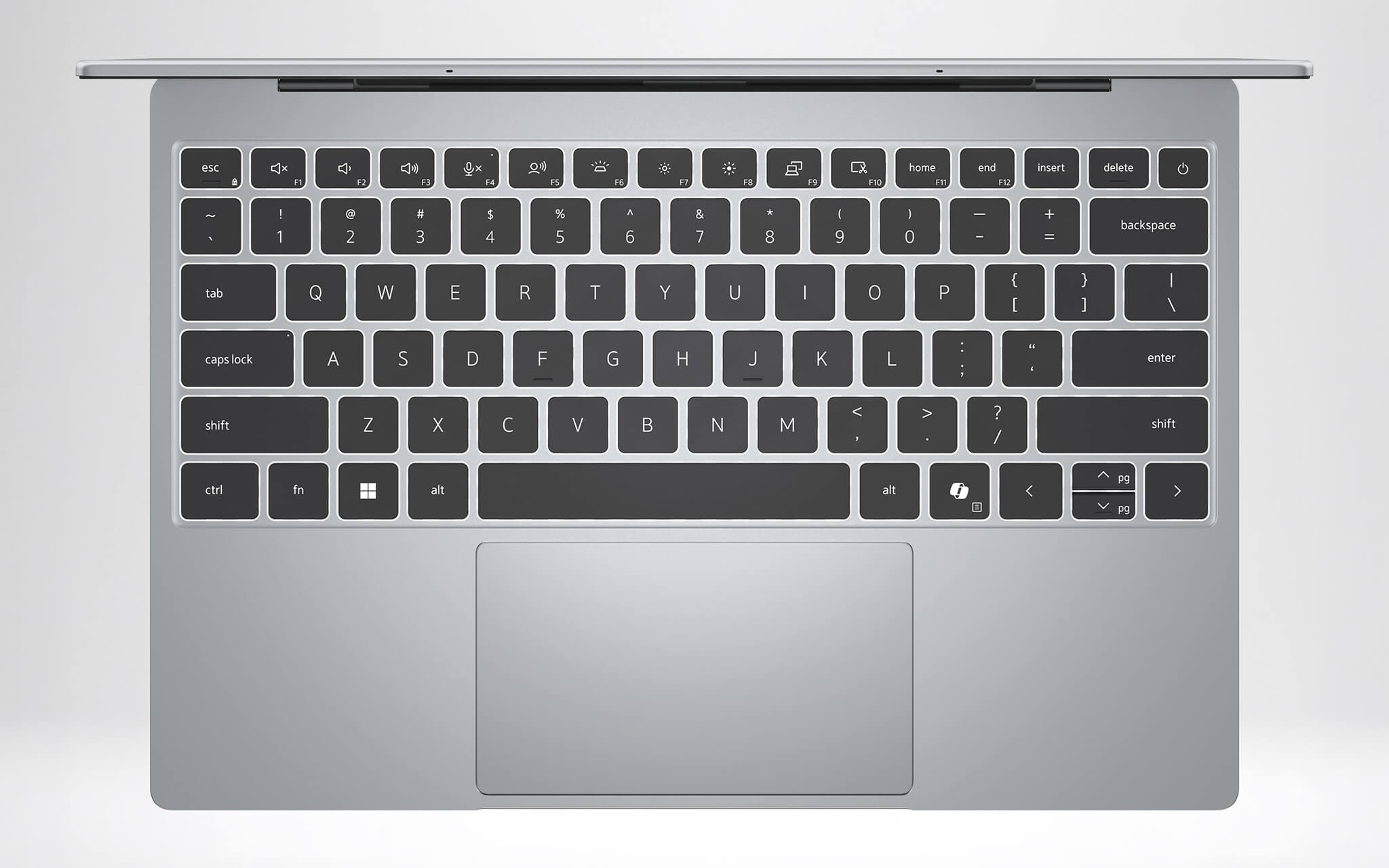
The touchpad is large, with a sensitive surface that supports smooth multi-touch gestures and full Windows gesture support. You can scroll, zoom, or switch applications quickly without needing an external mouse, making it ideal for people who travel frequently.
Combined with the backlit keyboard, spacious touchpad, and IR webcam for facial login, the overall input and security experience is seamless, truly embodying a premium ultrabook designed for productivity.
Ports & Connectivity of the Dell XPS 13 DX13260 (2026)
Regarding physical connectivity, the Dell XPS 13 DX13260 follows the minimalist philosophy of the XPS line with two USB Type-C ports on each side. This is also a point you need to note regarding the configuration: the Core 5 320 version is equipped with two standard USB Type-C ports, while the Core Ultra 7 355 version is upgraded to 2 Thunderbolt 4 ports, supporting high-speed data transfer, video output, and charging through the same port.
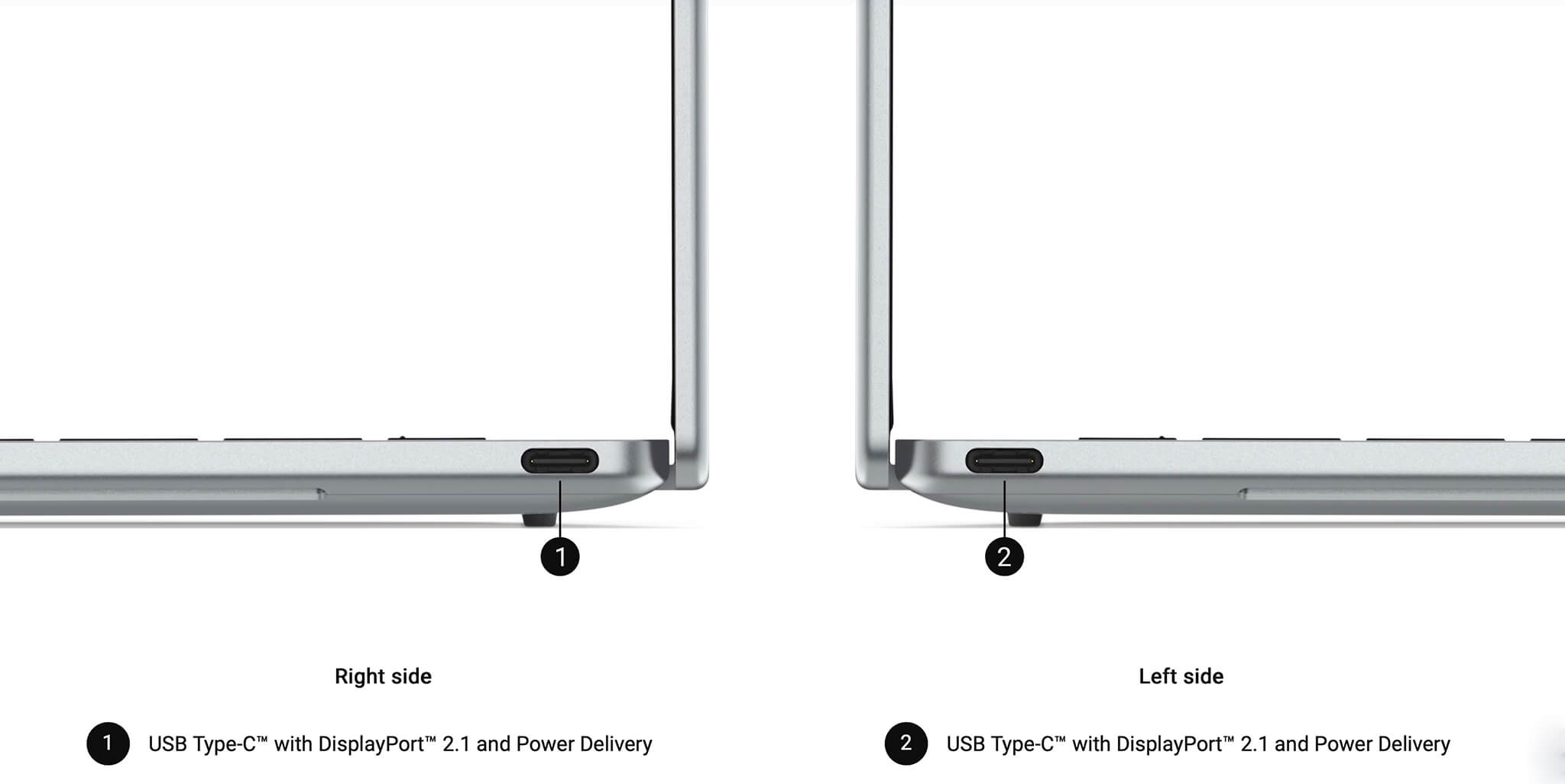
Because the machine is so thin, Dell has removed the USB-A port and the 3.5mm headphone jack. If you still use USB mice, external USB drives, or wired headphones, please prepare a USB-C hub. This is a common trade-off on ultra-thin ultrabooks, not just the XPS.
For wireless connectivity, the machine supports the latest Wi-Fi 7 standard along with Bluetooth, providing fast network speeds, low latency, and stable connections for online meetings or downloading large data files. For remote workers, this is a practical upgrade that ensures smoother connectivity in environments with many devices.
Operating Temperature & Battery Life
The Dell XPS 13 DX13260 (2026) is surprising in its ability to house a dual-fan cooling system within a chassis only 12.7mm thick. The airflow design is calculated to keep the machine cool and operating quietly during daily tasks, preventing heat buildup during continuous processing.
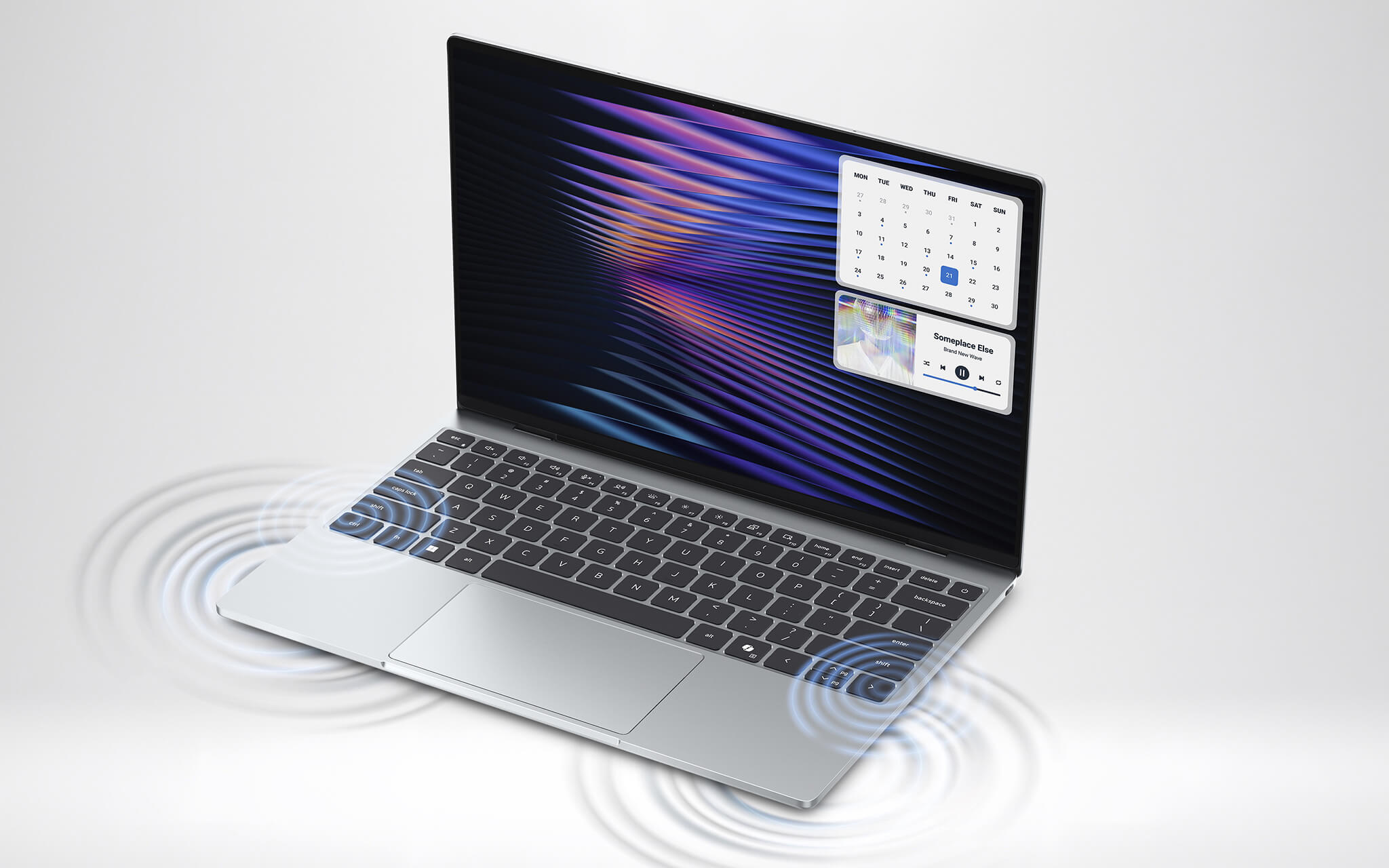
Of course, with an ultra-thin ultrabook, you should view this as a machine optimized for office work, studying, and light creative tasks, rather than heavy gaming or long-duration rendering. Within its intended task range, the machine's thermal control helps maintain stable performance and a comfortable user experience.
Regarding the battery, the machine uses a 52Wh battery, providing up to approximately 17 hours of video playback according to Dell's claims. Combined with a screen that can automatically drop its refresh rate to 30Hz and the power-efficient 2nm chip, this is a laptop you can carry all day without worrying about finding a power outlet, making it ideal for frequent travelers.
Overview and Review of the Dell XPS 13 DX13260 (2026)
The Dell XPS 13 DX13260 (2026) is a highly recommended choice for those needing a thin, lightweight ultrabook with a beautiful screen and enough power for mobile work. The machine scores points with its premium CNC aluminum design, a weight of only 0.9kg, a 120Hz 2.5K screen covering 100% DCI-P3, and long battery life. Dell's move to make the XPS line more accessible in price is also great news for general users.
The key consideration lies in choosing the right configuration. If your budget is moderate and your needs are office work, studying, or web browsing, the Core 5 320 version is sufficient. If you are a content creator, run heavy multitasking, or want to fully utilize Copilot+ PC features, invest in the Core Ultra 7 355 version with 32GB RAM, 1TB SSD, and Thunderbolt 4.
A few limitations to be aware of: the RAM is soldered onboard so you must choose the correct capacity from the start; the machine only has USB-C ports so you will need a hub; and the integrated graphics are not intended for heavy gaming or intensive 3D rendering. Nevertheless, within the premium mobile ultrabook segment, the Dell XPS 13 DX13260 remains a worthwhile and durable investment.
| Pros | Cons |
|---|---|
|
|
FAQ - Frequently Asked Questions about Dell XPS 13 DX13260 (2026)
1. What chip does the Dell XPS 13 DX13260 (2026) use?
The machine has two next-generation Intel chip options: the standard version uses the Intel Core 5 320 (Wildcat Lake architecture, Core Series 3) and the high-end version uses the Intel Core Ultra 7 355 (Panther Lake architecture, Core Ultra Series 3). Both are manufactured on a power-efficient 2nm process.
2. Should I choose the Core 5 320 or the Core Ultra 7 355 version?
If your needs are office work, studying, web browsing, and light entertainment, the Core 5 320 version is sufficient and more cost-effective. If you are a content creator, run heavy multitasking, or want to use full Copilot+ PC features, the Core Ultra 7 355 version with 32GB RAM and 1TB SSD is a better investment.
3. What is special about the Dell XPS 13 DX13260 display?
The machine is equipped with a 13.4-inch 2.5K (2560 x 1600) display, 16:10 aspect ratio, InfinityEdge thin bezels, and touchscreen support. The screen features a dynamic 30-120Hz refresh rate, 500 nits brightness, 100% DCI-P3 color gamut, and DisplayHDR 400 certification, making it suitable for both work and entertainment.
4. Is the Dell XPS 13 DX13260 a Copilot+ PC?
Only the version with the Intel Core Ultra 7 355 meets the Copilot+ PC standard, thanks to an NPU of approximately 50 TOPS, exceeding Microsoft's 40 TOPS requirement. The Core 5 320 version has a 16 TOPS NPU, so it does not meet this standard, although it still supports basic AI features in Windows.
5. Can I upgrade the RAM and SSD on the machine?
The RAM is LPDDR5X soldered onboard, so it cannot be upgraded after purchase; you must choose the correct capacity (up to 16GB for the Core 5 320 and 32GB for the Core Ultra 7 355) from the start. The SSD is PCIe Gen4, with a maximum capacity of 1TB depending on the configuration.
6. How many ports does the Dell XPS 13 DX13260 have?
The machine has two USB Type-C ports located on each side. The Core 5 320 version uses standard USB-C, while the Core Ultra 7 355 version is upgraded to Thunderbolt 4. The machine does not have USB-A ports or a 3.5mm headphone jack, so you should equip a USB-C hub if needed.
7. How long is the battery life of the Dell XPS 13 DX13260?
The machine uses a 52Wh battery, providing up to approximately 17 hours of video playback according to Dell. Thanks to the screen's variable refresh rate and the power-efficient 2nm chip, the machine meets the needs of a full day of use while on the move.
8. Can I play games on this machine?
The Dell XPS 13 DX13260 uses integrated Intel graphics, making it suitable for light games and casual entertainment. The machine is not designed for heavy gaming, high-spec eSports, or intensive 3D rendering, as this is an ultrabook line focused on productivity and mobility.
9. What is the warranty policy at Hung Phat Laptop?
Hung Phat Laptop provides a 12-month warranty for new machines and a 6-month warranty for used machines. Customers are also supported with a 30-day return policy if the machine has manufacturer defects.
Where to buy the Dell XPS 13 DX13260 (2026) with good prices and reliability?
If you are looking for a premium, thin, and lightweight ultrabook with a beautiful screen and long battery life for mobile work, then the Dell XPS 13 DX13260 (2026) is a very worthy consideration. With two next-generation Intel chip options, the machine serves both general users and creators needing performance and Copilot+ PC features.
Hung Phat Laptop is a reputable address specializing in the distribution of genuine Dell XPS laptops, officially imported with full invoices and transparent warranty policies. When purchasing the Dell XPS 13 DX13260 here, you will receive expert advice to choose the right configuration for your needs, dedicated technical support, nationwide delivery, and many attractive offers for both individual and corporate customers.
Performance & benchmarks DELL XPS 13 DX13260 (2026)
Intel Core 5 320 Intel Graphics 2 Xe3 Wildcat Lake iGPU - best for Văn phòng 8.5/10, Lập trình 5.5/10.
Intel Core 5 320
- Geekbench 6 (đa nhân)8,017.5
- Geekbench 6 (đơn nhân)2,582
- Cores / Threads6/6
Intel Graphics 2 Xe3 Wildcat Lake iGPU iGPU
- AI INT821 TOPS
- ArchitectureXe3
Best for
Scored from real benchmarks- Chơi game3.5/10
- Dựng phim / Đồ hoạ4/10
- Lập trình5.5/10
- Văn phòng8.5/10
Why CPU matters
CPU là “bộ não” xử lý mọi tác vụ: mở ứng dụng, đa nhiệm, biên dịch, dựng phim. CPU càng mạnh, máy càng nhanh và mượt khi làm nhiều việc cùng lúc.
- Cơ bảnThis product
Lướt web, xem phim, soạn thảo văn phòng nhẹ.
- Phổ thôngThis product
Văn phòng, đa nhiệm vừa, học tập.
- Tầm trungThis product
Đa nhiệm tốt, lập trình, đồ hoạ nhẹ.
- Khá mạnhThis product
Dựng phim, lập trình nặng, ảo hoá, chơi game.
- Cao cấpThis product
Render nặng, biên tập 4K/8K, máy ảo, tác vụ AI.
Why GPU matters
GPU (card đồ hoạ) lo phần hình ảnh: chơi game, dựng video, render 3D và tăng tốc AI. GPU càng mạnh, khung hình game càng cao và xuất video càng nhanh.
- Cơ bản (iGPU)This product
Hiển thị mượt, xem phim 4K, game rất nhẹ (LMHT, Valorant mức thấp).
- Phổ thôngThis product
Game eSports 1080p, chỉnh ảnh, dựng video nhẹ.
- Tầm trungThis product
Game 1080p thiết lập trung-cao, dựng video Full HD ổn.
- Khá mạnhThis product
Game 1080p/1440p thiết lập cao, dựng video 4K, render 3D.
- Cao cấpThis product
Game 4K/240Hz, ray tracing, render & AI nặng.
No comments yet
Q&A about DELL XPS 13 DX13260 (2026)
Frequently asked questions about DELL XPS 13 DX13260 (2026)
What are the specifications of DELL XPS 13 DX13260 (2026)?
What is the warranty for DELL XPS 13 DX13260 (2026)?
Can I buy DELL XPS 13 DX13260 (2026) with home delivery?
Worth a Look
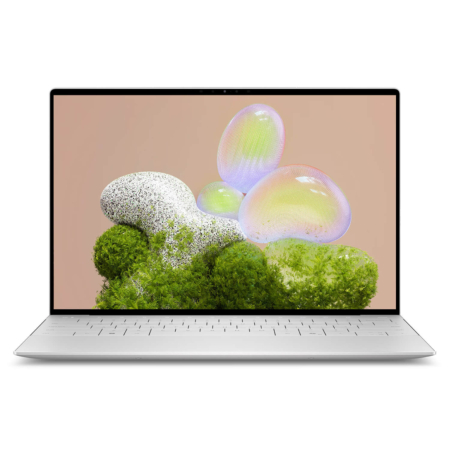 3 configurations
DELL XPS 13 9350 (2025)
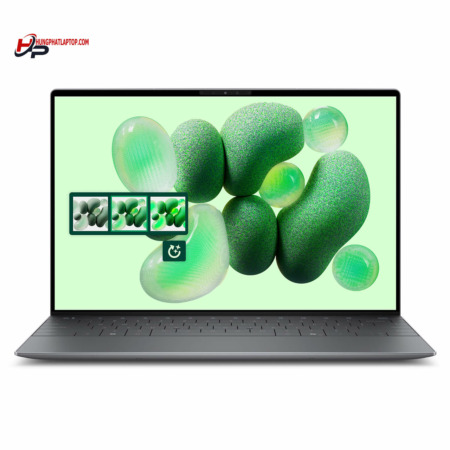 2 configurations
DELL XPS 13 9345 (2024)
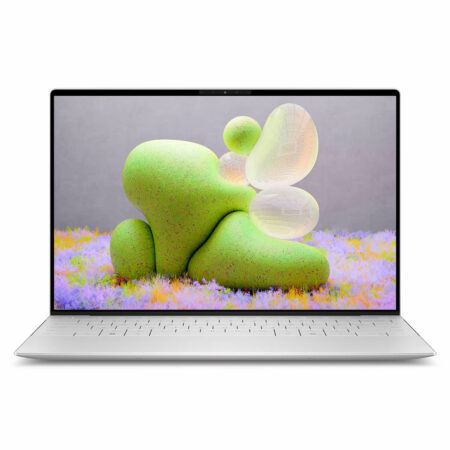 2 configurations
DELL XPS 13 9340 (2024)
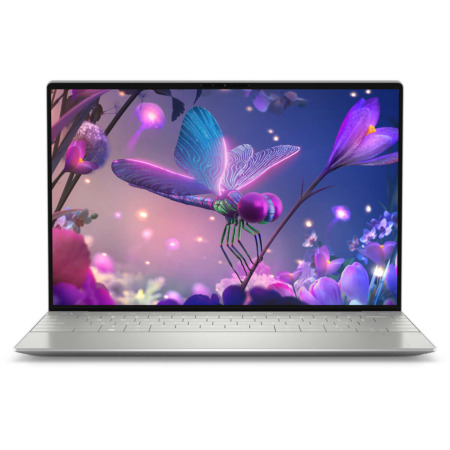
DELL XPS 13 9320 (2023)
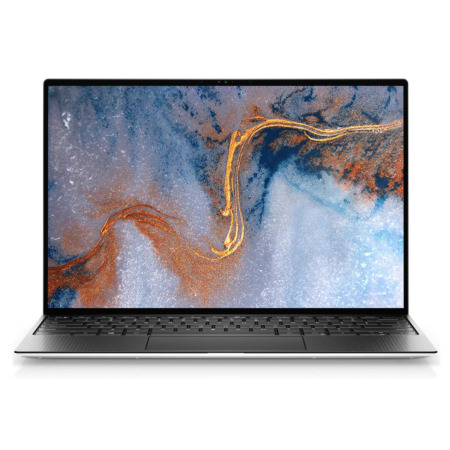





Minh Quân 03/07/2026
Extremely beautiful design, very thin and light, making it super convenient for work. The 2K screen is incredibly sharp and everything runs very smoothly. Fast delivery, great service!
Minh Anh 01/07/2026
The machine is beautiful, thin, and lightweight with a very sharp screen, but the price is a bit high for a Core i5 configuration. Overall, I am quite satisfied.