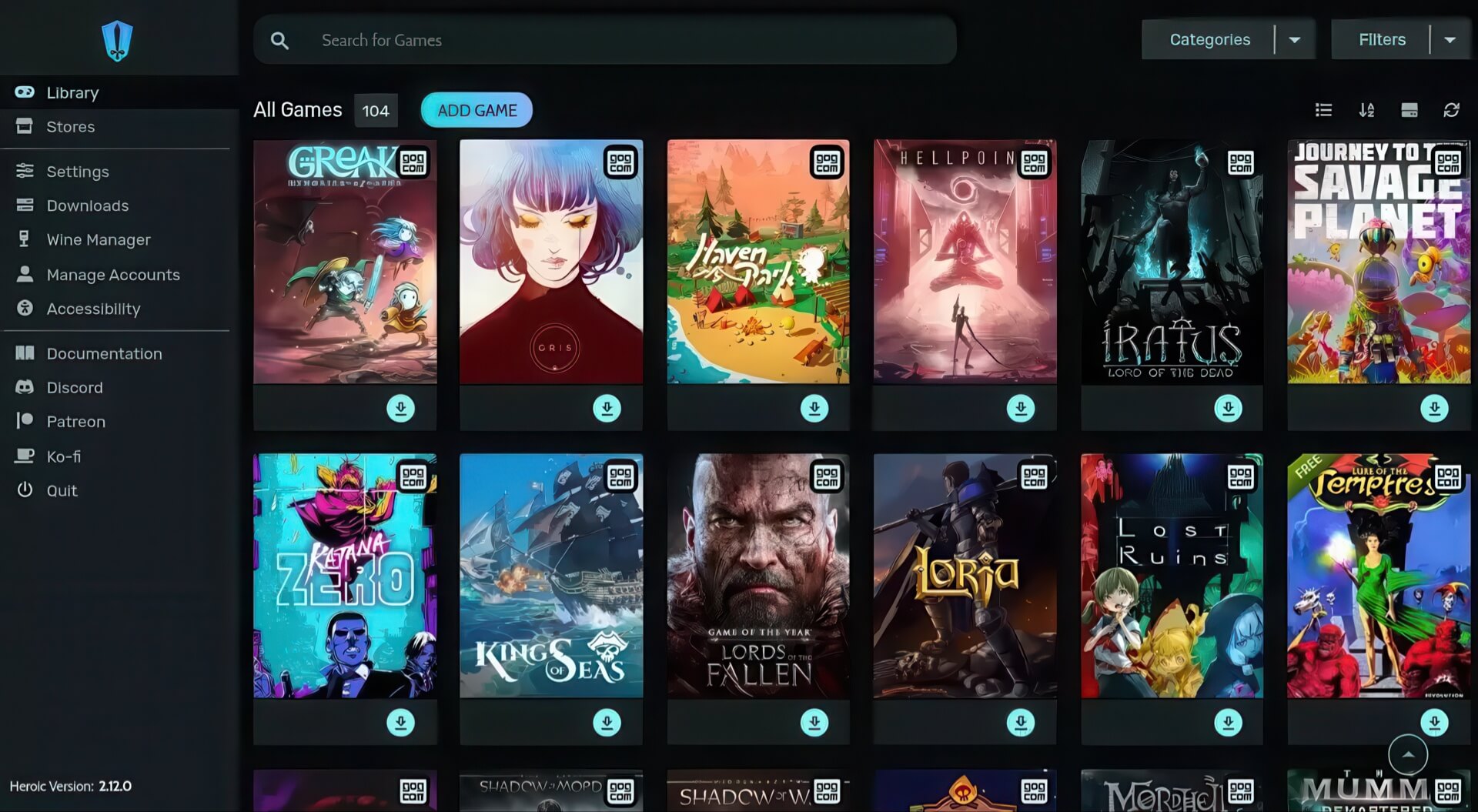
Heroic Games Launcher What is it? This application is becoming a top choice for the Linux, macOS, and Steam Deck gaming community when they want to enjoy the massive Windows game library without needing to install Windows. Heroic Games Launcher is free software, open source, and supports multiple platforms including Windows, Linux, macOS, and especially Steam Deck. The interface of Heroic Games Launcher is simple and highly customizable, helping users easily manage installations, updates, and compatibility settings for each title. This is the optimal solution to fully exploit game libraries from Epic Games, GOG, and Amazon Games without operating system barriers.
How Heroic Games Launcher helps play Windows games on Linux and macOS
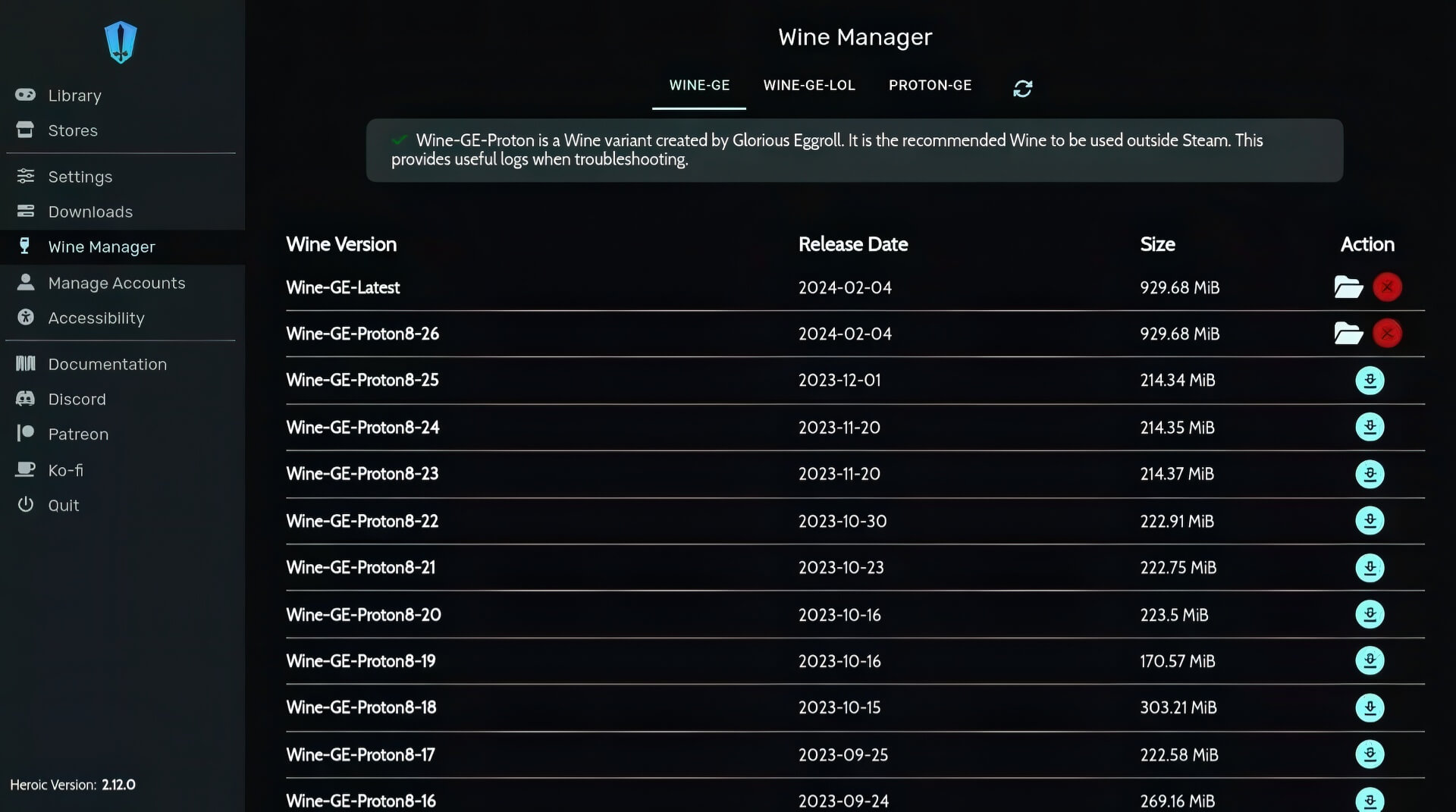
The standout strength of Heroic Games Launcher is its ability to run games that only support Windows on Linux and macOS thanks to the integration of Wine as a compatibility layer. When launching a game, Heroic Games Launcher automatically wraps the game executable in a Wine environment, simulating a Windows system so the game runs smoothly on your current platform. Notably, this software does not require users to install Wine system-wide beforehand, as it features a built-in Wine Manager to download and manage individual versions of Wine, Proton, and Wine-GE directly within the app. Each game can be configured to use a separate Wine version, optimized for specific needs without affecting the general system.
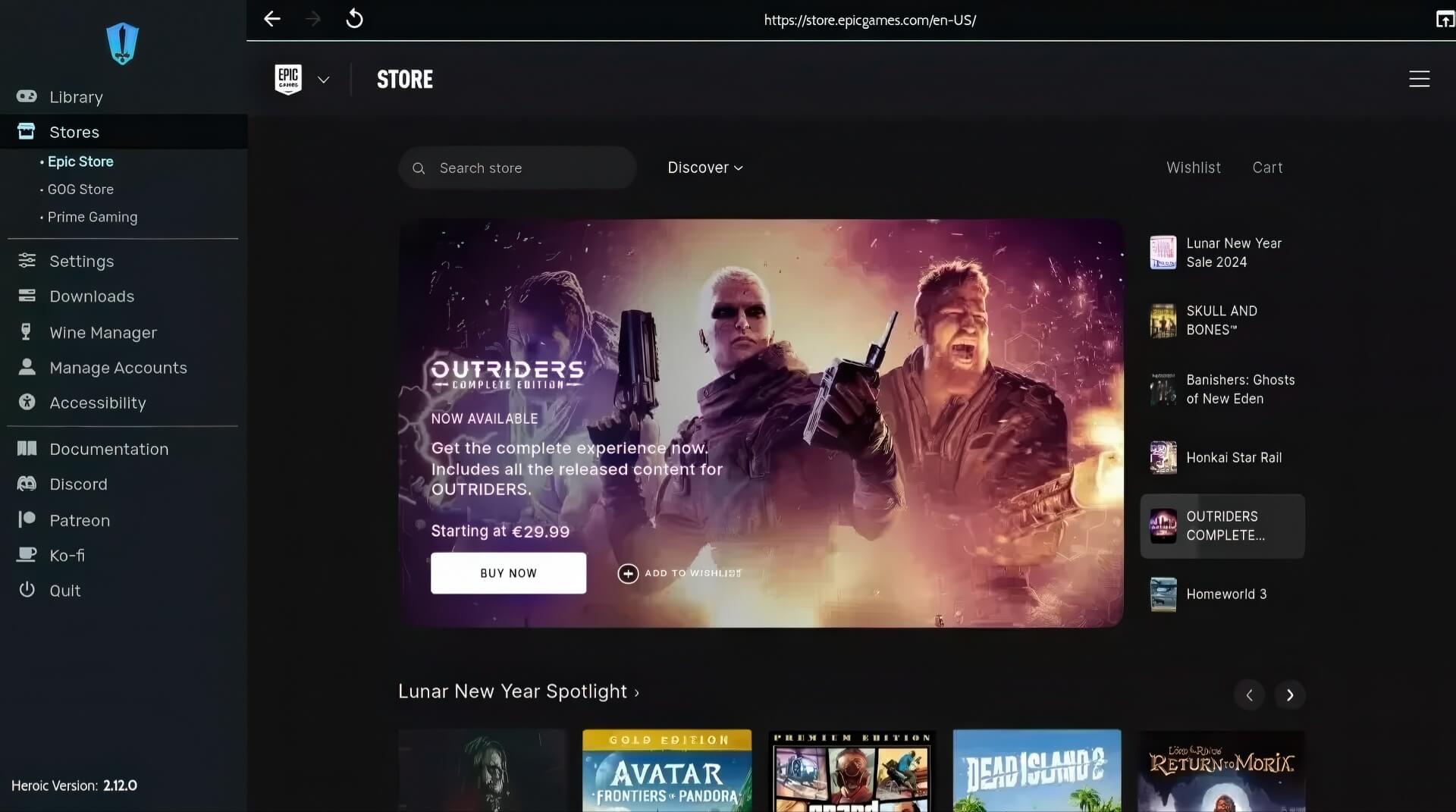
Additionally, Heroic Games Launcher does not require the installation of official launchers like Epic Games Launcher or GOG Galaxy. Game libraries are accessed directly via API, ensuring a seamless experience and saving resources. Users only need to log in to their Epic Games, GOG, or Amazon Games accounts to sync libraries, install, update, or import previously installed games. In particular, Heroic Games Launcher also supports cloud saves, importing external games (including games not from Epic, GOG, or Amazon Games), customizing UI themes, and downloading games directly from major stores without leaving the application.
Key features, practical benefits, and limitations of Heroic Games Launcher
Heroic Games Launcher brings many practical benefits to gamers and the Linux and macOS user communities. First, the ability to access a vast game library from Epic Games, GOG, and Amazon Games without switching to Windows is the biggest advantage. Features like automatic importing of installed games, supporting game migration between drives, and customizing Wine/Proton versions for each game help save time and optimize the gaming experience. Specifically, built-in tools such as DXVK, VKD3D, and FSR help increase performance and improve graphics when playing games on non-Windows platforms.
Regarding the interface, Heroic Games Launcher is user-friendly, supporting over 40 languages, making it accessible to both newcomers and veteran gamers. Users can customize themes, categorize games, mark favorites, or hide games they no longer play. Additionally, the software allows for quick checks of game compatibility on ProtonDB, supports cloud save synchronization, and helps organize game libraries scientifically.
However, Heroic Games Launcher also has some limitations. Not all Epic Games or GOG games work perfectly; some titles face obstacles with DRM or are not yet fully compatible with Wine or Proton. For online games or games with anti-cheat systems, functionality on Linux or macOS may be limited. On macOS, users may sometimes need to install additional components like XQuartz to ensure a compatible environment, and some advanced features require a basic understanding of Wine and Proton for optimal configuration.
In terms of safety, Heroic Games Launcher is open-source software that does not collect personal data and is regularly verified by the community, ensuring transparency and safety for users.
In summary: Heroic Games Launcher is the ideal solution for Linux, macOS, and Steam Deck gamers who want to experience Windows games without installing Windows. This application not only supports managing, installing, and syncing games from Epic Games, GOG, and Amazon Games, but also brings convenience, security, and...