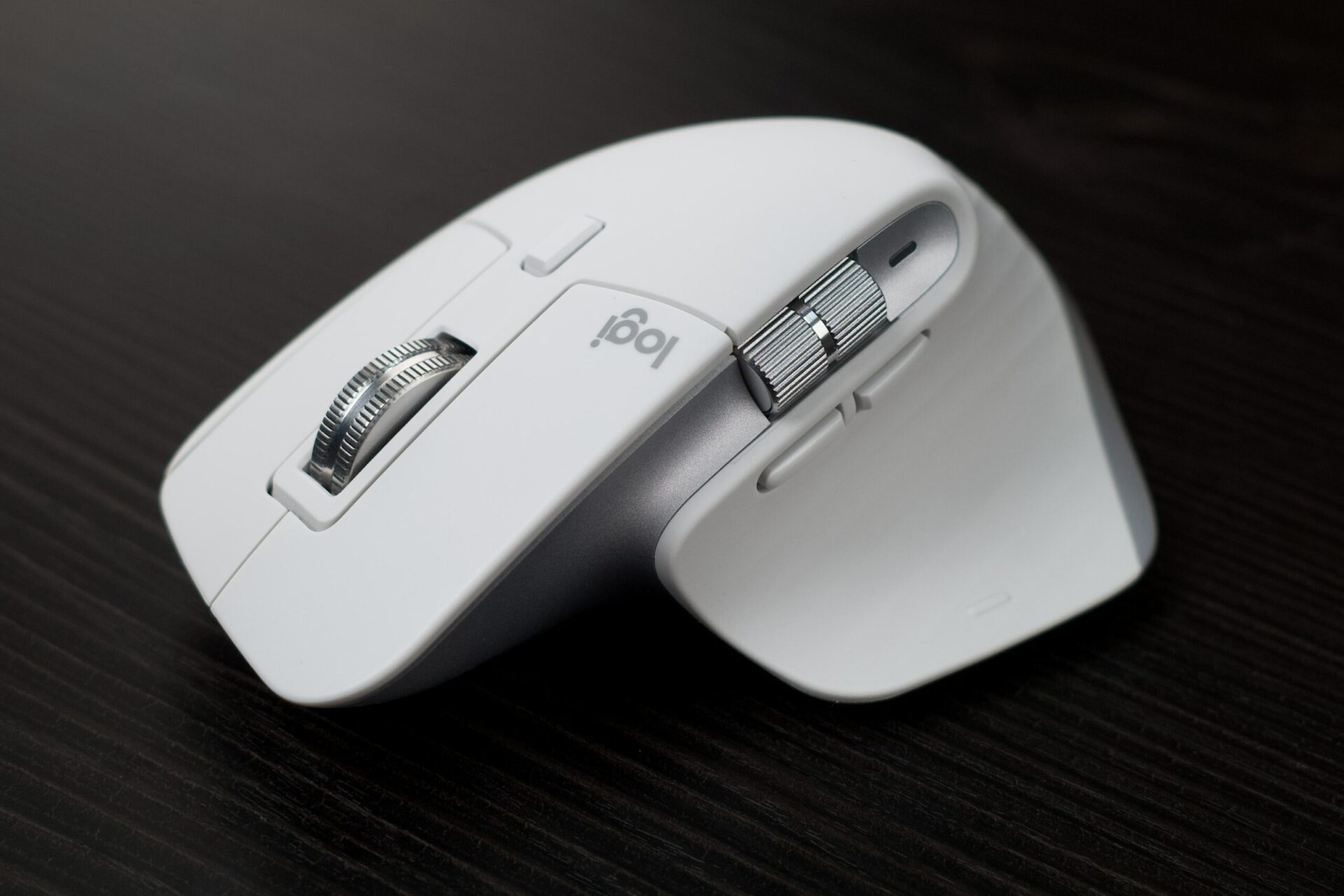
Logitech MX Master 3S can be described as a light upgrade over the Master 3 released two years ago. Although called a "light" upgrade, the enhancements on the 3S-such as new colors, quiet clicks, and adjustable sensitivity-are all highly worthwhile. Check out the hands-on video below:>
Logitech MX Master 3S features the classic design with new colors
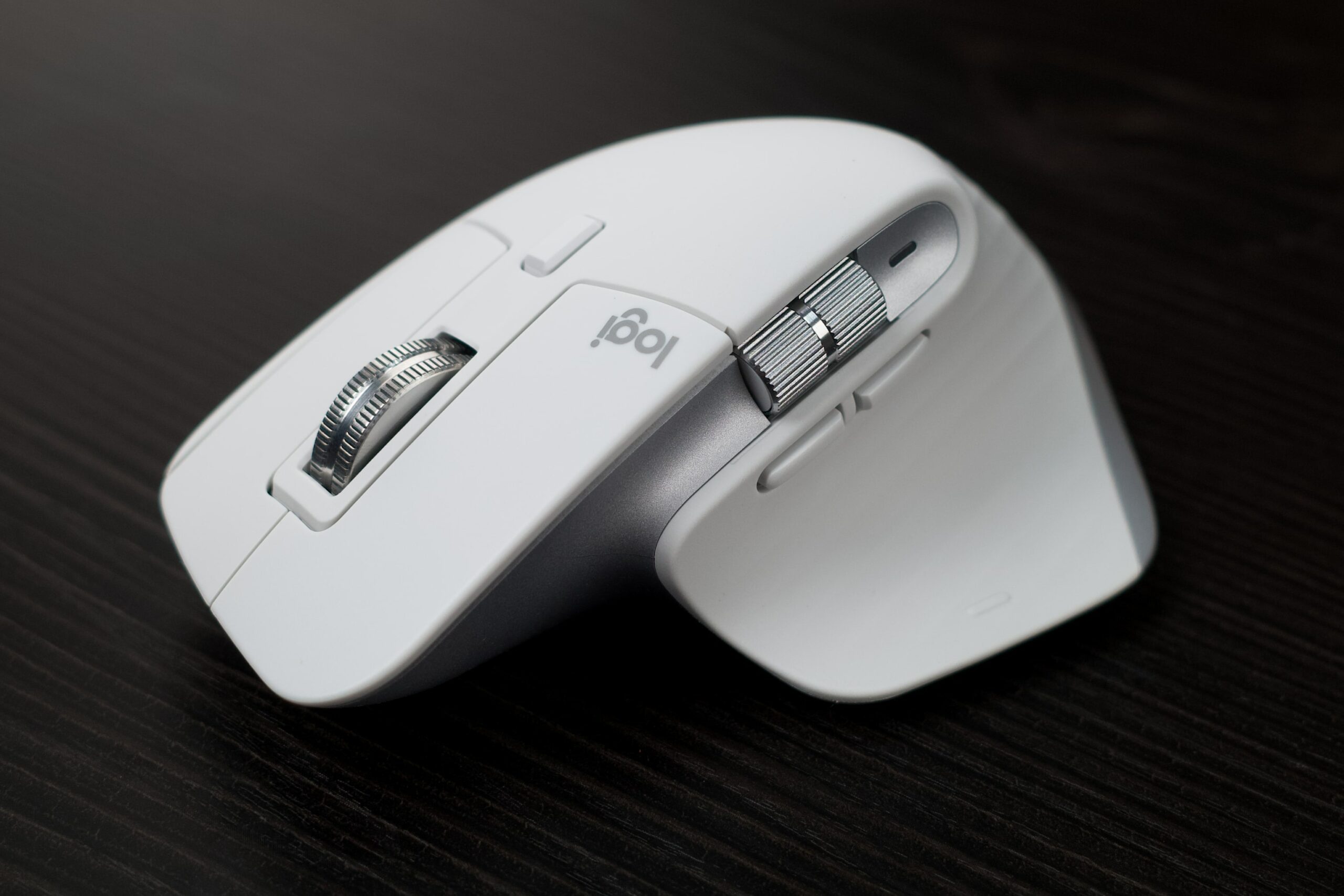
The MX Master 3S comes in three new colors: Jet Black, Graphite, and White. The version I have here is the elegant White. This color looks beautiful and smooth on the MX Master's soft-touch rubber texture, feeling almost like skin.
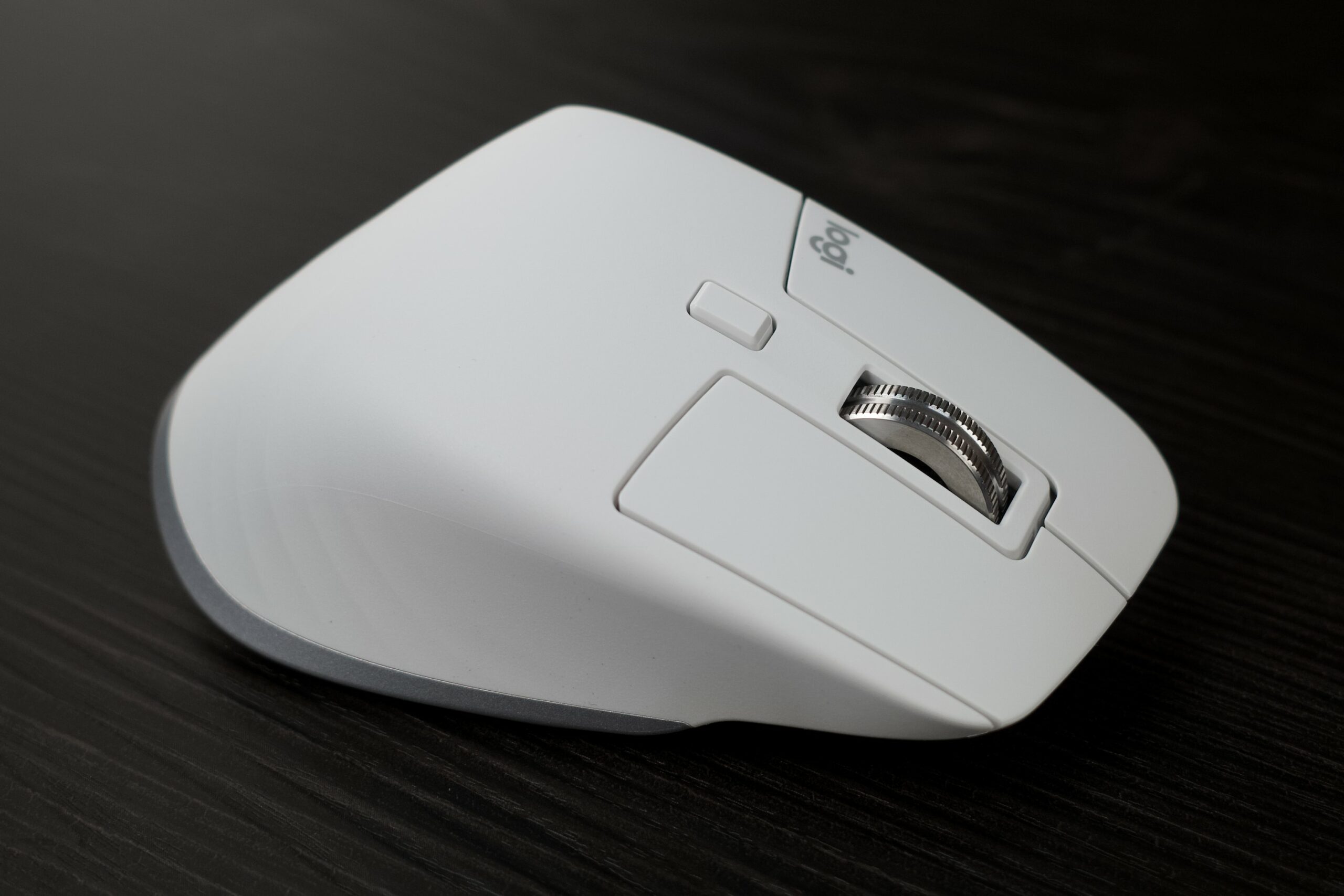
Two shiny metal wheels stand out against the milky white background.
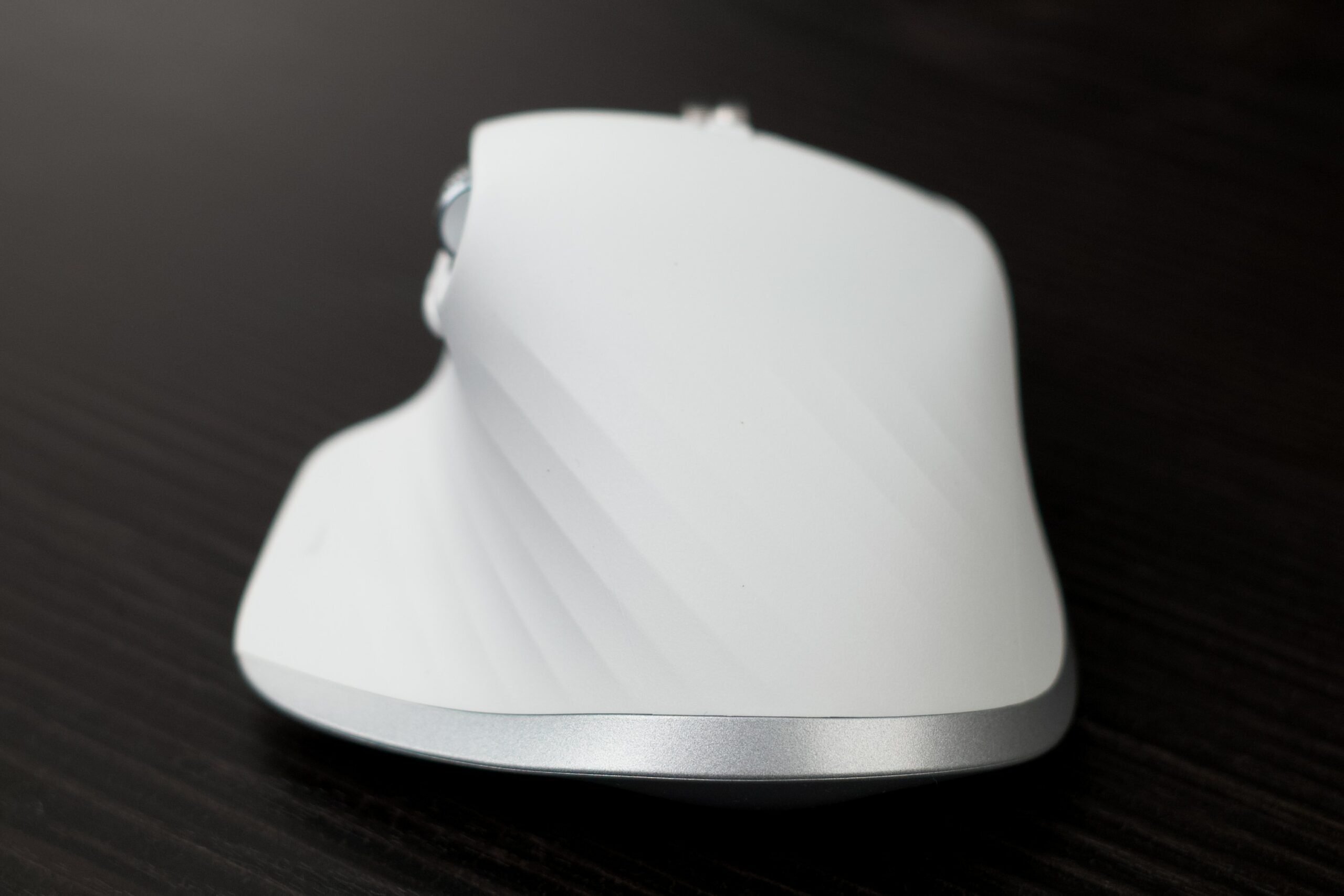
The sides, rear, and bottom feature beautiful silver-plated trim.
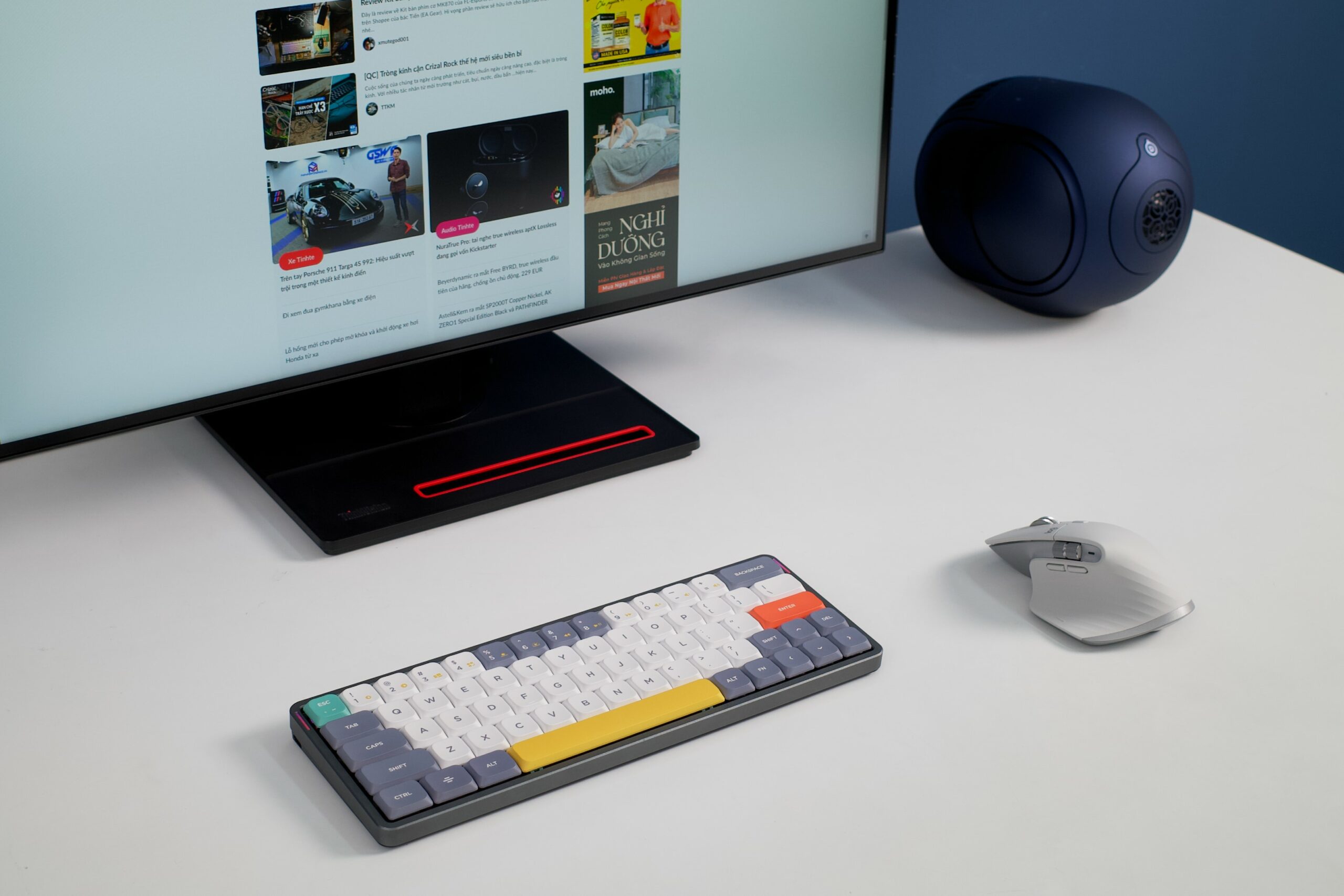
Overall, the new colors are more elegant compared to the darker versions of the previous generation, helping them blend beautifully into a modern and gentle workspace.
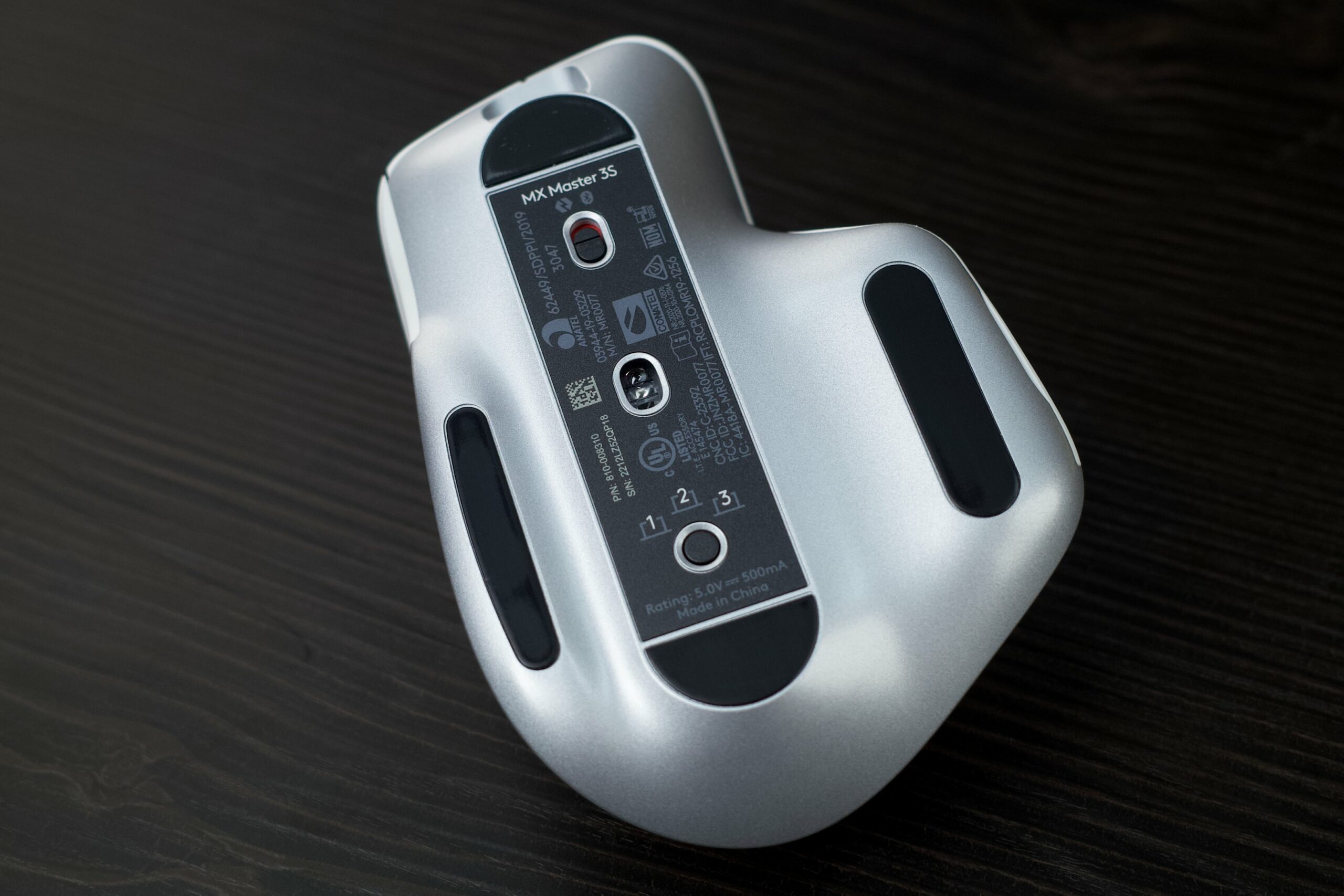
The feet and sensor area remain black. The bottom of the Master 3S features an on/off switch, the sensor, and a switch to quickly toggle between 3 devices.

The Logitech MX Master 3S remains one of the best ergonomic mice currently on the market.
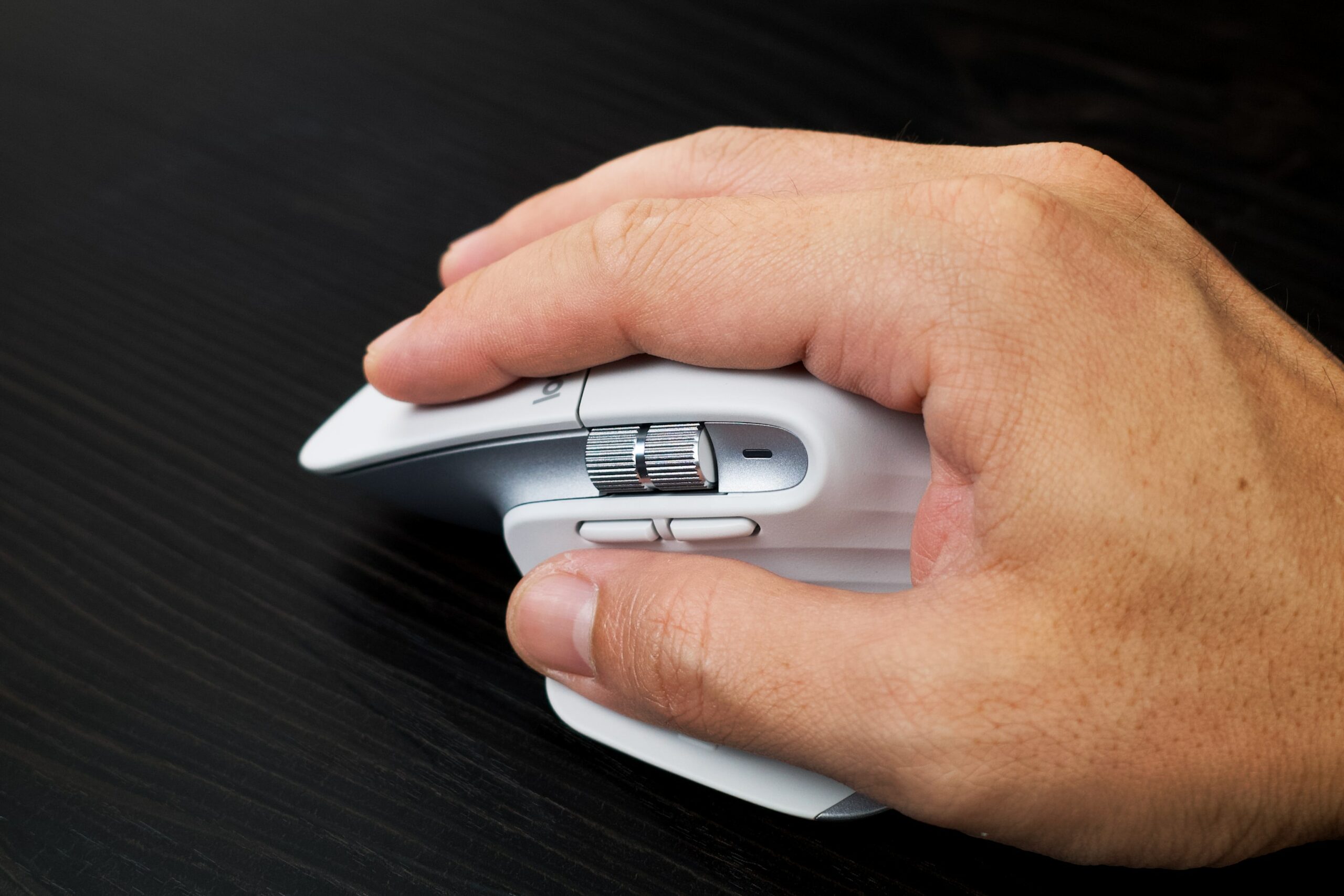
Its shape supports most of the user's hand, helping to reduce fatigue. I've noticed some people dislike the MX Master 3S because it is heavy; however, since I am used to it and have larger hands, I find it substantial and well-fitted.
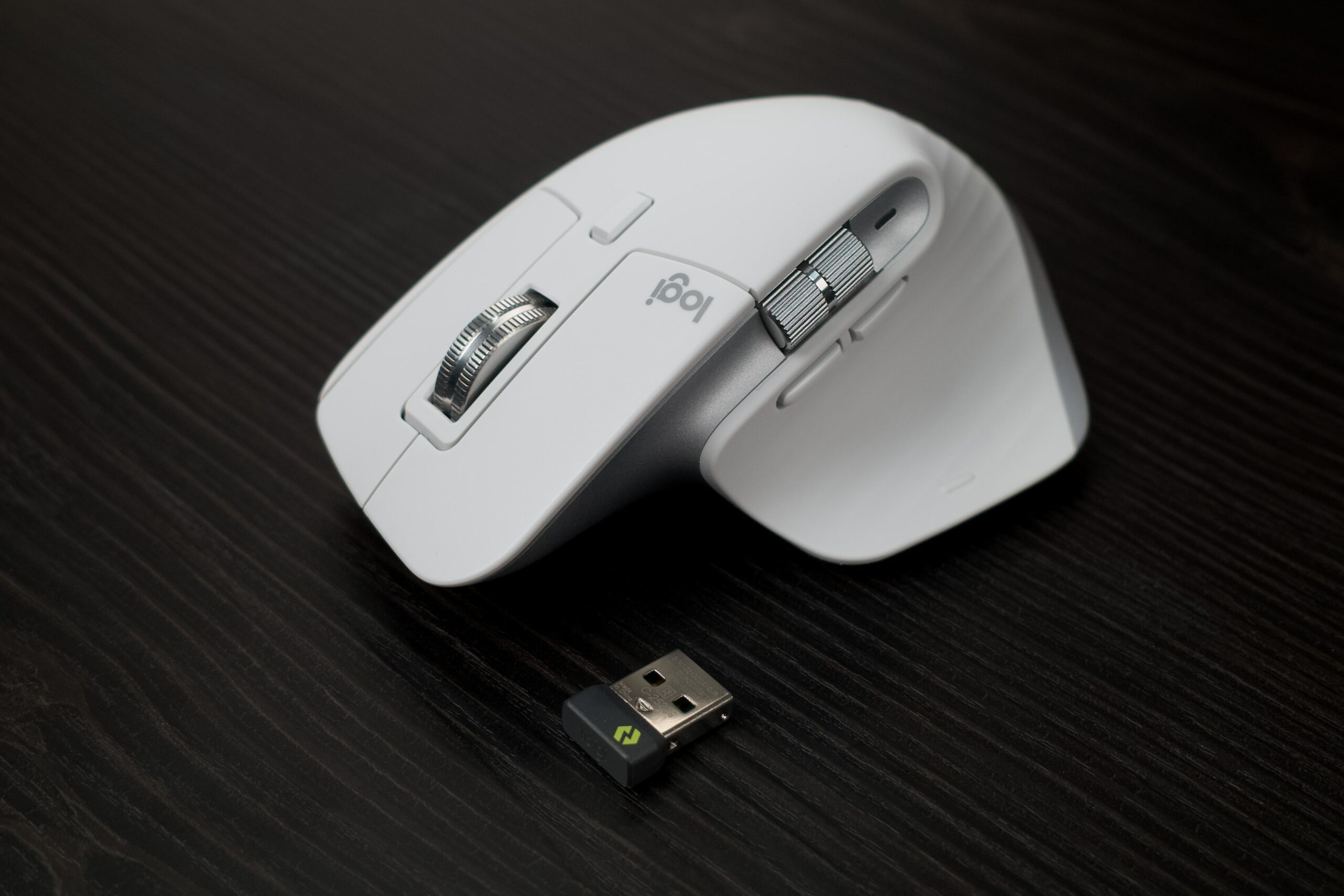
The Master 3S box includes the Bolt receiver, Logitech's latest generation of signal receiver, which offers higher stability and better range.
New Hardware
Quiet Clicks is the most significant upgrade on the Logitech MX Master 3S. Mouse clicks are now 90% quieter compared to the previous Master 3 generation (check the video for a clearer comparison). Personally, I find that besides being quieter, the clicks feel more substantial and satisfying than before.
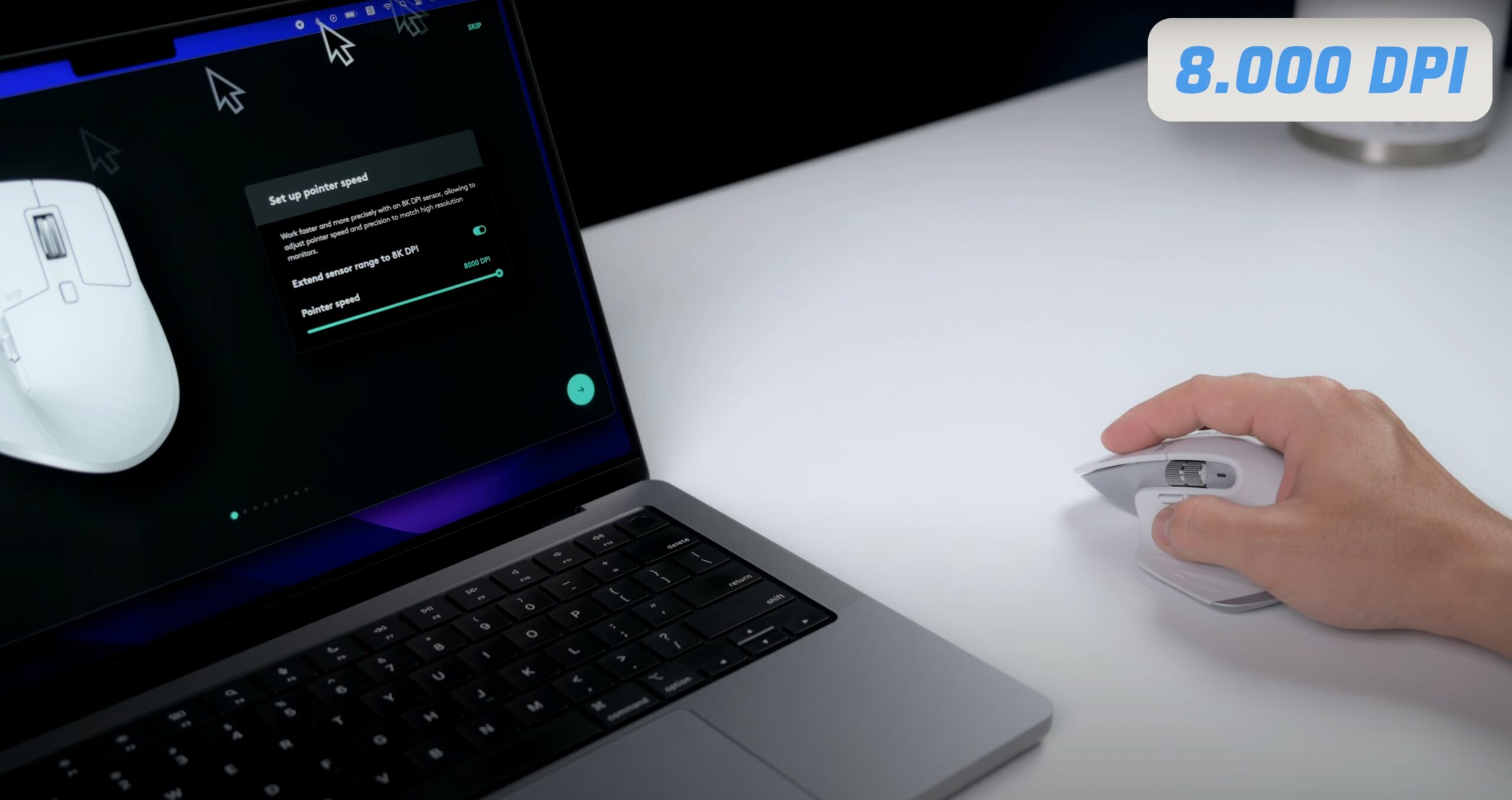
The second major upgrade is the sensitivity, which has been increased to 8000 DPI on the Master 3S, compared to only 4000 on the previous generation. In addition to the increased sensitivity, Logitech also allows users to customize the 3S's sensitivity through the Logi Options+ software. Increasing the sensitivity to 8000 DPI and allowing adjustments in 50 DPI increments helps the MX Master 3S easily adapt to more diverse use cases.
Quick Review
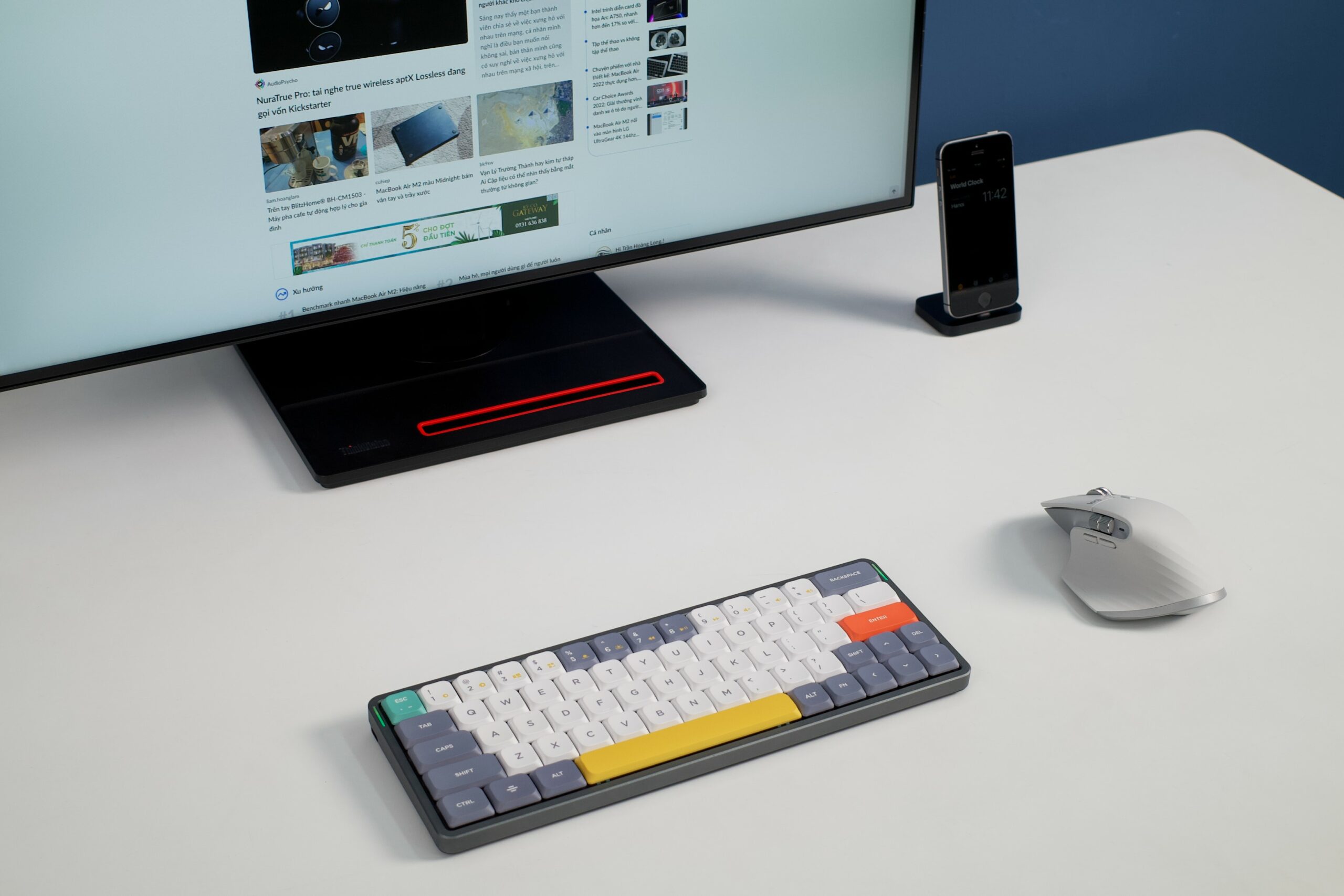
The new colors help the Logitech MX Master 3S blend in better with various workspaces, satisfying more users. Personally, I find this white version very beautiful; however, keep in mind that white is very easy to stain, and over long-term use, the soft-touch rubber part may become sticky.
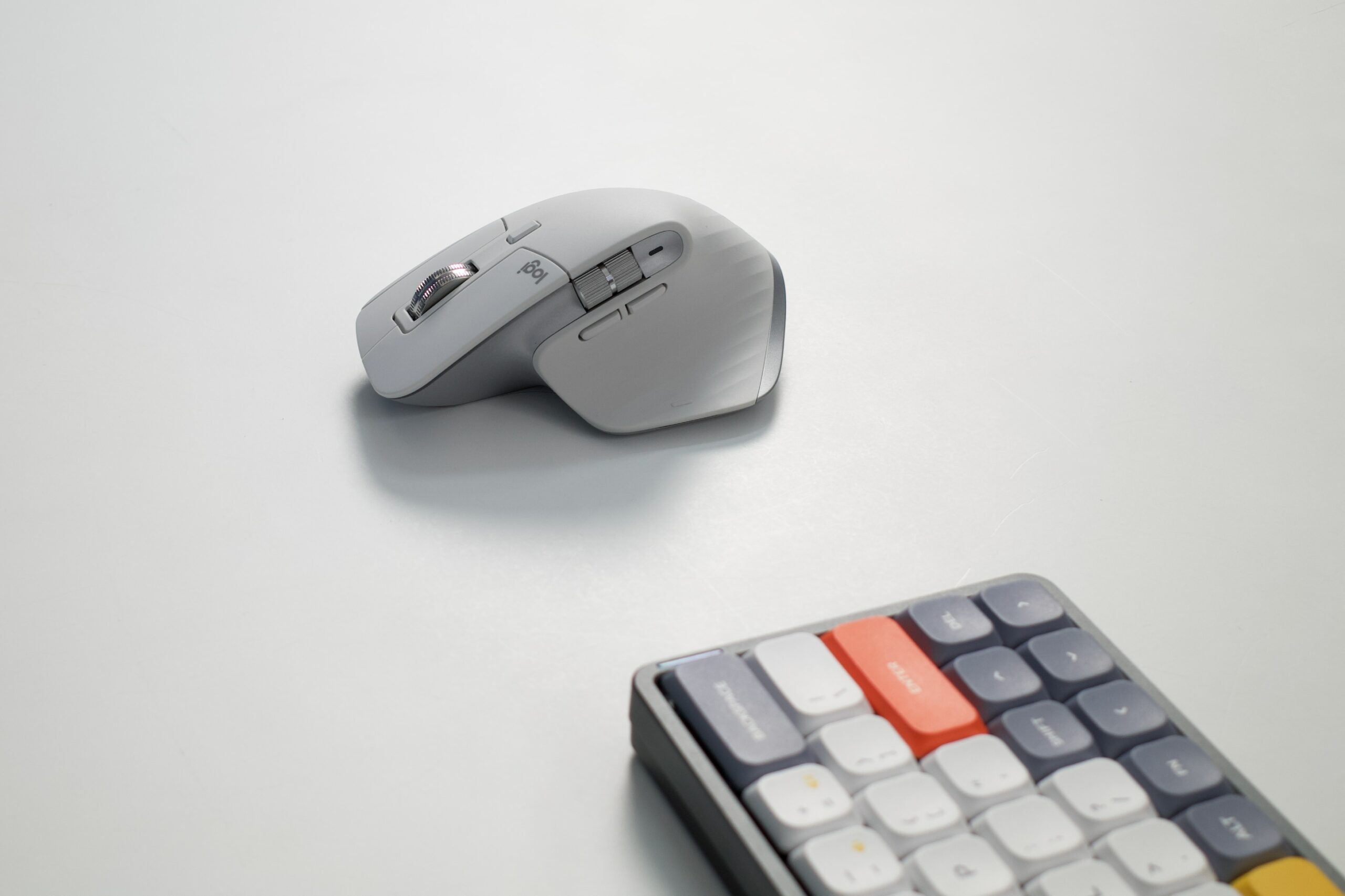
It remains one of the ergonomic mice that satisfies me the most (just slightly behind the Humanscale Pro Click).
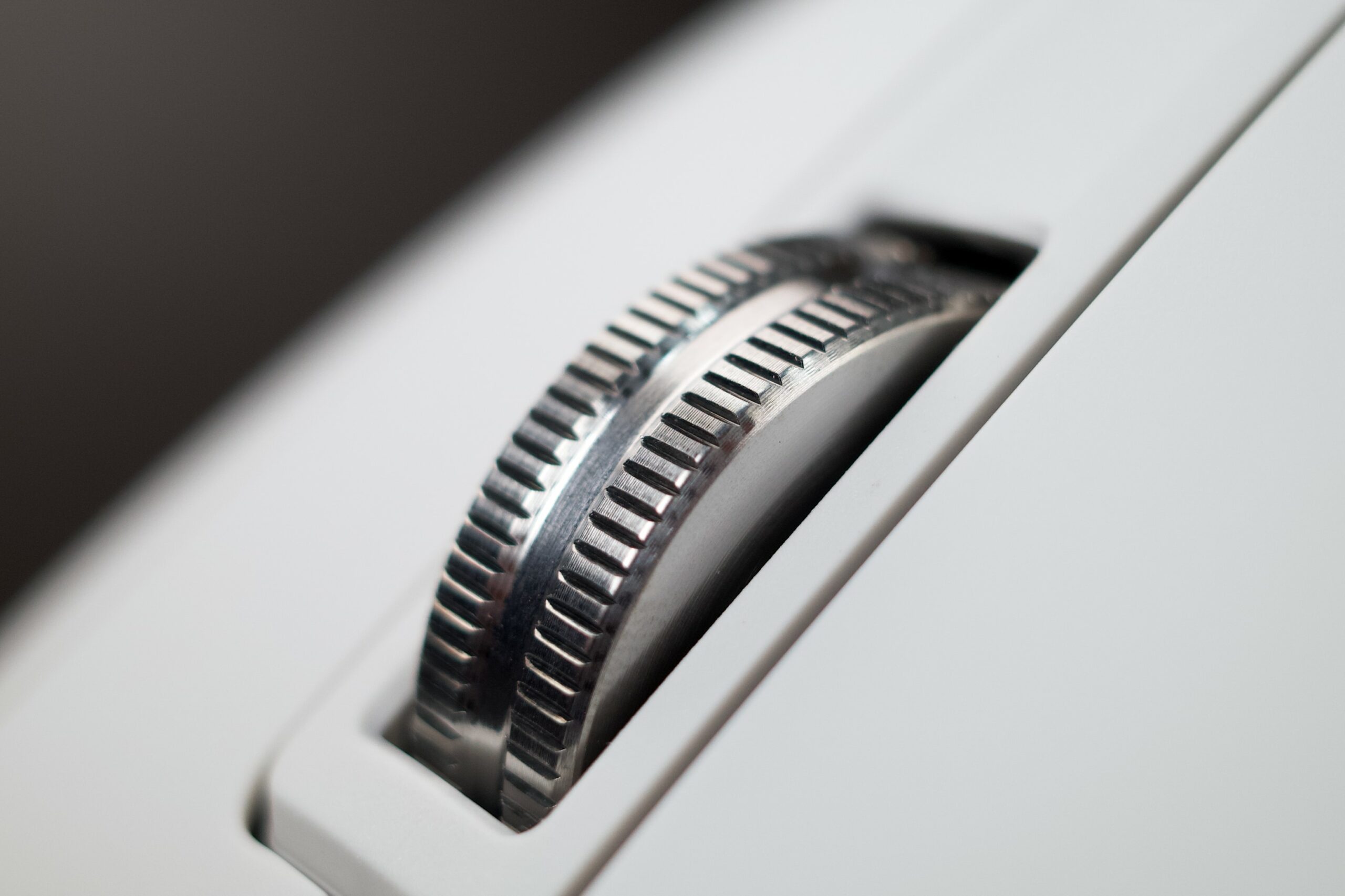
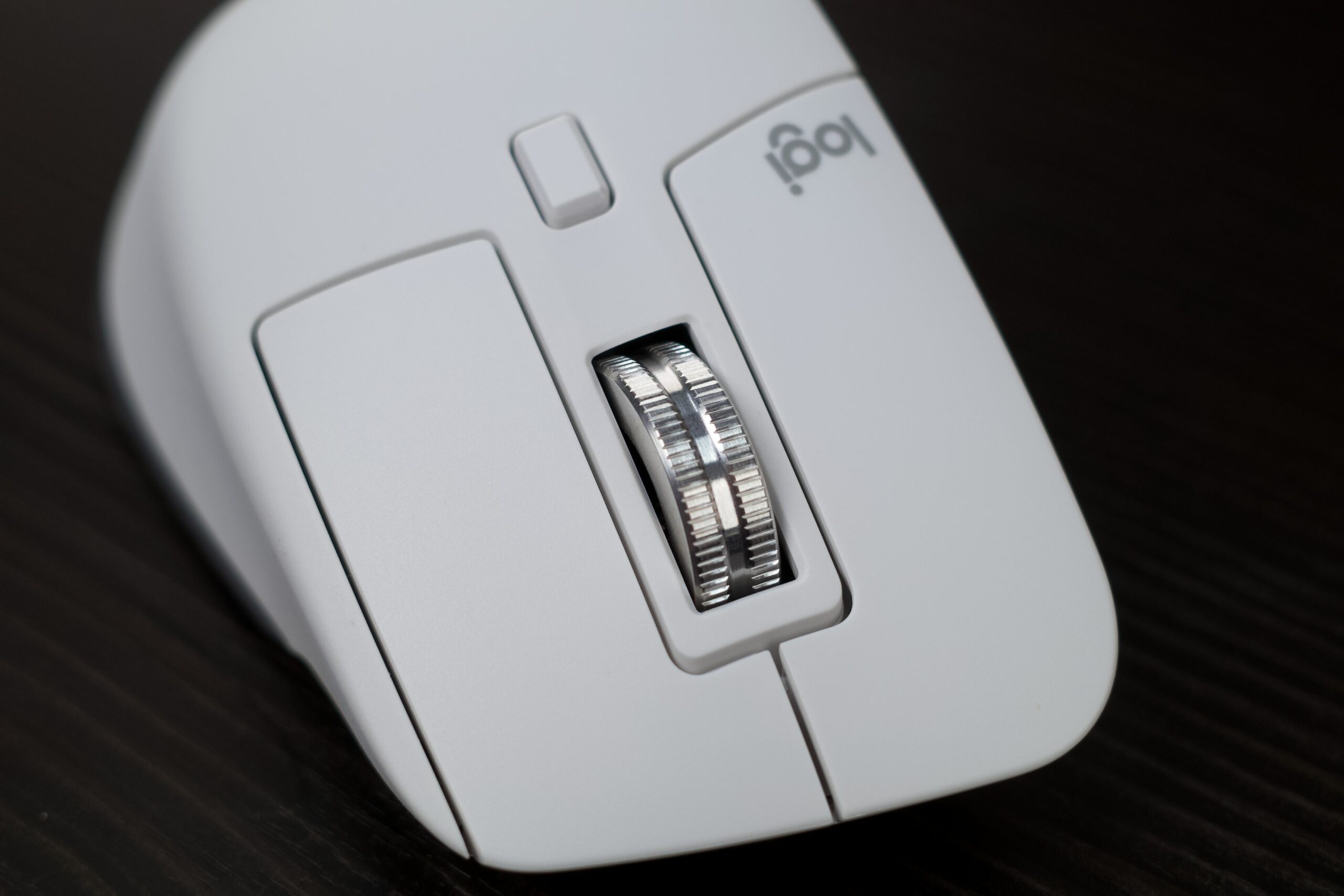
Alongside the new Quiet Clicks and DPI upgrades, legacy hardware like the MagSpeed wheel remains a huge advantage of the MX Master 3 Series. The MagSpeed wheel can scroll infinitely (frictionless) at speeds up to 1000 lines per second, making tasks requiring heavy scrolling much faster and easier. Since I frequently work with spreadsheets containing tens of thousands of rows, I really love this MagSpeed wheel.
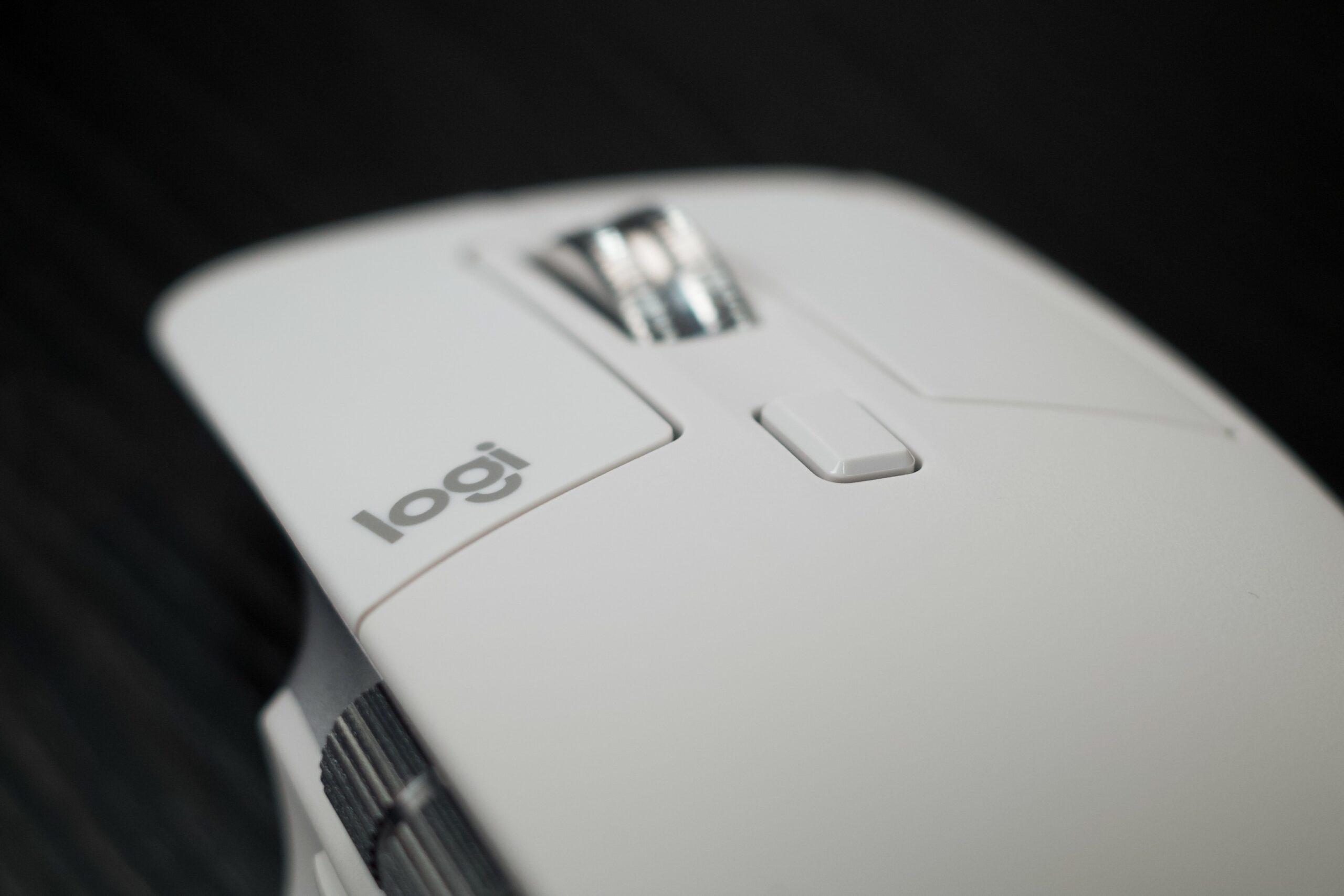
Users can switch between infinite scrolling and step-by-step scrolling using the function button behind the wheel.
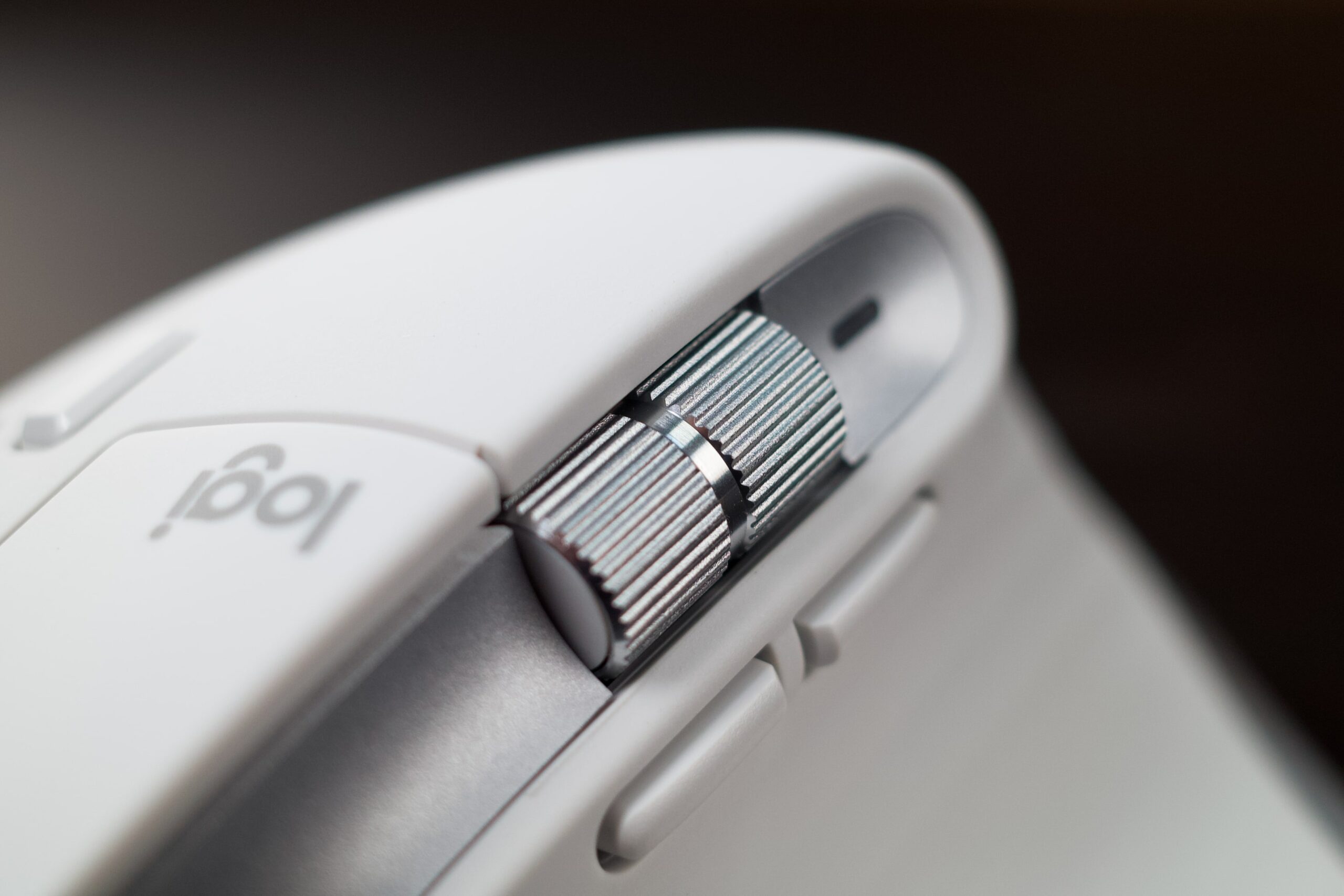
The thumb wheel is perfectly positioned for the 3S, making it very useful for horizontal scrolling in spreadsheets, adjusting brush sizes, or zooming in and out of images in photo editing software. It is also finished in metal, providing a very satisfying scroll feel and serving as a beautiful highlight on the white version I have here.
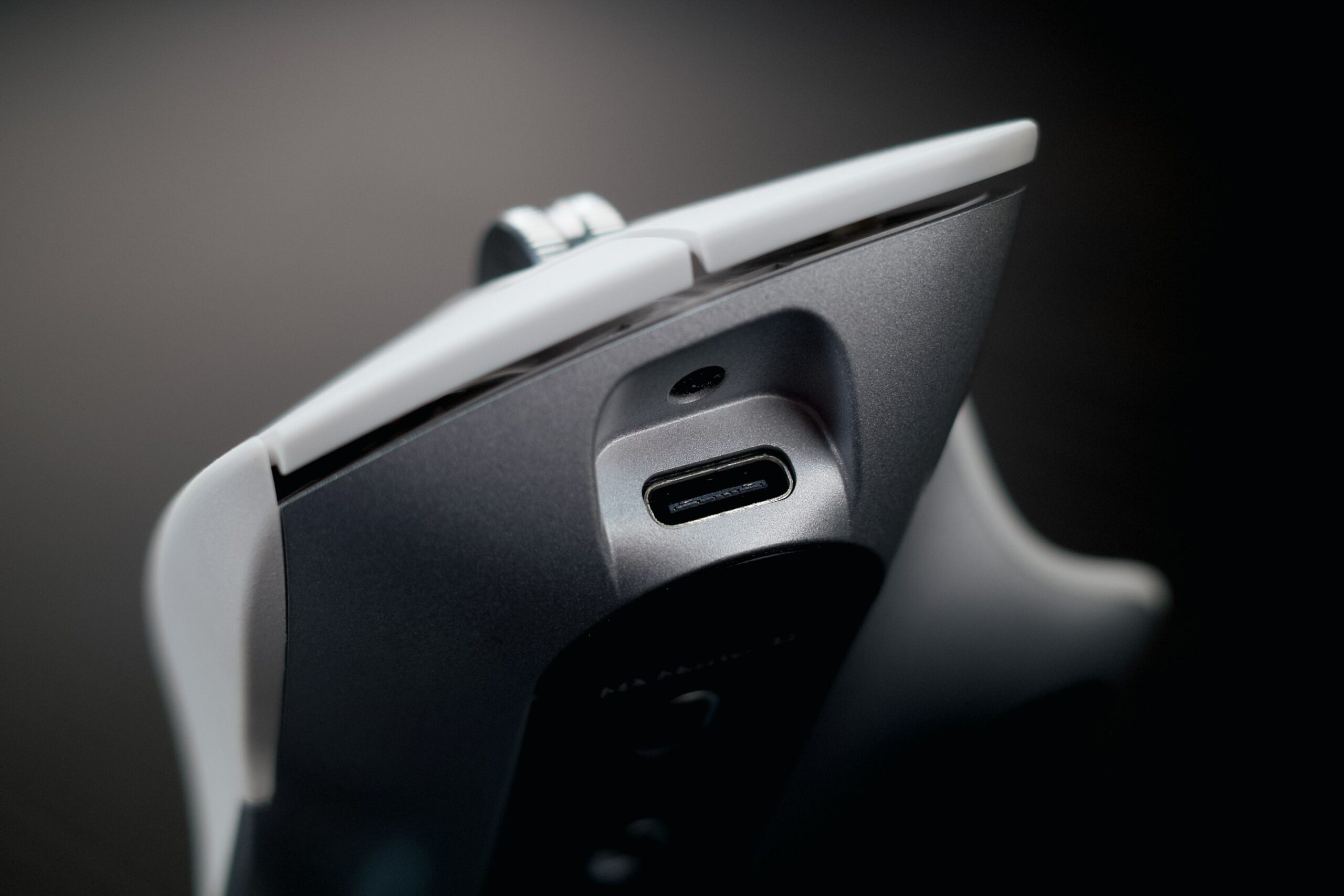
The common USB-C charging port is located at the front, allowing users to easily charge when the battery is low; you can use it while charging or benefit from a quick charge of 3 hours of use from just 1 minute of charging. A full charge of the MX Master 3S can last up to 70 days of continuous use; in my actual usage, the mouse easily lasts 1.5 to 2 months before needing a recharge.
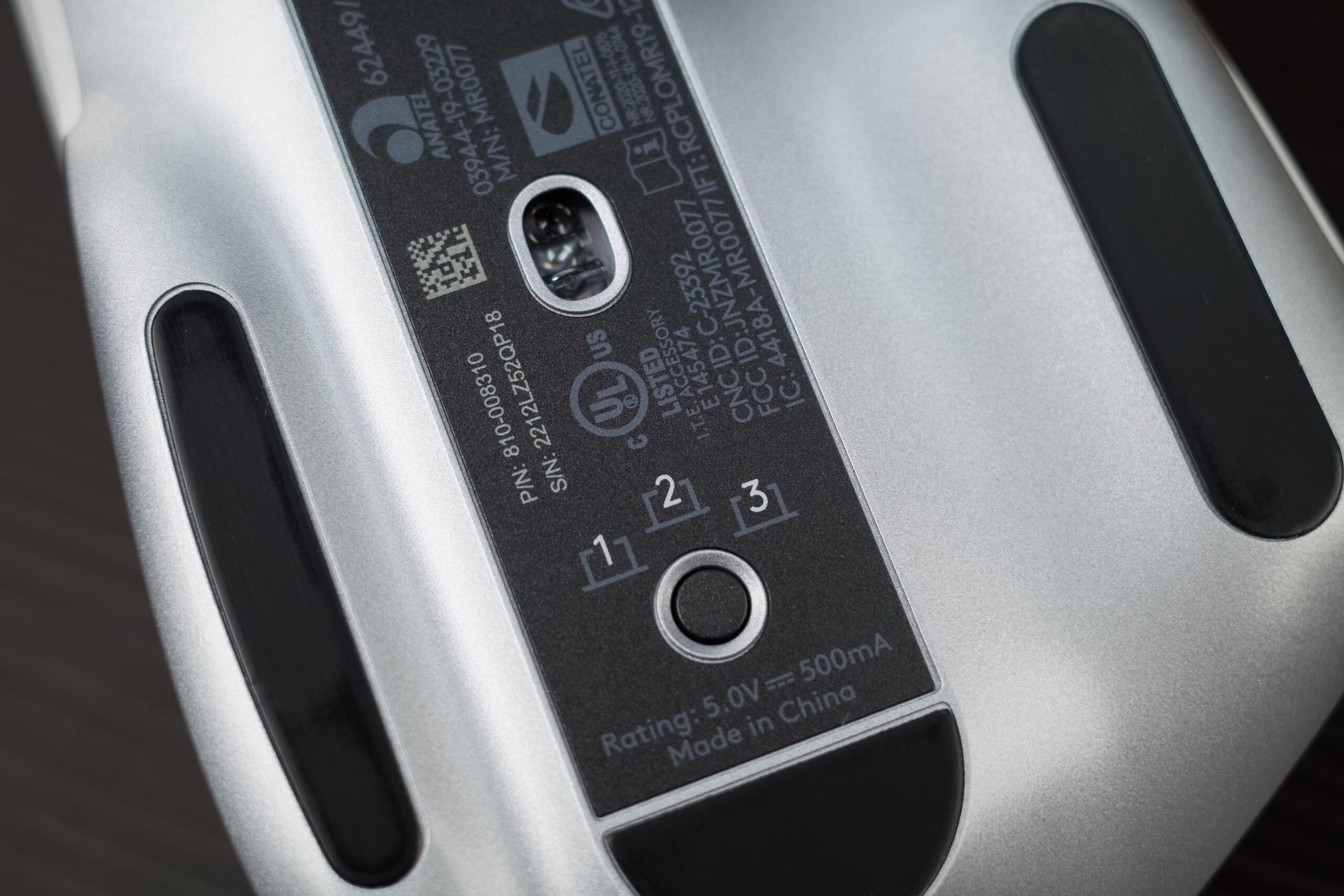
The physical buttons are numbered 1-2-3, helping you quickly identify which device the mouse is currently connected to.
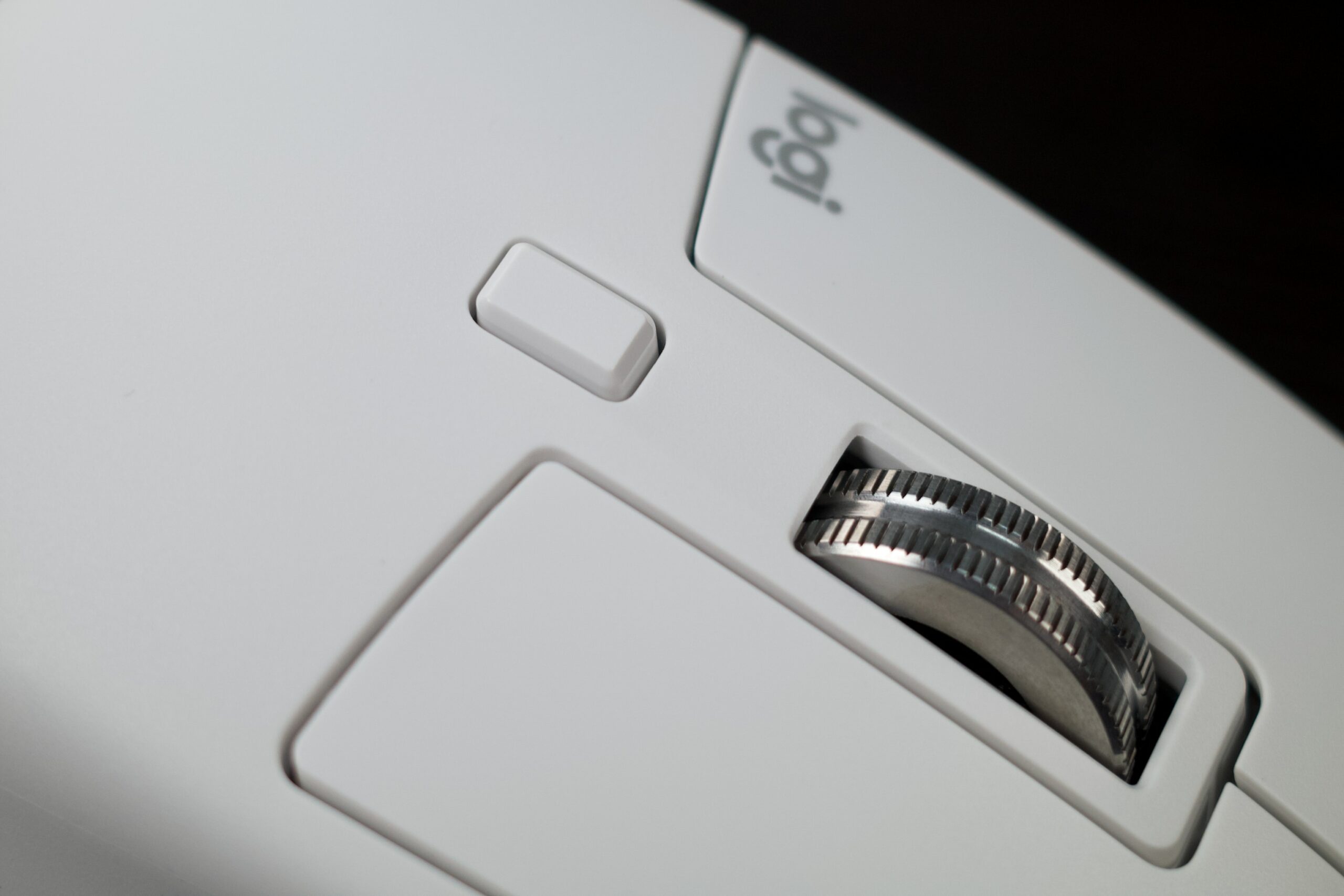
With the price remaining at $99, I personally believe the Logitech MX Master 3S is still one of the best mice for productivity available today.
Source: Tinhte.vn