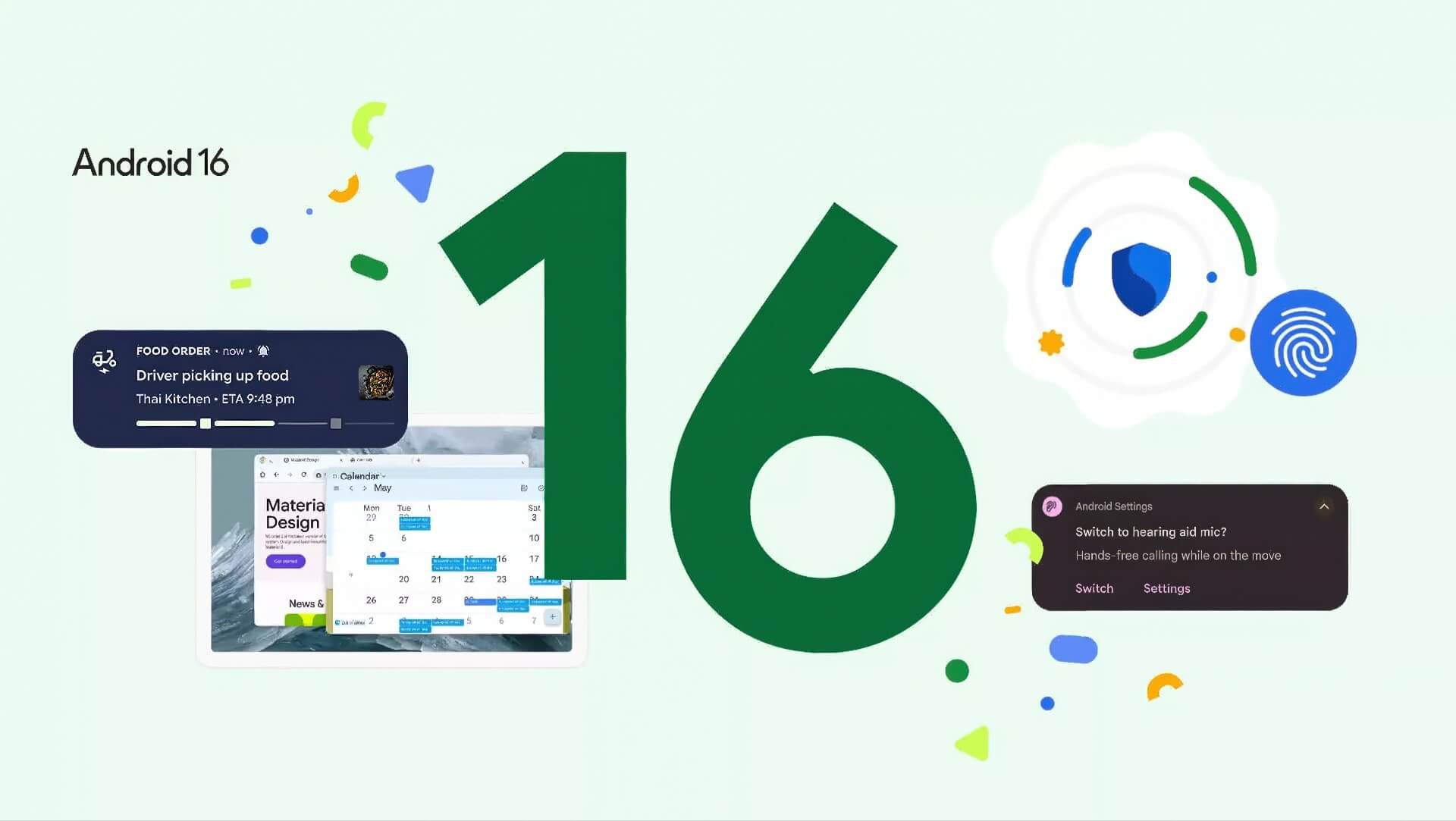
Android 16 has officially launched, marking a major shift for Google's mobile operating system in 2025. Starting with its very first update, Android 16 delivers a wide range of refinements, from security and performance to the overall user experience, while also laying the groundwork for standout features arriving later this year. This is the first time Google has adopted a continuous update strategy, rather than packing every feature into a single release, so users keep receiving fresh, useful upgrades throughout the year.
Android 16 is rolling out first on Pixel devices, along with the June 2025 Pixel Feature Drop, which adds a number of new tools for Pixel users. In the coming months, major manufacturers such as Samsung, OnePlus will gradually bring these special features into their own custom interfaces.
Android 16's Biggest Changes: A Better Experience, Stronger Security and Accessibility
Compared with Android 15, Android 16 focuses on a smarter, safer user experience. The first highlight is a new notification system that requires notifications from the same app to be grouped into a single bundle, which cuts clutter, makes them easier to manage and keeps you from missing important information. Live Updates also debut here, letting ride-hailing and food delivery apps show real-time status right in the status bar, with deep integration into interfaces such as Samsung Now Bar and OnePlus Live Alerts.
Comprehensive security is the top priority for Android 16. The Advanced Protection feature now extends across the whole system. Beyond protecting your account, it actively blocks 2G network connections, limits access to unsafe websites and disables data transfer over USB, significantly reducing the risk of attacks or data leaks. These measures aim for the highest security standard for everyday users and businesses alike.
Android 16 also makes major improvements to accessibility, especially for people who use hearing aids. Users can now switch from the hearing aid's microphone to the phone's microphone during calls, and adjust settings such as volume and listening mode right from the system interface. That makes calls clearer and easier to manage in noisy environments.
Performance Tuning, Large-Screen Support and Upcoming Features
Another highlight is that Android 16 keeps optimizing background performance, tightening control over background processes to boost speed, save battery and limit apps that use resources unnecessarily. However, this may affect some apps that run in the background, so users should keep that in mind when upgrading.
With large-screen devices growing more common, Android 16 automatically scales app interfaces up, offers better support for tablets and foldable phones, and prepares for a desktop mode due late in the year. This helps apps and games run smoothly and makes multitasking more flexible on devices of every size.
The camera gets upgrades too, including night mode detection, hybrid auto-exposure, motion photos and HDR screenshots for supported apps. That is a big plus for anyone who loves taking photos and shooting video on a smartphone.
Despite the long list of changes, Android 16 is still just the beginning. In later 2025 updates, Google will add a series of standout features, such as Material 3 Expressive design, a livelier and more approachable new look; a desktop mode, built in partnership with Samsung, that lets tablets and smartphones output a computer-style interface when connected to an external display; and a range of productivity tools like custom shortcuts and a smart taskbar for multitasking on large screens.
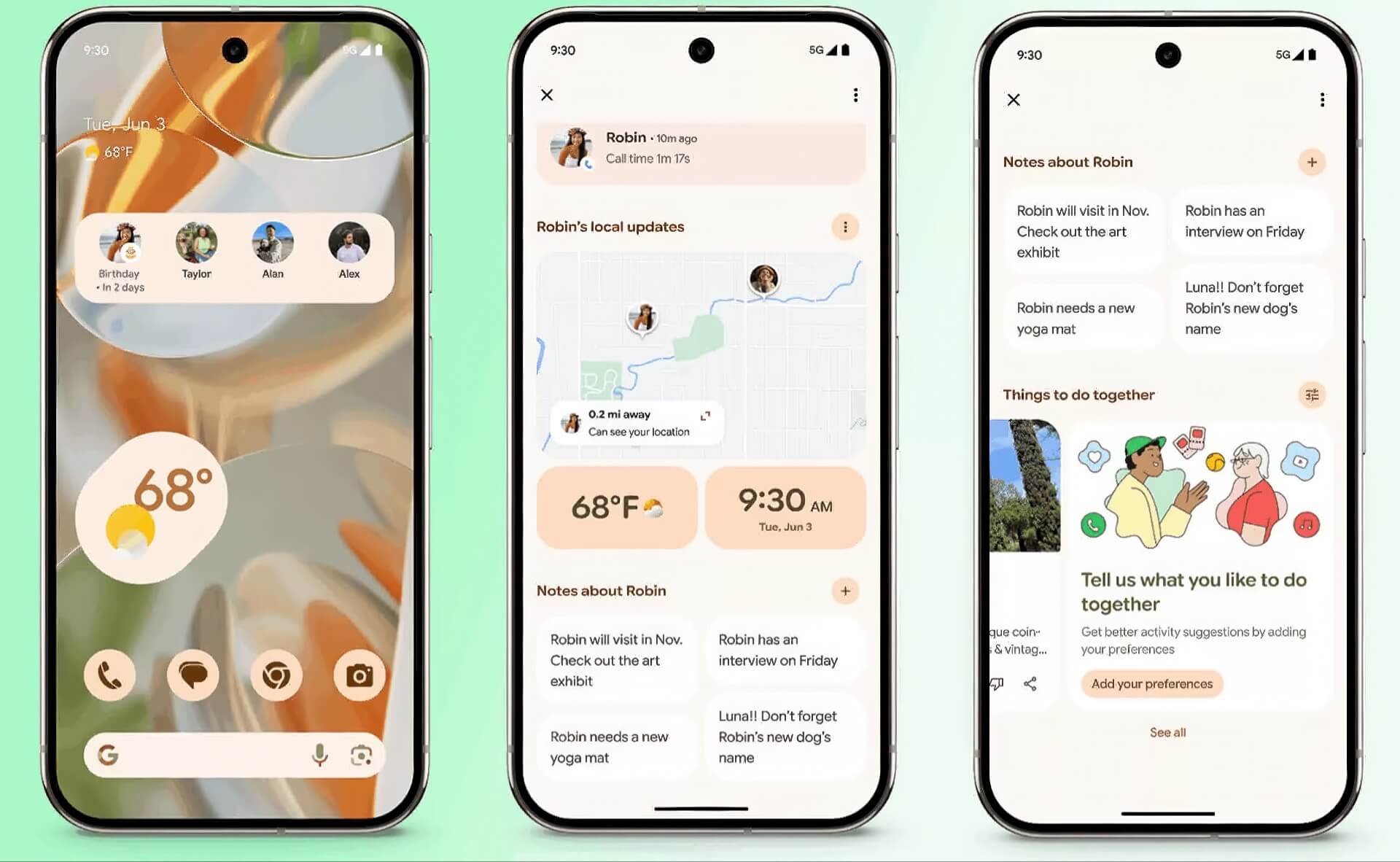
Alongside Android 16, Pixel users also get the Pixel Feature Drop, with features such as Pixel VIPs for managing important contacts, Expressive Captions with expanded multi-country support, direct search in the Magnifier app and many other useful upgrades.
Summary: Android 16 is a foundational Android Update that prioritizes smooth performance, comprehensive security and room to grow for large-screen devices. Although many of the biggest new features will arrive late in the year, users can already feel a clear, positive difference today. If you use a Pixel device, don't miss the accompanying Pixel Feature Drop to get the most out of Google's modern, convenient ecosystem.