

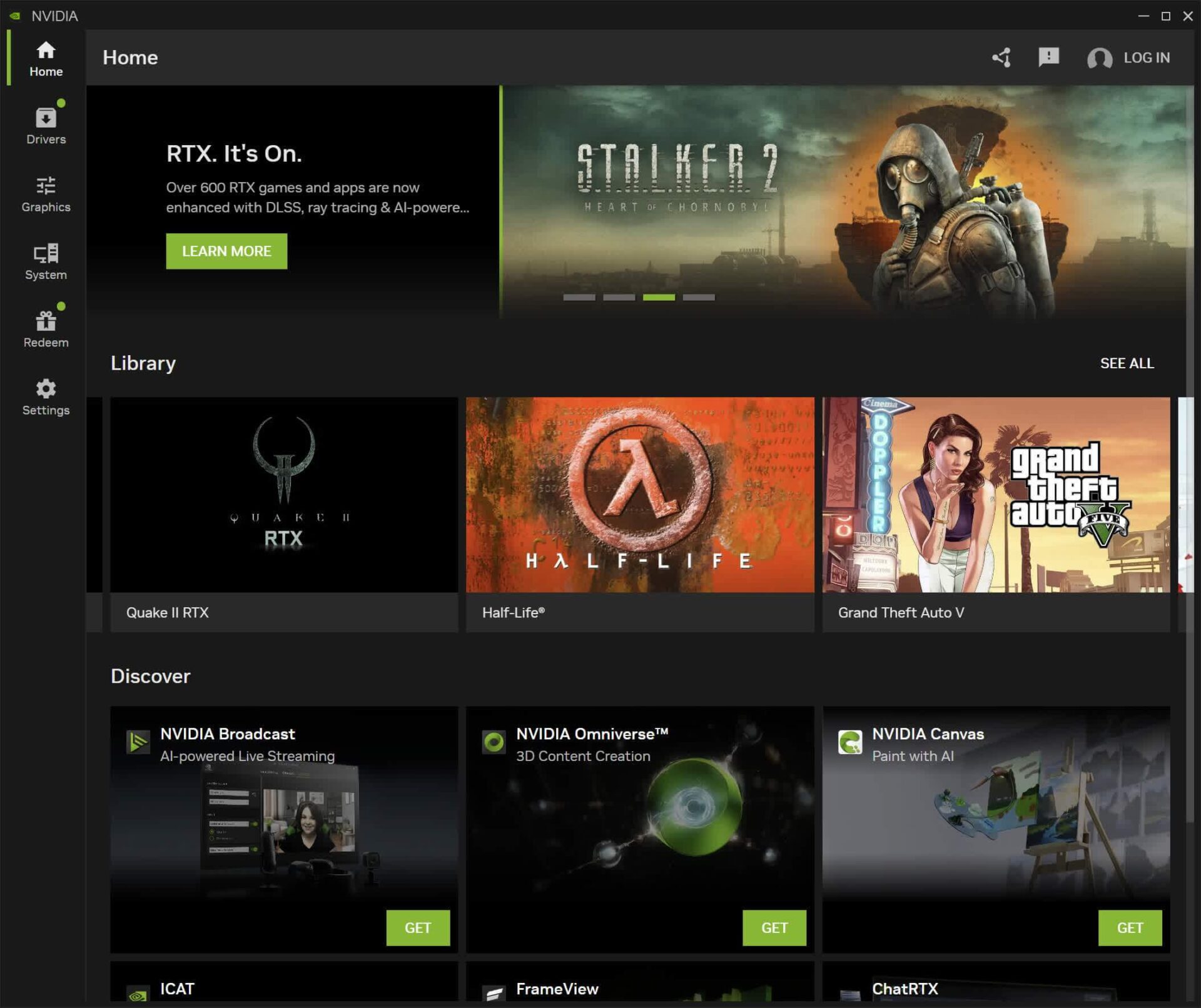
GeForce Experience has officially ceased operations - welcome the new Nvidia app! Starting today, Nvidia is releasing version 1.0 of the Nvidia app, marking its exit from the beta stage. Nvidia asserts that version 1.0 is fully ready to replace GeForce Experience, with all features migrated to the new app. This marks the first step toward creating a single unified application that will replace both GeForce Experience and the Nvidia Control Panel.
If you own a GeForce GPU and haven't switched to the Nvidia app yet, now is the perfect time to do so. The new app is significantly superior to the old GeForce Experience and Nvidia Control Panel - although not all Control Panel features are available immediately. The new app is faster, easier to navigate, consolidates features previously split between two applications, and best of all, does not require a login.
Currently, to access the Nvidia app, you need to download the beta version, which will replace GeForce Experience on your system. Some features from the Control Panel are already available in the Nvidia app, but not all, so the Nvidia app and Control Panel will coexist for now. Future updates will add more settings from the Control Panel with the goal of making the Nvidia app the sole destination for all Nvidia GPU settings, marking the end of the separate GeForce Experience app once all its features have been transferred.
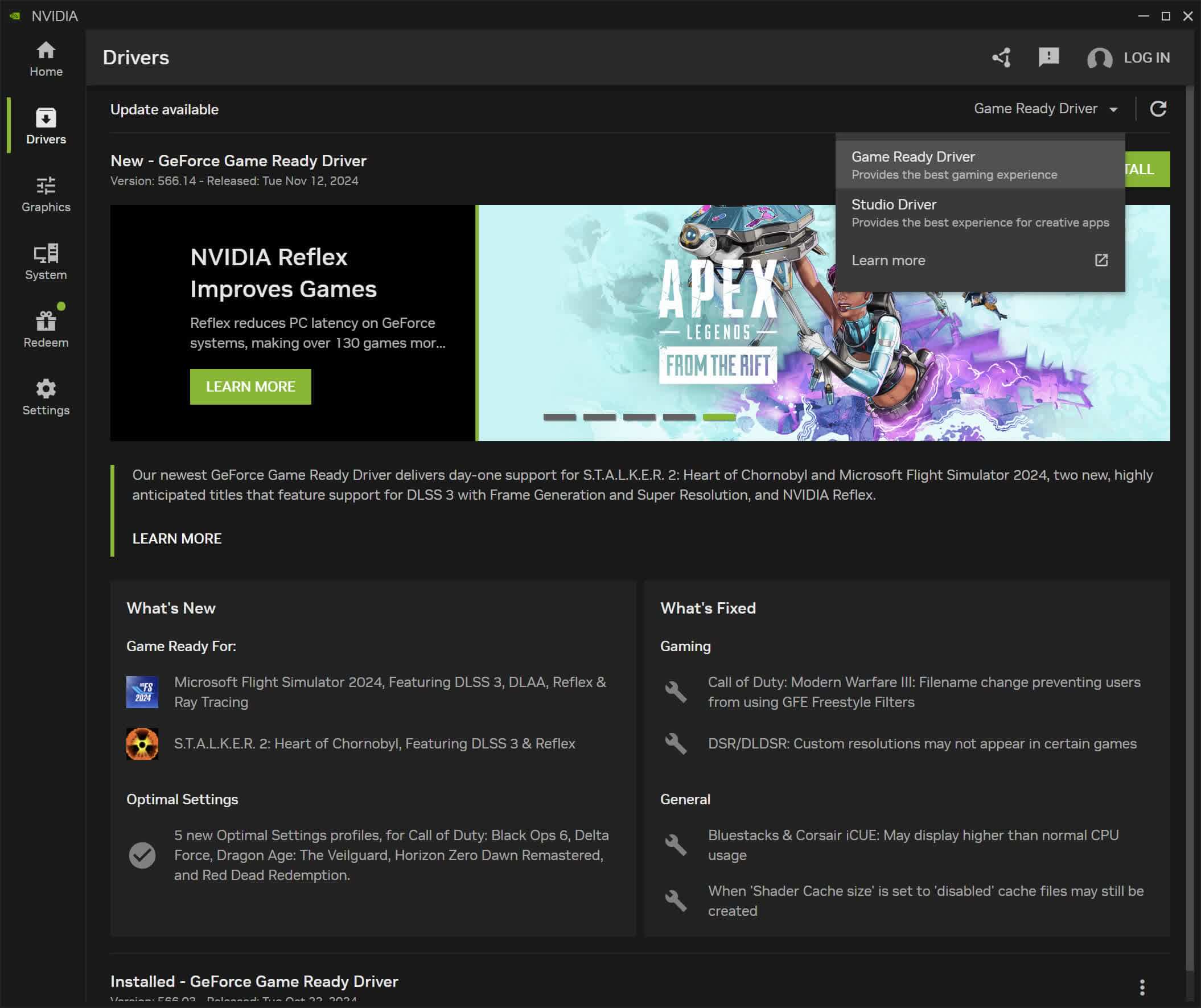
Technically, GeForce Experience has not completely ceased operations yet; it will not be automatically removed from existing systems, but it will no longer receive any updates and will enter "legacy status." In the future, Nvidia will use the Nvidia app as the replacement, so upcoming drivers will come with this app instead of GeForce Experience. This change will occur "soon," according to the company's announcement, and will be an optional part of the installation process.
This means GeForce owners can now easily keep their drivers updated without going through the tedious and unnecessary login process. We have been using the beta version of the app since its launch in February, and besides speed, this is the main reason we love using it. Installing and reinstalling drivers is now very simple, eliminating the need to log in on every new system or after every driver reinstallation - a factor that has driven some users away from GeForce Experience. With the Nvidia app, you simply install it and update your drivers without any login hassle or trouble. Driver updates are located in the first tab of the app; navigation and usage are very easy, and all important driver information is available right there.
You can still log in to the Nvidia app if you really want to; there is a login button in the top right corner. However, so far, we see no reason to do so. Nvidia notes that redeeming rewards or accessing Game Bundles when purchasing a GeForce GPU requires logging in, but we have never felt the need to do so, except for accessing a Game Bundle from a GPU purchase.
The second reason to switch to the Nvidia app is performance. Accessing key features is faster and easier, with a more modern interface compared to the outdated Control Panel. It is unjustifiable for the Control Panel to operate so slowly in 2024 on this hardware - this is a critical issue that Nvidia has addressed with the Nvidia app.
One of the criticisms we received in our previous coverage of the Nvidia app was that some people did not like Nvidia changing a very simple application (Nvidia Control Panel) and making it more complex and harder to navigate through the Nvidia app's "modern" interface. However, this feedback is no longer valid now that we see how the app currently functions, with many Control Panel features integrated.
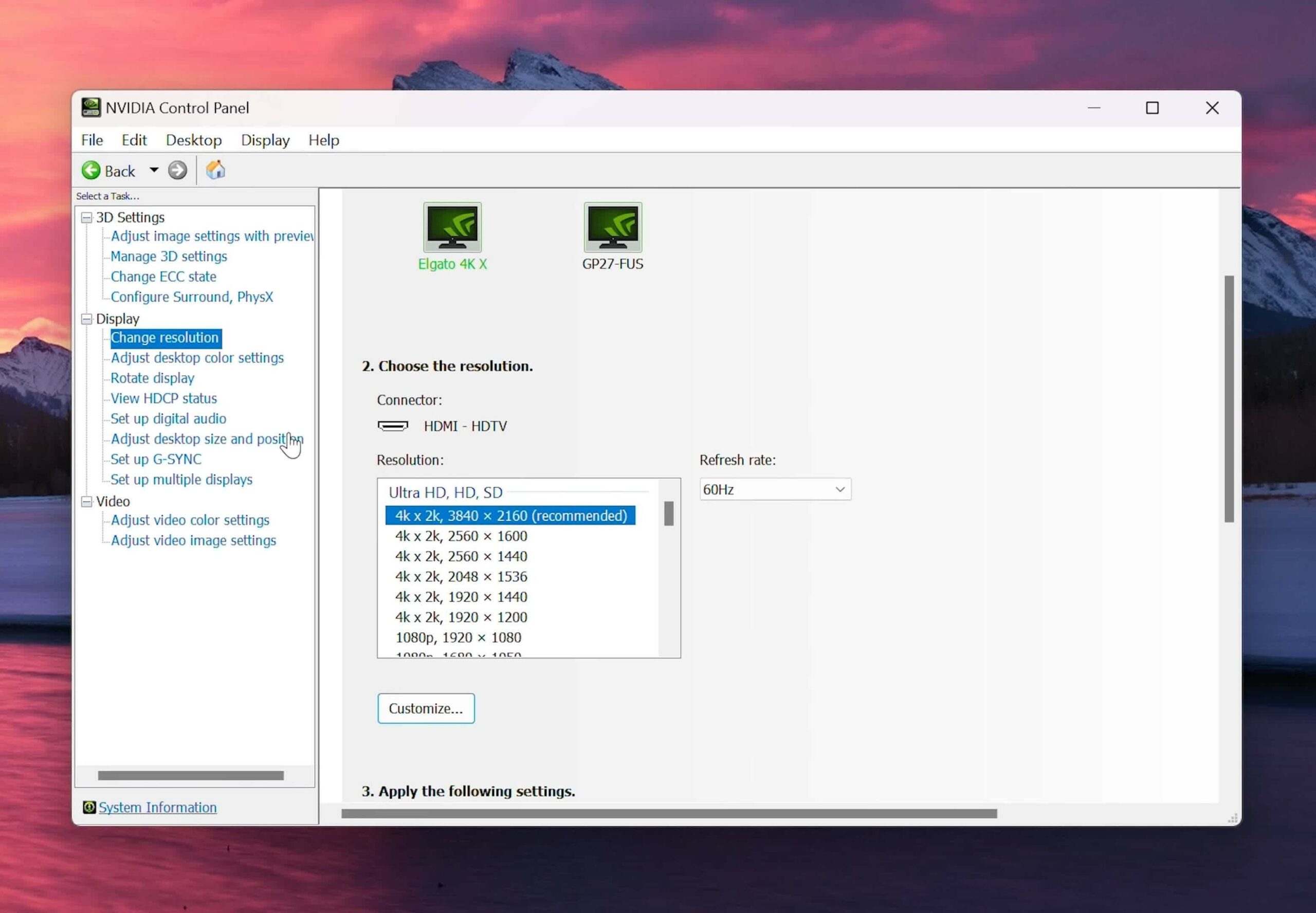
Some users might still prefer the old Control Panel because it is what they are familiar with, but below is an example of why the app's new interface is better: display settings. In the Control Panel, display settings were scattered across multiple pages - resolution and refresh rate on one page, G-Sync settings on another, and rotation on yet another. Adjusting these parameters on multiple monitors meant navigating through several slow-loading pages.
In the Nvidia app, these settings are concentrated on a single page, eliminating the need to load multiple different pages. G-Sync settings are placed at the top, with monitors listed alongside each setting such as resolution, refresh rate, and orientation, all grouped together. Information about ports and display capabilities remains easily accessible, and larger font sizes make it easier to read on high-resolution monitors.
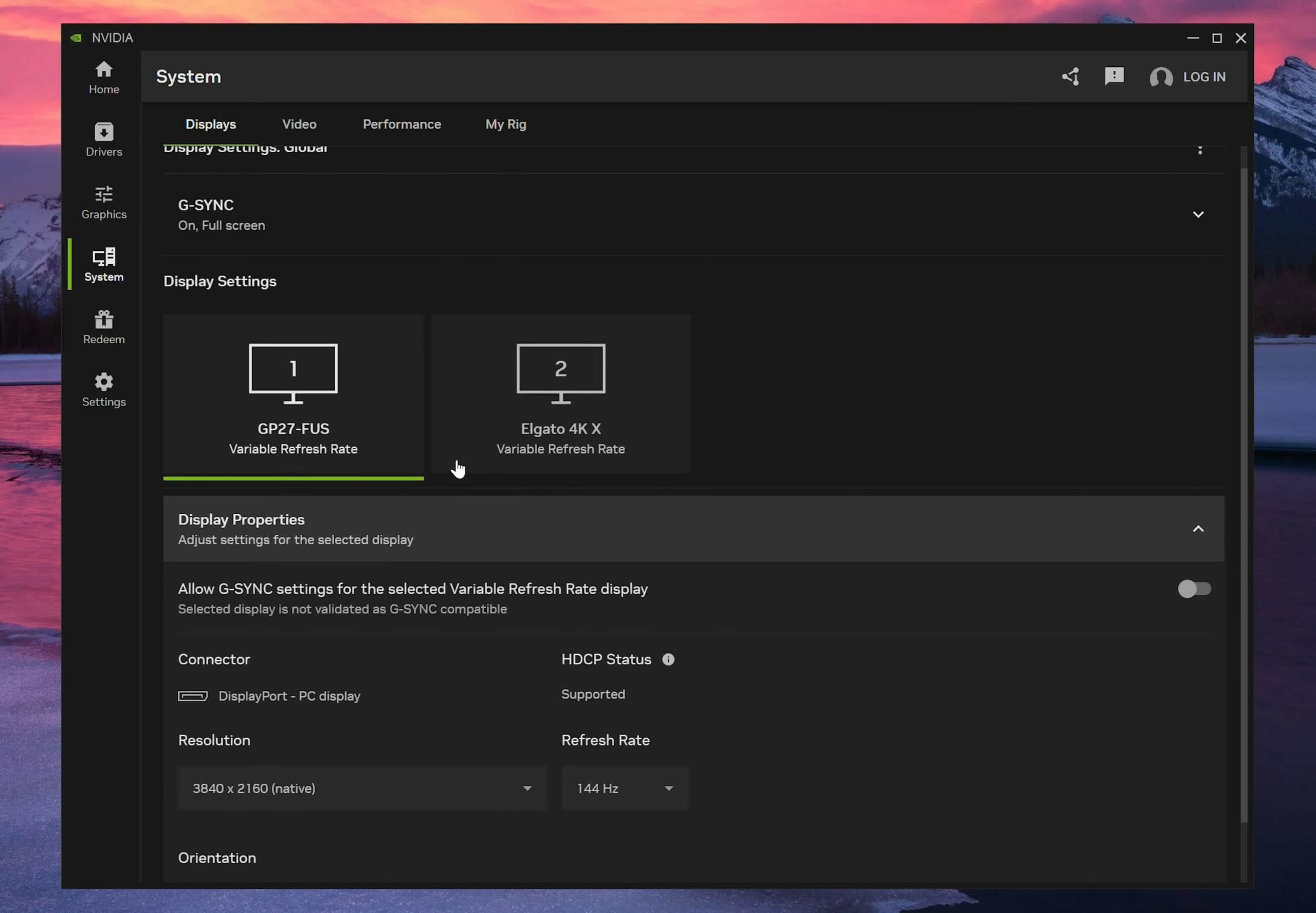
Not all settings from the Control Panel have been migrated to the Nvidia app, so some features are still missing, such as adjusting color formats and custom resolutions. You still need to use the Control Panel for these settings, along with video color settings and multi-monitor configurations like Nvidia Surround. However, Nvidia asserts that they are prioritizing the addition of the most used settings first, with additional features coming in later updates. An interface that gathers all display settings into a single quick-access page is a major improvement, and we have seen Nvidia moving in that direction in the current app.
Game Settings Management: Before / After
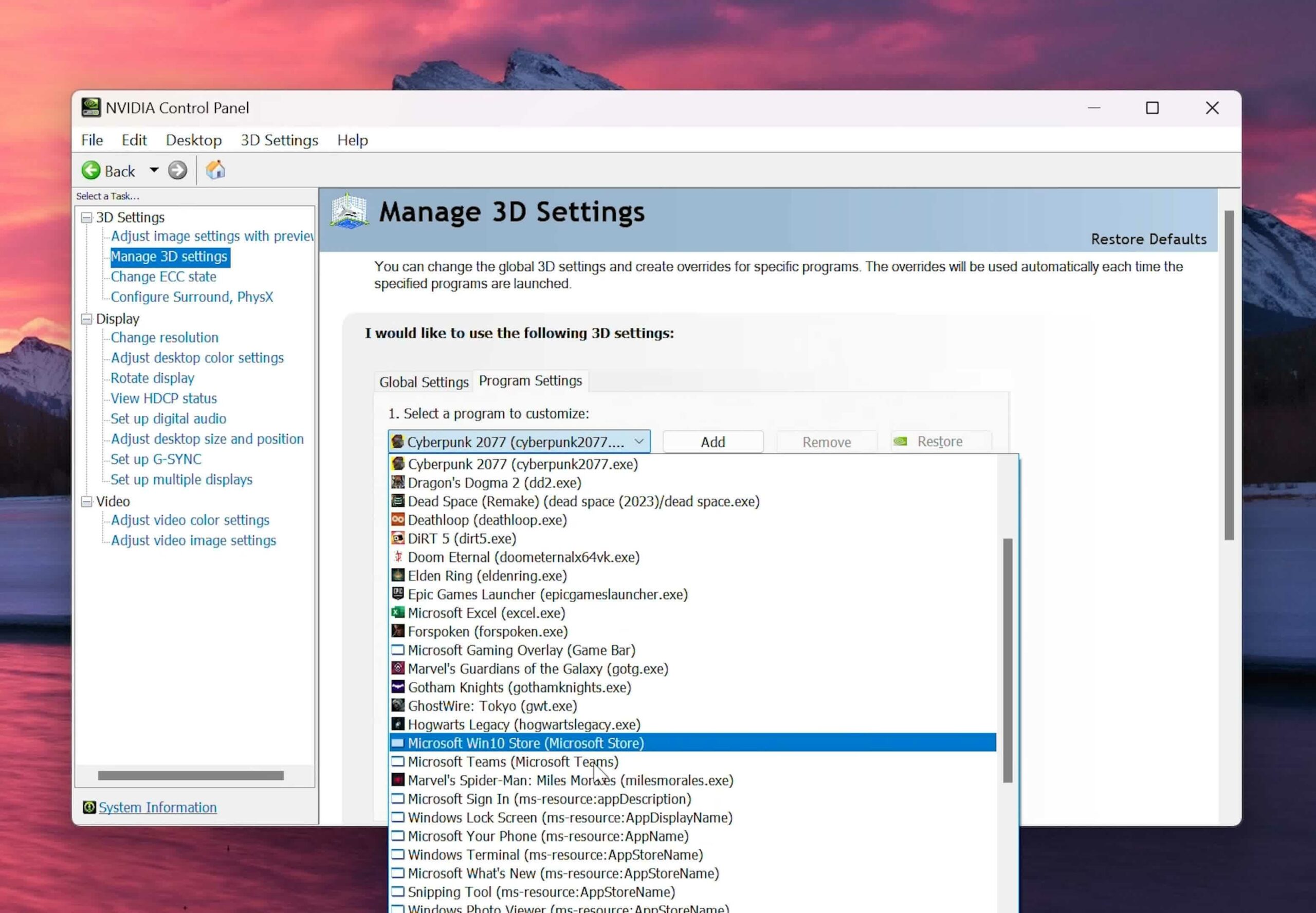
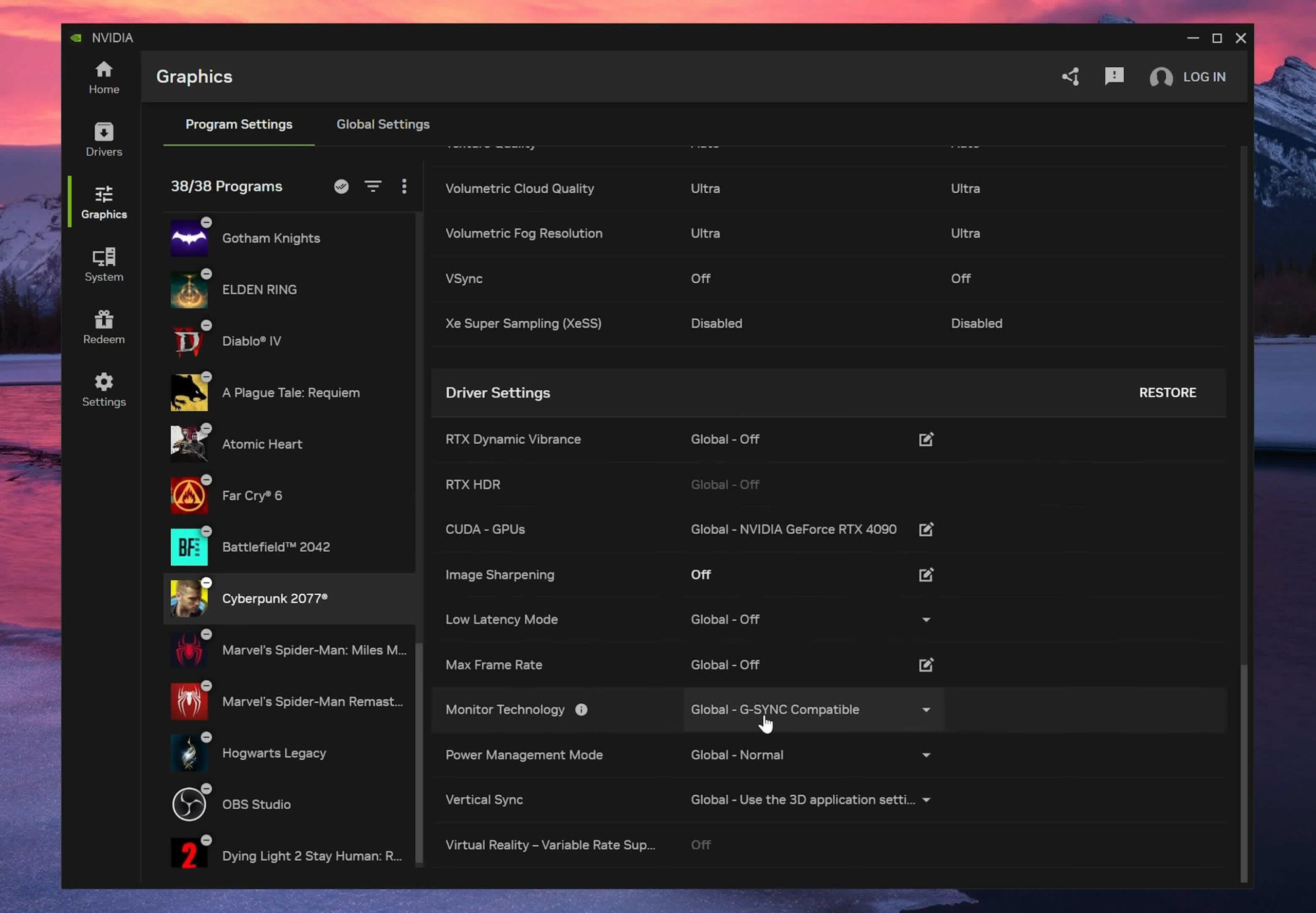
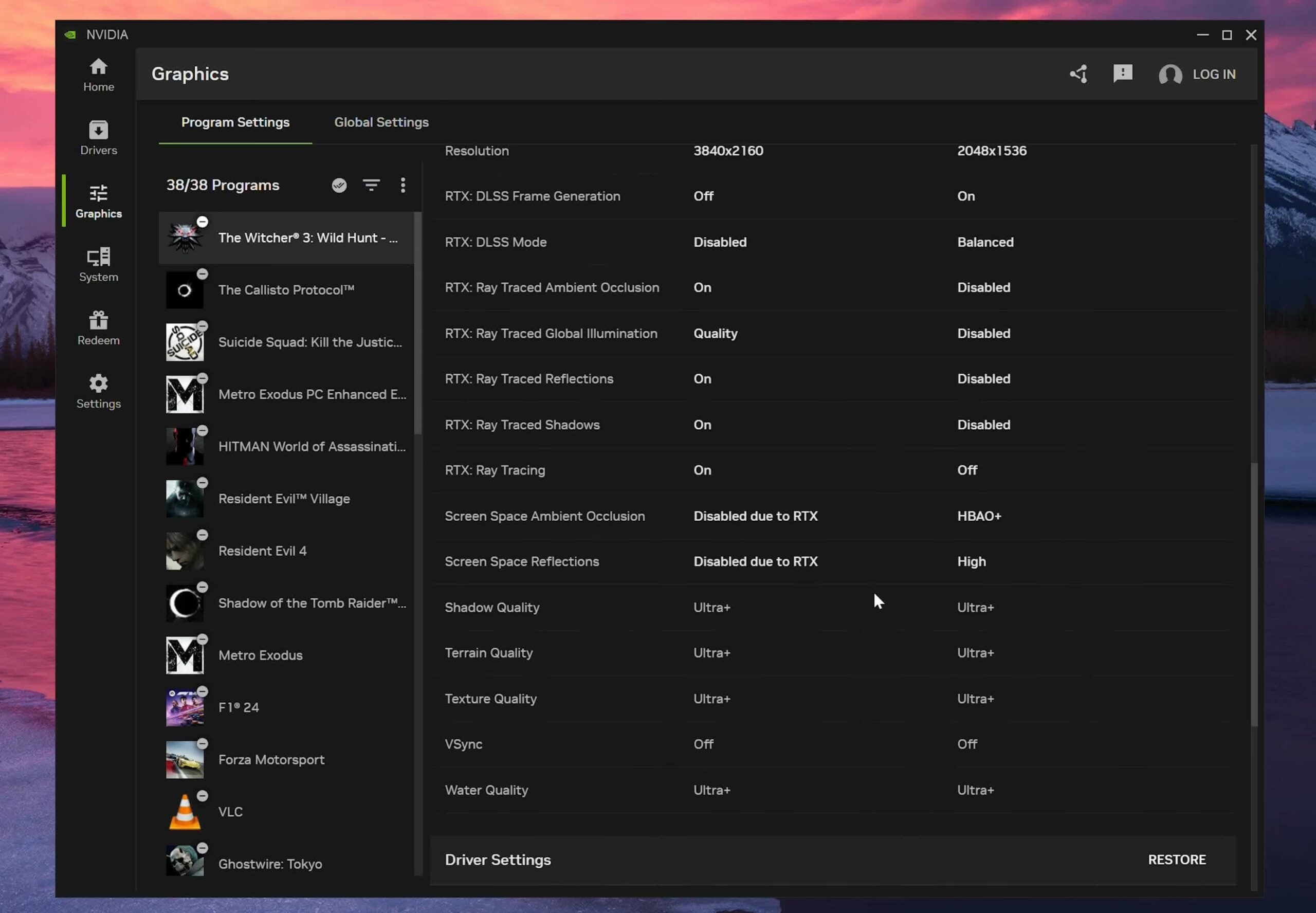
The Game Settings interface has been significantly improved. Previously, these settings were split into two parts between the Control Panel and GeForce Experience - the Control Panel managed driver overrides, while GeForce Experience handled Game settings and optimization tools. The Nvidia app combines them all together, allowing you to adjust everything for each Game within a single application.
This consolidation is particularly important for modern Games. Traditional Control Panel overrides, such as anisotropic filtering and anti-aliasing, have almost no impact on new titles. Managing Game settings in the Nvidia app through in-game settings rather than driver settings is completely logical. Important driver settings like frame rate limits, DSR, G-Sync, Vsync, and others have all been brought into a more user-friendly interface within the app. Changing these settings in the Control Panel was very slow, and switching between Games was difficult.
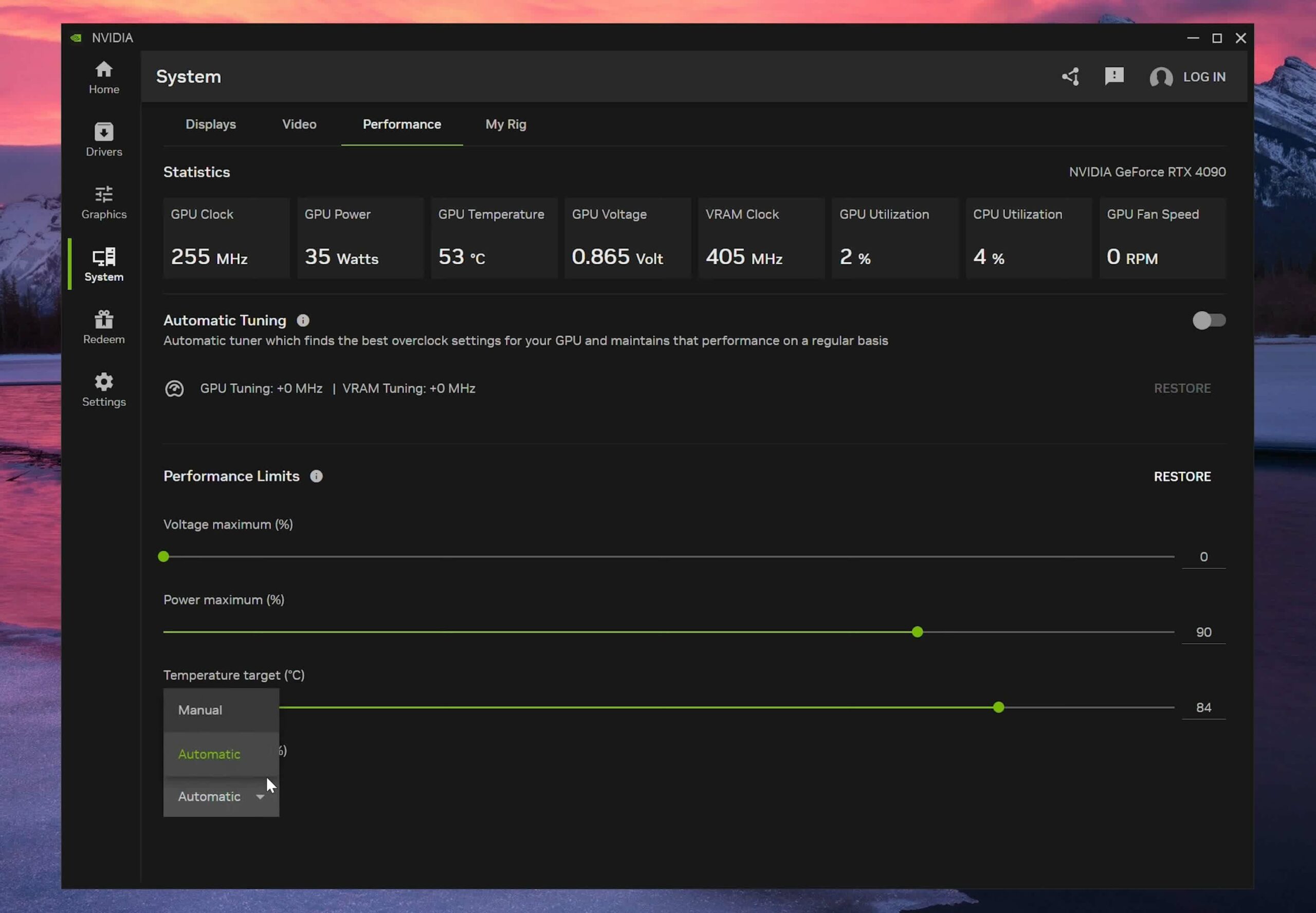
Since its initial release, Nvidia has added a Performance tab in the System section, providing full GPU metrics and GPU overclocking capabilities with just one click-which, according to Nvidia, still maintains your warranty. The limit sliders allow you to control how much the overclocking pushes the GPU, with custom limits for power, temperature, and fan speed.
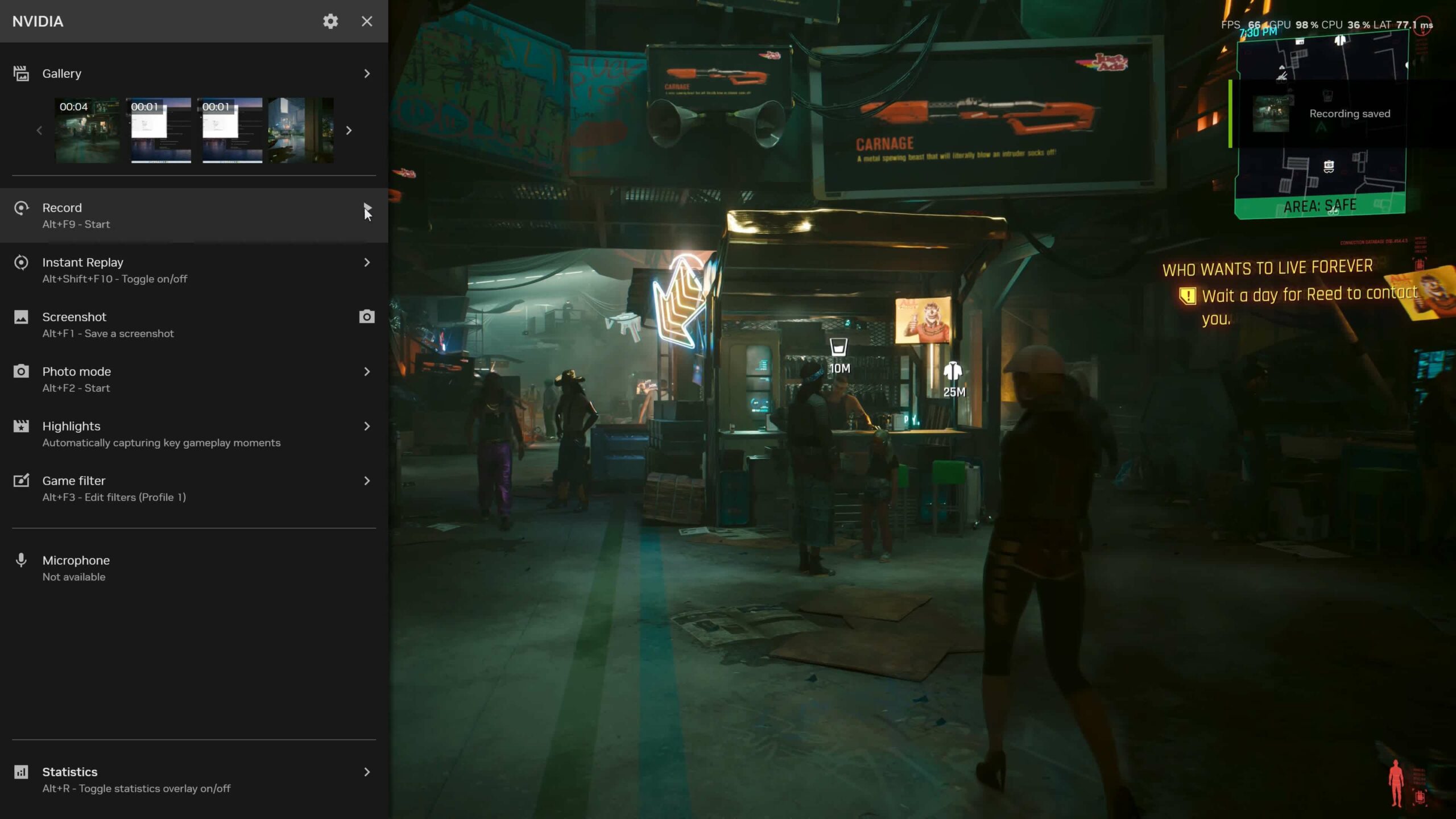
The improved overlay is another notable addition to the Nvidia app. Unlike the GeForce Experience overlay, which took up the entire screen, the new overlay has a cleaner design, allowing access to features like video recording, screenshots, Game filters, and performance information.
The Nvidia app also introduces new features, such as RTX HDR and AV1 video recording capabilities.
After using the Nvidia app through several beta stages over the past six months, we highly recommend installing it if you own a GeForce GPU. Nvidia has continuously added new features, and as more functions are integrated from the Control Panel, the entire package becomes easier to use.
The Nvidia app also brings Nvidia software closer to AMD's Radeon Software, which has provided a high-quality application experience for a long time. In version 1.0 of the Nvidia app, Radeon Software still has more rich features, with all settings and features integrated, while the Nvidia app still has some shortcomings. However, the core functionality is present, and users can send feedback to Nvidia regarding desired features or changes.











