The Windows Insider program was once expected to be the ultimate solution to Windows' lingering stability issues, thanks to the participation of millions of free beta testers. However, after several years of implementation, the reality is taking a worrying turn as enterprise customers now face the risk of unstable or even paralyzed Graphical User Interface (GUI) or shell operations. The cause, simply and bitterly, stems from the fact that the latest Windows updates are encountering fundamental technical issues.
Serious Windows interface errors on enterprise devices
Recently, Microsoft released a support document that has caused alarm within the tech community, admitting that Windows updates released after July 2025 could break several critical parts of the operating system shell. According to document KB5072911, core components such as File Explorer, the Start menu, and other applications relying on the Windows XAML platform may exhibit abnormal behavior and critical errors on certain devices within enterprise environments.
This issue directly affects Windows 11 24H2 and 25H2 versions after users install monthly cumulative updates, specifically those with codes KB5062553 or KB5065789. A small piece of good news is that current consumer devices appear to remain safe, as this issue has only been identified in a "limited" number of enterprise environments or centrally managed devices. This error typically occurs when Windows updates are installed before a user logs into the operating system, forcing certain XAML components to operate in unintended ways.
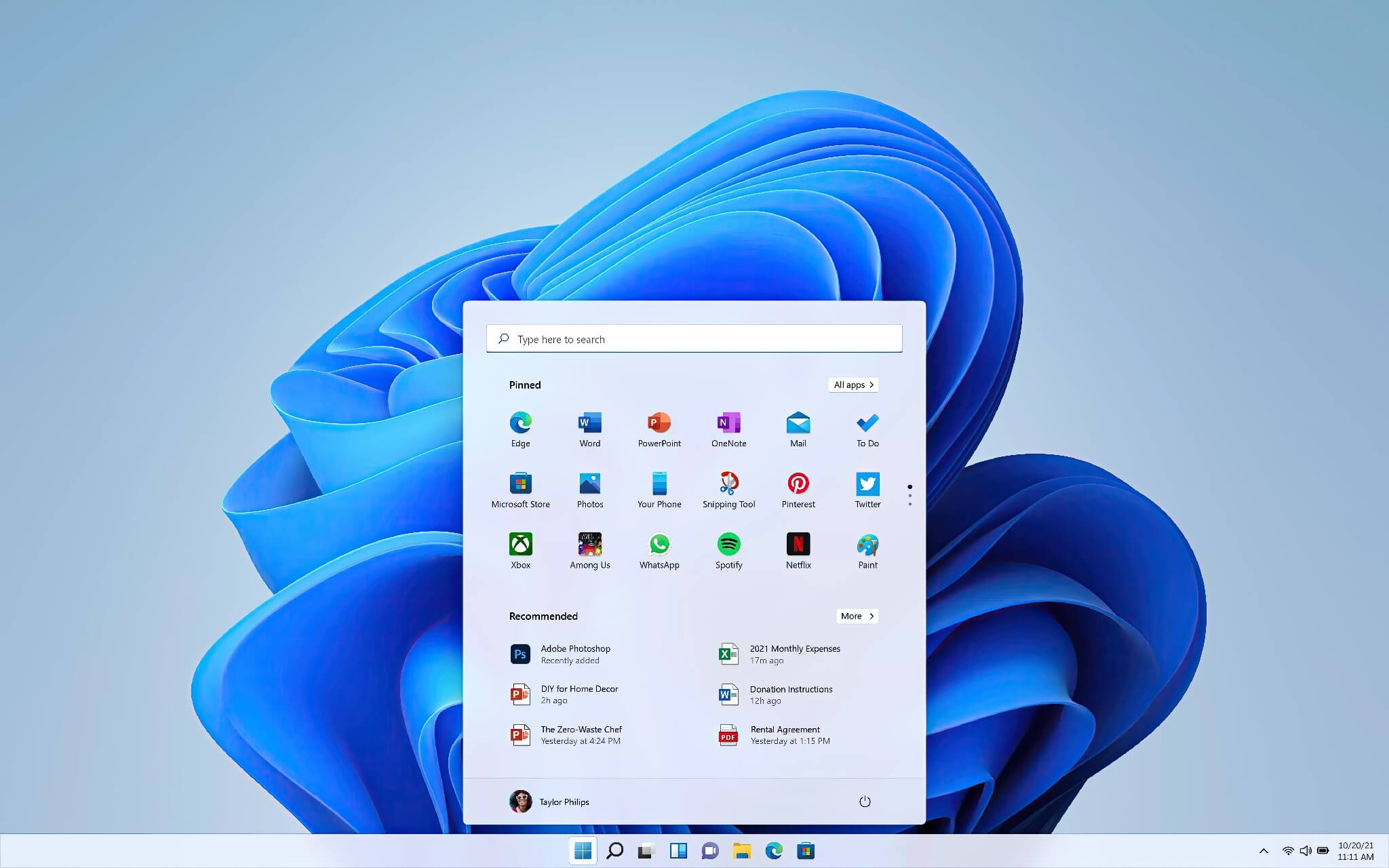
To explain it simply for general readers, eXtensible Application Markup Language (XAML) is an XML-based language designed to define user interface elements. Currently, it is an integral part of many application development frameworks such as WPF, WinUI, UWP, and .NET. XAML templates can be created using Visual Studio or other development environments and are widely used by many components deeply integrated into Windows 11. When this platform malfunctions, the entire "face" of Windows is affected.
Specific symptoms and temporary workarounds
The issue outlined in document KB5072911 involves XAML components that may force users within an organization to experience truly terrible user interface behaviors. Just imagine, who doesn't need a Start menu, taskbar, or Explorer.exe to function stably? That is perhaps the sarcastic question many are asking.
In reality, shell components like Explorer.exe may crash or display a "black screen of death," the Start menu may fail to open when clicked, and the critical taskbar may disappear entirely. Additional issues include shellhost.exe crashing, other XAML applications failing to launch, and various other minor bugs that make the working experience a disaster.
Microsoft explains that this new Windows nightmare is due to applications with dependencies on XAML packages failing to register correctly at the right time after newer Windows updates are installed. While Microsoft developers are working hard to provide a definitive fix, the KB5072911 support document has provided some temporary workarounds to bring the operating system back to a usable state. IT Admins can run several PowerShell commands or scripts to manually register the missing XAML packages, helping the system function again.
AI ambitions and neglect of the core platform
In another development, Microsoft recently explained that Windows will transform into an "agentic OS," with many independent AI agents performing their own tasks in separate workspaces. However, considering the chaos its operating system and shell are currently experiencing, turning this AI mess into a "first-class citizen" might make even the most enthusiastic AI fans admit that Microsoft has gone too far this time.
Many are sharing the obvious thought that the Redmond-based software giant no longer seems to view Windows as a true business priority. This has become a major issue for the entire tech world (except, perhaps, for Linux enthusiasts). An excessive focus on flashy future features is making the current platform unstable.
Furthermore, even a dangerous security vulnerability related to LNK files, such as CVE-2025-9491-which has been part of major cybercrime activities and a method of operation for threat actors for years-was recently only "addressed" quietly. Notably, this process occurred without any proper public documentation clearly explaining the remediation process, leaving the security community and users concerned about the company's transparency and accountability regarding its core products.