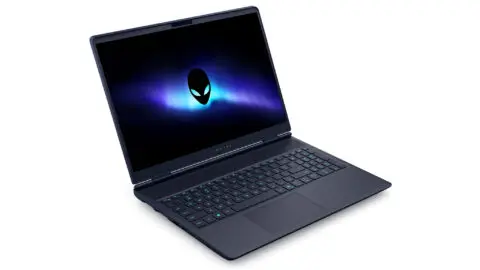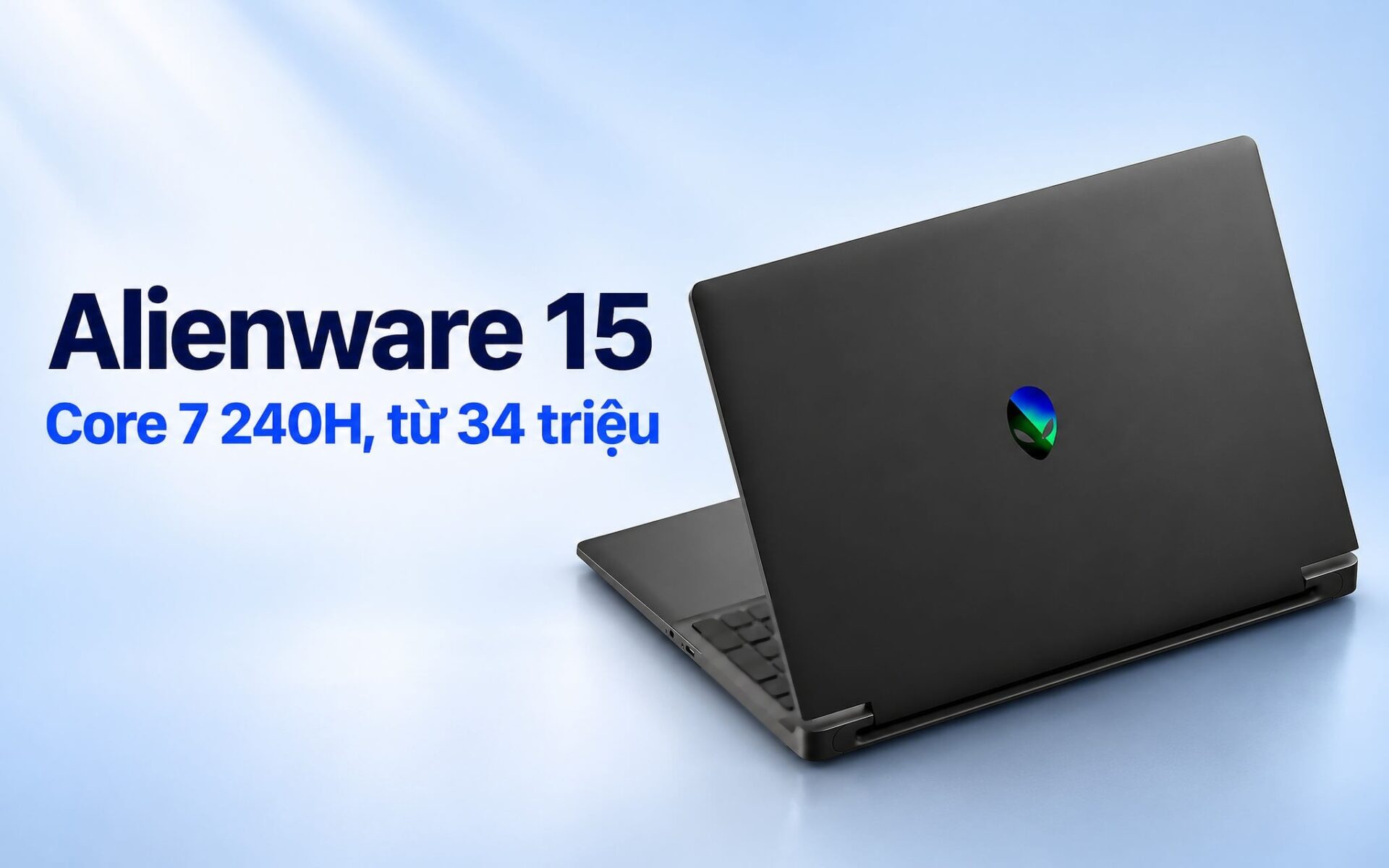
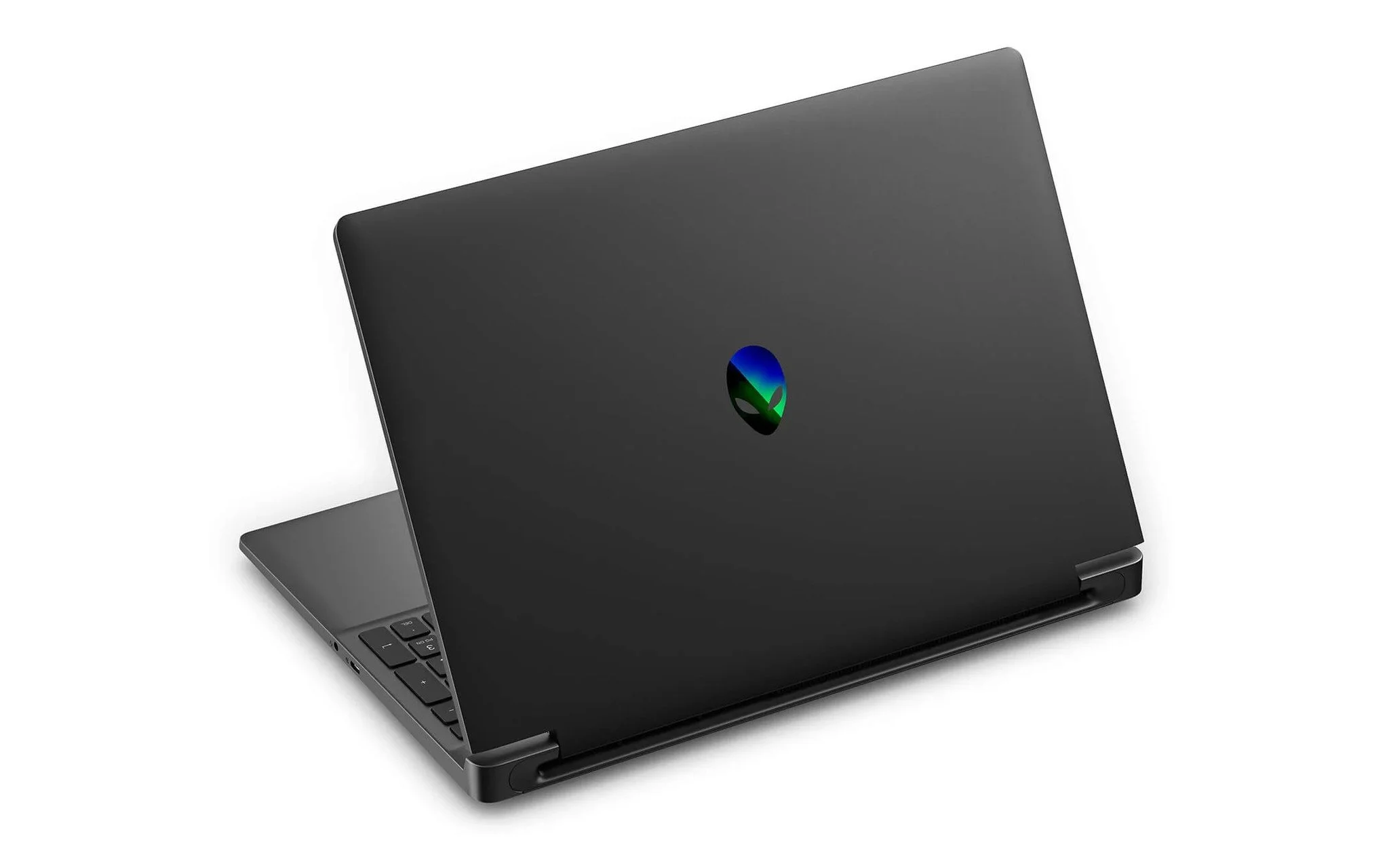
Starting at 34 million VND, the 2026 Alienware 15 is Dell's new 15.3-inch gaming laptop, currently available in two configurations: a Core 7 240H paired with an RTX 4050 6GB, and a Ryzen 7 260 paired with an RTX 5050 8GB. What gives many buyers pause is that the Intel processor in the less expensive model lacks an NPU, the dedicated processor for AI workloads. This article breaks down the CPU, graphics card, display, and cooling system to help you choose the right version for your gaming needs and budget.
The 2026 Alienware 15 Is Available in Two Intel and AMD Configurations
The Alienware 15 is a 15.3-inch gaming laptop lineup introduced by Dell in 2026. The series is split into two model codes based on the processor platform: model DA15260 runs on Intel Core Series 2 processors, while model DA15265 uses AMD Ryzen 200 Series chips. On Dell's configuration page, both models offer graphics card options ranging from the RTX 3050 6GB and RTX 4050 6GB up to the RTX 5050 8GB and RTX 5060 8GB. Consequently, the same chassis can deliver significantly different gaming performance.
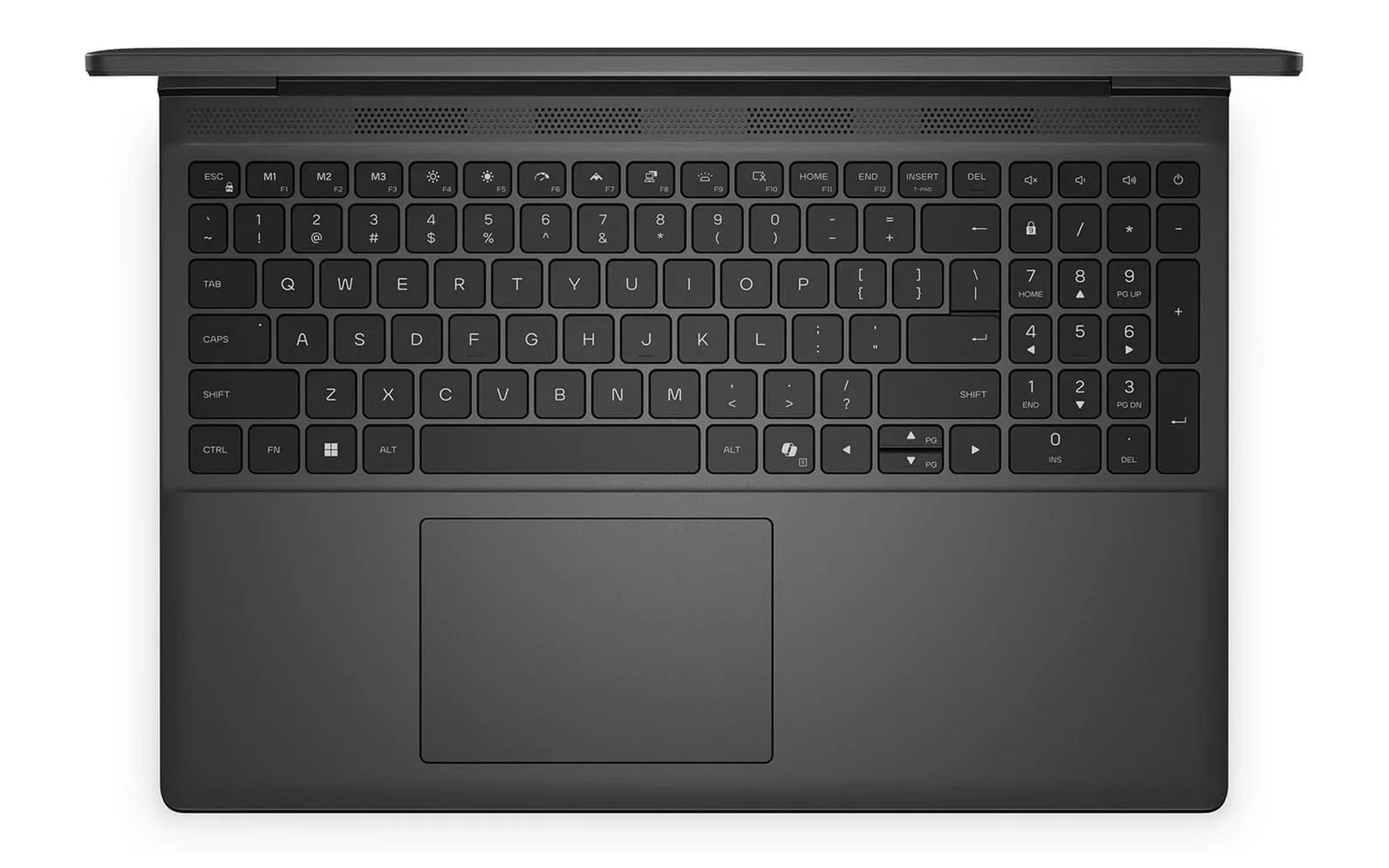
Currently, the Alienware 15 comes in two versions. The Intel edition features a Core 7 240H (a processor without an NPU), 16GB of RAM, a 1TB SSD, an RTX 4050 6GB card, and a 165Hz FHD+ display, priced at 34,000,000 VND. The AMD edition includes a Ryzen 7 260, 16GB of RAM, a 1TB SSD, an RTX 5050 8GB card, and the same display panel, priced at 39,590,000 VND. That leaves a price gap of 5,590,000 VND between them, stemming from both the CPU and the GPU, with the graphics card creating the most noticeable difference in gaming.
Both editions share the same chassis. Dell lists dimensions of 349.50 x 250.30 mm, a thickness of 20.71 mm at the front and 22.95 mm at the rear, and a weight ranging from 2.20 to 2.25 kg depending on the configuration. Memory is DDR5 with a maximum speed of 5600 MT/s, storage is a PCIe Gen4 x4 SSD, and wireless connectivity is handled by a MediaTek MT7920 Wi-Fi 6 card. According to the product page, both configurations are 100% brand-new, backed by a 12-month warranty, and eligible for a 1-to-1 replacement within the first 30 days in the event of manufacturer defects.
The Core 7 240H Features 10 Cores and 16 Threads but Lacks an NPU
The Core 7 240H belongs to the Intel Core Series 2 family without the "Ultra" branding, built on the Raptor Lake-H Refresh architecture and the Intel 7 process node. It packs 10 cores, consisting of 6 performance P-cores and 4 efficient E-cores, for a total of 16 threads. According to spec sheets compiled by Notebookcheck, the P-cores have a base clock of 2.5 GHz and boost up to 5.2 GHz, while the E-cores run from 1.8 GHz up to 4.0 GHz, backed by 24MB of L3 cache. The table below compares this chip with the Ryzen 7 260 in the AMD edition.
| Specifications | Core 7 240H (Intel Edition) | Ryzen 7 260 (AMD Edition) |
|---|---|---|
| Architecture, process node | Raptor Lake-H Refresh, Intel 7 | Zen 4, TSMC 4nm |
| Cores / threads | 10 cores (6P + 4E) / 16 threads | 8 cores / 16 threads |
| Maximum boost clock | 5.2 GHz | 5.1 GHz |
| L3 cache | 24MB | 16MB |
| Base power | 45W (maximum turbo 115W) | 45W (configurable from 35 to 54W) |
| NPU | None | Yes, up to 16 TOPS |
| Cinebench R23 single-core (average score) | 1,746 | 1,774 |
| Cinebench R23 multi-core (average score) | 14,187 | 16,884 |
The key takeaway is that the Core 7 240H lacks an NPU, unlike newer Core Ultra processors. Its on-chip AI support is limited to a GNA 3.0 block and DL Boost instructions via AVX2, meaning AI workloads must run directly on the CPU or discrete graphics card. A 45W base power and a 115W maximum turbo power indicate this chip is engineered for performance laptops, prioritizing clock speeds and core counts over power efficiency like V-series or U-series chips.
In Cinebench R23 benchmarks averaged across multiple laptops by Notebookcheck, the Core 7 240H scores an average of 1,746 points in single-core and 14,187 points in multi-core. The AMD edition's Ryzen 7 260, equipped with 8 cores and 16 threads, achieves 1,774 points in single-core and 16,884 points in multi-core, roughly 19% higher in multi-core performance. In gaming, however, this gap has little impact, since the graphics card is what primarily determines frame rates at the 165Hz display's 1920 x 1200 resolution.
How the Lack of an NPU Affects Gaming and Copilot+ Features
An NPU is a dedicated processor designed to run AI models at low power. The Copilot+ PCs developer guide on Microsoft Learn states that a Copilot+ PC must feature an NPU delivering over 40 TOPS - more than 40 trillion operations per second - for tasks like real-time translation and image generation. Because the Core 7 240H lacks an NPU, the Intel version of the Alienware 15 does not qualify as a Copilot+ PC and misses out on Windows features exclusive to that tier.
The AMD edition falls short of this threshold as well. AMD's spec sheet lists the Ryzen 7 260 with an NPU rated at up to 16 TOPS and total chip-wide AI performance of up to 38 TOPS, which remains below the 40 TOPS requirement dedicated specifically to the NPU. Consequently, both configurations operate as standard Windows 11 laptops. The only AI difference is that the AMD model can run select applications that leverage its 16 TOPS NPU, whereas the Intel model, lacking an NPU, offloads all workloads to the CPU and GPU.
For gaming, the absence of an NPU has virtually no impact, since frames are rendered by the GPU and orchestrated by the CPU. In-game AI features like DLSS run on the RTX graphics card's Tensor Cores rather than an NPU. For those looking to understand why an NPU's TOPS rating does not translate into higher frame rates, the article Laptops With an NPU: High AI Numbers Don't Always Mean Better Gaming breaks down the distinct roles of the NPU, CPU, and GPU in AI workloads.
How Many Frames Separate the 6GB RTX 4050 and the 8GB RTX 5050
The graphics card is the major differentiator between the two Alienware 15 variants. According to NVIDIA's specifications, the RTX 4050 Laptop GPU is built on the Ada Lovelace architecture with 2,560 CUDA cores, 6GB of GDDR6 memory, and 194 AI TOPS. The RTX 5050 Laptop GPU belongs to the Blackwell architecture; it also features 2,560 CUDA cores, but pairs them with 8GB of GDDR7 memory delivering 384 GB/s of bandwidth alongside 440 AI TOPS. The article Nvidia RTX 5050 Officially Launched: Mid-Range GPU Outperforming the RTX 4050 at an Attractive Price outlines the new technologies the RTX 5050 introduces over the prior generation.
| Specs | RTX 4050 Laptop (Core 7 version) | RTX 5050 Laptop (Ryzen 7 version) |
|---|---|---|
| Architecture | Ada Lovelace | Blackwell |
| Graphics Memory | 6GB GDDR6 | 8GB GDDR7 |
| AI TOPS | 194 | 440 |
| DLSS Multi Frame Generation | Not supported | Supported |
| Cyberpunk 2077, 1080p Low (FPS) | 84.1 | 110.6 |
| Cyberpunk 2077, 1080p Medium (FPS) | 70.5 | 89.2 |
| Cyberpunk 2077, 1080p High (FPS) | 59.3 | 78.8 |
| Cyberpunk 2077, 1080p Ultra (FPS) | 50.8 | 68.1 |
In Notebookcheck's compiled benchmarks, Cyberpunk 2077 at 1080p without FSR shows the RTX 5050 Laptop running about 26% to 34% faster than the RTX 4050 Laptop, depending on the graphics preset. These figures represent averages across multiple laptops with varying GPU power limits, rather than measurements specific to the Alienware 15. Dell advertises a combined CPU and GPU power envelope of up to 110W when Dynamic Boost is active in Performance mode for the RTX 5050 and RTX 5060 configurations, while the product page omits this figure for the RTX 4050 version.
A second key distinction lies in software support. According to the NVIDIA DLSS page, both the RTX 40 and RTX 50 series support DLSS Super Resolution, Ray Reconstruction, and Frame Generation, but Multi Frame Generation is exclusive to the RTX 50 Series. The RTX 5050's 8GB of GDDR7 memory also provides extra headroom when running higher texture settings in modern releases, whereas the 6GB on the RTX 4050 more often forces you to dial back texture quality early on.
165Hz FHD+ Display and Cryo-Tech Cooling on a 15-Inch Chassis
Both configurations share a 15.3-inch 165Hz display with a 1920 x 1200 resolution in a 16:10 aspect ratio, 300 nits of brightness, and 62.5% sRGB coverage, according to Dell. The 165Hz refresh rate delivers smoother motion in shooters and esports titles, while the 16:10 aspect ratio provides extra vertical screen real estate for productivity. The 62.5% sRGB color gamut handles gaming and movie watching well, but falls short for professional photo color correction, which typically requires nearly full sRGB coverage.
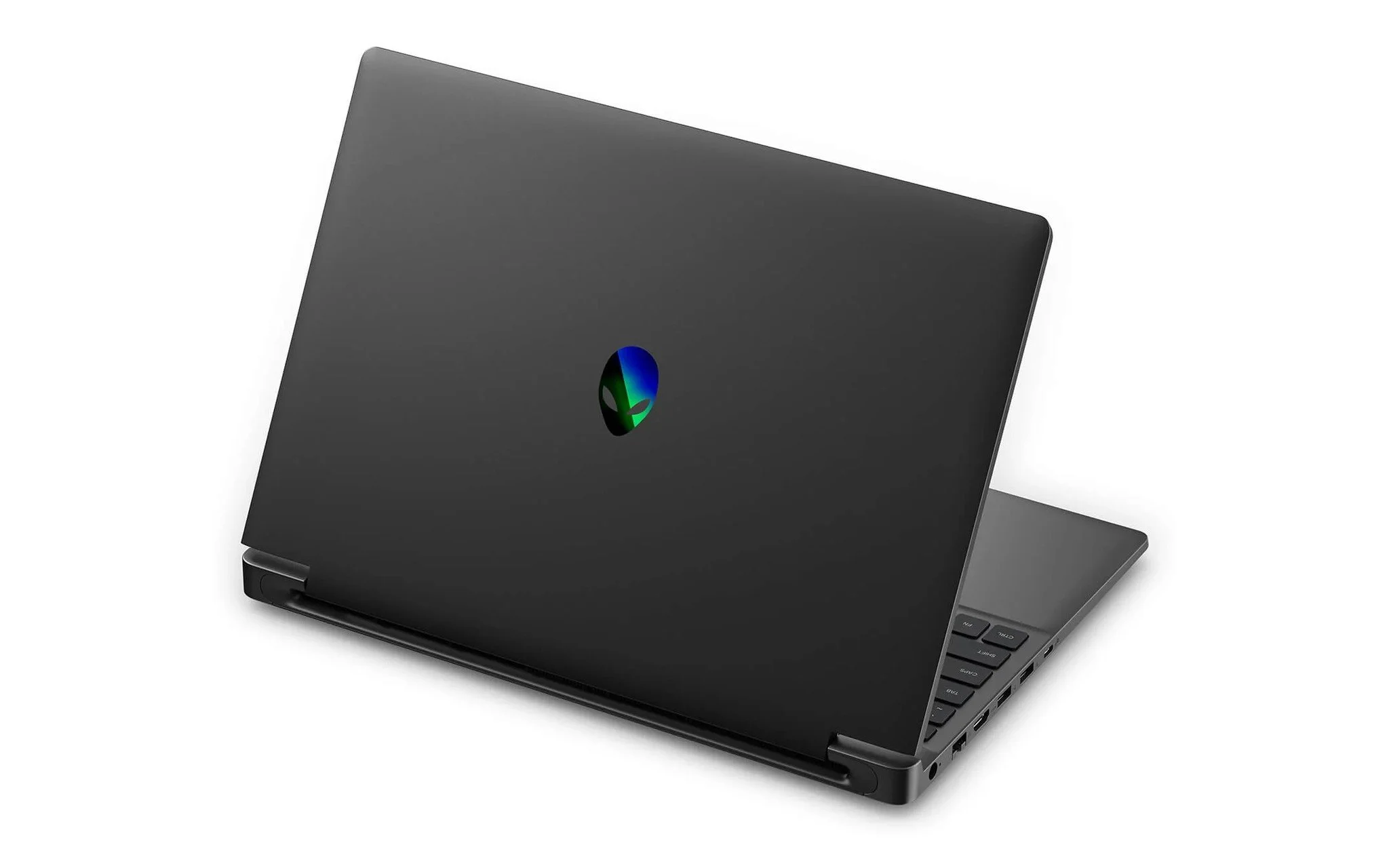
The Cryo-tech cooling system features two fans with a total of 146 blades, three copper heat pipes for the CPU and GPU, air intakes on the bottom and above the keyboard, and rear exhaust vents. Dell notes that the Cryo-Chamber design - which elevates the chassis to increase intake airflow - is available only on the RTX 5050 and RTX 5060 configurations. The F7 key activates Stealth Mode to quickly toggle from Performance to Quiet mode whenever you need silent operation.
Dell lists a 3-cell 70Wh battery for the Intel model, while the AMD variant offers a choice of either a 54Wh or 70Wh battery depending on the configuration, paired with a bundled 130W or 180W power adapter. The 10 Gbps USB-C port supports up to 100W charging in Quiet or Balanced mode along with DisplayPort 1.4a video output. The port selection also includes two 5 Gbps USB-A ports, one 5 Gbps USB-C port, HDMI 2.1 wired directly to the discrete GPU, an RJ45 1GbE Ethernet port, and an audio jack - plenty for a mouse, headset, and external monitor, though it lacks Thunderbolt or an SD card reader.
Choosing Between the Core 7 and Ryzen 7 Alienware 15 Based on Your Budget
At 34,000,000 VND, the Core 7 240H configuration suits gamers who play esports titles or RPGs at medium settings on a 165Hz display. Notebookcheck reported that the RTX 4050 Laptop averaged 127.5 FPS in Counter-Strike 2 at 1080p Medium, and the GPU still supports DLSS Frame Generation. If you need a 10-core CPU for light video editing or programming, the lack of an NPU is no reason to rule this option out.
| Criteria | Core 7 240H, RTX 4050 6GB Version | Ryzen 7 260, RTX 5050 8GB Version |
|---|---|---|
| Price | 34,000,000 VND | 39,590,000 VND |
| RAM, SSD | 16GB DDR5, 1TB | 16GB DDR5, 1TB |
| Display | 15.3-inch 1920 x 1200, 165Hz | 15.3-inch 1920 x 1200, 165Hz |
| NPU | None | 16 TOPS |
| Cryo-Chamber, 110W Total Power | Not stated by Dell | Yes, according to Dell |
| Best Suited For | Esports titles, AAA games at medium settings, budget around 34 million VND | Newer AAA games, high textures, wanting Multi Frame Generation |
The Ryzen 7 260 configuration, priced at 39,590,000 VND and equipped with the same 165Hz display, is worth considering if you play newer AAA titles, want to crank textures to high, or plan to use Multi Frame Generation. Its 8GB of GDDR7 VRAM offers more headroom than 6GB, while the 8-core CPU delivers roughly 19% higher multi-core benchmark scores. Pricing and availability for both configurations are updated on the Alienware 15 Gaming Laptop (2026) product page, where you can select the right Core 7 or Ryzen 7 model before ordering.
One common detail to keep in mind is that Dell lists the Alienware 15's 16GB of RAM as a single 1x16GB stick, which means single-channel memory. While this setup handles most games, users who multitask with browsers, streaming apps, or video editing tools while gaming should consider upgrading the RAM after checking the slot count in Dell's technical documentation. For a fixed budget of 34 million VND, the Core 7 model remains a sensible entry point despite lacking an NPU, while an extra 5,590,000 VND gets you a next-generation GPU.
Frequently Asked Questions (FAQ)
Can the Core 7 240H Alienware 15 play AAA games?
Yes, at moderate settings. Notebookcheck reported that the RTX 4050 Laptop averaged 59.3 FPS in Cyberpunk 2077 at 1080p High without FSR enabled. Turning on DLSS Super Resolution and Frame Generation will further boost frame rates in supported titles.
Is the Alienware 15 a Copilot+ PC?
No. Microsoft requires an NPU with more than 40 TOPS for Copilot+ PCs. The Core 7 240H has no NPU, while the Ryzen 7 260 offers up to 16 TOPS, so neither version meets this threshold.
Is the Alienware 15's 165Hz Display Suitable for Graphic Design?
With 62.5% sRGB coverage and 300 nits of brightness, this 165Hz display is suited for gaming and basic editing. For color-critical work such as printing or professional photo retouching, you should connect a wide-gamut external monitor via HDMI 2.1 or USB-C DisplayPort 1.4a.
Can You Charge the Alienware 15 via USB-C?
Yes. The 10 Gbps USB-C port supports Power Delivery, charging at up to 100W in Quiet or Balanced mode. For demanding gaming sessions, you should use the bundled 130W or 180W power adapter to allow the laptop to run at full power.