

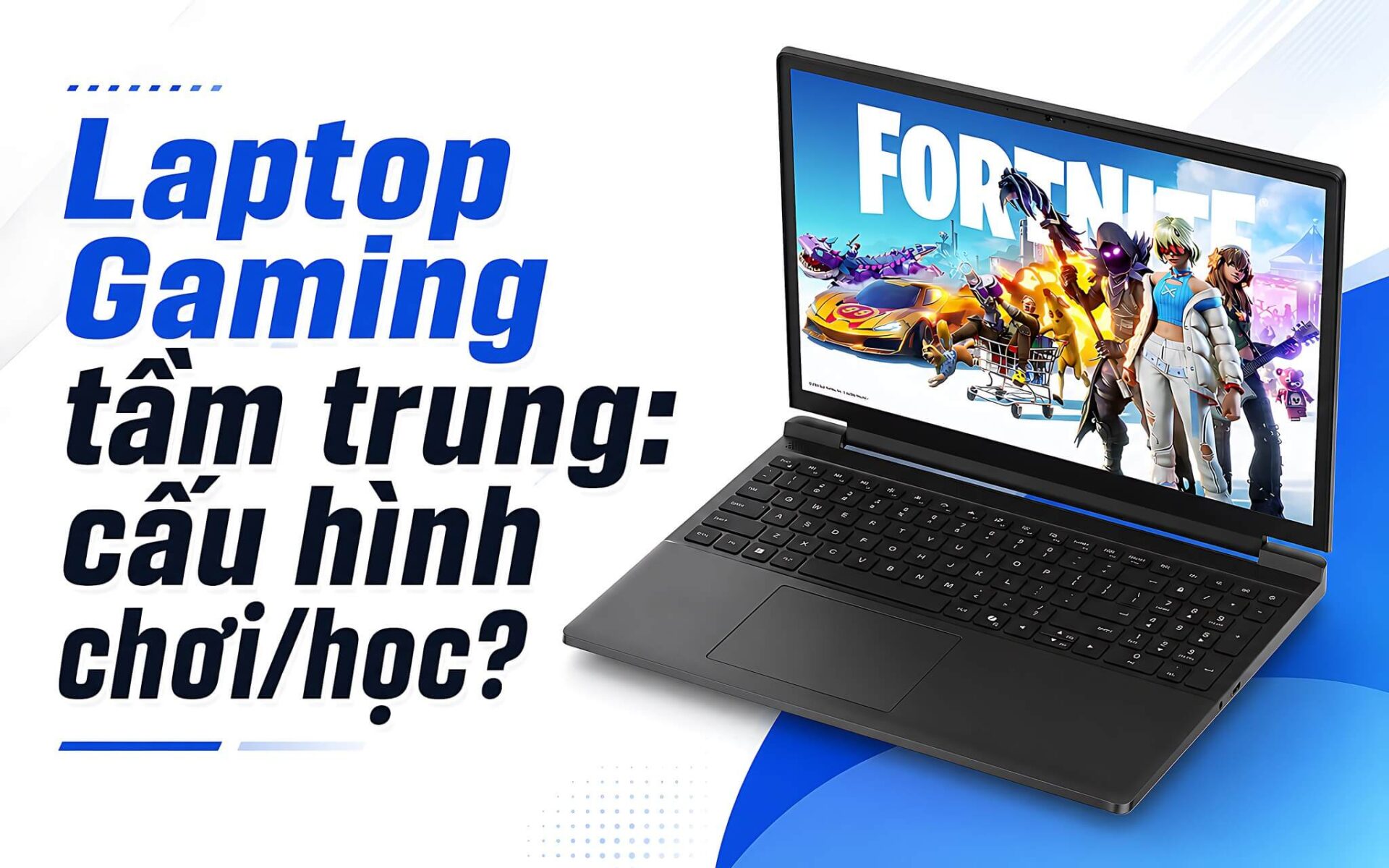
Are you on a moderate budget and looking for a stable gaming machine for studying, working, and relaxing after stressful hours? The 15 - 30 million VND segment currently offers many configurations with RTX 4050, RTX 4060, and some RTX 5050 models when on sale. For gaming laptops, the key factors to examine carefully are the GPU, display, upgradeability, temperature, and the actual price at the time of purchase. Hung Phat updates this in July 2026 so you can quickly choose the right model that meets your needs without wasting time comparing too many versions.
Criteria for choosing gaming laptop configurations in the 15 - 30 million VND segment
When choosing a gaming laptop in this segment, the GPU matters more to your gaming experience than the model name. The RTX 4050 Laptop GPU features 6GB GDDR6, scores 8,125 in Time Spy, and achieves 59.3 fps in Cyberpunk 2077 at 1080p High and 50.8 fps at Ultra. The RTX 4060 Laptop GPU features 8GB GDDR6, scores 10,338 in Time Spy, achieves 80.6 fps at 1080p High, and 72.33 fps at Ultra. The RTX 5050 Laptop features 8GB GDDR7, scores 9,122 in Time Spy, achieves 78.8 fps at 1080p High, and 68.07 fps at Ultra. If you prioritize 1080p AAA games, the RTX 4050 is sufficient. If you want more headroom for the next few years, the RTX 4060 or RTX 5050 is more reasonable when the price difference is not too large.
| Model | Reference Price | CPU | RAM | Display | Why choose it |
|---|---|---|---|---|---|
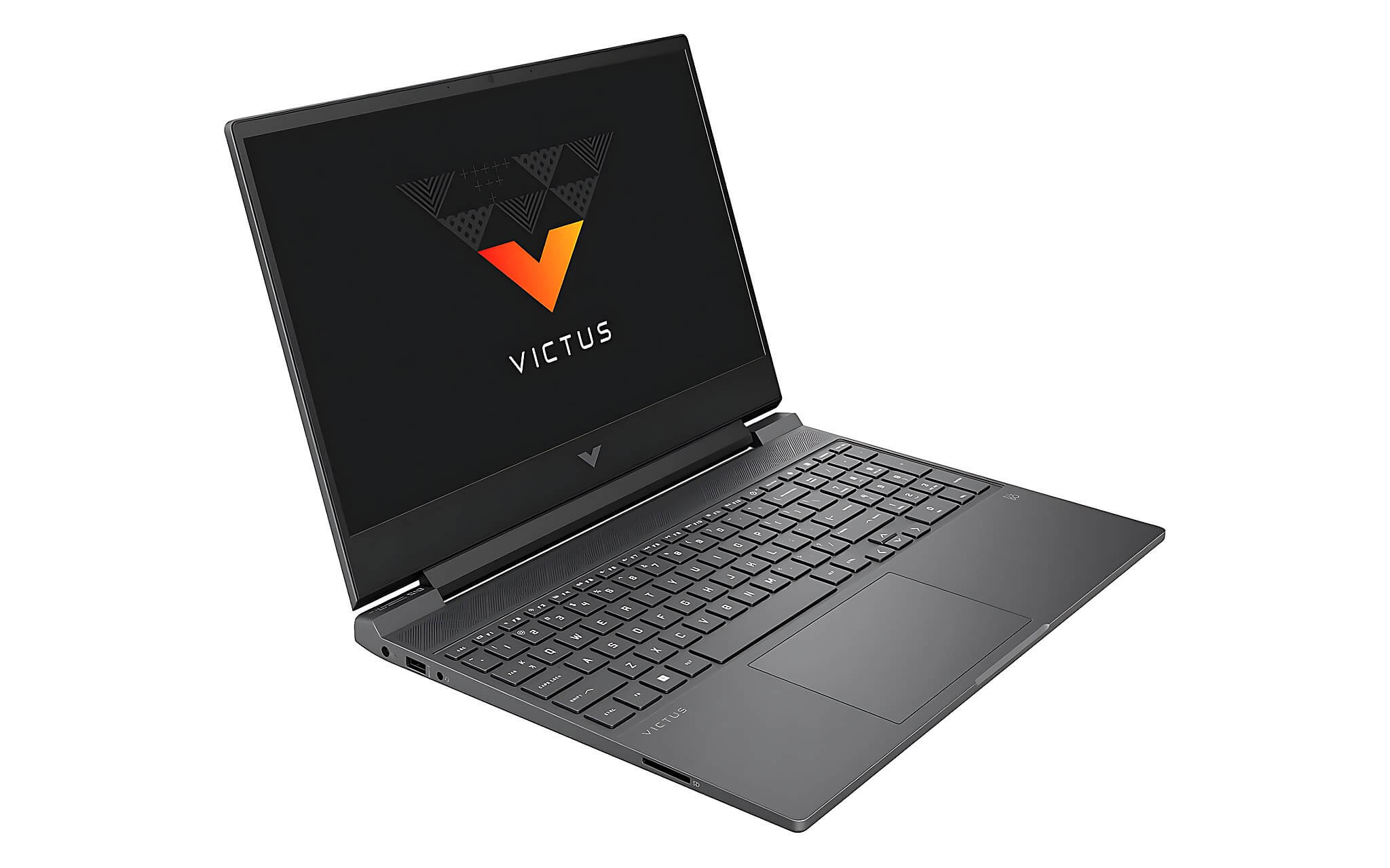
| HP Victus 15-fb3093dx | Around 15 - 25 million | AMD Ryzen 7 7445HS | 16GB DDR5-5600, 2 slots | 15.6 inch FHD IPS 144Hz, 300 nits, 62.5% sRGB | RTX 4050 6GB, 70Wh battery, affordable price |
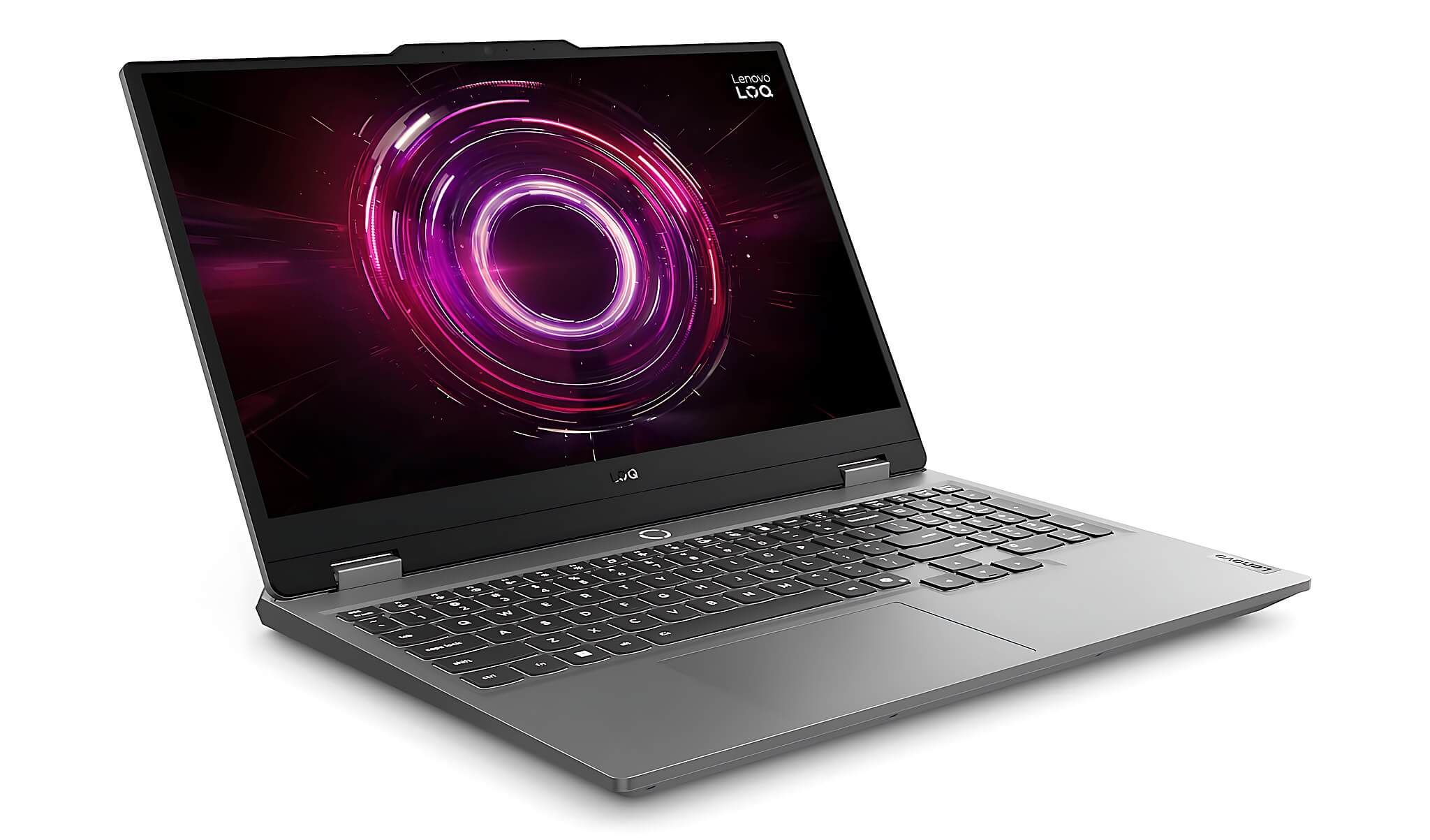
| Lenovo LOQ 15ARP9 | Around 25 - 30 million with RTX 4050 version | AMD Ryzen 7 7435HS | 16GB DDR5-4800, 2 SO-DIMM slots | 15.6 inch FHD IPS 144Hz, approx. 310 nits, 110% sRGB | Better screen, easy to upgrade, suitable for light graphic design |
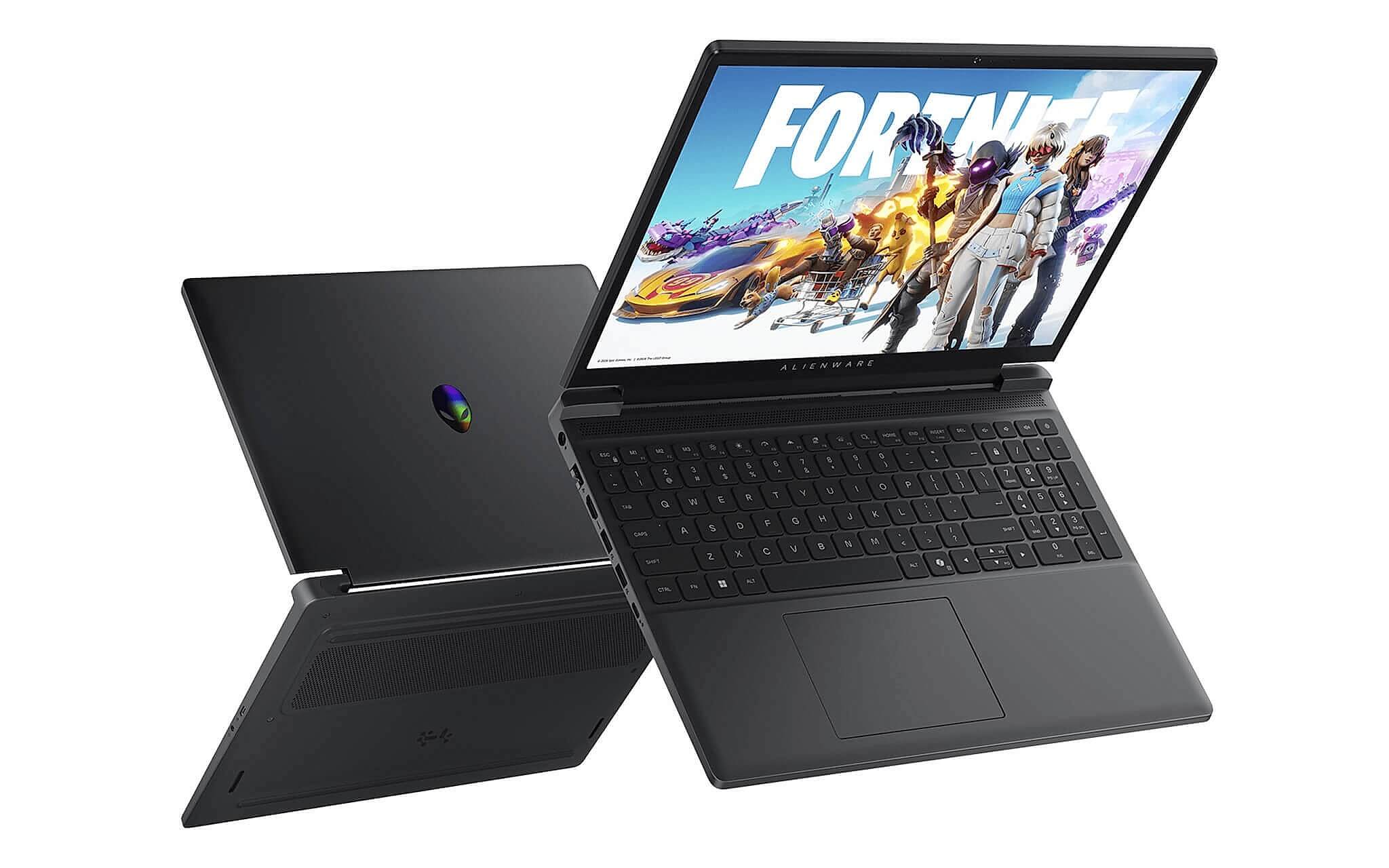
| Alienware 15 Gaming Laptop 2026 | Around 30 - 40 million, buy when on sale near 30 million | AMD Ryzen 7 260 or Intel Core 7 240H | 16GB DDR5-5600 SO-DIMM | 15.3 inch WUXGA 1920x1200 165Hz | RTX 5050 8GB, very fast SSD, ideal for plugged-in gaming |
The CPU also needs to be checked for the correct generation and specifications. The AMD Ryzen 7 7435HS uses the Rembrandt-HS Refresh architecture, 8 cores 16 threads, 45W TDP, with Geekbench 6 scores of 1,818 single-core and 9,679 multi-core. The AMD Ryzen 7 260 uses the Hawk Point-HS architecture, 8 cores 16 threads, with Cinebench R23 scores of 1,764 single-core and 17,277 multi-core. The Intel Core 7 240H uses Raptor Lake-H Refresh, 10 cores 16 threads, with Cinebench R23 scores of 1,719 single-core and 15,764 multi-core. For gaming, these CPUs are all powerful enough, but battery life and temperature will vary depending on the chassis. You can also view a comparison of two machines in the same segment in the article Asus TUF Gaming A15 and Gaming V16.
The screen, RAM, and SSD are the three points Hung Phat always checks carefully when providing consultation. RAM should be at least 16GB, preferably with 2 slots for upgrading. A 512GB SSD is sufficient for starting out, but since modern games occupy large amounts of storage, having an extra M.2 slot is more convenient. A 144Hz screen or higher is needed for smooth eSports, while color gamut should be considered if you study design, content creation, or photo editing. You should also look into NVIDIA DLSS technology, as this feature significantly increases frame rates in many supported games.
List of machines for study, entertainment, and 1080p competitive gaming
HP Victus 15-fb3093dx is an accessible option if you want a gaming laptop in the 15 - 25 million VND range. The machine uses an AMD Ryzen 7 7445HS, 16GB DDR5-5600 RAM (2 slots), 512GB PCIe Gen4 NVMe M.2 SSD, RTX 4050 6GB, and a 15.6 inch FHD IPS 144Hz screen. Its strengths are a balanced configuration, a GPU sufficient for 1080p gaming, upgradable RAM, and a 70Wh battery which is larger than the Lenovo LOQ 15ARP9. The downside is the screen only covers 62.5% sRGB with 300 nits brightness, making it not the best choice for color-accurate design work. The weight is approximately 2.29 kg. This model is suitable for students, eSports players, and playing GTA V, Valorant, or Cyberpunk 2077 at reasonable settings.
Lenovo LOQ 15ARP9 is suitable if you want a better screen and broader upgradeability. It uses an AMD Ryzen 7 7435HS, 16GB DDR5-4800 RAM with 2 SO-DIMM slots, a 512GB PCIe 4.0 M.2 2242 SSD, and has one empty M.2 slot. The RTX 4050 version is typically around 25 - 30 million, while higher versions may exceed 30 million. The 15.6 inch FHD IPS 144Hz screen measures approximately 310 nits and 110% sRGB, providing a clear advantage over the HP Victus if you both play games and study light graphic design. The downside is that the Ryzen 7 7435HS lacks an iGPU, resulting in poor battery life (reviews suggest about 3 hours 24 minutes). If you are debating between the LOQ and Alienware, the article Lenovo LOQ 15ARP9 or Alienware 16 Aurora will help you see the differences based on your needs.
The Alienware 15 Gaming is a model worth considering when there is a sale near 30 million, as the price is usually around 30 - 40 million. The machine offers options for AMD Ryzen 7 260 or Intel Core 7 240H, 16GB DDR5-5600 SO-DIMM RAM, 512GB PCIe 4.0 NVMe SSD, a 15.3 inch WUXGA 1920x1200 165Hz screen, and an RTX 5050 8GB GDDR7 based on verified product information. Windows Central measured Cyberpunk 2077 native High at about 60 fps, which increases to about 171 fps when using DLSS/MFG. The SSD is fast, with CrystalDiskMark showing around 7023MB/s read and 5962MB/s write. The downside is that the fans are very loud during gaming, around 58 dBA, and the WASD area gets hot at about 46°C. This model is suitable for Alienware fans and those who prefer premium machines, typically played while plugged in. If cost-efficiency is the priority, the HP Victus or LOQ would be easier decisions. You can also read more about the brand's perspective in the article Alienware, why it still makes a difference.
Summary table for quick decision-making
The three models in the list serve quite different roles. The HP Victus 15-fb3093dx is the economical choice, focusing on 1080p performance and a stable base configuration. The Lenovo LOQ 15ARP9 is superior in terms of screen quality, upgradeability, and a combination of study and entertainment. The Alienware 15 Gaming Laptop 2026 is attractive due to the RTX 5050, fast SSD, and brand prestige, but it only fits the 15 - 30 million VND criteria when on sale near that threshold. If you are only deciding between the two most common machines, the article Lenovo LOQ 15ARP9 and HP Victus 15-fb3093dx directly compares this pair.
Hung Phat did not include the Alienware 16 Aurora 2026 and Alienware 16X Aurora 2026 in the main list because their prices are typically around 45 - 65 million, which is outside your segment. Those two models are more powerful and premium, but they do not serve the specific need of choosing a machine in the 15 - 30 million VND range. For quick purchasing within your budget, the three models above are more practical. You should prioritize machines with a truly suitable price, clear warranty, and the exact configuration you are viewing.
When choosing a gaming laptop in this group, don't just look at the GPU name before deciding. With the same RTX 4050, the screen, battery life, upgradeability, and cooling system will create significant differences. If you are buying for all-day study, battery life is a factor to consider. If you are buying for gaming while plugged in, the GPU and screen will be more important. If you need a mobile workstation for design, prioritize a machine with better color gamut coverage like the Lenovo LOQ 15ARP9.
Suggested machines in Ho Chi Minh City based on budget
If you need an affordable machine for 1080p gaming and stable studying, the HP Victus 15-fb3093dx is an easy choice. The RTX 4050 6GB is sufficient for many popular games, the 16GB RAM provides more comfort than an 8GB machine, and the 70Wh battery offers more peace of mind when taking it to school. The downside of the limited color gamut must be accepted beforehand. For those who only do basic photo editing, office work, watching movies, or playing eSports, this model fits the budget better.
If you want a more balanced machine for studying, gaming, and light creativity, the Lenovo LOQ 15ARP9 should be prioritized. The 110% sRGB screen is a practical advantage, especially when you are making slides, editing photos, studying basic design, or consuming a lot of content. The machine is also easy to upgrade the SSD because it has an extra empty M.2 slot. A point to consider is the battery life, which is about 3 hours 24 minutes according to reviews, so you will need to carry a charger if studying outside for long periods. With a budget close to 30 million, the LOQ is a more satisfying option than the HP Victus regarding the screen.
If you like Alienware, want an RTX 50-series gaming laptop, and usually play games at a desk, the Alienware 15 Gaming Laptop 2026 is very worth checking out when the sale price is appropriate. The machine has powerful performance, a fast SSD, and a 165Hz screen, but the noise level of about 58 dBA during gaming is something to accept. Hung Phat recommends checking the actual price, stock availability, and warranty package before deciding in Ho Chi Minh City. If the price exceeds 30 million significantly, the Lenovo LOQ or HP Victus will be more budget-friendly.
Frequently Asked Questions about mid-range gaming laptops
Which brand should I prioritize in this segment?
You should prioritize actual configuration rather than just looking at the brand. HP Victus is suitable for those needing an affordable price and RTX 4050 6GB for 1080p gaming. Lenovo LOQ is suitable for those needing a better screen, as the 15ARP9 version has a screen measuring about 310 nits and 110% sRGB. Alienware is suitable for those who like premium design and the RTX 5050, but it should only be purchased when the sale price is close to 30 million.
Are machines in this segment stable for playing popular games?
Yes, if you choose the correct GPU and appropriate graphics settings. The RTX 4050 Laptop GPU achieves 59.3 fps in Cyberpunk 2077 at 1080p High and 50.8 fps at Ultra. The RTX 4060 Laptop GPU achieves 80.6 fps at 1080p High, providing more headroom for AAA games. For eSports like Valorant, CS2, or League of Legends, these configurations serve basic needs very well.
How suitable is this segment for studying and office work?
Yes, but you need to accept the weight and battery life, which are not like thin and light ultrabooks. The HP Victus weighs about 2.29 kg, the Lenovo LOQ review version is about 2.38 kg, and the Alienware 15 is about 2.22 kg. If you study all day without a power outlet, the Lenovo LOQ 15ARP9 needs consideration because the battery lasts about 3 hours 24 minutes. For office work, Excel, presentations, light graphic design, and gaming after school, the 16GB RAM configuration is still very reasonable.
Which specific models are worth considering and what are their highlights?
The HP Victus 15-fb3093dx stands out with a price around 15 - 25 million, RTX 4050 6GB, 16GB RAM, and a 70Wh battery. The Lenovo LOQ 15ARP9 stands out with a 144Hz screen at about 310 nits, 110% sRGB, 2 RAM slots, and an extra empty M.2 slot. The Alienware 15 Gaming Laptop 2026 stands out with an RTX 5050 8GB, an SSD with about 7023MB/s read speed, and a 165Hz WUXGA screen. You should only choose the Alienware when the actual price is close to 30 million.











