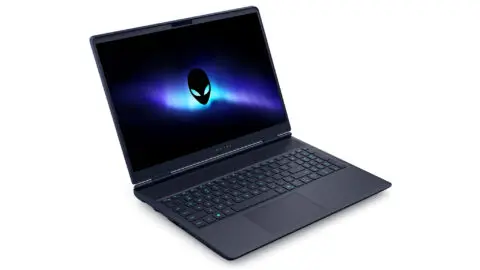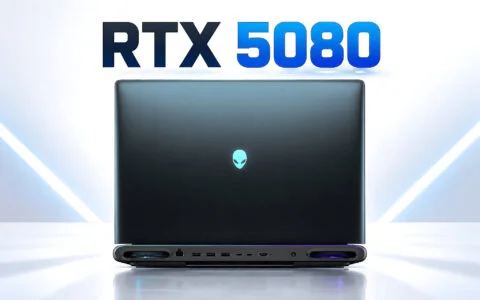

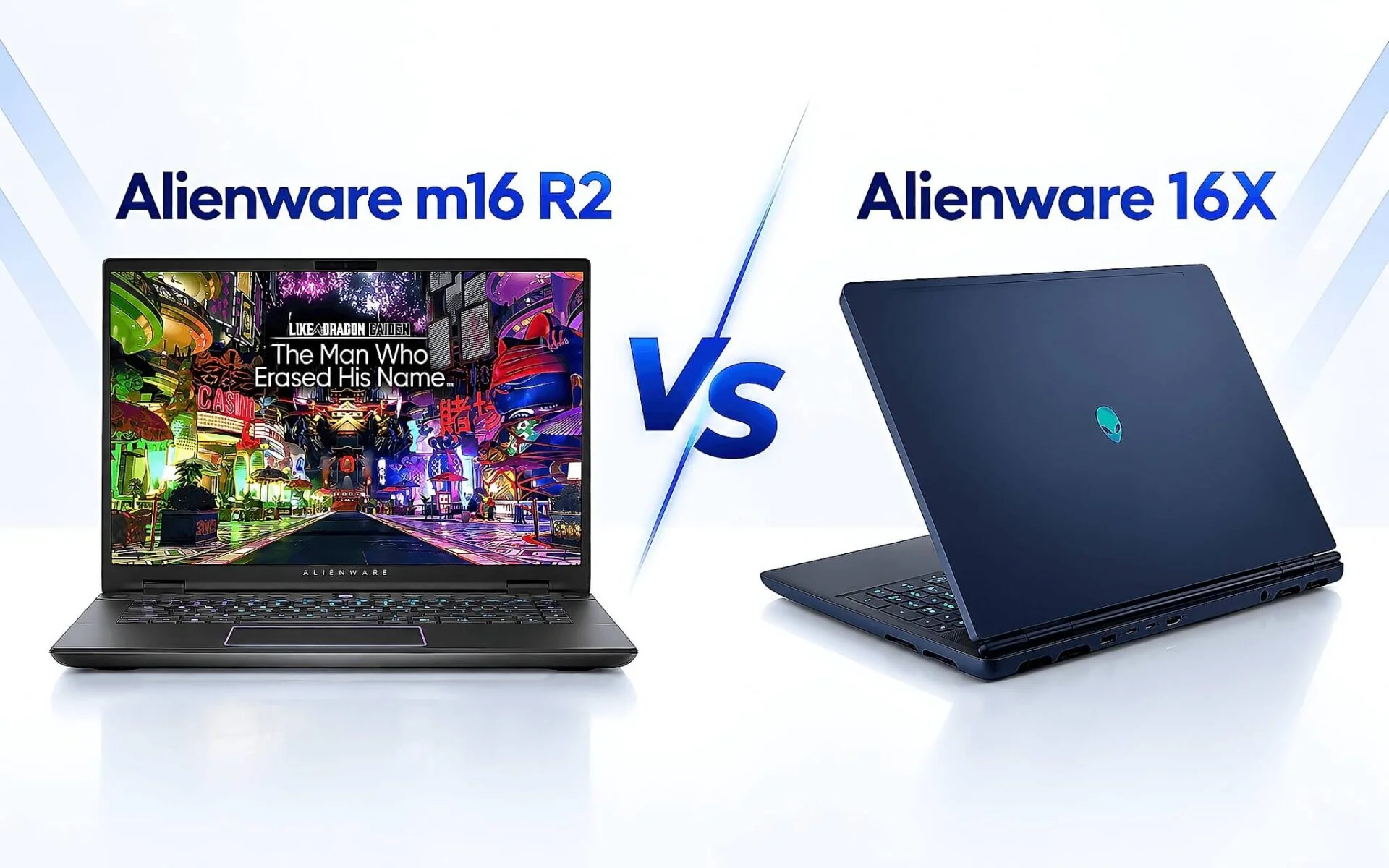
Two 16-inch gaming laptops are in stock at Hung Phat, priced 14.4 million VND apart, yet their graphics scores are nearly identical. The Alienware m16 R2 runs an RTX 4070 on the Ada architecture, while the Alienware 16X Aurora runs an RTX 5060 on Blackwell, a newer generation. The two GPUs' Time Spy scores differ by only 1.7%. The price gap actually goes into the processor and the panel, not the graphics card. This article compares each category using Notebookcheck data and Dell's technical documentation, so you can see what that extra money buys.
How the Alienware m16 R2 and 16X Aurora differ
Both are 16-inch gaming laptops, and both are in stock at the 10/09 warehouse prices. The Alienware m16 R2 is a 2024 model, and the Alienware 16X Aurora is a 2025 model. They don't compete on size but on price tier: 35.5 million VND versus 49.9 million VND for the entry configurations. With a budget of close to 50 million, you could buy the top version of the older line or the lowest version of the newer one. That is the real question to answer, rather than which machine is faster.
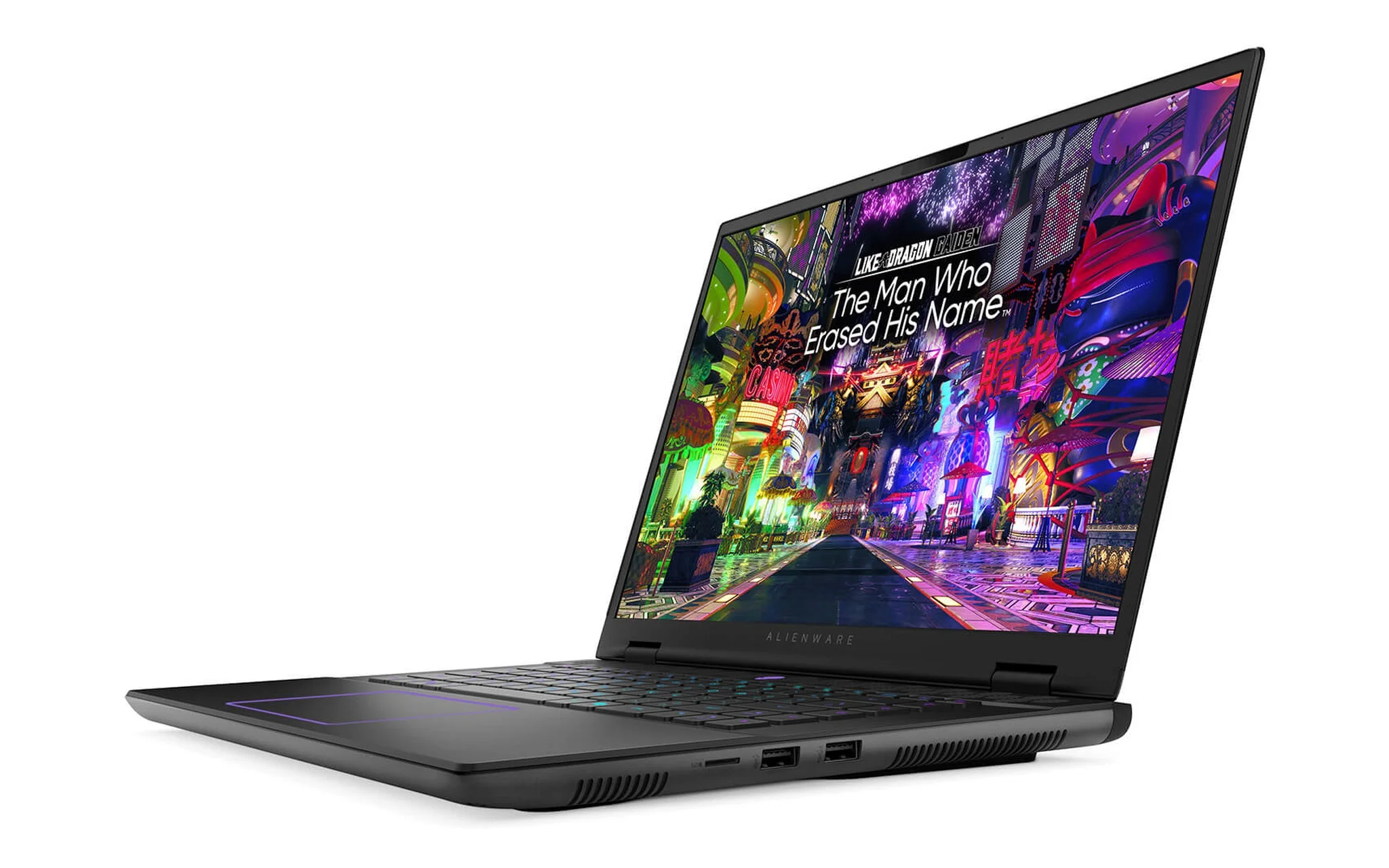
The Alienware m16 R2 comes in three versions in stock. The 35.5 million VND version uses a Core Ultra 7 155H, an RTX 4070 8GB, 16GB of RAM, a 1TB SSD, and a QHD+ 240 Hz display. The open-box version of that same configuration costs 37.9 million VND. The top version at 51.5 million VND steps up to a Core Ultra 9 185H and 32GB of RAM while keeping the same RTX 4070. What all three share is an unchanged graphics card; the upgrades only touch the processor and memory capacity.
The Alienware 16X Aurora comes in two versions. The 49.9 million VND version uses a Core Ultra 9 275HX, an RTX 5060 8GB, 16GB of RAM, a 1TB SSD, and a QHD+ 240 Hz display. The 59.5 million VND version keeps the same processor and raises the GPU to an RTX 5070 and the RAM to 32GB. The tiering is the opposite of the m16 line: the processor is fixed at the top level, and the upgrades go into the graphics card. These two different configuration philosophies explain most of the price gap.
RTX 4070 vs. RTX 5060 in graphics performance
A newer card name doesn't mean higher performance. The RTX 5060 is a generation newer than the RTX 4070, but it sits one tier lower in the product stack. The two factors cancel each other out. According to Notebookcheck data, the RTX 4070 Laptop scores 11,959.5 in Time Spy and the RTX 5060 Laptop scores 11,755. The 1.7% gap favors the older card. In Fire Strike the result flips: 30,051 for the RTX 4070 and 31,189 for the RTX 5060, so the newer card is ahead by 3.8%. Neither side wins outright. Both also carry 8GB of VRAM, so video memory capacity doesn't separate them either.
| Graphics card specs | RTX 4070 Laptop (Alienware m16 R2) | RTX 5060 Laptop (Alienware 16X Aurora) |
|---|---|---|
| Architecture | Ada Lovelace | Blackwell |
| CUDA cores | 4,608 | 3,328 |
| Graphics memory | 8GB GDDR6, 256 GB/s | 8GB GDDR7, 448 GB/s |
| AI performance (INT8) | 321 TOPS | 572 TOPS |
| Fire Strike | 30,051 | 31,189 |
| Time Spy | 11,959.5 | 11,755 |
The logic behind the numbers is fairly clear. The RTX 4070 has 4,608 CUDA cores, 38% more than the RTX 5060's 3,328. The newer card makes up for it with 448 GB/s of GDDR7 memory bandwidth, 75% higher than the 256 GB/s of GDDR6. More cores win in pure rendering workloads, while greater bandwidth wins in data-heavy ones. The same GPU name can still perform differently from one laptop to another, a topic we covered separately in RTX 4060 laptop: an extra 40W of TGP buys only 9.6% more performance.
The real difference is in AI. The RTX 5060 reaches 572 TOPS INT8 versus 321 TOPS for the RTX 4070, 78% higher. The Blackwell architecture also enables DLSS 5 Dynamic Multi Frame Generation, which the Ada generation doesn't have. According to the GeForce RTX 50 Series Laptops page, NVIDIA describes this feature as generating up to five frames for every rendered frame. The shared drawback is that both stop at 8GB of VRAM, a tight ceiling for high-setting AAA games at QHD+.
The Alienware 16X Aurora pulls clearly ahead on the processor
If the graphics cards are tied, the processors are anything but, by a margin that is hard to believe. The Core Ultra 7 155H in the Alienware m16 R2 scores 15,028 in Cinebench R23 multi-core. The Core Ultra 9 275HX in the Alienware 16X Aurora scores 35,589, or 2.37 times as much. This isn't a gap of a few percent to argue over, but two different classes of hardware. One is a 28W power-efficient H-series chip, the other a 55W HX-series chip built on desktop processor foundations.
Other measurements confirm the same trend. Geekbench 6 multi-core gives 12,385 points for the Core Ultra 7 155H and 19,464 for the Core Ultra 9 275HX, 57.2% higher. Single-core Cinebench R23 is 1,743 versus 2,204. Core counts differ too: 16 cores and 22 threads on the Meteor Lake-H architecture versus 24 cores and 24 threads on Arrow Lake-HX. The Core Ultra 9 275HX scores 55,854 in PassMark. This multi-core advantage holds steady across every measurement, not just a single test.
In real work, the 2.37x multi-core gap matters to anyone who renders video, compiles source code, runs simulations, or opens multiple virtual machines. For people who only play games, most titles still depend on the graphics card more than the CPU, so the advantage is hard to see. On the other hand, the Core Ultra 7 155H carries an 11 TOPS NPU, while the Core Ultra 9 275HX spec sheet doesn't list an NPU. For local AI tasks, the order of the two machines could flip.
How memory, display, and ports compare
Both use socketed DDR5 RAM that can be replaced after purchase. Dell's product page lists the 16X Aurora as running DDR5-5600 in a two-module configuration of either 8GB or 16GB sticks. The Alienware m16 R2 uses dual-channel DDR5, with the 35.5 million VND version shipping with 16GB and the 51.5 million VND version shipping with 32GB. Because both have open slots or replaceable modules, the initial RAM capacity shouldn't be the deciding factor when choosing.
| Category | Alienware m16 R2 (2024) | Alienware 16X Aurora (2025) |
|---|---|---|
| Entry version processor | Core Ultra 7 155H, 16 cores 22 threads, 28W | Core Ultra 9 275HX, 24 cores 24 threads, 55W |
| Cinebench R23 multi-core | 15,028 | 35,589 |
| Chassis dimensions | 363.90 x 249.90 mm, 19.99 to 23.50 mm thick | 356.98 x 265.43 mm, 19.20 to 23.40 mm thick |
| Weight per Dell documentation | 2.60 kg | 2.57 kg |
| Dedicated numeric keypad | No | Yes, plus three macro keys |
| Warehouse price on 10/09 | From 35,500,000 VND | From 49,900,000 VND |
On the panel, both machines stop at QHD+ 240 Hz per the warehouse configuration, so refresh rate makes no difference. The gap is in display quality. Dell's product page lists the Alienware 16X Aurora's optional 16-inch WQXGA display as an anti-glare OLED panel with 620 nits of brightness in HDR mode and 120% DCI-P3 color coverage. This is a category that is hard to fix with later upgrades, unlike RAM or storage, so it deserves careful thought when choosing a configuration.
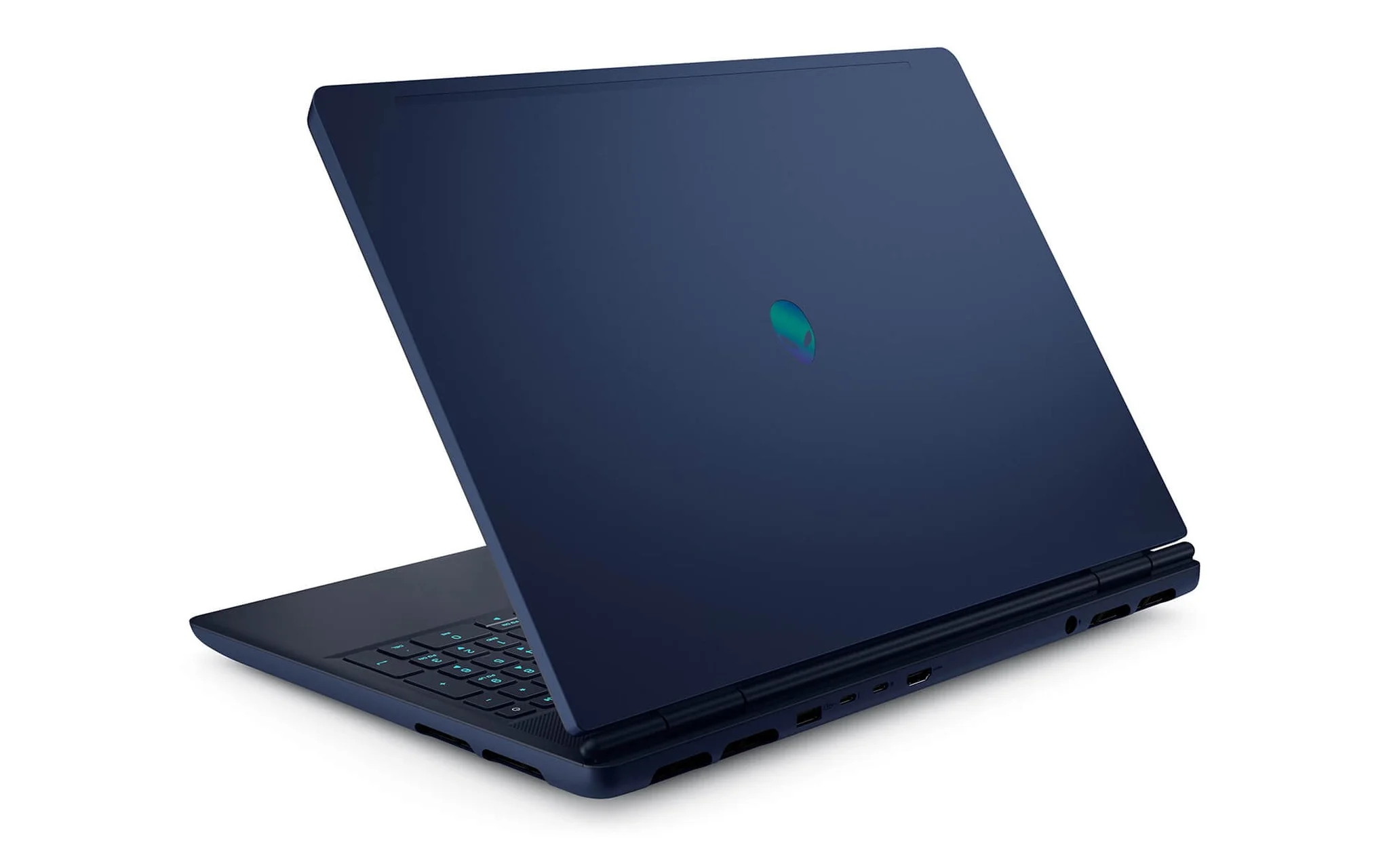
The 16X Aurora's ports include two USB 3.2 Gen 1 ports, one USB-C 3.2 Gen 2, one Thunderbolt 4, one HDMI 2.1, one RJ45 network port, and one audio jack, according to the Alienware 16X Aurora Gaming Laptop page. Thunderbolt 4 lets you connect a dock or a fast external drive. The Alienware m16 R2 also has enough USB-A, HDMI, and network ports, spread across the two sides and the back.
Keyboard, size, and battery life of the two machines
This is where the data contradicts a common assumption. Dell's owner's manual lists the Alienware m16 R2 at 2.60 kg, while the product page lists the Alienware 16X Aurora at a starting weight of 2.57 kg. The 16X Aurora's own owner's manual, however, lists 2.66 kg, so Dell is publishing two figures that point in opposite directions. Whichever figure you use, the gap is only a few dozen grams. The thickness of the two chassis is nearly the same, 19.20 to 23.40 mm versus 19.99 to 23.50 mm, a difference of just 0.1 to 0.8 mm. Choosing between this pair on portability is a criterion that doesn't work.
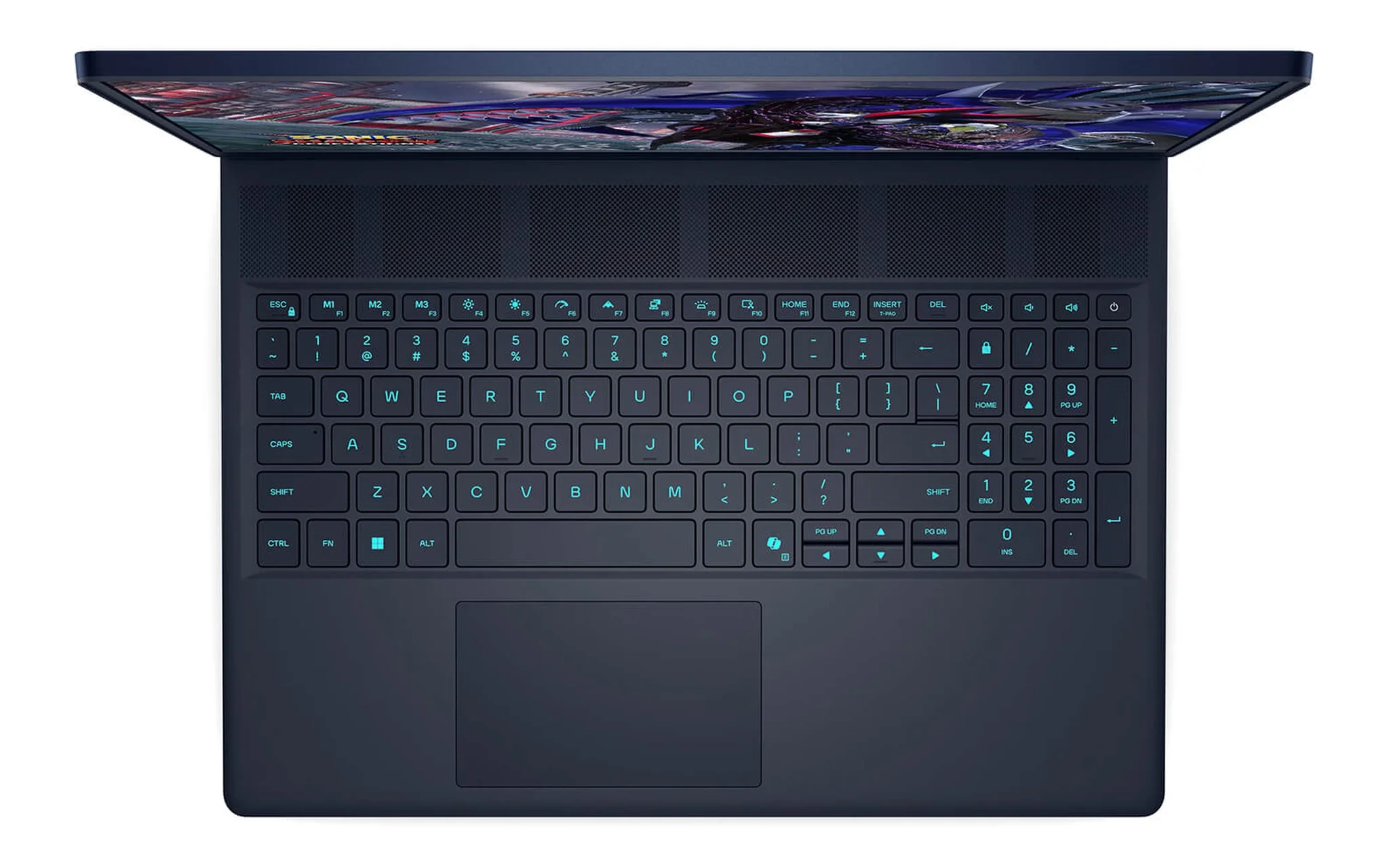
The keyboards, on the other hand, are clearly distinct. The 16X Aurora has a dedicated numeric keypad on the right plus three macro keys, M1, M2, and M3, in the top row, with single-zone AlienFX RGB backlighting. The Alienware m16 R2 drops the numeric keypad to make room for a wide touchpad and a cooling strip above the keyboard. If your work involves numeric data entry, building spreadsheets, or using editing software with numeric shortcuts, a dedicated keypad is an everyday advantage.
The Alienware m16 R2's battery is a 6-cell 90 Wh lithium-ion unit at 11.70 VDC. Dell's owner's manual says ExpressCharge2 charges from 0% to 80% in about 35 minutes. The laptop ships with either a compact 240W charger or a 280W charger. The Alienware 16X Aurora uses a 180W or 280W charger depending on the GPU configuration. Both need to be plugged in while gaming, so battery life only matters for office work and watching movies.
What the 14.4 million VND difference buys
To sum up, the 14.4 million VND gap between the two entry versions buys three things: a processor that is 2.37 times as strong in multi-core work, a brighter OLED panel, and a dedicated numeric keypad. It doesn't buy more graphics performance, more VRAM, or a lighter machine. Looking at it the other way, that 14.4 million VND is enough to upgrade the cheaper model to 64GB of RAM and a larger SSD, with money left over.
| Version in stock | Configuration | Warehouse price on 10/09 |
|---|---|---|
| Alienware m16 R2 entry version | Core Ultra 7 155H, RTX 4070 8GB, 16GB, 1TB SSD, QHD+ 240 Hz | 35,500,000 VND |
| Alienware m16 R2 open-box version | Core Ultra 7 155H, RTX 4070 8GB, 16GB, 1TB SSD, QHD+ 240 Hz | 37,900,000 VND |
| Alienware m16 R2 top version | Core Ultra 9 185H, RTX 4070 8GB, 32GB, 1TB SSD, QHD+ 240 Hz | 51,500,000 VND |
| Alienware 16X Aurora entry version | Core Ultra 9 275HX, RTX 5060 8GB, 16GB, 1TB SSD, QHD+ 240 Hz | 49,900,000 VND |
| Alienware 16X Aurora top version | Core Ultra 9 275HX, RTX 5070 8GB, 32GB, 1TB SSD, QHD+ 240 Hz | 59,500,000 VND |
Go with the Alienware m16 R2 if your main purpose is gaming and your budget sits around 35 to 40 million VND. The RTX 4070 with 4,608 CUDA cores can handle AAA games at QHD+, and the Core Ultra 7 155H comfortably covers everyday needs, with an 11 TOPS NPU for local AI tasks. Configurations and prices for each version are on the Alienware m16 R2 (2024) 16-inch Gaming Laptop page.
Choose the Alienware 16X Aurora if you both game and render video, compile code, or run simulations, since the 2.37x multi-core advantage will cut your waiting time every day. The OLED panel and dedicated numeric keypad are two added bonuses. Hung Phat recommends verifying the configuration, the machine's condition, and the warranty terms before ordering, with details on the Alienware 16X Aurora (2025) 16-inch Gaming Laptop page.
Frequently asked questions about the two 16-inch Alienware models
Is the newer RTX 5060 faster than the RTX 4070?
No, in pure graphics the two cards are even. The RTX 4070 Laptop scores 11,959.5 in Time Spy and the RTX 5060 Laptop scores 11,755, a 1.7% gap per Notebookcheck data. In Fire Strike the RTX 5060 is ahead by 3.8%. The newer card has its own edge in AI performance, 572 TOPS versus 321 TOPS, along with support for DLSS 5 Dynamic Multi Frame Generation thanks to the Blackwell architecture.
Which machine is lighter and easier to carry to work?
The two weigh nearly the same, so this criterion doesn't separate them. Dell's owner's manual lists the Alienware m16 R2 at 2.60 kg; for the Alienware 16X Aurora, the product page lists 2.57 kg while the owner's manual lists 2.66 kg. The thickness of the two machines is also close, 19.20 to 23.40 mm versus 19.99 to 23.50 mm. Both ship with high-wattage chargers, so the total load you carry is about the same.
Is the 51.5 million VND Alienware m16 R2 worth buying?
That version steps up to a Core Ultra 9 185H and 32GB of RAM but keeps the same RTX 4070. The Core Ultra 9 185H scores 18,177 in Cinebench R23 multi-core, still far below the 35,589 of the Core Ultra 9 275HX in the 49.9 million VND Alienware 16X Aurora. If you're already considering the 50 million VND mark, the 16X Aurora gives you a stronger processor for 1.6 million VND less.
Is 8GB of VRAM on both machines enough for the long term?
This is a hardware limit shared by the pair, and it can't be upgraded. At QHD+ resolution with high texture settings, some recently released games already hit the 8GB ceiling. You can lower the texture level or turn on image reconstruction technology to keep frame rates up. If you need more VRAM headroom, you will have to look at GPUs with 12GB or more, such as the RTX 5070 Ti Laptop, since the 16X Aurora's RTX 5070 version also has only 8GB.