
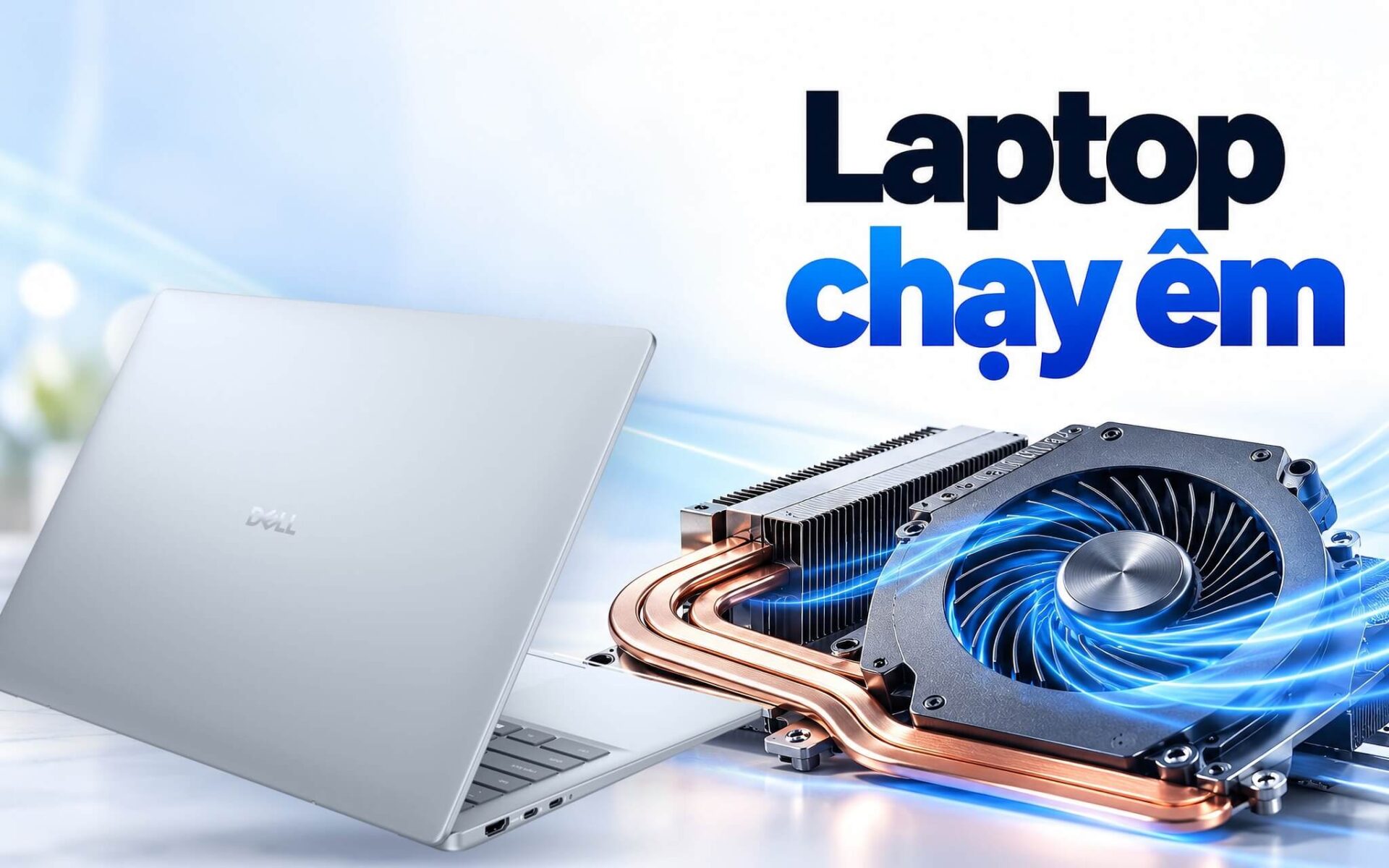
In a library, meeting room, or quiet room at midnight, a whining fan triggered by opening a few dozen browser tabs quickly distracts everyone around you. A quiet laptop is not born from marketing claims; it comes down to three verifiable factors: how much power the processor consumes, how the fan profile is tuned, and the noise levels recorded in independent reviews. The dB(A) metric represents sound pressure levels weighted to human hearing sensitivity, where lower numbers mean quieter operation. This guide explains how to read those figures and looks at four 2025 laptop models backed by concrete measurements.
What a Quiet Laptop Needs in Libraries and Meeting Rooms
On a quiet laptop, cooling fan noise is the primary concern to manage. The more power a processor draws, the more heat it generates, forcing the fan to spin faster to expel hot air, which progressively increases airflow and motor noise. Solid-state drives have no moving parts, and speakers stay silent when muted, so in a quiet room, fan noise accounts for virtually everything someone sitting next to you hears from your laptop.
Notebookcheck, an independent laptop review site, includes a reference scale alongside each measurement table: roughly 30 dB(A) is considered silent, 40 dB(A) is clearly audible, and 50 dB(A) is loud. In a library or a small meeting room with low ambient noise, a laptop whose fan spools up to around 40 dB(A) stands out far more than it would in a coffee shop. A reasonable target when choosing a quiet laptop is keeping fan noise around 30 dB(A) during everyday office workloads.
Different settings impose different demands. Open offices have keyboard clatter, air conditioning, and chatter to mask fan noise, whereas libraries and nighttime home offices have almost no ambient sound. Virtual meetings introduce another variable: built-in microphones share the same chassis as the cooling fan, meaning airflow noise can bleed into a call before someone sitting next to you even notices. When shopping for a quiet laptop, you therefore need to consider fan noise both at idle and under escalating workloads.
Low-Power U-Series and V-Series Chips Keep Fans Spinning Slower
Intel rates processor power draw using two figures: Processor Base Power and Maximum Turbo Power. According to Intel's official spec sheets, the V-series Core Ultra 7 256V and 258V have a base power of 17 W and a maximum turbo power of 37 W. The U-series Core Ultra 7 255U is rated at 15 W and 57 W, while the H-series Core Ultra 7 255H climbs to 28 W and 115 W. The difference in heat dissipation directly dictates fan noise as workloads ramp up.
| Intel Processor | Series | Cores | Base Power (W) | Maximum Turbo Power (W) |
|---|---|---|---|---|
| Core Ultra 7 256V | V | 8 | 17 | 37 |
| Core Ultra 7 258V | V | 8 | 17 | 37 |
| Core Ultra 7 255U | U | 12 | 15 | 57 |
| Core Ultra 7 255H | H | 16 | 28 | 115 |
While the U-series features a low base power, its 57 W maximum turbo power is more than 1.5 times that of the V-series; during brief workload spikes, U-series laptops can generate more heat and force fans to ramp up. The V-series keeps both thresholds low, an advantage shared by all four quiet laptops highlighted in this article. If your workflow requires higher multi-core performance and you can tolerate a heavier laptop, a detailed head-to-head comparison can be found in ThinkPad P14s Gen 6 and X1 Carbon Gen 13: Trading 400 Grams for 38% Multi-Core Performance?
Intel's published numbers serve only as a baseline; each laptop manufacturer sets its own sustained (PL1) and short-term (PL2) power limits based on the chassis's thermal capabilities. Notebookcheck noted that the Core Ultra 7 256V configuration of the Dell XPS 13 9350 sets PL1 at 32 W, the Dell 14 Plus with the same chip targets 20 W, and the ThinkPad X1 Carbon Gen 13 with the 258V sets PL1 at 20 W and PL2 at 37 W. With the same chip, a laptop with a higher PL1 will perform faster under sustained loads, but its cooling fan must also spin harder. Choosing a quiet laptop, therefore, requires looking beyond just the processor's model name.
How to Properly Read dB(A) Noise Measurements in Reviews
When reading noise measurements, the first detail to check is microphone distance. Notebookcheck uses an Earthworks M23R microphone positioned 15 cm from the laptop, much closer than someone sitting at an adjacent desk would be. Under open-field sound propagation principles, doubling the distance reduces sound pressure by roughly 6 dB, meaning a 40 dB(A) reading at 15 cm sounds significantly quieter from one meter away. Review noise measurements serve to compare laptops against one another using a consistent methodology, rather than representing the exact sound level a bystander hears.
| Laptop Model | Tested Configuration | Idle dB(A) | Medium Load dB(A) | Maximum Load dB(A) | Ambient Room Noise dB(A) |
|---|---|---|---|---|---|
| Dell 14 Plus DB14250 | Core Ultra 7 256V, 16GB | 23.8 | 31.4 | 45.2 | 23.8 |
| Dell XPS 13 9350 | Core Ultra 7 256V, 16GB | 24.4 | 26.2 | 45.2 | 24.1 |
| Samsung Galaxy Book5 Pro 16 (360) | Core Ultra 5 226V, 16GB | 23.6 | 29.4 | 40.6 | 23.6 |
| ThinkPad X1 Carbon Gen 13 | Core Ultra 7 258V, 32GB | 23.2 | 29.9 | 40.5 | 23.2 |
Notebookcheck's noise tables present three tiers. The idle reading is measured with the laptop sitting at the desktop; across all four models above, this figure matches or sits right at the room's ambient noise floor, meaning the cooling fan is either completely off or spinning very slowly. The medium and maximum load figures reflect how the system behaves when the processor takes on heavy work. For instance, in Notebookcheck's Dell XPS 13 9350 review, the 26.2 dB(A) reading was taken after the first scene of the 3DMark 06 graphics benchmark, while 45.2 dB(A) was recorded under a Prime95 stress test.
A frequently overlooked detail is the power profile active during testing. Notebookcheck typically engages high-performance mode before running benchmarks, meaning the maximum load readings in the table reflect worst-case fan noise. On the X1 Carbon Gen 13, the medium-load reading of 29.9 dB(A) was measured in Balanced mode. On the XPS 13 9350, switching from Performance to Balanced reduces peak fan noise to roughly 33 to 38 dB(A). When comparing two reviews, you therefore need to check the power profile used during testing, not just the raw numbers.
Quiet Modes Lower Fan Noise at the Cost of Performance
Manufacturers all provide preinstalled ways to manage thermal profiles: Samsung offers Quiet mode, Lenovo relies on the Best performance and Balanced presets in Windows power settings, and Dell includes the MyDell app. Fundamentally, a quiet mode lowers the chip's power limits so the fan can spin slower. In its Galaxy Book5 Pro 360 review, Notebookcheck noted that enabling Quiet mode kept fan noise around 26 dB(A) even under load, noticeably quieter than the 40.6 dB(A) recorded at maximum load.
The tradeoff is performance. When Notebookcheck ran Prime95 on the XPS 13 9350, CPU package power stabilized at 32 W in Performance mode but dropped to just 18 W in Balanced, with clock speeds falling from 3.2 GHz to 2.5 GHz. The Physics score in Fire Strike dropped by 12% when switching to Balanced. For word processing, spreadsheets, and video calls, this performance drop is rarely noticeable; for longer tasks like video exports or compiling code, wait times will stretch out longer.
Quiet modes have their limits, too: they will not turn an H-series laptop into a quiet machine, and under sustained heavy loads, the cooling fans must still spin to maintain safe temperatures. In Notebookcheck's review of the ThinkPad X1 Carbon Gen 13, the laptop was completely silent at idle, but hit 40.5 dB(A) under maximum load and 43 dB(A) while running Cyberpunk 2077 in Best performance mode. The outlet recommends using Balanced to keep fan noise down.
Dell 14 Plus and XPS 13 9350 for Open Offices and Libraries
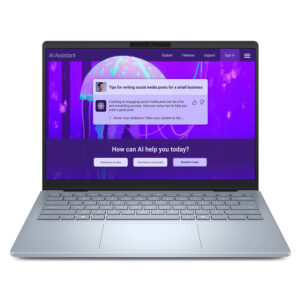
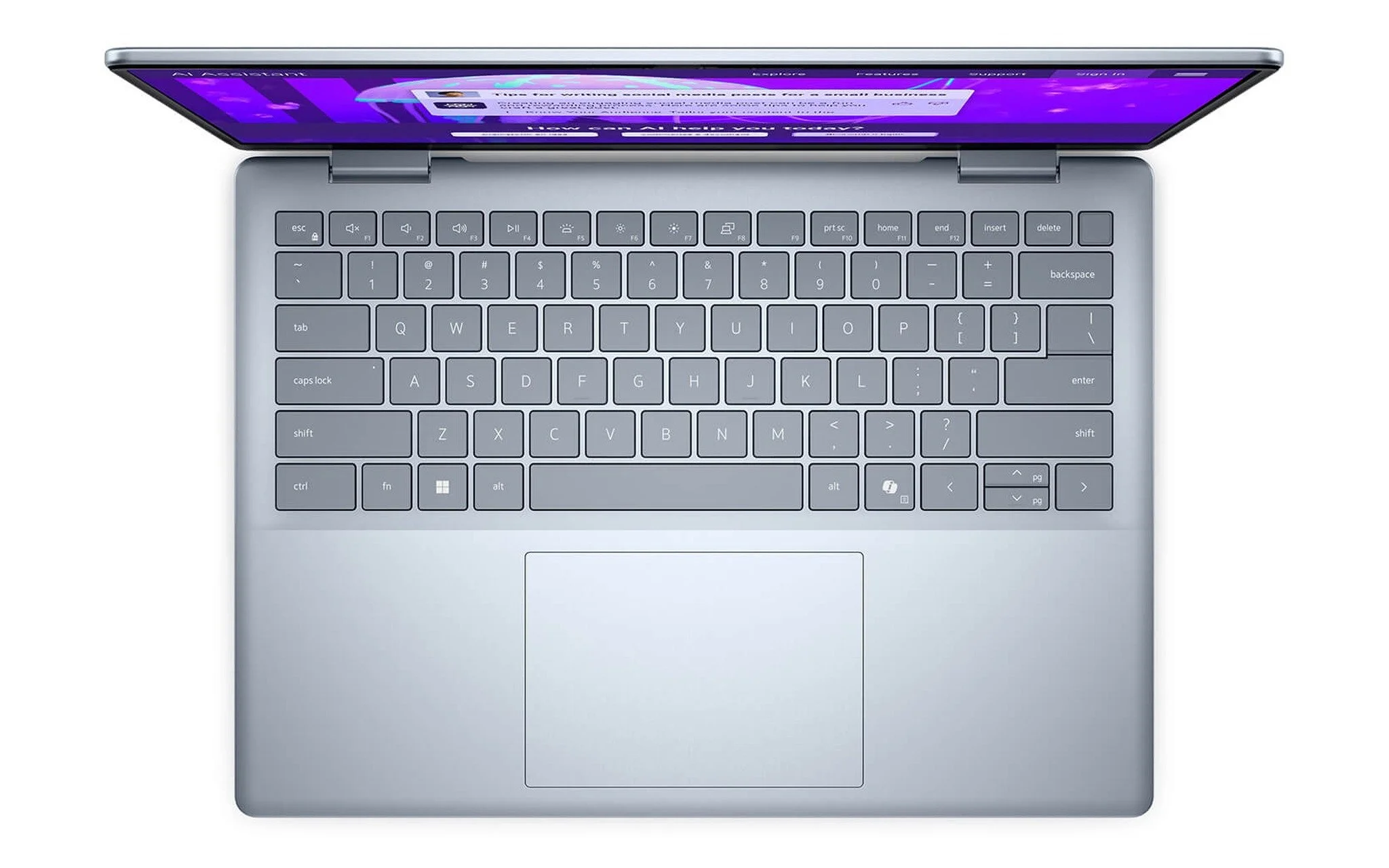
On a budget under 30 million VND, the DELL 14 Plus DB14250 (2025) is an accessible quiet laptop option for open-plan offices. The configuration with a Core Ultra 7 256V, 16GB RAM, 512GB SSD, and a 14-inch 2.5K display is priced at 26.9 million VND, matching the chip and RAM specs of the unit Notebookcheck reviewed. Noise measurements showed 23.8 dB(A) at idle, matching the testing room's background noise, and 31.4 dB(A) under medium load. The version with a Core Ultra 9 288V, 32GB RAM, and a 1TB SSD priced at 34 million VND does not have dedicated noise data yet.

Notebookcheck noted that the Dell 14 Plus's cooling fan reacts slowly and stays quite quiet under light to moderate loads, taking a while to ramp up when heavy workloads appear before pushing fan noise to 45.2 dB(A) under simultaneous Prime95 and FurMark runs. With a 20 W PL1, this laptop handles office work, studying, and extended video calls better than continuous heavy workloads. Its weight of roughly 1.5 kg on Notebookcheck's scales is also slightly heavier than the 13-inch class, which is worth considering if you carry your laptop frequently.
If your priority is a quiet laptop with a compact chassis for library use, the DELL XPS 13 9350 (2025) offers a Platinum configuration with a Core Ultra 7 256V, 16GB RAM, 512GB SSD, and an FHD+ display for 35.5 million VND, matching the chip, RAM, SSD, and display resolution of the tested unit. Notebookcheck recorded 24.4 dB(A) at idle and 26.2 dB(A) under medium load, noting that the fan stays silent longer than on the previous-generation XPS 13 9320 and 9340. Pushing the CPU with Prime95 in Performance mode brought fan noise up to 45.2 dB(A), making Balanced the better fit for quiet rooms.
Galaxy Book5 Pro 16 and X1 Carbon Gen 13 for Meeting Rooms
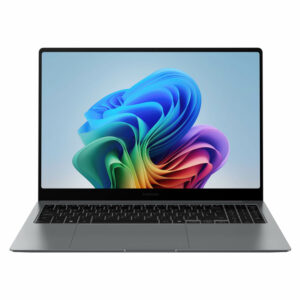
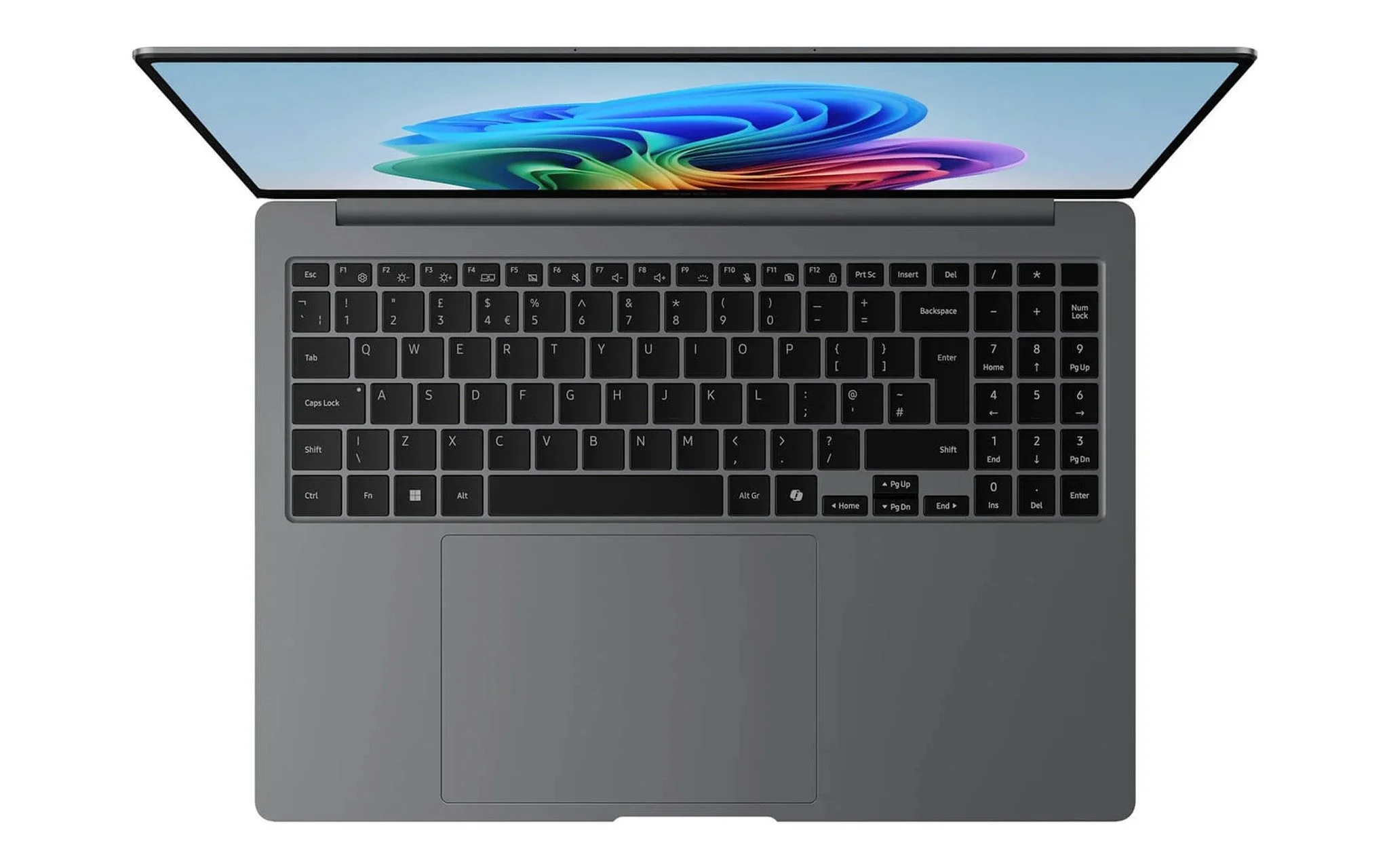
The Samsung Galaxy Book5 Pro 16 (2025) is a 360-degree 2-in-1 convertible featuring a 16-inch 3K Dynamic AMOLED 2X display, a Core Ultra 7 256V chip, 16GB RAM, and a 1TB SSD, priced at 34.99 million VND. The version Notebookcheck reviewed used a Core Ultra 5 226V from the same V-series, so the numbers serve as a reference: 23.6 dB(A) at idle, 29.4 dB(A) under medium load, and 40.6 dB(A) at maximum load. Quiet mode keeps fan noise around 26 dB(A) under load, well suited for presentations in small meeting rooms.
Online meetings also depend on microphones. Lower fan noise helps the built-in microphone pick up less background hiss, while keyboard clatter, air conditioning, and background chatter require additional voice filtering. The steps to enable noise filtering during calls are detailed in the guide to Noise-Canceling Microphones on Laptops - Enabling Noise Filtering for Online Meetings and Video Calls, a practical companion to a quiet laptop.
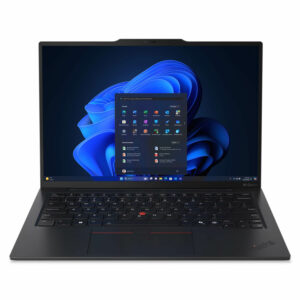
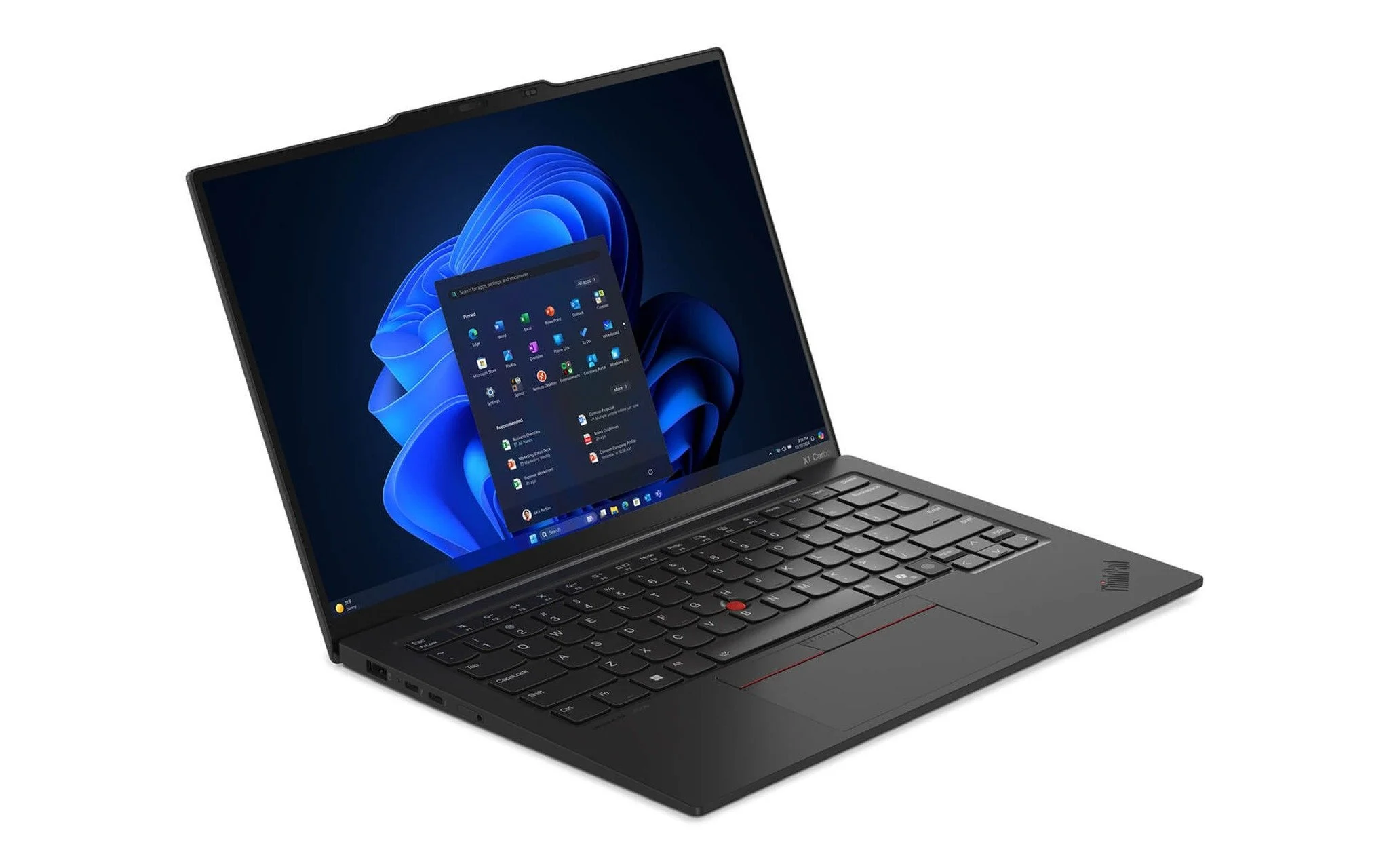
For those who frequently work at night or sit through back-to-back meetings all day, the Lenovo ThinkPad X1 Carbon Gen 13 (2025) offers a configuration with a Core Ultra 7 258V, 32GB RAM, 1TB SSD, and a 2.8K OLED display priced at 69.99 million VND, matching the chip, RAM, and display specs of the model reviewed by Notebookcheck. Notebookcheck's noise tests recorded the laptop as completely silent at idle, registering 23.2 dB(A) equal to ambient room noise, and 29.9 dB(A) under medium load in Balanced mode. The Core Ultra 7 255U version, priced at 46.8 million VND, uses a U-series chip and does not yet have corresponding noise measurements.
Frequently Asked Questions
Can an H-Series Laptop Be as Quiet as a V-Series Model?
Under heavy loads, it is unlikely. According to Intel, the Core Ultra 7 255H has a maximum turbo power of 115 W, more than triple the 37 W of the Core Ultra 7 256V, meaning it generates far more heat to dissipate. If you want an H-series laptop to run quieter, you must step down the power mode and accept lower performance.
Are the dB(A) Figures in Reviews What Someone Sitting Next to You Hears?
No. Notebookcheck places its microphone 15 cm from the laptop, and in an open space, sound levels drop by roughly 6 dB every time the distance doubles. These figures are primarily intended to compare laptops against one another using the same noise measurement methodology.
Why Does the Fan Still Spin When No Applications Are Open?
Background tasks such as Windows updates, security scans, or cloud syncing can drive up chip load for a few minutes after booting. Once these background processes finish, the laptop returns to quiet operation at the idle levels shown in the measurements.
Should You Choose 16GB or 32GB of RAM for a V-Series Laptop?
The models featured in this article all use soldered RAM that cannot be upgraded later, so you need to configure enough memory from the start. While 16GB is sufficient for office work and video conferencing, a 32GB configuration like the X1 Carbon Gen 13 258V or Dell 14 Plus 288V offers more breathing room for the long haul if you regularly run multiple demanding applications at once.
- View
- View
- Samsung Galaxy Book5 Pro 16 (2025)ViewAwaiting stock
- View