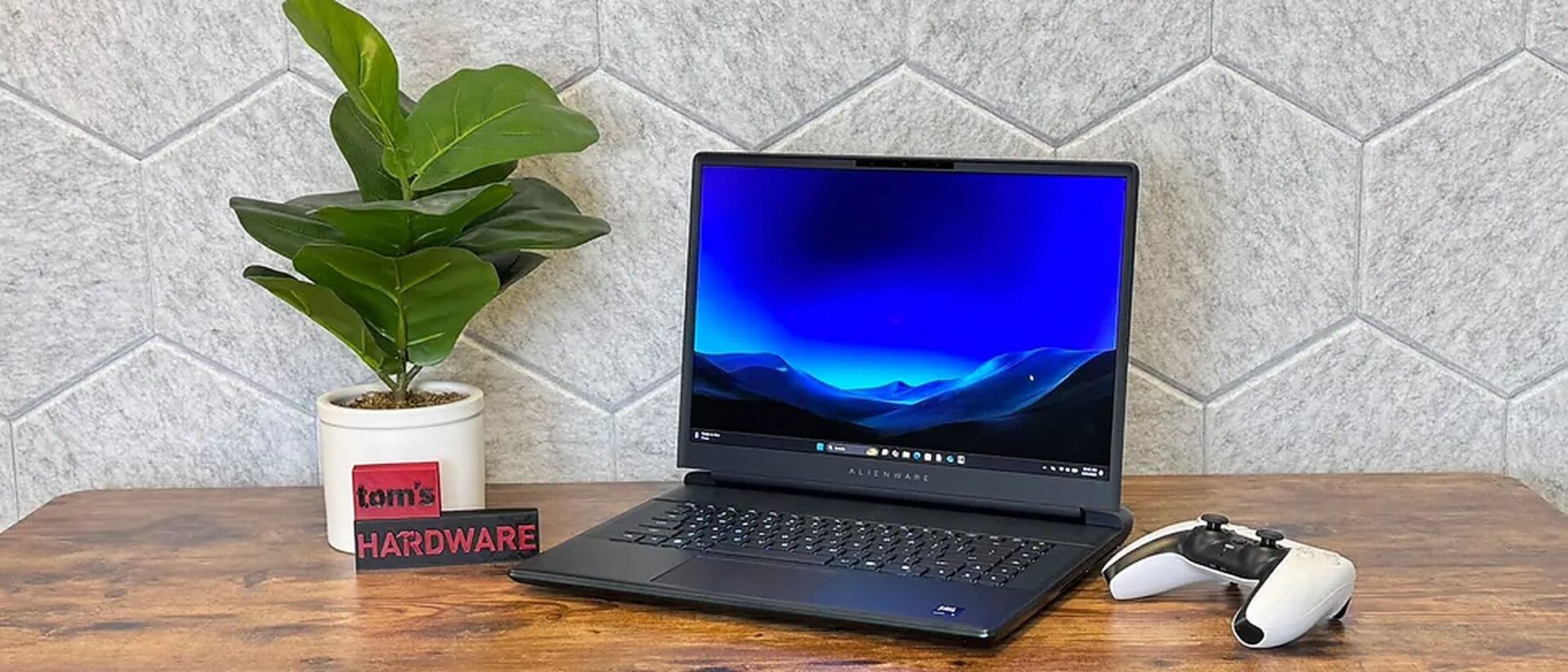
The Alienware 16 Area-51 2026 edition is not a complete overhaul, but it hits exactly what many high-end gaming laptop buyers care about most: the display. According to Tom's Hardware's review, the biggest change this year is the anti-glare OLED option on the 16-inch 2560 x 1600, 240 Hz panel. This makes the gaming experience and dark content viewing significantly more immersive. The issue is that aside from the screen, the rest of the machine remains almost unchanged, so the most important question is whether the OLED screen is worth the extra cost. With the Alienware 16 Area-51, the new OLED screen is the detail that most clearly differentiates this machine from the previous version, meaning its greatest value lies in a better visual experience rather than a massive leap in power.
What difference does the OLED screen make in daily use?
The most notable point on the Alienware 16 Area-51 OLED 2026 is that Dell has switched from the previous mini-LED option to anti-glare OLED, while maintaining the 2560 x 1600 resolution and 240 Hz refresh rate. For real-world users, the significance lies not in the technology's name but in the contrast: darker scenes in games are deeper, blacks are cleaner, and colors appear more volumetric when watching movies or playing games with heavy shadows.
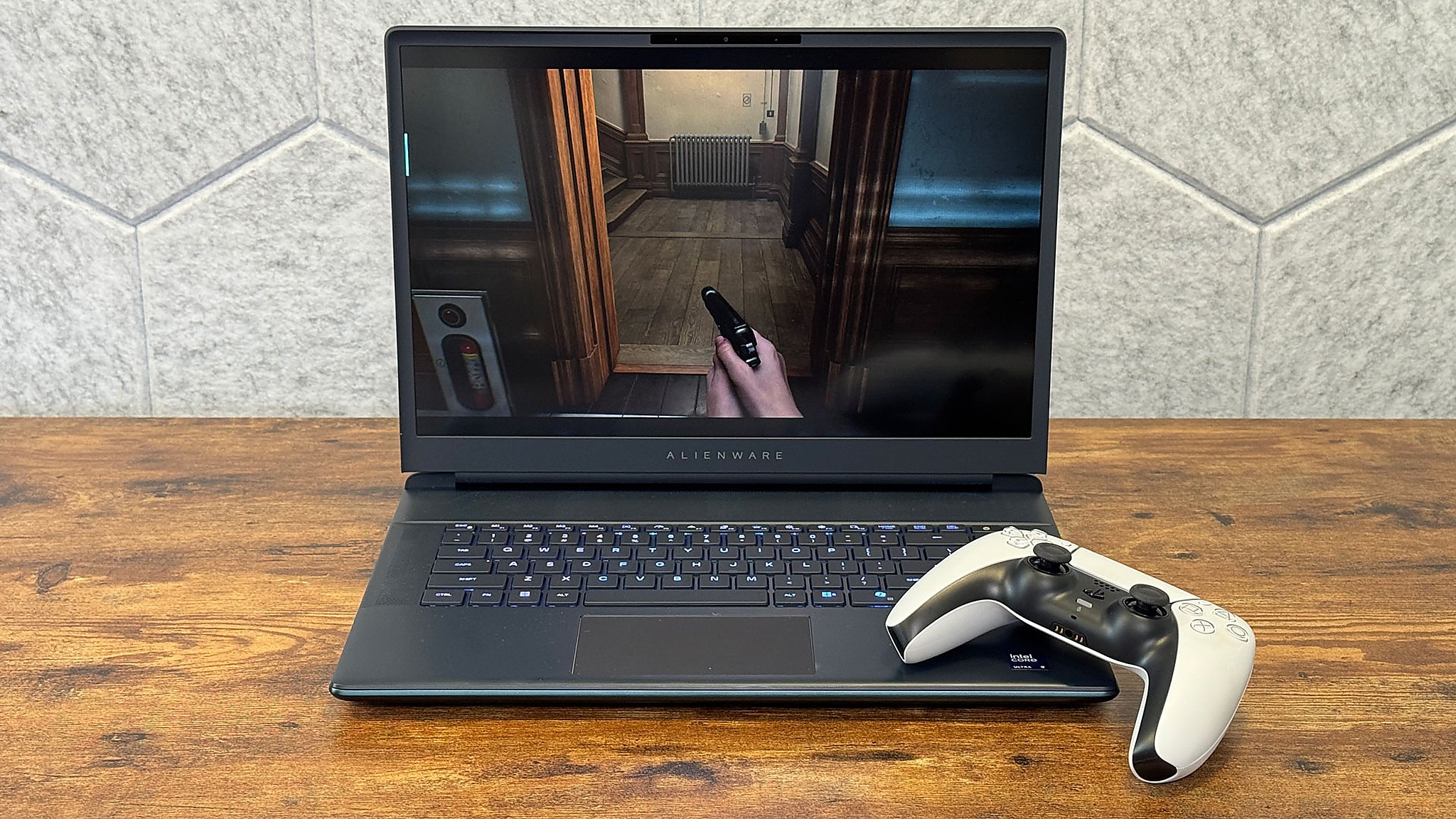
However, this is not an OLED that wins absolutely in every aspect. Benchmarks show the panel achieves 93.7% of the DCI-P3 color gamut, slightly higher than last year's non-OLED model and the MSI Raider screen used for comparison, but the brightness is only at 368.6 nits, significantly lower than the 515.8 nits of the previous version. If you frequently sit in brightly lit environments, the benefits of OLED will not be as overwhelming as when viewing in a dark room.
The overall design remains nearly identical to the previous generation, from the rounded chassis and Liquid Teal color to the protruding cooling section at the rear. The machine weighs 7.49 pounds, excluding the 2.2-pound power adapter, so it is clearly not intended for those who carry it daily. If you are following the brand's OLED direction, the previous Alienware OLED article also showed that Dell is prioritizing enhancing the display experience in the high-end segment.
Who should care and what are the points to consider before spending money?
In terms of performance, the Alienware 16 Area-51 OLED 2026 remains in the high-performance group. The machine tested with a Core Ultra 9 290HX Plus paired with a GeForce RTX 5080 Laptop GPU 16 GB GDDR7 at 175 W TGP is capable of handling heavy games and GPU-intensive creative tasks. However, when compared to last year's version using the Core Ultra 9 275HX with the same RTX 5080, the difference from this CPU upgrade is not substantial.
| Quick Look | Alienware 16 Area-51 OLED 2026 | Real-world Significance |
|---|---|---|
| Display | 16 inch, 2560 x 1600, anti-glare OLED, 240 Hz | Deeper imagery, ideal for games and movies with dark scenes |
| CPU/GPU | Core Ultra 9 290HX Plus, RTX 5080 Laptop GPU 175 W | Performance remains top-tier for AAA games |
| Vs. Previous Version | The biggest difference is the OLED screen | Not an upgrade intended for those already using the previous generation |
| Cons | Heavy, worse battery life than the previous version, webcam downgraded from 4K to 1080p | Less suitable if mobility or frequent meetings are required |
When compared to the MSI Raider 16 Max HX using an RTX 5090, the Alienware model loses in most gaming benchmarks, which is understandable as the competitor is in a higher GPU tier. More importantly, old drawbacks have not been addressed: battery life is worse than last year, and the webcam has been downgraded from 4K to 1080p. For a high-end gaming laptop, this is a notable trade-off if the machine is not used solely for stationary gaming.
Therefore, the Alienware 16 Area-51 OLED 2026 is best suited for new buyers looking for a 16-inch model focused on visual experience, who love the signature Alienware design and are willing to sacrifice portability. If you prioritize price-to-performance or want to explore more flexible RTX configurations, recent shifts in the gaming laptop segment show that users still have many other worthwhile options to consider.