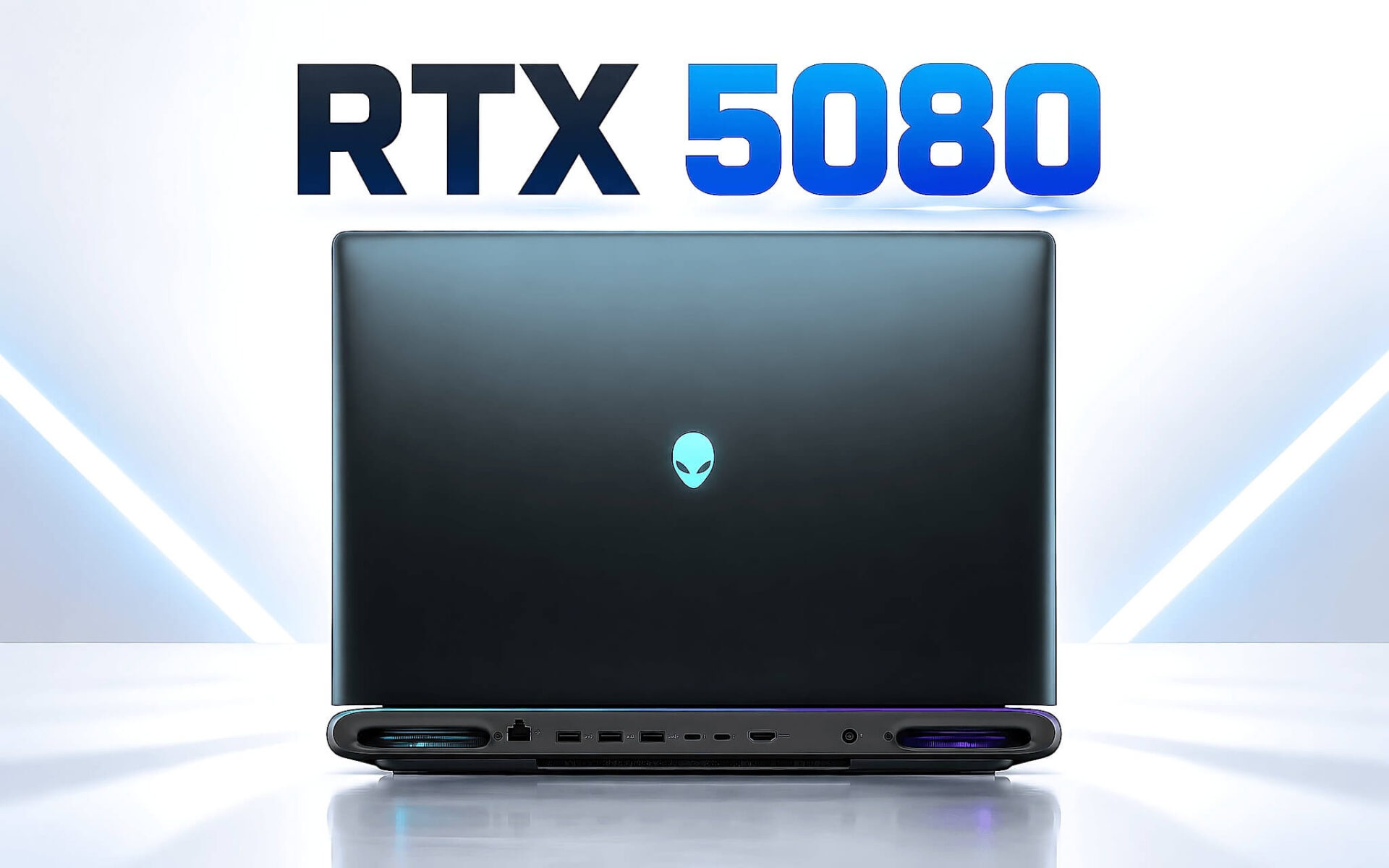
Chọn laptop RTX 5080 trong tầm 60 đến 125 triệu đồng là bài toán cân giữa tiền và khung hình, bởi bậc card này đứng giữa RTX 5070 Ti và RTX 5090. Đáng tiền hay không phụ thuộc vào độ phân giải, tần số quét và kích thước khung máy bạn nhắm tới. Bài viết đối chiếu thông số NVIDIA, số liệu FPS trung bình và ba mẫu laptop đang còn hàng để bạn chọn đúng bậc GPU trong phân khúc gaming cao cấp.
Laptop RTX 5080 nằm ở đâu giữa RTX 5070 Ti và RTX 5090
Trong phân khúc gaming cao cấp, NVIDIA chia dòng GPU laptop thế hệ Blackwell thành ba bậc trên cùng là RTX 5070 Ti, RTX 5080 và RTX 5090. Một chiếc laptop RTX 5080 đứng ở giữa, dùng 16GB GDDR7 trên bus 256-bit, tức cùng băng thông 896 GB/s với RTX 5090 nhưng ít nhân xử lý hơn. Vị trí lưng chừng này khiến card RTX 5080 dễ bị bỏ qua, dù với người chơi ở độ phân giải QHD+ đây lại là bậc cần cân nhắc kỹ nhất.
Bảng giá tại Hưng Phát Laptop ngày 23/09/2026 cho thấy rõ các nấc tiền. Legion Pro 7 16IAX10H bản RTX 5070 Ti 12GB có giá 69,99 triệu, Alienware 16 Area-51 bản RTX 5080 16GB có giá 89,9 triệu, còn Alienware 18 Area-51 bản RTX 5080 là 94,8 triệu. Hai bản RTX 5090 24GB có giá 94,99 triệu trên Legion Pro 7 và 125 triệu trên Alienware 18 Area-51. Bước nhảy từ bậc 5070 Ti lên bậc 5080 vì vậy vào khoảng 20 triệu, còn từ 5080 lên 5090 dao động từ 5 đến hơn 30 triệu tùy khung máy.
Cả ba mẫu gaming cao cấp trên đều dùng chung bộ xử lý Intel Core Ultra 9 275HX 24 nhân 24 luồng, đạt khoảng 35.589 điểm Cinebench R23 đa nhân theo dữ liệu tham chiếu. Khi CPU giống nhau, chênh lệch khung hình gần như chỉ đến từ GPU, mức công suất hãng cấp cho GPU và khả năng tản nhiệt của từng khung vỏ. Câu hỏi cần đặt ra vì thế là phần hiệu năng tăng thêm của laptop RTX 5080 so với hai bậc liền kề có tương xứng với khoản tiền bạn bỏ thêm hay không.
Thông số card đồ họa cho thấy khoảng cách giữa ba bậc GPU
Theo trang thông số chính thức của NVIDIA, RTX 5080 Laptop GPU có 7.680 nhân CUDA, 16GB GDDR7 và 1.334 AI TOPS. Con số này cao hơn khoảng 30% so với 5.888 nhân của RTX 5070 Ti, nhưng thấp hơn khoảng 27% so với 10.496 nhân của RTX 5090. Bạn có thể đối chiếu toàn bộ dải GPU trên trang GeForce RTX 50 Series Gaming Laptops, nơi NVIDIA công bố cả dải xung nhịp lẫn băng thông bộ nhớ của từng bậc.
| Thông số | RTX 5070 Ti Laptop | RTX 5080 Laptop | RTX 5090 Laptop |
|---|---|---|---|
| Nhân CUDA (NVIDIA) | 5.888 | 7.680 | 10.496 |
| Bộ nhớ đồ họa | 12GB GDDR7 | 16GB GDDR7 | 24GB GDDR7 |
| Bus bộ nhớ | 192-bit | 256-bit | 256-bit |
| Băng thông bộ nhớ | 672 GB/s | 896 GB/s | 896 GB/s |
| AI TOPS | 992 | 1.334 | 1.824 |
| Xung boost (NVIDIA) | 1.447 đến 2.220 MHz | 1.500 đến 2.287 MHz | 1.597 đến 2.160 MHz |
| 3DMark Time Spy trung bình | 16.740 | 21.625 | 23.967 |
| Chỉ số game Notebookcheck | 72,9% | 84,3% | 90,7% |
Khác biệt đáng giá nhất của card RTX 5080 so với RTX 5070 Ti nằm ở bộ nhớ. Bus 256-bit và băng thông 896 GB/s giúp GPU nạp texture độ phân giải cao nhanh hơn, còn 16GB VRAM tạo thêm dư địa khi bạn bật texture tối đa cùng ray tracing ở QHD+. Về điểm tổng hợp, dữ liệu Notebookcheck ghi nhận Time Spy trung bình khoảng 21.625 điểm cho RTX 5080 Laptop, cao hơn khoảng 29% so với mức 16.740 điểm của RTX 5070 Ti Laptop.
Khoảng cách từ card RTX 5080 lên RTX 5090 hẹp hơn nhiều. Hai GPU dùng chung bus 256-bit và băng thông 896 GB/s, điểm Time Spy trung bình chỉ chênh khoảng 11%, còn chỉ số game tổng hợp của Notebookcheck chênh khoảng 6 điểm phần trăm. Phần trội lớn nhất của RTX 5090 là 24GB VRAM, phục vụ dựng 3D và chạy mô hình AI cục bộ nhiều hơn là chơi game. Với bản 12GB, bài Hiệu năng RTX 5070 Ti laptop: Khi VRAM 12GB phụ thuộc hoàn toàn vào mức TGP giải thích vì sao dung lượng này bị ràng buộc bởi công suất của từng mẫu laptop.
Màn QHD+ tần số quét cao cần bao nhiêu khung hình mỗi giây
Màn hình 16 inch và 18 inch trong phân khúc gaming cao cấp đều dùng độ phân giải QHD+ 2560 x 1600 với tần số quét 240Hz hoặc 300Hz. Để một laptop RTX 5080 khai thác trọn tấm nền, GPU cần đẩy khung hình tiệm cận tần số quét, điều mà ở game AAA thiết lập cao nhất ngay cả RTX 5090 cũng chưa làm được. Bảng dưới đây tổng hợp FPS trung bình ở 2560 x 1440 theo cơ sở dữ liệu Notebookcheck, đo trên nhiều mẫu laptop với mức công suất GPU khác nhau.
| Game ở 2560 x 1440 | RTX 5070 Ti | RTX 5080 | RTX 5090 |
|---|---|---|---|
| Cyberpunk 2077 (Ultra, tắt FSR) | 80,8 | 98,7 | 110,8 |
| Battlefield 6 (Overkill) | 68,1 | 87,9 | 108,9 |
| Crimson Desert (Cinematic) | 56,2 | 67,9 | 79,4 |
| Death Stranding 2 (Very High) | 50,2 | 61,3 | 73,5 |
| Resident Evil Requiem (Max, ray tracing cao) | 41,3 | 56,8 | 69,2 |
| Black Myth: Wukong (Cinematic, TSR 100) | 32 | 43 | 46 |
Ở cả sáu tựa game trong bảng, laptop RTX 5080 cho FPS cao hơn bản 5070 Ti khoảng 21 đến 38%, đủ kéo Cyberpunk 2077 lên gần 100 FPS và giữ Crimson Desert, Death Stranding 2 trên ngưỡng 60 FPS ở thiết lập cao nhất. Đây là mốc quan trọng, bởi khi khung hình rơi xuống dưới 60 FPS, phần lớn ưu thế của tấm nền 240Hz không còn được tận dụng.
Từ card RTX 5080 lên RTX 5090, mức tăng dao động từ khoảng 7% ở Black Myth: Wukong tới 24% ở Battlefield 6. Với game đơn người chơi nặng đồ họa, phần chênh này thường là khác biệt giữa 61 và 73 FPS như ở Death Stranding 2, khó nhận ra hơn nhiều khi đã bật G-SYNC. Nếu bạn chơi game bắn súng cạnh tranh và muốn FPS bám sát 240Hz, RTX 5090 mới cho thêm biên độ đáng kể.
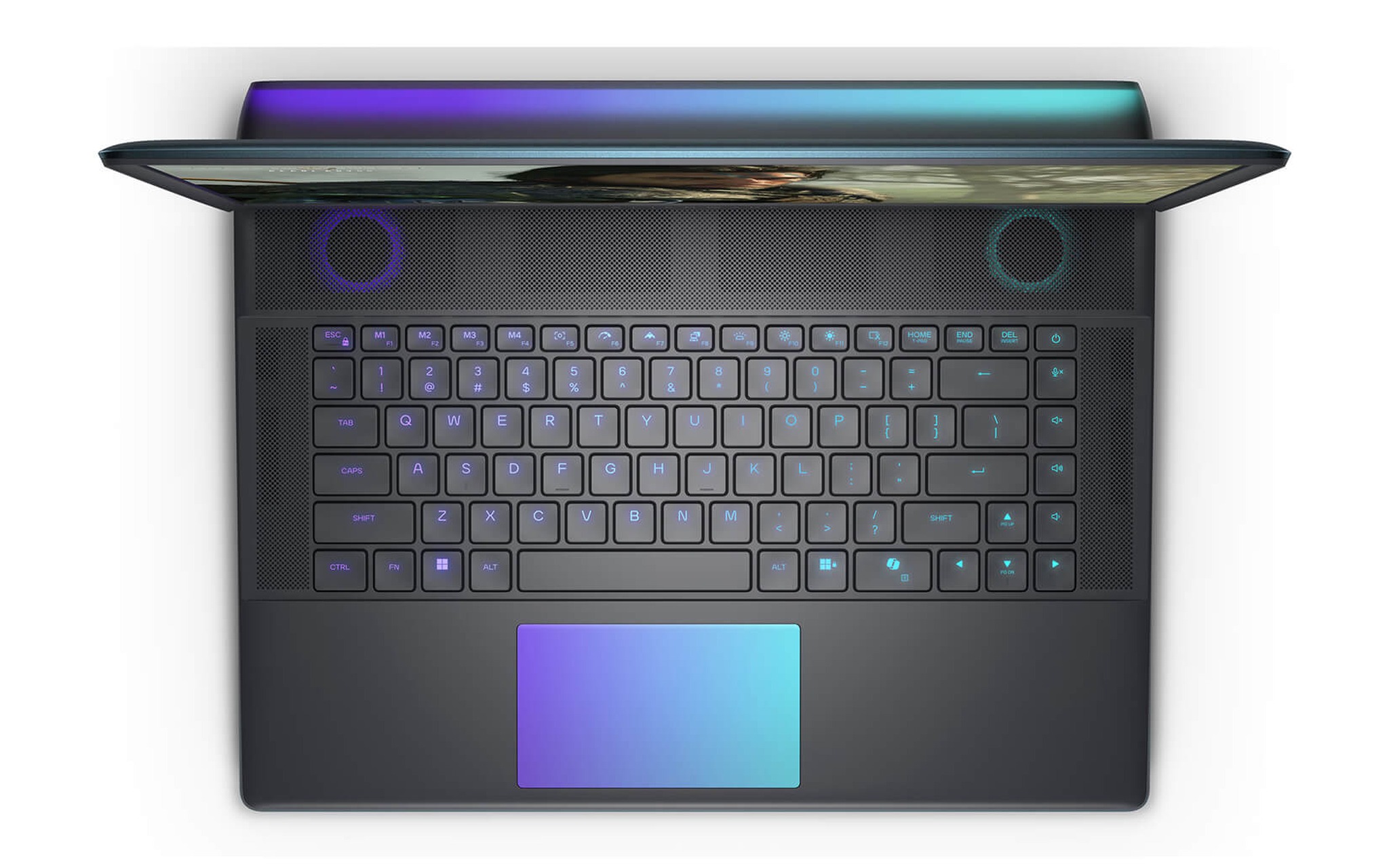
Alienware 16 Area-51 là điểm vào hợp lý nhất của RTX 5080
Alienware 16 Area-51 (2025) là mẫu có giá thấp nhất để có card RTX 5080 trong kho Hưng Phát tại thời điểm viết bài. Bản đang bán dùng Core Ultra 9 275HX, 32GB RAM, SSD 2TB, RTX 5080 16GB và màn QHD+ 240Hz, giá 89,9 triệu; bản 64GB RAM có giá 95,9 triệu. Nếu bạn cần một laptop RTX 5080 khung 16 inch còn mang đi được, trang Alienware 16 Area-51 (2025) liệt kê đủ hai cấu hình cùng thông số màn hình để đối chiếu trước khi đặt mua.
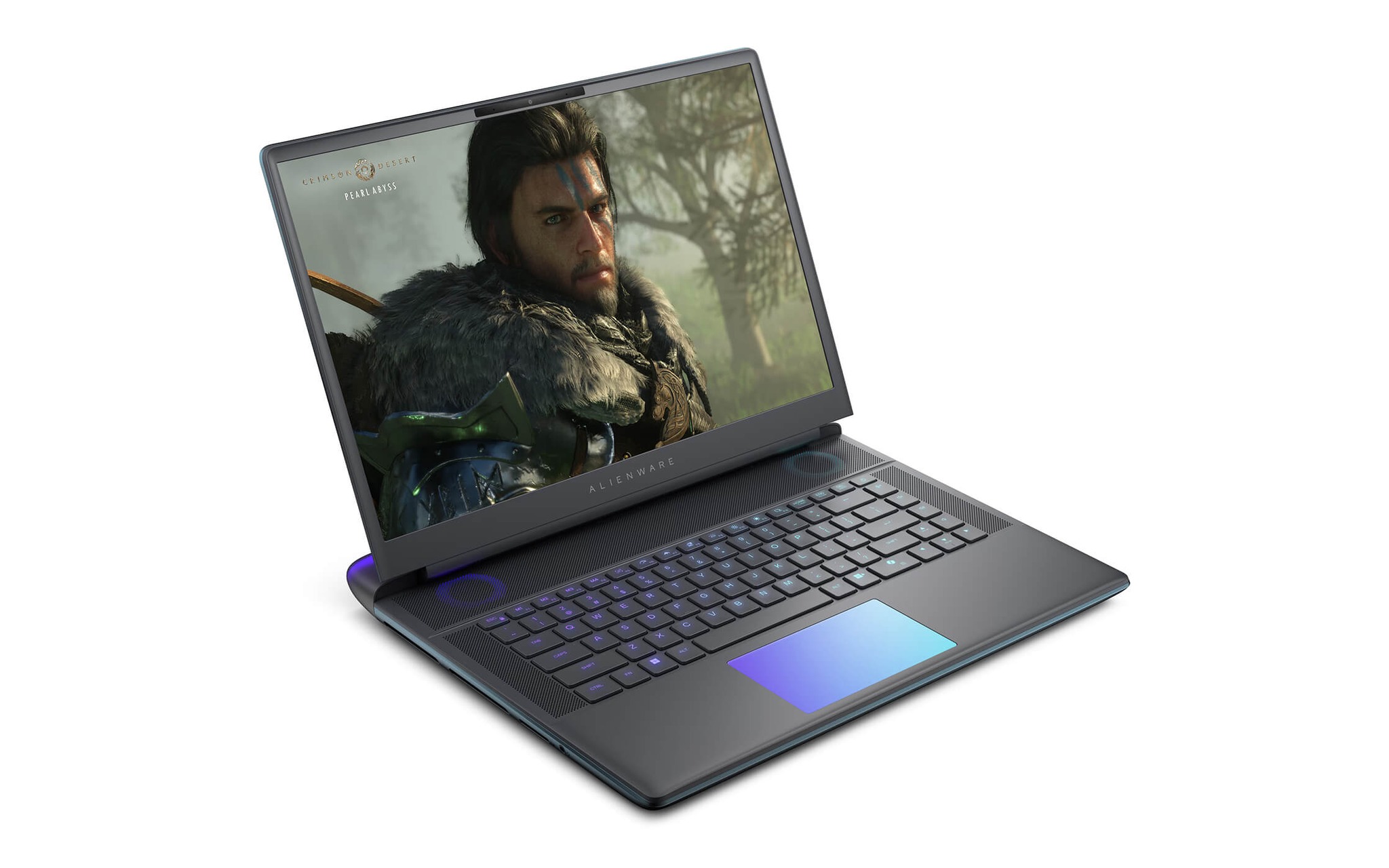
Theo mô tả biến thể, màn hình 16 inch có độ phân giải 2560 x 1600, tần số quét 240Hz, thời gian phản hồi 3ms, phủ 100% DCI-P3, độ sáng 500 nits và hỗ trợ G-SYNC cùng Advanced Optimus. Tấm nền này khớp với dải 60 đến 100 FPS mà một laptop RTX 5080 đạt ở nhiều game AAA thiết lập cao. Trang sản phẩm mô tả hệ tản nhiệt Cryo-tech với buồng hơi lớn, còn SSD 2TB PCIe Gen4 cho phép bạn cài nhiều game nặng mà chưa phải nâng cấp.
Bản 64GB RAM chỉ đáng bỏ thêm 6 triệu nếu bạn vừa chơi game vừa dựng video, livestream hoặc chạy máy ảo song song. Với nhu cầu thuần game, 32GB đã đáp ứng tốt, khoản chênh nên dành cho tay cầm hoặc màn hình ngoài. Trang sản phẩm ghi chính sách bảo hành 12 tháng tại cửa hàng, kèm 1 đổi 1 trong 30 ngày nếu phát sinh lỗi kỹ thuật từ nhà sản xuất, yếu tố bạn nên cân nhắc khi so với dòng Lenovo chính hãng.
Alienware 18 Area-51 cho người cần màn lớn và tần số 300Hz
Alienware 18 Area-51 (2025) dành cho bạn muốn đặt laptop RTX 5080 cố định trên bàn và ưu tiên màn lớn. Bản RTX 5080 16GB đi kèm Core Ultra 9 275HX, 32GB RAM, SSD 1TB và màn QHD+ 300Hz, giá 94,8 triệu, chỉ hơn bản 16 inch 4,9 triệu nhưng SSD giảm từ 2TB xuống 1TB. Khi bạn cần khung 18 inch và tần số quét 300Hz, trang Alienware 18 Area-51 (2025) ghi đủ cả cấu hình RTX 5080 lẫn RTX 5090 để so trực tiếp.
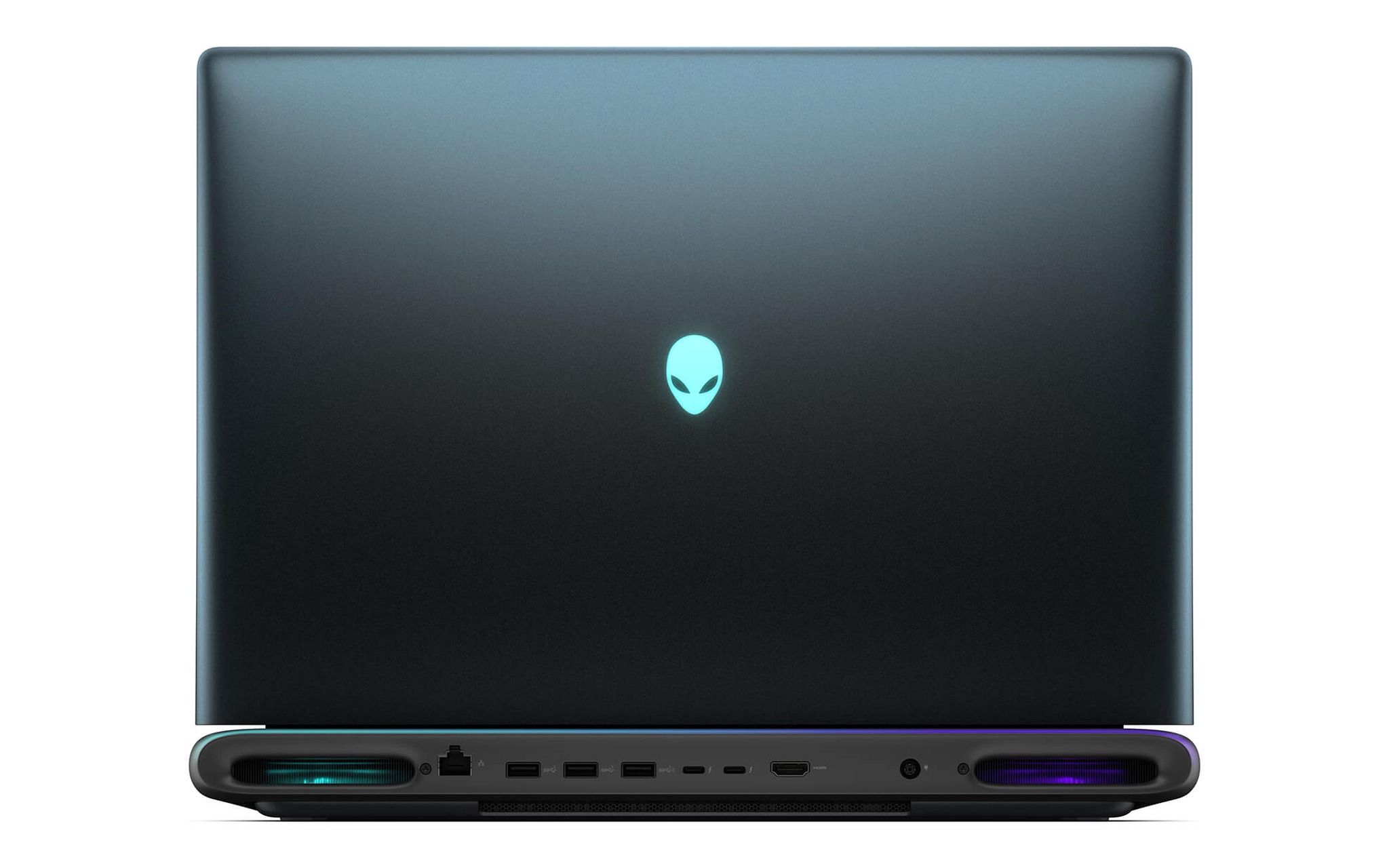
Trang sản phẩm mô tả hệ tản nhiệt Cryo-Chamber và tổng công suất hệ thống 280W, lợi thế đến từ thể tích khung 18 inch lớn hơn cho luồng khí. Khung vỏ lớn thường giúp card RTX 5080 duy trì công suất ổn định hơn trong phiên chơi dài, dù con số TGP cụ thể phụ thuộc cách hãng cấu hình. Màn 18 inch giữ độ phân giải 2560 x 1600 nên mật độ điểm ảnh thấp hơn bản 16 inch, bù lại vùng hiển thị rộng hơn khi chơi game chiến thuật hoặc mô phỏng.
Bản RTX 5090 24GB của Alienware 18 Area-51 có giá 125 triệu, kèm 64GB RAM và SSD 2TB. Khoản chênh 30,2 triệu đổi lấy FPS cao hơn khoảng 7 đến 24% ở QHD, cùng gấp đôi RAM và dung lượng lưu trữ. Với người chỉ chơi game, cấu hình card RTX 5080 giá 94,8 triệu là điểm dừng hợp lý hơn trong phân khúc gaming cao cấp; bản RTX 5090 chỉ đáng tiền khi bạn cần 24GB VRAM cho dựng 3D hoặc AI cục bộ. Chính sách bảo hành trên trang sản phẩm là 12 tháng kèm 1 đổi 1 trong 30 ngày.
Legion Pro 7 và bài toán lùi về 5070 Ti hay lên 5090
Lenovo Legion Pro 7 16IAX10H (2025) là mốc so sánh cần thiết vì đang có hai bản nằm sát hai đầu của RTX 5080. Bản RTX 5070 Ti 12GB giá 69,99 triệu và bản RTX 5090 24GB giá 94,99 triệu, cùng Core Ultra 9 275HX, 32GB RAM, SSD 1TB và màn WQXGA 240Hz. Khi muốn cân hai đầu giá này với một laptop RTX 5080, trang Lenovo Legion Pro 7 16IAX10H-83F5008VVN (2025) cho bạn chọn nhanh giữa hai cấu hình.
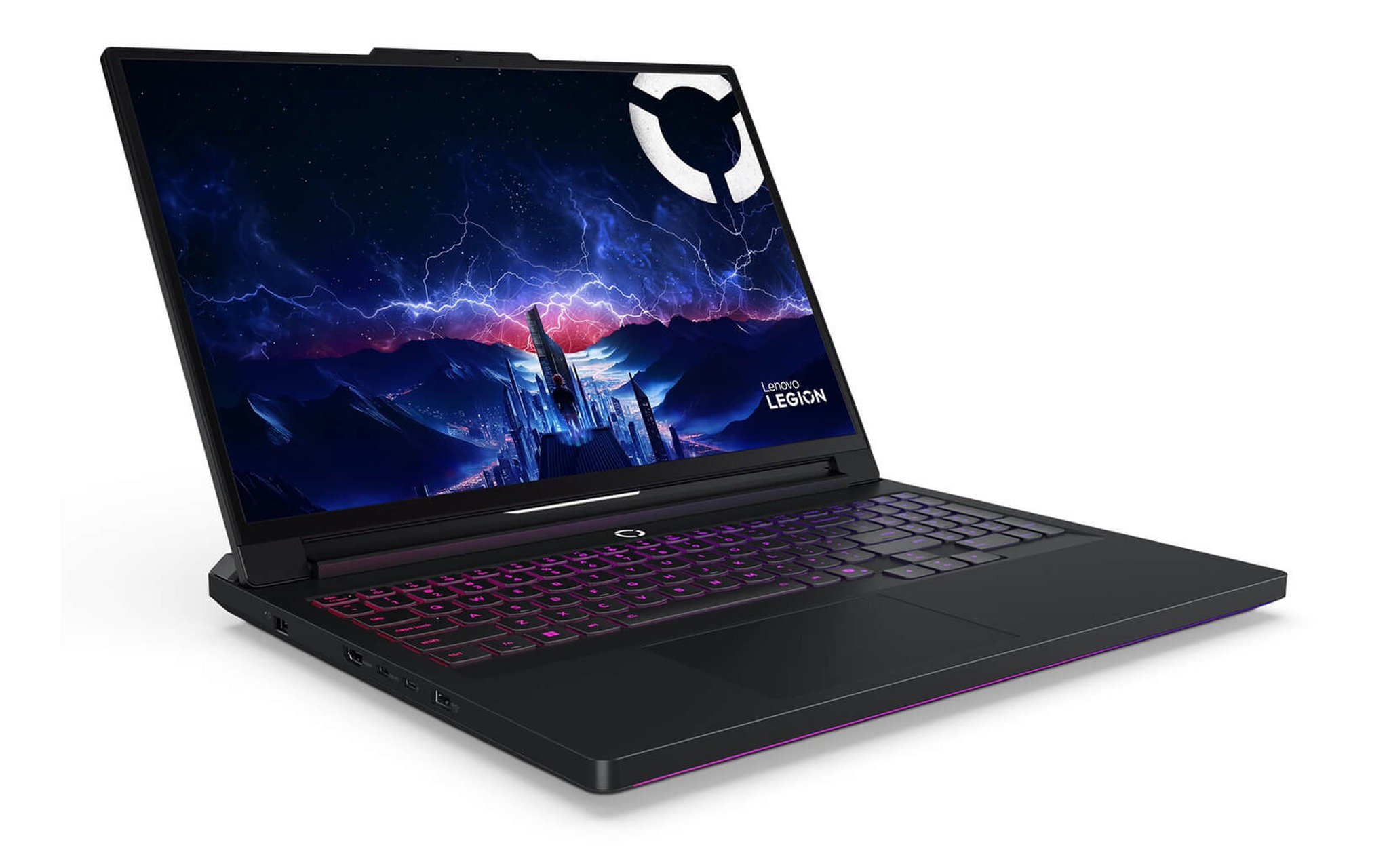
Nếu ngân sách dừng quanh 70 triệu, bản RTX 5070 Ti là phương án tiết kiệm nhất của nhóm gaming cao cấp trong bài, rẻ hơn gần 20 triệu so với Alienware 16 Area-51. Bạn chấp nhận FPS thấp hơn laptop RTX 5080 khoảng 21 đến 38% ở QHD, đổi lại nhận bảo hành 36 tháng chính hãng Lenovo Việt Nam và tấm nền OLED theo mô tả sản phẩm. Phương án này hợp người chơi chủ yếu game eSports, nơi 12GB VRAM chưa phải điểm nghẽn.
Bản RTX 5090 của Legion Pro 7 lại đặt ra phép so đáng suy nghĩ: chỉ đắt hơn Alienware 18 Area-51 bản RTX 5080 khoảng 190 nghìn đồng và hơn Alienware 16 Area-51 khoảng 5,1 triệu. Nếu bạn ưu tiên FPS tối đa trong khung 16 inch, đây là phương án đáng cân nhắc hơn card RTX 5080; muốn biết khung vỏ này giữ công suất ra sao khi tải nặng, bài Legion Pro 7 gánh RTX 5090 24GB: Tản nhiệt giữ được bao nhiêu TGP? đã đo riêng phần tản nhiệt.
Câu hỏi thường gặp khi chọn laptop RTX 5080
Laptop RTX 5080 có đủ sức chơi game ở độ phân giải 4K không?
Theo dữ liệu Notebookcheck, RTX 5080 Laptop đạt trung bình 45,9 FPS ở Cyberpunk 2077 4K Ultra và 42,1 FPS ở Crimson Desert 4K Cinematic. Mức này dưới ngưỡng 60 FPS, nên bạn cần bật upscaling như DLSS nếu muốn chơi 4K. Các mẫu trong bài đều dùng màn QHD+, vì vậy 4K chủ yếu áp dụng khi bạn xuất hình ra màn hình ngoài.
Chỉ chơi game eSports thì nên chọn card RTX 5080 hay RTX 5070 Ti?
Ở Counter-Strike 2 thiết lập Very High độ phân giải 1920 x 1080, Notebookcheck ghi nhận RTX 5070 Ti Laptop đạt trung bình khoảng 174 FPS, còn RTX 5080 Laptop khoảng 205 FPS. Cả hai đều vượt xa 60 FPS, nên với game eSports, bản RTX 5070 Ti giúp bạn giữ lại gần 20 triệu cho màn hình ngoài hoặc phụ kiện.
Laptop RTX 5080 với 16GB VRAM có hợp cho dựng 3D và AI cục bộ không?
16GB VRAM của card RTX 5080 đáp ứng phần lớn dự án dựng hình và biên tập video ở mức phổ thông tới khá. Khi dự án có cảnh 3D rất lớn hoặc bạn cần chạy mô hình AI nặng ngay trên laptop, 24GB của RTX 5090 cho biên độ an toàn hơn, đổi lại mức giá cao hơn từ 5 đến hơn 30 triệu tùy khung vỏ.
Nên chọn Alienware 16 Area-51 hay Alienware 18 Area-51 bản RTX 5080?
Với laptop RTX 5080 của Alienware, bản 16 inch giá 89,9 triệu có SSD 2TB và khung gọn hơn, hợp khi bạn thỉnh thoảng mang laptop theo. Bản 18 inch giá 94,8 triệu có màn 300Hz và khung lớn cho luồng khí thoáng hơn, hợp khi laptop gần như đặt cố định trên bàn. Cả hai dùng cùng Core Ultra 9 275HX và RTX 5080 16GB.