

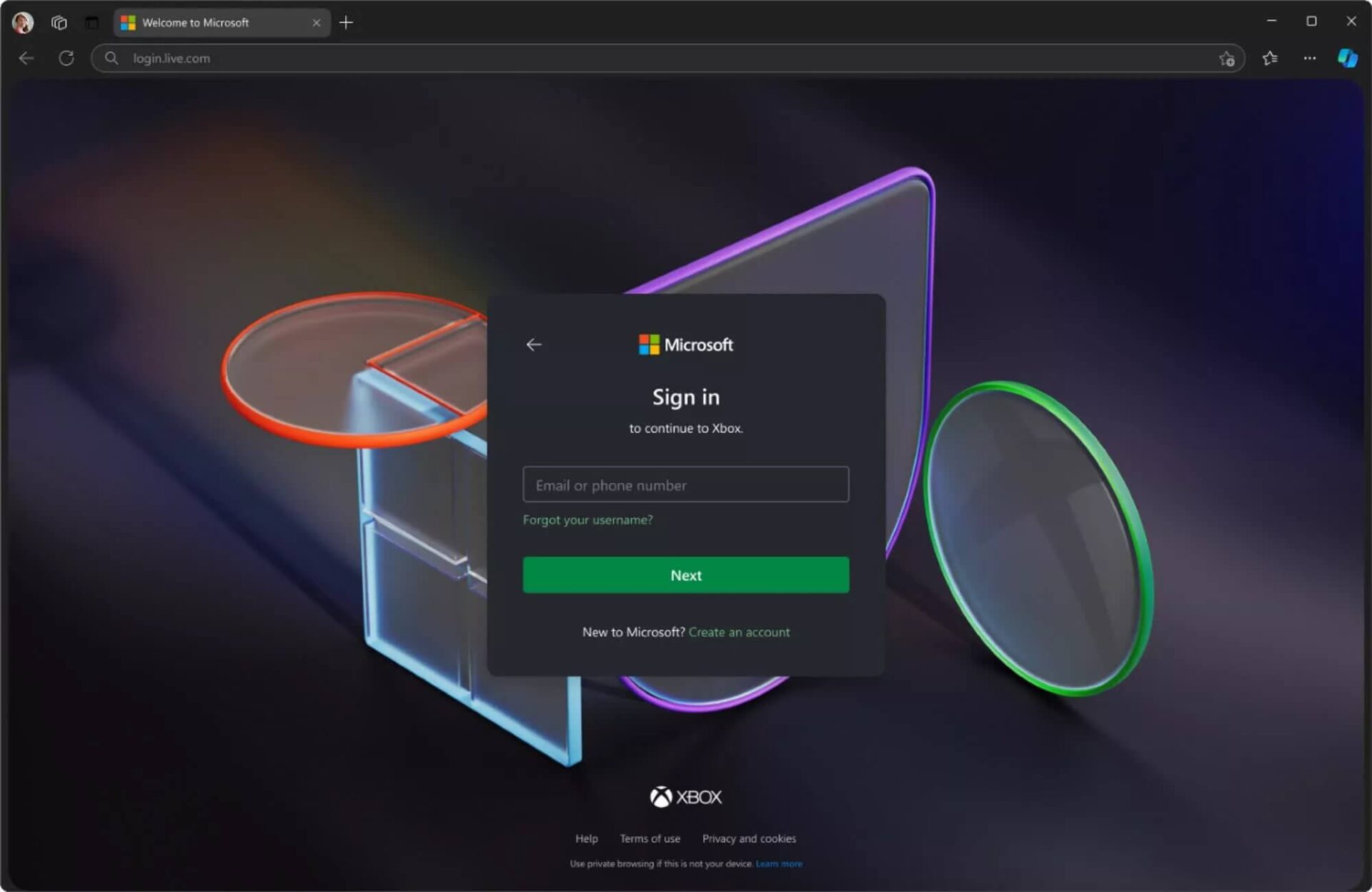
Microsoft tightens Microsoft account login requirements in Windows 11
Recently, Microsoft has quietly removed the BypassNRO.cmd script from Windows 11 Insider builds, a tool that was once very useful for bypassing the Microsoft account requirement during the operating system installation process. Instead of allowing the creation of a local account, Microsoft now requires users to have an internet connection and a Microsoft account to complete the setup process.
According to a Microsoft blog post, the removal of BypassNRO.cmd aims to "improve security and user experience." However, this change has caused significant frustration for many users, especially those who want to maintain privacy or do not want to link their personal accounts to Microsoft.
How to bypass the Microsoft account with a new simple command
The "start ms-cxh:localonly" command makes creating a local account easier
While methods like registry editing are still available, they are difficult to perform and carry potential risks for average users. Fortunately, a user named Witherornot1337 shared a much simpler method on the X (Twitter) platform.
Users only need to:
- During Windows installation, press Shift + F10 to open the Command Prompt window.
- Type the following command and press Enter:
start ms-cxh:localonly
Immediately after, an old-style setup interface similar to Windows 10 will appear, allowing users to create a local account with a username and password without needing an Internet connection or system modifications. This is an extremely convenient option, confirmed by PC World to work effectively without requiring a system restart.
Scope of impact and the future of this trick
Currently, the removal of BypassNRO.cmd only affects Windows 11 Insider builds in the Dev Channel. Stable releases can still use this script as usual. However, if Microsoft maintains this direction, there is a high possibility that the BypassNRO.cmd script will disappear from official versions in the near future.
Consequently, the command start ms-cxh:localonly could become the only temporary escape for those who do not want to use a Microsoft account when installing Windows. The big question is: Will Microsoft patch this loophole in upcoming updates?
Reasons why many users want to keep local accounts
Forcing users to log in with a Microsoft account during operating system installation has sparked much controversy. Some common reasons cited by users include:
- No Microsoft account or no desire to create one.
- Privacy concerns, especially in the context of tech companies increasingly collecting user data.
- Wanting faster logins without needing internet authentication.
- Avoiding security risks if a Microsoft account is leaked, such as the recent incident with Oracle.
For a long time, many loyal Windows users have been accustomed to quick and simple installations using local accounts. Therefore, Microsoft's new changes have disappointed many.
Summary: Microsoft tightening account requirements during Windows 11 installation is a clear move to tighten control over its ecosystem. However, users still have needs for personalization and privacy control. The command start ms-cxh:localonly is currently the simplest, fastest, and most effective solution to bypass the Microsoft account requirement during the installation process. Although it is only a temporary solution, it is a vital lifeline for the community that prefers a pure and private Windows experience.











