


The "Update and shut down" option in Windows 10 and Windows 11 should do exactly what its name implies: install all pending updates and then turn off the computer. In theory, this feature is extremely convenient at the end of a workday or after gaming, ensuring the computer is patched and ready for the next morning. However, in practice, this feature has failed to work correctly, causing prolonged frustration for users for an entire decade. Now, Microsoft has finally released this critical fix, ending one of the most persistent bugs in the Windows operating system.
The "Update and shut down" bug drains laptop batteries
As Windows Latest pointed out, to apply a patch, Windows needs to boot into an offline servicing phase because it cannot update files that are currently in use. Ideally, once completed, Windows should shut down as promised. Instead, the machine automatically restarts to the login screen. This is the core of the issue, leading users to mistakenly believe the machine is completely off when it is actually still consuming power.
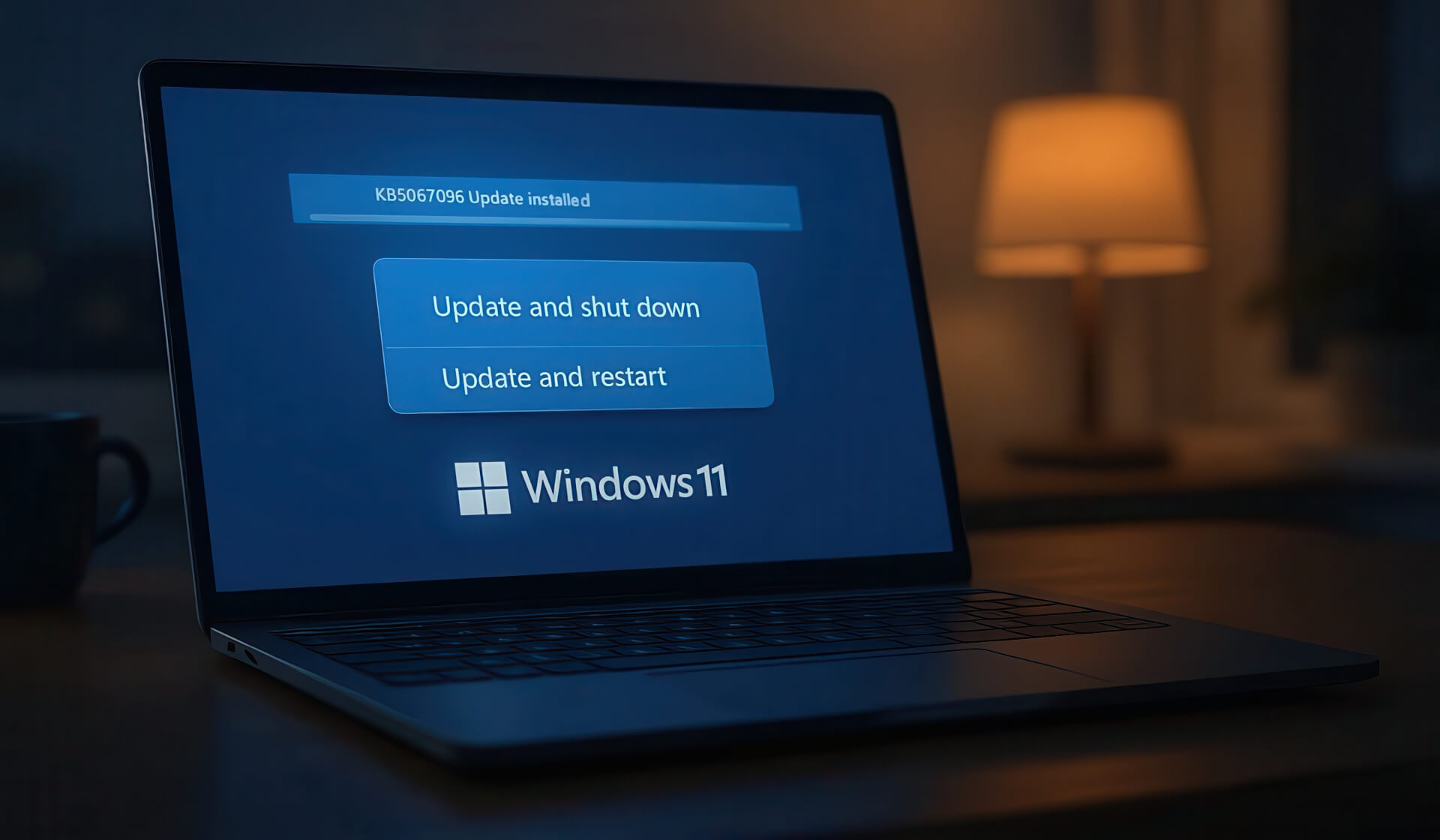
Depending on the situation, this issue can be a minor nuisance or a serious "productivity killer." For desktop users, they often only need to log back in to continue their work. However, laptop users may return to find the battery completely drained - this can cost them hours of waiting for the machine to recharge and restart, significantly impacting work, especially when needing to travel urgently.
The reason why Windows fails to shut down as promised has not been clearly explained by Microsoft. The company only mentioned that this fix improves the performance of the servicing stack - the software that manages updates. We may have to wait for more information from Microsoft veterans like Raymond Chen to better understand the root cause of this long-standing bug.
KB5067035 patch and the cautious attitude of Windows users
Regardless of the technical reason, the Windows 11 servicing stack update (KB5067035) - 26100.7010 is expected to thoroughly resolve this issue. This non-security update is being delivered through two stages: gradual rollout and normal rollout. The two-stage approach indicates that Microsoft is being more cautious in distributing the patch to avoid widespread issues.
However, many users will certainly choose to skip this optional update. We cannot blame them. Windows 11 has a less-than-stellar history regarding update reliability. If the "Update and shut down" bug hasn't caused too much trouble for users so far, they might feel safer skipping the fix. They are concerned about the risk that the patch could cause conflicts or other functional errors in the system.
This event serves as a reminder that even small, seemingly harmless bugs that persist for decades can significantly impact user experience. While it is good news that Microsoft is finally fixing this bug, it comes with the usual vigilance regarding the stability of Windows Update. Users will need time to verify whether this fix actually works effectively and does not cause any other issues before the "Update and shut down" feature truly becomes the convenient tool it is meant to be.











