


Pixelation and the Censored effect have long been used to hide sensitive or private content in videos, but now, the ability to restore these obscured images has become easier than ever thanks to open-source tools and motion-based image processing techniques.
Motion alone is enough to restore censored details
An experimental video from famous YouTuber Jeff Geerling has stunned the online community. In the video, Geerling issued a challenge: anyone who could identify the pixelated content in a file window would receive $50. The result: after only 24 hours, a series of people had submitted relatively accurate reconstructions, despite it being from a censored video.
The reason lies in one crucial point: when censored or pixelated content moves within the frame, tools like FFmpeg or GIMP can aggregate data from multiple frames to reconstruct the original image. Each frame reveals a small piece of information - and when enough are combined, the result becomes much clearer.
This technique is called motion-based reconstruction and is quite similar to temporal anti-aliasing technology in games - such as TAA, FSR, or DLSS - which is used to upscale resolution by aggregating data from consecutive frames.
The more frames, the easier the restoration
A GitHub user named KoKuToru demonstrated how to use FFmpeg to extract over 200 frames from a pixelated video. Then, edge detection techniques were used to create clearer images.
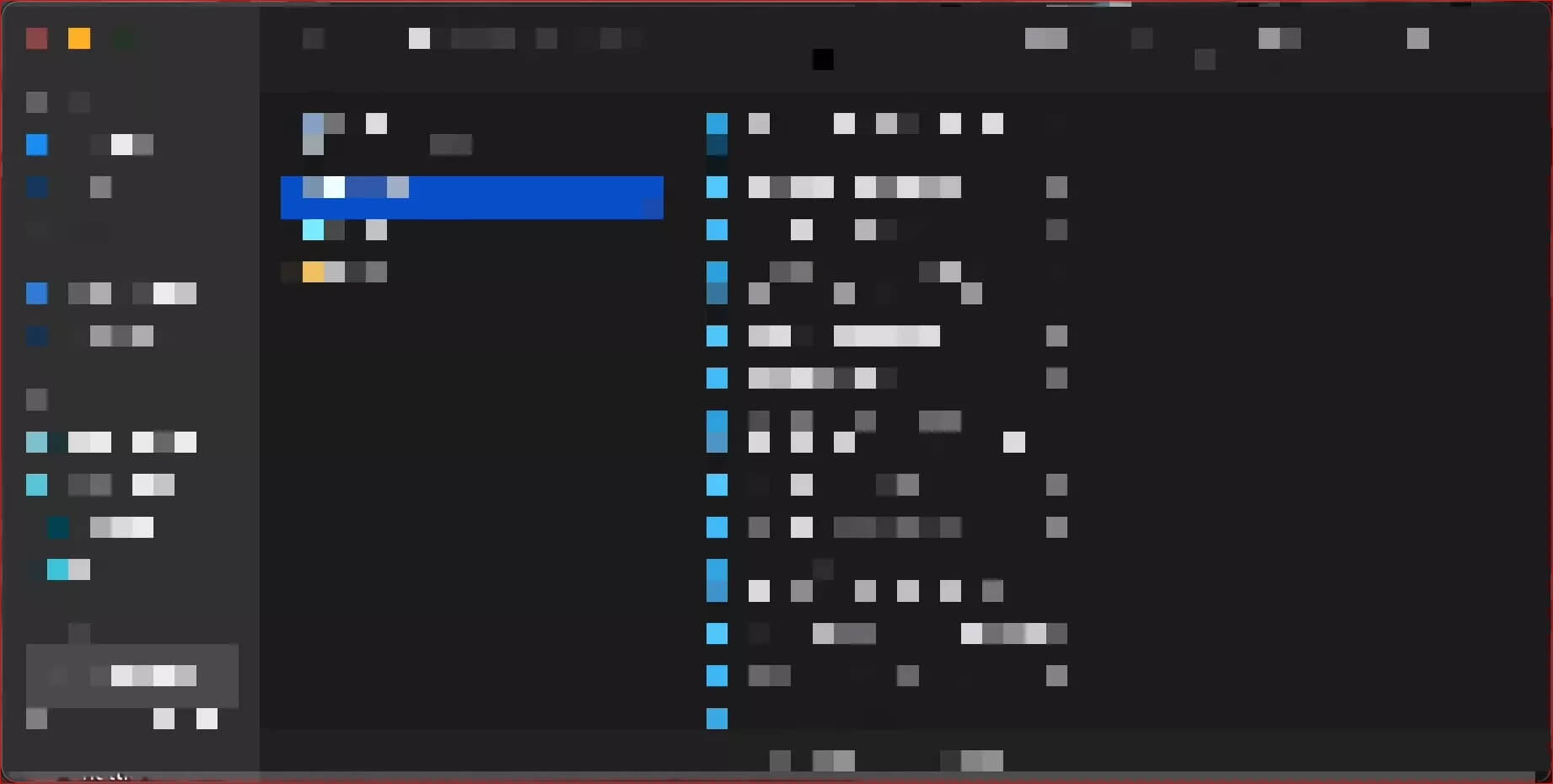
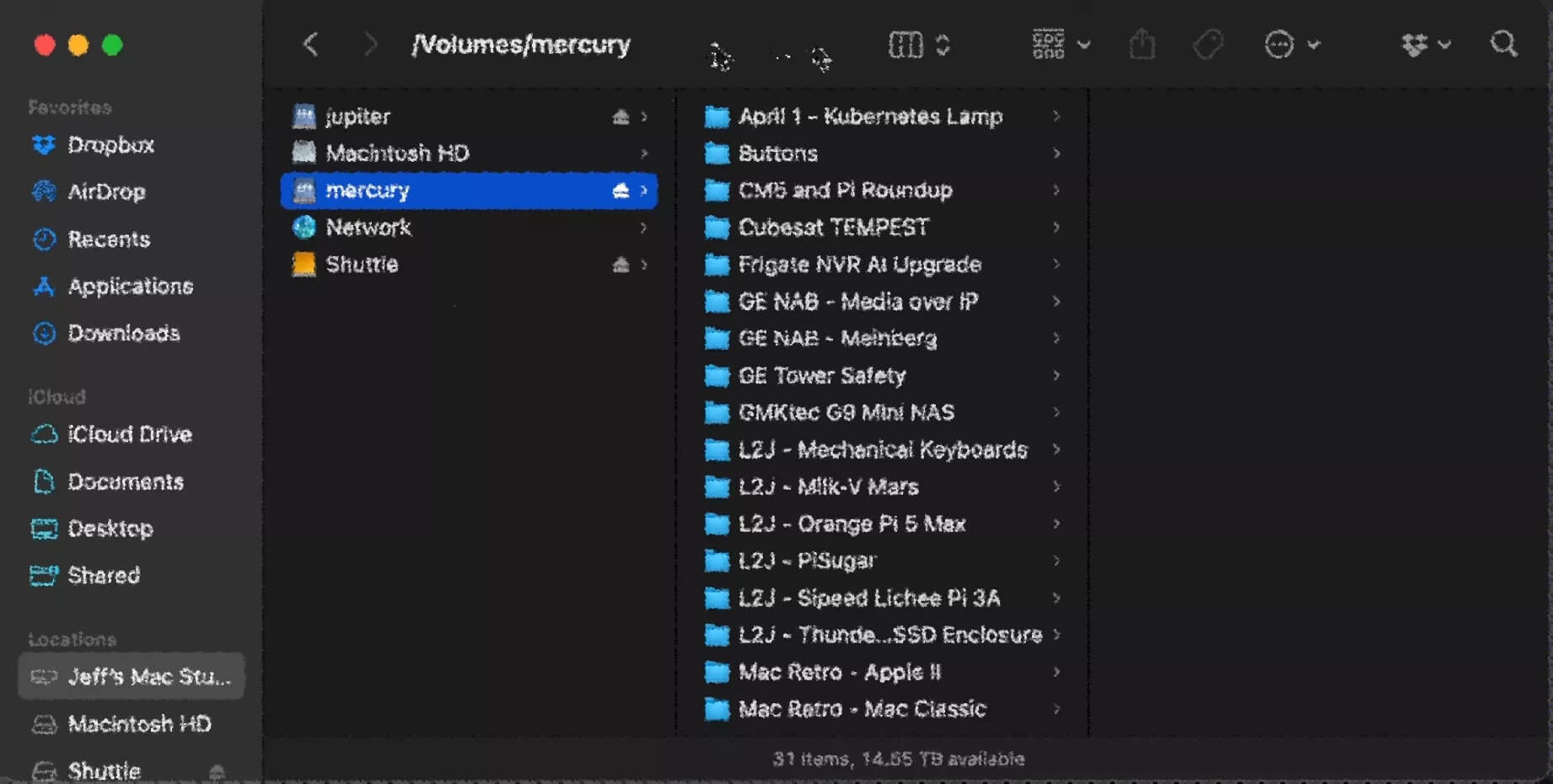
The results show that with even slight object movement or camera shifts, pixelation becomes almost ineffective. This poses a massive risk for anyone wanting to hide personal information, license plates, screens, documents, or faces in videos.
Blur filters are not much safer either. Jeff Geerling noted that astronomical image processing techniques - originally developed to remove atmospheric blur - can be fully applied to restore images censored with standard video filters.
Don't film it if you don't want it revealed - or cover it completely with solid colors
These findings provide a clear warning: if you want to truly hide information, do not just use pixel or blur effects. The safest way is to completely cover it with solid, opaque shapes, or avoid filming the content you need to hide from the start.
In the age of AI, with motion tracking and deblurring becoming increasingly powerful, standard censoring is no longer safe. As long as the video has movement, any attempt to hide content with filters can be easily undone - even with free tools.
You should think carefully before sharing any video content that contains elements requiring privacy.











