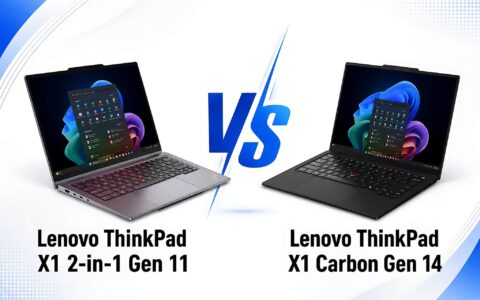
This Lenovo ThinkPad X1 2-in-1 Gen 10 Aura Edition 2025 review was written after direct hands-on experience in a real-world work environment-not just a spec sheet summary. If you are considering spending nearly 48 million VND on this enterprise 2-in-1 laptop, there are things you need to know beforehand that product pages never explicitly state. This article will frankly analyze both the strengths and the trade-offs of the Lenovo ThinkPad X1 2-in-1 Gen 10 Aura Edition 2025.
First impressions of design and build quality
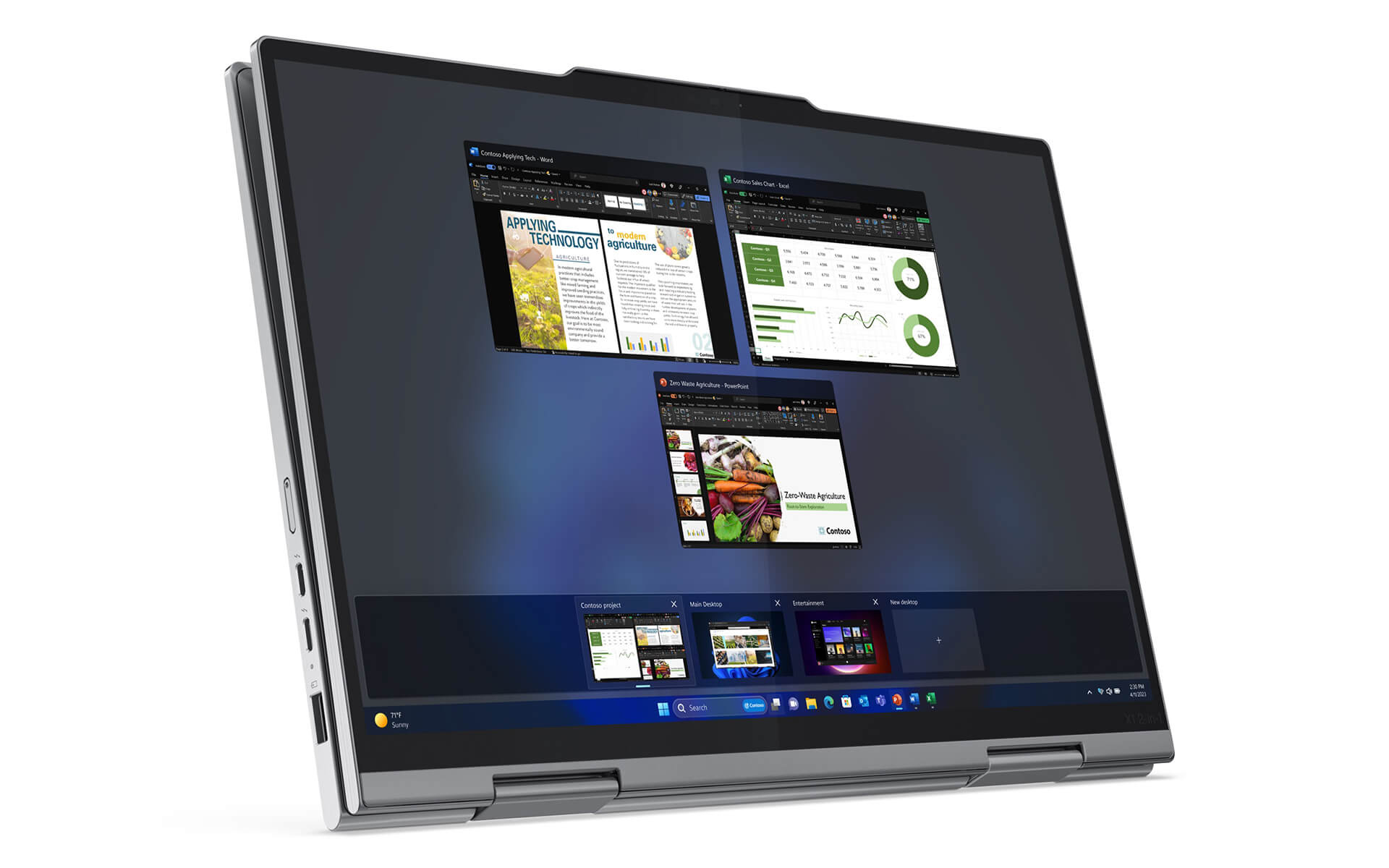
Picking up the ThinkPad X1 2-in-1 Gen 10 for the first time, the immediate impression is a fascinating contradiction: it looks serious with a traditional corporate design, yet it feels much lighter than expected. At 1.35kg for a 14-inch chassis, this is an excellent figure compared to the general market of enterprise laptops in the same segment.
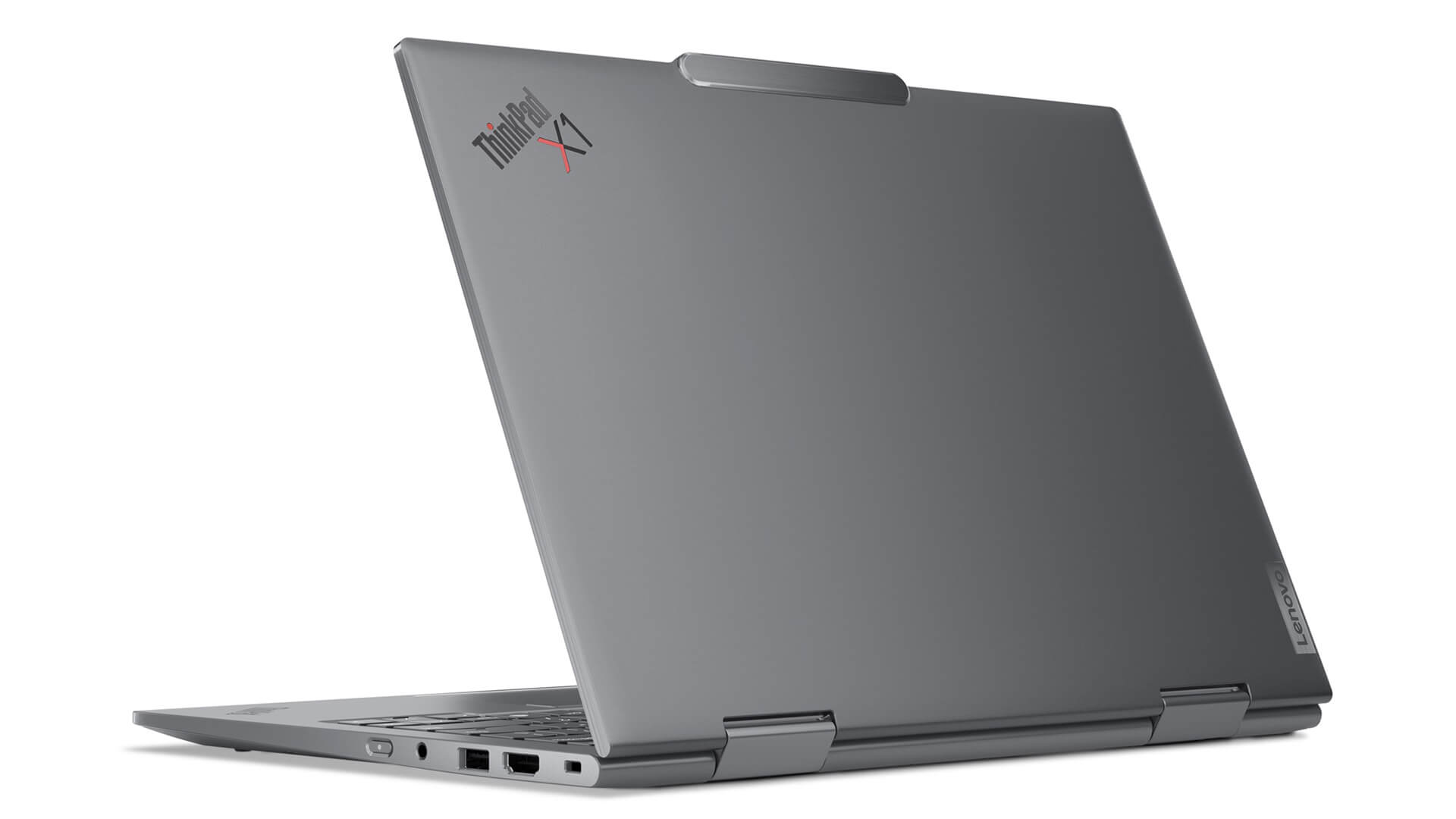
The aluminum alloy chassis is well-finished, with no cheap feeling in any detail. The lid has a slight matte texture that provides a good grip and minimizes fingerprints. The classic ThinkPad Carbon Black color looks professional in any setting-from meeting rooms to coffee shops.
The 360-degree hinge operates sturdily, without the screen flipping backward during gentle movement. The hinge requires moderate force-not too stiff, not too loose. This is a crucial detail because the hinge is often the most vulnerable part of a 2-in-1 laptop after long-term use. The ThinkPad X1 2-in-1 Gen 10 meets MIL-STD-810H standards with 26 durability tests, so concerns about long-term durability are unnecessary.
Performance review: Intel Core Ultra 7 265U and real-world AI PC platform
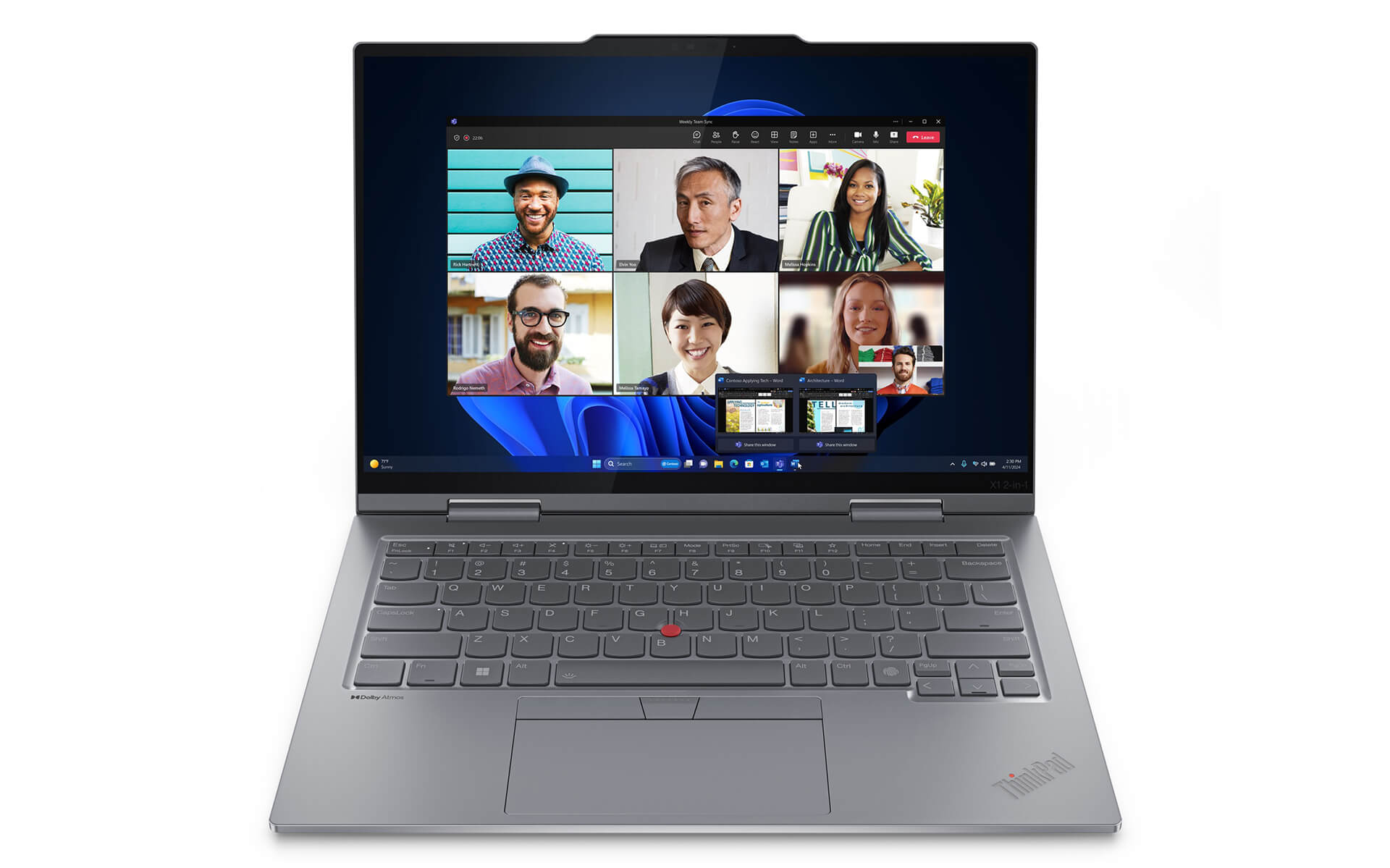
The Intel Core Ultra 7 265U is Intel's latest U-series chip, designed to optimize the balance between performance and battery life for thin and light laptops. With 12 cores, 14 threads, and a max clock speed of 5.3GHz, it is powerful enough to handle all professional office tasks without worrying about freezing or lagging.
The real differentiator of this configuration is the NPU (Neural Processing Unit) delivering 12 TOPS integrated directly into the chip, combined with the Intel Arc Xe2 GPU reaching 60 TOPS-totaling 48 TOPS of AI power, meeting Copilot+ PC standards. In practice, this means AI features like live captions, document summarization, and background noise cancellation in meetings run locally on the device without needing to send data to the cloud-which is vital for high-security work environments.
| Specification | Technical Details |
|---|---|
| CPU | Intel Core Ultra 7 265U vPro (12C/14T, up to 5.3GHz, 12 TOPS NPU) |
| RAM | 64GB LPDDR5X 8533MHz (soldered) |
| SSD | 1TB PCIe Gen 5 M.2 |
| GPU | Intel Arc Xe2 Graphics (60 TOPS) |
| Display | 14" WUXGA (1920x1200) IPS Touch, 100% sRGB, 500nit, Eyesafe |
| Battery | 57 Wh, USB-C fast charging |
| Connectivity | 2x Thunderbolt 4, 2x USB-A, HDMI 2.1, Wi-Fi 7, BT 5.4 |
| Weight | 1.35 kg |
The 64GB LPDDR5X RAM ensures the machine handles all multitasking comfortably for at least the next 4-5 years. The PCIe Gen 5 SSD is a significant plus-read speeds can reach 10GB/s, which is twice as fast as the currently common PCIe Gen 4, a difference clearly felt when opening heavy applications or working with large files.
14-inch touchscreen experience and signature ThinkPad keyboard
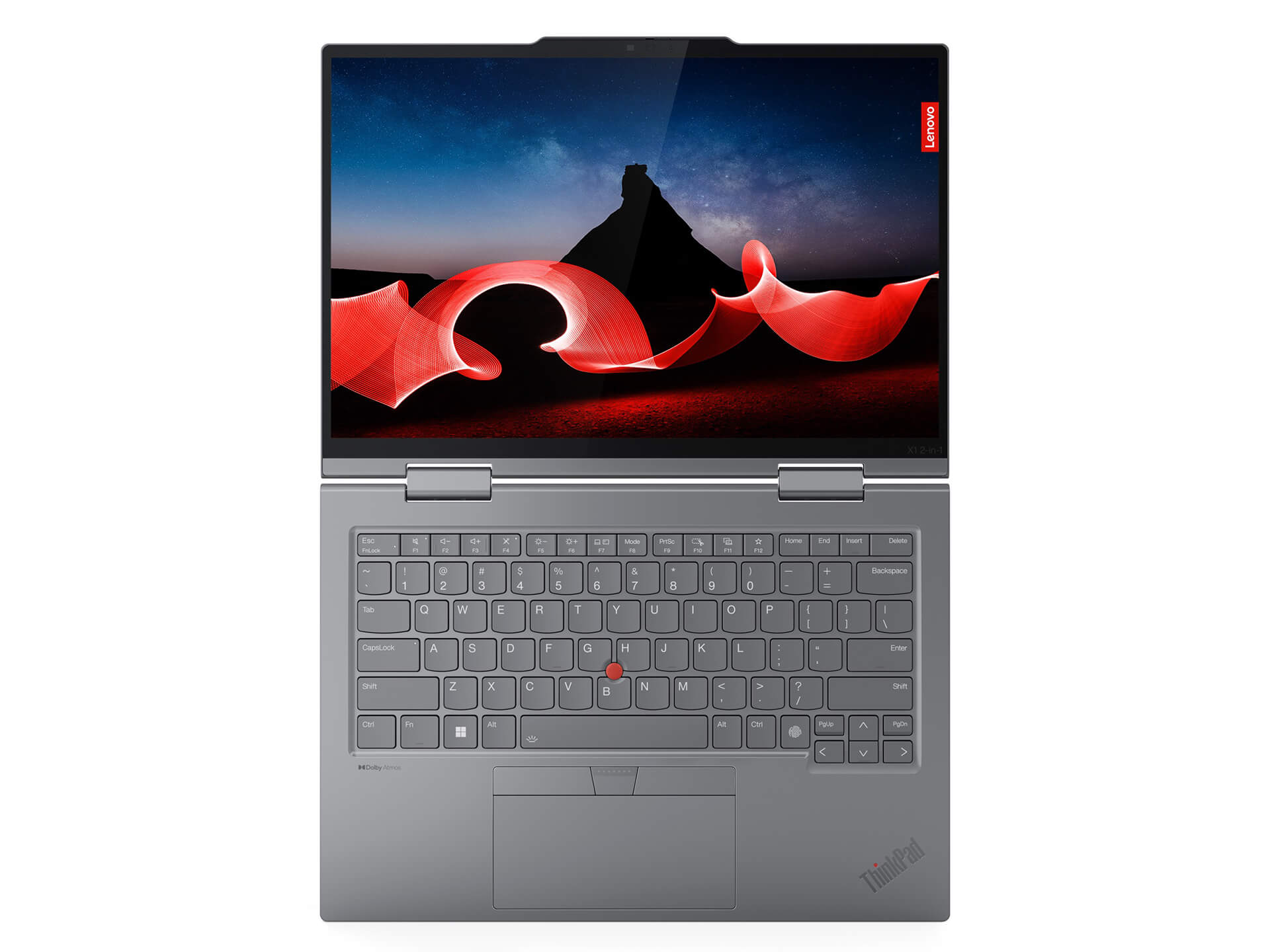
The 14-inch WUXGA (1920x1200) 16:10 display is the right choice for a productivity laptop. Compared to a 16:9 screen of the same size, the extra 112 vertical pixels provide noticeably more workspace when handling long documents or spreadsheets with many rows.
The IPS panel with 100% sRGB and 500 nits brightness is sufficient for working in most lighting conditions, including near a sunny window. The Anti-Smudge coating truly works-fingerprints are significantly less noticeable than on standard touchscreens. The Eyesafe certification reduces harmful blue light without making the screen look yellow like typical filters.
The only downside to the screen: it is not OLED. At a price point near 48 million VND, some competitors like the HP Spectre x360 14 already feature OLED panels with much higher contrast. The ThinkPad X1 2-in-1 Gen 10's IPS is great for work but cannot compete in black depth when watching movies or editing photos that require extreme color accuracy.
The ThinkPad keyboard remains one of the best laptop keyboards on the market. The 1.5mm key travel feels tactile, the layout is spacious, and the Backspace and Enter keys are large enough to allow fast typing without errors. The red TrackPoint in the center is a polarizing feature-those who haven't used it often overlook it, but once you are used to it, you rarely need to lift your hands from the keyboard to use the mouse.
Practical trade-offs you should know before buying
No product is perfect in every category, and the ThinkPad X1 2-in-1 Gen 10 Aura Edition is no exception. Here are the practical trade-offs to consider carefully before deciding:
- Soldered RAM, non-upgradable: 64GB is plenty for long-term use, but if your needs spike after a few years, there is no way to upgrade. You must choose the right configuration from the start.
- IPS screen instead of OLED: The IPS panel is good but lacks the infinite contrast of OLED. Professional photo/video editors may find it lacking.
- No SD card slot: You will need to buy a USB-C hub if you frequently import photos from a camera.
- Intel Arc Xe2 is only suitable for 2D graphics: The integrated graphics handle light photo editing, slides, and standard video well-but it lacks the power for heavy 3D rendering or AAA gaming.
- High price for official accessories: Official Lenovo Slim Pen 2 and Thunderbolt docks are significantly more expensive than third-party options, even though compatibility is better.
- Lenovo Vantage consumes background RAM: Lenovo's management app uses about 200-300MB of RAM-insignificant with 64GB, but worth noting.
Evaluating ThinkShield security, vPro, and MIL-STD-810H durability
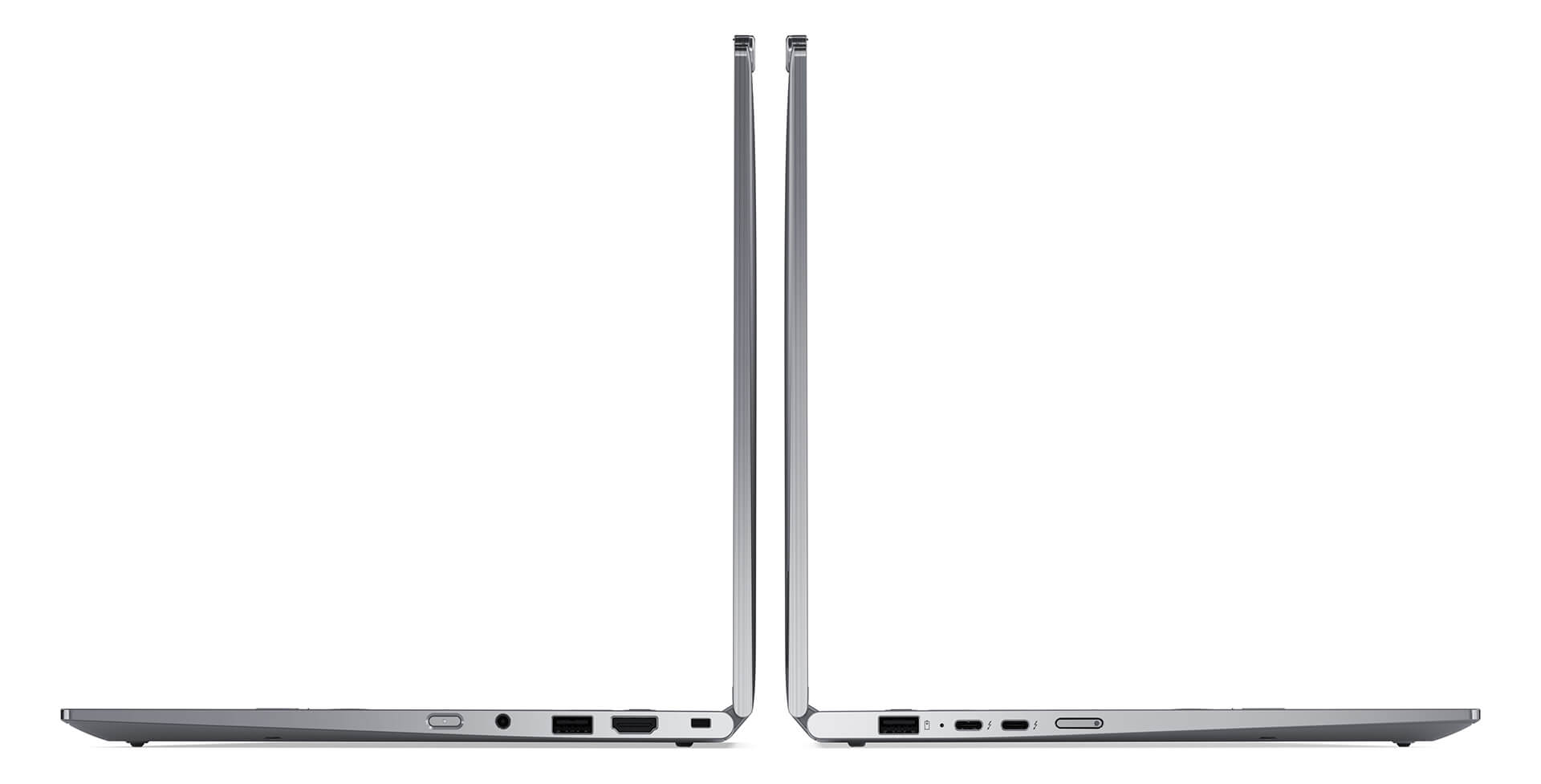
This is the primary reason why the ThinkPad X1 2-in-1 Gen 10 Aura Edition is a preferred choice in corporate environments. The ThinkShield security system includes multiple layers of protection from hardware to software that standard consumer laptops lack.
The vPro chip on the ThinkPad X1 2-in-1 Gen 10-specifically the Intel Core Ultra 7 265U-allows IT departments to remotely manage, patch, and recover the machine even if the operating system is corrupted-a vital feature for companies managing many devices. The Windows Hello IR camera on the ThinkPad X1 2-in-1 Gen 10 combined with the fingerprint sensor allows for passwordless login while maintaining high security. The physical webcam cover (Privacy Shutter) is a small but valuable detail in the era of constant online meetings.
Regarding the durability of the ThinkPad X1 2-in-1 Gen 10 Aura Edition, the MIL-STD-810H standard includes 26 real-world tests, including testing at temperatures from -20°C to 60°C, 95% humidity, vibration, shock, and sudden altitude changes. According to official information from Lenovo regarding ThinkPad MIL-SPEC standards, this is not a mere formality but a rigorous testing process in independent labs.
Combined with the dTPM 2.0 hardware encryption chip, Absolute Persistence which helps remotely wipe data if the machine is lost, and Smart USB Protection that prevents unauthorized devices from accessing data-this security suite is comparable to much more expensive specialized enterprise laptops.
| Security Feature | ThinkPad X1 2-in-1 Gen 10 | Dell XPS 13 2-in-1 | HP Spectre x360 14 |
|---|---|---|---|
| Intel vPro | ✅ Yes | ❌ No | ❌ No |
| Physical webcam cover | ✅ Yes | ❌ No | ✅ Yes |
| Military-grade durability | MIL-STD-810H | MIL-STD-810G | MIL-STD-810H |
| Remote data wipe | ✅ Absolute Persistence | Limited | Wolf Security |
Summary: Who is the ThinkPad X1 2-in-1 Gen 10 Aura Edition for?
The Lenovo ThinkPad X1 2-in-1 Gen 10 Aura Edition review shows that this is a product with a very clear target-and if you are that target, the machine will not disappoint. The ideal user profile is executives, middle to high-level managers, and consultants who travel frequently and need a reliable device in all situations.
Buy if: You need a lightweight, flexible 2-in-1 business laptop with vPro security, large RAM for multitasking, and a plan to use the device for 4-5 years. It is particularly suitable for those upgrading from older generations of the ThinkPad X1 Carbon or ThinkPad T-series to the latest AI PC platform.
Do not buy if: You need a dedicated GPU for 3D rendering/gaming, require an OLED screen for work requiring extreme color accuracy, or have a budget under 40 million VND. For those needs, you should consider the ThinkPad X1 Extreme or other more suitable mobile workstations.
Overall, the Lenovo ThinkPad X1 2-in-1 Gen 10 Aura Edition review shows that this is the most complete 2-in-1 business laptop in the current high-end segment-not because it has no weaknesses, but because its strengths align with what business professionals truly need: lightweight, durable, secure, and a long-term AI PC platform. The ThinkPad X1 2-in-1 Gen 10 does not try to win every comparison on individual specs, but wins in the overall daily user experience in a real-world work environment.
Check the promotional prices and detailed configurations of the Lenovo ThinkPad X1 2-in-1 Gen 10 Aura Edition 2025 at Hung Phat Laptop - official warranty and on-site technical support.
Frequently Asked Questions about the Lenovo ThinkPad X1 2-in-1 Gen 10 Aura Edition review
Is the ThinkPad X1 2-in-1 Gen 10 Aura Edition suitable for office and accounting work?
Yes. The machine is very suitable for users who need a thin and light business laptop that is powerful enough to handle Excel, reports, and online meetings. The 360-degree design also makes note-taking and presentations much more flexible than a standard laptop.
Is the ThinkPad X1 2-in-1 Gen 10 suitable for programmers?
It is suitable for programmers who prioritize a compact, lightweight machine, a good keyboard, a 16:10 screen, and stable multitasking. It meets the needs of web and backend coding and system management well. It is not the optimal choice for continuous heavy compilation due to being a power-efficient U-series line.
What is the actual battery life of the Lenovo ThinkPad X1 2-in-1 Gen 10 Aura Edition?
In typical office conditions (Office, Teams, Chrome), the machine lasts nearly a full workday-about 7-9 hours depending on screen brightness and task intensity. USB-C fast charging provides a quick boost when needed.
What is the warranty for the ThinkPad X1 2-in-1 Gen 10 Aura Edition at Hung Phat?
The machine comes with a 12-month official Lenovo warranty, including software support, machine cleaning, and delivery. It is suitable for both corporate clients and individuals needing clear after-sales service.
How does the ThinkPad X1 2-in-1 Gen 10 Aura Edition differ from the non-Aura version?
The Aura Edition adds environmental sensors for intelligent brightness adjustment, enhanced Intel Evo optimization, improved AI webcam, and sub-1-second wake-up-subtle details that add up to a smoother daily experience.