

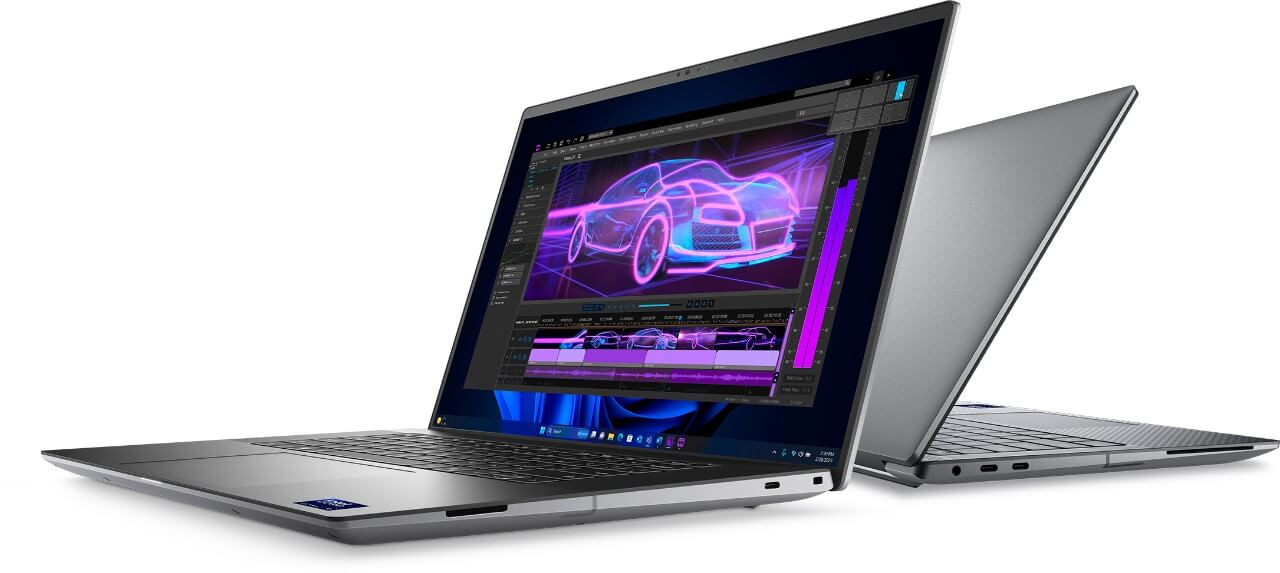
As we enter 2025, the Workstation market continues to expand strongly with the launch of many new models, meeting intensive demands from graphic design, mechanical engineering, and programming to big data analysis. Dell Precision, one of the leading workstation lines, continues to assert its position with a series of products featuring hardware upgrades, performance improvements, and designs optimized for user experience.
Choosing a workstation is not just about powerful configurations but also requires considering durability, hardware expandability, and processing performance in specialized working environments. A suitable Dell Precision can help optimize workflows, save time, and increase accuracy in every project.
Below is the list of the top 5 must-buy workstations in early 2025, along with selection criteria suitable for each profession.
Workstation Selection Criteria for Each Field of Work
Choosing a suitable workstation plays a crucial role in ensuring work performance and stability. Each profession requires a certain hardware configuration to meet the requirements of data processing, simulation, or software development. Below are the important criteria to consider when choosing a workstation suitable for each professional field.
| Field | CPU | RAM | GPU | Storage | Display | Related Software |
|---|---|---|---|---|---|---|
| Graphic Design, Video Editing | Intel Core i7/i9, AMD Ryzen 7/9 | ≥32GB DDR5 | NVIDIA RTX 2000+ / AMD Radeon Pro | SSD PCIe Gen4 ≥1TB | UHD+ / OLED, AdobeRGB 100% | Adobe Photoshop, Premiere Pro, DaVinci Resolve, Blender |
| Mechanical Engineering, Architecture | Intel Xeon, AMD Threadripper | ≥32GB DDR5 ECC | NVIDIA RTX A2000+ / AMD Radeon Pro W6600 | SSD PCIe Gen4 ≥1TB, secondary HDD storage | High resolution, 16:10 | AutoCAD, Revit, SolidWorks, SketchUp |
| Programming, Software Development | Intel Core i5/i7, AMD Ryzen 5/7 | ≥16GB DDR5 | Integrated / NVIDIA RTX 1000 | SSD PCIe Gen4 ≥512GB | FHD+ / 2K, Anti-glare | Visual Studio, IntelliJ IDEA, Android Studio, Docker |
| Data Analysis, AI | Intel Xeon, AMD Threadripper Pro | ≥64GB DDR5 ECC | NVIDIA RTX 4000+ / A5000 | SSD PCIe Gen4 ≥2TB | High resolution, multi-monitor support | TensorFlow, PyTorch, Apache Spark, Jupyter Notebook |
Choosing the correct workstation configuration based on actual needs will help optimize work and ensure long-term performance.
Top 5 Most Worthy Workstations in Q1 2025
Based on the optimal workstation selection criteria for each field of work, here is the list of the 5 best mobile workstation models in 2025 recommended by Hung Phat Laptop. Each product possesses a powerful configuration, suitable for needs ranging from graphic design, engineering, and programming to big data processing.
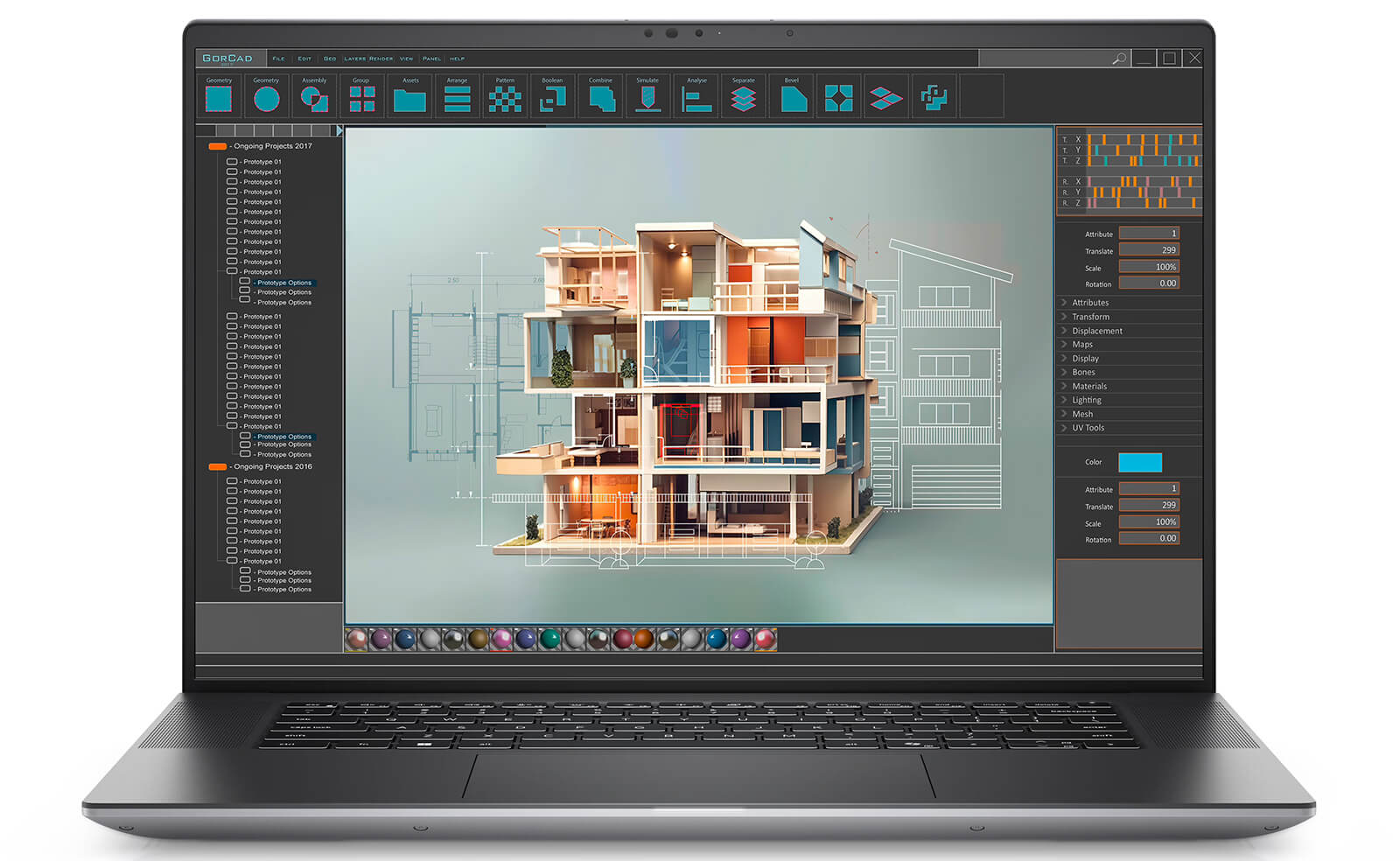
Dell Precision 5690 Mobile Workstation (2024)
Dell Precision 5690 belongs to the Dell Precision 16 line, a premium workstation model with powerful performance, meeting professional graphic, engineering, and AI research needs. The OLED UHD+ Display provides vivid imagery, providing great support for creative work.
Technical Specifications
| Component | Details | Pros | Cons |
|---|---|---|---|
| CPU | Intel® Core™ Ultra 7 165H vPro, Intel® Core™ Ultra 9 185H vPro | - Powerful performance for graphics and AI. - Stunning OLED UHD+ display. - Slim, lightweight, and modern design. | - High price. - Default storage capacity may not be sufficient for intensive needs. |
| RAM | Option: 16GB LPDDR5x 7467MHz Option: 32GB LPDDR5x 7467MHz Option: 64GB LPDDR5x 7467MHz | ||
| SSD | Option: 512GB PCIe Gen4 M.2 SSD Option: 1TB PCIe Gen4 M.2 SSD Option: 2TB PCIe Gen4 M.2 SSD | ||
| GPU | Option: NVIDIA® RTX™ 1000 Ada 6GB GDDR6 Option: NVIDIA® RTX™ 2000 Ada 8GB GDDR6 Option: NVIDIA® RTX™ 3000 Ada 8GB GDDR6 Option: NVIDIA® RTX™ 5000 Ada 16GB GDDR6 Option: NVIDIA® RTX™ 4090 16GB GDDR6 | ||
| Display | Option: 16″ IPS FHD+ (1920*1200), 60Hz, Non-Touch, 100% DCI-P3, Low Blue Light, 500 nits Option: 16″ OLED UHD+ (3840*2400), 60Hz, Touch, 100% DCI-P3, Low Blue Light, 400 nits |
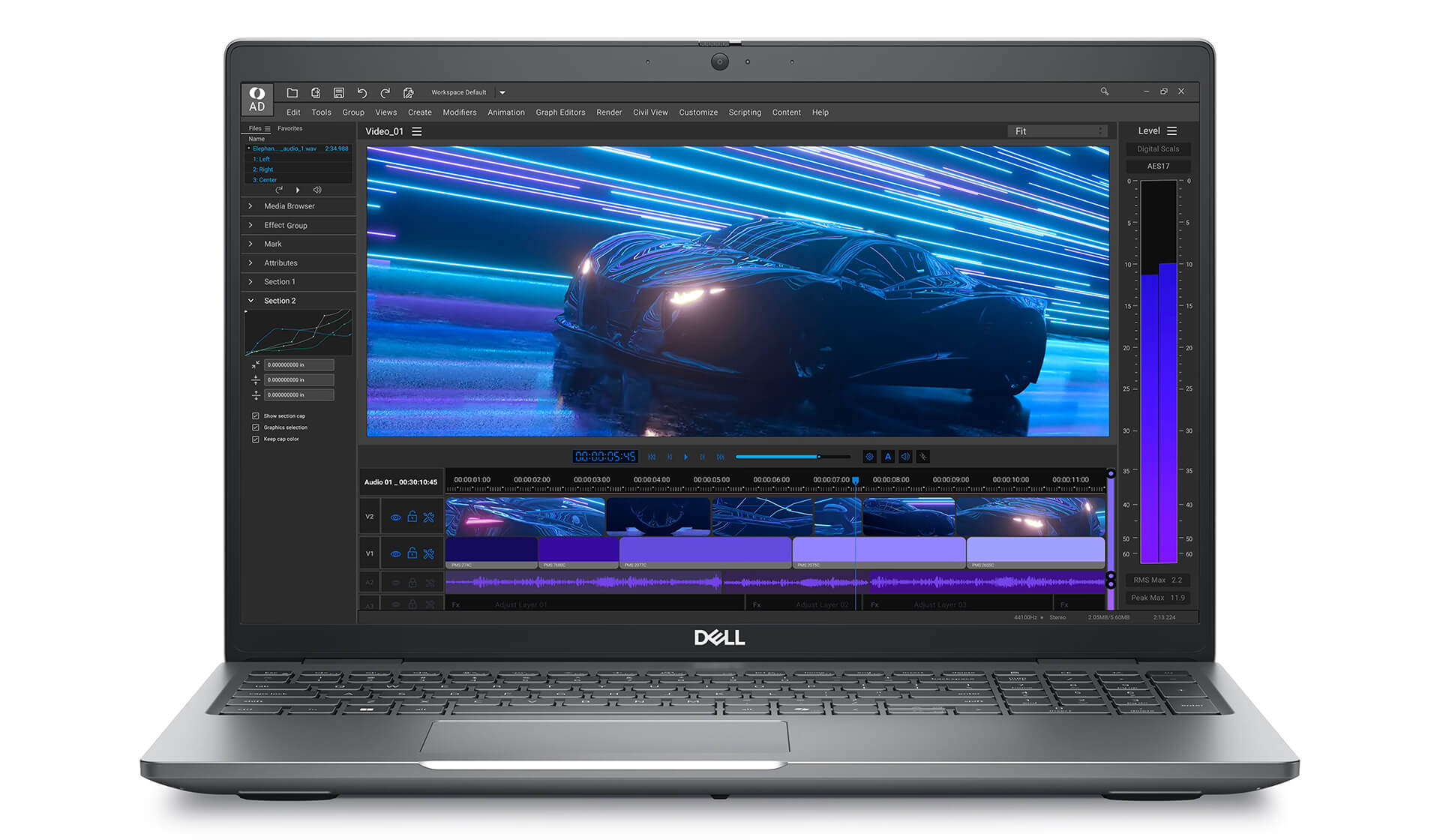
Dell Precision 3591 Mobile Workstation (2024)
Dell Precision 3591 belongs to the Dell Precision 15 line, a reliable workstation at a reasonable price, suitable for engineers, designers, and programmers. With the GPU RTX 500 ADA, it can effectively handle technical tasks and simulations.
Technical Specifications
| Component | Details | Pros | Cons |
|---|---|---|---|
| CPU | Intel® Core™ Ultra 7 165H vPro | - Good performance at a reasonable price. - Durable design. - GPU supports technical work well. | - The U-series CPU may be a drawback for customers requiring high performance. |
| RAM | Option: 16GB DDR5 5600MHz Option: 32GB DDR5 5600MHz Option: 64GB DDR5 5600MHz | ||
| SSD | Option: 512GB PCIe Gen4 M.2 SSD Option: 1TB PCIe Gen4 M.2 SSD Option: 2TB PCIe Gen4 M.2 SSD | ||
| GPU | Option: NVIDIA® RTX™ 1000 Ada 6GB GDDR6 Option: NVIDIA® RTX™ 2000 Ada 8GB GDDR6 Option: NVIDIA® RTX™ 3000 Ada 8GB GDDR6 Option: NVIDIA® RTX™ 5000 Ada 16GB GDDR6 Option: NVIDIA® RTX™ 4090 16GB GDDR6 | ||
| Display | Option: 16″ IPS FHD+ (1920*1200), 60Hz, Non-Touch, 100% DCI-P3, Low Blue Light, 500 nits Option: 16″ OLED UHD+ (3840*2400), 60Hz, Touch, 100% DCI-P3, Low Blue Light, 400 nits |
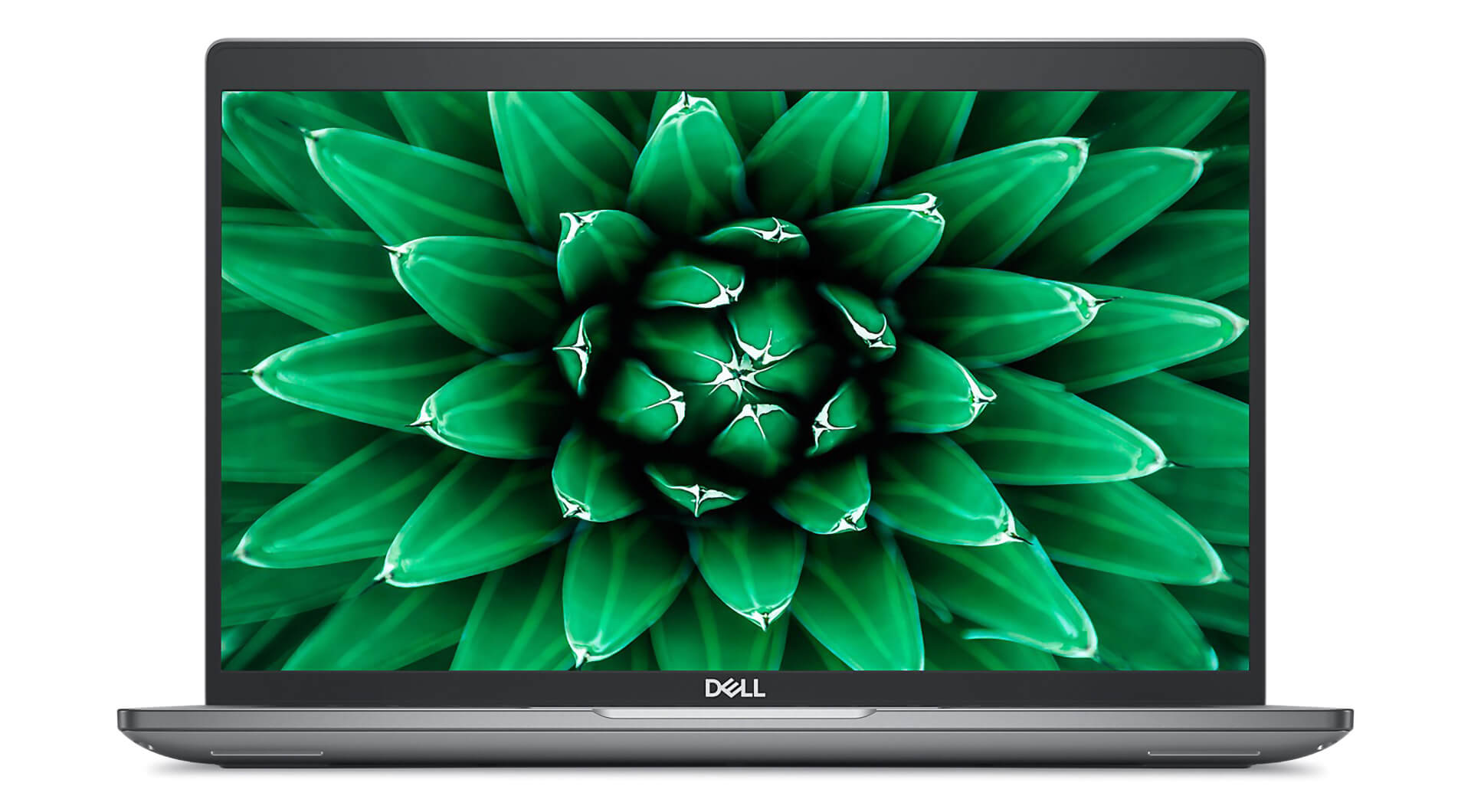
Dell Precision 3590 Mobile Workstation (2024)
Dell Precision 3590 is a notable mobile workstation with stable performance, suitable for programmers and technical experts.
Technical Specifications
| Component | Details | Pros | Cons |
|---|---|---|---|
| CPU | Intel® Core™ Ultra 7 155U vPro | - Reasonable price in the workstation segment. - Durable, compact design. - Stable performance for programming. | - Integrated GPU may be limited for some high-performance tasks. - FHD+ screen is not as sharp as OLED. - U-series CPU may be a drawback for customers requiring high performance. |
| RAM | Option: 16GB DDR5 5600MHz Option: 32GB DDR5 5600MHz Option: 64GB DDR5 5600MHz | ||
| SSD | Option: 512GB PCIe Gen4 M.2 SSD Option: 1TB PCIe Gen4 M.2 SSD | ||
| GPU | Option: NVIDIA® RTX™ 500 Ada 4GB GDDR6 | ||
| Display | Option: 15.6″ FHD (1920*1080), 60Hz, Non-Touch, EMZA Prox, 250 nits Option: 15.6″ FHD (1920*1080), 60Hz, Non-Touch, EMZA Prox, 400 nits Option: 15.6″ FHD (1920*1080), 60Hz, Touchscreen, EMZA Prox, 300 nits |
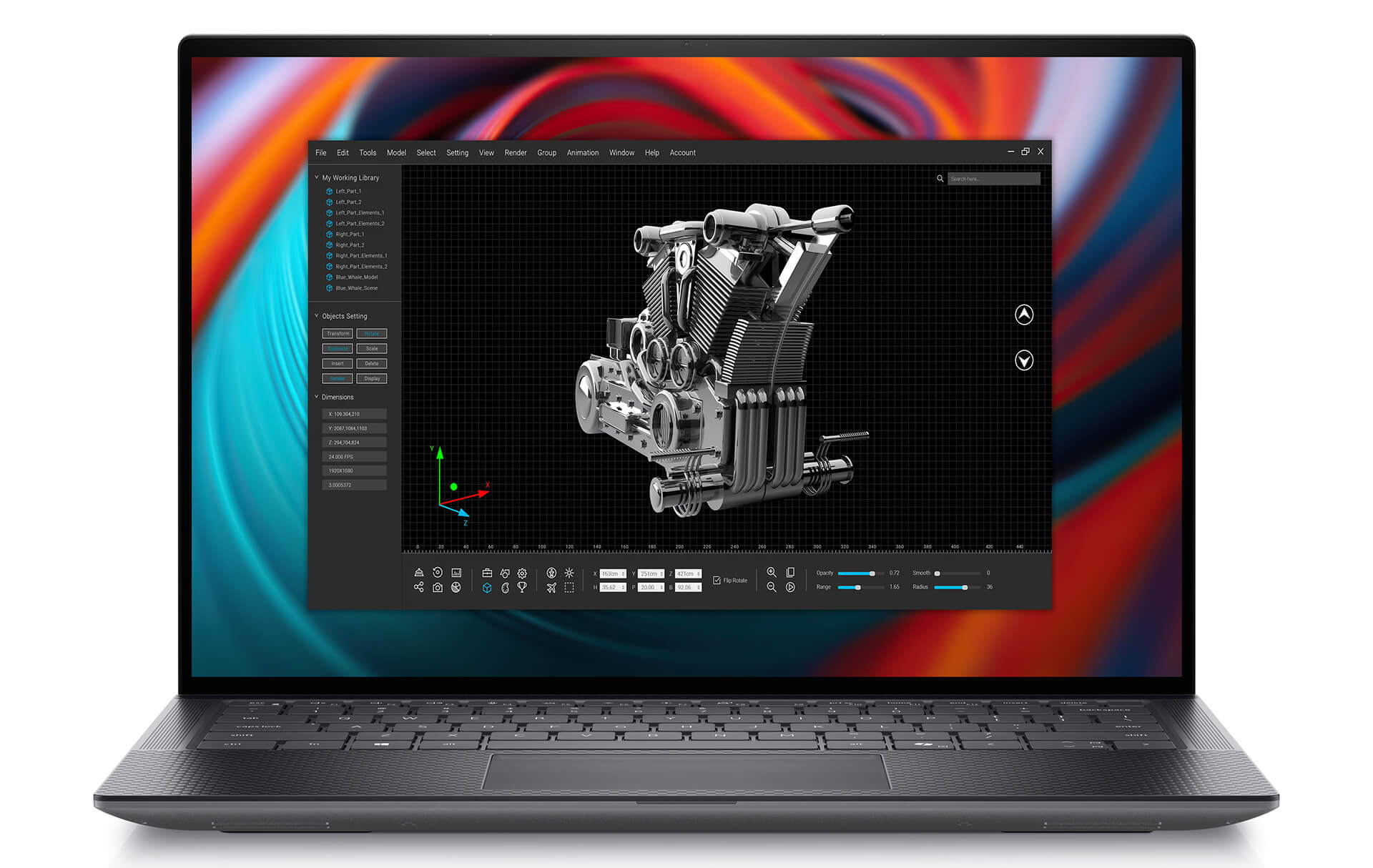
Dell Precision 5490 Mobile Workstation (2024)
Dell Precision 5490 belongs to the Dell Precision 14 line, a powerful workstation, suitable for graphic design and engineering tasks, with a dedicated GPU and a high-resolution display.
Technical Specifications
| Component | Details | Pros | Cons |
|---|---|---|---|
| CPU | Option: 14th Generation Intel® Core™ Ultra 7 155H vPro (16-Core, 22-Thread, 24MB Cache, up to 4.8GHz Max Turbo Frequency) Option: 14th Generation Intel® Core™ Ultra 7 165H vPro (16-Core, 22-Thread, 24MB Cache, up to 5.0GHz Max Turbo Frequency) Option: 14th Generation Intel® Core™ Ultra 9 185H vPro (16-Core, 22-Thread, 24MB Cache, up to 5.1GHz Max Turbo Frequency) | - Powerful dedicated GPU. - Slim and lightweight design. - Wide color gamut display. | - Higher price compared to some models in the same segment. - 14-inch screen shows less detail according to some users. |
| RAM | Option: 16GB LPDDR5X 7467MHz Option: 32GB LPDDR5X 7467MHz Option: 64GB LPDDR5X 7467MHz | ||
| SSD | Option: 512GB PCIe Gen4 M.2 SSD Option: 1TB PCIe Gen4 M.2 SSD Option: 2TB PCIe Gen4 M.2 SSD | ||
| GPU | Option: NVIDIA® RTX™ 1000 Ada 6GB GDDR6 Option: NVIDIA® RTX™ 2000 Ada 8GB GDDR6 Option: NVIDIA® RTX™ 3000 Ada 8GB GDDR6 | ||
| Display | Option: 14″ FHD+ (1920*1200), 60Hz, Non-Touch, Low Blue Light, 100% sRGB, 500 nits Option: 14″ QHD+ (2560*1600), 60Hz, Touchscreen, Low Blue Light, 100% sRGB, 500 nits |
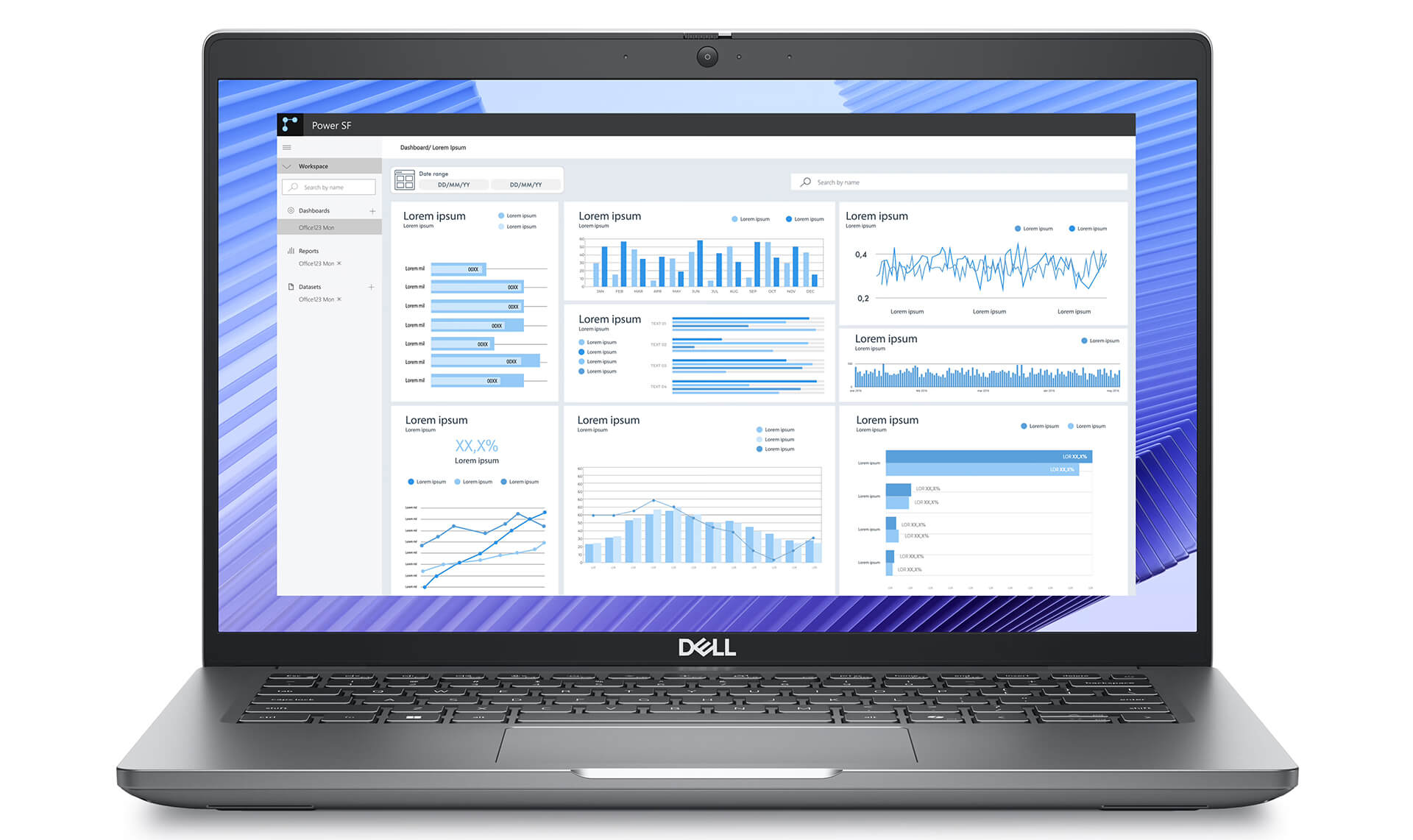
Dell Precision 3490 Mobile Workstation (2024)
Dell Precision 3490 is a compact workstation choice, suitable for programmers, engineers, and office work requiring stable performance at a reasonable price.
Technical Specifications
| Component | Details | Pros | Cons |
|---|---|---|---|
| CPU | Option: 14th Generation Intel® Core™ Ultra 5 125H vPro (14-Core, 18-Thread, 18MB Cache, up to 4.5GHz Max Turbo Frequency) Option: 14th Generation Intel® Core™ Ultra 7 155H vPro (16-Core, 22-Thread, 24MB Cache, up to 4.8GHz Max Turbo Frequency) Option: 14th Generation Intel® Core™ Ultra 7 165H vPro (16-Core, 22-Thread, 24MB Cache, up to 5.0GHz Max Turbo Frequency) | - Reasonable price. - Compact, portable design. - Stable performance for office work. | - The accompanying discrete GPU may be limited for some high-performance tasks. - No high-end OLED screen. |
| RAM | Option: 16GB DDR5 5600MHz Option: 32GB DDR5 5600MHz Option: 64GB DDR5 5600MHz | ||
| SSD | Option: 512GB PCIe Gen4 M.2 SSD Option: 1TB PCIe Gen4 M.2 SSD | ||
| GPU | Option: NVIDIA® RTX™ 500 Ada 4GB GDDR6 | ||
| Display | Option: 14″ FHD (1920*1080), 60Hz, Non-Touch, EMZA Prox, 250 nits Option: 14″ FHD (1920*1080), 60Hz, Non-Touch, EMZA Prox, 400 nits Option: 14″ FHD (1920*1080), 60Hz, Touchscreen, EMZA Prox, 300 nits |
Conclusion: Optimize Your Workstation Choice with Hung Phat Laptop
Choosing a suitable workstation not only helps optimize work performance but also ensures long-term durability and expandability. 2025 witnesses the strong development of the Dell Precision line, bringing many powerful workstation options for graphic professionals, engineers, programmers, and data analysts.
Top 5 workstations recommended by Hung Phat Laptop all possess premium configurations, powerful processing capabilities, and modern designs, meeting needs from basic to intensive. Depending on the nature of the work, users can consider the Dell Precision 5690, 3591, 3590, 5490, and 3490 lines to find the most suitable choice.
Before deciding to buy a workstation, consider budget, usage needs, and upgradeability to ensure the device can serve you well in the long term. With the latest improvements in hardware and performance, Hung Phat Laptop is committed to providing authentic Dell Precision Workstation products, helping you complete your work with the highest efficiency and precision.











