


Dell XPS 16 9640 and Lenovo ThinkPad P14s Gen 6 are both in the 35-45 million VND range, featuring new generation AI chips and sharp displays, but they represent two opposite directions. A detail many overlook: the XPS 16 is 700g to over 1kg heavier than the P14s, largely due to the RTX discrete GPU with 50-60W TGP that the P14s lacks. Instead, the P14s Gen 6 opts for the Radeon 860M iGPU combined with a 50 TOPS NPU in a chassis weighing only 1.39kg. This comparison, based on 2026 spec sheets and real-world benchmarks, helps you choose the right machine.
Key Specifications and Differences
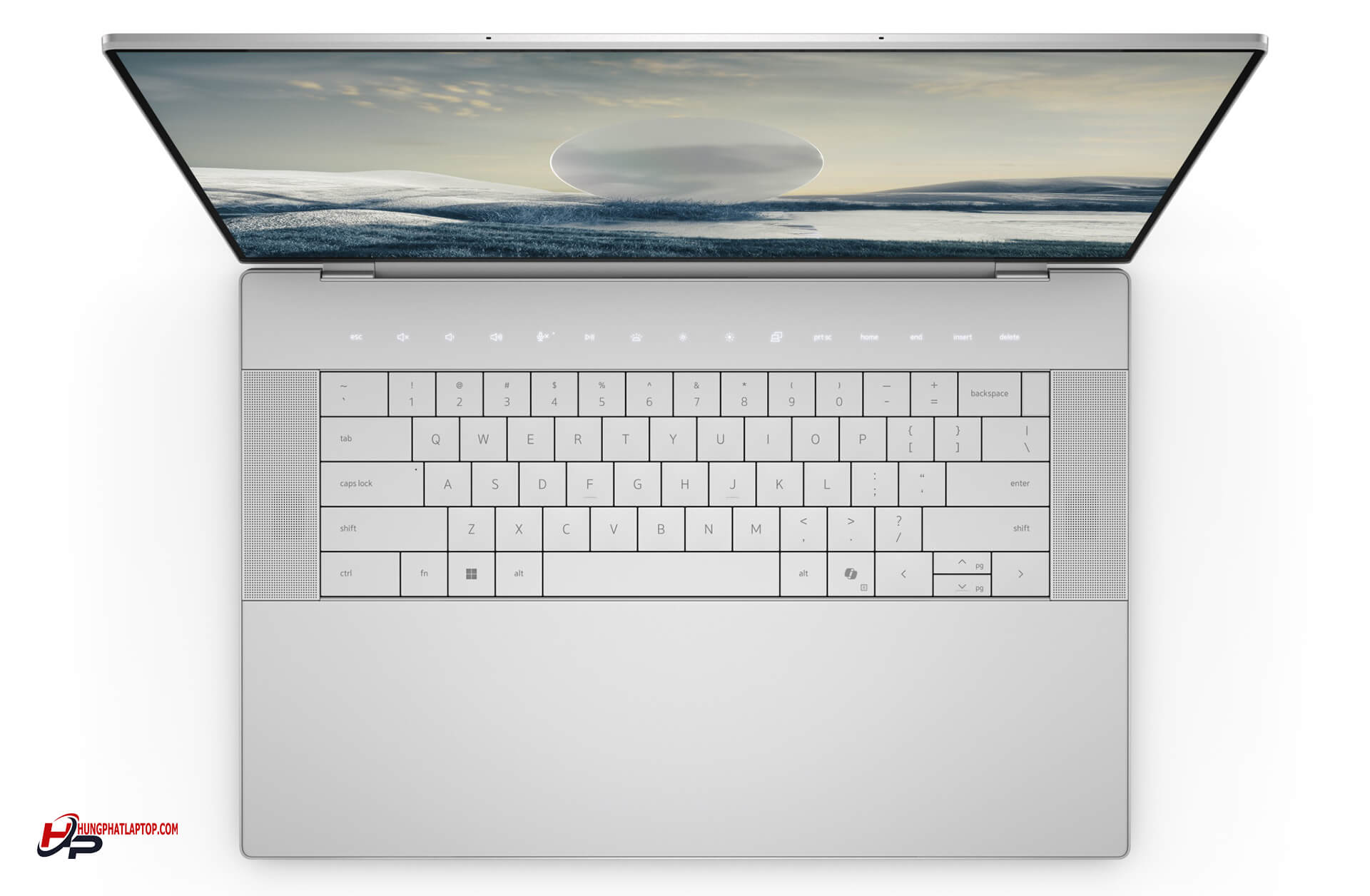
Dell XPS 16 9640 is Dell's 2024 flagship thin-and-light series, utilizing Intel Meteor Lake Core Ultra 7 155H with GPU options ranging from Intel Arc iGPU to RTX 4050/4060/4070, and a 16.3-inch screen ideal for desk-bound users needing a discrete GPU for rendering or video. The ThinkPad P14s Gen 6 is a 2026 14-inch mobile workstation, using the AMD Ryzen AI 7 PRO 350 Zen 5 platform with an integrated 50 TOPS NPU, targeting engineers and enterprises that require a compact chassis, full connectivity, and enterprise-grade warranty.
| Specification | XPS 16 9640 | ThinkPad P14s Gen 6 AMD |
|---|---|---|
| Starting Price | ~35 million | ~35 million |
| CPU | Core Ultra 7 155H 16C/22T, boost 4.8GHz, Meteor Lake | Ryzen AI 7 PRO 350 8C/16T, boost 5.0GHz, Zen 5, NPU 50 TOPS |
| GPU | Intel Arc iGPU (base version) RTX 4050/4060/4070 TGP 50-60W (high-end version) | Radeon 860M / 890M (iGPU) |
| RAM | 16GB LPDDR5x Soldered, non-upgradable | 32GB DDR5-5600 2x SODIMM slots, upgradable to 64GB |
| SSD | 512GB PCIe 4.0 NVMe | 1TB PCIe 4.0 NVMe |
| Display | 16.3" IPS 1920x1200, 120Hz 500 nits, 100% sRGB | 14" IPS 1920x1200 500 nits, 100% sRGB |
| Battery | 99.5Wh 7-10 hours (iGPU) / 4-7 hours (RTX) | 52.5Wh 7-11 hours office use |
| Weight | 2.11 kg (iGPU) / 2.5 kg (RTX) | 1.39 kg |
| Ports | 3x Thunderbolt 4, microSD, 3.5mm No USB-A, no HDMI, no RJ45 | 2x USB4 40Gbps, 2x USB-A, HDMI 2.1, RJ45, 3.5mm Optional nano-SIM 4G/5G |
Three truly important differences. First, GPU: the base XPS 16 only has Intel Arc iGPU; to get an RTX 4050/4060/4070, you must upgrade to a version starting from 38 million VND. Buying an XPS 16 without an RTX means losing the main reason to choose this machine. Second, RAM: the P14s Gen 6 comes with 32GB RAM and 1TB SSD even in its base version, whereas the XPS 16 starts at 16GB/512GB with non-upgradable soldered RAM. Third, connectivity: the XPS 16 only has USB-C, requiring a hub for field use. The P14s provides full USB-A, HDMI 2.1, RJ45, and an optional nano-SIM right out of the box.
Performance, Battery, and Real-world Experience
The Core Ultra 7 155H on the XPS 16 has 16 cores (6P+8E+2 LP-E) with a real TDP of around 45-50W, making it powerful for heavy multi-threaded tasks: large compilations, video encoding, or running multiple VMs simultaneously. The Ryzen AI 7 PRO 350 in the P14s has only 8 cores, but the Zen 5 architecture significantly improves IPC, with a boost of 5.0GHz and a real TDP of 28-35W. Single-core performance is more competitive than expected compared to Meteor Lake.
Regarding GPU: the RTX 4050 with 50-60W TGP on the high-end XPS 16 runs Valorant/CS2 very smoothly at 1080p, GTA V is stable, and Cyberpunk 2077 is playable on Low/DLSS. The Radeon 860M on the P14s is sufficient for Valorant/LoL at 1080p and can run GTA V lightly, but Cyberpunk requires Low/FSR settings with significantly lower frame rates. For Blender rendering or DaVinci Resolve exporting, the discrete RTX clearly wins due to CUDA cores and dedicated VRAM-a gap no iGPU can bridge.
The 16.3-inch IPS display of the XPS 16 is spacious and comfortable for multitasking, with 100% sRGB and 500 nits sufficient for basic color correction. The 3840x2400 touch OLED version offers a completely different color experience, but at a higher price and shorter battery life. The P14s has a smaller 14-inch screen but higher pixel density, making it sharper at standard working distances. The ThinkPad keyboard maintains its reputation: deep travel, clear tactile feedback, and the iconic red TrackPoint, ideal for long typing sessions. The XPS 16 keyboard is good but has shorter travel and no TrackPoint.
A note on battery: the XPS 16 has a massive 99.5Wh battery-the largest in its segment-but the RTX version only lasts 4-7 hours in practice because the discrete GPU consumes power continuously even when not rendering. The iGPU version reaches 7-10 hours. The P14s has a 52.5Wh battery, nearly half the size, but the Ryzen AI 7 PRO 350's 28-35W TDP allows it to achieve 7-11 hours of office use according to NotebookCheck and Lenovo 2026 PSREF data. This is equivalent to or better than the XPS 16 iGPU version despite the much smaller battery. Regarding heat: the P14s's small chassis with lower TDP runs cooler under medium workloads. The XPS 16 RTX version requires more active cooling and the bottom panel gets hotter during extended rendering.
Which one should you choose?
Choose the XPS 16 9640 RTX version if your work frequently involves 3D rendering, 4K video exporting, running Blender, DaVinci Resolve, Stable Diffusion, or if you need light gaming after work. The RTX 4050/4060 with 50-60W TGP makes a clear difference when exporting heavy files, a task that pure iGPUs cannot handle stably. The 16.3-inch screen is also better if you often work with large layouts or many open tabs. Note: the RAM is soldered and non-upgradable, so choose the 32GB version from the start. A reasonable budget is 38-42 million VND for the RTX + 32GB version; avoid the 16GB/iGPU version as it fails to leverage the machine's strengths.
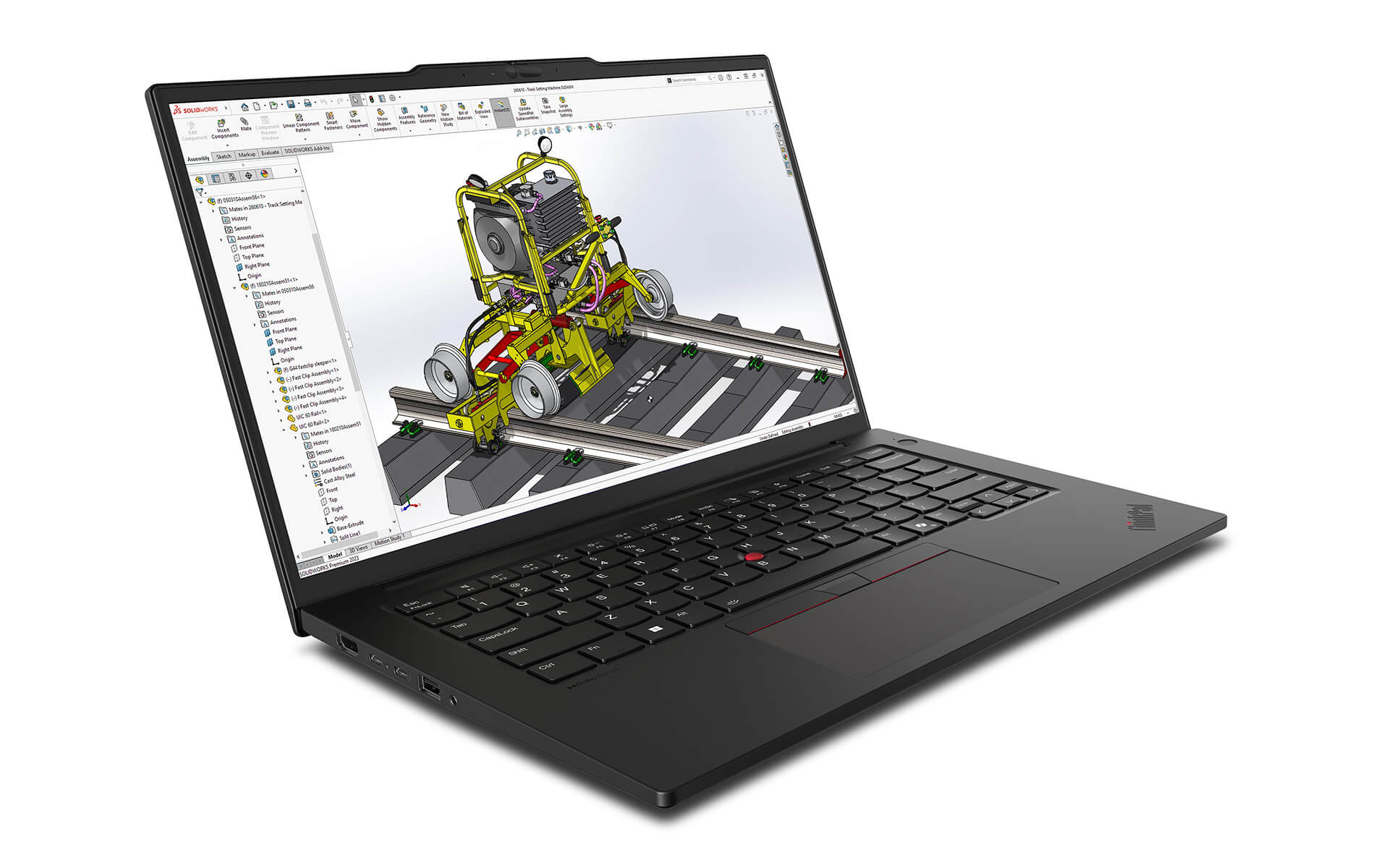
Choose the ThinkPad P14s Gen 6 if mobility is your key factor: at 1.39kg, it is nearly 800g lighter than the lightest XPS 16, and the 7-11 hour office battery life makes it a highly practical duo. For engineers involved in programming, data analysis, 2D CAD, GIS, or system administration, the Radeon 860M and 50 TOPS NPU are sufficient for daily workflows with significantly lower power consumption. Having full ports out of the box (USB-A, HDMI 2.1, RJ45, nano-SIM) is a major advantage during meetings or field work without a hub. The base configuration of 32GB/1TB is well-balanced. Check out our Top 4 office laptops under 40 million VND for more options.
Neither is suitable if your budget is strictly under 30 million VND; at that level, many other machines offer better performance-to-price balance. If you need a GPU stronger than an RTX 4060 for professional rendering or heavy AI training, you should look at specialized workstation lines with higher TGP. Conversely, if your work is strictly office-based and online meetings, both are overkill, and you would be paying for hardware you won't use.
Frequently Asked Questions (FAQ)
Is the discrete RTX on the XPS 16 more powerful than the P14s's Radeon 860M in real-world tasks?
3D rendering and video exporting: The RTX 4050 (50-60W TGP) is significantly more powerful, especially for CUDA tasks like Blender Cycles or DaVinci Resolve GPU acceleration. Programming, 2D CAD, data analysis, or light AI inference: The Radeon 860M combined with the 50 TOPS NPU is more than sufficient and consumes much less power. If your workflow doesn't involve heavy GPU tasks, the real-world gap is much smaller than pure benchmarks suggest.
Which machine has better battery life and runs cooler in real-world use?
The P14s Gen 6 has longer battery life for light tasks: the Ryzen AI 7 PRO 350 chip's 28-35W TDP allows it to reach 7-11 hours despite the 52.5Wh battery. The XPS 16 RTX version only lasts 4-7 hours because the discrete GPU consumes power continuously even when not rendering. Regarding heat: the P14s runs cooler during office workloads. The XPS 16 RTX version's fans run more frequently and the bottom panel gets hotter during sustained tasks.
What is the price difference, and is it worth upgrading to a higher version?
Both start around 35 million VND. The base XPS 16 only has the Arc iGPU, which doesn't utilize the machine's potential; you need 38-42 million VND for the RTX + 32GB RAM version. The P14s 32GB/1TB/Radeon 860M version is well-balanced from the start, so extra spending isn't strictly necessary. Upgrading to the Radeon 890M or 64GB RAM is suitable if you run many VMs or need a more powerful iGPU.
Which one should engineers choose?
It depends on your primary software. If you frequently use Blender, SolidWorks GPU, Lumion, or require CUDA, the XPS 16 RTX version is more suitable. For AutoCAD 2D, light Revit, programming, data science, or frequent travel, the P14s is lighter, has better battery life, and offers more ports. You can test both in person at Hung Phat Laptop in Ho Chi Minh City before deciding.











