

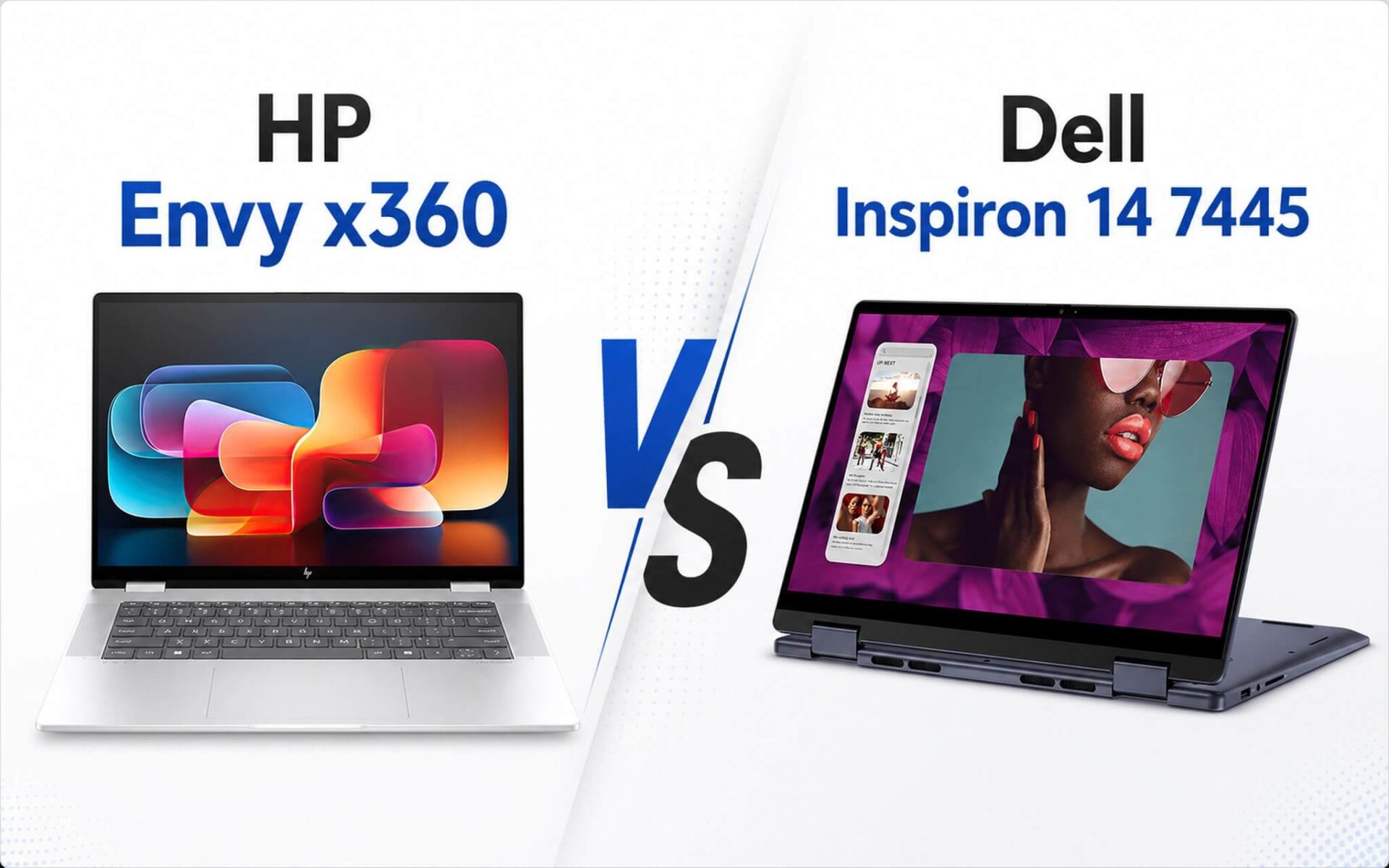
Both are 2-in-1 touchscreen laptops with 360-degree hinges, suitable for studying, office work, and quick note-taking. The HP Envy x360 differs with its 16-inch screen, 68Wh battery, and 1TB SSD option, while the Dell Inspiron 14 7445 is more compact with SODIMM memory that is easy to upgrade. Many people easily get confused because HP offers both Intel and AMD versions, and Dell's memory configuration varies by SKU, so you should confirm before purchasing. If you are torn between a machine for stationary desk use and one for daily portability, the section below will help you decide quickly.
Overview of HP Envy x360 and Dell Inspiron 14
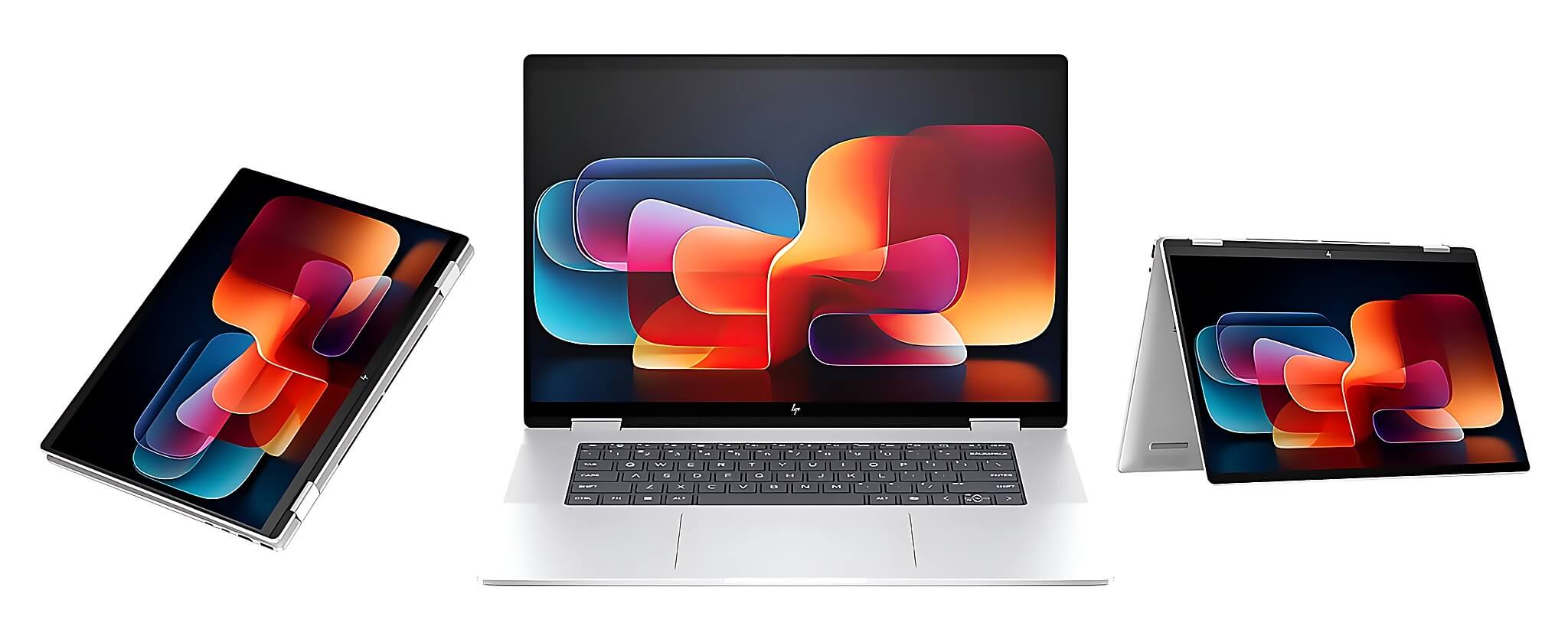
The HP Envy x360 2-in-1 16 inch currently ranges from approximately 17.9 to 20.5 million VND, depending on the configuration. The common version used for comparison features an Intel Core Ultra 5 125U, 16GB LPDDR5 6400MHz onboard memory, 512GB PCIe Gen4 M.2 SSD, and Intel Graphics. The most valuable advantage lies in the 16-inch 1920 x 1200 display with a 16:10 aspect ratio, touchscreen, and 360-degree hinge.
| Category | HP Envy x360 2-in-1 16 inch 2024 | Dell Inspiron 14 7445 2-in-1 AMD 2024 |
|---|---|---|
| Price at Hung Phat | 17.9 - 20.5 million | 18 - 19.5 million |
| Standard CPU | Intel Core Ultra 5 125U, 12 cores 14 threads | AMD Ryzen 5 8640HS, 6 cores 12 threads |
| GPU | Intel Graphics 4 Xe-core | AMD Radeon 760M |
| Memory | 16GB LPDDR5 6400MHz onboard | 8/16GB DDR5 5600MHz SODIMM (varies by SKU) |
| SSD | 512GB PCIe Gen4 M.2, 1TB option available | 512GB PCIe M.2 SSD |
| Display | 16 inch WUXGA 1920 x 1200, 60Hz, touchscreen | 14 inch FHD+ 1920 x 1200, 60Hz, touchscreen |
| Battery | 68Wh, approx. 7 - 10 hours light office use | 54Wh, approx. 6 - 8 hours light office use |
| Weight | Approx. 1.88 - 2.11kg depending on SKU | Approx. 1.71 - 1.85kg |
The Dell Inspiron 14 7445 2-in-1 AMD 2024 is priced around 18 - 19.5 million VND at our system, depending on the version and stock availability. The standard configuration used as a benchmark is AMD Ryzen 5 8640HS, DDR5 5600MHz memory, 512GB PCIe M.2 SSD, and Radeon 760M. This machine is suitable for those who need a compact 14-inch chassis that is convenient to slip into a backpack for commuting.
In summary, if you frequently open many Chrome tabs, Excel, Word, Canva, attend online classes, and work stationary at a desk, the HP Envy x360 16 inch is more comfortable thanks to its larger screen area and built-in 16GB memory. Conversely, if you go to school, work, or attend meetings in various locations and prioritize lightweight design and plan to upgrade memory later, the Dell Inspiron 14 7445 is a more worthy consideration.
Real-world performance of both machines
In the standard version, the HP Envy x360 uses the Intel Core Ultra 5 125U with Meteor Lake-P architecture, 12 cores 14 threads, and a reference TDP of 15W. Reference benchmark scores are Cinebench R23 1,561 single-core and 9,799 multi-core, and Geekbench 6 reaches 2,150 single-core and 9,351 multi-core. This performance level adequately meets moderate-intensity office work, online learning, light photo editing, and daily multitasking.
The standard Dell version uses the Ryzen 5 8640HS with Hawk Point-HS Zen 4 architecture, 6 cores 12 threads, and a reference TDP of 28W. Cinebench R23 scores reach 1,711 single-core and 11,486 multi-core, while Geekbench 6 reaches 2,455 single-core and 9,729 multi-core. Looking strictly at the processor, Dell holds the advantage in both single-core and multi-core performance compared to the Core Ultra 5 125U based on verified benchmark data.
Regarding graphics, the difference between versions is quite clear. Dell uses Radeon 760M (RDNA 3) with Fire Strike 6,558 and Time Spy 2,281; in Counter-Strike 2, it achieves 39.4 fps at 1080p High, 26.2 fps at 1080p Ultra, and 15.7 fps at 1440p, which is enough for light eSports games but you shouldn't expect heavy AAA games. If you choose the AMD Ryzen 7 8840HS version of the HP Envy x360, the Radeon 780M is more powerful with Fire Strike 7,982.5 and Time Spy 2,810.5, corresponding to 48.2 fps (1080p High), 30 fps (Ultra), 27 fps (1440p), and 11.5 fps at 4K.
Display, battery life, and portability
The HP Envy x360 is equipped with a 16-inch 1920 x 1200 display, 16:10 aspect ratio, IPS panel, 60Hz, 300 nits, and approximately 45% NTSC color gamut. The large screen area makes splitting windows easy, so when working on Excel, long documents, creating slides, or online learning with notes, the experience is significantly more spacious than a 14-inch machine.
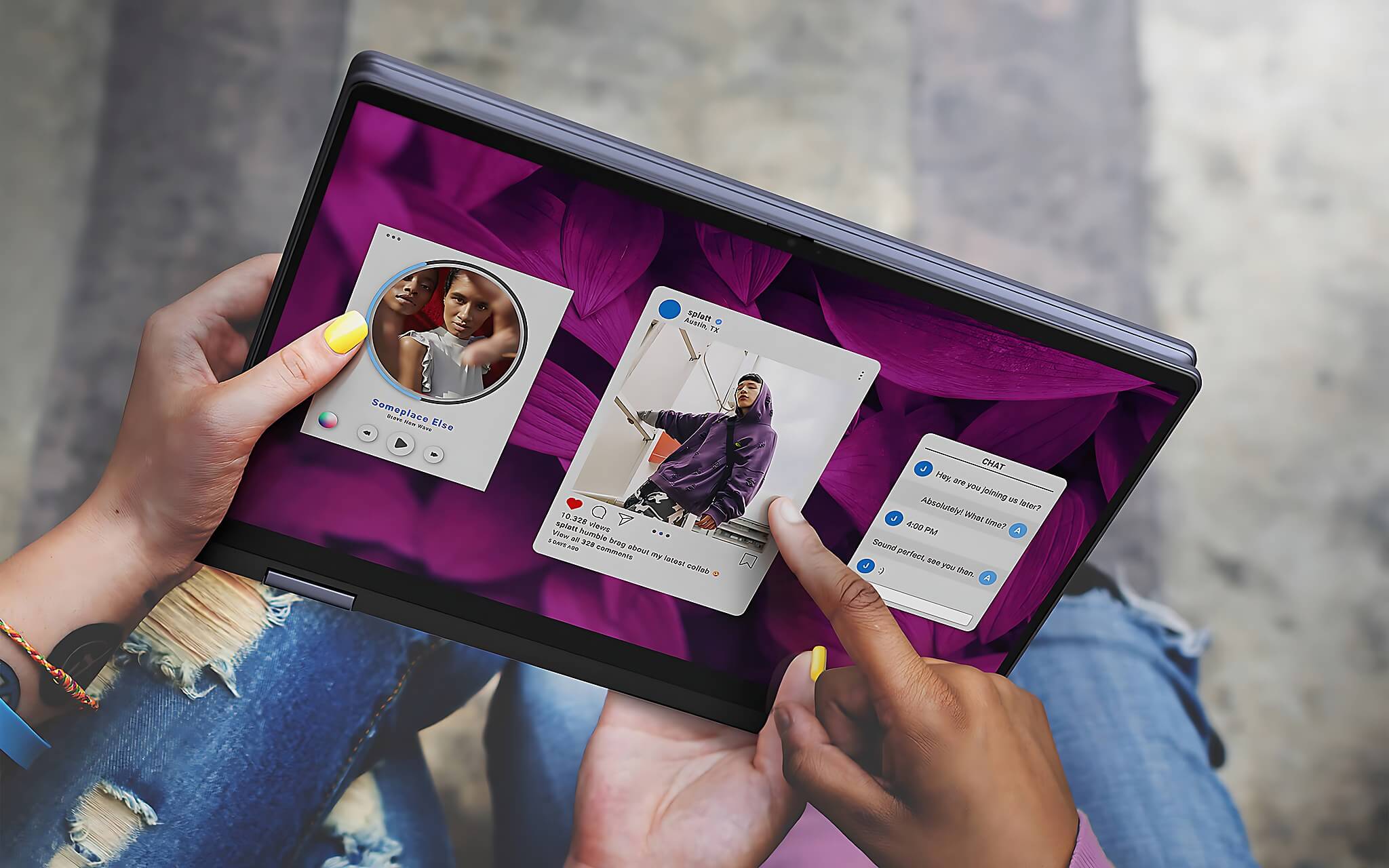
The Dell Inspiron 14 7445 uses a 14-inch screen with the same 1920 x 1200 resolution, 16:10 aspect ratio, 60Hz, 250 nits, ComfortView mode, and also approximately 45% NTSC color gamut. The smaller area is less comfortable for long hours of desk work, but in return, the chassis is compact and weighs only about 1.71 - 1.85kg, optimized for frequent travel needs.
Regarding battery life, HP has a theoretical advantage: the 68Wh battery provides about 7 - 10 hours of light office use and about 1.5 - 2.5 hours under heavy load, while the Dell uses a 54Wh battery, achieving about 6 - 8 hours of light office use and 1.5 - 2 hours under heavy load. HP's weight of approximately 1.88 - 2.11kg is not an obstacle if you use it stationary, but when carrying it daily, the Dell is clearly lighter on the shoulders-a difference felt after a few weeks of use.
Memory, storage, and configuration notes
The standard HP Envy x360 comes with 16GB LPDDR5 6400MHz onboard memory. The advantage is that it is ready to use with little need to worry about upgrading. The disadvantage is that the memory is soldered, so you need to choose the correct capacity from the start because it cannot be expanded later.
The Dell Inspiron 14 7445 uses DDR5 5600MHz SODIMM memory, with the major advantage being upgradability, typically supporting up to 32GB depending on the SKU and technical documentation. A note on configuration: some listings show 8GB and others show 16GB, so you need to confirm the exact capacity per SKU when purchasing. If you get the 8GB single-channel version, the Radeon 760M iGPU may see performance drops in some graphics tasks and light games; adding another stick for dual-channel will provide a noticeable improvement.
Regarding storage, HP offers 512GB or 1TB PCIe Gen4 M.2 options, so if you store many study documents, photos, or videos, the 1TB version saves you from buying an external drive early; Dell's listed option is 512GB PCIe M.2, which is sufficient for basic office and study needs. Additionally, when buying an HP, you should confirm the exact processor, as the Intel version comes with Intel Graphics while the AMD Ryzen 7 8840HS version comes with Radeon 780M; avoid applying the GPU, Wi-Fi, or port specifications of one SKU to another.
Who should choose which machine
You should choose HP if you prioritize a large screen area, built-in 16GB memory, higher battery capacity, and need a 1TB SSD. This machine is suitable for office employees, long-hour online learners, light content creators, people managing many files, and those who prefer using a touchscreen for note-taking. When placed stationary on a desk, the 16-inch screen provides a much more comfortable experience.
You should choose Dell if you prioritize compactness, portability, and have plans to upgrade memory. The Ryzen 5 8640HS delivers good processor scores for this configuration range, and the Radeon 760M is sufficient for light eSports at reasonable settings. This machine is suitable for people who frequently move between home, school, the office, and coffee shops.
If budgets are similar within the same segment, the decision should revolve around actual usage habits. If you sit stationary often, choose the HP Envy x360 to take advantage of the large screen, 68Wh battery, and 16GB of built-in memory; if you move around a lot, the Dell Inspiron 14 7445 is more suitable due to its 14-inch chassis and SODIMM memory. According to Hung Phat's consulting experience, the group of customers who upgrade machines early often does so because they chose the wrong size, so carefully consider the balance between long-term comfort and daily mobility.
Buying advice in Ho Chi Minh City
You can view the current configurations of the Dell Inspiron 14 7445 2-in-1 and HP Envy x360 16 inch directly on the Hung Phat website. Listed prices range from 17.9 to 20.5 million VND, depending on the CPU, memory, SSD version, and stock status. Before deciding, you should ask for the exact SKU to avoid confusing the Intel and AMD versions or the memory and SSD capacities.
Hung Phat provides consultation based on your actual needs, without forcing high-end configurations if you only use the machine for office work. Whether you need a machine for studying, working, touchscreen note-taking, light gaming, or daily commuting, our team will quickly filter options based on your budget. For 2-in-1 laptops specifically, checking the hinges, touchscreen, battery, and actual configuration is a highly recommended step.
If you are in Ho Chi Minh City, you can contact us in advance to check stock availability and current promotions. A general rule is to prioritize the machine that fits your usage habits rather than just looking at the processor. Choosing correctly from the start will save upgrade costs and avoid hassles during long-term use.
Frequently Asked Questions (FAQ)
Which machine handles high-intensity office work better?
In the standard versions, the Dell Inspiron 14 7445 has a processor advantage according to benchmarks: the Ryzen 5 8640HS achieves 11,486 multi-core points in Cinebench R23, higher than the Core Ultra 5 125U's 9,799 points. However, HP comes with 16GB of built-in memory, making multitasking with many Chrome tabs, Excel, Word, Zoom, and Canva smoother than the 8GB Dell version. If you choose Dell, you should confirm the exact memory capacity and consider upgrading to dual-channel.
Which machine's battery and temperature are suitable for all-day use?
If you prioritize battery life for light office work, HP has the advantage with its 68Wh battery, providing about 7 - 10 hours according to verified data, while the Dell's 54Wh battery provides about 6 - 8 hours. Dell is more compact and easier to carry, suitable for work schedules where you might charge intermittently during the day. Under heavy loads, both will drain quickly, so you should still carry a charger if working for long periods.
Where should the price difference between the two machines be invested?
Both are around the 18 - 20 million VND range at Hung Phat; the specific difference depends on the SKU and stock. If you choose HP, you should consider the 1TB SSD; if you choose Dell, prioritize upgrading the memory first, as the 8GB version may limit multitasking and affect Radeon 760M performance.
Which machine should students and workers choose?
If you study online, prepare documents, handle spreadsheets, and sit at a desk frequently, choose the HP Envy x360 16 inch. If you go to school or work every day, need a lightweight machine, and want to upgrade memory later, the Dell Inspiron 14 7445 is the more reasonable option.











